














35.8K ·GitHub
What is this?
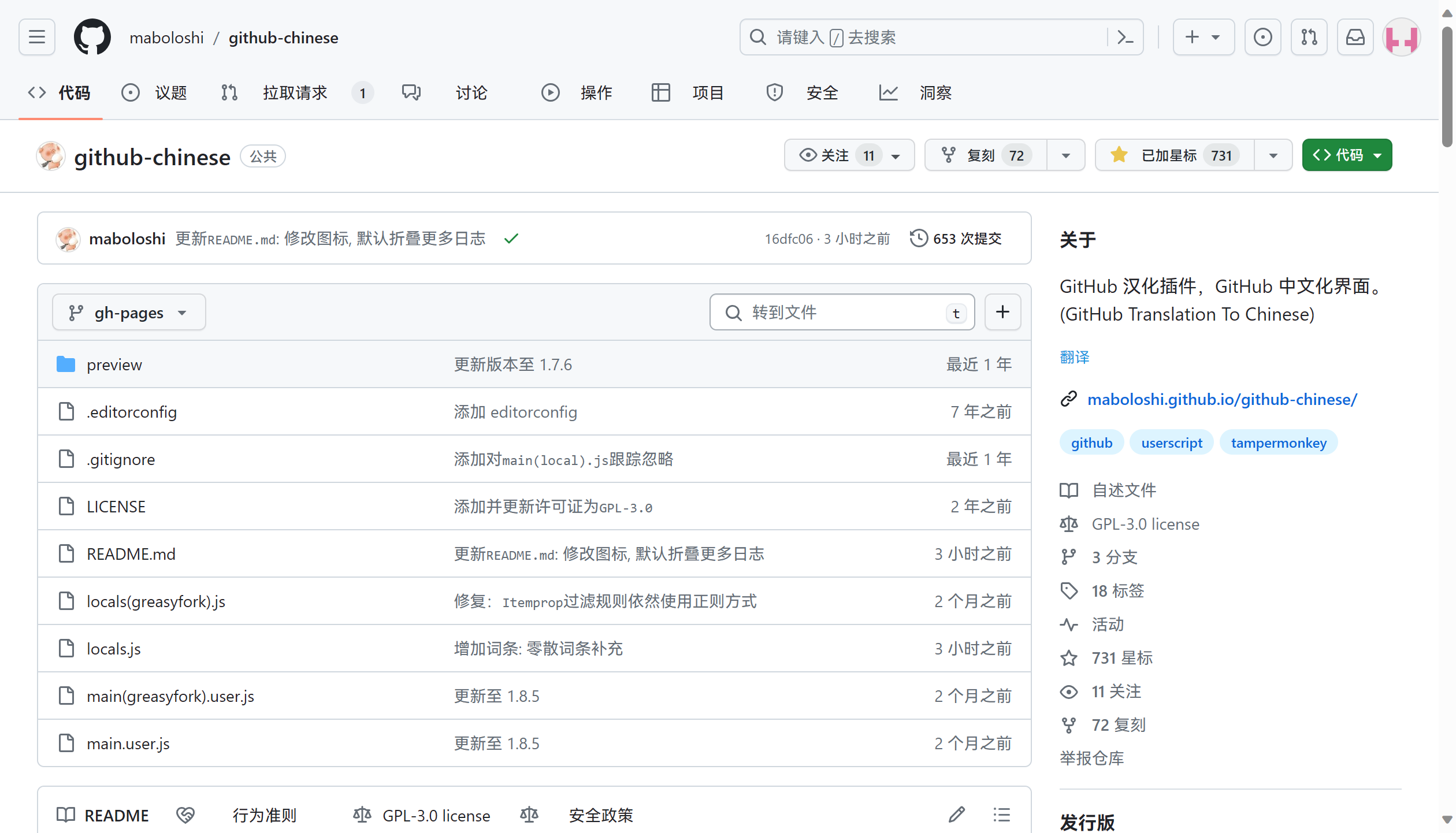
 A userscript that translates the entire GitHub interface (menus, titles, buttons, etc.) into Chinese, built on top of the earlier 52cik/github-hans project.
A userscript that translates the entire GitHub interface (menus, titles, buttons, etc.) into Chinese, built on top of the earlier 52cik/github-hans project.Is this a browser extension or a standalone app?It is a userscript that runs inside a userscript manager like Tampermonkey, not a standalone browser extension (though a VS Code marketplace extension version also exists).
It is a userscript that runs inside a userscript manager like Tampermonkey, not a standalone browser extension (though a VS Code marketplace extension version also exists).How do I install and use it?Install a userscript manager (Tampermonkey recommended), enable 'Developer mode' and 'Allow running of user scripts' for Chromium browsers, then install the script from one of the provided sources (GitHub dev source, NJU mirror, or GreasyFork stable source) and refresh GitHub.
Install a userscript manager (Tampermonkey recommended), enable 'Developer mode' and 'Allow running of user scripts' for Chromium browsers, then install the script from one of the provided sources (GitHub dev source, NJU mirror, or GreasyFork stable source) and refresh GitHub.Which script managers are supported?Tampermonkey and Violentmonkey on Chrome/Chromium and Firefox/Gecko, plus Tampermonkey, Macaque or Stay on all Safari platforms, and Via's built-in manager on Android.
Tampermonkey and Violentmonkey on Chrome/Chromium and Firefox/Gecko, plus Tampermonkey, Macaque or Stay on all Safari platforms, and Via's built-in manager on Android.Does translation always work perfectly?No, GitHub's ongoing migration to React has repeatedly broken parts of the translation (e.g. header search box, dropdown menus), requiring frequent compatibility patches noted throughout the changelog.
No, GitHub's ongoing migration to React has repeatedly broken parts of the translation (e.g. header search box, dropdown menus), requiring frequent compatibility patches noted throughout the changelog.Is there a difference between the dev and stable versions?Yes, the GitHub-source 'dev' version updates its glossary automatically every Friday, while the GreasyFork 'stable' source syncs from the dev glossary every Monday for more stability.
Yes, the GitHub-source 'dev' version updates its glossary automatically every Friday, while the GreasyFork 'stable' source syncs from the dev glossary every Monday for more stability.Does it send my data anywhere?It calls a remote translation API (previously a GitHub Chinese community engine, now iFlytek) to translate repository descriptions, meaning description text is sent to a third-party translation service.
It calls a remote translation API (previously a GitHub Chinese community engine, now iFlytek) to translate repository descriptions, meaning description text is sent to a third-party translation service.What happens if a word isn't translated correctly?The script includes a MissedTermsManager that records missed/untranslated terms, and lets you export them as JSON, view stats, or clear them, with a developer-mode menu to manage this.
The script includes a MissedTermsManager that records missed/untranslated terms, and lets you export them as JSON, view stats, or clear them, with a developer-mode menu to manage this.Does it support dark mode for the translation popup?Yes, as of v1.9.4 the translation result popup has dark-theme support using CSS variables and prefers-color-scheme media queries.
Yes, as of v1.9.4 the translation result popup has dark-theme support using CSS variables and prefers-color-scheme media queries.Can I use my own local glossary instead of the hosted one?Yes, you can download the locals.js glossary file, enable 'Allow access to file URLs' in Tampermonkey, enable local file script access in advanced security settings, and point the script's @require path to your local file.
Yes, you can download the locals.js glossary file, enable 'Allow access to file URLs' in Tampermonkey, enable local file script access in advanced security settings, and point the script's @require path to your local file.How is the glossary kept up to date?GitHub Actions automatically update and sync the glossary (weekly for dev/stable sources) and even auto-update the contributor avatars shown in the README.
GitHub Actions automatically update and sync the glossary (weekly for dev/stable sources) and even auto-update the contributor avatars shown in the README.What are similar projects?kiss-translator, video_vip, UserScript, Telegram-Media-Downloader, FluentRead, immersive-translate, return-youtube-dislike, refined-github
kiss-translator, video_vip, UserScript, Telegram-Media-Downloader, FluentRead, immersive-translate, return-youtube-dislike, refined-githubWhich topics is it in?greasyfork, tampermonkey, userscript, extension, firefox-extension, localization, chrome-extension, browser-extension, translation, github, china, utility
greasyfork, tampermonkey, userscript, extension, firefox-extension, localization, chrome-extension, browser-extension, translation, github, china, utility