







What is this?
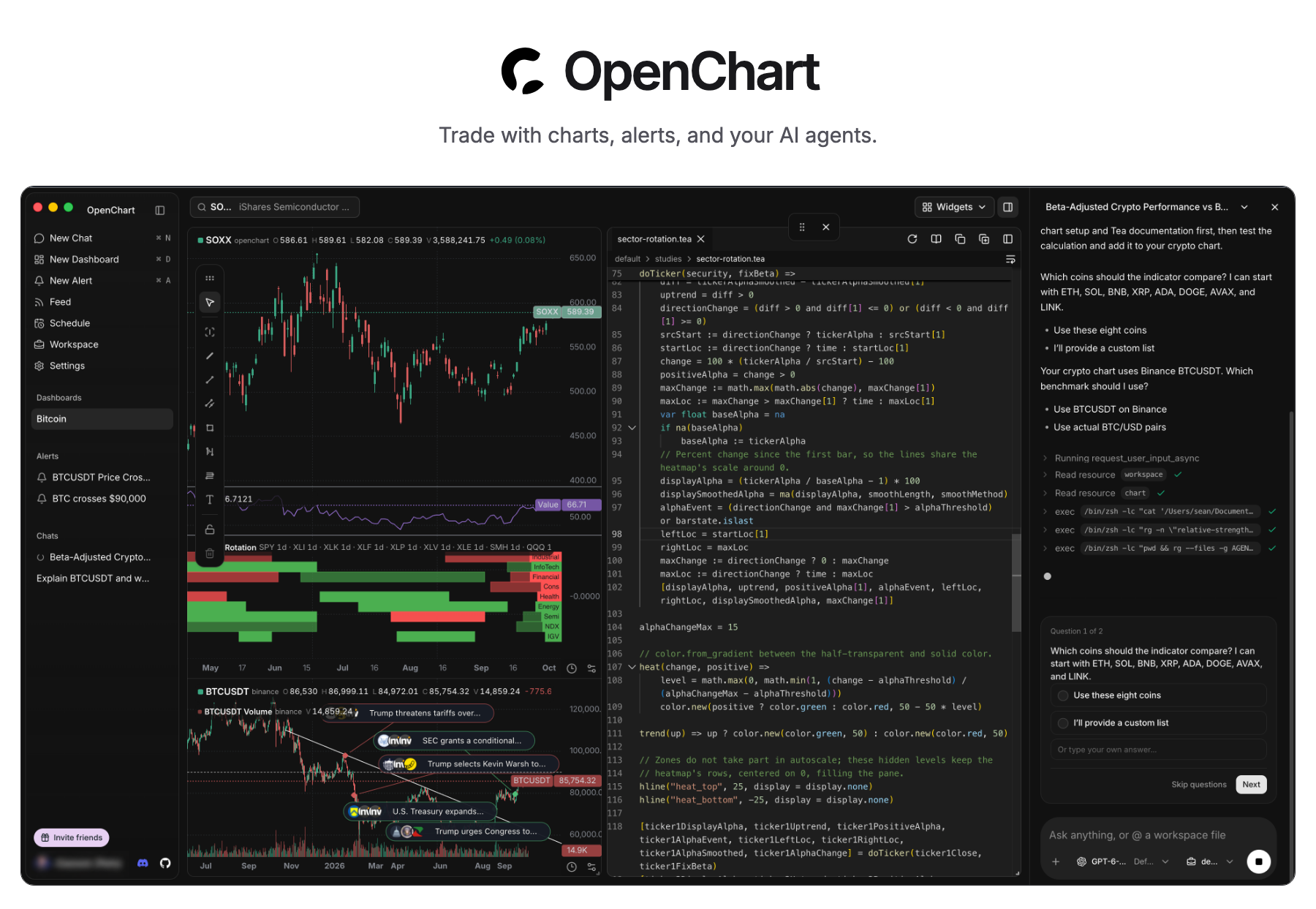
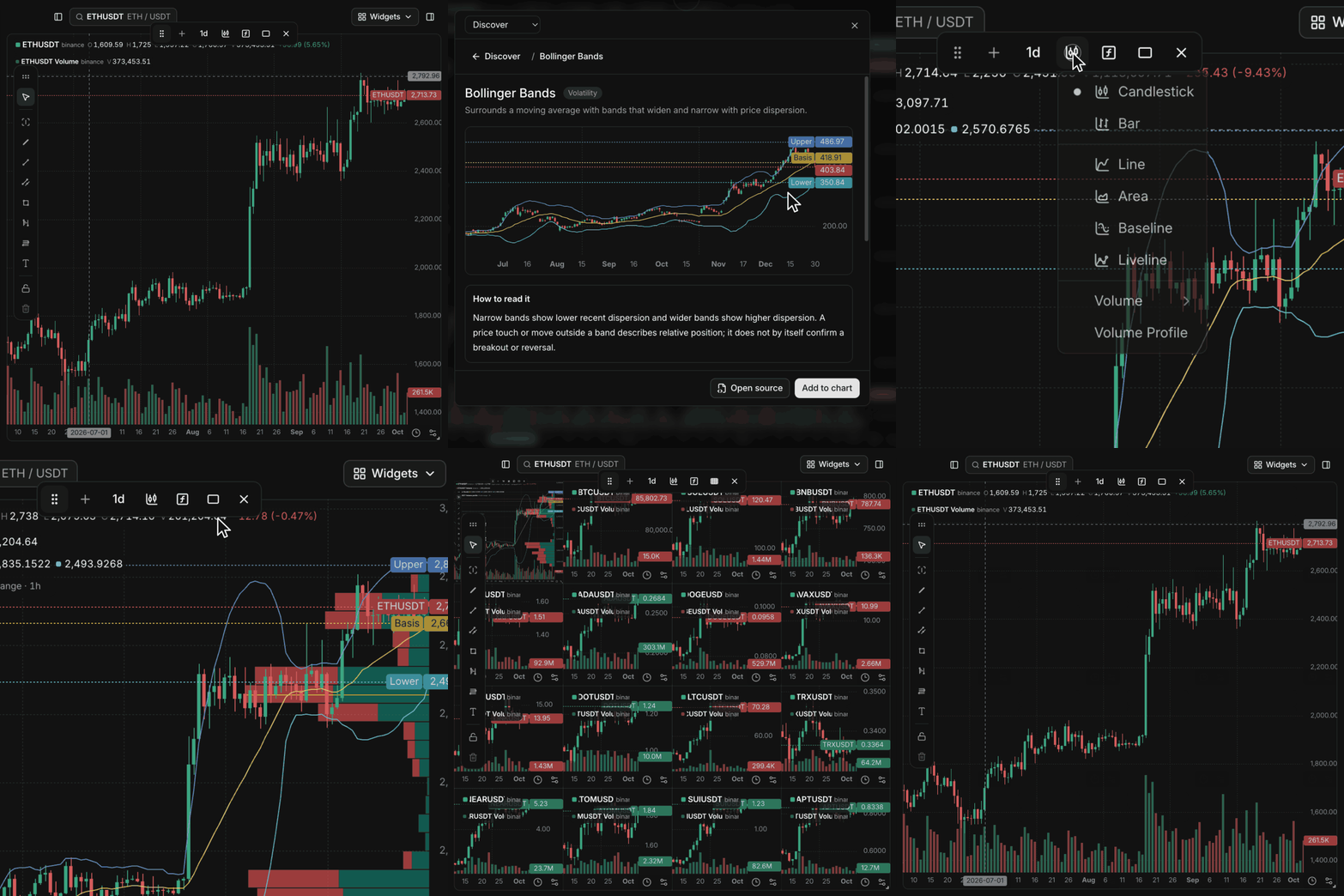
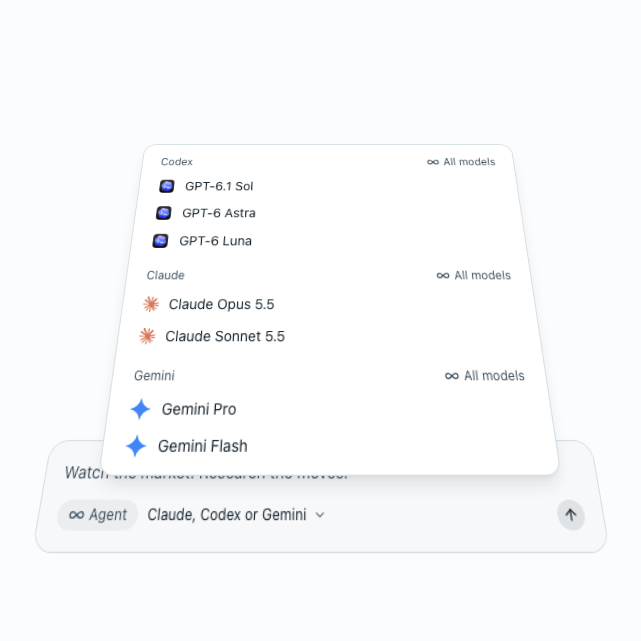
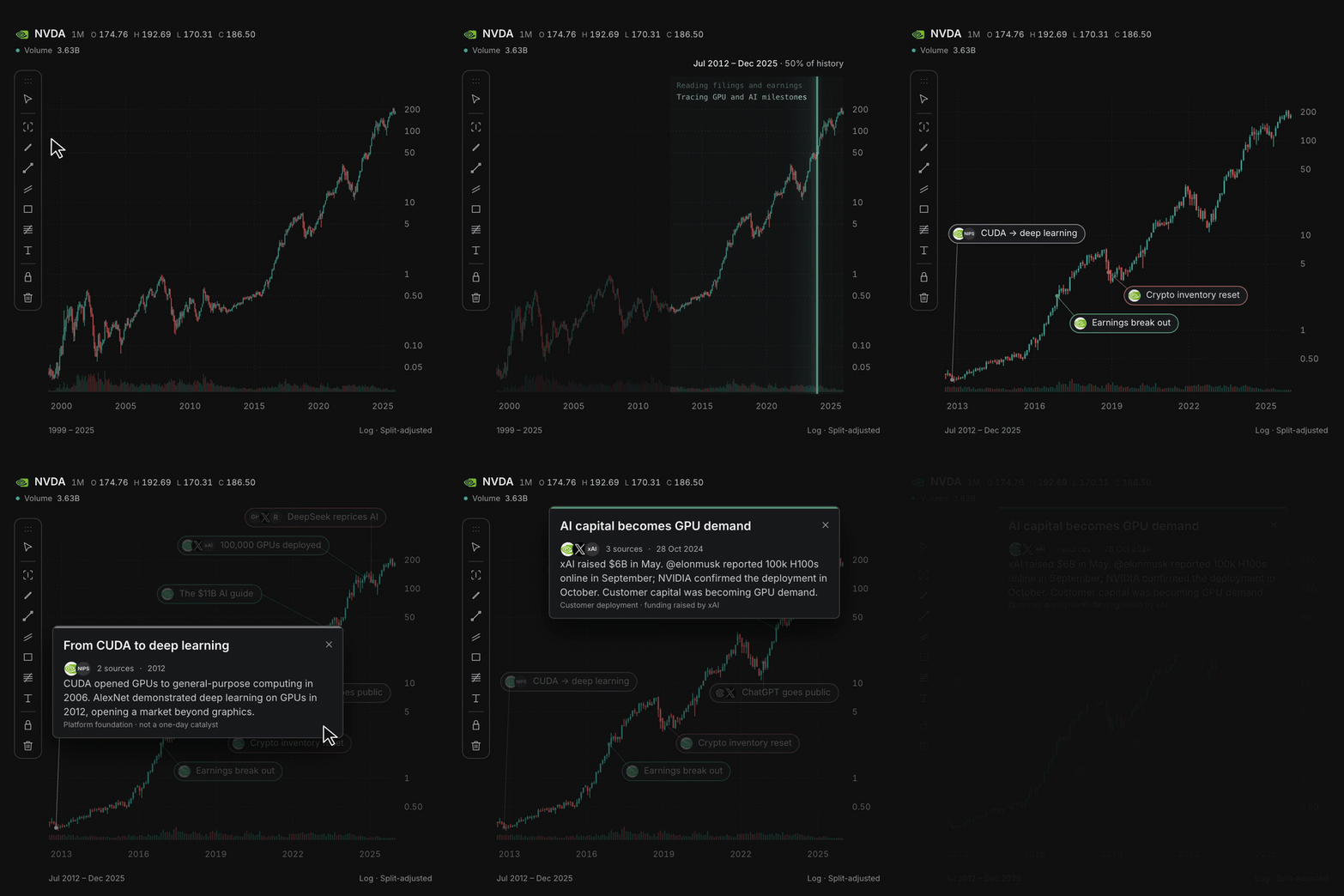
 OpenChart is an open-source trading workspace that brings AI agents into charting, technical analysis, market alerts, and research, letting you use your own Claude, Codex, or Gemini models to analyze markets.
OpenChart is an open-source trading workspace that brings AI agents into charting, technical analysis, market alerts, and research, letting you use your own Claude, Codex, or Gemini models to analyze markets.Is this a web app or a desktop app?It is a native desktop app distributed as a macOS disk image, not a web app or browser extension.
It is a native desktop app distributed as a macOS disk image, not a web app or browser extension.How do I get it running?Download the Desktop build for macOS (Apple Silicon) and install from the disk image, or run it from source by installing Node.js 24, npm 11.11.1, Bun 1.4.2, and Just, then running 'just install'.
Download the Desktop build for macOS (Apple Silicon) and install from the disk image, or run it from source by installing Node.js 24, npm 11.11.1, Bun 1.4.2, and Just, then running 'just install'.Do I need my own AI accounts to use it?Yes, you bring your own Claude, Codex, or Gemini accounts to power research, indicator building, and alert setup; AI usage is billed through your chosen agent provider's plan.
Yes, you bring your own Claude, Codex, or Gemini accounts to power research, indicator building, and alert setup; AI usage is billed through your chosen agent provider's plan.Does it run on Windows or Linux too?The README only describes a Desktop download for macOS on Apple Silicon; no Windows or Linux build is mentioned.
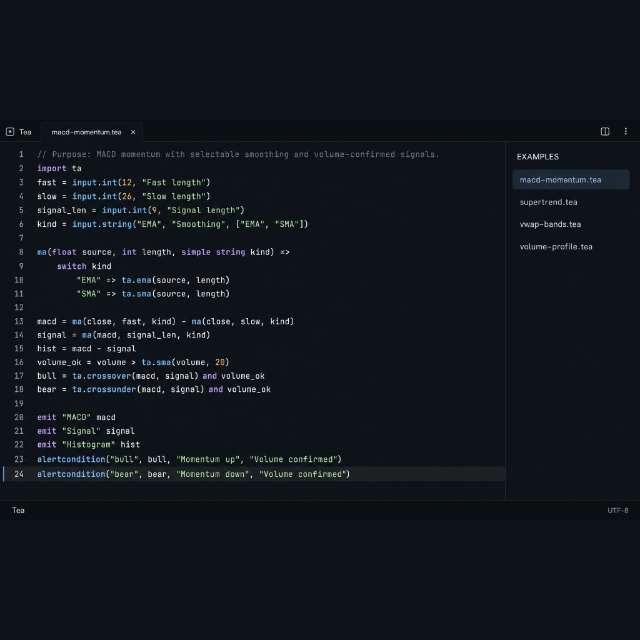
The README only describes a Desktop download for macOS on Apple Silicon; no Windows or Linux build is mentioned.What is Tea?Tea is a custom programming language, built by the OpenChart team, for writing market indicators and alert conditions with functions, loops, state, and collections, inspired by TradingView's Pine Script.
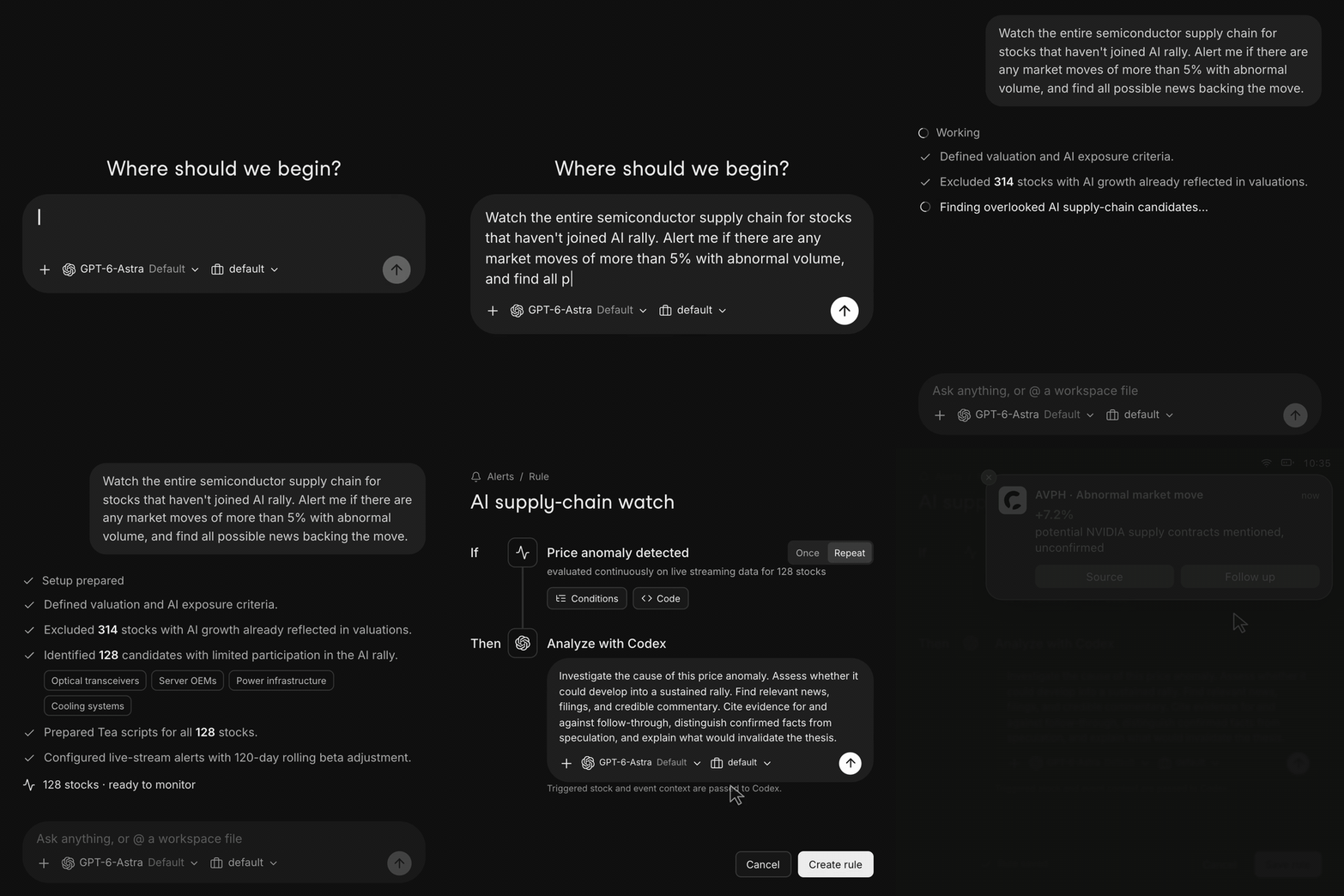
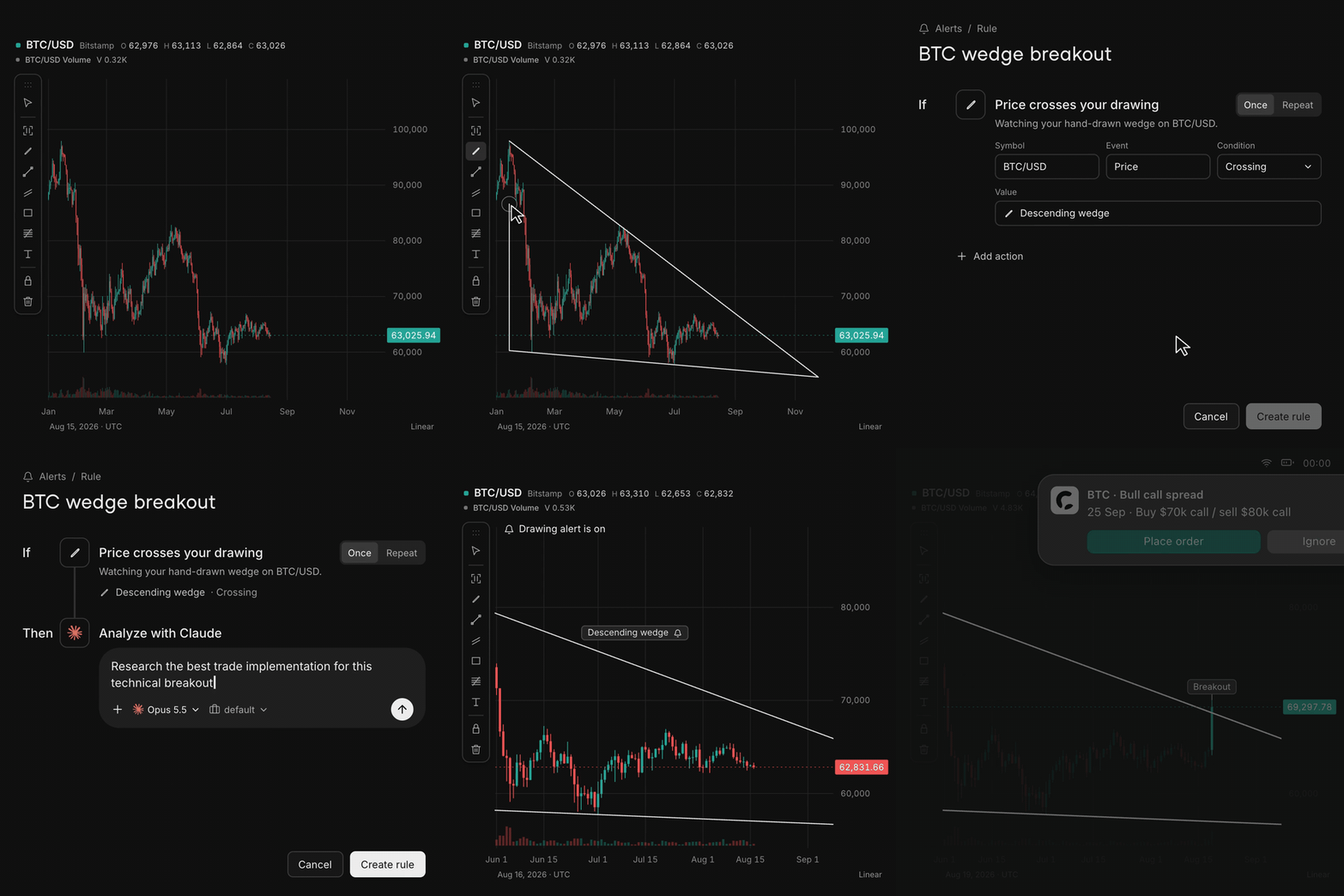
Tea is a custom programming language, built by the OpenChart team, for writing market indicators and alert conditions with functions, loops, state, and collections, inspired by TradingView's Pine Script.What happens when I draw a line on the chart?You can draw a line or zone, and when price crosses it OpenChart can trigger an alert that asks your agent to research the move automatically.
You can draw a line or zone, and when price crosses it OpenChart can trigger an alert that asks your agent to research the move automatically.Why did the team build OpenChart instead of a typical paid charting app?The authors explicitly say OpenChart is not built to monetize software but to explore a future where humans and AI agents manage assets together, with no software quota limits on charts or alerts.
The authors explicitly say OpenChart is not built to monetize software but to explore a future where humans and AI agents manage assets together, with no software quota limits on charts or alerts.What are similar projects?TradingAgents, ALTA, Raven, OpenTrade-Agent, ruflo, brigade, TradingAgents-CN, trueforge
TradingAgents, ALTA, Raven, OpenTrade-Agent, ruflo, brigade, TradingAgents-CN, trueforgeWhich topics is it in?charting, alerting, quantitative-finance, trading, llm-agents, charts, programming-language, harness, finance, data-visualization, apple-silicon, real-time
charting, alerting, quantitative-finance, trading, llm-agents, charts, programming-language, harness, finance, data-visualization, apple-silicon, real-time