
RetroArch
RetroArch is the reference frontend for the libretro API.
Popular examples of implementations for this API includes video game system emulators and game engines as well as
more generalized 3D programs.
These programs are instantiated as dynamic libraries. We refer to these as "libretro cores".
libretro
libretro is an API that exposes generic audio/video/input callbacks.
A frontend for libretro (such as RetroArch) handles video output, audio output, input and application lifecycle.
A libretro core written in portable C or C++ can run seamlessly on many platforms with very little to no porting effort.
While RetroArch is the reference frontend for libretro, several other projects have used the libretro
interface to include support for emulators and/or game engines. libretro is completely open and free for anyone to use.
libretro API header
Binaries
Latest binaries are currently hosted on the buildbot.
Support
To reach developers, either make an issue here on GitHub, make a thread on the forum, chat on Discord. You could create a post in Reddit with Technical Support flair.
Documentation
See our Documentation Center. On Unix, man-pages are provided.
More developer-centric stuff is found here.
Philosophy
RetroArch attempts to be small and lean
while still having all the useful core features expected from an emulator.
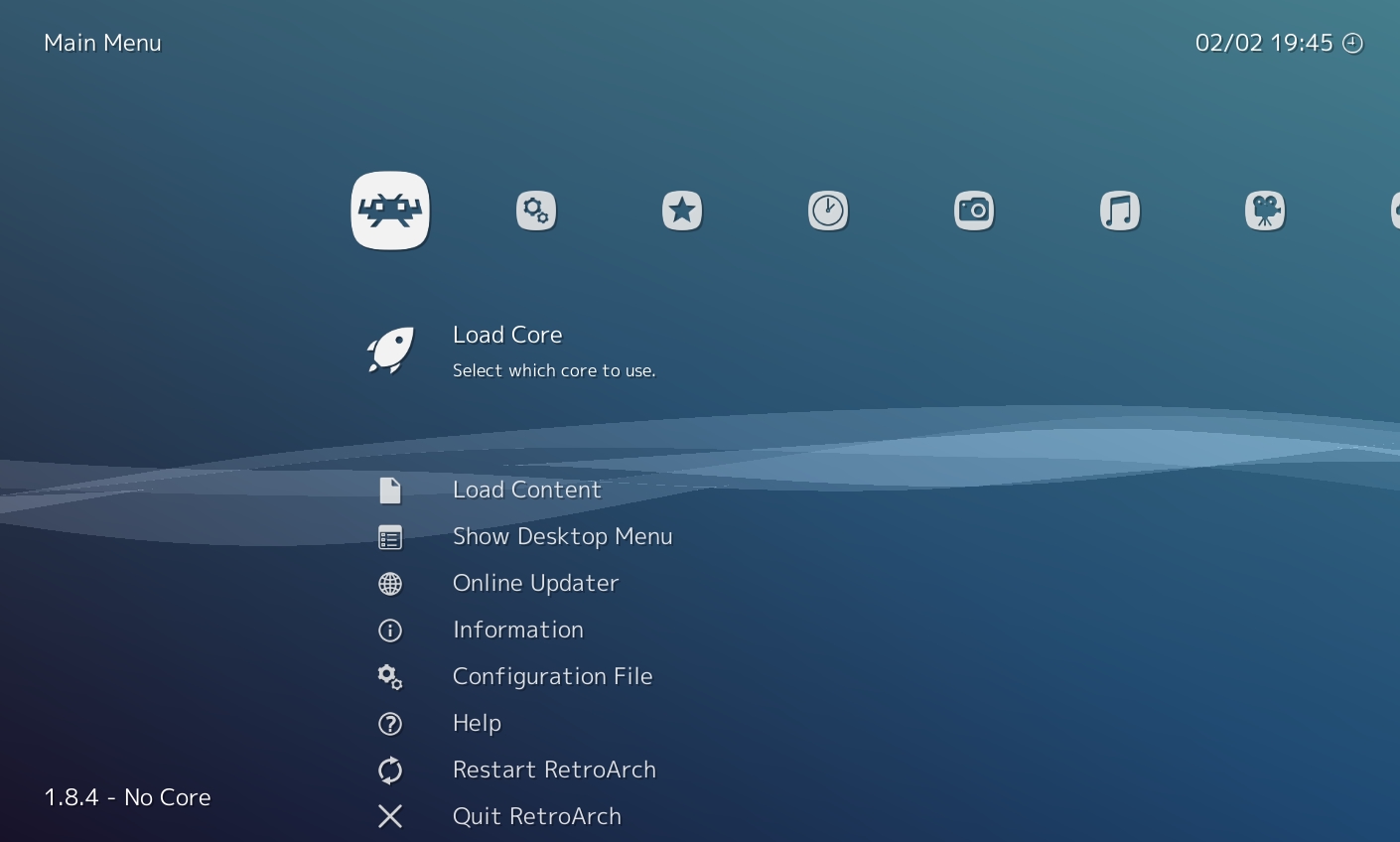
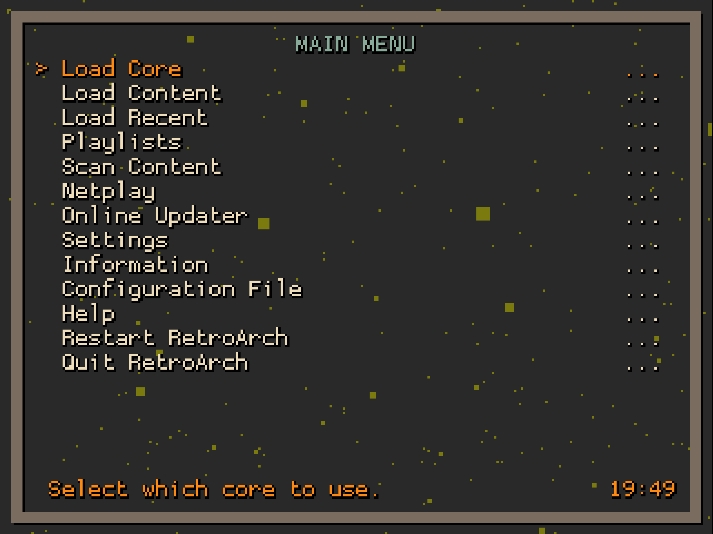
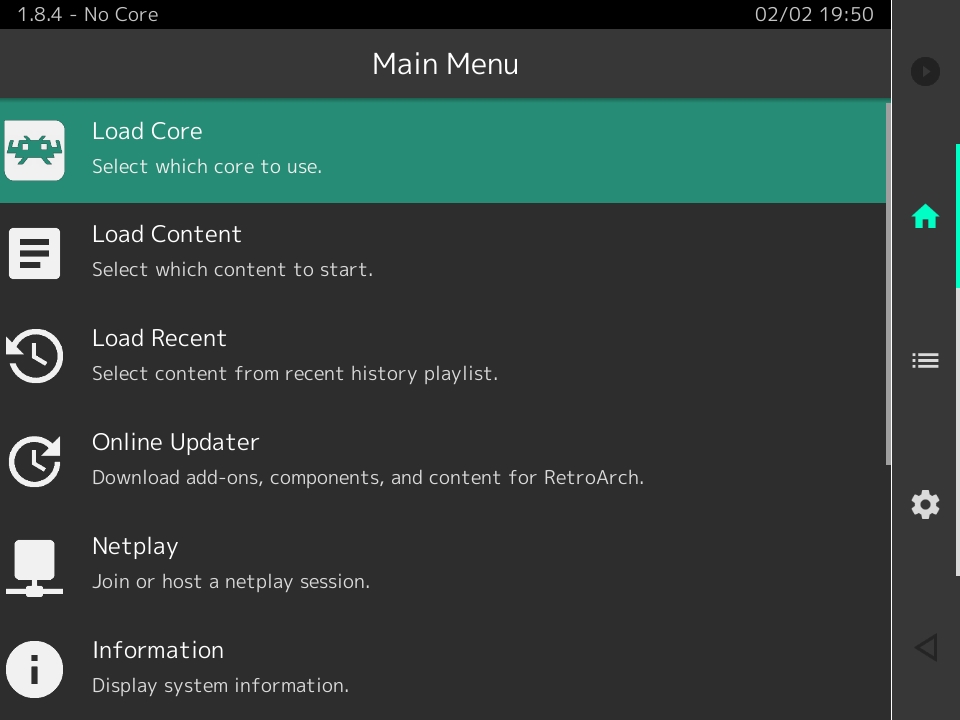
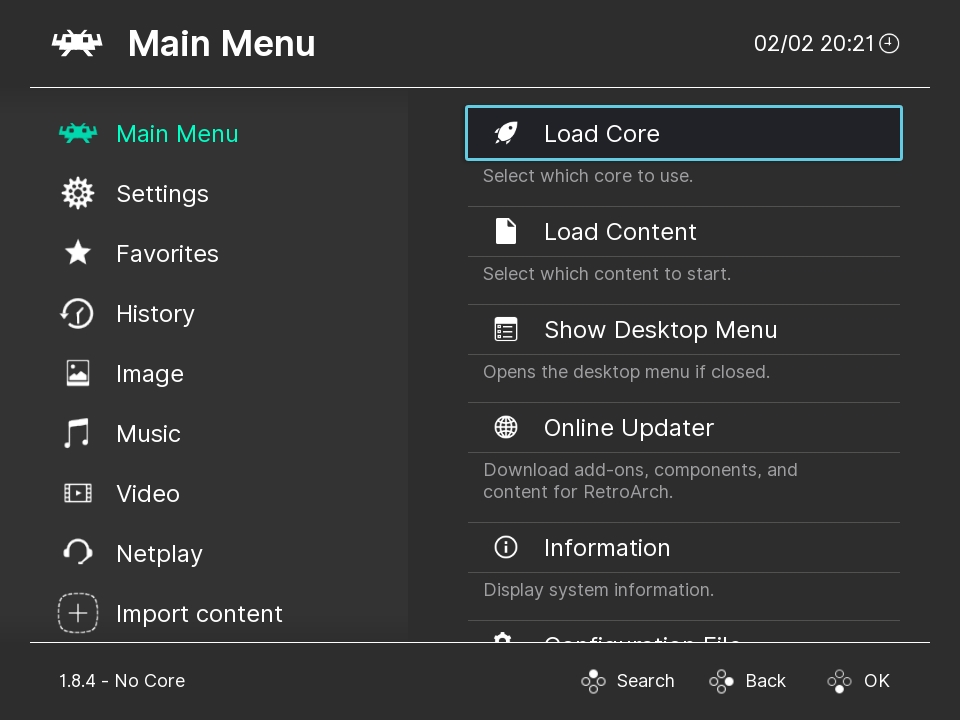
It is designed to be very portable and features a gamepad-centric and touchscreen UI.
It also has a full-featured command-line interface.
In some areas, RetroArch goes beyond and emphasizes on not-so-common technical features such as multi-pass shader support,
real-time rewind (Braid-style), video recording (using FFmpeg), run-ahead input latency removal, etc.
RetroArch also emphasizes being easy to integrate into various launcher frontends.
RetroArch has been ported to the following platforms:
- Android (2.x to most recent version)
- Apple iOS
- Apple macOS (PPC, x86-32 and x86-64)
- Apple tvOS
- Blackberry
- DOS
- Emscripten (WebAssembly and JavaScript)
- FreeBSD
- Haiku
- LG webOS
- Linux
- Original Microsoft Xbox
- Microsoft Xbox 360 (Libxenon/XeXDK)
- Microsoft Xbox One
- Microsoft Xbox Series S/X
- Miyoo
- NetBSD
- Nintendo NES/SNES Classic Edition
- Nintendo GameCube
- Nintendo Wii
- Nintendo Switch
- Nintendo Wii U
- Nintendo 3DS/2DS
- OpenBSD
- OpenDingux
- PlayStation2
- PlayStation3
- PlayStation4
- PlayStation Portable
- PlayStation Vita
- Raspberry Pi
- ReactOS
- Redox OS
- RetroFW
- RS90
- SerenityOS
- Solaris
- Windows NT 3.5
- Windows 95
- Windows 98
- Windows 2000
- Windows XP
- Windows Millennium
- Windows Vista
- Windows 7
- Windows 8
- Windows 10
- Windows 11
Dependencies (PC)
There are no true hard dependencies per se.
On Windows, RetroArch can run with only Win32 as dependency.
On Linux, there are no true dependencies. For optimal usage, the
following dependencies come as recommended:
- GL headers / Vulkan headers
- X11 headers and libs, or EGL/KMS/GBM
OSX port of RetroArch requires latest versions of Xcode to build.
RetroArch can utilize these libraries if enabled:
- nvidia-cg-toolkit
- libfreetype2 (TTF font rendering on screen)
RetroArch needs at least one of these audio driver libraries:
- ALSA
- OSS
- RoarAudio
- RSound
- OpenAL
- JACK
- SDL
- PulseAudio
- PipeWire
- XAudio2 (Win32, Xbox 360)
- DirectSound (Win32, Xbox 1)
- CoreAudio (OSX, iOS)
To run properly, RetroArch requires a libretro implementation present; however, as it's typically loaded
dynamically, it's not required at build time.
Dependencies (Console ports, mobile)
Console ports have their own dependencies, but generally do not require
anything other than what the respective SDKs provide.
Requirements
OpenGL1
Your videocard needs to at least support the OpenGL 1.1 spec.
Shaders: N/A
Menu driver support: MaterialUI, XMB, Ozone and RGUI should all work correctly.
XMB won't have shader pipeline effects because of the aforementioned lack of shader
support.
OpenGL2
Your videocard needs to at least support the OpenGL 2.1 spec.
Shaders: You can choose between either NVIDIA Cg shaders (deprecated, requires separate runtime
to be installed on your system), or GLSL shaders.
Menu driver support: MaterialUI, XMB, Ozone and RGUI should all work correctly.
OpenGL3
Your videocard needs to at least support the OpenGL 3.2 core feature spec.
Shaders: You will be able to use modern Slang shaders with this driver.
Menu driver support: MaterialUI, XMB, Ozone and RGUI should all work correctly.
Direct3D 11
Your videocard needs to at least support the Direct3D11 11.0 spec. The card
also needs to support at least the Shader Model 4.0.
Shaders: You will be able to use modern Slang shaders with this driver.
Menu driver support: MaterialUI, XMB, Ozone and RGUI should all work correctly.
Vulkan
Your videocard needs to at least support the Vulkan 1.0 spec.
Shaders: You will be able to use modern Slang shaders with this driver.
Menu driver support: MaterialUI, XMB, Ozone and RGUI should all work correctly.
Configuring
The default configuration is defined in config.def.h.
It is not recommended to change this unless you know what you're doing.
These can later be tweaked by using a config file.
A sample configuration file is installed to /etc/retroarch.cfg. This is the system-wide config file.
RetroArch will on startup create a config file in $XDG\_CONFIG\_HOME/retroarch/retroarch.cfg if it does not exist.
Users only need to configure a certain option if the desired value deviates from the value defined in config.def.h.
To configure joypads, use the built-in menu or manually configure them in retroarch.cfg.
Compiling and installing
Instructions for compiling and installing RetroArch can be found in the Libretro/RetroArch Documentation Center.
CRT 15Khz Resolution Switching
CRT SwitchRes will turn on, on the fly. However, you will need to restart RetroArch to disable it. With CRT SwitchRes enable RetroArch will start in 2560 x 480 @ 60.
If you are running Windows, before enabling the CRT SwitchRes options please make sure you have installed CRTEmudriver and installed some modelines. The minimum modelines for all games to switch correctly are:
- 2560 x 192 @ 60.000000
- 2560 x 200 @ 60.000000
- 2560 x 240 @ 60.000000
- 2560 x 224 @ 60.000000
- 2560 x 237 @ 60.000000
- 2560 x 256 @ 50.000000
- 2560 x 254 @ 55.000000
- 2560 x 448 @ 60.000000
- 2560 x 480 @ 60.000000
Install these modelines replacing 2560 with your desired super resolution. The above resolutions are NTSC only so if you would be playing any PAL content please add PAL modelines:
- 2560 x 192 @ 50.000000
- 2560 x 200 @ 50.000000
- 2560 x 240 @ 50.000000
- 2560 x 224 @ 50.000000
- 2560 x 288 @ 50.000000
- 2560 x 237 @ 50.000000
- 2560 x 254 @ 55.000000
- 2560 x 448 @ 50.000000
- 2560 x 480 @ 50.000000
Some games will require higher PAL resolutions which should also be installed:
- 2560 x 512 @ 50.000000
- 2560 x 576 @ 50.000000
Ideally install all these modelines and everything will work great.
Super Resolutions
The default super resolution is 2560. It is displayed just under the CRT switch option, which can be found in video settings. This can be changed within the retroarch.cfg. The only compatible resolutions are 1920, 2560 and 3840. Any other resolutions will be ignored and native switching will be activated.
Native Resolutions
If native resolutions are activated you will need a whole new set of modelines:
256 x 240 @ 50.006977 SNESpal
256 x 448 @ 50.006977 SNESpal
512 x 224 @ 50.006977 SNESpal
512 x 240 @ 50.006977 SNESpal
512 x 448 @ 50.006977 SNESpal
256 x 240 @ 60.098812 SNESntsc
256 x 448 @ 60.098812 SNESntsc
512 x 240 @ 60.098812 SNESntsc
512 x 224 @ 60.098812 SNESntsc
512 x 448 @ 60.098812 SNESntsc
256 x 192 @ 59.922745 MDntsc
256 x 224 @ 59.922745 MDntsc
320 x 224 @ 59.922745 MDntsc
320 x 240 @ 59.922745 MDntsc
320 x 448 @ 59.922745 MDntsc
320 x 480 @ 59.922745 MDntsc
256 x 192 @ 49.701458 MDpal
256 x 224 @ 49.701458 MDpal
320 x 224 @ 49.701458 MDpal
320 x 240 @ 49.701458 MDpal
320 x 288 @ 49.701458 MDpal
320 x 448 @ 49.701458 MDpal
320 x 480 @ 49.701458 MDpal
320 x 576 @ 49.701458 MDpal
256 x 288 @ 49.701458 MSYSpal
256 x 240 @ 60.098812 NESntsc
256 x 240 @ 50.006977 NESpal
640 x 237 @ 60.130001 N64ntsc
640 x 240 @ 60.130001 N64ntsc
640 x 480 @ 60.130001 N64ntsc
640 x 288 @ 50.000000 N64pal
640 x 480 @ 50.000000 N64pal
640 x 576 @ 50.000000 N64pal
256 x 252 @ 49.759998 PSXpal
320 x 252 @ 49.759998 PSXpal
384 x 252 @ 49.759998 PSXpal
640 x 252 @ 49.759998 PSXpal
640 x 540 @ 49.759998 PSXpal
384 x 240 @ 59.941002 PSXntsc
256 x 480 @ 59.941002 PSXntsc
352 x 240 @ 59.820000 Saturn/SGFX_NTSCp
704 x 240 @ 59.820000 SaturnNTSCp
352 x 480 @ 59.820000 SaturnNTSCi
704 x 480 @ 59.820000 SaturnNTSCi
352 x 288 @ 49.701458 SaturnPALp
704 x 288 @ 49.701458 SaturnPALp
352 x 576 @ 49.701458 SaturnPALi
704 x 576 @ 49.701458 SaturnPALi
240 x 160 @ 59.730000 GBA
320 x 200 @ 60.000000 Doom
// Arcade
- 400 x 254 @ 54.706841 MK
- 384 x 224 @ 59.637405 CPS1
These modelines are more accurate giving exact hz. However, some games may have unwanted results. This is due to mid-scanline resolution changes on the original hardware. For the best results super resolutions are the way to go.
CRT resolution switching & MAME
Some arcade resolutions can be very different from consumer CRTs. There is resolution detection to ensure MAME games will be displayed in the closest available resolution but drawn at their native resolution within this resolution. Meaning that the MAME game will look just like the original hardware.
MAME ROMs that run in a vertical aspect like DoDonPachi need to be rotated within MAME before resolution switching and aspect correction will work. Do this before enabling CRT SwitchRes so that RetroArch will run in your desktop resolution. Once you have rotated any games that may need it turn CRT SwitchRes on.
Socials
The links below belong to our official channels. Links other than this may have been created by fans, independent members or followers. We seriously recommend using our original resources.

 RetroArch is the reference frontend for the libretro API, a hub that runs emulators, game engines, and other 'libretro cores' through a unified interface for input, video, and audio.