
28.6K ·GitHub
What is this?
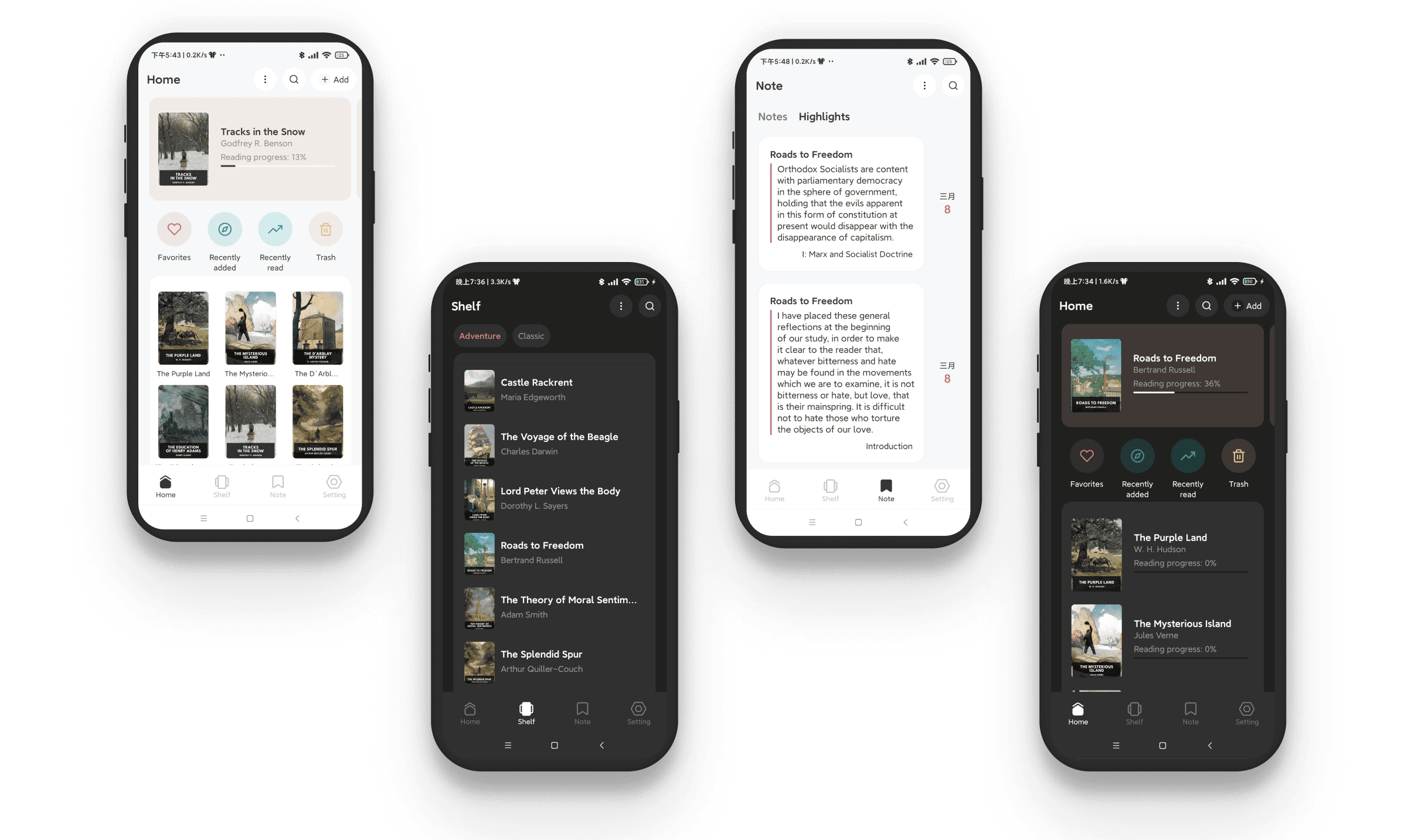
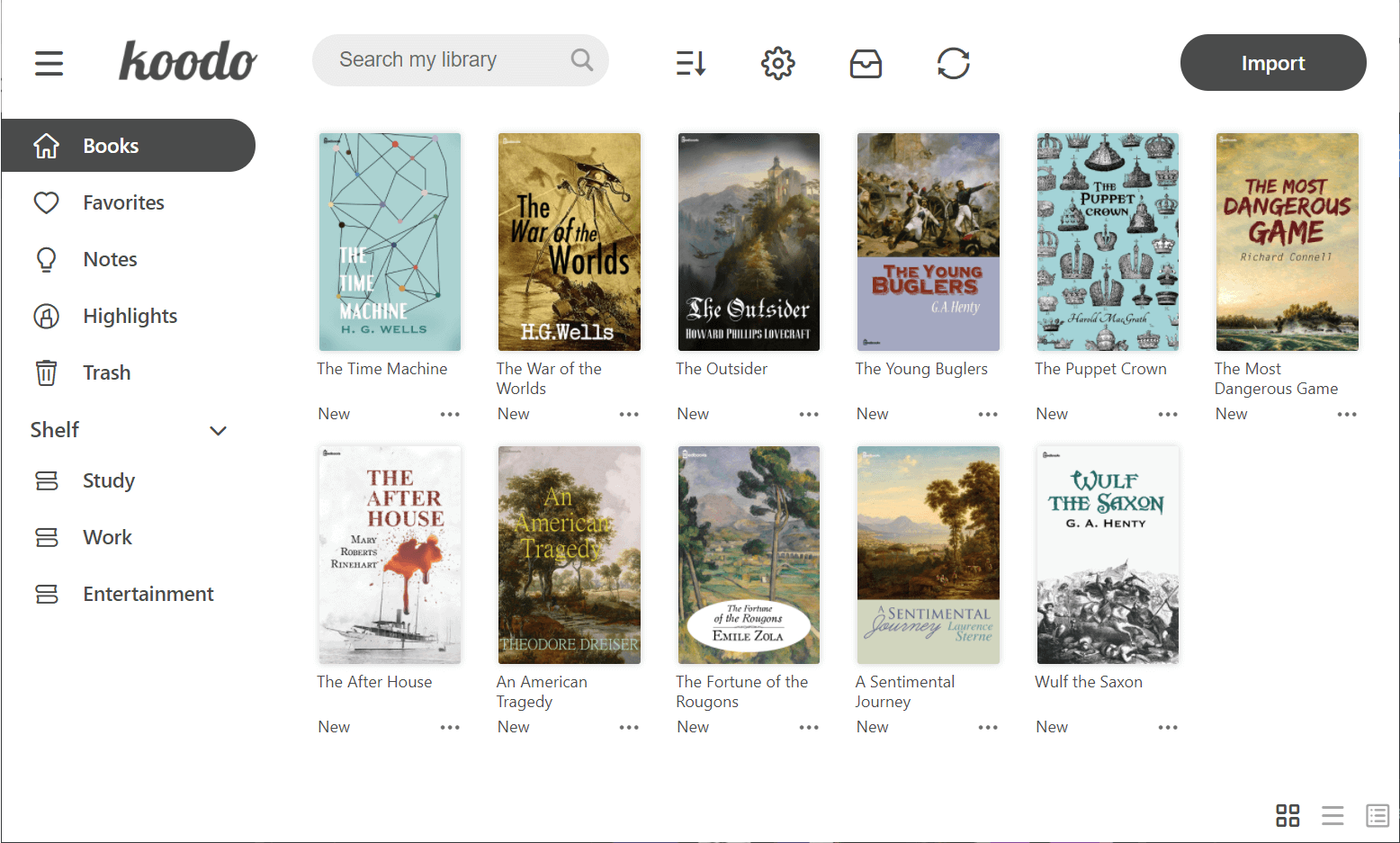
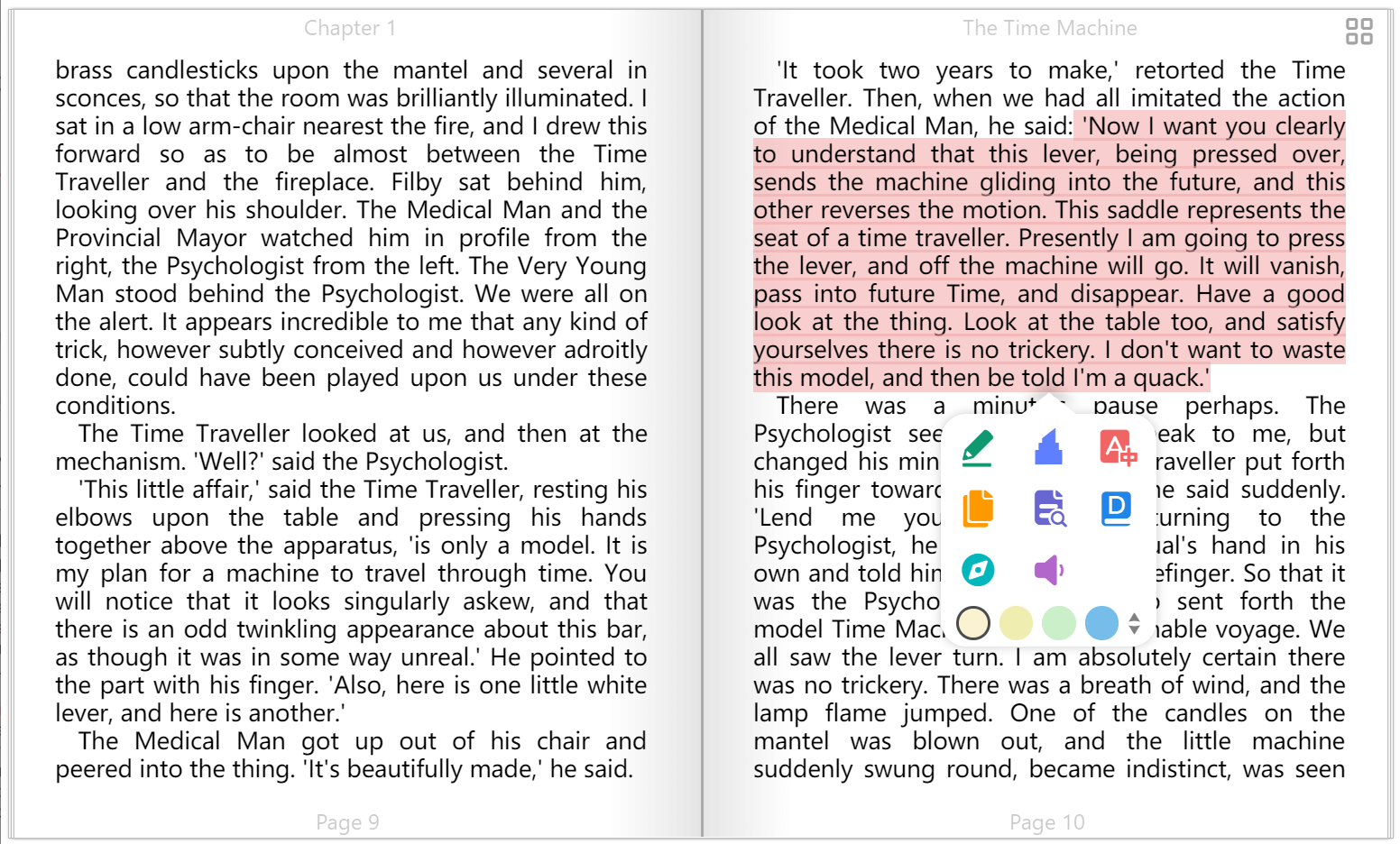
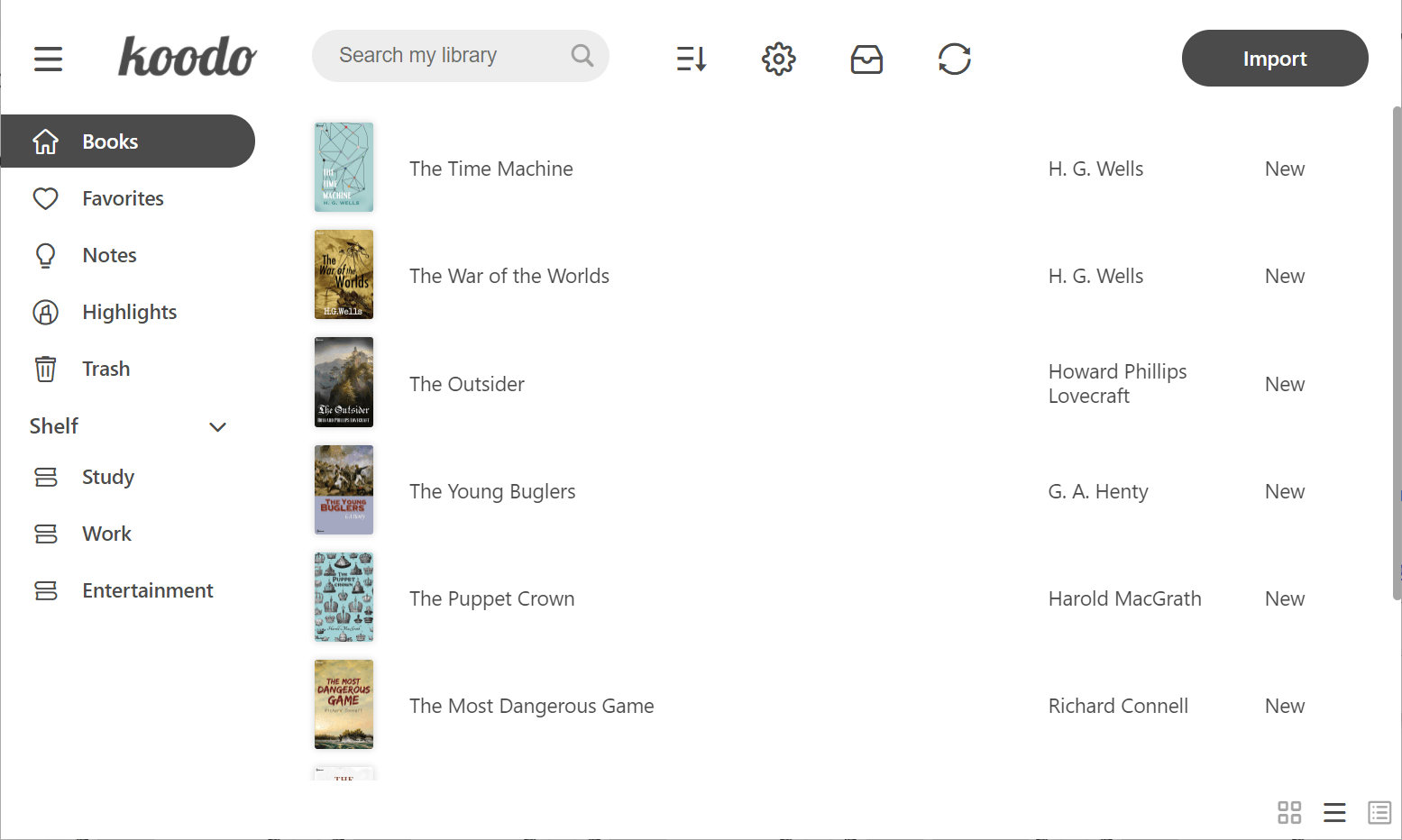
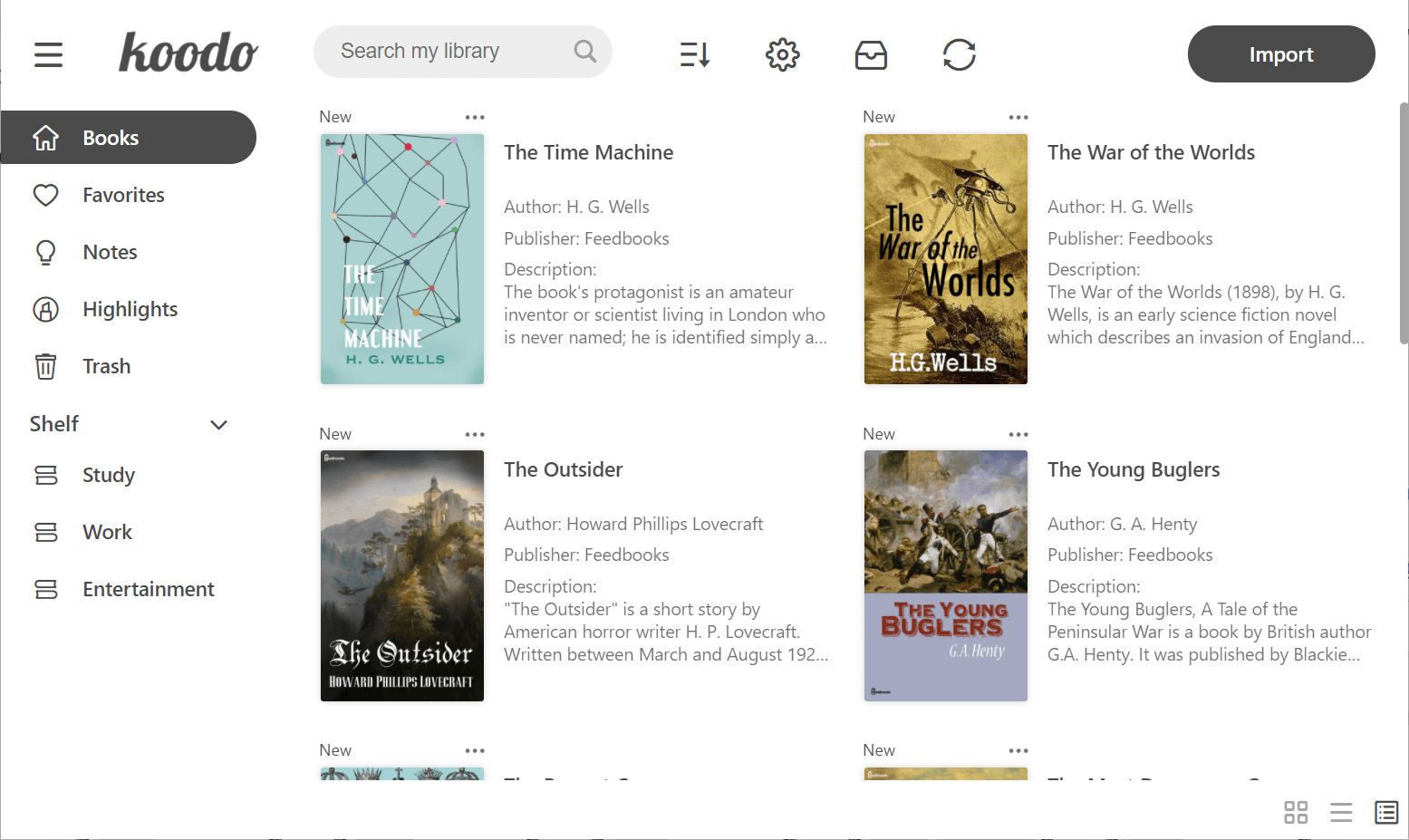
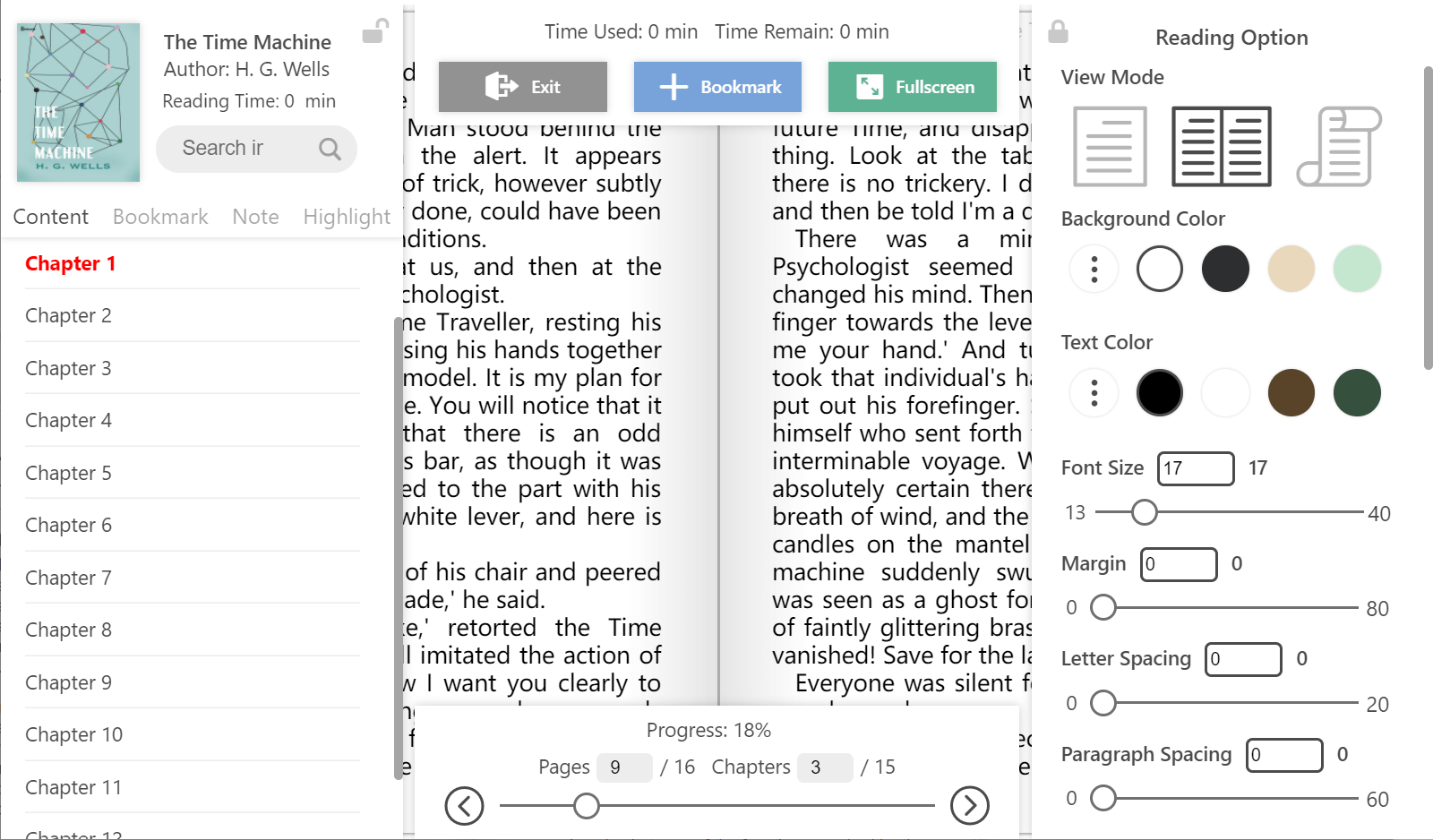
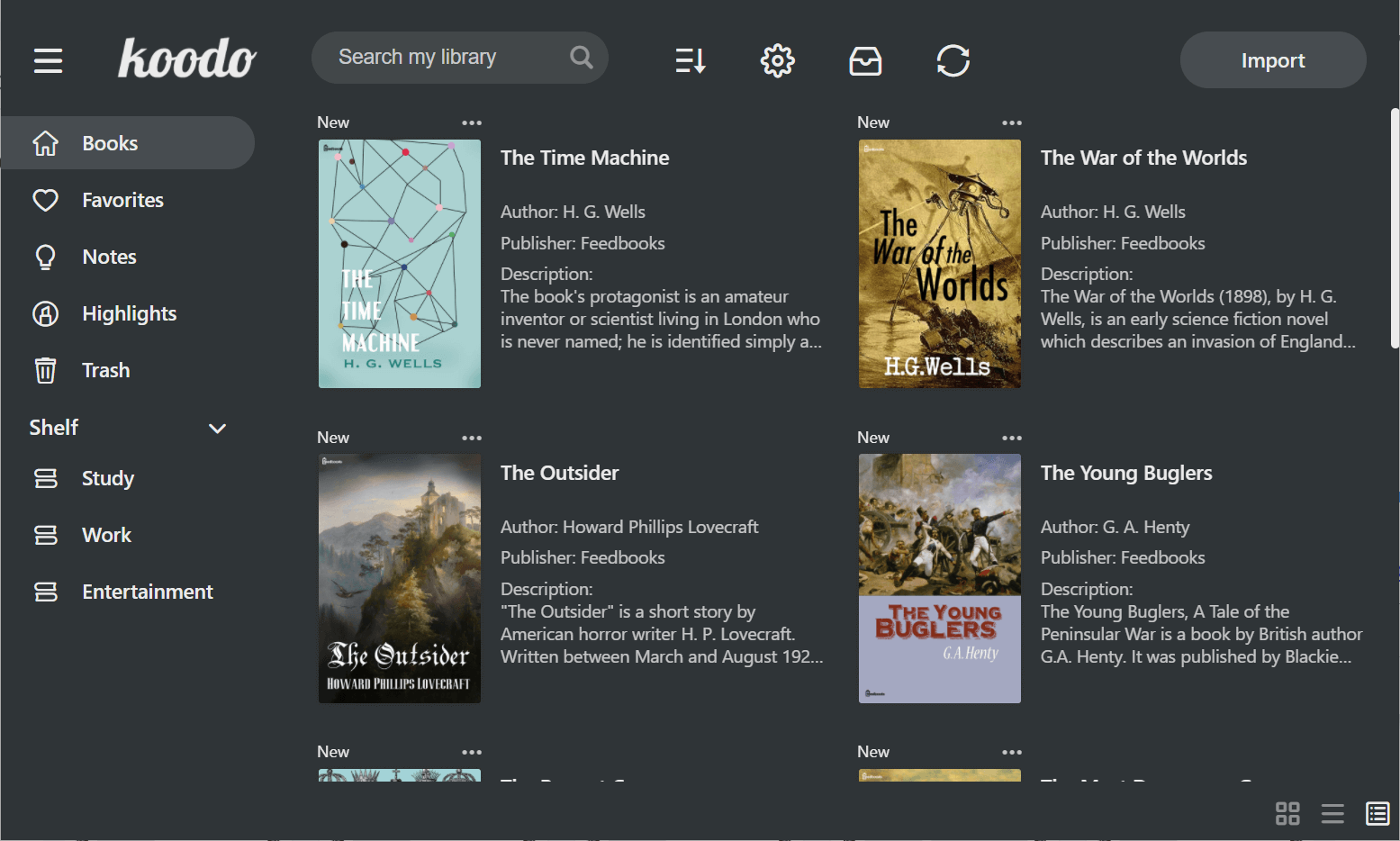
 Koodo Reader is a modern ebook manager and reader with sync and backup built in. You keep one library of books and comics, read it on any device, and get bookmarks, notes, highlights, and reading statistics.
Koodo Reader is a modern ebook manager and reader with sync and backup built in. You keep one library of books and comics, read it on any device, and get bookmarks, notes, highlights, and reading statistics.Is it a desktop program, a phone app, or a website?All three, sharing one library: desktop versions for Windows, macOS and Linux, mobile apps for Android and iOS, a web version, and a browser extension for saving anything on the web into your library.
All three, sharing one library: desktop versions for Windows, macOS and Linux, mobile apps for Android and iOS, a web version, and a browser extension for saving anything on the web into your library.How do I get it on my computer?Download an installer from the Download page, or use a package manager: Scoop, Winget, Flathub, Snap Store, Homebrew, or Docker. The web version just runs in the browser, and the browser extension is a separate download.
Download an installer from the Download page, or use a package manager: Scoop, Winget, Flathub, Snap Store, Homebrew, or Docker. The web version just runs in the browser, and the browser extension is a separate download.Will it open my DRM-protected Kindle books?No — Mobipocket and Kindle files (.mobi, .azw3, .azw) are only supported DRM-free, so protected books will not open. EPUB, PDF, and the other formats have no such restriction.
No — Mobipocket and Kindle files (.mobi, .azw3, .azw) are only supported DRM-free, so protected books will not open. EPUB, PDF, and the other formats have no such restriction.Does it track my reading or upload my data on its own?It is privacy-first by design: no tracking services, and your reading data or personal information is never proactively uploaded. Syncing only happens with the cloud drive you connect yourself.
It is privacy-first by design: no tracking services, and your reading data or personal information is never proactively uploaded. Syncing only happens with the cloud drive you connect yourself.Which file formats can it open?EPUB and PDF, DRM-free Mobipocket and Kindle (.mobi, .azw3, .azw), plain text (.txt), FictionBook (.fb2), comic archives (.cbr, .cbz, .cbt, .cb7), rich text (.md, .docx), and web formats (.html, .xml, .xhtml, .mhtml, .htm).
EPUB and PDF, DRM-free Mobipocket and Kindle (.mobi, .azw3, .azw), plain text (.txt), FictionBook (.fb2), comic archives (.cbr, .cbz, .cbt, .cb7), rich text (.md, .docx), and web formats (.html, .xml, .xhtml, .mhtml, .htm).Can it sync my library across devices?Yes — sync and backup via OneDrive, Google Drive, Dropbox, iCloud, MEGA, pCloud, Yandex Disk, Box, FTP, SFTP, WebDAV, SMB, or Object Storage, and books can be imported from those same services. Reading progress also syncs with KOReader.
Yes — sync and backup via OneDrive, Google Drive, Dropbox, iCloud, MEGA, pCloud, Yandex Disk, Box, FTP, SFTP, WebDAV, SMB, or Object Storage, and books can be imported from those same services. Reading progress also syncs with KOReader.What happens to my notes and highlights?One click exports them to CSV, Markdown, HTML, TXT, or PDF, and they sync to Readwise, Notion, Obsidian, Joplin, and more. Looked-up words can also automatically sync to Anki and Eudic.
One click exports them to CSV, Markdown, HTML, TXT, or PDF, and they sync to Readwise, Notion, Obsidian, Joplin, and more. Looked-up words can also automatically sync to Anki and Eudic.What can the AI features do?Connect your own custom AI model and you get AI Translation, AI Dictionary, AI Summarization, and AI Encyclopedia while reading. On top of that there are 50+ built-in plugins for translation, dictionaries, and text-to-speech.
Connect your own custom AI model and you get AI Translation, AI Dictionary, AI Summarization, and AI Encyclopedia while reading. On top of that there are 50+ built-in plugins for translation, dictionaries, and text-to-speech.What are similar projects?oryx, readest, grimmory, koreader, Venera-Next, kcc, audiobookshelf, Kavita
oryx, readest, grimmory, koreader, Venera-Next, kcc, audiobookshelf, Kavita