






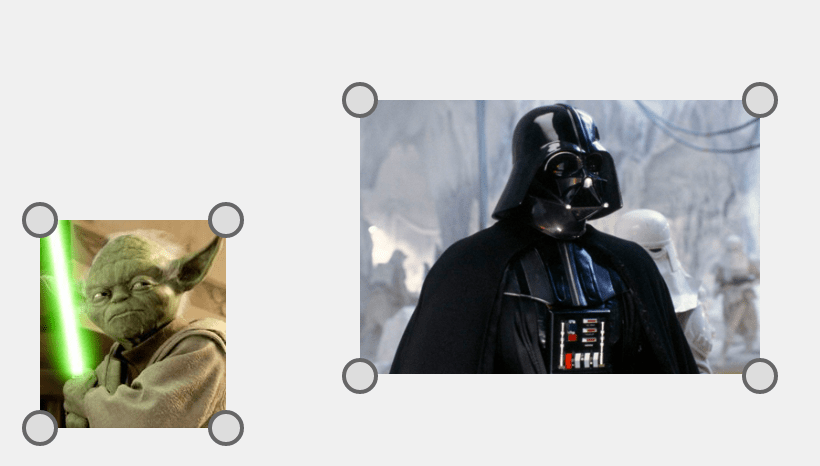








What is this?
 Konva.js is an open-source 2D canvas framework for the web, used to build interactive graphics: design editors, whiteboards, diagrams, annotations and maps.
Konva.js is an open-source 2D canvas framework for the web, used to build interactive graphics: design editors, whiteboards, diagrams, annotations and maps.Is it a finished editor I can just deploy, or a framework I code against?A framework you code against. It keeps a scene graph where every shape carries its own events, drag behavior, transforms, animation, cache and export controls; the app around it is yours to build.
A framework you code against. It keeps a scene graph where every shape carries its own events, drag behavior, transforms, animation, cache and export controls; the app around it is yours to build.How do I add it to a project?Install from npm with 'npm install konva' and import it: import Konva from 'konva'. UMD loading is supported, and the framework itself is written in TypeScript.
Install from npm with 'npm install konva' and import it: import Konva from 'konva'. UMD loading is supported, and the framework itself is written in TypeScript.Which frontend frameworks does it integrate with?Official wrappers exist for React (react-konva), Vue (vue-konva), Svelte (svelte-konva) and Angular (ng2-konva), each with its own guide.
Official wrappers exist for React (react-konva), Vue (vue-konva), Svelte (svelte-konva) and Angular (ng2-konva), each with its own guide.Will it run in every browser?Only modern mobile and desktop browsers: Konva targets browsers with ES2018 support, so legacy browsers are not covered.
Only modern mobile and desktop browsers: Konva targets browsers with ES2018 support, so legacy browsers are not covered.Does it live only in the browser, or can I run it server-side?Browser-first, but it also runs in Node.js: install a canvas backend like node-canvas ('npm install konva canvas') or skia-canvas, then import 'konva/canvas-backend' or 'konva/skia-backend'.
Browser-first, but it also runs in Node.js: install a canvas backend like node-canvas ('npm install konva canvas') or skia-canvas, then import 'konva/canvas-backend' or 'konva/skia-backend'.What do people actually build with Konva?Design editors, whiteboards, diagrams, annotations and maps. The README points to demos like a canvas editor, free drawing, image crop and a window frame designer, and Polotno, a commercial design editor SDK, is built on it.
Design editors, whiteboards, diagrams, annotations and maps. The README points to demos like a canvas editor, free drawing, image crop and a window frame designer, and Polotno, a commercial design editor SDK, is built on it.Is there a lighter build if I only need a few shapes?Yes. Import 'konva/lib/Core' for Stage, Layer, Group and animations with no shapes or filters included, then add exactly what you need, like Rect from 'konva/lib/shapes/Rect' or Blur from 'konva/lib/filters/Blur'.
Yes. Import 'konva/lib/Core' for Stage, Layer, Group and animations with no shapes or filters included, then add exactly what you need, like Rect from 'konva/lib/shapes/Rect' or Blur from 'konva/lib/filters/Blur'.How do I debug what is on the canvas?The Chrome inspector only shows a plain canvas element. Install the konva-dev browser extension to see the Konva objects and their details.
The Chrome inspector only shows a plain canvas element. Install the konva-dev browser extension to see the Konva objects and their details.Is it free for commercial use?Yes, MIT licensed with no license key required. Ongoing development is sponsored by the team behind Polotno, a commercial design editor SDK built on Konva.
Yes, MIT licensed with no license key required. Ongoing development is sponsored by the team behind Polotno, a commercial design editor SDK built on Konva.What are similar projects?shaders, tldraw, loadersz-core, open-pencil-cloud, tiptap, particles.js, rough, canvas-ui
shaders, tldraw, loadersz-core, open-pencil-cloud, tiptap, particles.js, rough, canvas-uiWhich topics is it in?html5-canvas, whiteboard, 2d, diagram, drag-and-drop, html5, svelte, angular, interactive, canvas, editor, graphics
html5-canvas, whiteboard, 2d, diagram, drag-and-drop, html5, svelte, angular, interactive, canvas, editor, graphics