













































37.2K ·GitHub
What is this?
 A non-profit, ad-free searchable reference of 600+ Linux commands — manuals, detailed explanations and learning notes collected into one bookmarkable website.
A non-profit, ad-free searchable reference of 600+ Linux commands — manuals, detailed explanations and learning notes collected into one bookmarkable website.Is it a website I visit, or something I install?It is a repository of Markdown command pages rendered into a static website — nothing to install for basic use, you just open it in a browser.
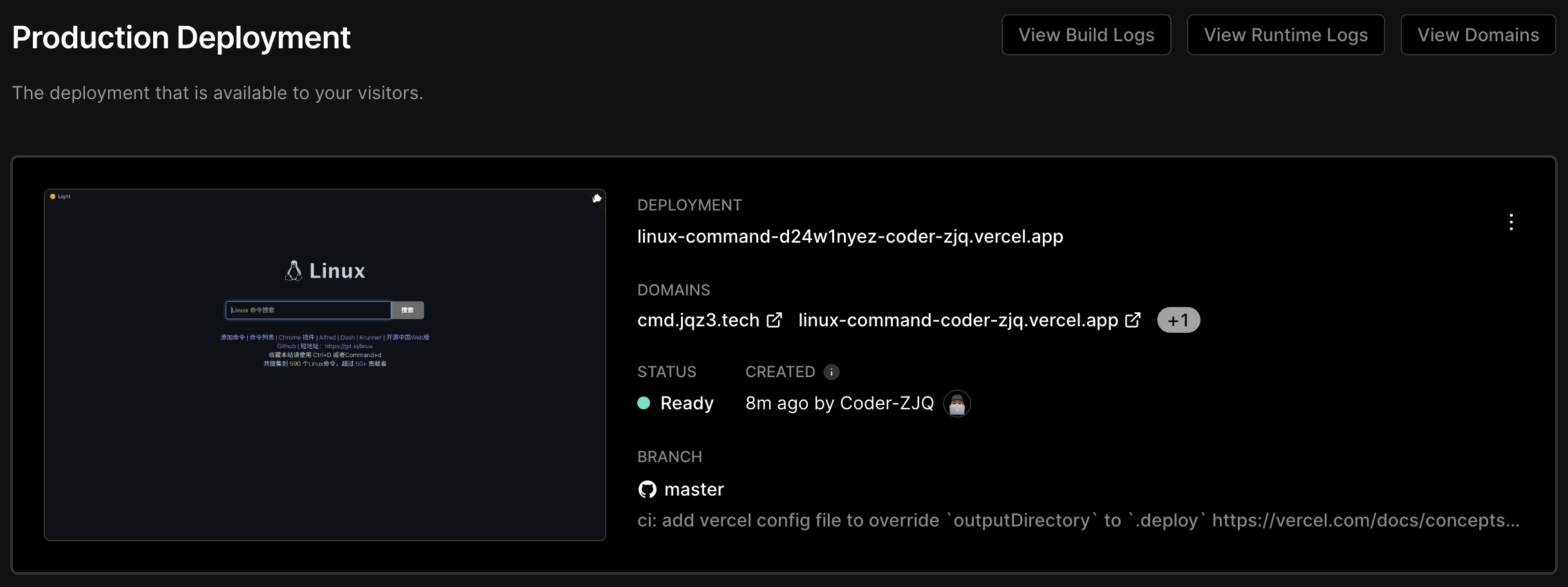
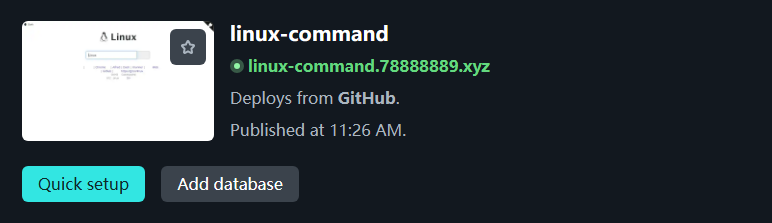
It is a repository of Markdown command pages rendered into a static website — nothing to install for basic use, you just open it in a browser.Can I run my own copy of the site?Clone the gh-pages branch onto any static web server, run the Docker image, or use the one-click deploy buttons for Vercel and Netlify; BaoTa and 1Panel app stores also offer one-click installs.
Clone the gh-pages branch onto any static web server, run the Docker image, or use the one-click deploy buttons for Vercel and Netlify; BaoTa and 1Panel app stores also offer one-click installs.What do I need installed to build or self-host it?For self-hosting, just a static web server or Docker. Building from source needs Node.js 16 or newer (npm run build).
For self-hosting, just a static web server or Docker. Building from source needs Node.js 16 or newer (npm run build).Can I trust the command explanations to be accurate?Not fully — the author explicitly disclaims guaranteed correctness: content is gathered from the web and community submissions, and the site takes no responsibility for how you use it.
Not fully — the author explicitly disclaims guaranteed correctness: content is gathered from the web and community submissions, and the site takes no responsibility for how you use it.Do I need a specific OS or device to use it?The main site runs in any browser. There are also ports: a Chrome extension, an Android app, Raycast, Alfred/Dash, KDE Krunner, a WeChat mini program, plus Python and Golang CLI tools.
The main site runs in any browser. There are also ports: a Chrome extension, an Android app, Raycast, Alfred/Dash, KDE Krunner, a WeChat mini program, plus Python and Golang CLI tools.Is the site content kept up to date?Yes — the public site is rebuilt automatically through GitHub Actions on every repository update, and the project has been actively maintained since 2016.
Yes — the public site is rebuilt automatically through GitHub Actions on every repository update, and the project has been actively maintained since 2016.Can I reuse the command Markdown files in my own project?Yes — the author explicitly allows taking the Markdown files from the command directory to generate your own HTML, and does not mind how you deploy copies, though he hopes you keep a link back to the GitHub repo.
Yes — the author explicitly allows taking the Markdown files from the command directory to generate your own HTML, and does not mind how you deploy copies, though he hopes you keep a link back to the GitHub repo.What are similar projects?Linux-, cheat.sh, awesome-dotfiles, cheat, csapp-zh-markdown, reference, bash-guide, eza
Linux-, cheat.sh, awesome-dotfiles, cheat, csapp-zh-markdown, reference, bash-guide, ezaWhich topics is it in?tools, screenshot, chrome, cheatsheet, bash, ssh, chrome-extension, search, reference, china, command-line, documentation
tools, screenshot, chrome, cheatsheet, bash, ssh, chrome-extension, search, reference, china, command-line, documentation