
701 ·GitHub
What is this?
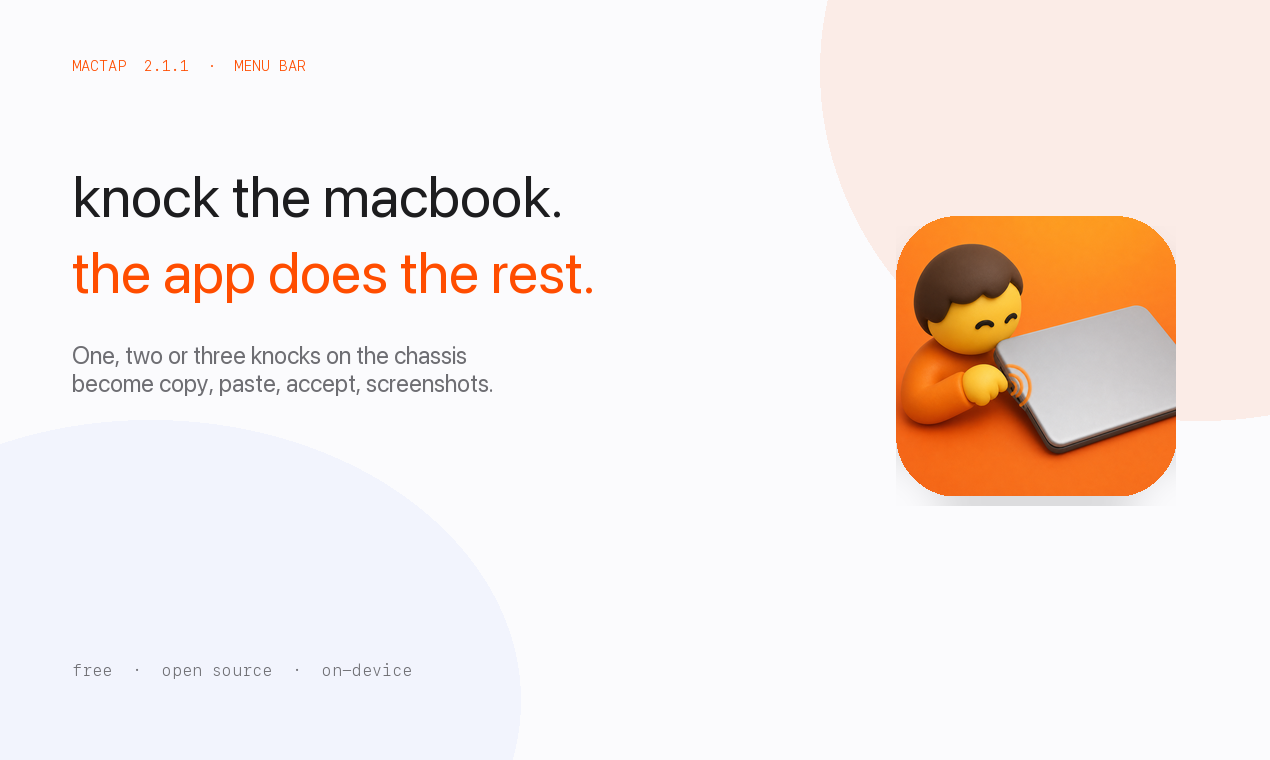
 MacTap lets you knock on your MacBook's chassis (or the desk under it) to trigger shortcuts like copy, paste, Accept, screenshots, or media controls.
MacTap lets you knock on your MacBook's chassis (or the desk under it) to trigger shortcuts like copy, paste, Accept, screenshots, or media controls.Is this a background app or does it have a window?It is a macOS menu bar app with no main window; you configure layouts, actions, and sensitivity from Settings opened via the menu extra.
It is a macOS menu bar app with no main window; you configure layouts, actions, and sensitivity from Settings opened via the menu extra.Does my Mac's hardware support this?You need an M2-or-later Mac, or an M1 Pro/Max/Ultra, running macOS 14.6 or later, because the motion sensor has to be exposed as an SPU HID device.
You need an M2-or-later Mac, or an M1 Pro/Max/Ultra, running macOS 14.6 or later, because the motion sensor has to be exposed as an SPU HID device.Will knock detection work on any M1 MacBook?No — the original M1 Air (MacBookAir10,1) and some other M1 models don't publish the accelerometer HID report MacTap reads, and there's no fallback to rebinding arrow keys for those devices.
No — the original M1 Air (MacBookAir10,1) and some other M1 models don't publish the accelerometer HID report MacTap reads, and there's no fallback to rebinding arrow keys for those devices.Do I need to grant any special permission?Yes — Accessibility must be enabled so MacTap can send the mapped shortcuts; detecting the knocks itself doesn't require it.
Yes — Accessibility must be enabled so MacTap can send the mapped shortcuts; detecting the knocks itself doesn't require it.Is this available outside macOS?No, it's a macOS-only menu bar app tied to Apple Silicon motion sensors.
No, it's a macOS-only menu bar app tied to Apple Silicon motion sensors.Where does my tap data go?Taps are classified entirely on-device and nothing is uploaded; gesture maps are stored only in local defaults.
Taps are classified entirely on-device and nothing is uploaded; gesture maps are stored only in local defaults.Why does a signed .dmg sometimes show as unsigned?Gatekeeper evaluates MacTap.app, not the .dmg wrapper, so running codesign --verify on the disk image itself can report unsigned even when the build is good; install from the zip if a tool blocks the dmg.
Gatekeeper evaluates MacTap.app, not the .dmg wrapper, so running codesign --verify on the disk image itself can report unsigned even when the build is good; install from the zip if a tool blocks the dmg.Can different apps or screen areas trigger different actions?Yes — left and right edges of the chassis can map to different action sets, and per-app overrides exist, for example Cursor can get Accept/Reject/Save while other apps stay on the Daily preset.
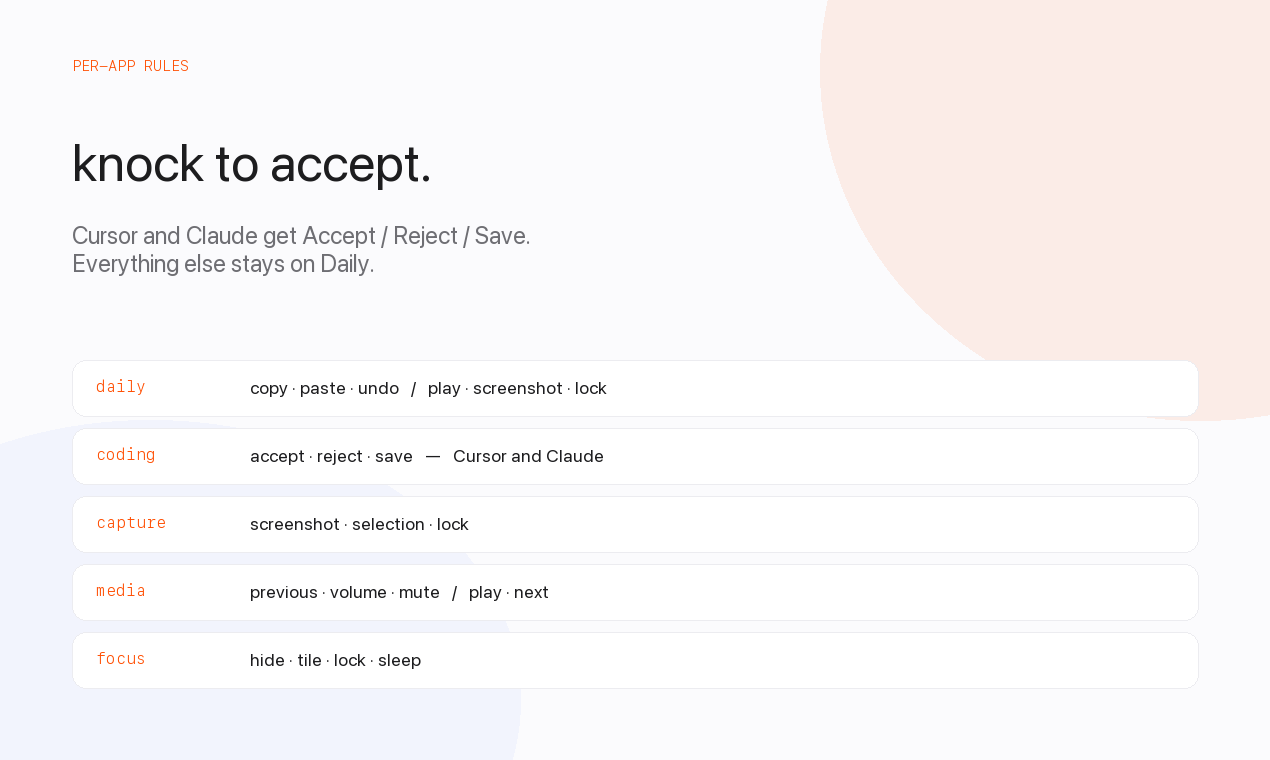
Yes — left and right edges of the chassis can map to different action sets, and per-app overrides exist, for example Cursor can get Accept/Reject/Save while other apps stay on the Daily preset.What built-in presets come with MacTap?It ships with Daily, Coding, Capture, Media, and Focus presets that you can assign globally, per edge, or per app.
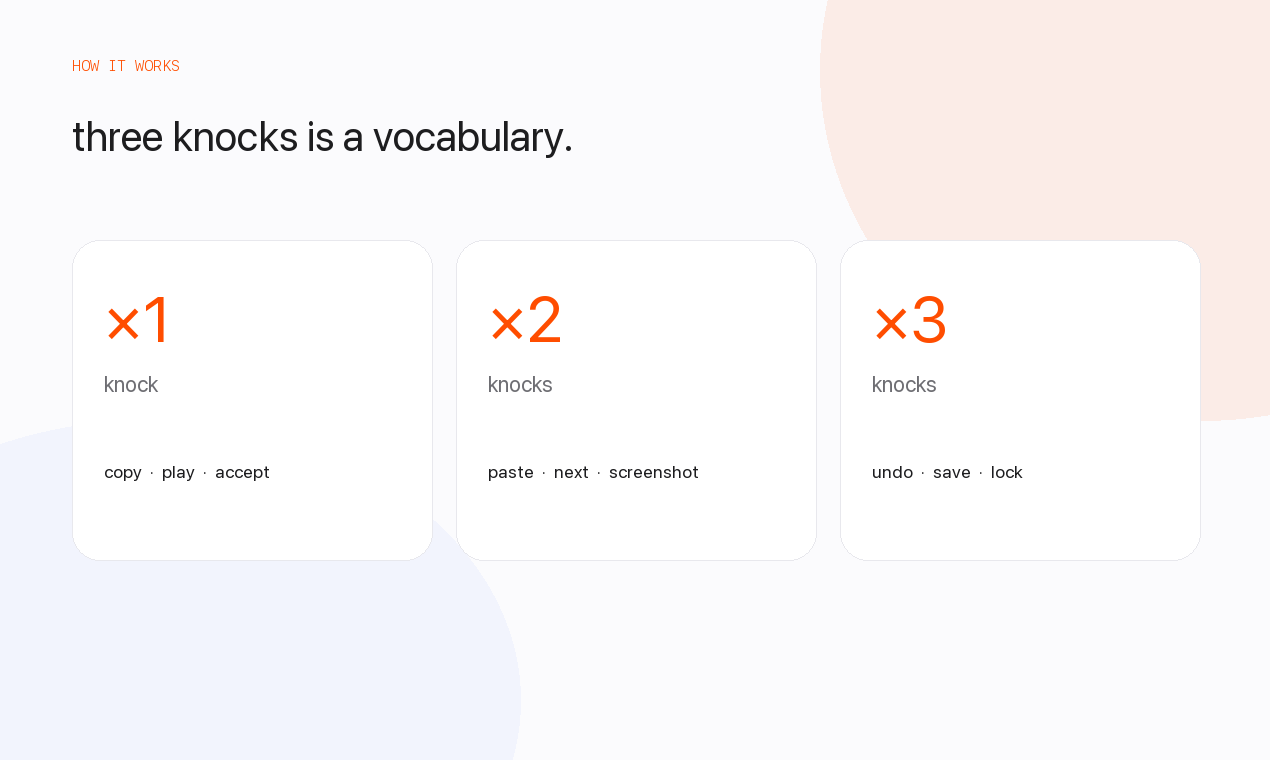
It ships with Daily, Coding, Capture, Media, and Focus presets that you can assign globally, per edge, or per app.How many knocks does it recognize?MacTap distinguishes one, two, or three knocks, each of which can be mapped to a different shortcut.
MacTap distinguishes one, two, or three knocks, each of which can be mapped to a different shortcut.What are similar projects?kinesis, OpenYoink, Sapphire, rooms, BetterDisplay, Mouser, Thaw, boring.notch
kinesis, OpenYoink, Sapphire, rooms, BetterDisplay, Mouser, Thaw, boring.notchWhich topics is it in?gesture-control, sensors, menubar-app, menu-bar, privacy-first, accessibility, macos-app, apple, hardware, apple-silicon, swift, utility
gesture-control, sensors, menubar-app, menu-bar, privacy-first, accessibility, macos-app, apple, hardware, apple-silicon, swift, utility