



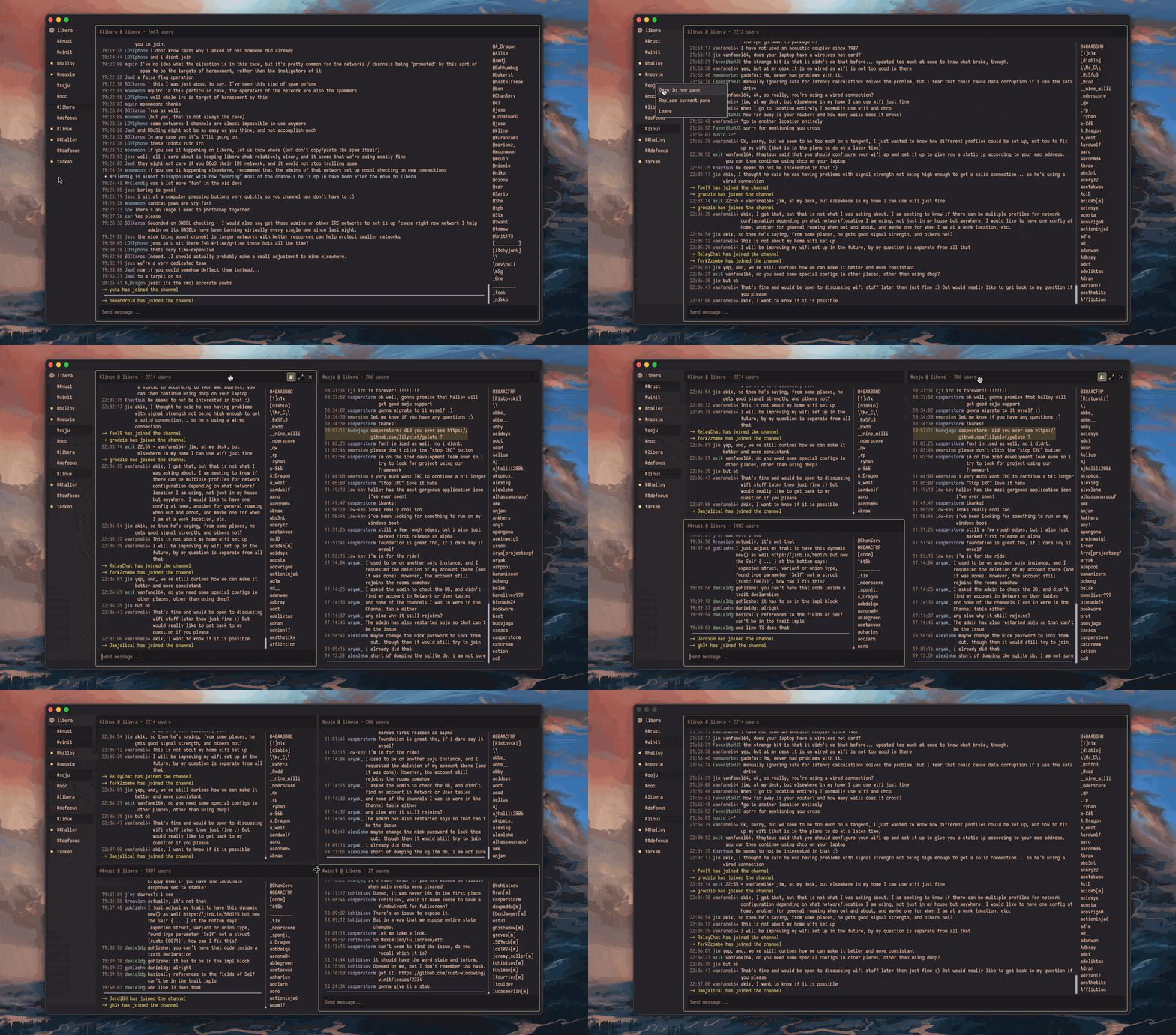
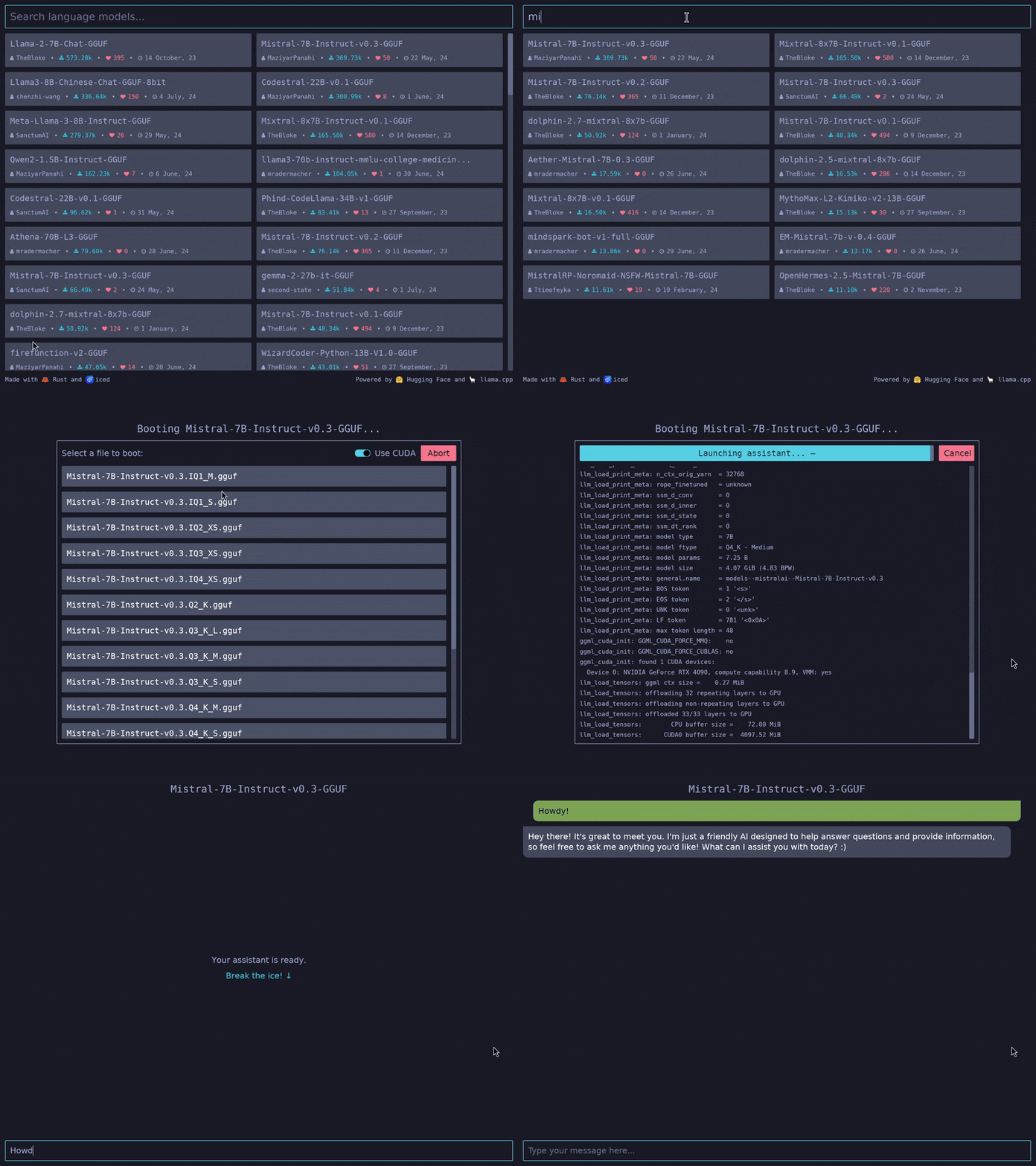

iced README

The project's README from github.com/iced-rs/iced. As one markdown file: README.md.

Iced

Documentation Crates.io License Downloads Test Status Zulip Chat Discord Server

A cross-platform GUI library for Rust focused on simplicity and type-safety. Inspired by Elm.

Features

Iced is currently experimental software. Take a look at the roadmap and check out the issues.

Overview

Inspired by The Elm Architecture, Iced expects you to split user interfaces into four different concepts:

We can build something to see how this works! Let's say we want a simple counter that can be incremented and decremented using two buttons.

We start by modelling the state of our application:

#[derive(Default)]
struct Counter {
    value: i32,
}

Next, we need to define the possible user interactions of our counter: the button presses. These interactions are our messages:

#[derive(Debug, Clone, Copy)]
pub enum Message {
    Increment,
    Decrement,
}

Now, let's show the actual counter by putting it all together in our view logic:

use iced::widget::{button, column, text, Column};

impl Counter {
    pub fn view(&self) -> Column<'_, Message> {
        // We use a column: a simple vertical layout
        column![
            // The increment button. We tell it to produce an
            // `Increment` message when pressed
            button("+").on_press(Message::Increment),

            // We show the value of the counter here
            text(self.value).size(50),

            // The decrement button. We tell it to produce a
            // `Decrement` message when pressed
            button("-").on_press(Message::Decrement),
        ]
    }
}

Finally, we need to be able to react to any produced messages and change our state accordingly in our update logic:

impl Counter {
    // ...

    pub fn update(&mut self, message: Message) {
        match message {
            Message::Increment => {
                self.value += 1;
            }
            Message::Decrement => {
                self.value -= 1;
            }
        }
    }
}

And that's everything! We just wrote a whole user interface. Let's run it:

fn main() -> iced::Result {
    iced::run(Counter::update, Counter::view)
}

Iced will automatically:

  1. Take the result of our view logic and layout its widgets.
  2. Process events from our system and produce messages for our update logic.
  3. Draw the resulting user interface.

Read the book, the documentation, and the examples to learn more!

Implementation details

Iced was originally born as an attempt at bringing the simplicity of Elm and The Elm Architecture into Coffee, a 2D game library I am working on.

The core of the library was implemented during May 2019 in this pull request. The first alpha version was eventually released as a renderer-agnostic GUI library. The library did not provide a renderer and implemented the current tour example on top of ggez, a game library.

Since then, the focus has shifted towards providing a batteries-included, end-user-oriented GUI library, while keeping the ecosystem modular.

Contributing / Feedback

If you want to contribute, please read our contributing guidelines for more details.

Feedback is also welcome! You can create a new topic in our Zulip forum or come chat to our Discord server.

Sponsors

The development of Iced is sponsored by the Cryptowatch team at Kraken.com

iced (iced-rs/iced)

Searching Database…

31.8K ·GitHub
这是什么?Iced 是一个 Rust 的跨平台图形界面库,注重简洁和类型安全,设计灵感来自 Elm 架构。
写应用的时候,这种借鉴 Elm 的模式是怎么运作的?它是围绕 Elm 架构(The Elm Architecture)构建的 Rust 库:你把应用拆成状态(State)、消息(Message)、视图逻辑和更新逻辑,布局、事件和渲染都交给 Iced 处理。
我怎么开始用它做一个应用?在你的 Rust 项目中添加 iced 依赖,然后照着 README 里的计数器示例写出那四部分;官方教程(book)、文档和 examples 文件夹能带你走得更远。
它够稳定,能在生产环境里用吗?README 明确写着 Iced 目前还是实验性软件;它附带了路线图和 issue 跟踪列表的链接,成熟度如何你可以自己判断。
用它做出来的应用能跑在哪里?Windows、macOS、Linux 和网页端。生态是模块化的:有一个与渲染器无关的原生运行时、一个基于 winit 的窗口外壳,以及两个内置渲染器。
开箱即用能拿到哪些控件?内置控件包括文本输入框、可滚动区域等,并支持自适应布局。你也可以创建自己的自定义控件。
作者为什么要做这个?它最初是想把 Elm 和 Elm 架构的简洁性带入作者自己的 2D 游戏库 Coffee;核心部分在 2019 年 5 月落地,之后发展成了一个功能齐全的图形界面库。
它支持网络请求这类异步操作吗?支持——Iced 对异步操作提供一等公民级别的支持,你可以直接使用 futures,而不必自己管理线程。
有没有调试界面的工具?有,它自带调试工具,提供性能指标和时间旅行(time traveling)功能,方便查看消息在应用中是怎么流转的。
What are similar projects?slint, nicegui, fyne, gpui-kit, Nuklear, imgui, PySimpleGUI, nuklear
Creator
iced-rs
Size
22.6 MB
Stars
31.8K
Age
7y
Commits · 90 Days