







Что это такое?
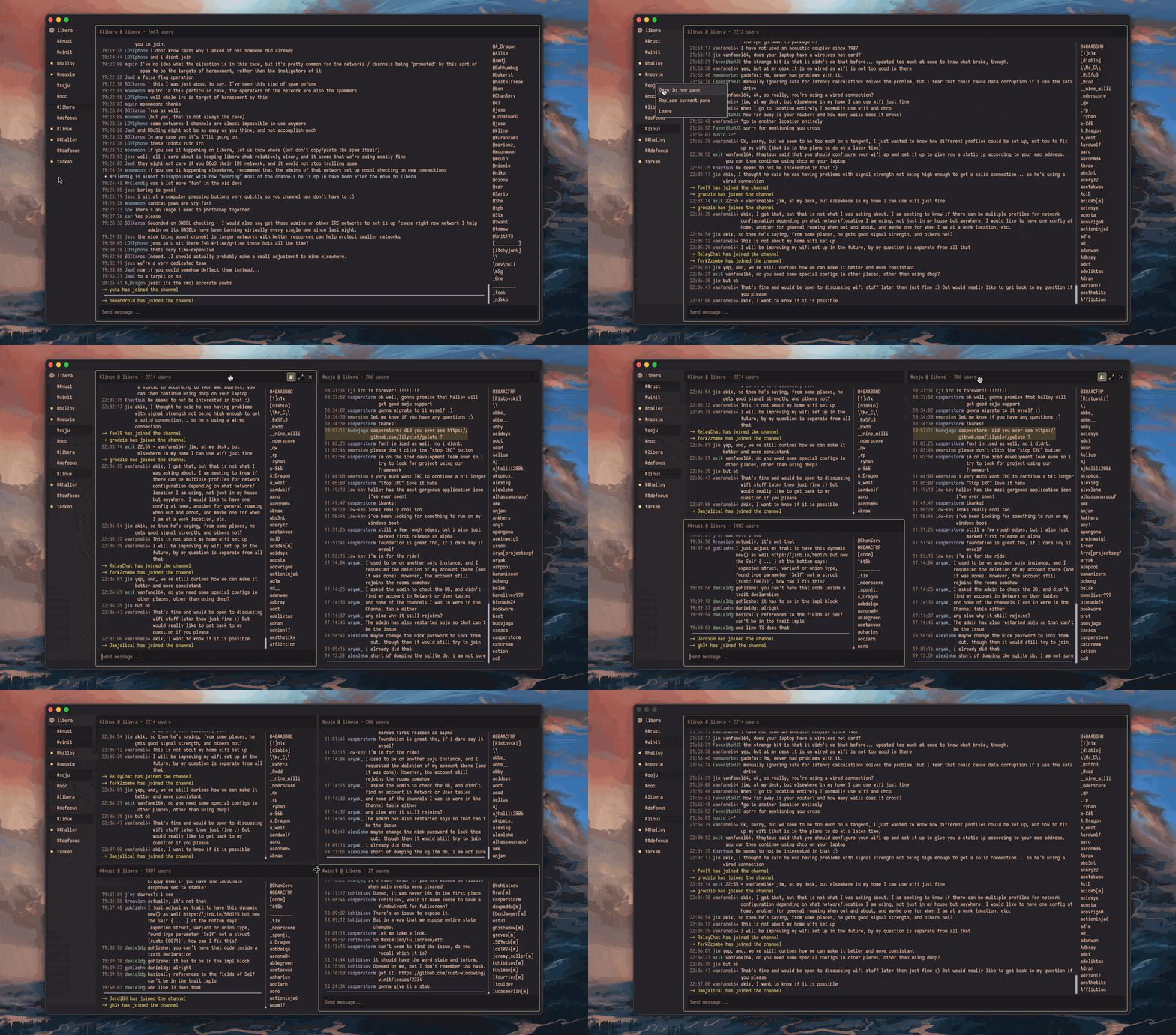
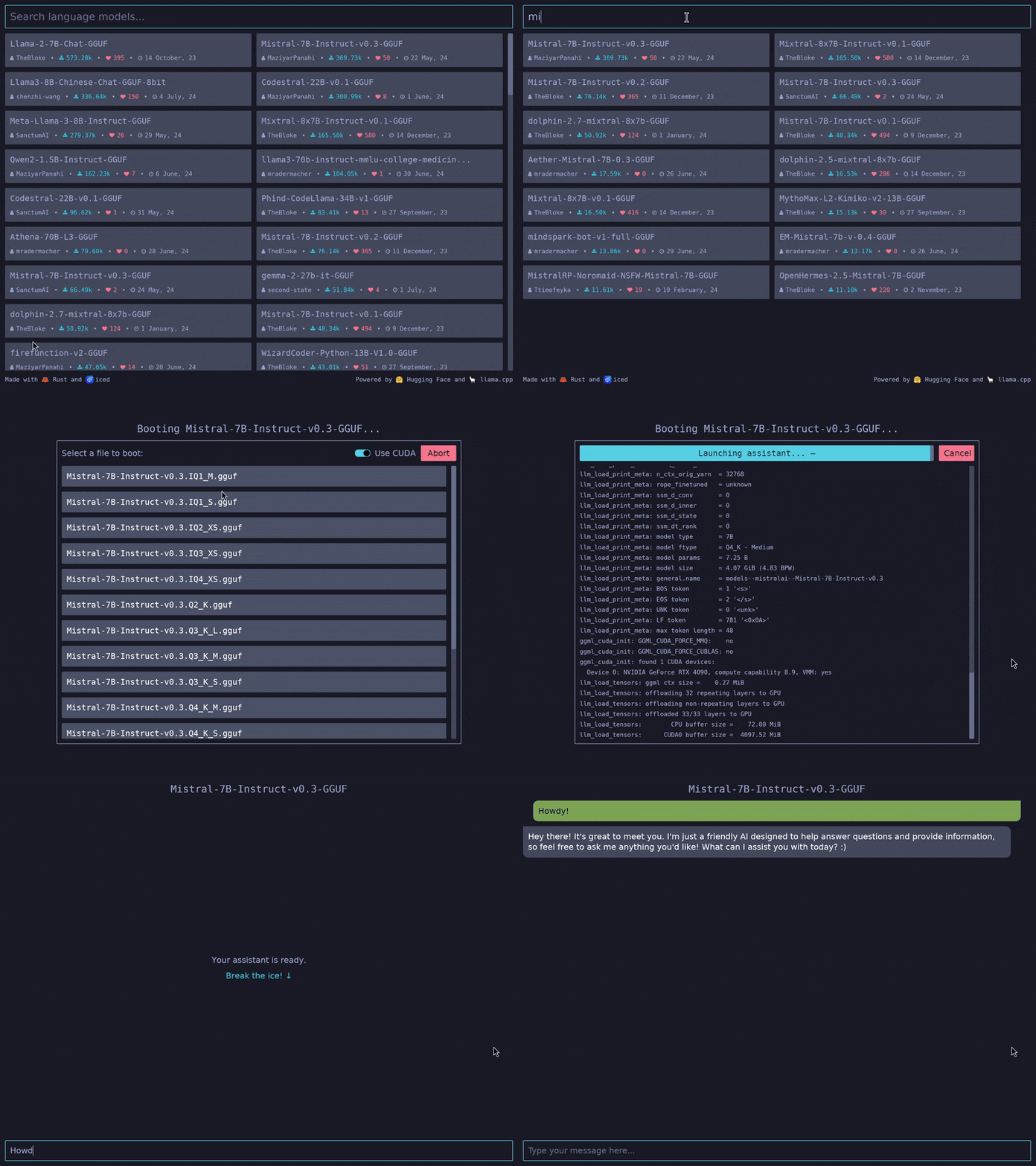
 Iced — это кроссплатформенная библиотека для создания графических интерфейсов на Rust. Она делает ставку на простоту и типобезопасность и вдохновлена архитектурой Elm.
Iced — это кроссплатформенная библиотека для создания графических интерфейсов на Rust. Она делает ставку на простоту и типобезопасность и вдохновлена архитектурой Elm.Как устроена модель, вдохновлённая Elm, при написании приложения?Это библиотека для Rust, построенная вокруг архитектуры Elm (The Elm Architecture): вы разделяете приложение на состояние (State), сообщения (Messages), логику отображения и логику обновления, а Iced берёт на себя раскладку, события и отрисовку.
Это библиотека для Rust, построенная вокруг архитектуры Elm (The Elm Architecture): вы разделяете приложение на состояние (State), сообщения (Messages), логику отображения и логику обновления, а Iced берёт на себя раскладку, события и отрисовку.С чего начать писать приложение с его помощью?Добавьте iced как зависимость в свой проект на Rust и напишите четыре части из примера со счётчиком в README; дальше вас ведут книга, документация и папка с примерами.
Добавьте iced как зависимость в свой проект на Rust и напишите четыре части из примера со счётчиком в README; дальше вас ведут книга, документация и папка с примерами.Насколько он стабилен — можно ли использовать в продакшене?В README прямо сказано, что Iced — пока экспериментальный проект; там же есть ссылки на дорожную карту и трекер задач, чтобы вы могли сами оценить его зрелость.
В README прямо сказано, что Iced — пока экспериментальный проект; там же есть ссылки на дорожную карту и трекер задач, чтобы вы могли сами оценить его зрелость.Где может работать приложение, написанное с его помощью?Windows, macOS, Linux и веб. Экосистема модульная: не привязанный к конкретному рендереру нативный рантайм, оконная оболочка на базе winit и два встроенных рендерера.
Windows, macOS, Linux и веб. Экосистема модульная: не привязанный к конкретному рендереру нативный рантайм, оконная оболочка на базе winit и два встроенных рендерера.Какие виджеты доступны сразу из коробки?Встроенные виджеты включают текстовые поля ввода, прокручиваемые области и многое другое, плюс адаптивная раскладка. Можно также создавать свои собственные виджеты.
Встроенные виджеты включают текстовые поля ввода, прокручиваемые области и многое другое, плюс адаптивная раскладка. Можно также создавать свои собственные виджеты.Зачем автор создал этот проект?Всё началось с попытки перенести простоту Elm и архитектуры Elm в Coffee — 2D-библиотеку автора для игр; ядро появилось в мае 2019 года и выросло в библиотеку для GUI «всё включено».
Всё началось с попытки перенести простоту Elm и архитектуры Elm в Coffee — 2D-библиотеку автора для игр; ядро появилось в мае 2019 года и выросло в библиотеку для GUI «всё включено».Поддерживает ли он асинхронную работу, например сетевые запросы?Да — Iced изначально хорошо поддерживает асинхронные действия, так что можно работать с futures напрямую, а не управлять потоками вручную.
Да — Iced изначально хорошо поддерживает асинхронные действия, так что можно работать с futures напрямую, а не управлять потоками вручную.Есть ли инструменты для отладки интерфейсов?Да, есть средства отладки с метриками производительности и «машиной времени» — удобно смотреть, как сообщения проходят через ваше приложение.
Да, есть средства отладки с метриками производительности и «машиной времени» — удобно смотреть, как сообщения проходят через ваше приложение.Which topics is it in?interface, user-interface, gui-framework, reactive-programming, widgets, widget, toolkit, metal, ui-library, vulkan, async, graphics
interface, user-interface, gui-framework, reactive-programming, widgets, widget, toolkit, metal, ui-library, vulkan, async, graphics