


Что это?
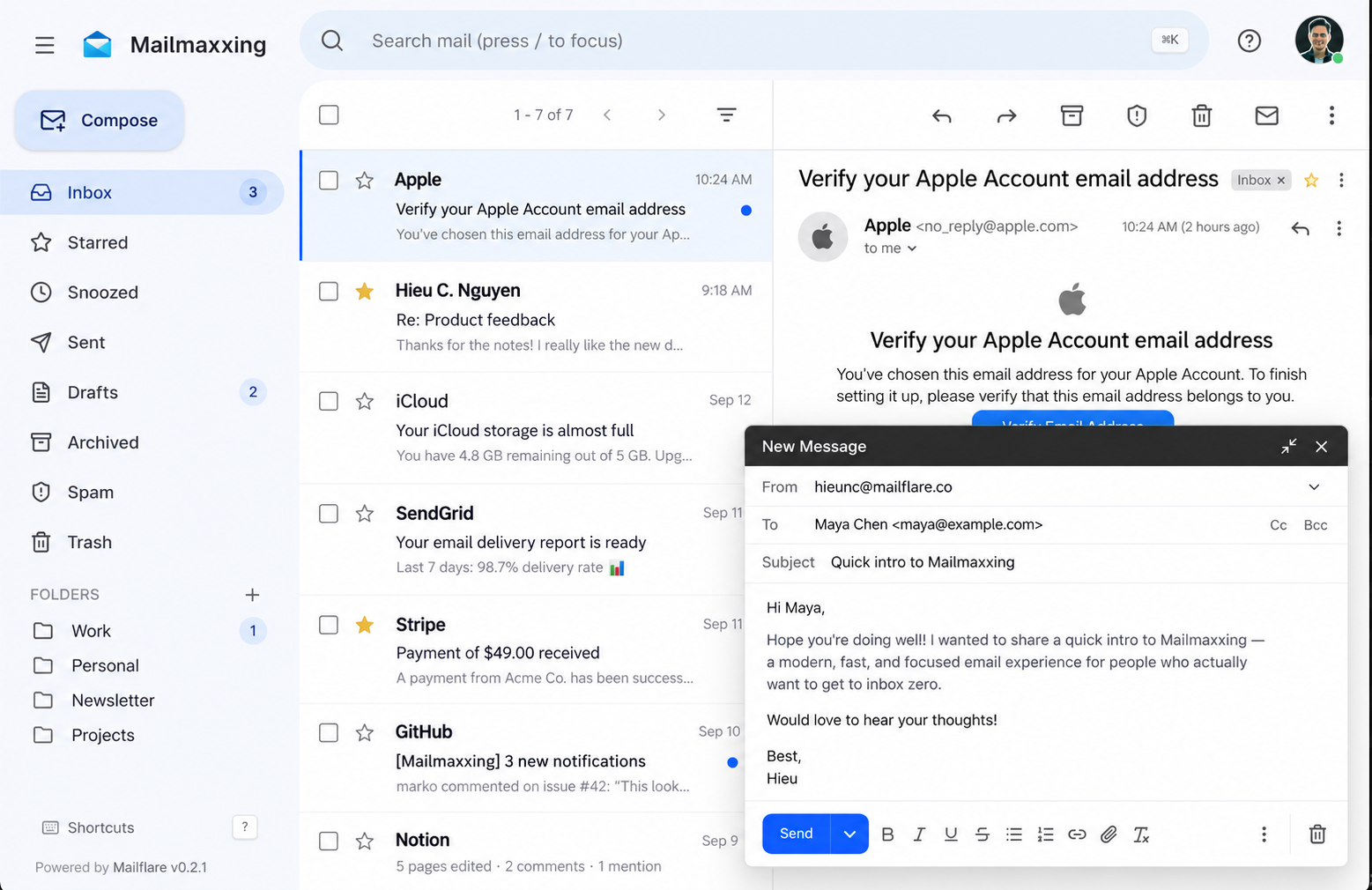
 Mailflare — это self-hosted почтовый ящик для собственных доменов, построенный на Cloudflare, с поддержкой отправки/получения через Cloudflare, Resend или Amazon SES.
Mailflare — это self-hosted почтовый ящик для собственных доменов, построенный на Cloudflare, с поддержкой отправки/получения через Cloudflare, Resend или Amazon SES.Это приложение Cloudflare Worker или Docker-контейнер для запуска на своём сервере?И то и другое: разворачивается как Cloudflare Worker с использованием D1 и R2 или работает единым Docker-контейнером на любом сервере, где вместо них используются SQLite и локальные файлы.
И то и другое: разворачивается как Cloudflare Worker с использованием D1 и R2 или работает единым Docker-контейнером на любом сервере, где вместо них используются SQLite и локальные файлы.Как его развернуть?Нажмите 'Deploy to Cloudflare' (сохраните имя приложения 'mailflare'), откройте развёрнутое приложение и пройдите /setup, чтобы создать аккаунт администратора, затем подключите домен и создайте первый почтовый ящик.
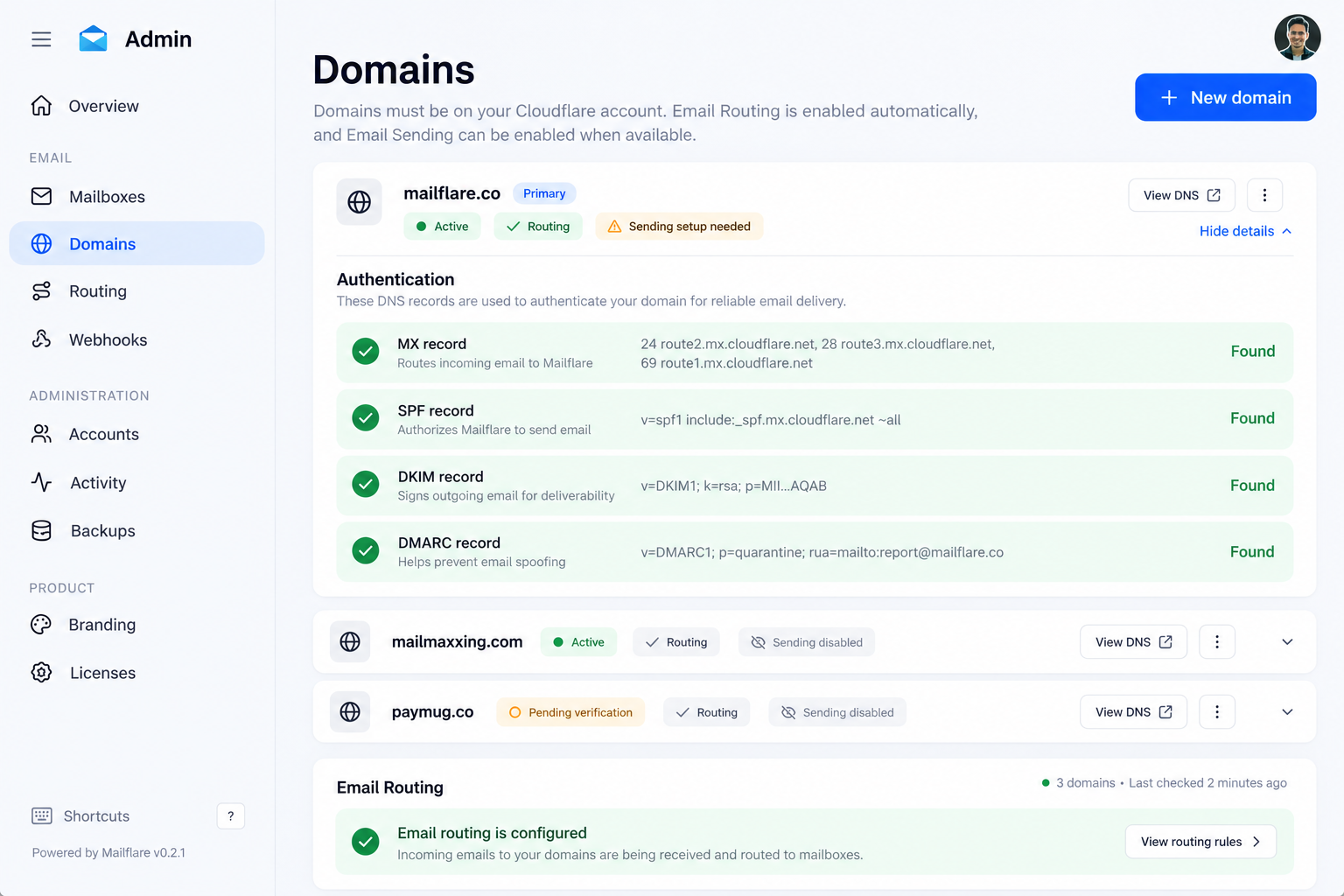
Нажмите 'Deploy to Cloudflare' (сохраните имя приложения 'mailflare'), откройте развёрнутое приложение и пройдите /setup, чтобы создать аккаунт администратора, затем подключите домен и создайте первый почтовый ящик.Что мне нужно от Cloudflare перед развёртыванием?Нужен аккаунт Cloudflare с доменом и API-токен CFTOKEN с ограниченными правами на редактирование Email Sending, DNS Settings, Email Routing Addresses, DNS, Email Routing Rules и Zone Settings.
Нужен аккаунт Cloudflare с доменом и API-токен CFTOKEN с ограниченными правами на редактирование Email Sending, DNS Settings, Email Routing Addresses, DNS, Email Routing Rules и Zone Settings.Есть ли подвох с именем деплоя Worker или со стоимостью отправки?Развёрнутый Worker должен называться 'mailflare', иначе приложение ломается, а отправка почты через собственный почтовый сервис Cloudflare требует платного плана Worker ($5/месяц), так как бесплатного тарифа для него нет.
Развёрнутый Worker должен называться 'mailflare', иначе приложение ломается, а отправка почты через собственный почтовый сервис Cloudflare требует платного плана Worker ($5/месяц), так как бесплатного тарифа для него нет.Можно ли запустить его на VPS вместо Cloudflare Workers?Да, Docker-версия работает единым контейнером на любом сервере, используя SQLite и локальные файлы, со встроенным SMTP-слушателем для входящей почты.
Да, Docker-версия работает единым контейнером на любом сервере, используя SQLite и локальные файлы, со встроенным SMTP-слушателем для входящей почты.Где на самом деле хранятся моя почта и вложения?Ваша почта остаётся в вашей собственной базе Cloudflare D1, а вложения — в вашем собственном бакете R2 (или в локальных SQLite/файлах в self-hosted Docker-версии) независимо от того, каким провайдером отправки вы пользуетесь.
Ваша почта остаётся в вашей собственной базе Cloudflare D1, а вложения — в вашем собственном бакете R2 (или в локальных SQLite/файлах в self-hosted Docker-версии) независимо от того, каким провайдером отправки вы пользуетесь.Что входит, кроме почты: есть ли календарь?Да, в Mailflare есть календарь для планирования повторяющихся событий с часовыми поясами и участниками, плюс публичные страницы бронирования, чтобы другие могли занимать свободные слоты.
Да, в Mailflare есть календарь для планирования повторяющихся событий с часовыми поясами и участниками, плюс публичные страницы бронирования, чтобы другие могли занимать свободные слоты.Могут ли ИИ-инструменты взаимодействовать с моим ящиком?Да, есть встроенный ИИ-ассистент для поиска по почте, черновиков ответов и управления событиями календаря, плюс доступ через MCP, чтобы внешние ИИ-клиенты могли подключаться с ограниченными правами API-ключа.
Да, есть встроенный ИИ-ассистент для поиска по почте, черновиков ответов и управления событиями календаря, плюс доступ через MCP, чтобы внешние ИИ-клиенты могли подключаться с ограниченными правами API-ключа.Сколько на деле стоит его использование?Получение почты через Cloudflare Email Routing бесплатно; отправка бесплатна на бесплатных тарифах Resend (3 000 писем/месяц) или Amazon SES, а собственная отправка Cloudflare требует платного плана Worker за $5/месяц.
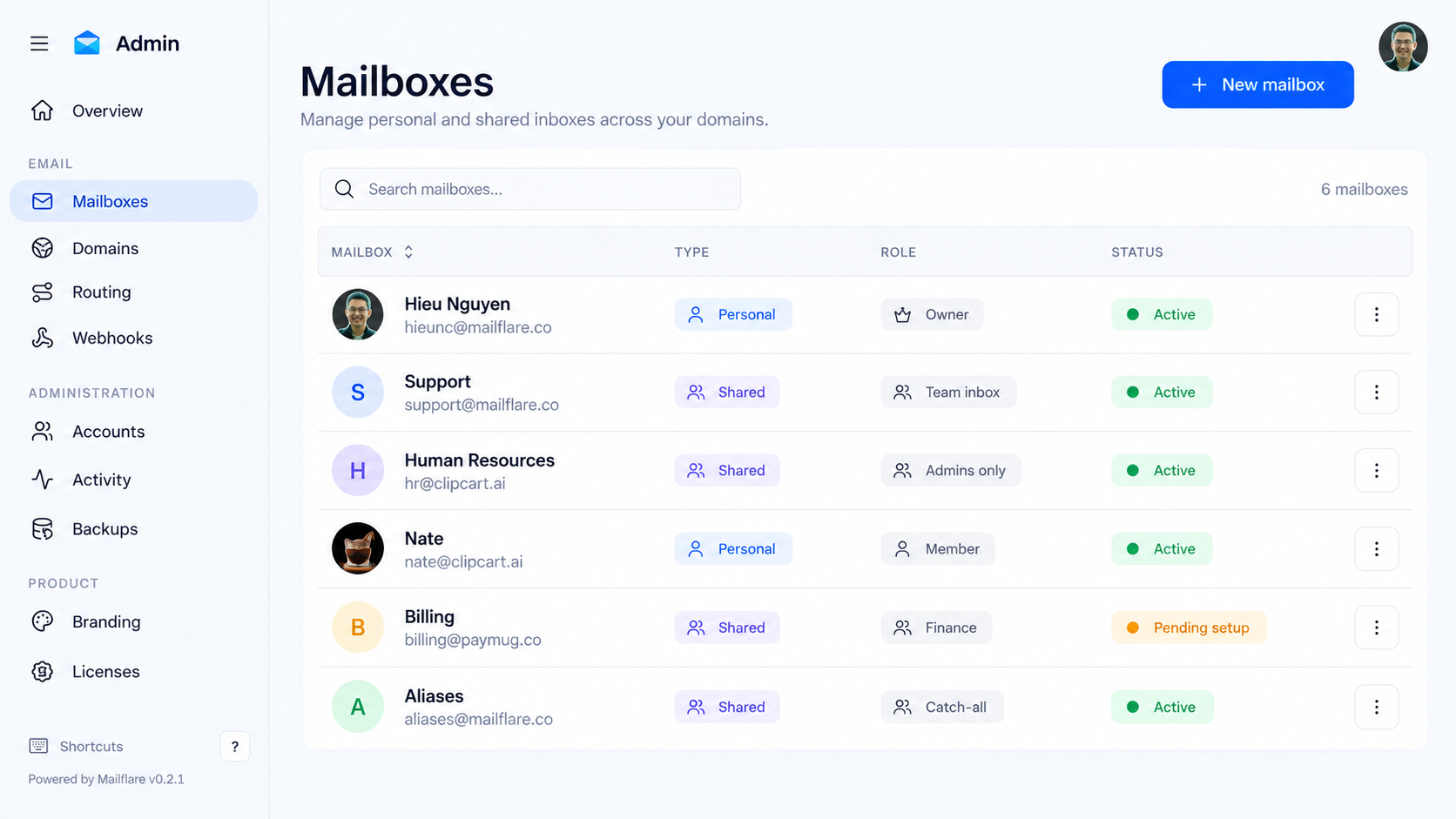
Получение почты через Cloudflare Email Routing бесплатно; отправка бесплатна на бесплатных тарифах Resend (3 000 писем/месяц) или Amazon SES, а собственная отправка Cloudflare требует платного плана Worker за $5/месяц.Какие админ-возможности доступны?Администраторы могут управлять пользователями, правами, API-ключами, вебхуками, журналами аудита и резервными копиями, а также задавать правила маршрутизации, чтобы автоматически сохранять, пересылать, отклонять или сортировать входящую почту.
Администраторы могут управлять пользователями, правами, API-ключами, вебхуками, журналами аудита и резервными копиями, а также задавать правила маршрутизации, чтобы автоматически сохранять, пересылать, отклонять или сортировать входящую почту.What are similar projects?cloudflare_temp_email, nodewarden, mail2telegram, edgeever, ResolveHQ, DoulorCloud, open-compute, cloud-mail
cloudflare_temp_email, nodewarden, mail2telegram, edgeever, ResolveHQ, DoulorCloud, open-compute, cloud-mailWhich topics is it in?cloudflare-r2, cloudflare-d1, smtp, self-hosted-ai, webhooks, cloudflare-workers, serverless, backup, email, cloudflare, agent-memory, nextjs
cloudflare-r2, cloudflare-d1, smtp, self-hosted-ai, webhooks, cloudflare-workers, serverless, backup, email, cloudflare, agent-memory, nextjs