






Что это такое?
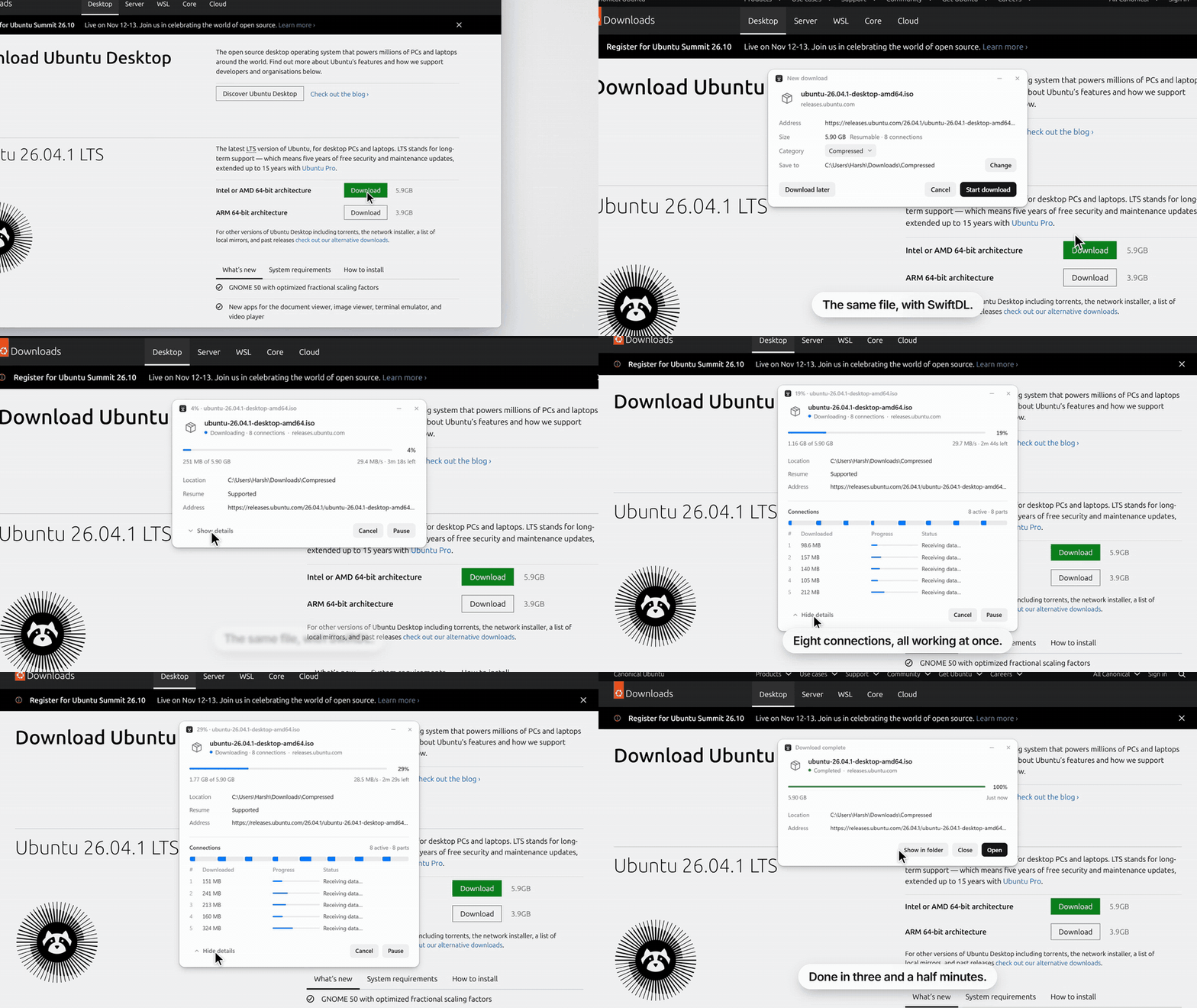
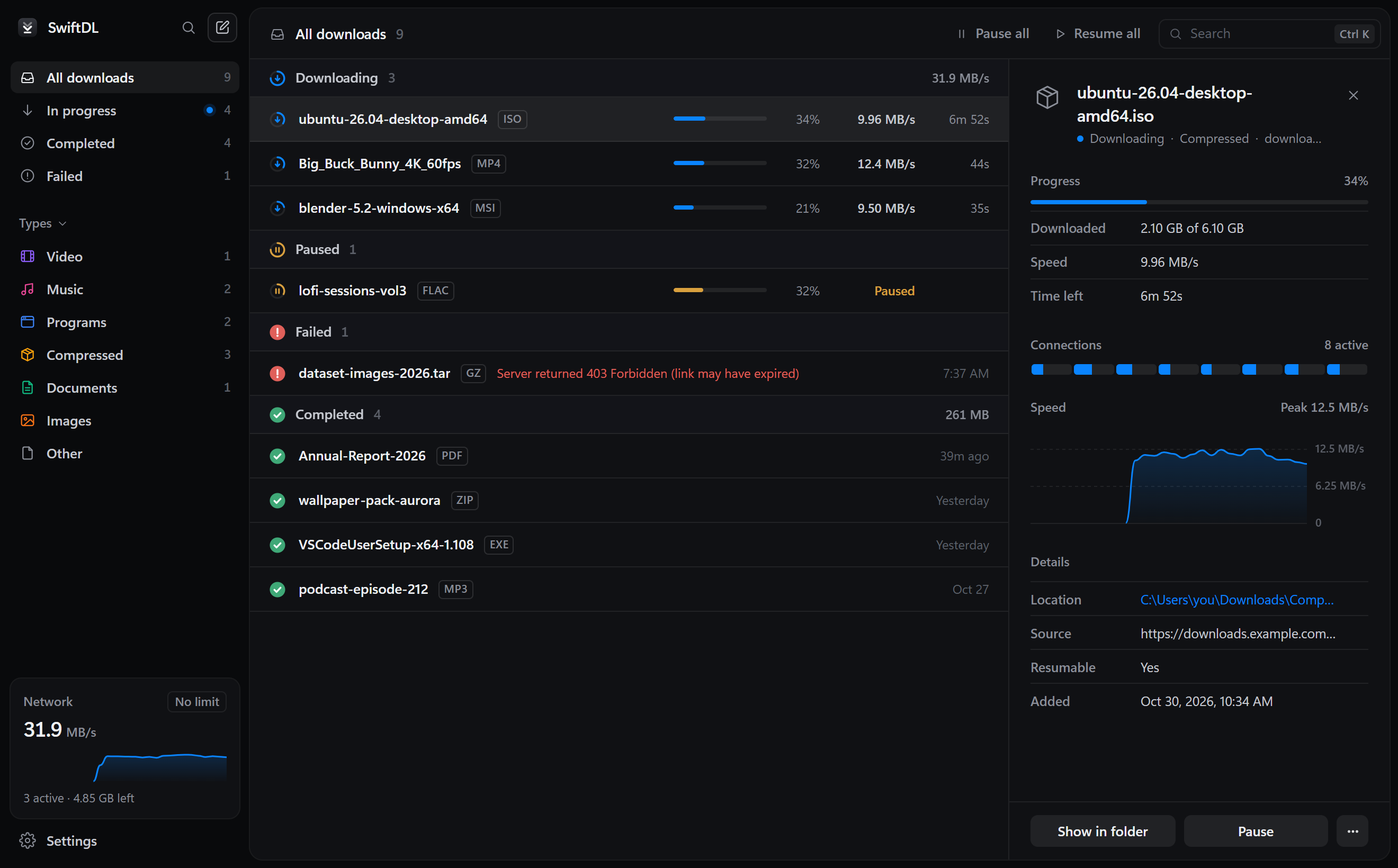
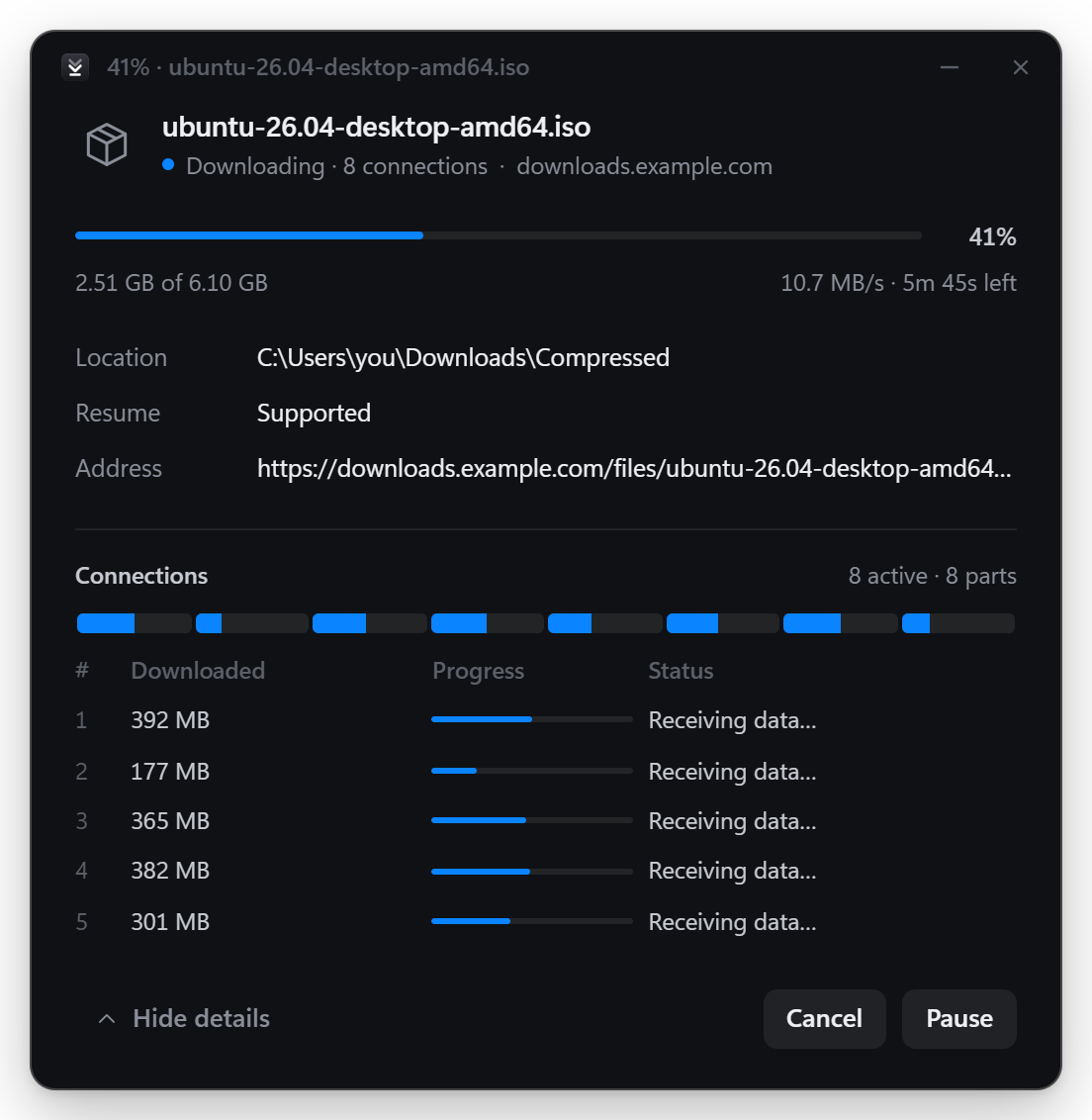
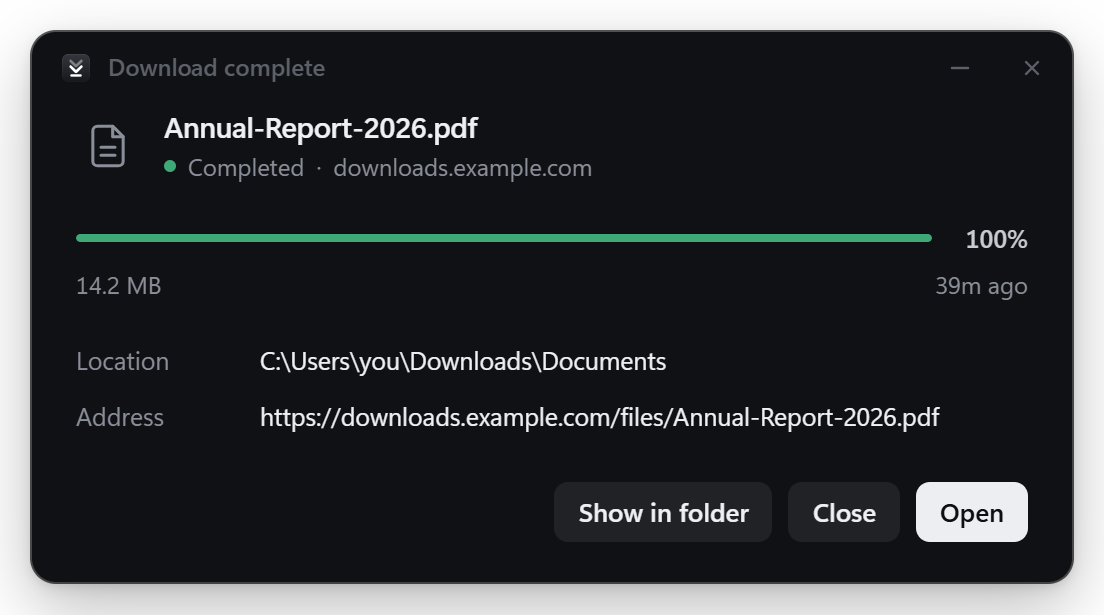
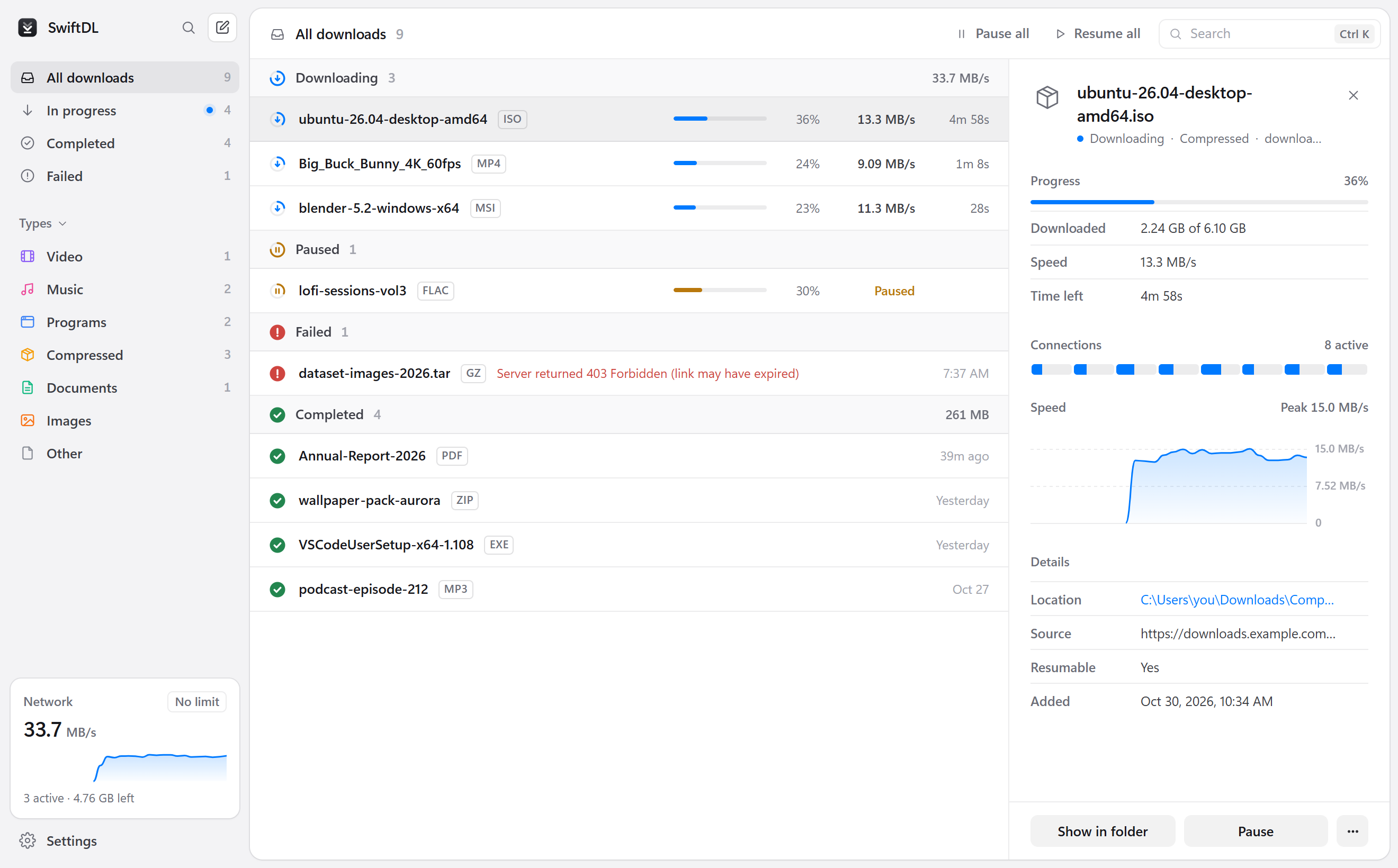
 SwiftDL — бесплатный менеджер загрузок с открытым исходным кодом для Windows, macOS и Linux. Он делит каждый файл на несколько подключений и сохраняет прогресс каждую секунду, поэтому загрузки продолжаются после сбоя или обрыва соединения.
Это только настольное приложение или оно работает и с моим браузером?И то, и другое. Загрузкой занимается настольное приложение, а расширение для браузера для Chrome, Edge, Brave, Vivaldi и Firefox передаёт загрузки из браузера в SwiftDL вместе с вашими cookie и referrer.
И то, и другое. Загрузкой занимается настольное приложение, а расширение для браузера для Chrome, Edge, Brave, Vivaldi и Firefox передаёт загрузки из браузера в SwiftDL вместе с вашими cookie и referrer.Как всё запустить?Выберите на странице Releases установщик для вашей ОС: установочный .exe для Windows, который устанавливается для текущего пользователя, универсальный .dmg для macOS или .AppImage, .deb либо .rpm для Linux. Затем добавьте расширение для браузера: Chrome и Edge один раз покажут запрос в SwiftDL, чтобы его включить, а в Firefox его устанавливают из Firefox Add-ons.
Выберите на странице Releases установщик для вашей ОС: установочный .exe для Windows, который устанавливается для текущего пользователя, универсальный .dmg для macOS или .AppImage, .deb либо .rpm для Linux. Затем добавьте расширение для браузера: Chrome и Edge один раз покажут запрос в SwiftDL, чтобы его включить, а в Firefox его устанавливают из Firefox Add-ons.Нужно ли что-то установить заранее?Для обычных загрузок ничего не нужно. Для видео с сайтов вроде YouTube на macOS и Linux должен быть установлен ffmpeg, а yt-dlp загружается и обновляется автоматически. Rust и Tauri нужны только если вы собираете приложение из исходников.
Для обычных загрузок ничего не нужно. Для видео с сайтов вроде YouTube на macOS и Linux должен быть установлен ffmpeg, а yt-dlp загружается и обновляется автоматически. Rust и Tauri нужны только если вы собираете приложение из исходников.Есть ли какие-то ограничения?Видео с защитой DRM, например Netflix, поддерживаться не будет никогда. Загрузка видео также зависит от того, как yt-dlp и ffmpeg работают с каждым сайтом.
Видео с защитой DRM, например Netflix, поддерживаться не будет никогда. Загрузка видео также зависит от того, как yt-dlp и ffmpeg работают с каждым сайтом.На каких системах это работает?Windows 10 и 11, macOS на процессорах Apple silicon и Intel, а также Linux в виде AppImage, deb или rpm. Расширение для браузера работает в Chrome, Edge, Brave, Vivaldi и Firefox.
Windows 10 и 11, macOS на процессорах Apple silicon и Intel, а также Linux в виде AppImage, deb или rpm. Расширение для браузера работает в Chrome, Edge, Brave, Vivaldi и Firefox.Отправляет ли он мои данные куда-нибудь?Нет. Здесь нет учётных записей, аналитики и телеметрии, а SwiftDL подключается только к серверам, с которых вы загружаете файлы.
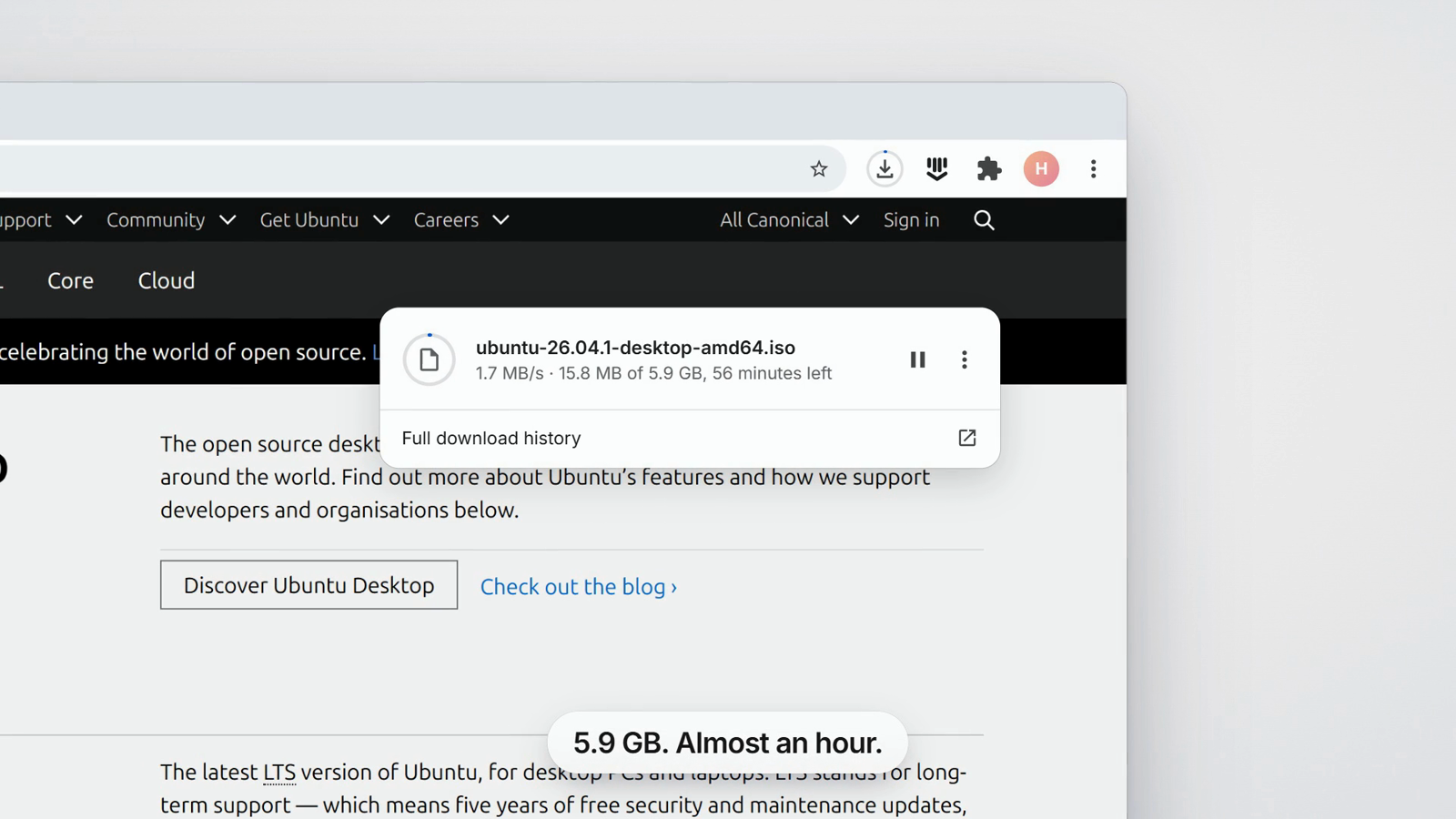
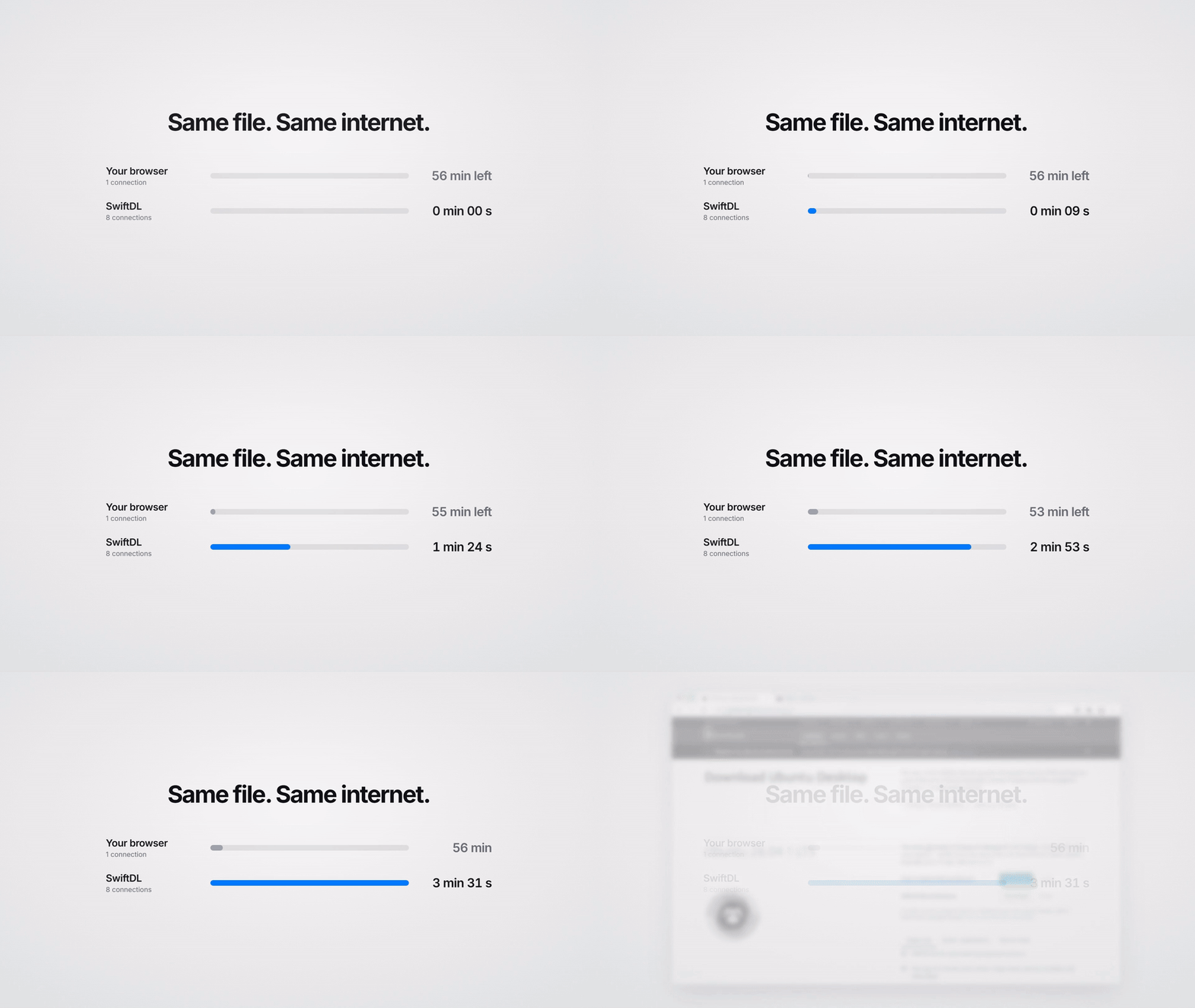
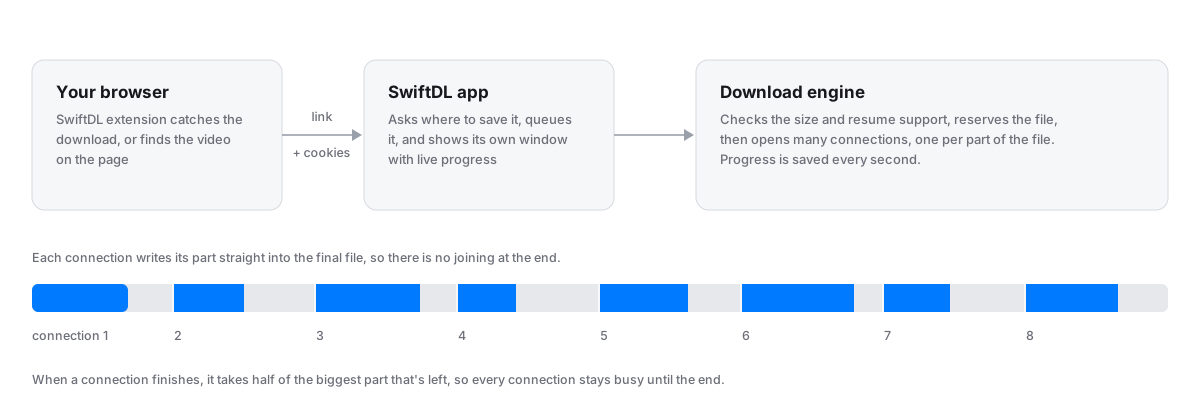
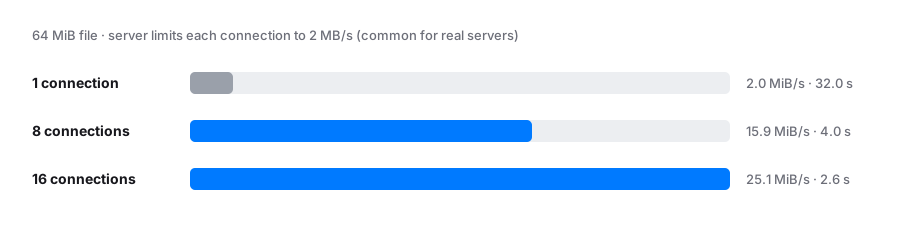
Нет. Здесь нет учётных записей, аналитики и телеметрии, а SwiftDL подключается только к серверам, с которых вы загружаете файлы.Чем он быстрее встроенной загрузки Chrome?Chrome передаёт каждый файл через одно подключение. SwiftDL делит его на до 32 подключений, заранее резервирует на диске место под весь файл, чтобы каждое подключение писало прямо в него, и отдаёт половину самой большой оставшейся части любому подключению, которое закончило раньше других.
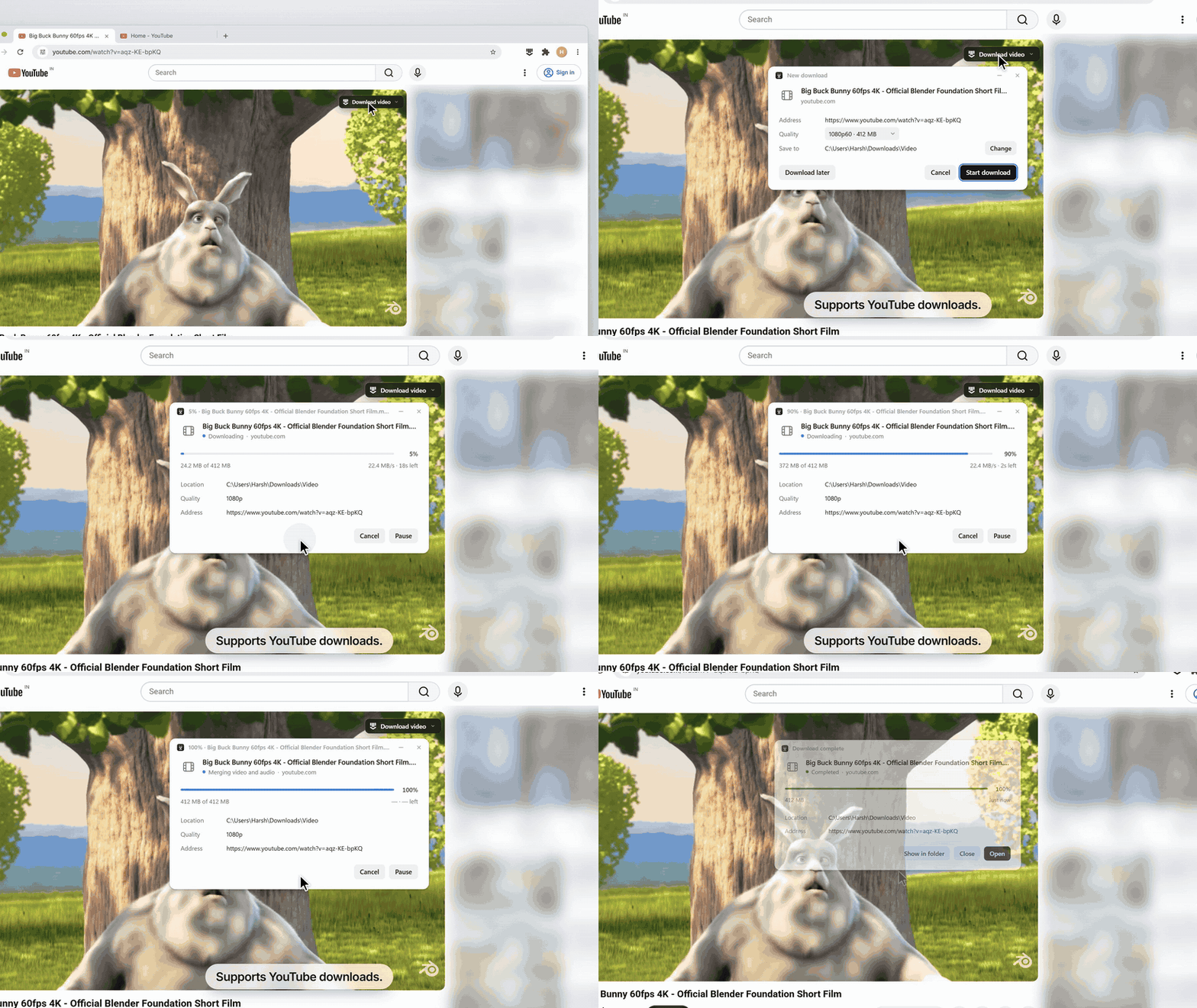
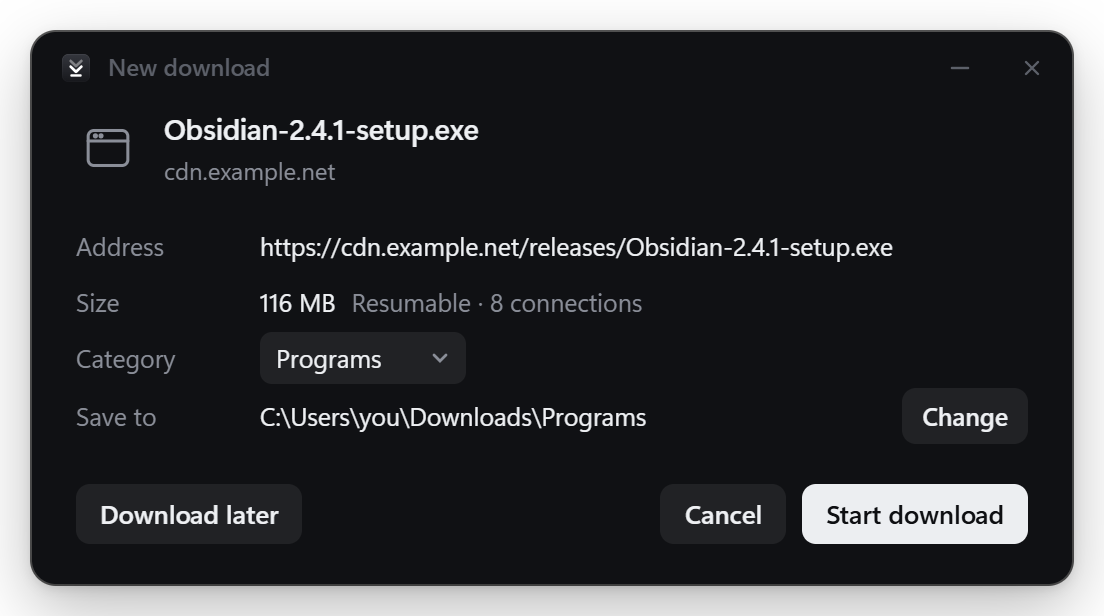
Chrome передаёт каждый файл через одно подключение. SwiftDL делит его на до 32 подключений, заранее резервирует на диске место под весь файл, чтобы каждое подключение писало прямо в него, и отдаёт половину самой большой оставшейся части любому подключению, которое закончило раньше других.Может ли он скачивать видео с YouTube и похожих сайтов?Да. Кнопка «Download video» над плеером или вставка ссылки в «New download» показывает варианты качества от 4K до только аудио. Для этого используются yt-dlp и ffmpeg, а скачивать стоит только то, на что у вас есть право.
Да. Кнопка «Download video» над плеером или вставка ссылки в «New download» показывает варианты качества от 4K до только аудио. Для этого используются yt-dlp и ffmpeg, а скачивать стоит только то, на что у вас есть право.Умеет ли он работать с торрентами?Да. Он открывает magnet-ссылки и файлы .torrent откуда угодно, а вы выбираете, какие файлы загрузить.
Да. Он открывает magnet-ссылки и файлы .torrent откуда угодно, а вы выбираете, какие файлы загрузить.Какие есть похожие проекты?rayburst, streamfirefly, xdm, prism-download-manager, cat-catch, libreget, misterdownloadmanager, FileCentipede
rayburst, streamfirefly, xdm, prism-download-manager, cat-catch, libreget, misterdownloadmanager, FileCentipedeВ каких он темах?torrent, yt-dlp, download-manager, video-downloader, firefox, firefox-extension, chrome, dark-mode, downloader, chrome-extension, browser-extension, tauri
torrent, yt-dlp, download-manager, video-downloader, firefox, firefox-extension, chrome, dark-mode, downloader, chrome-extension, browser-extension, tauri- Автор
- harshsinghsv
- Размер
- 11.8 MB
- Звёзды
- 776
- Обновлён
- КоммитNov 17Релизv0.4.2Nov 17
- Возраст
- 19 д
- Коммиты · 90 дней