


16.6K ·GitHub
Что это такое?
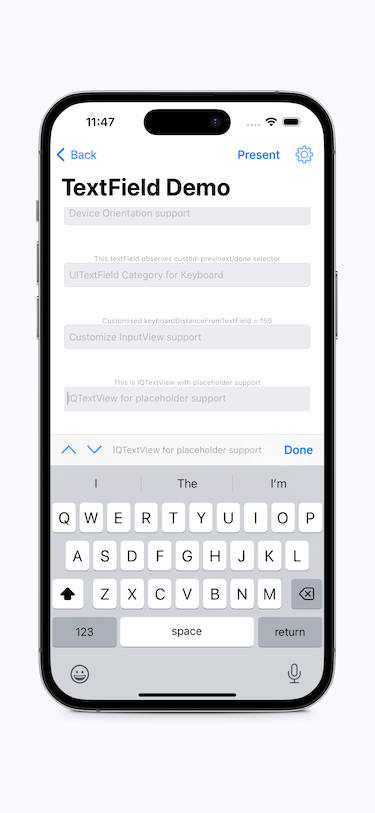
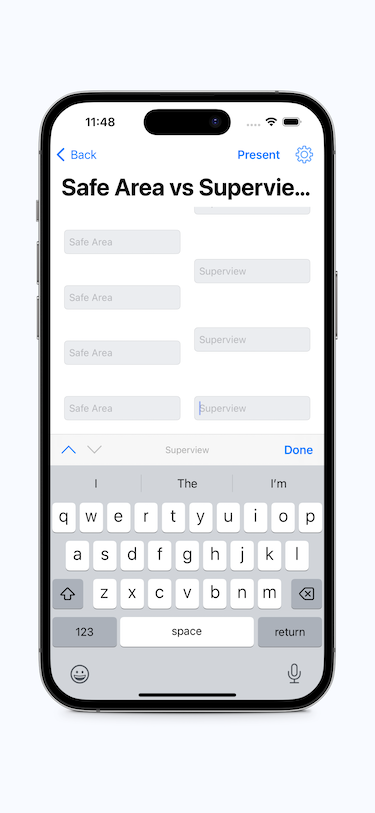
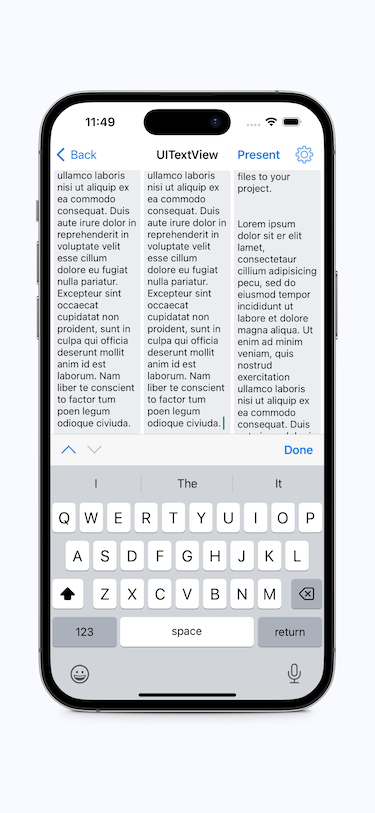
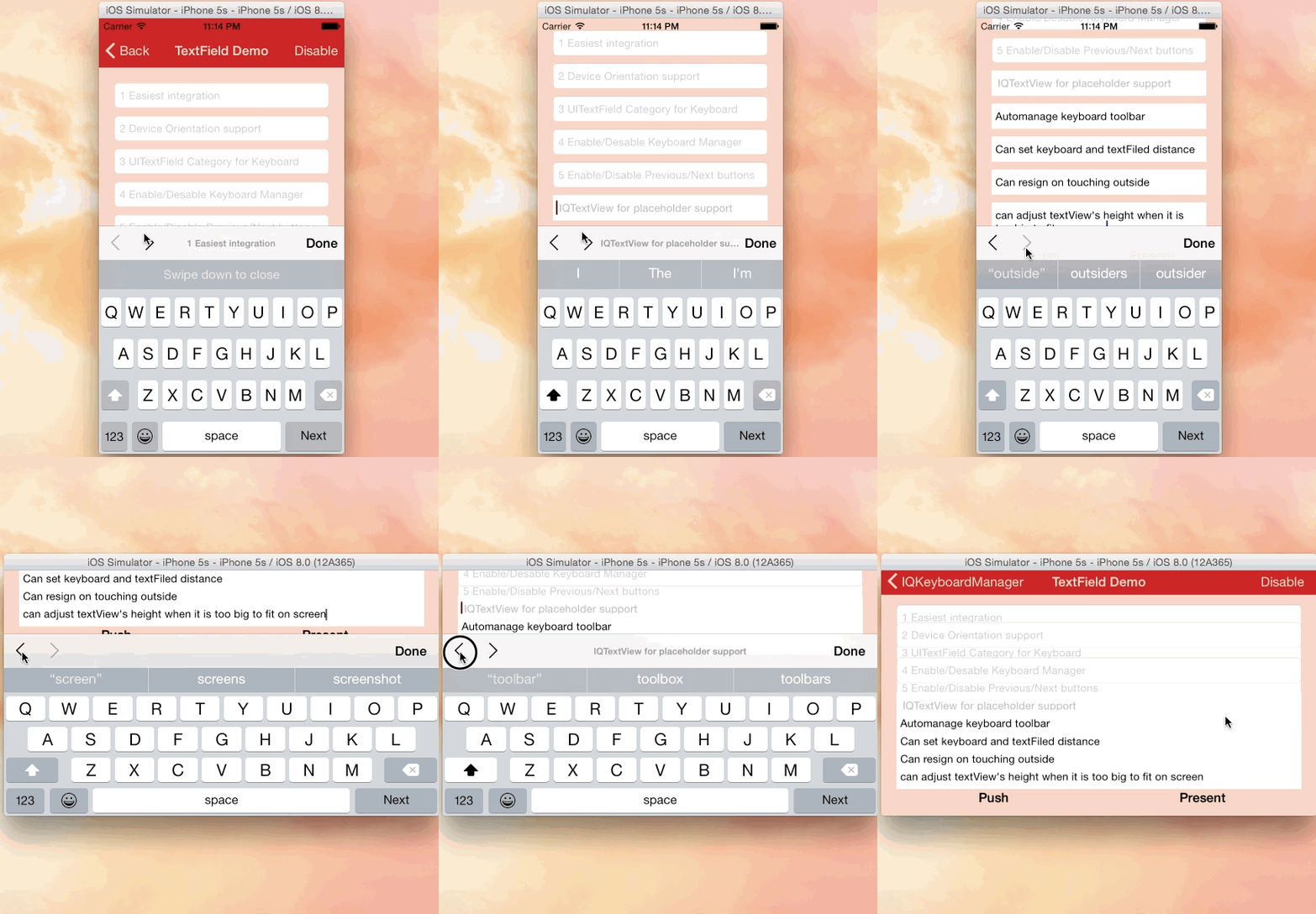
 IQKeyboardManager — готовая к подключению библиотека для iOS, которая автоматически не даёт клавиатуре подниматься и перекрывать UITextField или UITextView. Никакого кода или ручной настройки не требуется.
IQKeyboardManager — готовая к подключению библиотека для iOS, которая автоматически не даёт клавиатуре подниматься и перекрывать UITextField или UITextView. Никакого кода или ручной настройки не требуется.Это фреймворк, под который нужно перестраивать проект, или просто библиотека, которую достаточно подключить?Это легковесная библиотека, которую достаточно подключить: вы добавляете её в проект и включаете одной строкой кода, а она сама берёт на себя задачу, чтобы клавиатура не перекрывала поля, для стандартных компонентов UIKit.
Это легковесная библиотека, которую достаточно подключить: вы добавляете её в проект и включаете одной строкой кода, а она сама берёт на себя задачу, чтобы клавиатура не перекрывала поля, для стандартных компонентов UIKit.Как добавить её в мой проект?Установка через CocoaPods (добавьте строку в Podfile), Carthage (добавьте в Cartfile и выполните 'carthage update --use-xcframeworks') или Swift Package Manager через диалог Xcode «Add Package Dependency». Затем включите её в AppDelegate.swift.
Установка через CocoaPods (добавьте строку в Podfile), Carthage (добавьте в Cartfile и выполните 'carthage update --use-xcframeworks') или Swift Package Manager через диалог Xcode «Add Package Dependency». Затем включите её в AppDelegate.swift.Нужна ли мне определённая версия Xcode или iOS?IQKeyboardManagerSwift требует минимальную цель iOS 13.0 и Xcode 13. Поддержка версий Swift указана в таблице совместимости.
IQKeyboardManagerSwift требует минимальную цель iOS 13.0 и Xcode 13. Поддержка версий Swift указана в таблице совместимости.Есть ли подводные камни при установке, о которых мне стоит знать?Начиная с версии 7.2.0 установка из исходного кода не поддерживается, так как библиотека теперь зависит от других независимых библиотек, что может вызывать ошибки компиляции. Используйте CocoaPods, Carthage или SPM.
Начиная с версии 7.2.0 установка из исходного кода не поддерживается, так как библиотека теперь зависит от других независимых библиотек, что может вызывать ошибки компиляции. Используйте CocoaPods, Carthage или SPM.Можно ли использовать её внутри моего SDK или сторонней библиотеки?Нет. Автор прямо предупреждает, что IQKeyboardManager нельзя поставлять как зависимость другого SDK, библиотеки или фреймворка. Она предназначена для проектов приложений, а не для встраивания в сторонние библиотеки.
Нет. Автор прямо предупреждает, что IQKeyboardManager нельзя поставлять как зависимость другого SDK, библиотеки или фреймворка. Она предназначена для проектов приложений, а не для встраивания в сторонние библиотеки.Что будет, если она конфликтует со сторонней библиотекой для интерфейса?Разработчик сам отвечает за то, чтобы вручную включать или выключать IQKeyboardManager при показе или скрытии этого стороннего интерфейса, так как сторонняя библиотека сама этого не сделает.
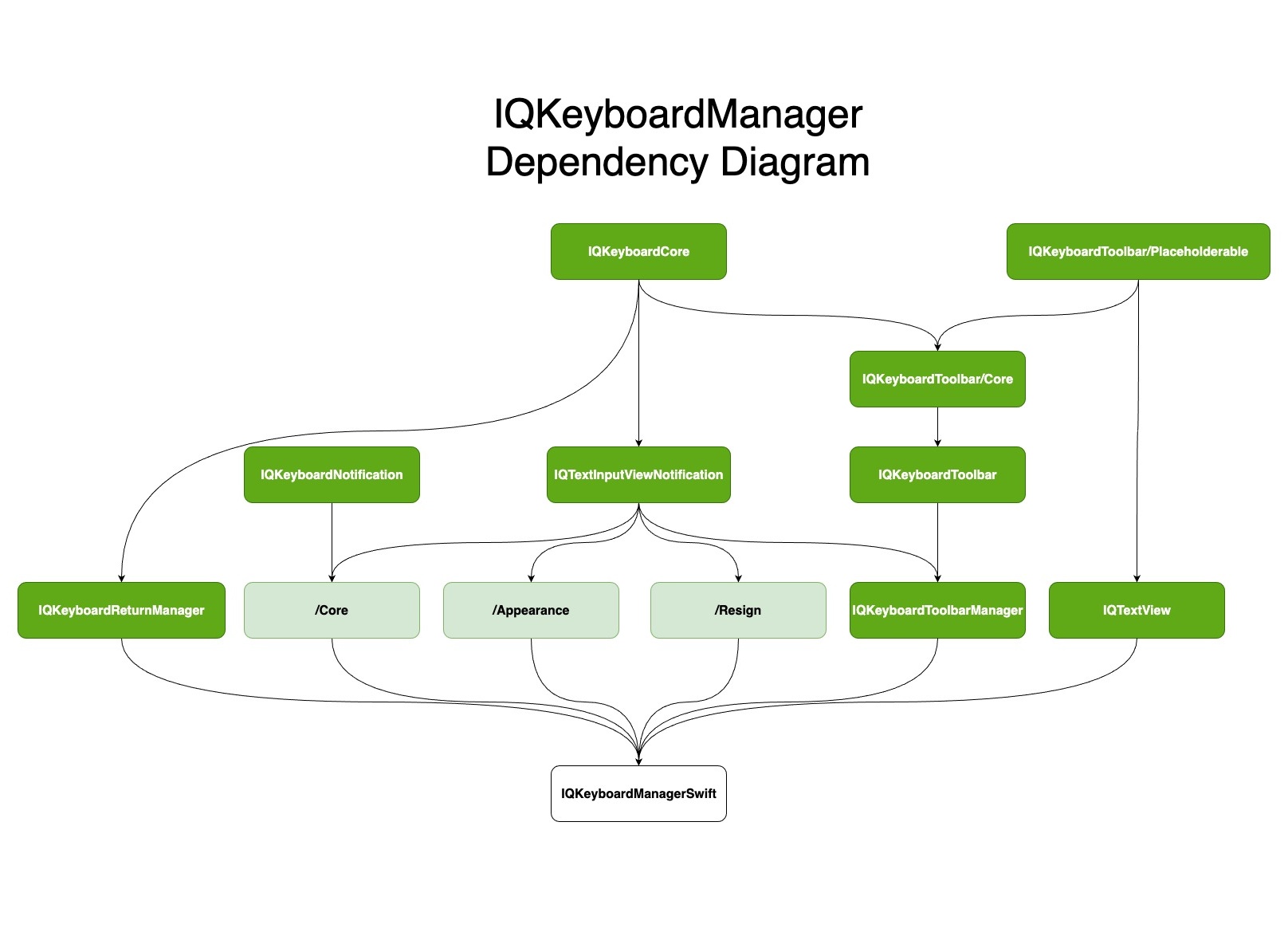
Разработчик сам отвечает за то, чтобы вручную включать или выключать IQKeyboardManager при показе или скрытии этого стороннего интерфейса, так как сторонняя библиотека сама этого не сделает.Могу ли я подключить только нужные части библиотеки, а не всё целиком?Да, библиотека построена на модульной архитектуре subspec: модуль Core подключается всегда, а при необходимости можно добавить Appearance, IQKeyboardReturnManager, IQKeyboardToolbarManager, IQTextView или Resign в зависимости от нужных функций.
Да, библиотека построена на модульной архитектуре subspec: модуль Core подключается всегда, а при необходимости можно добавить Appearance, IQKeyboardReturnManager, IQKeyboardToolbarManager, IQTextView или Resign в зависимости от нужных функций.Есть ли в ней панель с кнопками Previous/Next/Done?Да, это доступно как необязательный subspec IQKeyboardToolbarManager, а не входит в модуль Core.
Да, это доступно как необязательный subspec IQKeyboardToolbarManager, а не входит в модуль Core.Есть ли ещё поддержка версии на Objective-C?Исходный код версии на Objective-C перенесён в другое место и больше не поддерживается в этом репозитории, который ориентирован на Swift.
Исходный код версии на Objective-C перенесён в другое место и больше не поддерживается в этом репозитории, который ориентирован на Swift.What are similar projects?Spring, AFNetworking, SVProgressHUD, FSCalendar, SwiftyJSON, Eureka, FLEX, chameleon
Spring, AFNetworking, SVProgressHUD, FSCalendar, SwiftyJSON, Eureka, FLEX, chameleonWhich topics is it in?appkit, swift-library, productivity-tools, cocoapods, keyboard, objective-c, xcode, apple, swift, sdk, utility, mobile
appkit, swift-library, productivity-tools, cocoapods, keyboard, objective-c, xcode, apple, swift, sdk, utility, mobile