


16.6K ·GitHub
What is this?
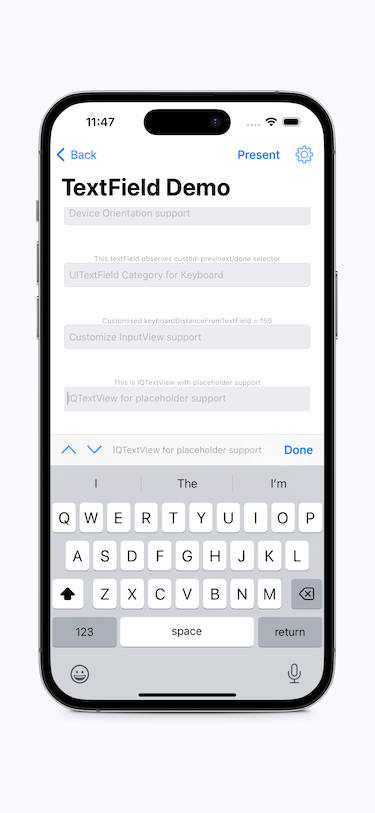
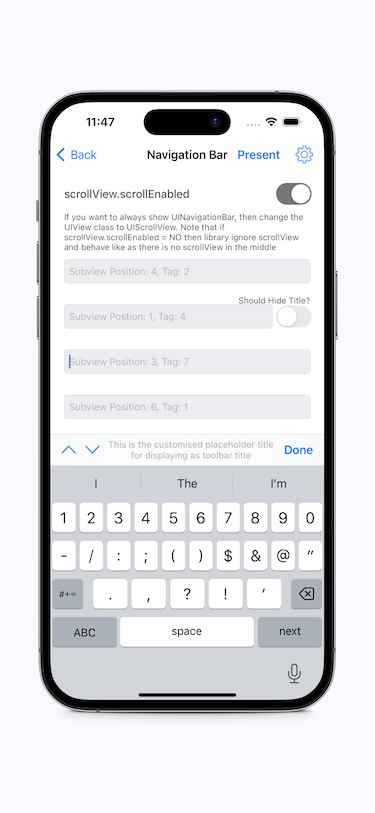
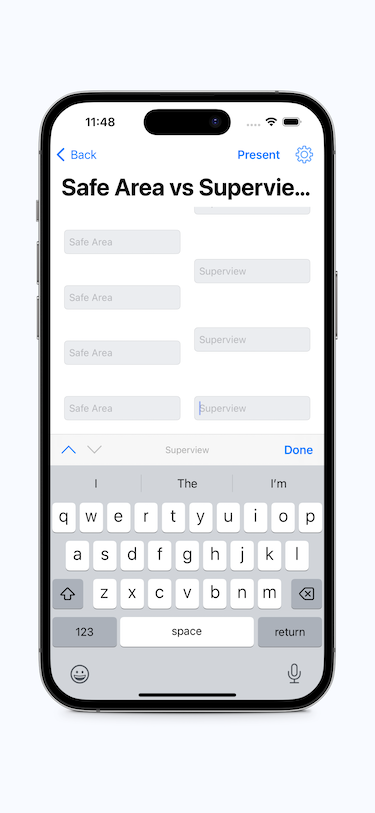
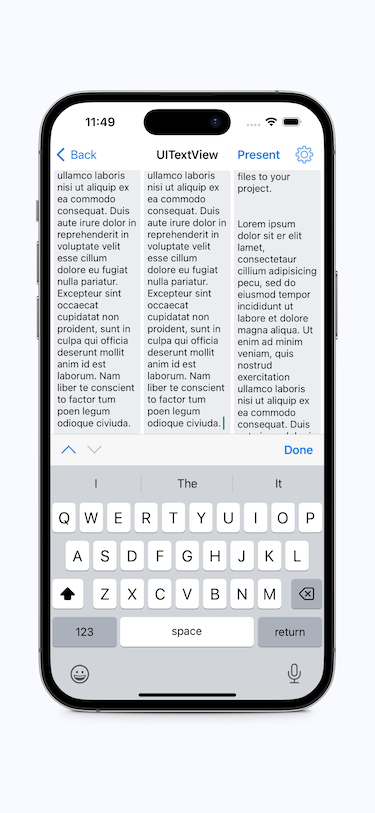
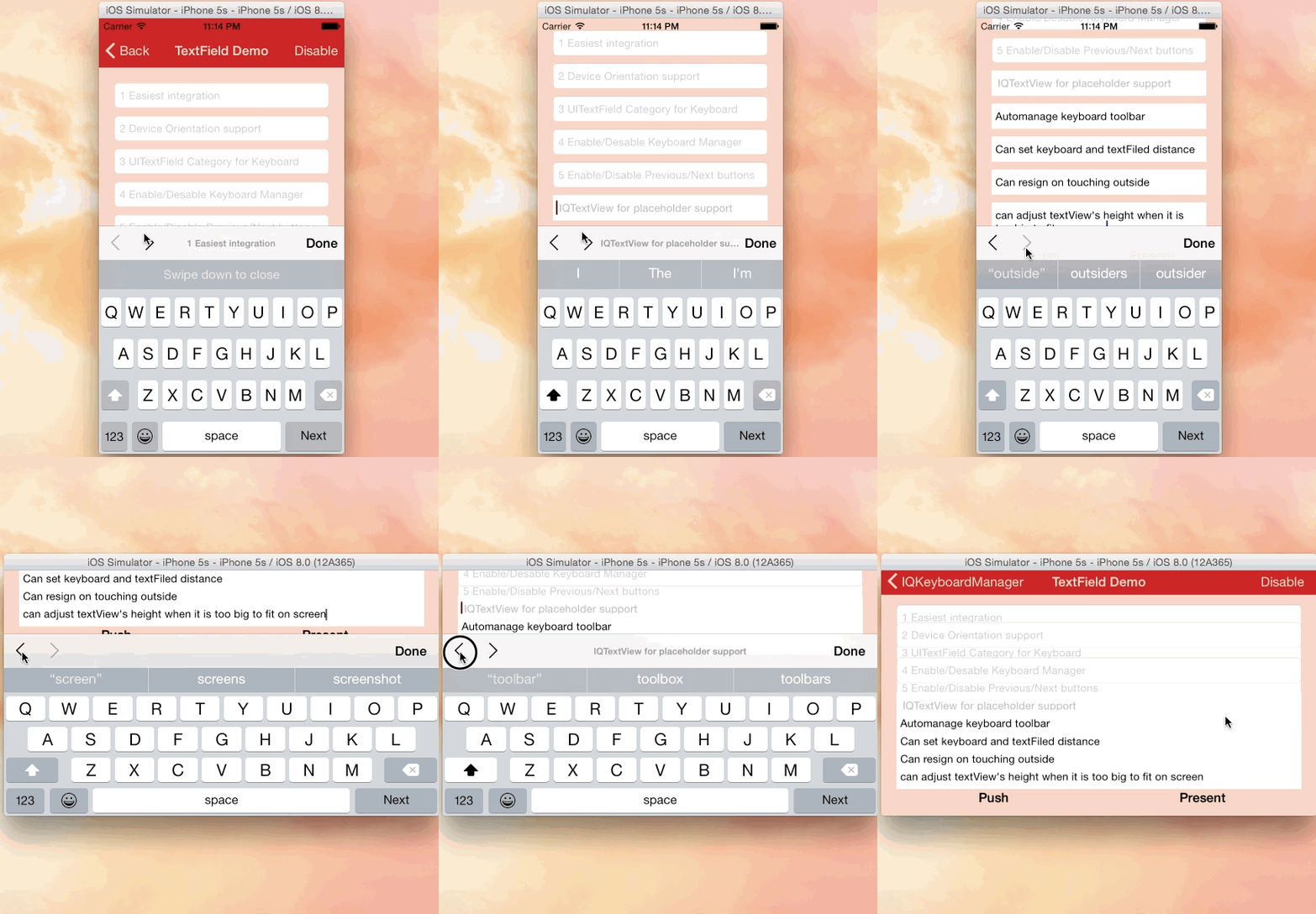
 IQKeyboardManager is a drop-in iOS library that automatically prevents the keyboard from sliding up and covering a UITextField or UITextView, with no code or manual setup needed.
IQKeyboardManager is a drop-in iOS library that automatically prevents the keyboard from sliding up and covering a UITextField or UITextView, with no code or manual setup needed.Is it a framework I have to build around, or just a library I drop in?It is a lightweight drop-in library: you add it to your project and enable it with one line of code, and it handles keyboard avoidance automatically for standard UIKit components.
It is a lightweight drop-in library: you add it to your project and enable it with one line of code, and it handles keyboard avoidance automatically for standard UIKit components.How do I add it to my project?Install via CocoaPods (add a line to the Podfile), Carthage (add to Cartfile and run 'carthage update --use-xcframeworks'), or Swift Package Manager through Xcode's Add Package Dependency dialog, then enable it in AppDelegate.swift.
Install via CocoaPods (add a line to the Podfile), Carthage (add to Cartfile and run 'carthage update --use-xcframeworks'), or Swift Package Manager through Xcode's Add Package Dependency dialog, then enable it in AppDelegate.swift.Do I need a specific Xcode or iOS version?IQKeyboardManagerSwift requires a minimum iOS target of 13.0 and Xcode 13, with support mapped to specific Swift versions in a compatibility table.
IQKeyboardManagerSwift requires a minimum iOS target of 13.0 and Xcode 13, with support mapped to specific Swift versions in a compatibility table.Any install pitfalls I should know about?Since version 7.2.0, installing from raw source code is not supported because the library now depends on other independent libraries, which can cause compilation issues; use CocoaPods, Carthage, or SPM instead.
Since version 7.2.0, installing from raw source code is not supported because the library now depends on other independent libraries, which can cause compilation issues; use CocoaPods, Carthage, or SPM instead.Should I use this inside my own SDK or third-party library?No — the author explicitly warns against shipping IQKeyboardManager as a dependency of another SDK/library/framework; it's meant for app projects, not for bundling into third-party libraries.
No — the author explicitly warns against shipping IQKeyboardManager as a dependency of another SDK/library/framework; it's meant for app projects, not for bundling into third-party libraries.What happens if it conflicts with another third-party UI library?It's the developer's responsibility to manually enable or disable IQKeyboardManager when presenting or dismissing that third-party UI, since the third-party library won't handle it.
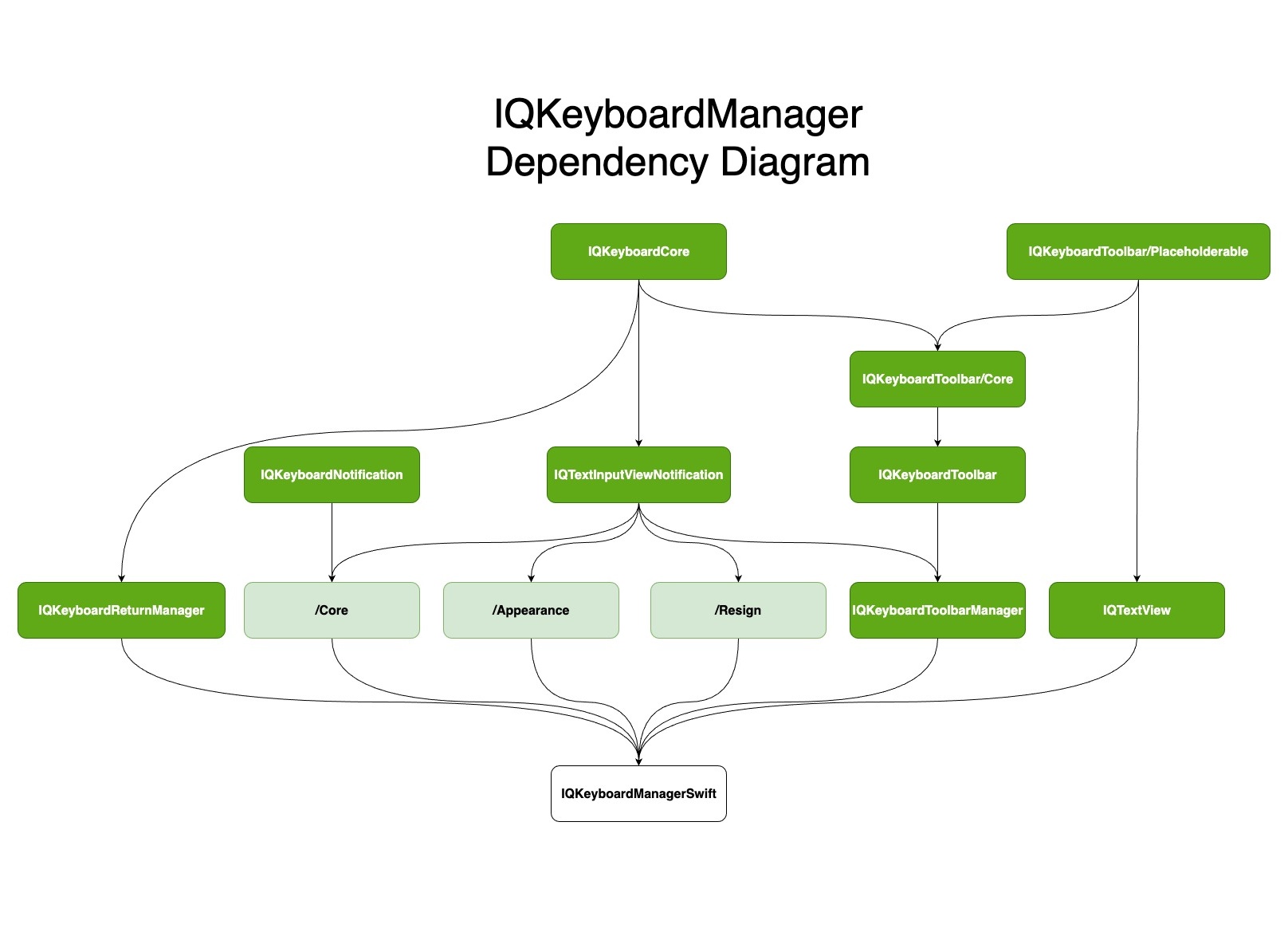
It's the developer's responsibility to manually enable or disable IQKeyboardManager when presenting or dismissing that third-party UI, since the third-party library won't handle it.Can I pick only parts of the library instead of everything?Yes, it uses a modular subspec architecture — Core is always included, and you can optionally add Appearance, IQKeyboardReturnManager, IQKeyboardToolbarManager, IQTextView, or Resign depending on what features you need.
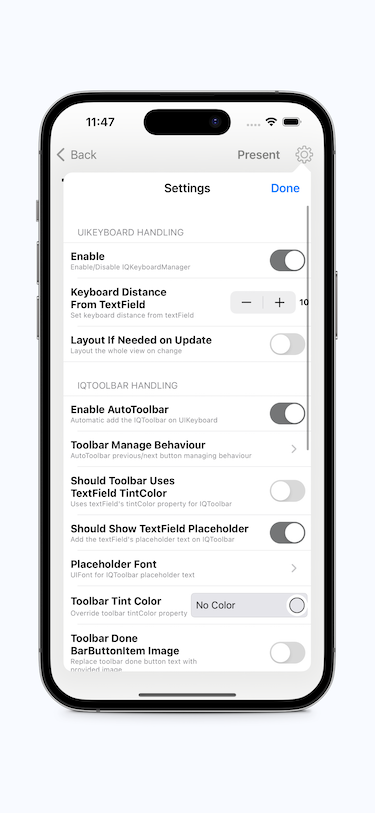
Yes, it uses a modular subspec architecture — Core is always included, and you can optionally add Appearance, IQKeyboardReturnManager, IQKeyboardToolbarManager, IQTextView, or Resign depending on what features you need.Does it add a toolbar with Previous/Next/Done buttons?Yes, that's available as the optional IQKeyboardToolbarManager subspec rather than being part of the Core module.
Yes, that's available as the optional IQKeyboardToolbarManager subspec rather than being part of the Core module.Does it still support the Objective-C version?The Objective-C version's source code has been moved elsewhere and is no longer maintained in this Swift-focused repo.
The Objective-C version's source code has been moved elsewhere and is no longer maintained in this Swift-focused repo.What are similar projects?Spring, AFNetworking, SVProgressHUD, FSCalendar, SwiftyJSON, Eureka, FLEX, chameleon
Spring, AFNetworking, SVProgressHUD, FSCalendar, SwiftyJSON, Eureka, FLEX, chameleonWhich topics is it in?appkit, swift-library, productivity-tools, cocoapods, keyboard, objective-c, xcode, apple, swift, sdk, utility, mobile
appkit, swift-library, productivity-tools, cocoapods, keyboard, objective-c, xcode, apple, swift, sdk, utility, mobile