




What is this?
 Fyne is an easy-to-use UI toolkit and app API written in Go, inspired by Material Design. It is designed to build applications that run on desktop and mobile devices from a single codebase.
Fyne is an easy-to-use UI toolkit and app API written in Go, inspired by Material Design. It is designed to build applications that run on desktop and mobile devices from a single codebase.So is it a library I import into my code, or a framework that runs my whole app?Both sides of a toolkit: you import fyne.io/fyne/v2 and write your app against its widgets and app API, while a separate fyne CLI utility handles packaging, installing and releasing the app.
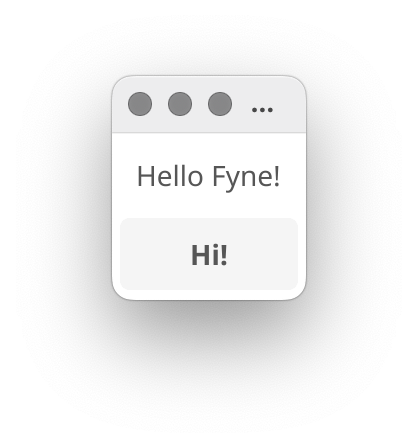
Both sides of a toolkit: you import fyne.io/fyne/v2 and write your app against its widgets and app API, while a separate fyne CLI utility handles packaging, installing and releasing the app.How do I get a first app running?Run 'go get fyne.io/fyne/v2@latest', add a reference to fyne in a .go source file, then 'go mod tidy'. After that 'go run main.go' builds and launches your app.
Run 'go get fyne.io/fyne/v2@latest', add a reference to fyne in a .go source file, then 'go mod tidy'. After that 'go run main.go' builds and launches your app.What do I need to have installed before that?Go 1.22 or later, a C compiler and your system's development tools. For writing the code, any Go IDE or text editor will do.
Go 1.22 or later, a C compiler and your system's development tools. For writing the code, any Go IDE or text editor will do.Any gotchas I should know about upfront?Two: since Go 1.18, 'go get' only downloads the module, so you must reference fyne in your code before 'go mod tidy' resolves dependencies. Also, the first compilation on Windows can take up to 10 minutes.
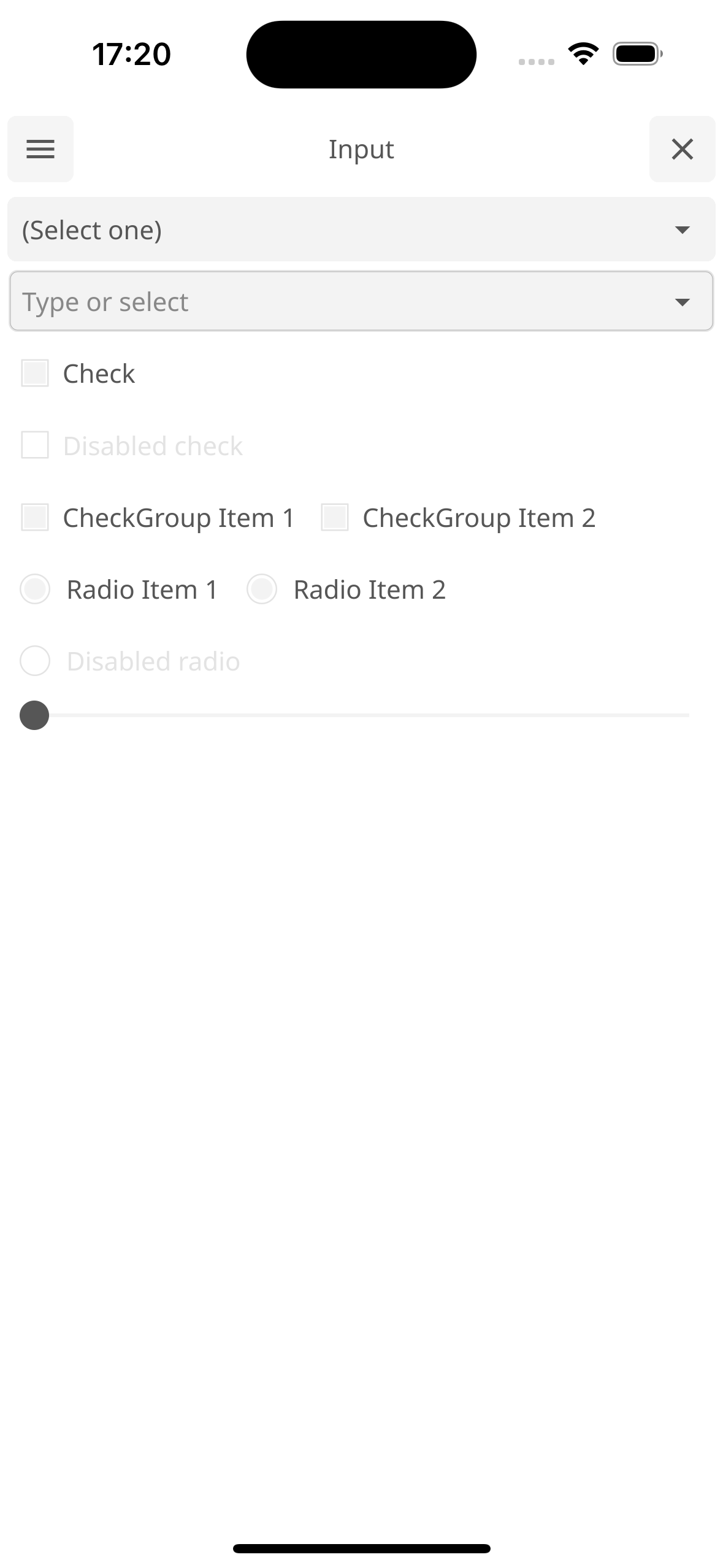
Two: since Go 1.18, 'go get' only downloads the module, so you must reference fyne in your code before 'go mod tidy' resolves dependencies. Also, the first compilation on Windows can take up to 10 minutes.Can one codebase really ship to both desktop and mobile?Yes, that is the design goal. You package for mobile with the fyne utility: 'fyne package -os android' for devices or emulators, '-os ios' for a real iPhone, '-os iossimulator' for the iOS simulator.
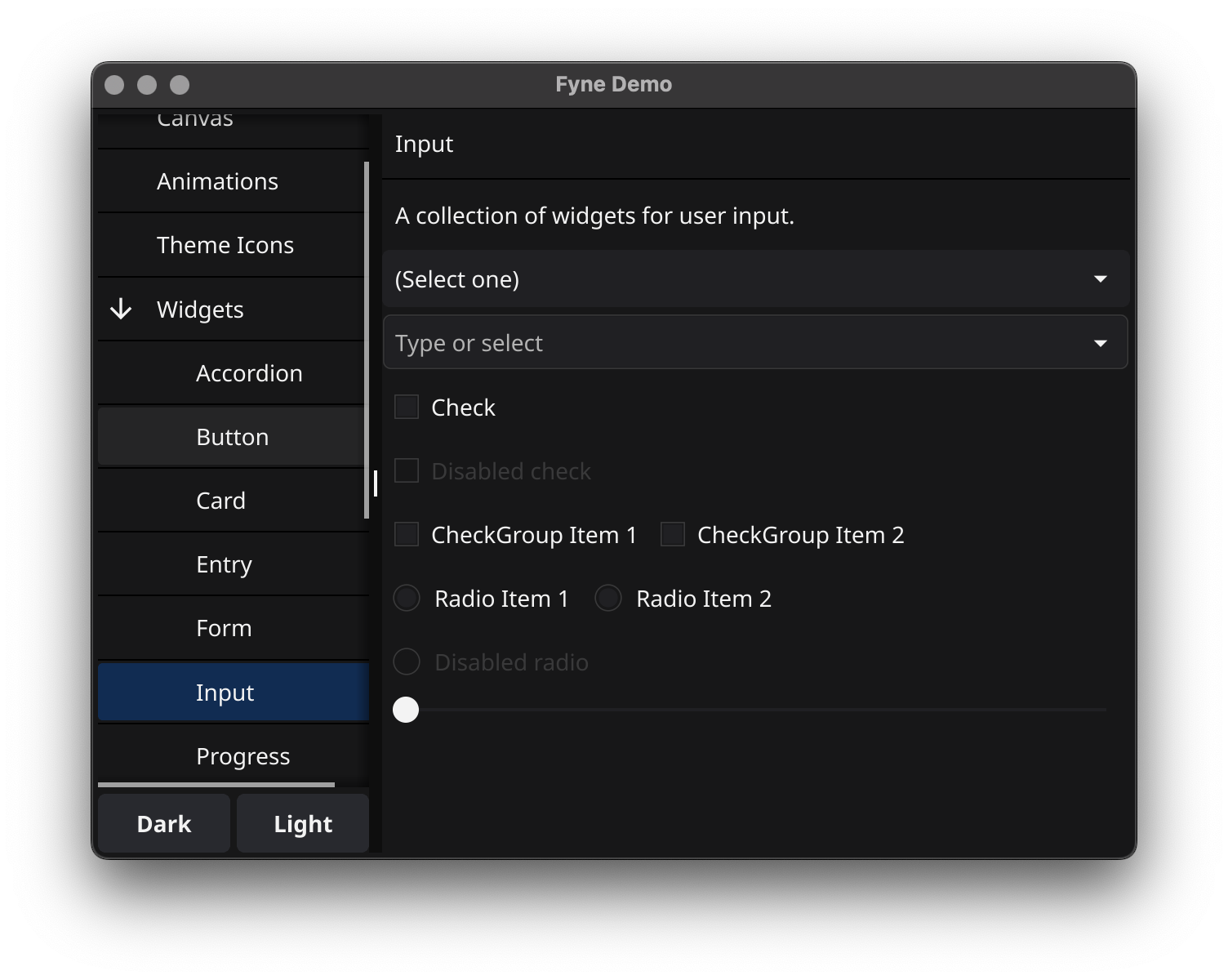
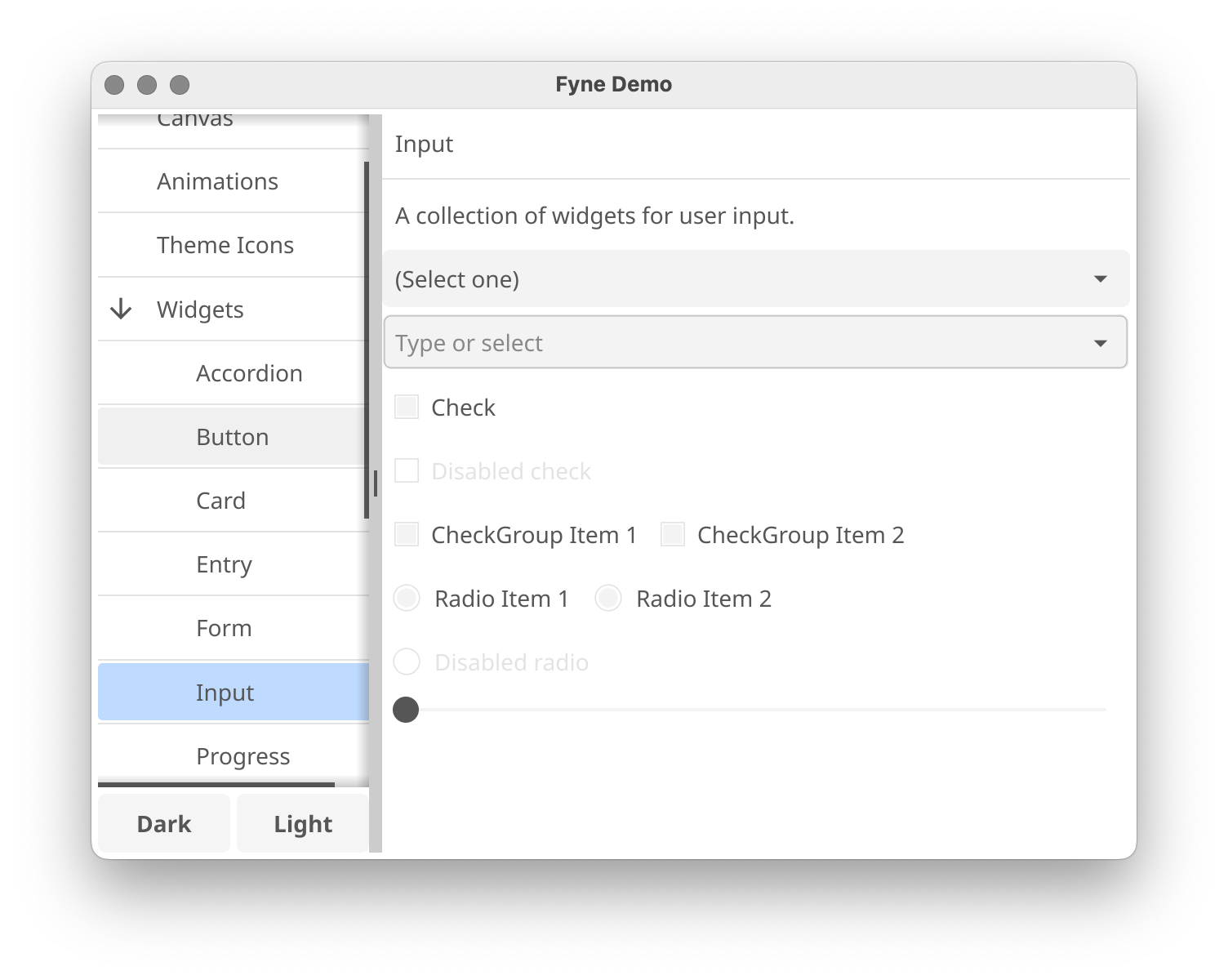
Yes, that is the design goal. You package for mobile with the fyne utility: 'fyne package -os android' for devices or emulators, '-os ios' for a real iPhone, '-os iossimulator' for the iOS simulator.Is there something I can run to see Fyne in action before writing code?Yes: 'go install fyne.io/demo@latest', then run 'demo'. It launches a widget showcase of the toolkit's features, available in both dark and light themes.
Yes: 'go install fyne.io/demo@latest', then run 'demo'. It launches a widget showcase of the toolkit's features, available in both dark and light themes.Will people who run my app need to install anything extra?No. All Fyne apps work without pre-installed libraries, which the project cites as one reason its apps are so portable.
No. All Fyne apps work without pre-installed libraries, which the project cites as one reason its apps are so portable.Can I customize the look of my apps?Apps come with dark and light themes out of the box, and the optional fynesettings app gives you a GUI for managing global Fyne settings like theme and scaling.
Apps come with dark and light themes out of the box, and the optional fynesettings app gives you a GUI for managing global Fyne settings like theme and scaling.Is Fyne used for anything bigger than typical apps?Yes: FyneDesk turns a Linux or BSD machine into a full Fyne-based desktop environment, and there is a graphical installer app for browsing the collection of Fyne apps.
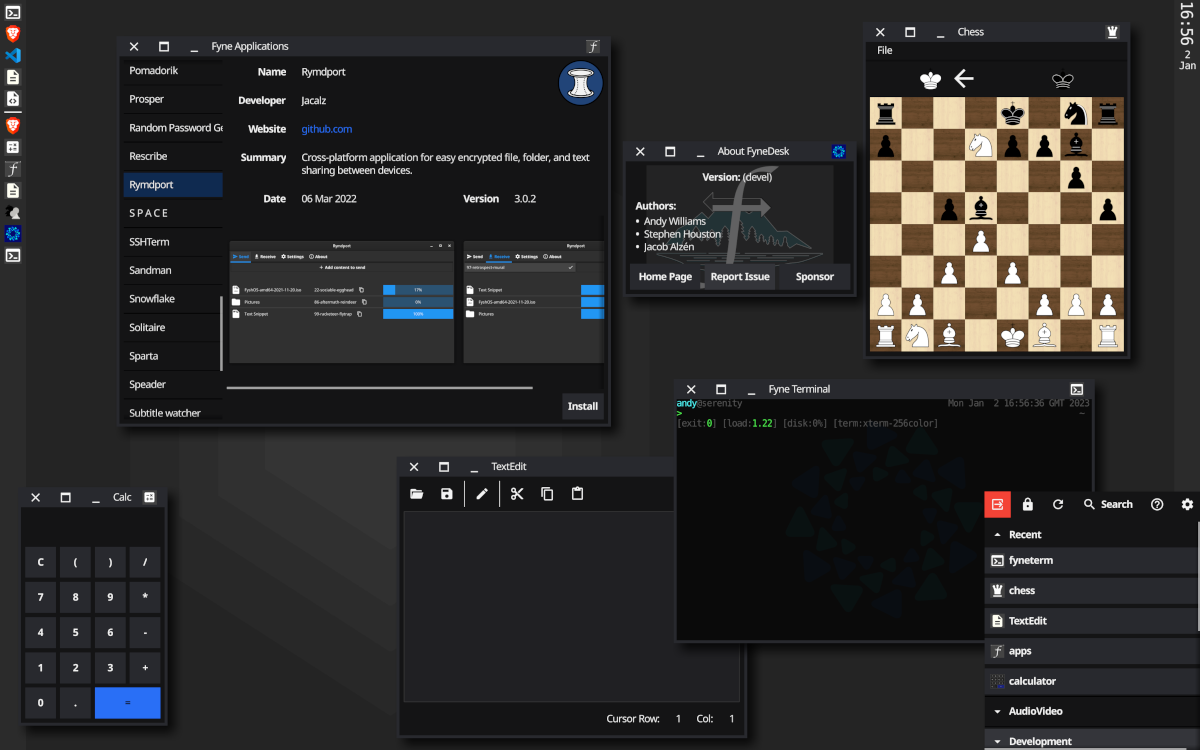
Yes: FyneDesk turns a Linux or BSD machine into a full Fyne-based desktop environment, and there is a graphical installer app for browsing the collection of Fyne apps.Which topics is it in?gui-framework, widgets, toolkit, material-design, themes, theme, golang, beginner-friendly, hacktoberfest, mobile, desktop, ios
gui-framework, widgets, toolkit, material-design, themes, theme, golang, beginner-friendly, hacktoberfest, mobile, desktop, ios