





erpnext README

The project's README from github.com/frappe/erpnext. As one markdown file: README.md.

ERPNext Logo

ERPNext

Powerful, Intuitive and Open-Source ERP

Learn on Frappe School

CI docker pulls

ERPNext Hero Image
Live Demo - Website - Documentation

ERPNext

100% Open-Source ERP System to help you run your business.

Motivation

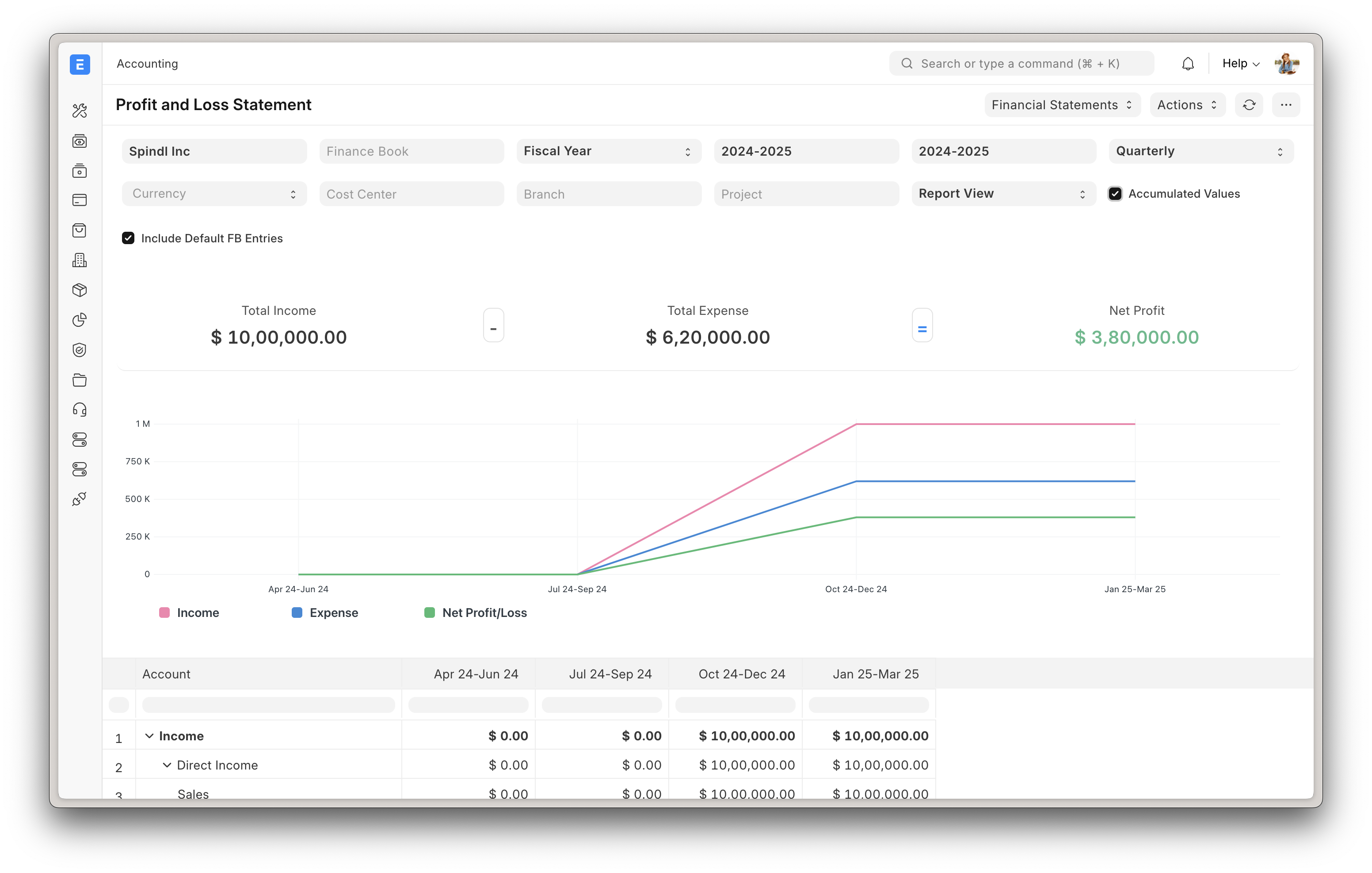
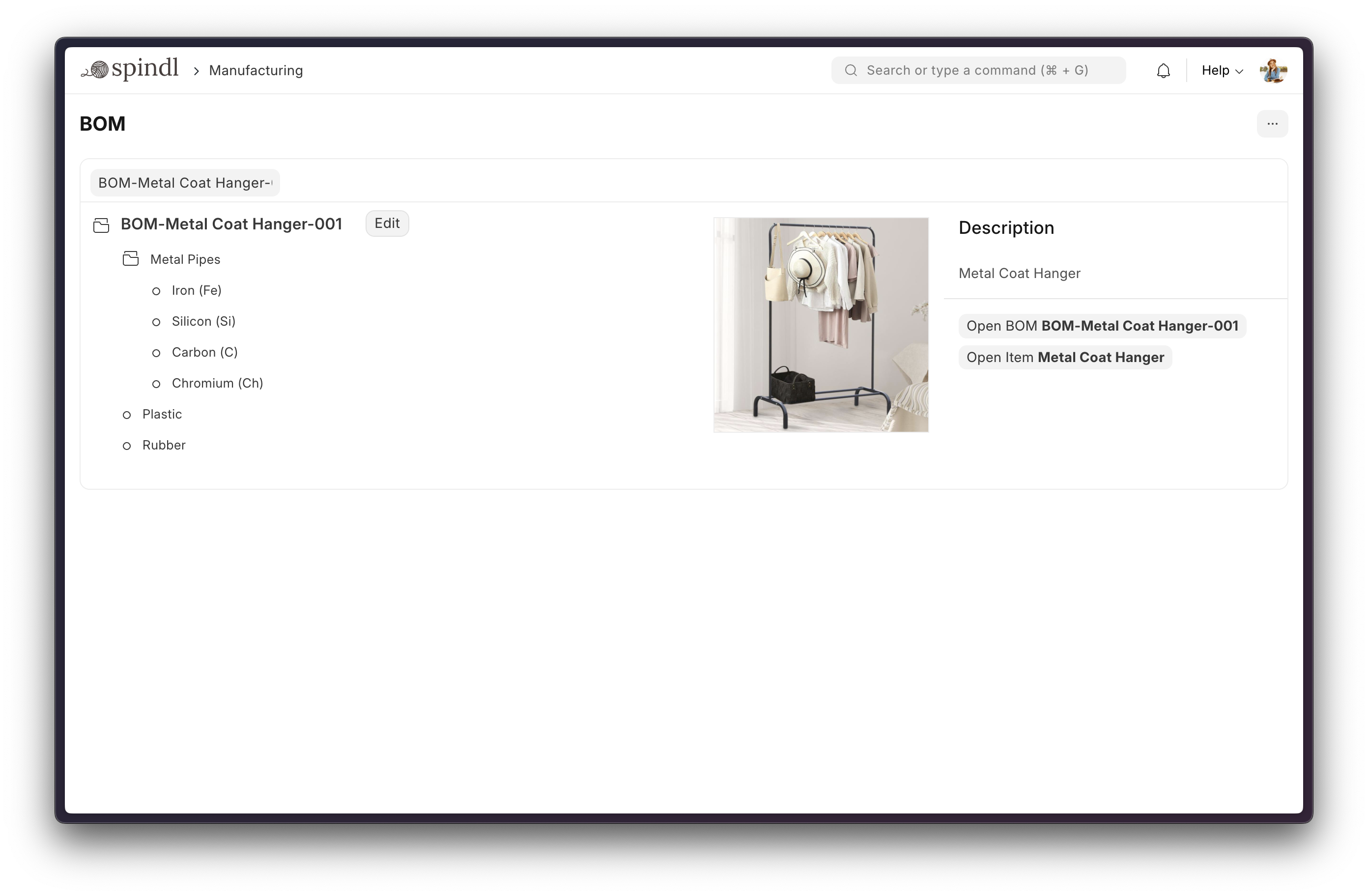
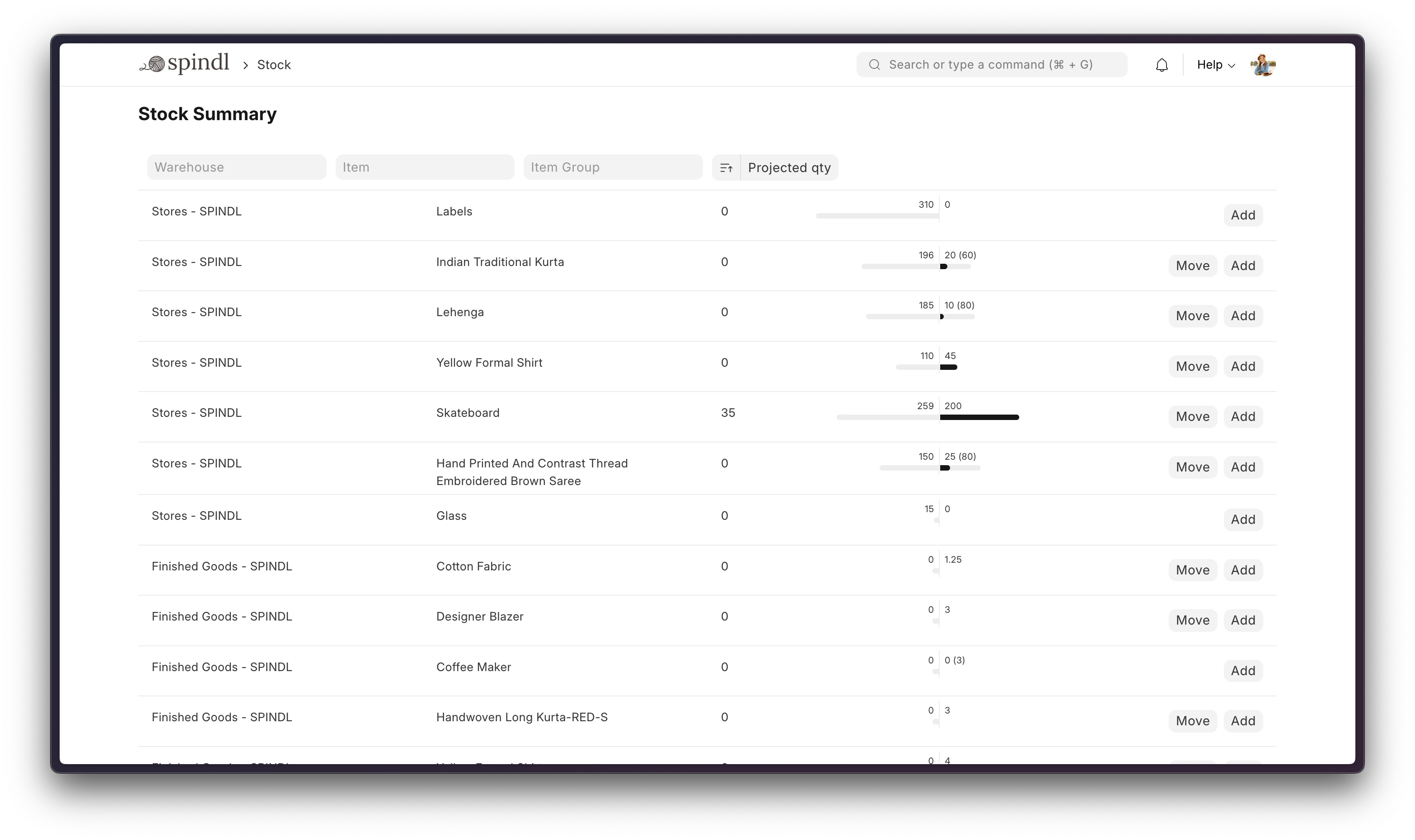
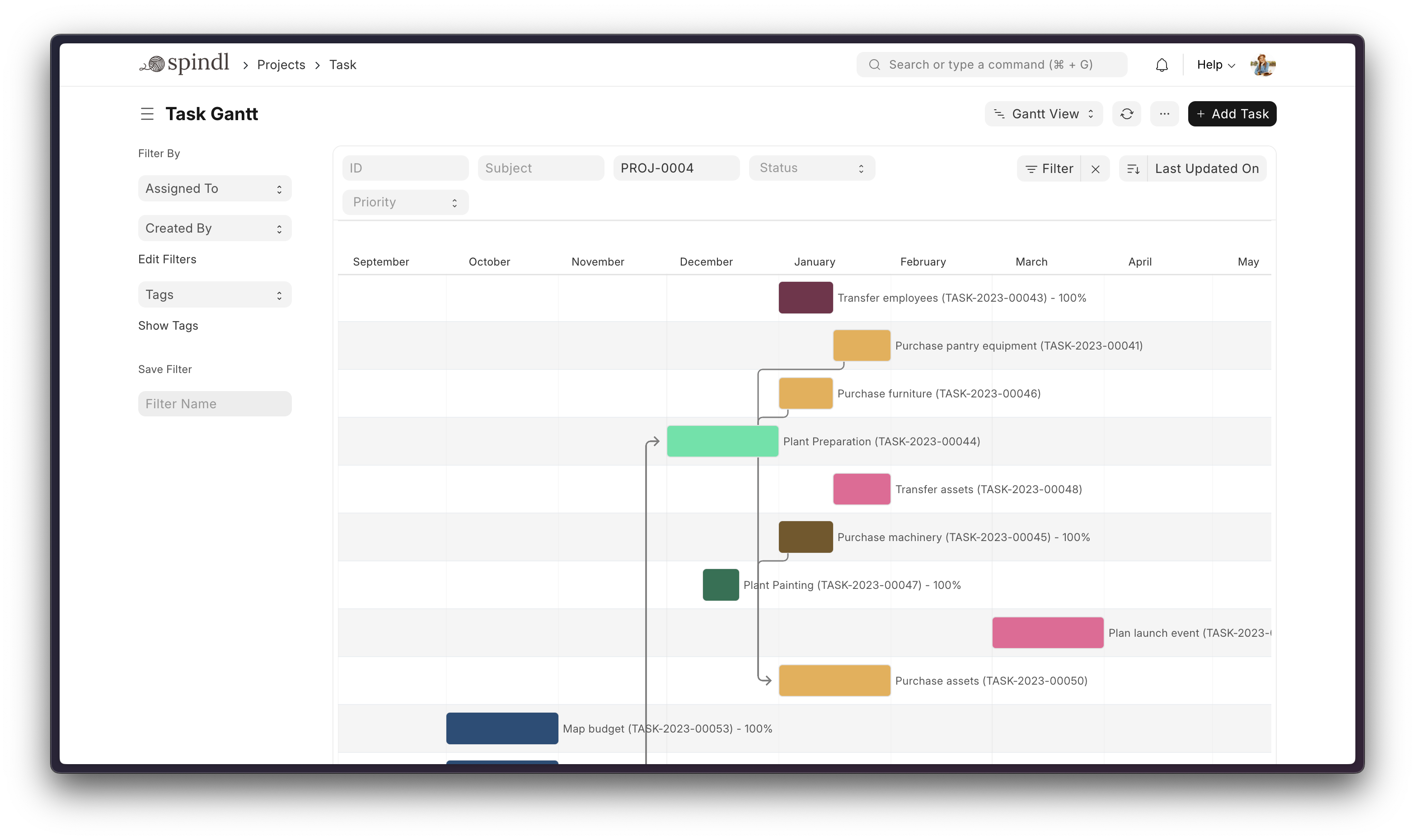
Running a business is a complex task - handling invoices, tracking stock, managing personnel, and other daily operations. In a market where software is sold separately to manage each of these tasks, ERPNext does all of the above and more, for free.

Key Features

More

Under the Hood

Production Setup

Managed Hosting

You can try Frappe Cloud, a simple, user-friendly, and sophisticated open-source platform to host Frappe applications reliably and securely.

It handles installation, setup, upgrades, monitoring, maintenance, and support of your Frappe deployments. It is a fully featured developer platform with an ability to manage and control multiple Frappe deployments.

Try on Frappe Cloud

Self-Hosted

Docker

See Frappe Docker Documentation for full documentation & FAQ on Docker setup

Prerequisites

For Docker basics and best practices refer to Docker's documentation

Try on your environment

⚠️ Disposable demo only

This setup is intended for quick evaluation. Expect to throw the environment away. You will not be able to install custom apps to this setup. For production deployments, custom configurations, and detailed explanations, see the full documentation.

First clone the repo:

git clone https://github.com/frappe/frappe_docker
cd frappe_docker

Then run:

docker compose -f pwd.yml up -d

Wait for a couple of minutes for ERPNext site to be created or check the create-site container logs before opening browser on port 8080. (username: Administrator, password: admin)

See Frappe Docker for ARM based docker setup

Development Setup

Manual Install

The Easy Way: our install script for bench will install all dependencies (e.g. MariaDB). See https://github.com/frappe/bench for more details.

New passwords will be created for the ERPNext "Administrator" user, the MariaDB root user, and the Frappe user (the script displays the passwords and saves them to ~/frappe_passwords.txt).

Local

To setup the repository locally follow the steps mentioned below:

  1. Setup bench by following the Installation Steps and start the server

    bench start
    
  2. In a separate terminal window, run the following commands:

    # Create a new site
    bench new-site erpnext.localhost
    
  3. Get the ERPNext app and install it

    # Get the ERPNext app
    bench get-app https://github.com/frappe/erpnext
    
    # Install the app
    bench --site erpnext.localhost install-app erpnext
    
  4. Open the URL http://erpnext.localhost:8000/app in your browser, you should see the app running

Learning and Community

  1. Frappe School - Learn Frappe Framework and ERPNext from the various courses by the maintainers or from the community.
  2. Official documentation - Extensive documentation for ERPNext.
  3. Discussion Forum - Engage with the community of ERPNext users and service providers.
  4. Telegram Group - Get instant help from huge community of users.

Contributing

  1. Issue Guidelines
  2. Report Security Vulnerabilities
  3. Pull Request Requirements
  4. Translations

Logo and Trademark Policy

Please read our Logo and Trademark Policy.


Frappe Technologies

erpnext (frappe/erpnext)

Searching Database…

40.3K ·GitHub
这是什么?ERPNext 是一个免费的开源企业资源计划(ERP)系统,帮助企业经营管理。会计、库存与订单、生产制造、资产管理、项目、客户关系管理(CRM)、人力资源(HR)等功能都集成在同一个应用中。
它是独立应用,还是基于其他框架构建的?ERPNext 是一个完整的应用,基于 Frappe Framework(Python/JavaScript 全栈 Web 框架)构建,界面使用基于 Vue 的组件库 Frappe UI。
我该怎样让它运行起来?如果只想快速搭建一个用完即弃的演示环境,请克隆 frappe_docker 仓库,运行其中提供的 docker 命令,然后打开 8080 端口。若要进行实际开发或生产部署,请使用 bench 安装脚本,或选择 Frappe Cloud 托管服务。
我需要先安装什么?使用 Docker 方式部署,需要先安装 Docker、Docker Compose v2 和 git;手动部署则需要 MariaDB 以及其他 bench 依赖(由安装脚本自动安装)。
快速 Docker 部署可以用于生产环境吗?不可以。一键 Docker 部署明确仅用于快速评估和临时测试,无法在其上安装自定义应用;生产环境需要参照完整文档进行自定义配置。
ERPNext 面向哪些用户?需要会计、订单管理、生产制造、资产管理和项目跟踪功能,又不想为每项功能单独购买软件的企业。
ERPNext 在哪里运行?它是一个自托管的 Web 应用,通过浏览器访问,可以使用 Docker 或 bench 部署,也可以由 Frappe Cloud 为您代为托管。
使用演示环境时,默认的登录账号是什么?快速 Docker 演示的用户名为 'Administrator',密码为 'admin'。
我能轻松管理多个 ERPNext 部署吗?可以。Frappe Cloud 是一个功能完备的开发者平台,支持管理和控制多个 Frappe 部署,监控和维护工作由平台代为处理。
ERPNext 支持基于 ARM 架构的服务器吗?支持。Frappe Docker 提供了基于 ARM 架构的 Docker 部署文档。
Creator
frappe
Size
1.9 GB
Stars
40.3K
Age
15y
Commits · 90 Days