






Что это такое?
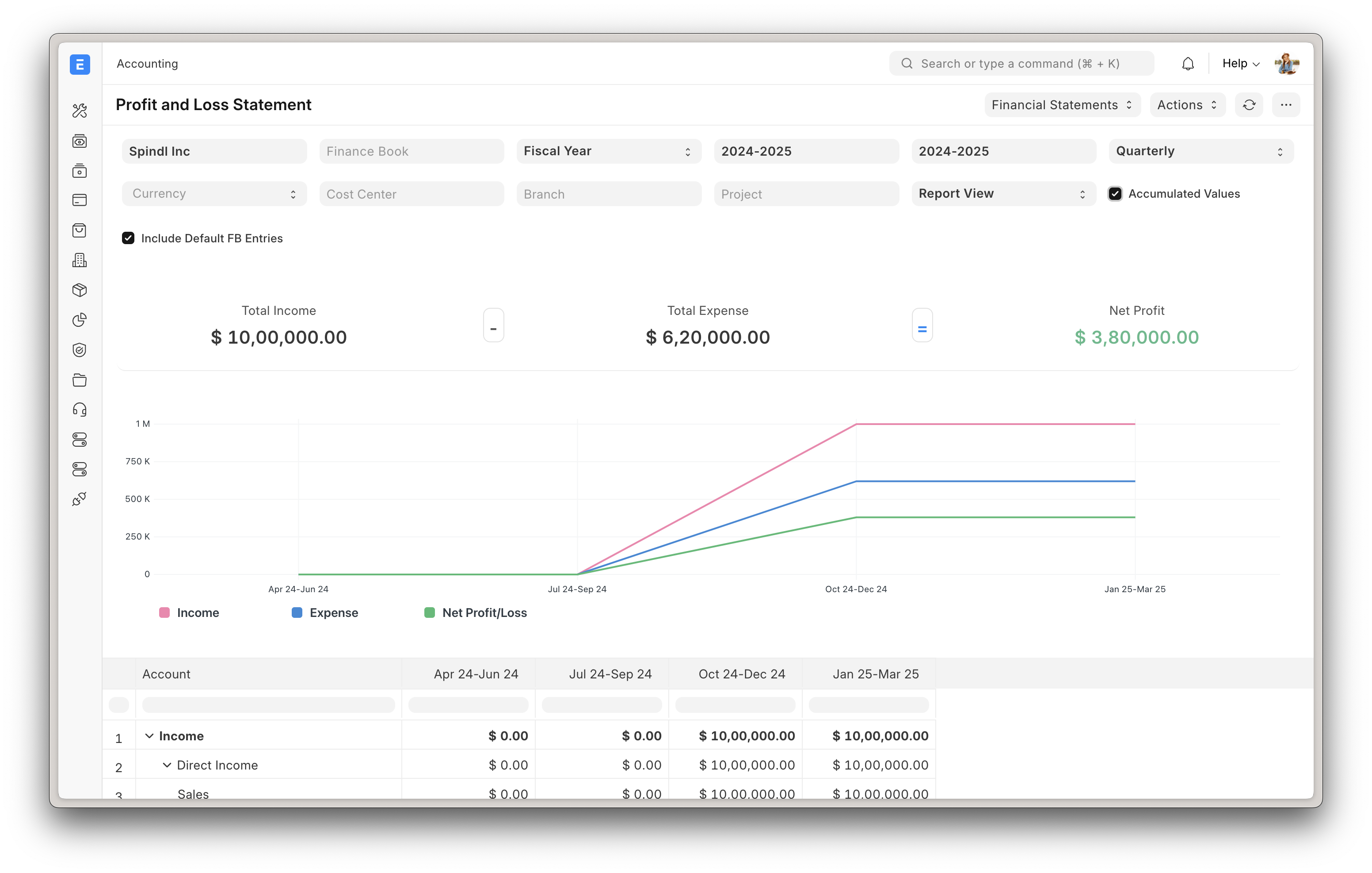
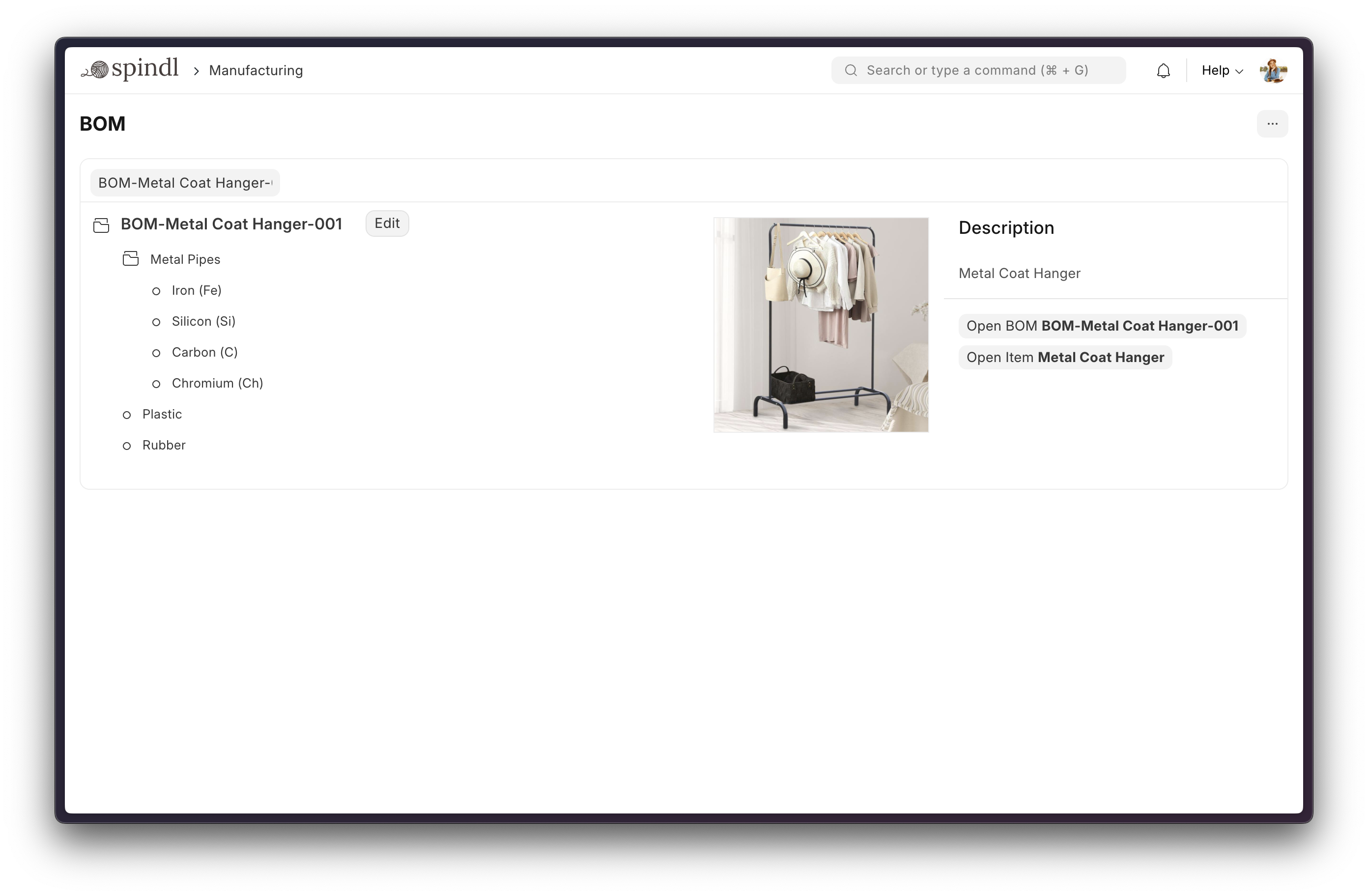
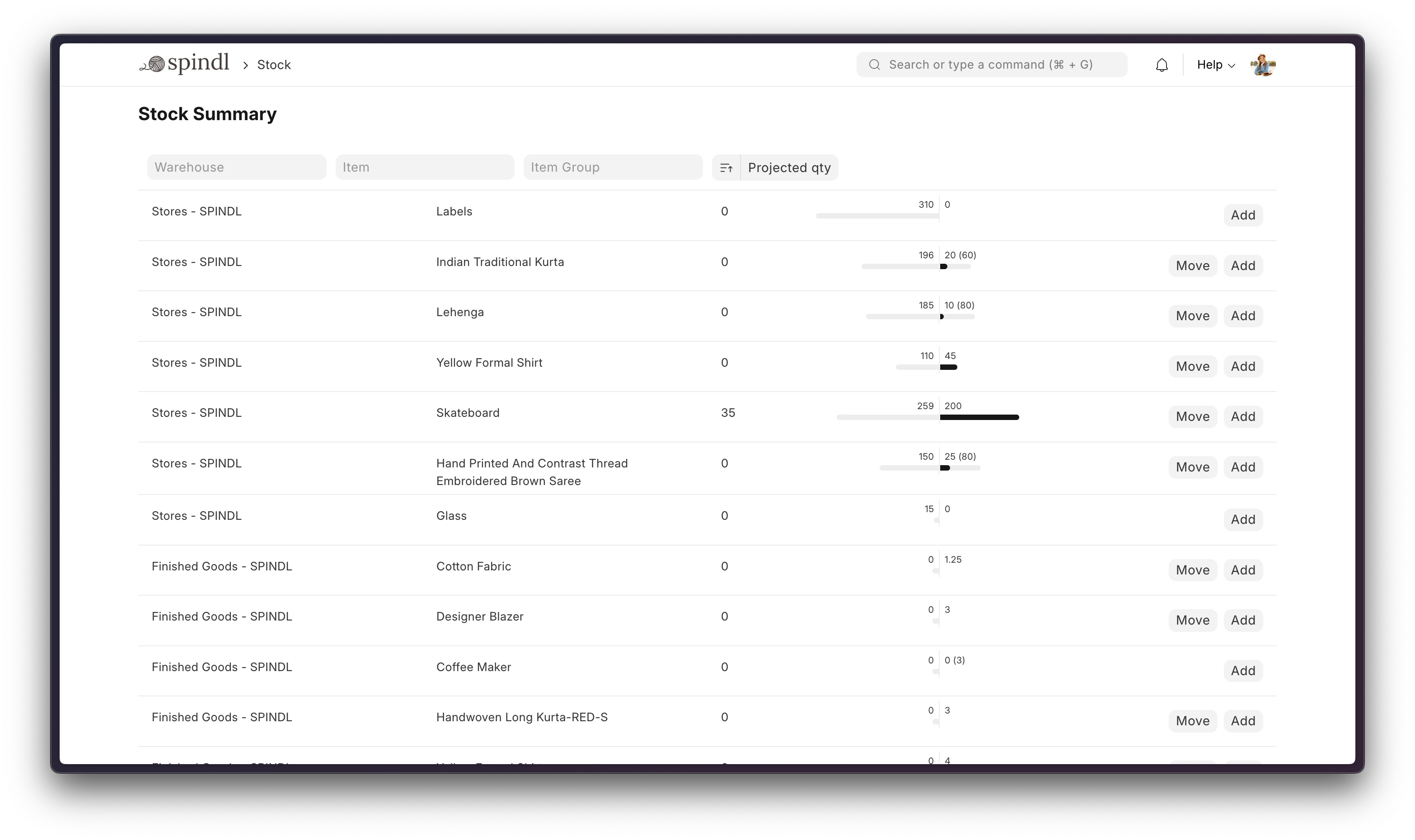
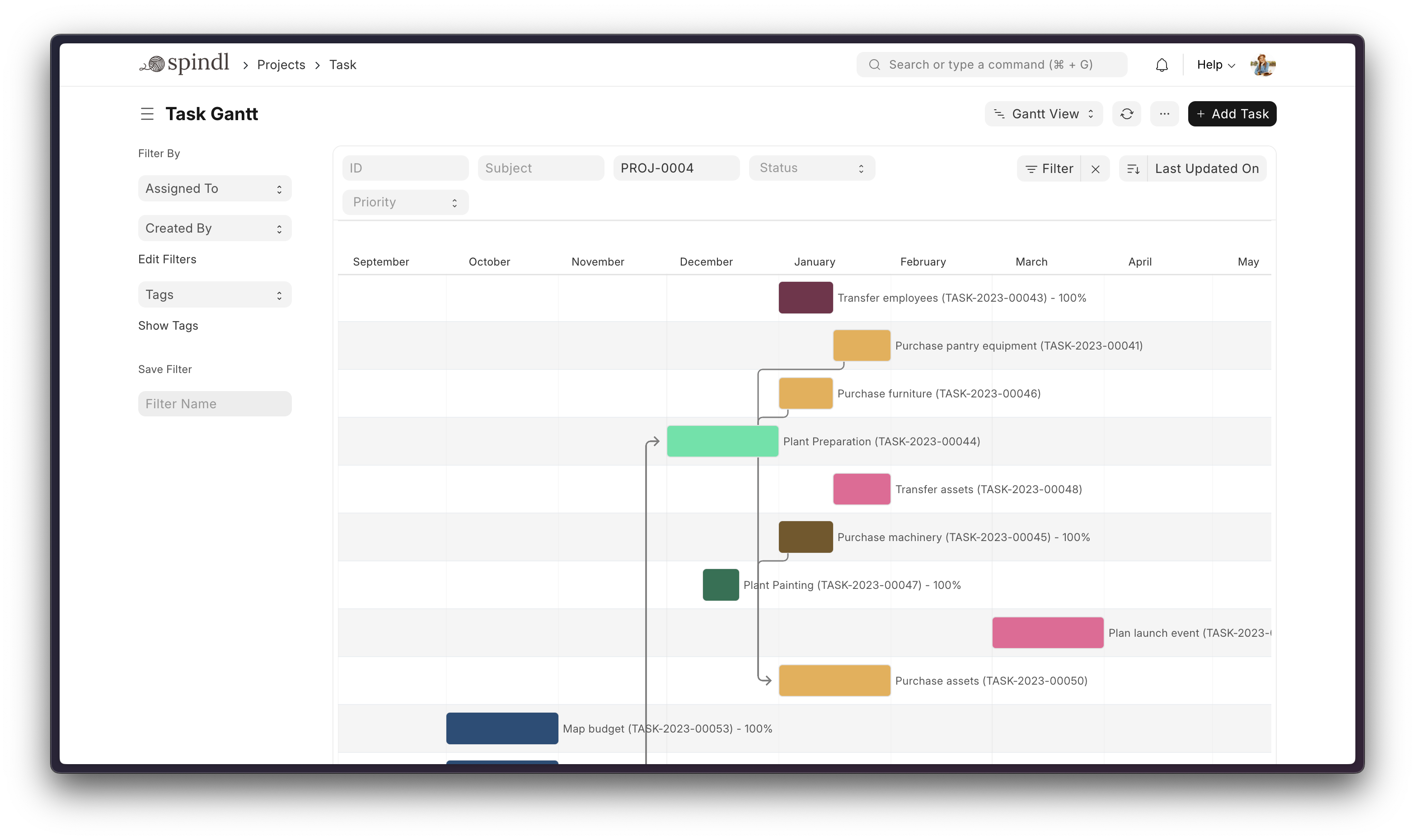
 ERPNext — бесплатная система планирования ресурсов предприятия с открытым исходным кодом, которая помогает вести бизнес: бухгалтерию, учёт запасов и заказов, производство, управление активами, проекты, CRM, кадры и многое другое в одном приложении.
ERPNext — бесплатная система планирования ресурсов предприятия с открытым исходным кодом, которая помогает вести бизнес: бухгалтерию, учёт запасов и заказов, производство, управление активами, проекты, CRM, кадры и многое другое в одном приложении.Это самостоятельное приложение или оно построено на другом фреймворке?ERPNext — полноценное приложение, построенное на основе Frappe Framework (полнофункциональный веб-фреймворк на Python и JavaScript), а для интерфейса использует Frappe UI — библиотеку компонентов на основе Vue.
ERPNext — полноценное приложение, построенное на основе Frappe Framework (полнофункциональный веб-фреймворк на Python и JavaScript), а для интерфейса использует Frappe UI — библиотеку компонентов на основе Vue.Как его запустить?Для быстрой одноразовой демонстрации клонируйте репозиторий frappe_docker, выполните предоставленную команду docker и откройте порт 8080. Для реальной разработки или продуктивной эксплуатации используйте скрипт установки bench или Frappe Cloud для управляемого хостинга.
Для быстрой одноразовой демонстрации клонируйте репозиторий frappe_docker, выполните предоставленную команду docker и откройте порт 8080. Для реальной разработки или продуктивной эксплуатации используйте скрипт установки bench или Frappe Cloud для управляемого хостинга.Что нужно установить в первую очередь?Для установки через Docker — Docker и Docker Compose v2, а также git. Для ручной установки — MariaDB и другие зависимости bench (они устанавливаются автоматически скриптом установки).
Для установки через Docker — Docker и Docker Compose v2, а также git. Для ручной установки — MariaDB и другие зависимости bench (они устанавливаются автоматически скриптом установки).Готова ли быстрая установка через Docker к продуктивной эксплуатации?Нет — установка Docker одной командой предназначена исключительно для быстрой оценки и временного тестирования; на ней нельзя установить сторонние приложения, а для продуктивной эксплуатации нужна полная настройка по документации.
Нет — установка Docker одной командой предназначена исключительно для быстрой оценки и временного тестирования; на ней нельзя установить сторонние приложения, а для продуктивной эксплуатации нужна полная настройка по документации.Для кого предназначен ERPNext?Для компаний, которым нужны бухгалтерия, управление заказами, производство, учёт активов и отслеживание проектов, без покупки отдельного ПО для каждой функции.
Для компаний, которым нужны бухгалтерия, управление заказами, производство, учёт активов и отслеживание проектов, без покупки отдельного ПО для каждой функции.Где работает ERPNext?Это самостоятельно развёртываемое веб-приложение, которое работает через браузер; его можно развернуть с помощью Docker или bench либо заказать для вас хостинг в Frappe Cloud.
Это самостоятельно развёртываемое веб-приложение, которое работает через браузер; его можно развернуть с помощью Docker или bench либо заказать для вас хостинг в Frappe Cloud.Какой логин по умолчанию в демо-версии?Имя пользователя 'Administrator' и пароль 'admin' для быстрой демонстрации в Docker.
Имя пользователя 'Administrator' и пароль 'admin' для быстрой демонстрации в Docker.Можно ли легко управлять несколькими установками ERPNext?Да, Frappe Cloud — полнофункциональная платформа для разработчиков, которая позволяет управлять несколькими развёртываниями Frappe и контролировать их; мониторинг и обслуживание выполняются за вас.
Да, Frappe Cloud — полнофункциональная платформа для разработчиков, которая позволяет управлять несколькими развёртываниями Frappe и контролировать их; мониторинг и обслуживание выполняются за вас.Поддерживает ли ERPNext серверы на базе ARM?Да, Frappe Docker предоставляет документацию по установке через Docker на ARM-серверах.
Да, Frappe Docker предоставляет документацию по установке через Docker на ARM-серверах.What are similar projects?aureuserp, odoo, platform, akaunting, frappe, nocobase, illa-builder, laravel-crm
aureuserp, odoo, platform, akaunting, frappe, nocobase, illa-builder, laravel-crmWhich topics is it in?erp, accounting, manufacturing, healthcare, crm, project-management, mysql, vue, cloud, database, ui, web-app
erp, accounting, manufacturing, healthcare, crm, project-management, mysql, vue, cloud, database, ui, web-app