






What is this?
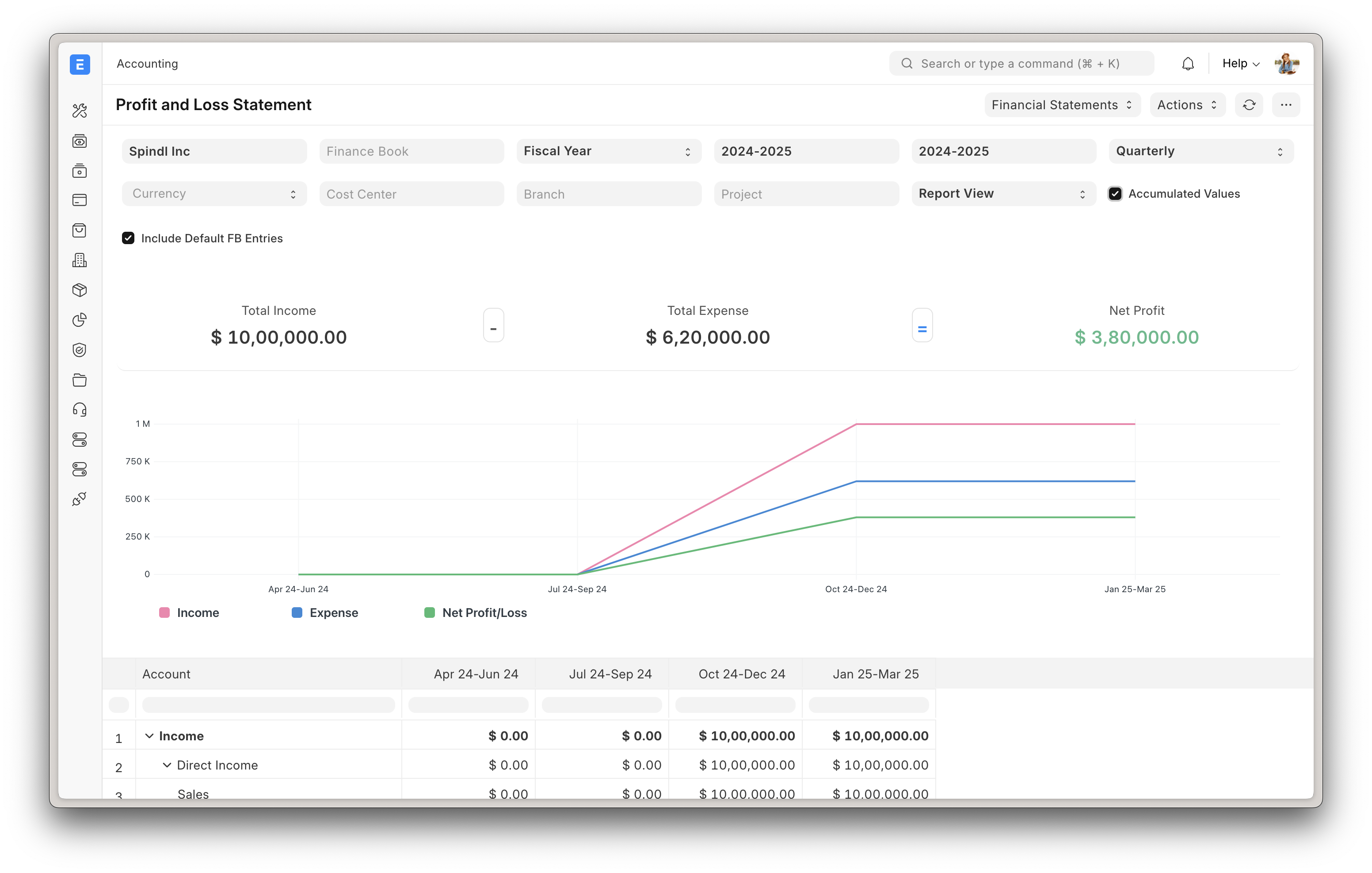
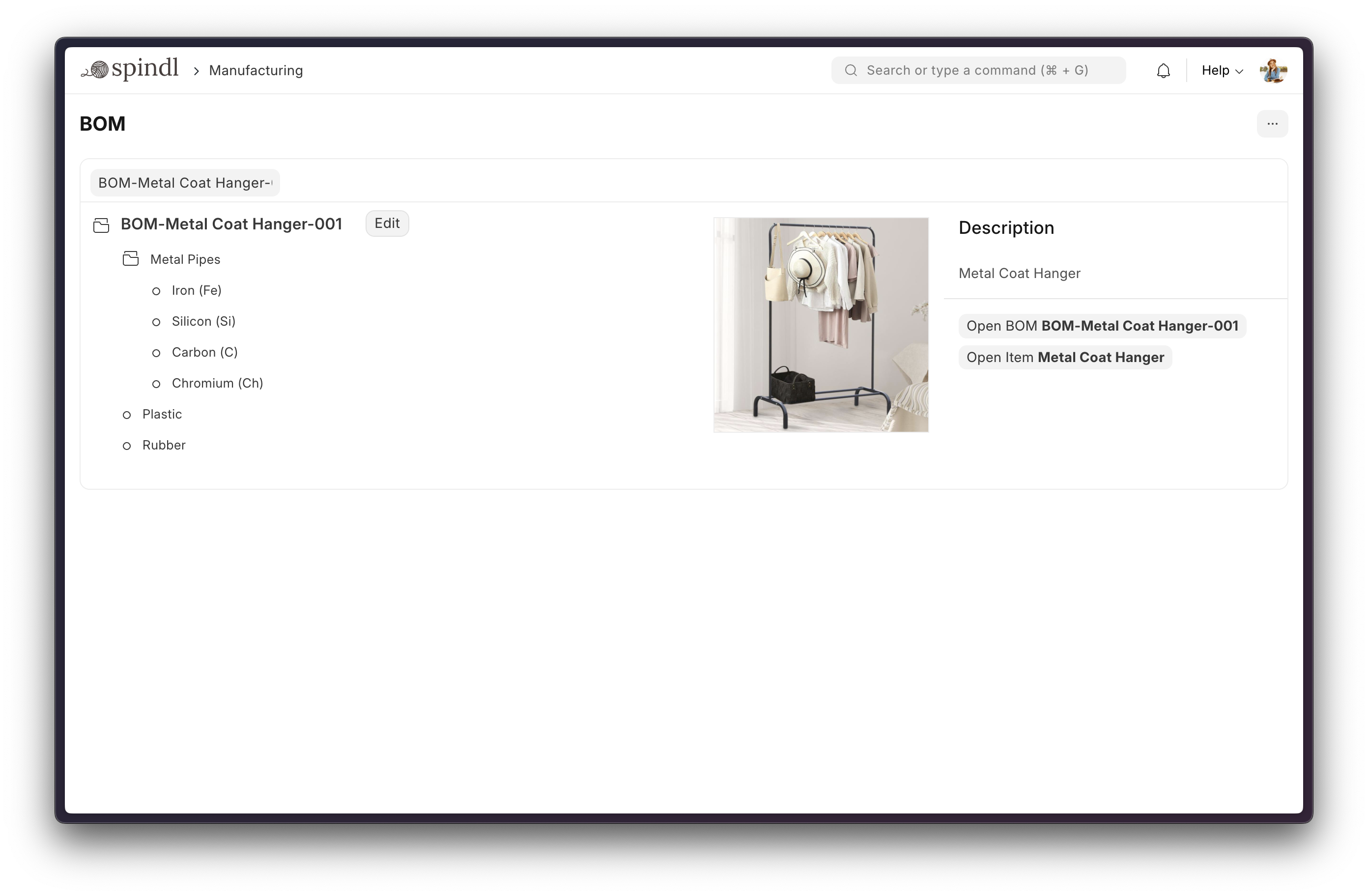
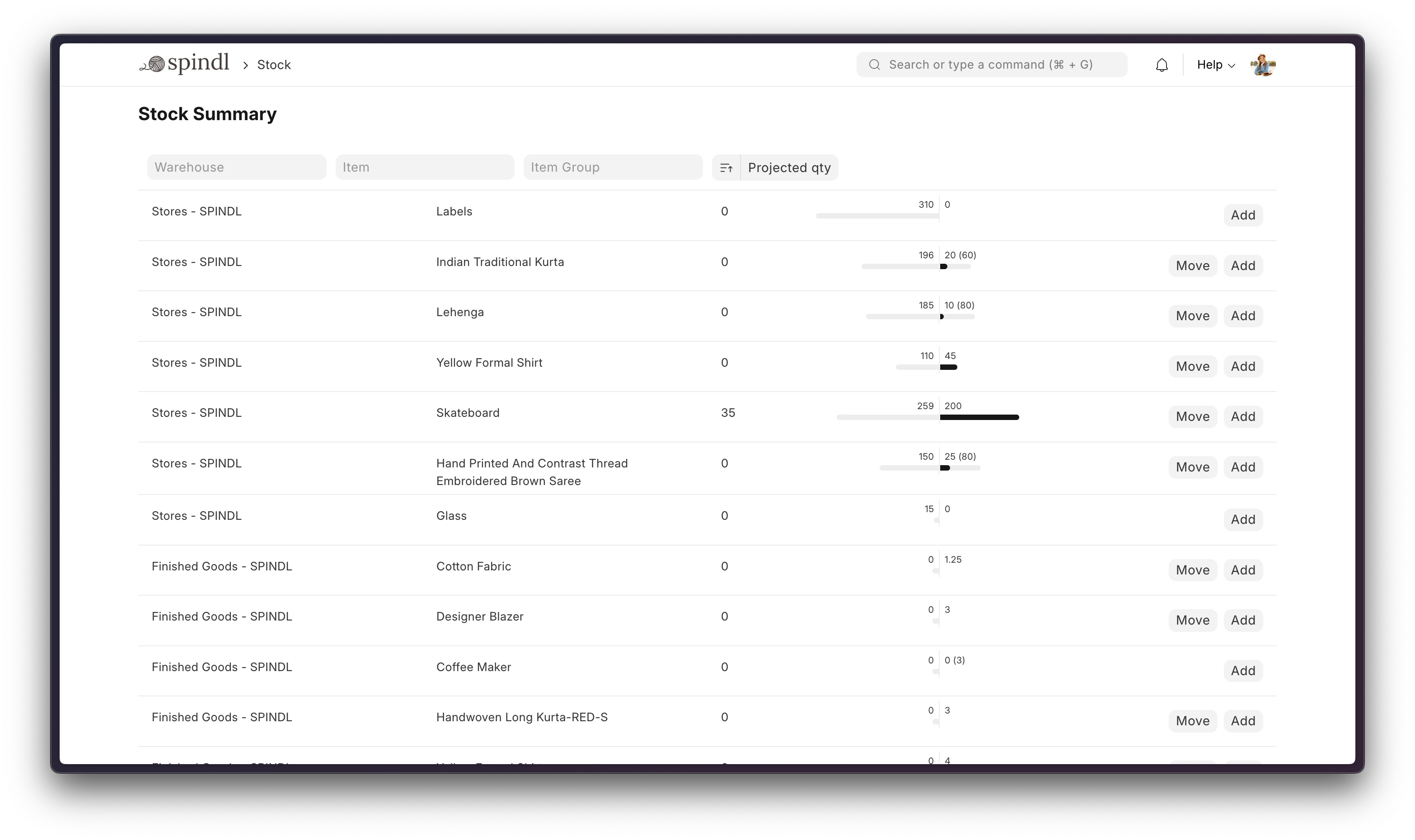
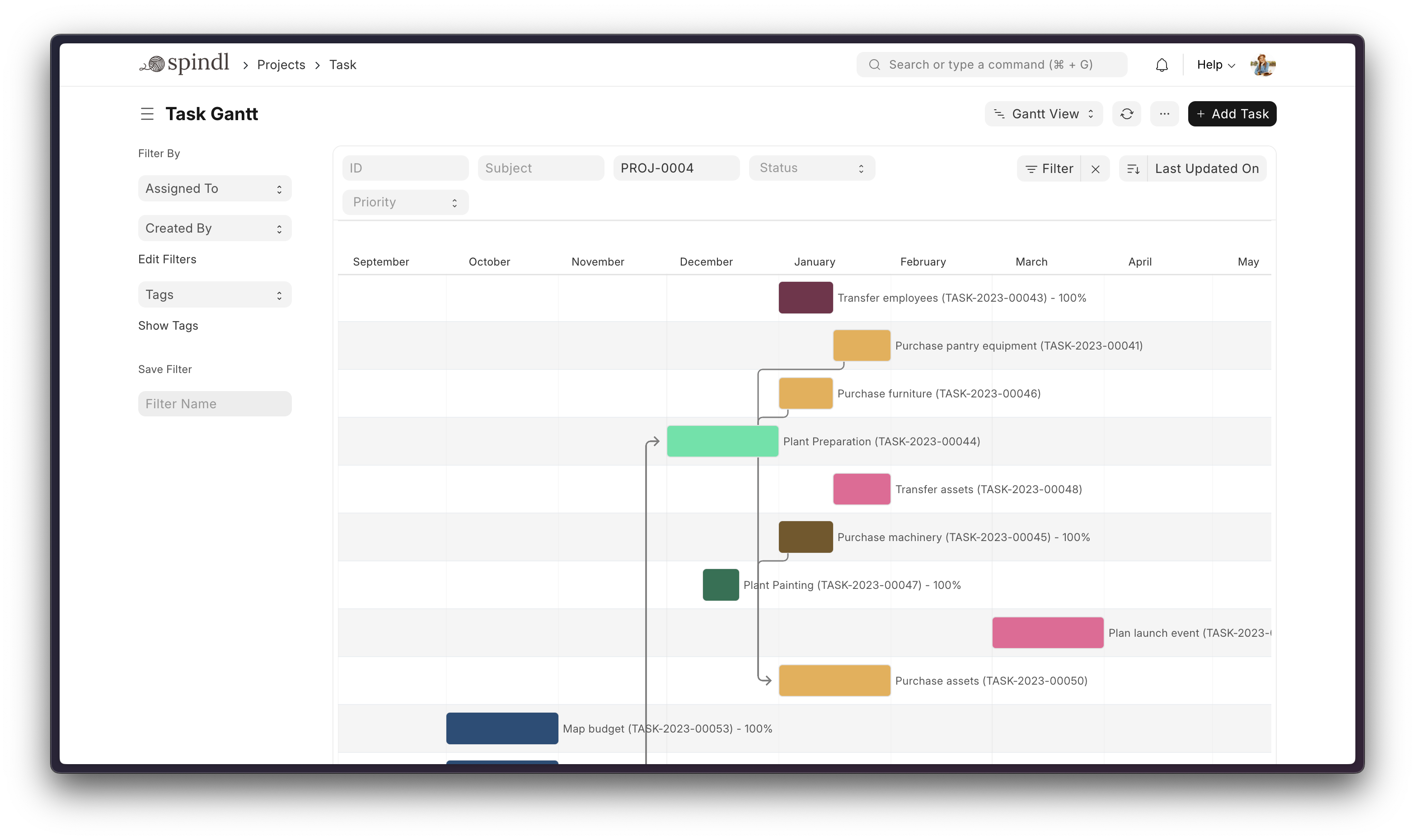
 ERPNext is a free, open-source Enterprise Resource Planning system that helps run a business: accounting, inventory/orders, manufacturing, asset management, projects, CRM, HR and more in one app.
ERPNext is a free, open-source Enterprise Resource Planning system that helps run a business: accounting, inventory/orders, manufacturing, asset management, projects, CRM, HR and more in one app.Is this a standalone app or built on another framework?ERPNext is a full application built on top of the Frappe Framework (Python/JavaScript full-stack web framework) and uses Frappe UI, a Vue-based component library, for its interface.
ERPNext is a full application built on top of the Frappe Framework (Python/JavaScript full-stack web framework) and uses Frappe UI, a Vue-based component library, for its interface.How do I get it running?For a quick disposable demo, clone the frappe_docker repo and run the provided docker command, then open port 8080. For real development or production, use the bench install script or Frappe Cloud for managed hosting.
For a quick disposable demo, clone the frappe_docker repo and run the provided docker command, then open port 8080. For real development or production, use the bench install script or Frappe Cloud for managed hosting.What do I need installed first?Docker and Docker Compose v2 plus git for the Docker setup, or MariaDB and other bench dependencies (installed automatically by the install script) for a manual setup.
Docker and Docker Compose v2 plus git for the Docker setup, or MariaDB and other bench dependencies (installed automatically by the install script) for a manual setup.Is the quick Docker setup ready for production?No — the one-command Docker setup is explicitly meant only for quick evaluation and throwaway testing; you can't install custom apps on it, and production needs the full documentation's custom configuration.
No — the one-command Docker setup is explicitly meant only for quick evaluation and throwaway testing; you can't install custom apps on it, and production needs the full documentation's custom configuration.Who is ERPNext meant for?Businesses that need accounting, order management, manufacturing, asset management and project tracking without paying for separate software for each function.
Businesses that need accounting, order management, manufacturing, asset management and project tracking without paying for separate software for each function.Where does ERPNext run?It's a self-hosted web app accessed through the browser, deployable via Docker or bench, or hosted for you on Frappe Cloud.
It's a self-hosted web app accessed through the browser, deployable via Docker or bench, or hosted for you on Frappe Cloud.What default login do I get with the demo setup?Username 'Administrator' and password 'admin' for the quick Docker demo.
Username 'Administrator' and password 'admin' for the quick Docker demo.Can I manage multiple ERPNext deployments easily?Yes, Frappe Cloud is a fully featured developer platform that lets you manage and control multiple Frappe deployments with monitoring and maintenance handled for you.
Yes, Frappe Cloud is a fully featured developer platform that lets you manage and control multiple Frappe deployments with monitoring and maintenance handled for you.Does ERPNext support ARM-based servers?Yes, Frappe Docker provides documentation for ARM-based Docker setups.
Yes, Frappe Docker provides documentation for ARM-based Docker setups.What are similar projects?aureuserp, odoo, platform, akaunting, frappe, nocobase, illa-builder, laravel-crm
aureuserp, odoo, platform, akaunting, frappe, nocobase, illa-builder, laravel-crmWhich topics is it in?erp, accounting, manufacturing, healthcare, crm, project-management, mysql, vue, cloud, database, ui, web-app
erp, accounting, manufacturing, healthcare, crm, project-management, mysql, vue, cloud, database, ui, web-app