






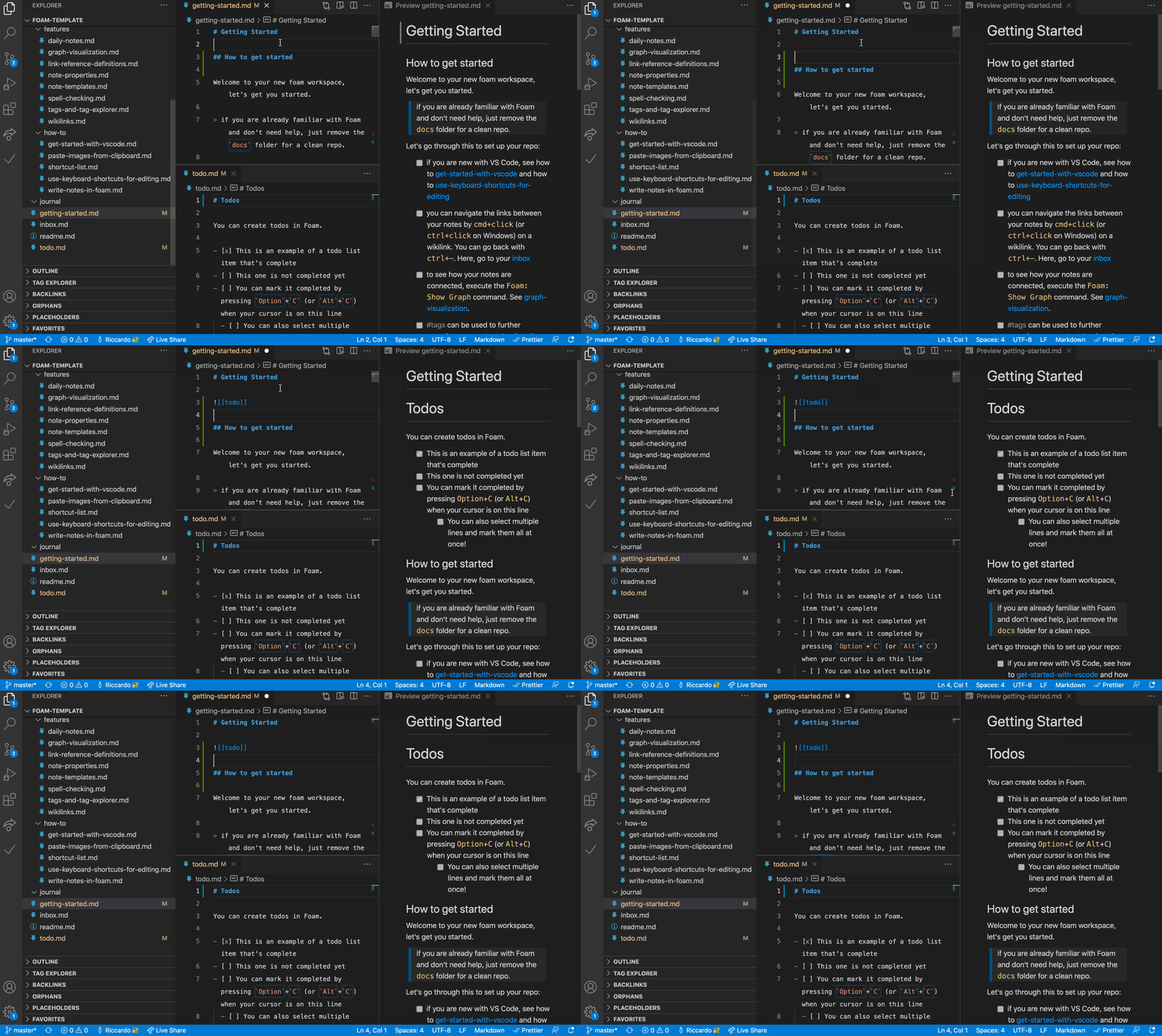

foam README

The project's README from github.com/foambubble/foam. As one markdown file: README.md.

Foam

All Contributors

Version Downloads Visual Studio Marketplace Installs Ratings Discord Chat Ask DeepWiki

Foam is a personal knowledge management and sharing system built on Visual Studio Code and GitHub.

You can use Foam for organising your research, keeping re-discoverable notes, writing long-form content and, optionally, publishing it to the web.

Foam is free, open source, and extremely extensible to suit your personal workflow. You own the information you create with Foam, and you're free to share it, and collaborate on it with anyone you want.

Features

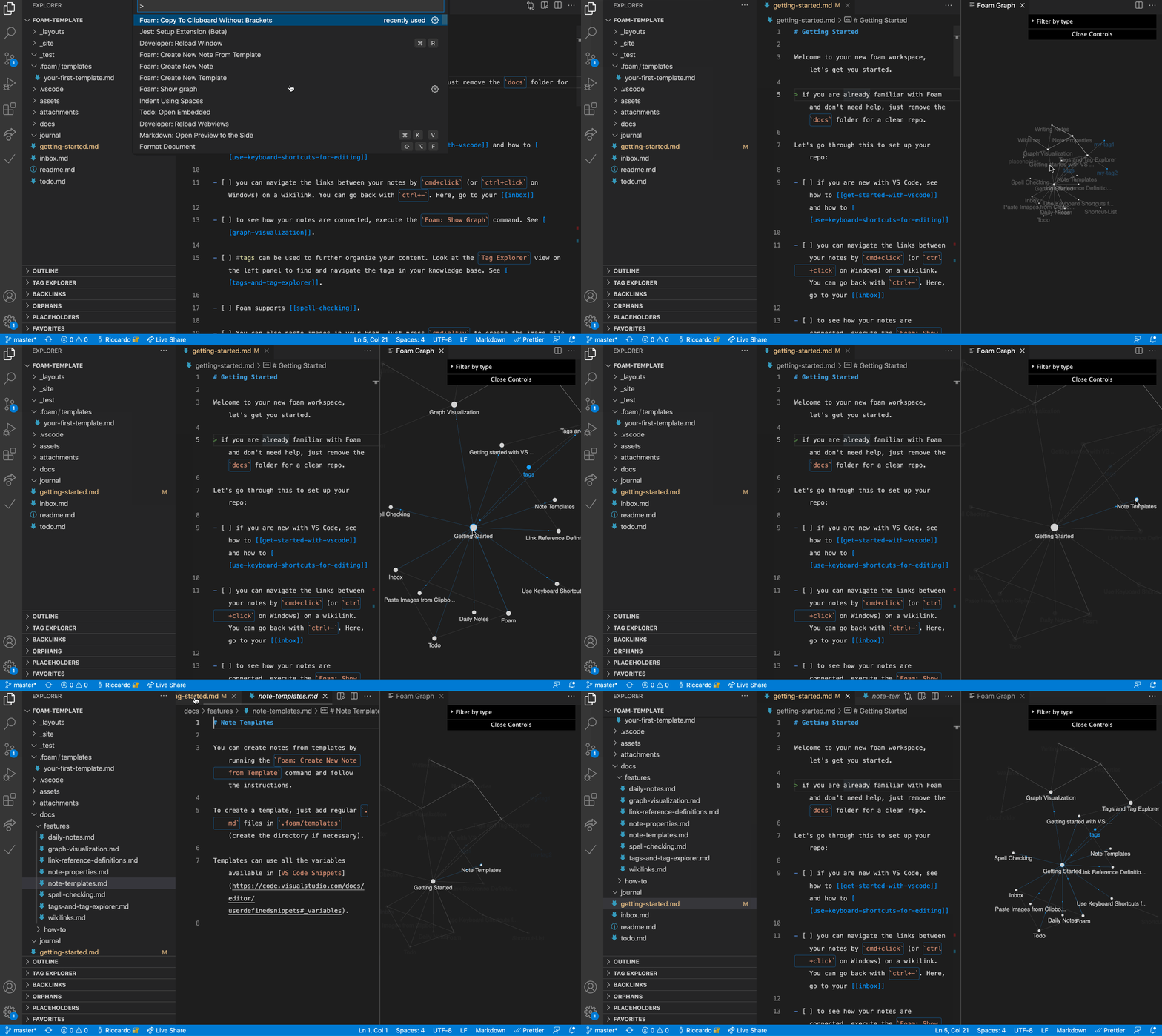
Graph Visualization

See how your notes are connected via a graph with the Foam: Show Graph command.

Graph Visualization

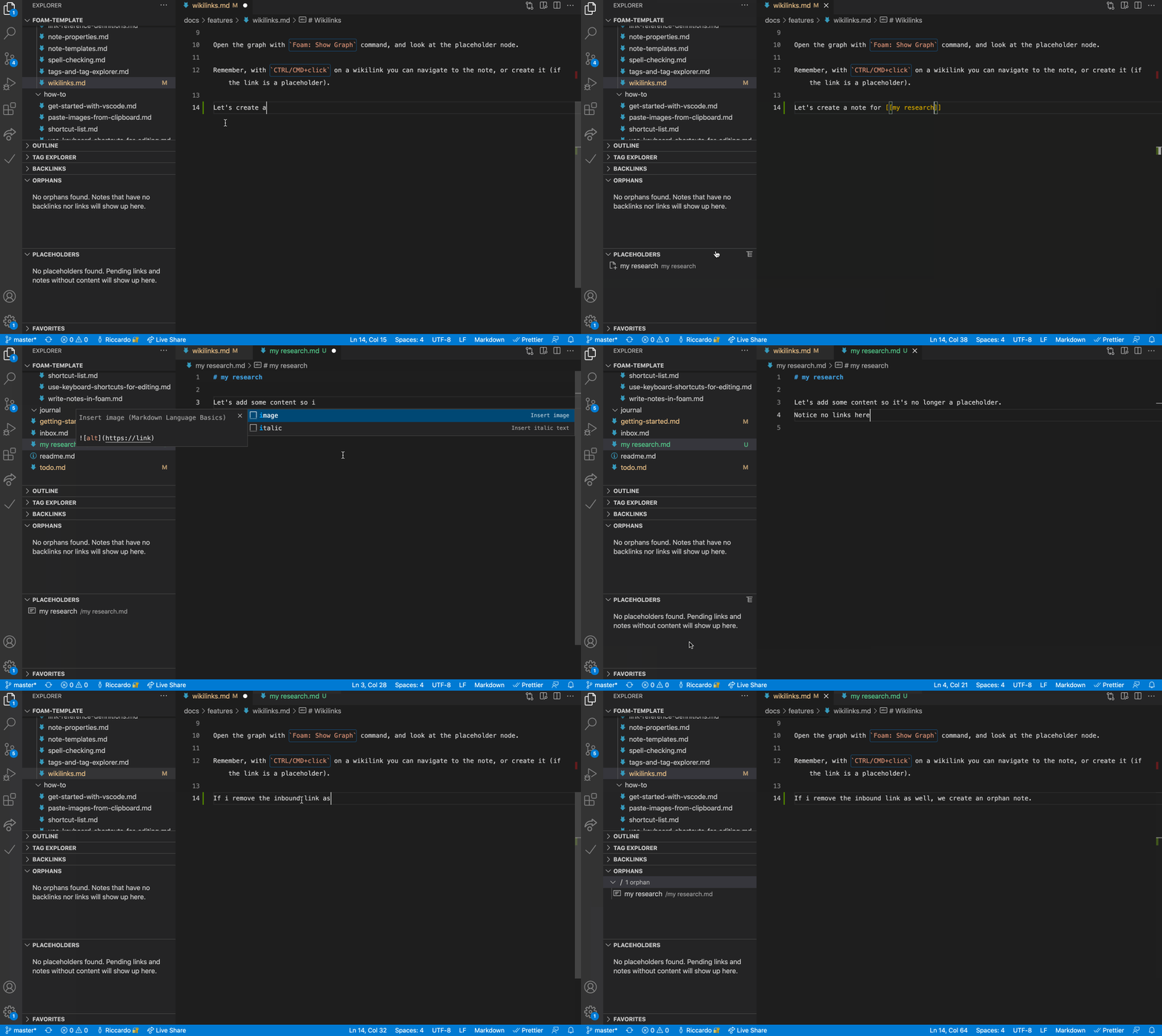
Foam helps you create the connections between your notes, and your placeholders as well.

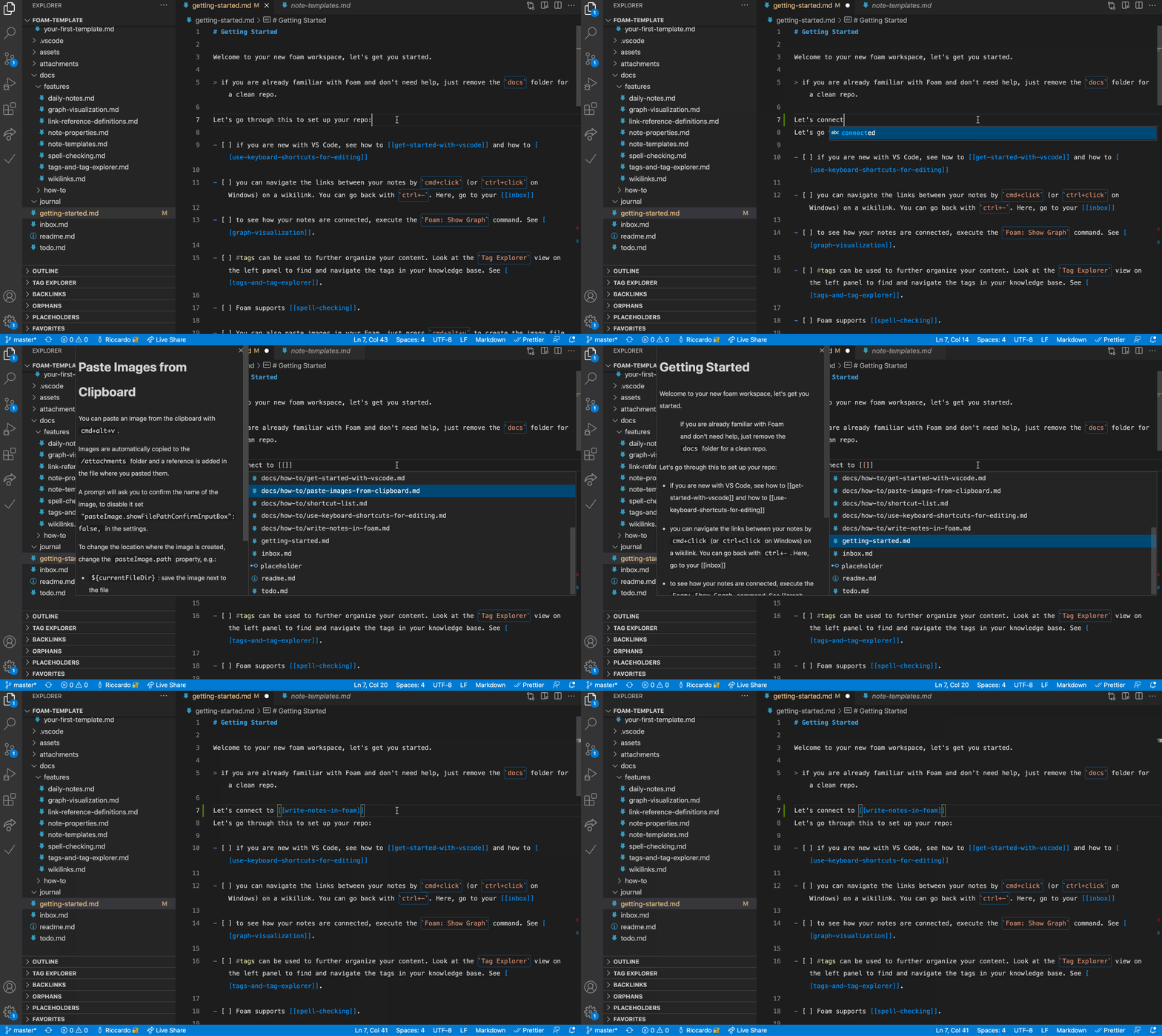
Link Autocompletion

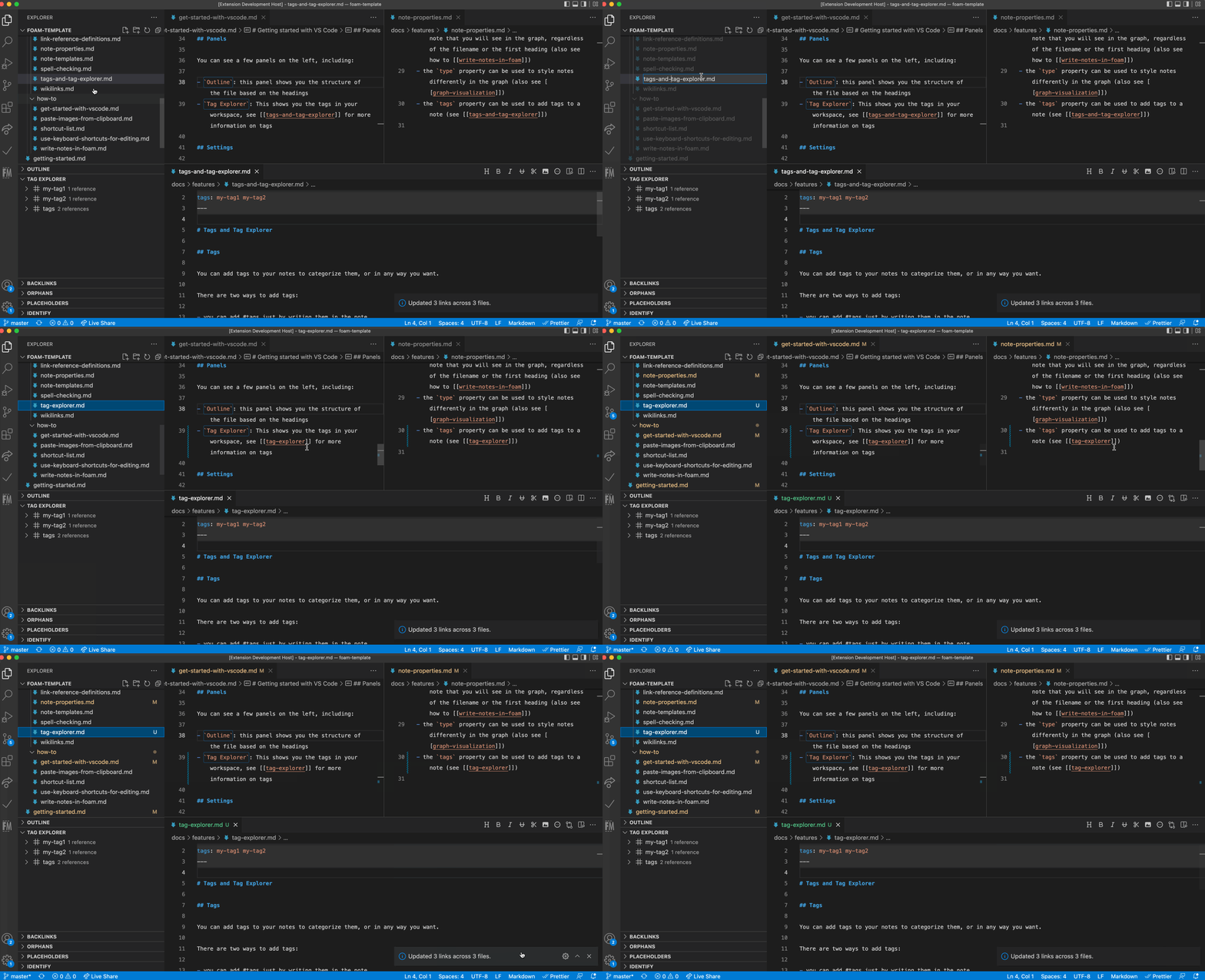
Foam updates the links to renamed files, so your notes stay consistent.

Sync links on file rename

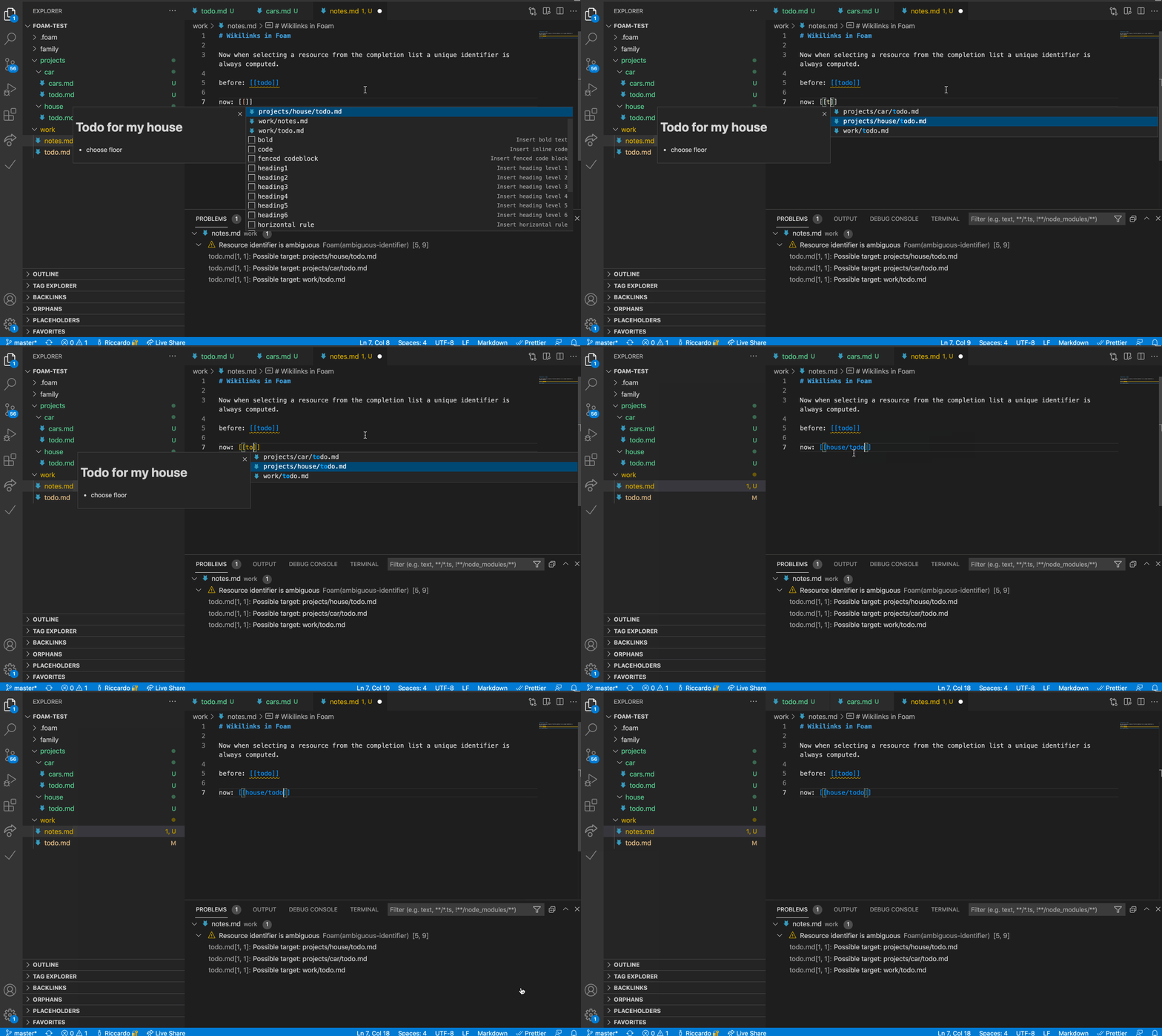
Unique identifiers across directories

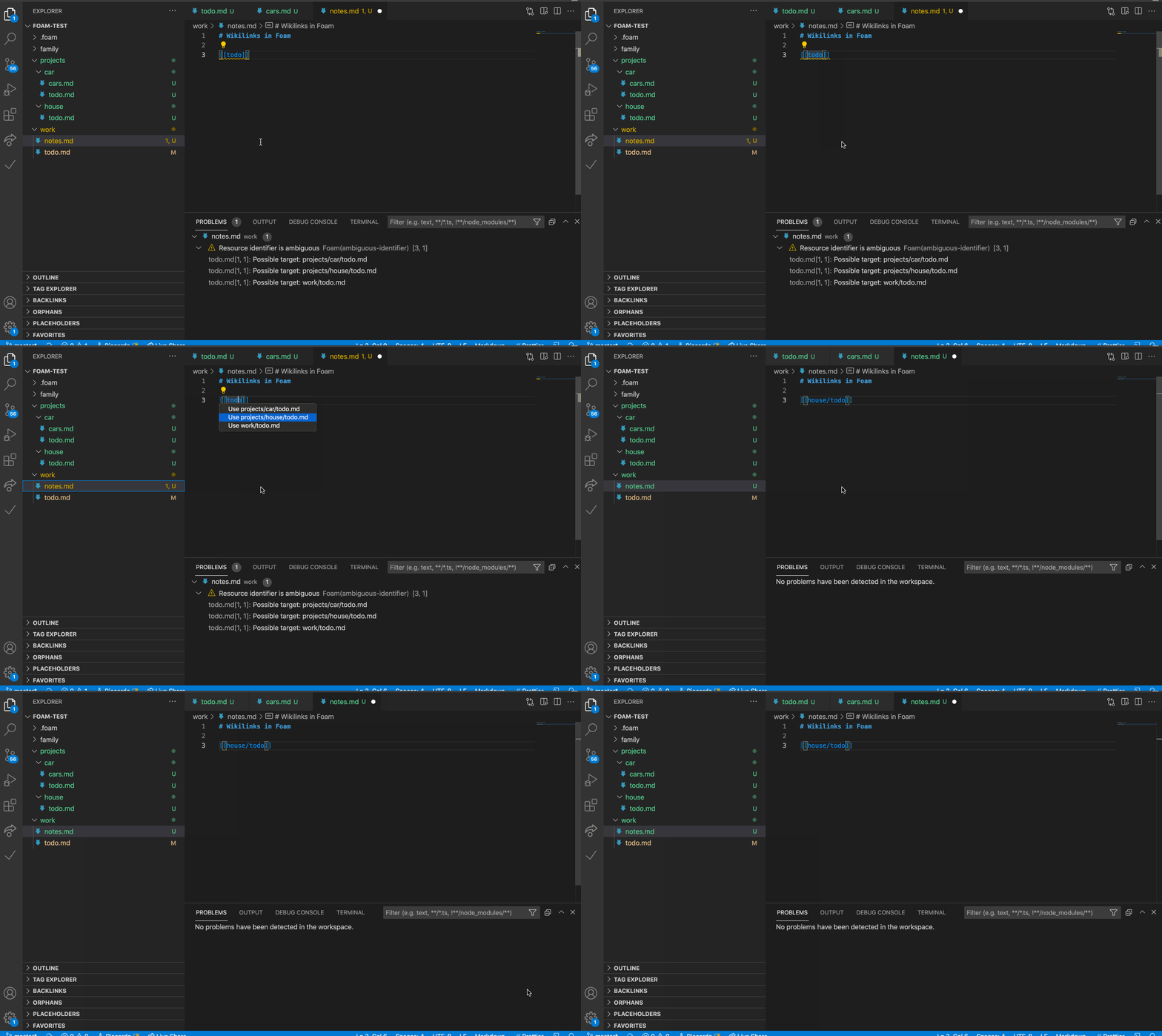
Foam supports files with the same name in multiple directories. It will use the minimum identifier required, and even report and help you fix existing ambiguous wikilinks.

Unique identifier autocompletion

Wikilink diagnostic

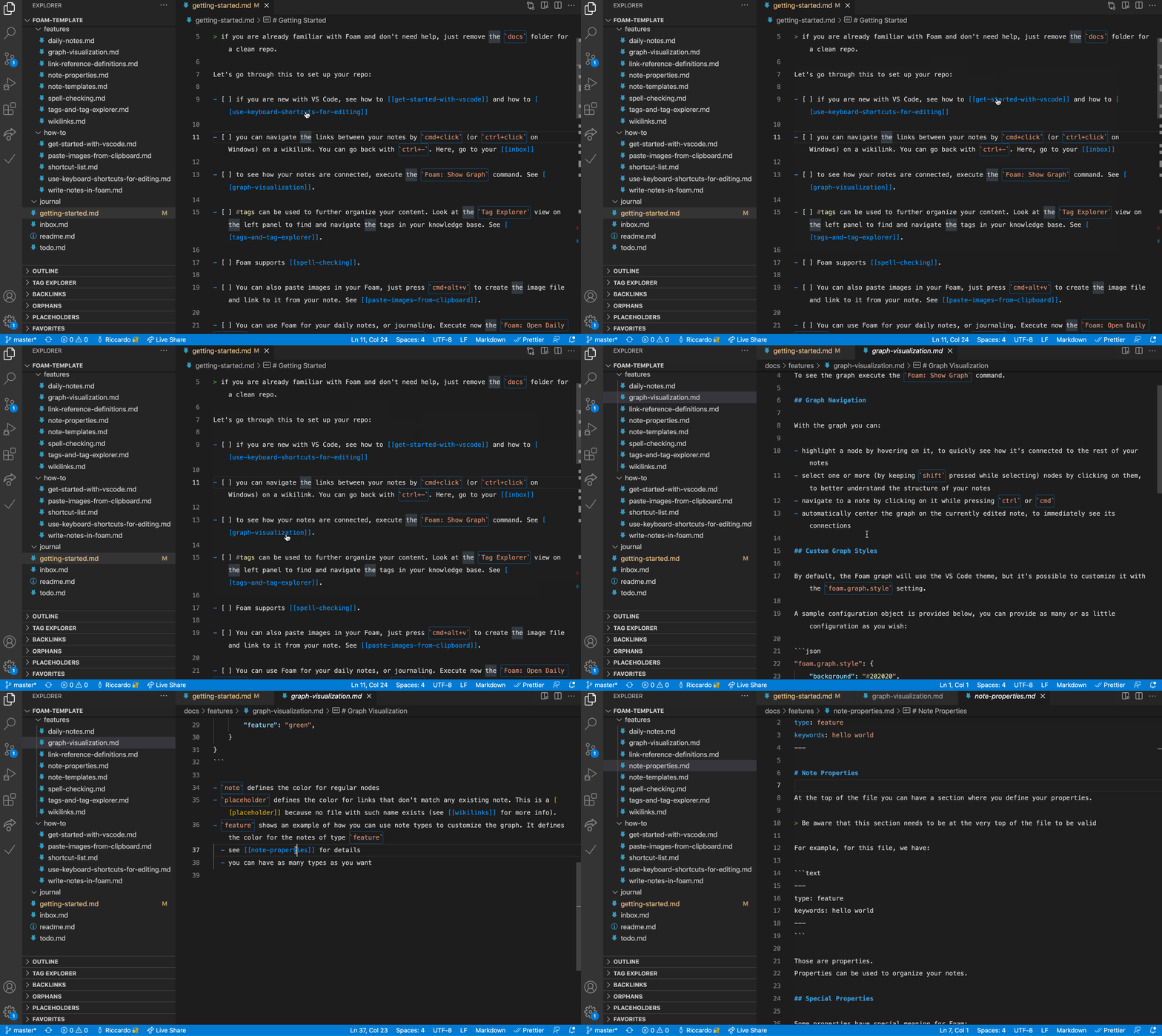
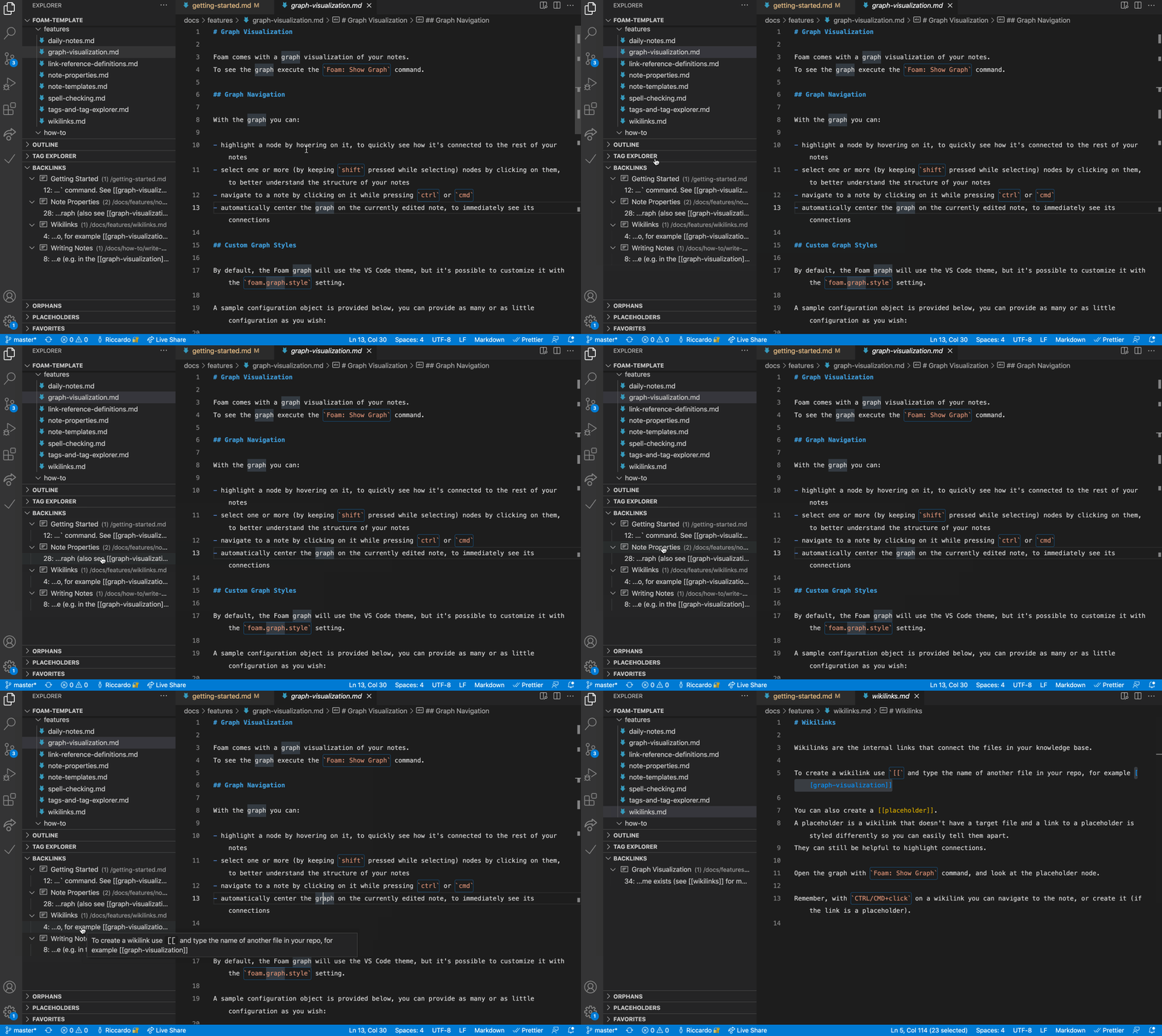
Link Preview and Navigation

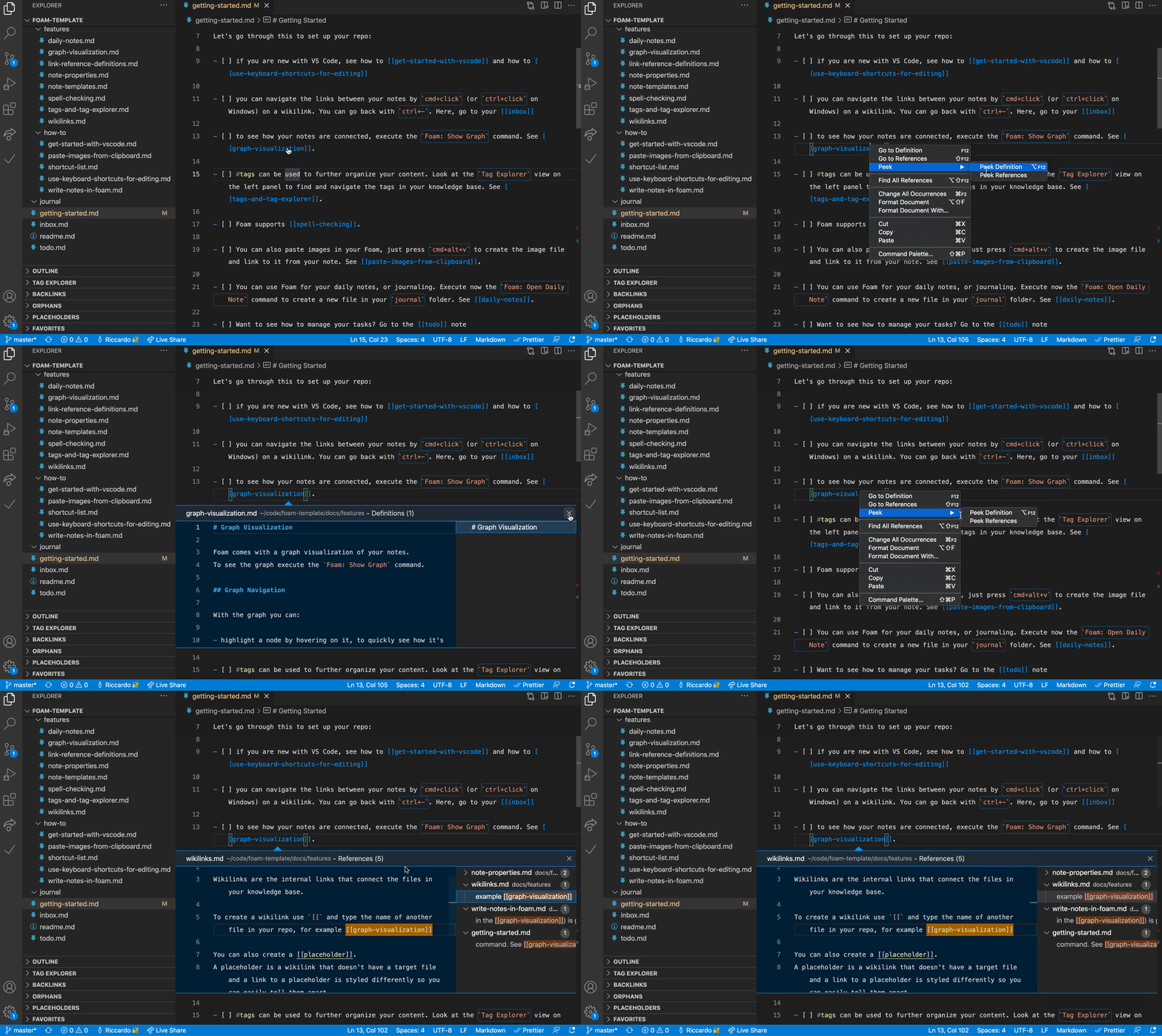
Go to definition, Peek References

See where a note is being referenced in your knowledge base.

Go to Definition, Peek References

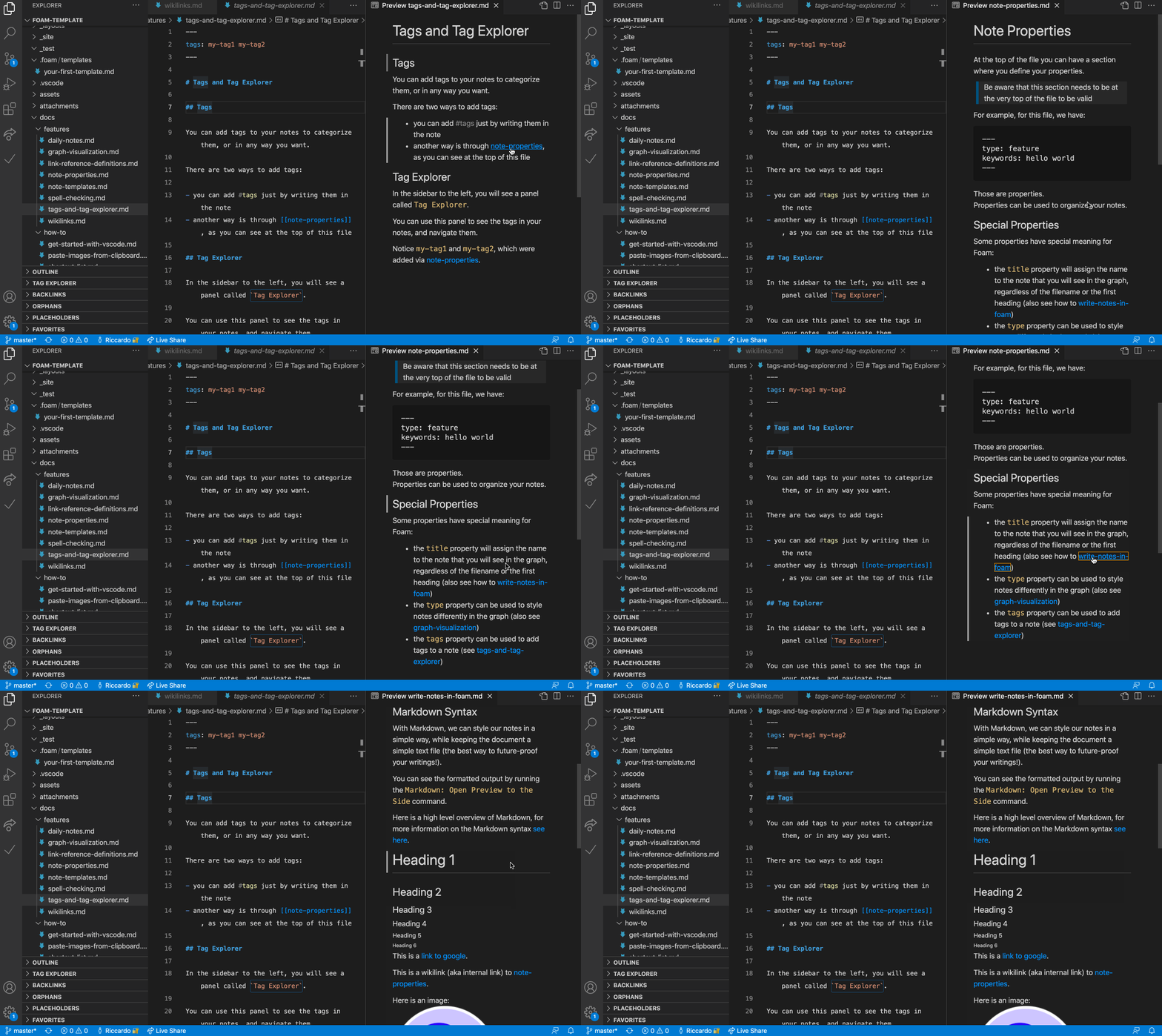
Navigation in Preview

Navigate your rendered notes in the VS Code preview panel.

Navigation in Preview

Note embed

Embed the content from other notes.

Note Embed

Support for sections

Foam supports autocompletion, navigation, embedding and diagnostics for note sections. Just use the standard wiki syntax of [[resource#Section Title]].

Foam supports link aliasing, so you can have a [[wikilink]], or a [[wikilink|alias]].

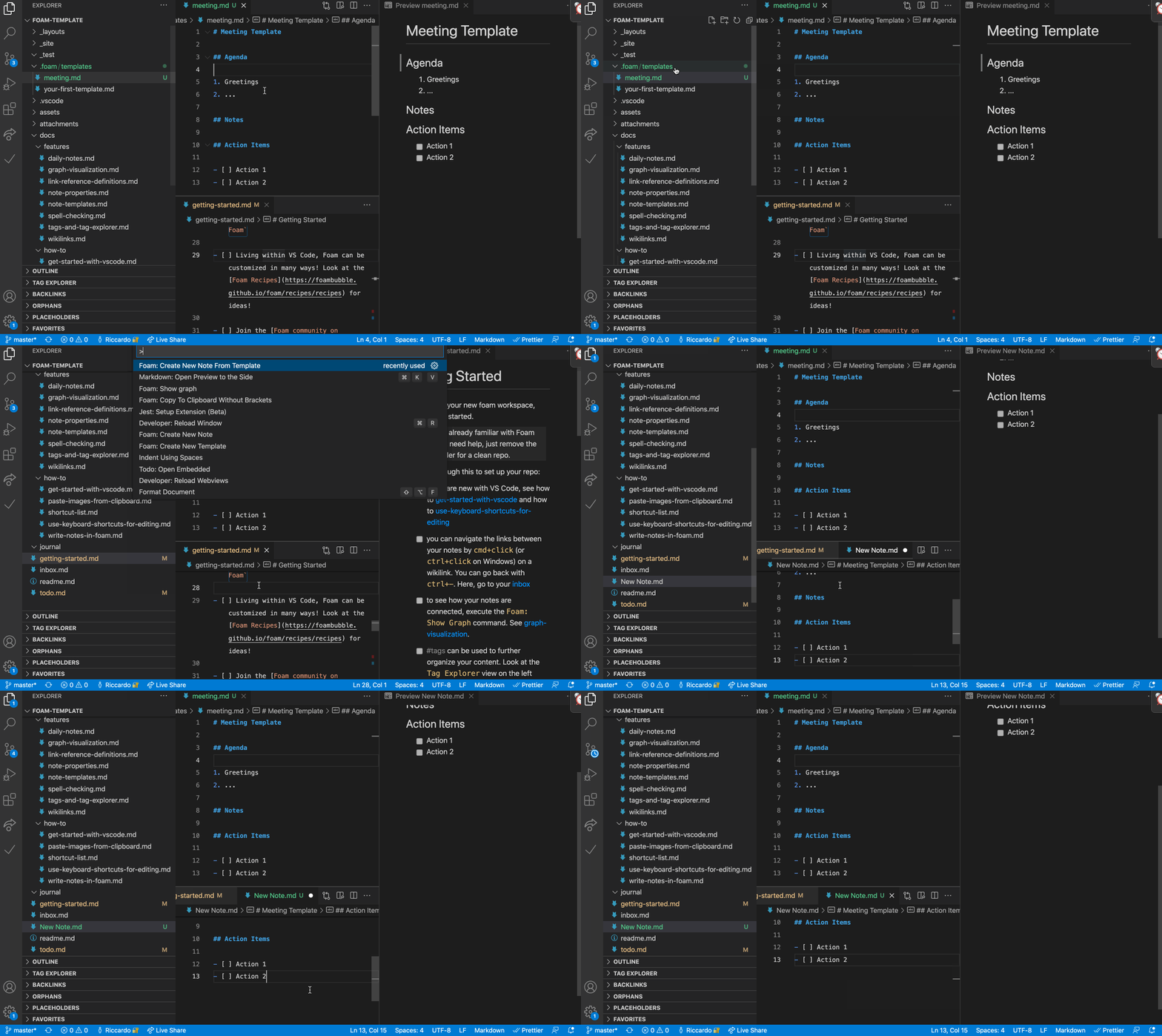
Templates

Use custom templates to have avoid repetitve work on your notes.

Templates

Quickly check which notes are referencing the currently active note. See for each occurrence the context in which it lives, as well as a preview of the note.

Backlinks Panel

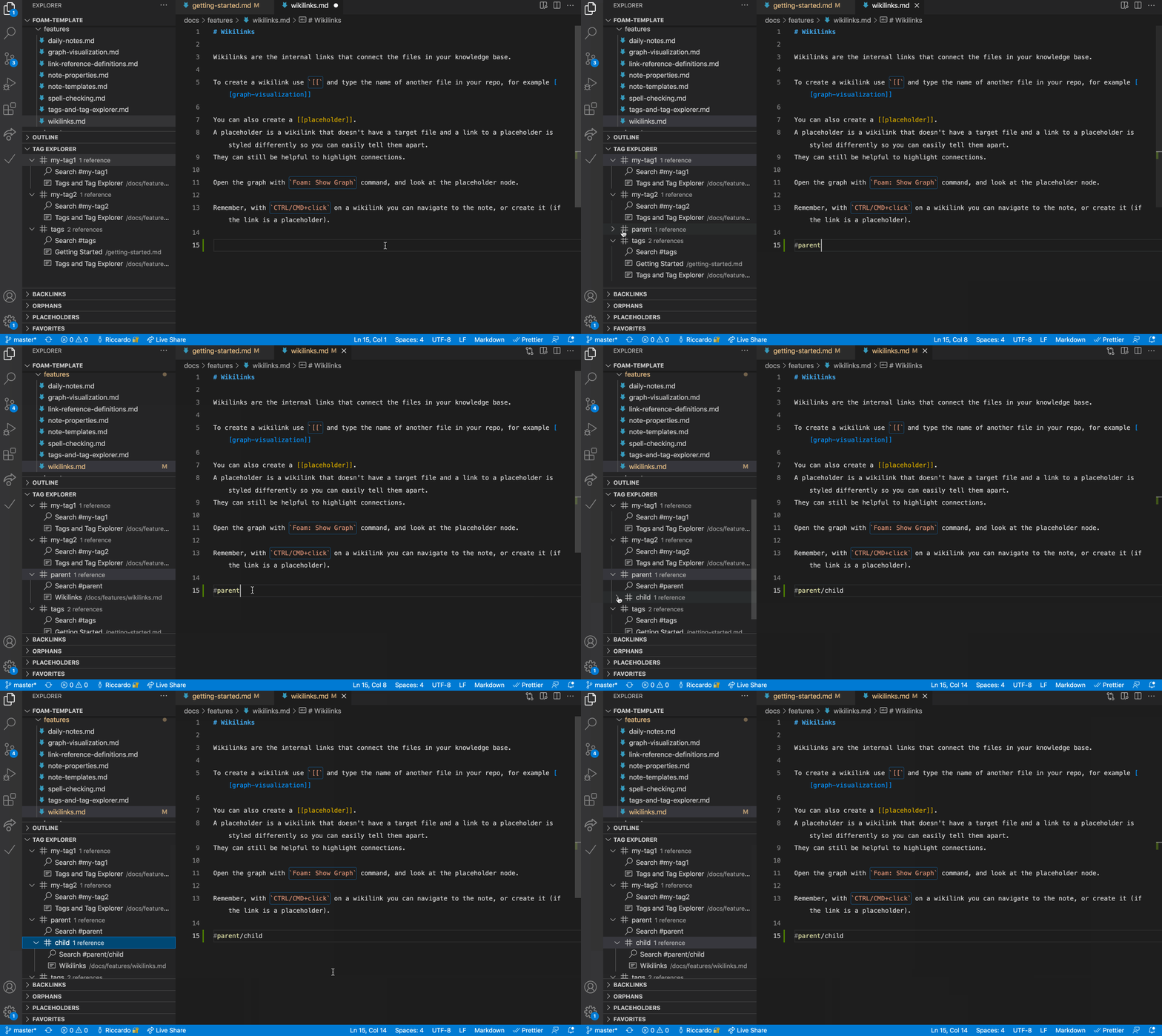
Tag Explorer Panel

Tag your notes and navigate them with the Tag Explorer. Foam also supports hierarchical tags.

Tag Explorer Panel

Orphans and Placeholder Panels

Orphans are notes that have no inbound nor outbound links. Placeholders are dangling links, or notes without content. Keep them under control, and your knowledge base in a better state, by using this panel.

Orphans and Placeholder Panels

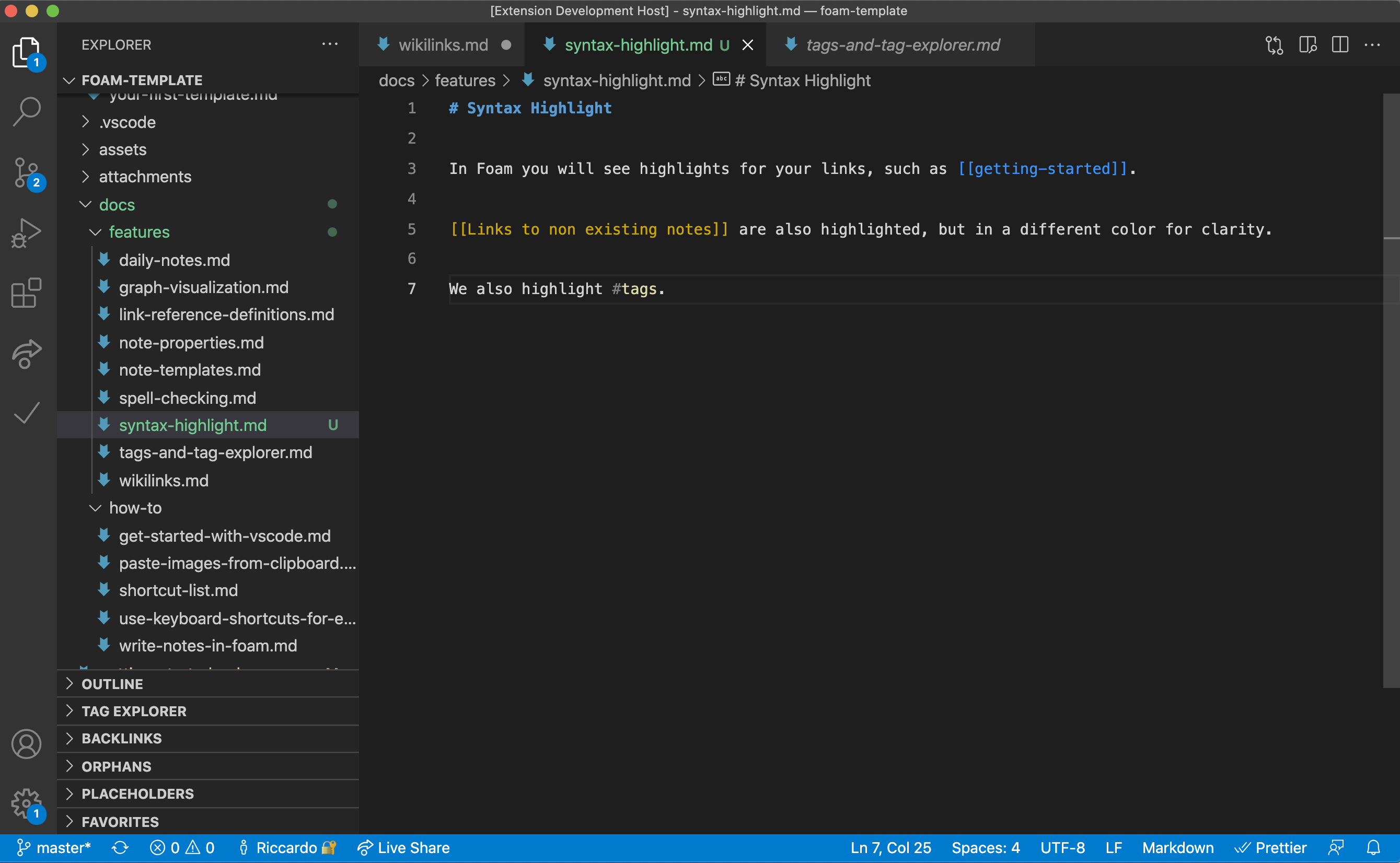
Syntax highlight

Foam highlights wikilinks and placeholder differently, to help you visualize your knowledge base.

Syntax Highlight

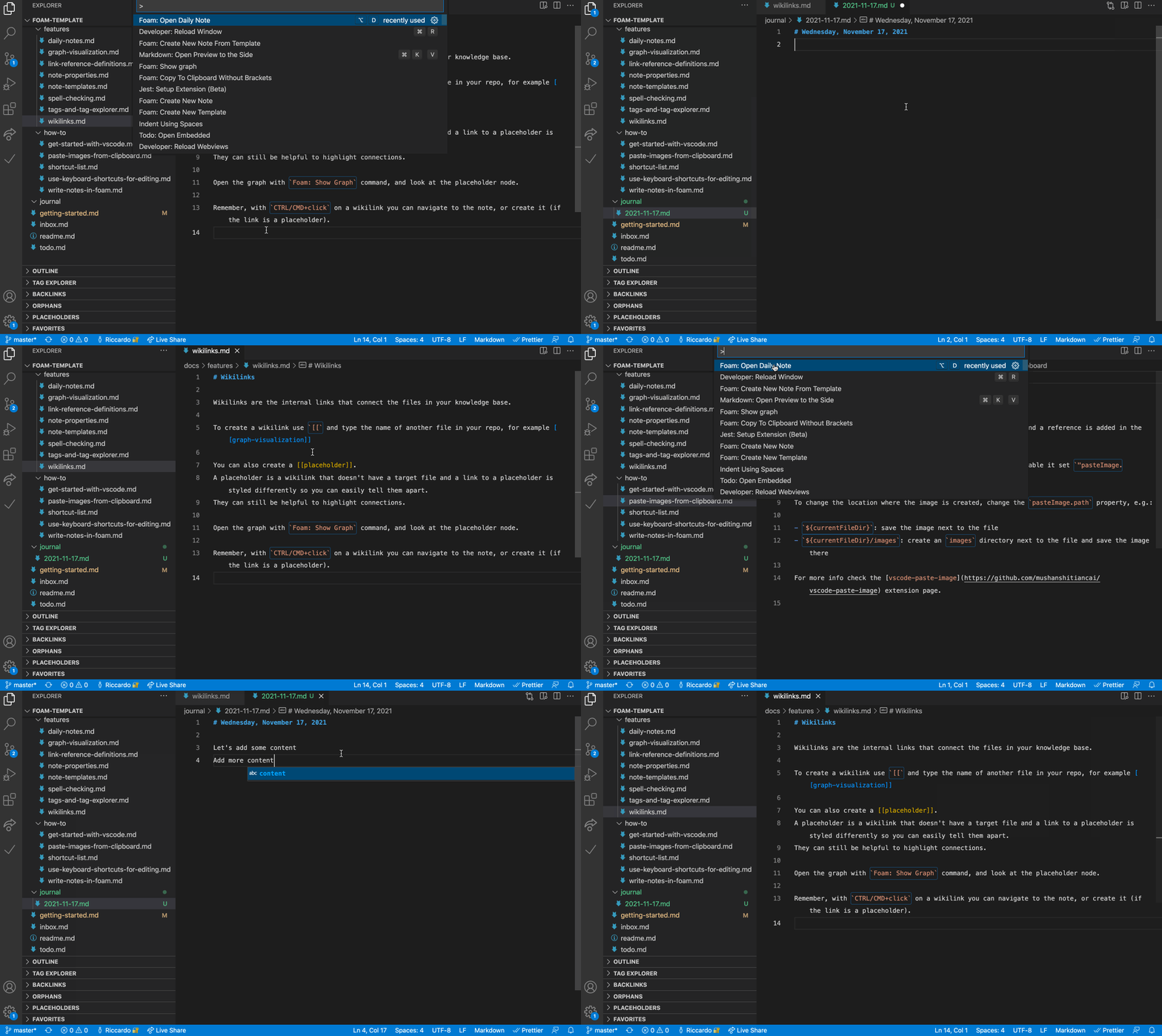
Daily note

Create a journal with daily notes.

Daily Note

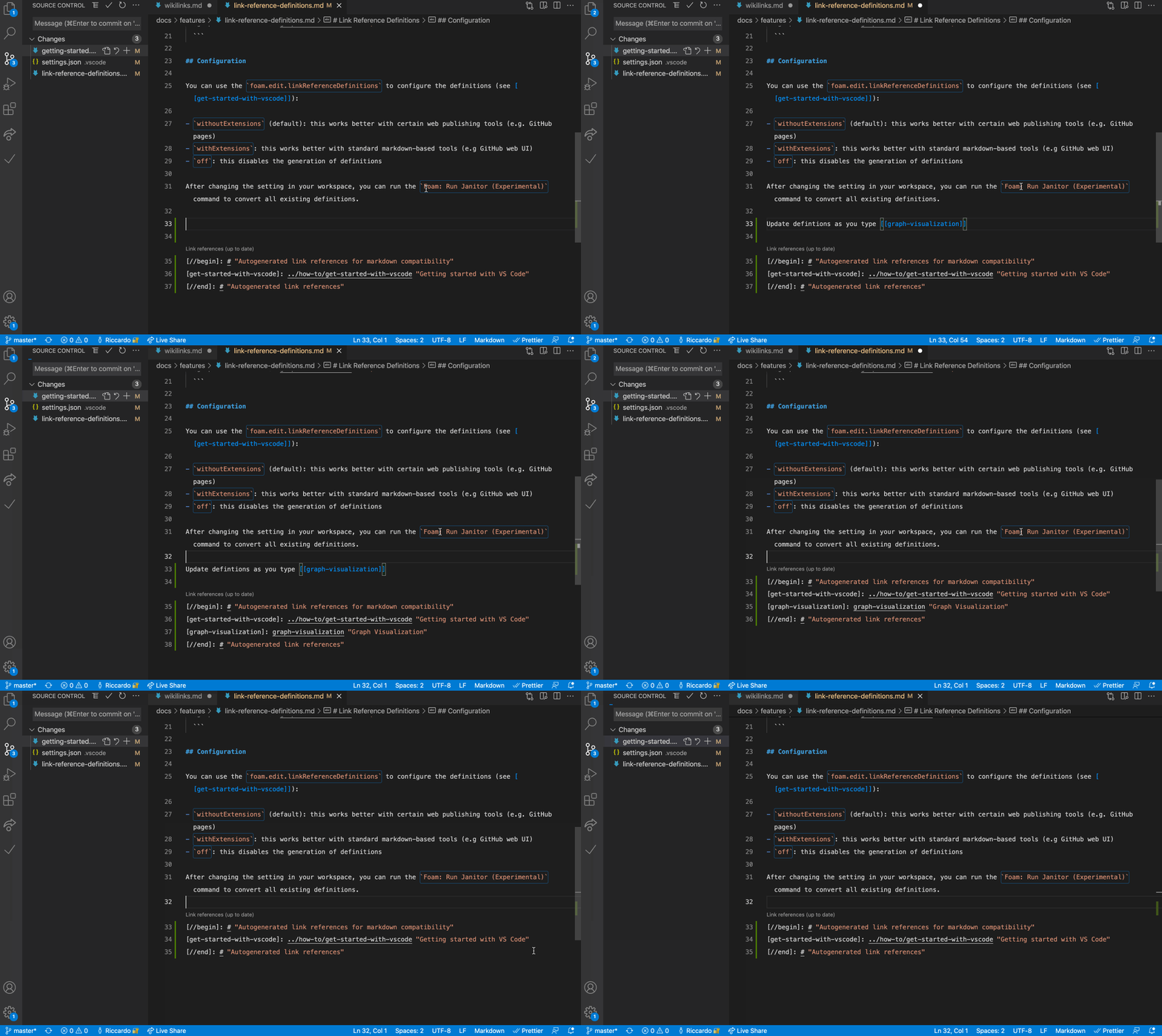
Create markdown references for [[wikilinks]], to use your notes in a non-Foam workspace. With references you can also make your notes navigable both in GitHub UI as well as GitHub Pages.

Generate references

Commands

Recipes

People use Foam in different ways for different use cases, check out the recipes page for inspiration!

Getting started

Already using Obsidian? An Obsidian vault is usually already a Foam workspace — see Coming from Obsidian.

Whether you want to build a Second Brain or a Zettelkasten, write a book, or just get better at long-term learning, Foam can help you organise your thoughts if you follow these simple rules:

  1. Create a single Foam workspace for all your knowledge and research following the [[Getting started]] guide.
  2. Write your thoughts in markdown documents (I like to call them Bubbles, but that might be more than a little twee). These documents should be atomic: Put things that belong together into a single document, and limit its content to that single topic. (source)
  3. Use Foam's shortcuts and autocompletions to link your thoughts together with [[wikilinks]], and navigate between them to explore your knowledge graph.
  4. Get an overview of your Foam workspace using the [[Graph Visualisation]], and discover relationships between your thoughts with the use of [Backlinking].

You can also use our Foam template:

  1. Log in on your GitHub account.
  2. Create a GitHub repository from foam-template. If you want to keep your thoughts to yourself, remember to set the repository private.
  3. Clone the repository and open it in VS Code.
  4. When prompted to install recommended extensions, click Install all (or Show Recommendations if you want to review and install them one by one).

This will also install Foam, but if you already have it installed, that's ok, just make sure you're up to date on the latest version.

Requirements

High tolerance for alpha-grade software. Foam is still a Work in Progress. Rest assured it will never lock you in, nor compromise your files, but sometimes some features might break ;)

Known Issues

See the issues on our GitHub repo ;)

Release Notes

See the CHANGELOG.

Learn more

Head over to the 👉Foam documentation site to see Foam in action and read the rest of the documentation!

Quick links to next documentation sections

You can also browse the docs folder.

License

Foam is licensed under the MIT license.

Contribution Guide

See the Contribution Guide

Code of conduct

See the Code of Conduct

Contributors ✨

Thanks goes to these wonderful people (emoji key):

Jani Eväkallio
Jani Eväkallio

💻 📖
Joe Previte
Joe Previte

💻 📖
Riccardo
Riccardo

💻 📖
Janne Ojanaho
Janne Ojanaho

💻 📖
Paul Shen
Paul Shen

📖
coffenbacher
coffenbacher

📖
Mathieu Dutour
Mathieu Dutour

📖
Michael Hansen
Michael Hansen

📖
David Nadlinger
David Nadlinger

📖
Fernando
Fernando

📖
Juan Gonzalez
Juan Gonzalez

📖
Louie Christie
Louie Christie

📖
Sandro
Sandro

📖
Simon Knott
Simon Knott

📖
Steven
Steven

📖
Tim
Tim

📖
Saurav Khdoolia
Saurav Khdoolia

📖
Ankit Tiwari
Ankit Tiwari

📖 ⚠️ 💻
Ayush Baweja
Ayush Baweja

📖
TaiChi-IO
TaiChi-IO

📖
Juan F Gonzalez
Juan F Gonzalez

📖
Sanket Dasgupta
Sanket Dasgupta

📖 💻
Nicholas Stafie
Nicholas Stafie

📖
Francis Hamel
Francis Hamel

💻
digiguru
digiguru

💻 📖
CHIRAG SINGHAL
CHIRAG SINGHAL

💻
Jonathan Carter
Jonathan Carter

📖
Julian Elve
Julian Elve

📖
Thomas Koppelaar
Tho

foam (foambubble/foam)

Searching Database…

17.5K ·GitHub
这是什么?Foam 是一个基于 Visual Studio Code 和 GitHub 构建的个人知识管理与笔记系统,可以把 Markdown 笔记互相链接,以关系图的形式可视化呈现,还可以选择将笔记发布到网上。
这是独立的应用,还是运行在 VS Code 里面的?它是一个 VS Code 扩展,外加一套工作区约定。没有单独的应用,你完全在 VS Code 中使用普通的 Markdown 文件和 wiki 链接进行工作。
我该如何开始使用 Foam?基于 'foam-template' 在 GitHub 上创建一个仓库,将其克隆到本地,然后在 VS Code 中打开;出现提示时安装推荐的扩展(其中包括 Foam 本身)。
除了 VS Code,还需要别的东西吗?如果你要使用官方的 foam-template 来初始化工作区,就需要 VS Code 和一个 GitHub 账号;否则,任何包含 Markdown 文件的文件夹都可以变成 Foam 工作区。
Foam 稳定到可以放心依赖吗?README 本身提示,它仍是 alpha 阶段的软件,仍在开发之中,因此功能偶尔可能出错;不过维护者表示,它不会把你锁定在里面,也不会以破坏性的方式改动你的文件。
它能在所有操作系统上运行吗?Foam 只是一个 VS Code 扩展,所以只要 VS Code 能运行的地方,它就能运行,包括 Windows、macOS 和 Linux。
我在 Foam 中写的笔记归谁所有?你的笔记是保存在本地的普通 Markdown 文件,完全归你所有;你可以自行决定让仓库保持私密,还是分享或发布出去。
我能从 Obsidian 切换到 Foam 吗?可以。README 提到,现有的 Obsidian 笔记库通常本身就是有效的 Foam 工作区,因此你可以直接在 VS Code 中打开它。
笔记之间是如何相互链接的?笔记使用标准的 wiki 链接语法,例如 [[note]] 或 [[note#Section]],还支持别名([[note|alias]]),以及嵌入其他笔记的内容。
图谱可视化和 Backlinks 面板有什么作用?'Foam: Show Graph' 命令会把整个工作区渲染成一张相互连接的图谱;Backlinks 面板则会列出所有引用你当前正在编辑的笔记的内容,并附带上下文和预览。
Foam 支持每日日记和模板吗?支持。它有用于写日记的每日笔记功能,还支持自定义模板,让你不必在每篇笔记中重复编写相同的结构。
Creator
foambubble
Size
63.2 MB
Stars
17.5K
Age
6y
Commits · 90 Days