









Что это такое?
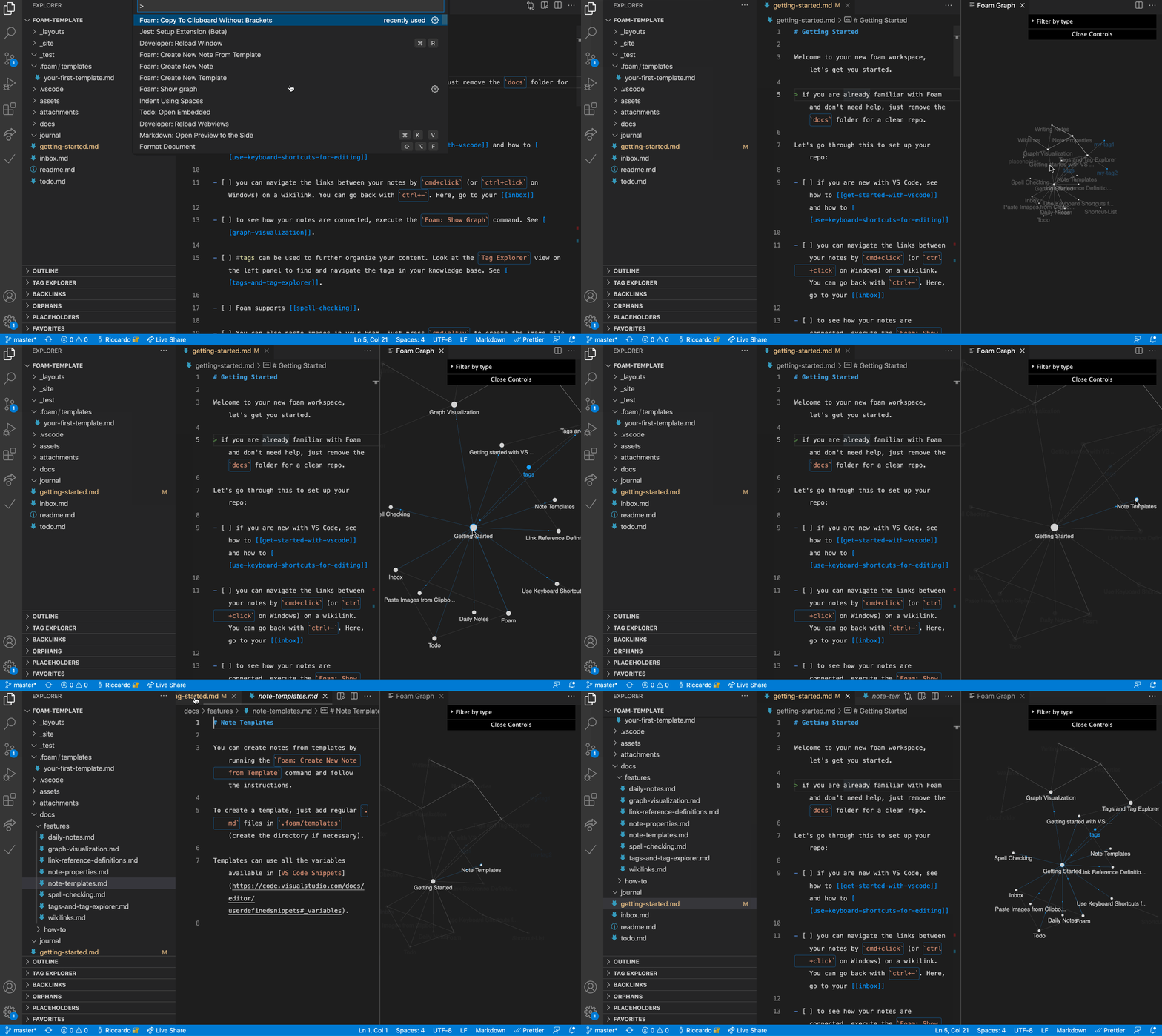
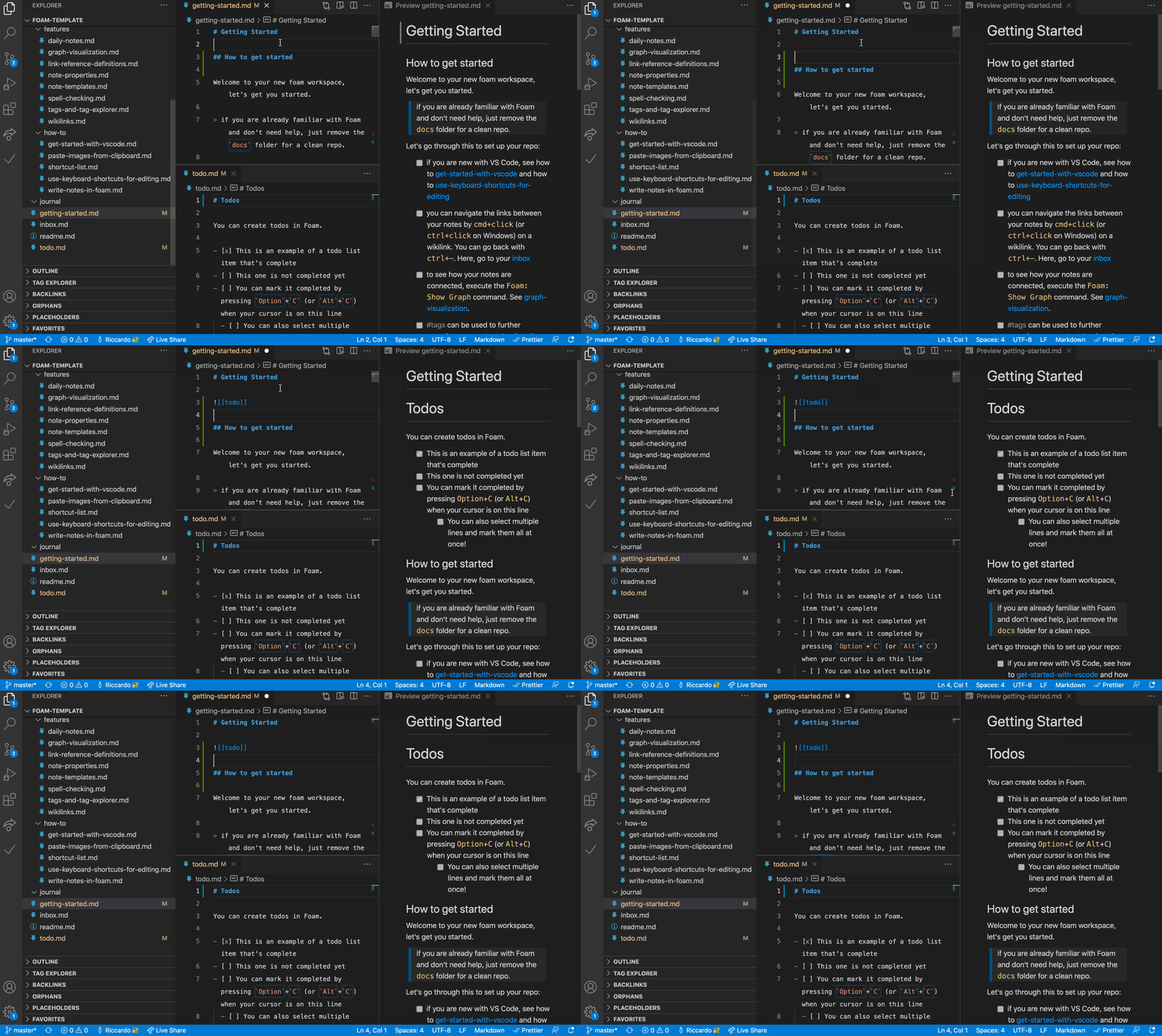
 Foam — это система для личных заметок и управления знаниями, построенная на основе Visual Studio Code и GitHub. Она позволяет связывать markdown-заметки между собой, визуализировать их в виде графа и, при желании, публиковать в интернете.
Foam — это система для личных заметок и управления знаниями, построенная на основе Visual Studio Code и GitHub. Она позволяет связывать markdown-заметки между собой, визуализировать их в виде графа и, при желании, публиковать в интернете.Это отдельное приложение или работает внутри VS Code?Это расширение для VS Code плюс набор соглашений по структуре рабочей области. Отдельного приложения нет: вы работаете полностью внутри VS Code, используя обычные markdown-файлы и викиссылки.
Это расширение для VS Code плюс набор соглашений по структуре рабочей области. Отдельного приложения нет: вы работаете полностью внутри VS Code, используя обычные markdown-файлы и викиссылки.Как начать работать с Foam?Создайте репозиторий на GitHub из 'foam-template', клонируйте его и откройте в VS Code; когда появится запрос, установите рекомендуемые расширения (в их число входит и сам Foam).
Создайте репозиторий на GitHub из 'foam-template', клонируйте его и откройте в VS Code; когда появится запрос, установите рекомендуемые расширения (в их число входит и сам Foam).Нужно ли что-то помимо VS Code?Нужны VS Code и аккаунт GitHub, если вы используете официальный шаблон foam-template для создания рабочей области. В противном случае любая папка с markdown-файлами может стать рабочей областью Foam.
Нужны VS Code и аккаунт GitHub, если вы используете официальный шаблон foam-template для создания рабочей области. В противном случае любая папка с markdown-файлами может стать рабочей областью Foam.Насколько стабилен Foam, чтобы на него полагаться?В README прямо сказано, что это программа уровня альфа-версии, которая всё ещё в разработке, поэтому отдельные функции иногда могут ломаться. Однако разработчики утверждают, что она не привязывает вас к себе и не меняет ваши файлы необратимым образом.
В README прямо сказано, что это программа уровня альфа-версии, которая всё ещё в разработке, поэтому отдельные функции иногда могут ломаться. Однако разработчики утверждают, что она не привязывает вас к себе и не меняет ваши файлы необратимым образом.Работает ли он на любой операционной системе?Поскольку Foam — это просто расширение для VS Code, он работает везде, где работает VS Code: в Windows, macOS и Linux.
Поскольку Foam — это просто расширение для VS Code, он работает везде, где работает VS Code: в Windows, macOS и Linux.Кому принадлежат заметки, которые я пишу в Foam?Ваши заметки — это обычные локальные markdown-файлы, которые полностью принадлежат вам. Вы сами решаете, хранить ли репозиторий приватным или открыть его доступ и опубликовать.
Ваши заметки — это обычные локальные markdown-файлы, которые полностью принадлежат вам. Вы сами решаете, хранить ли репозиторий приватным или открыть его доступ и опубликовать.Можно ли перейти с Obsidian на Foam?Да. В README отмечено, что существующее хранилище Obsidian обычно уже является корректной рабочей областью Foam, так что его можно открыть прямо в VS Code.
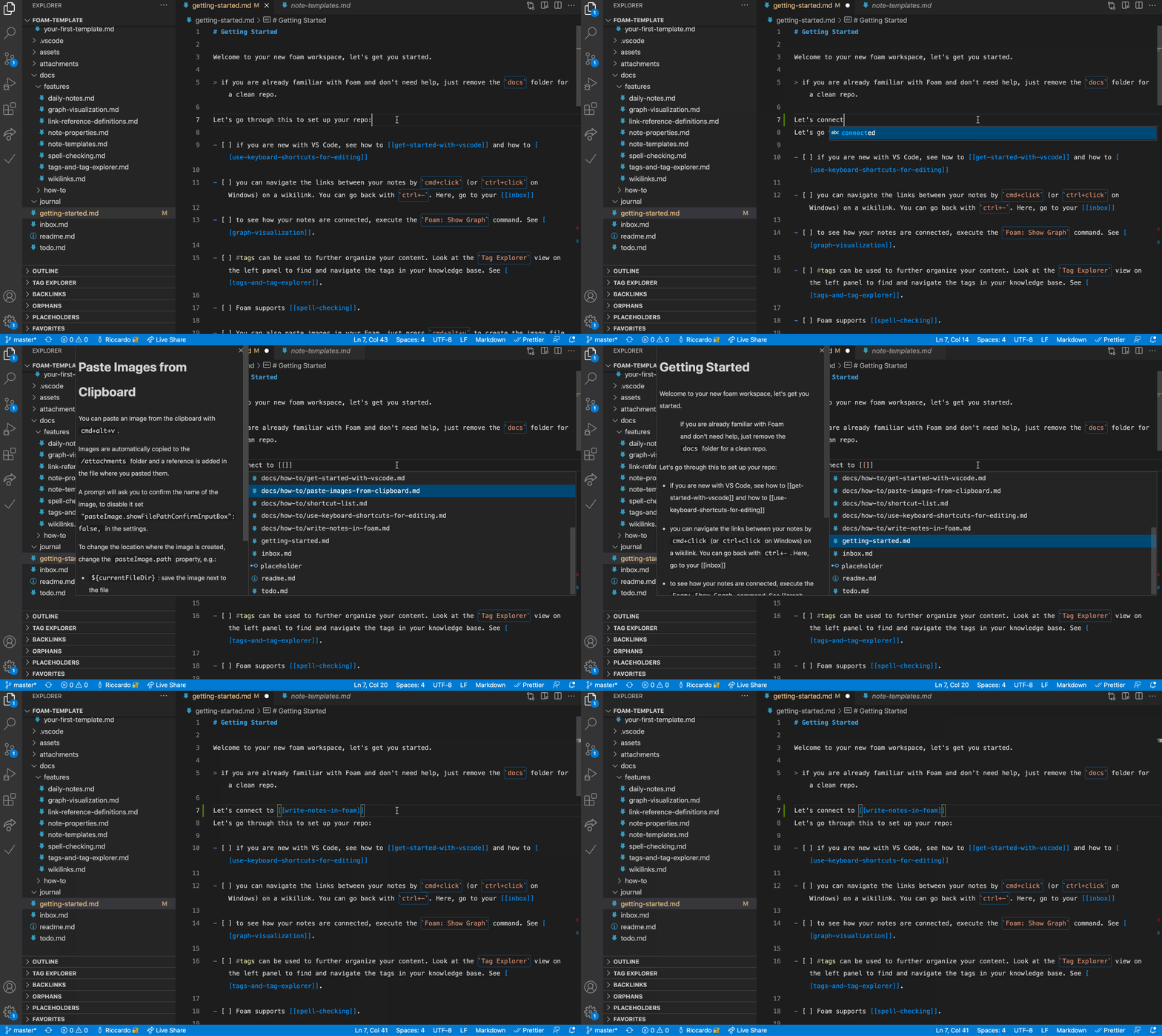
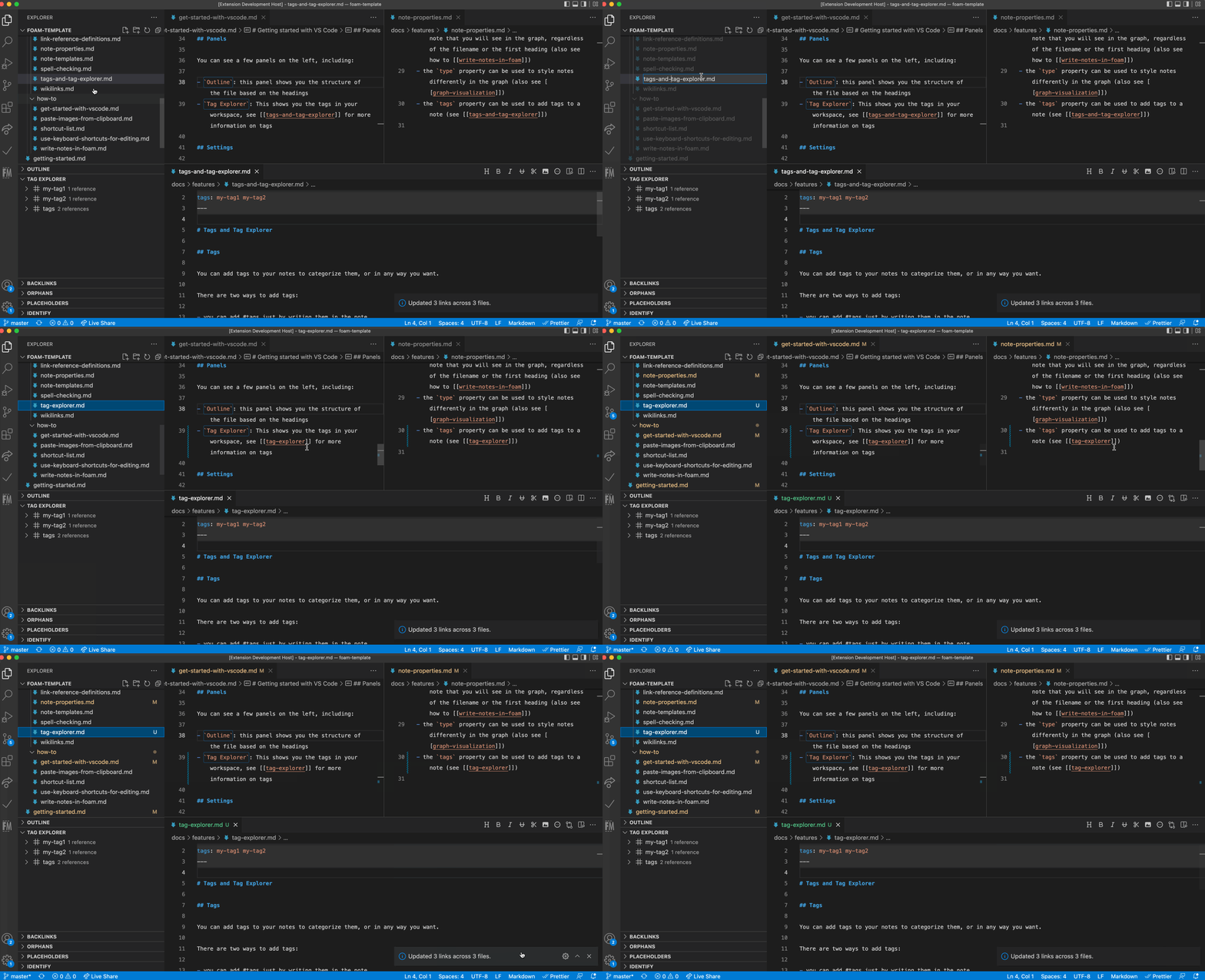
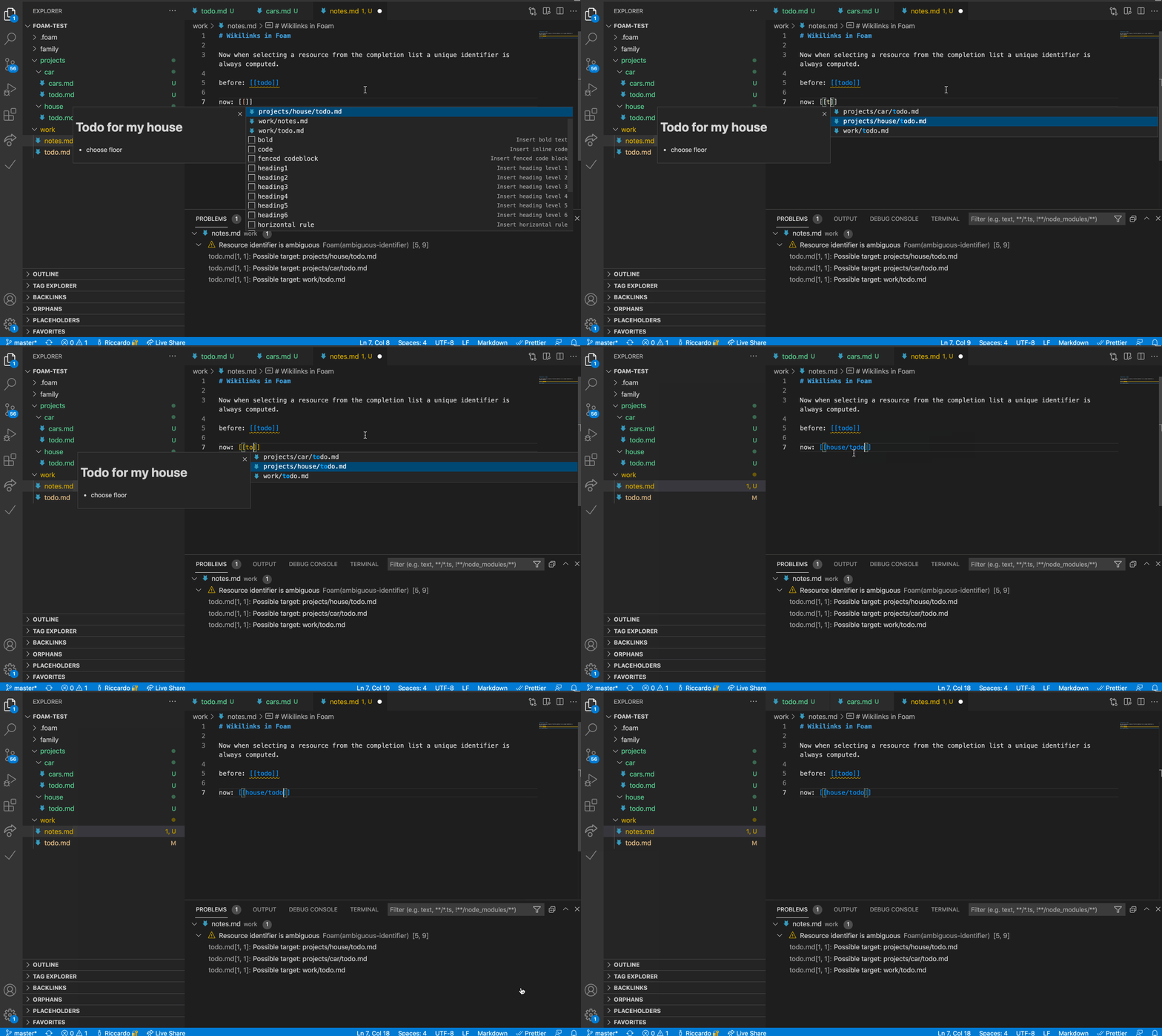
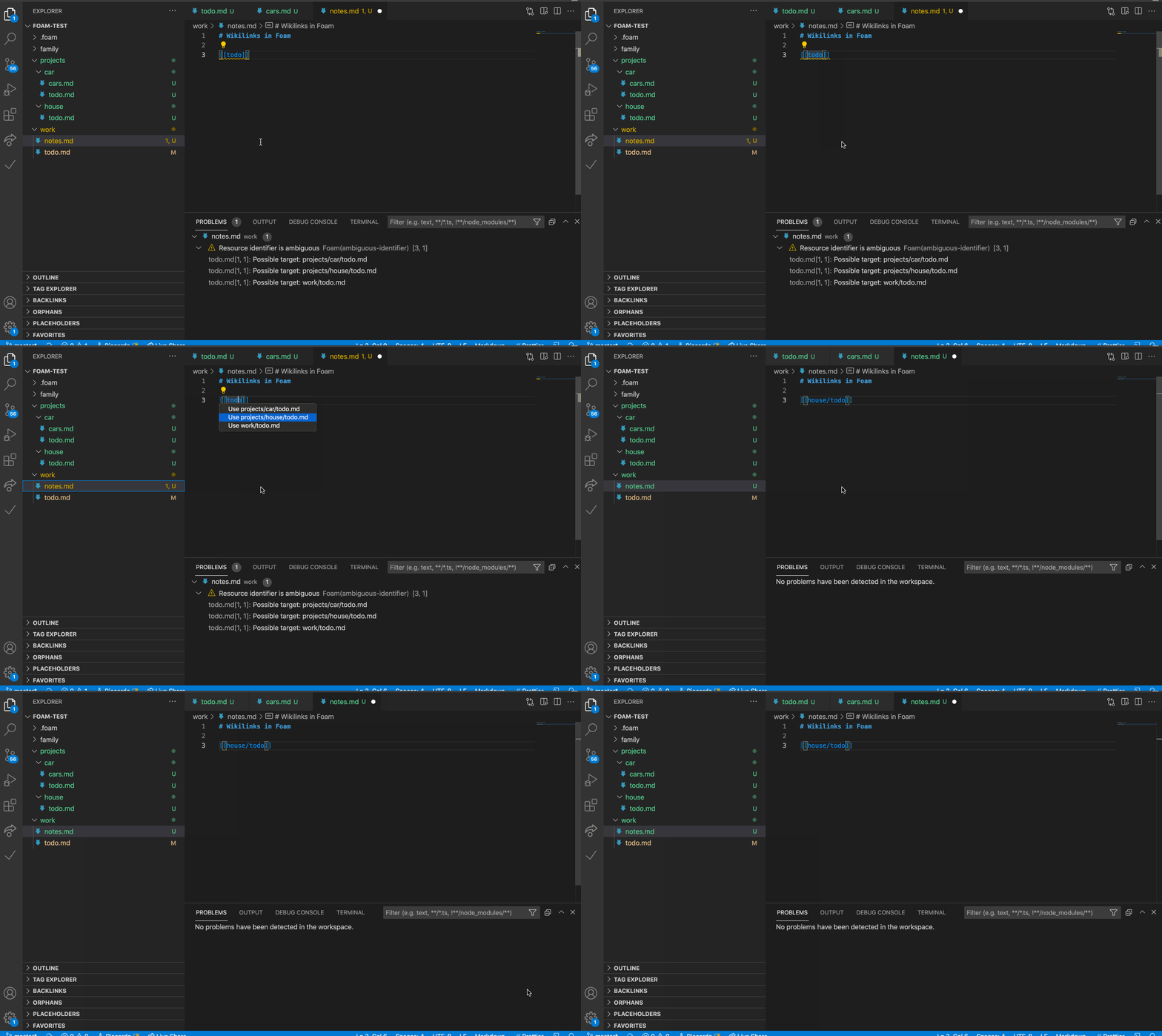
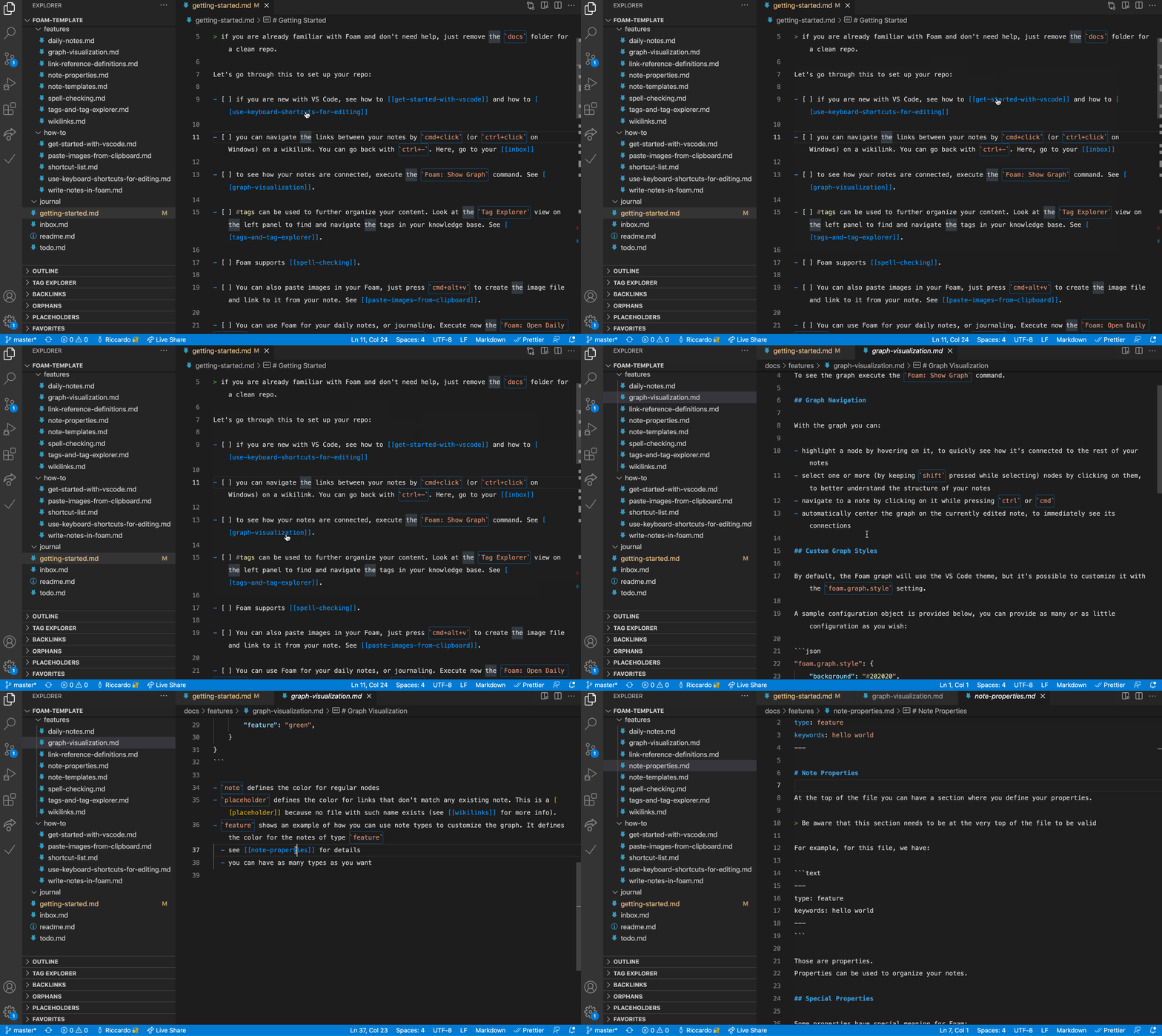
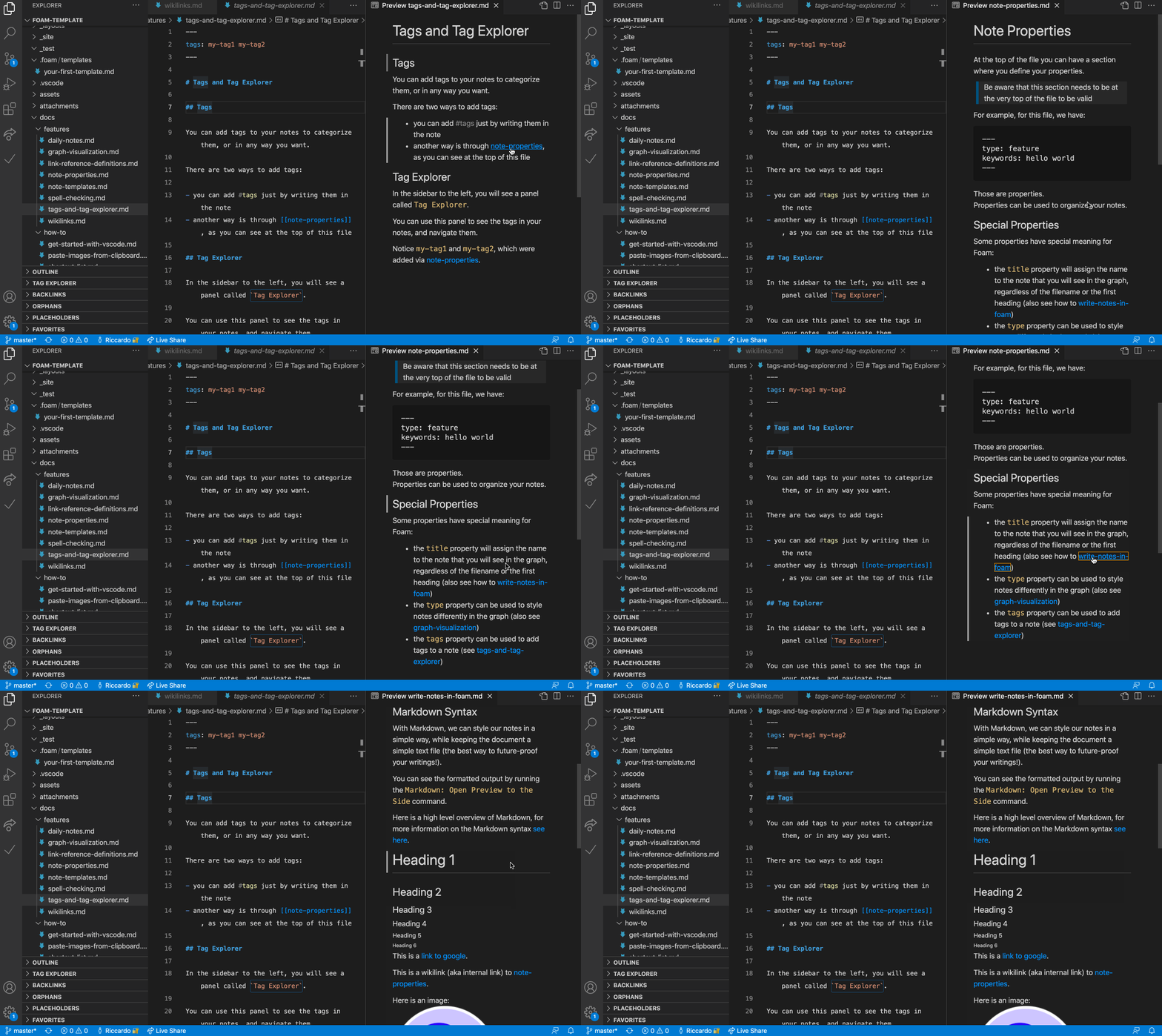
Да. В README отмечено, что существующее хранилище Obsidian обычно уже является корректной рабочей областью Foam, так что его можно открыть прямо в VS Code.Как заметки ссылаются друг на друга?Заметки используют стандартный синтаксис викиссылок, например [[note]] или [[note#Section]], также поддерживаются псевдонимы ([[note|alias]]) и встраивание содержимого из других заметок.
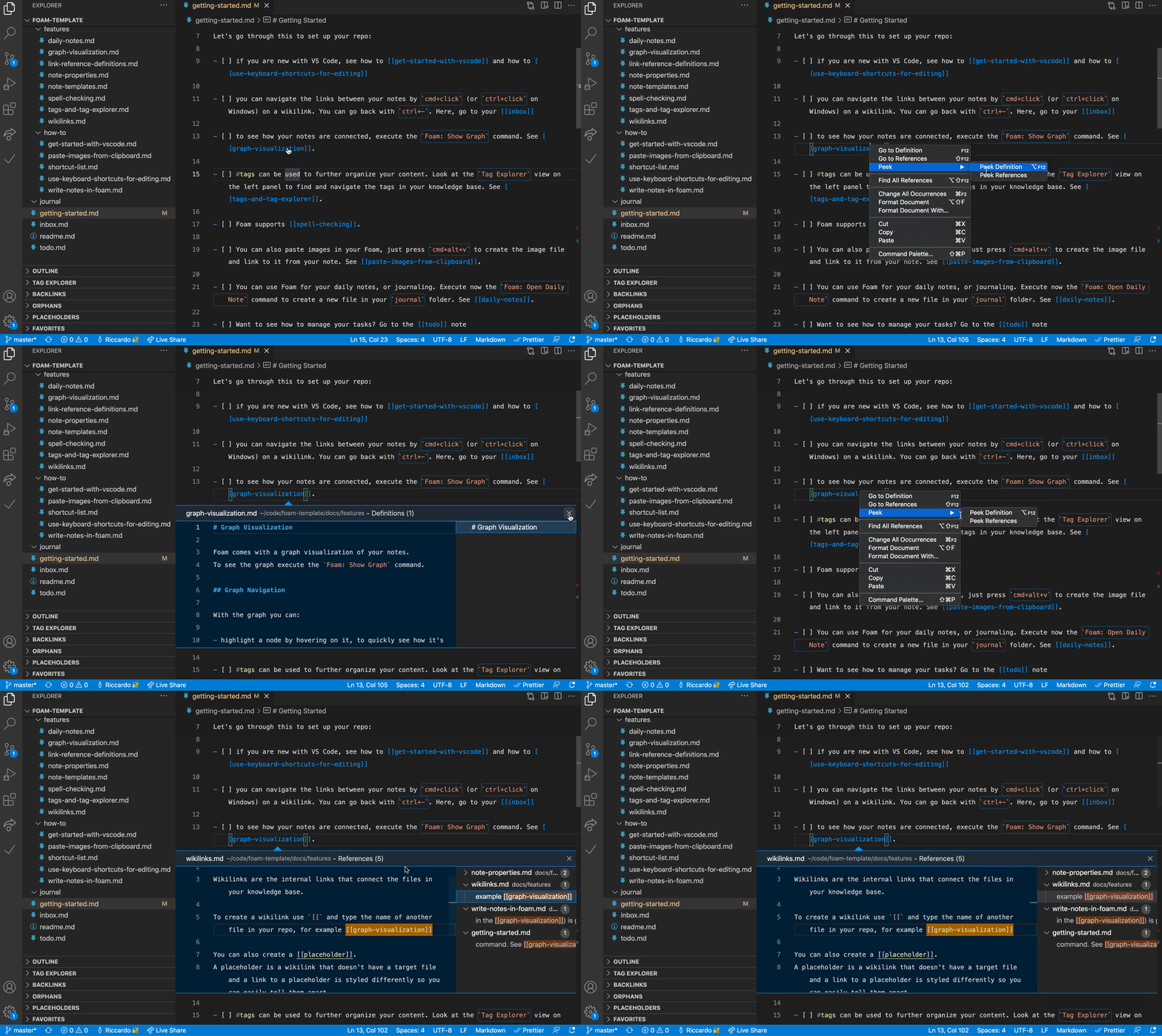
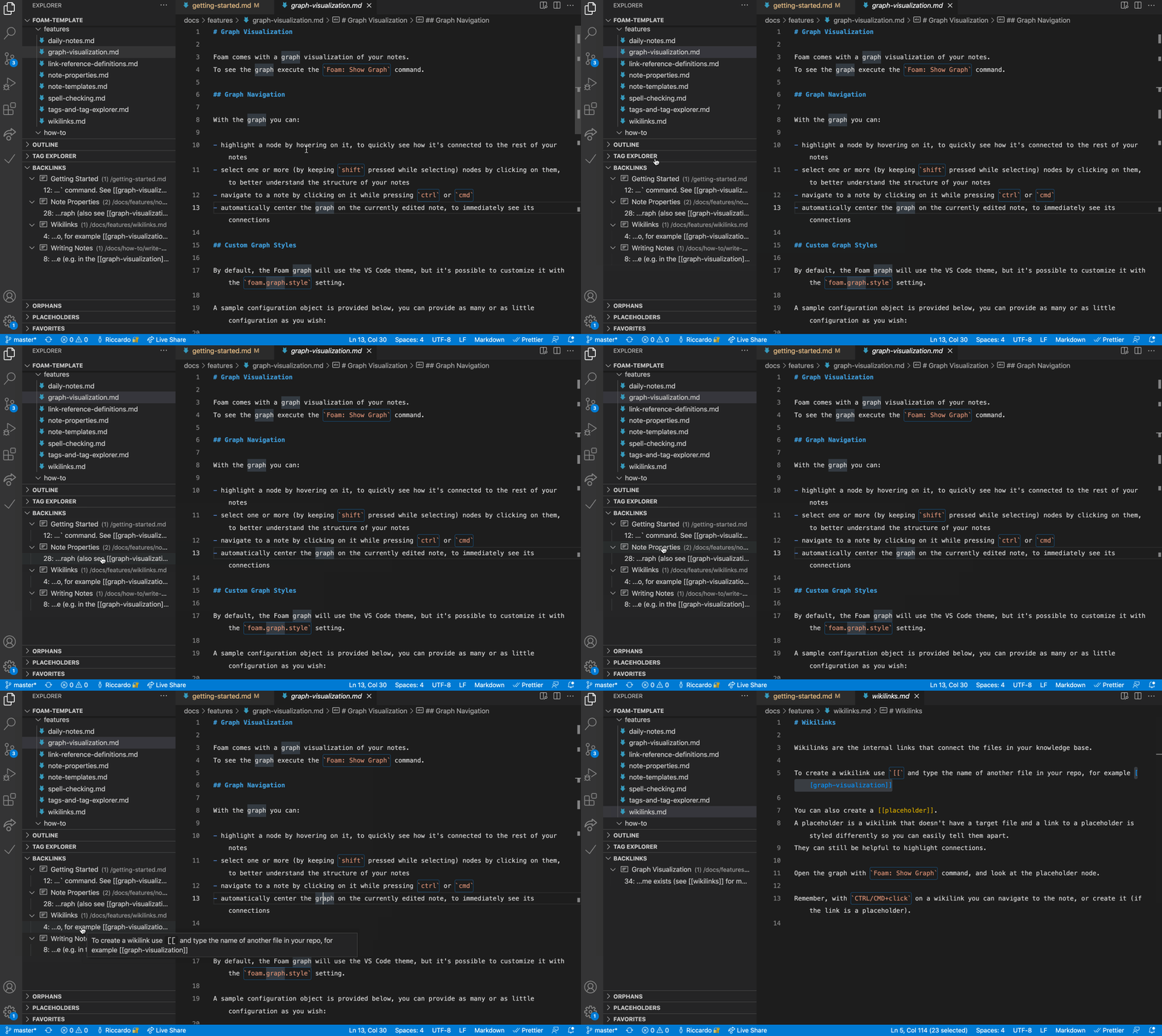
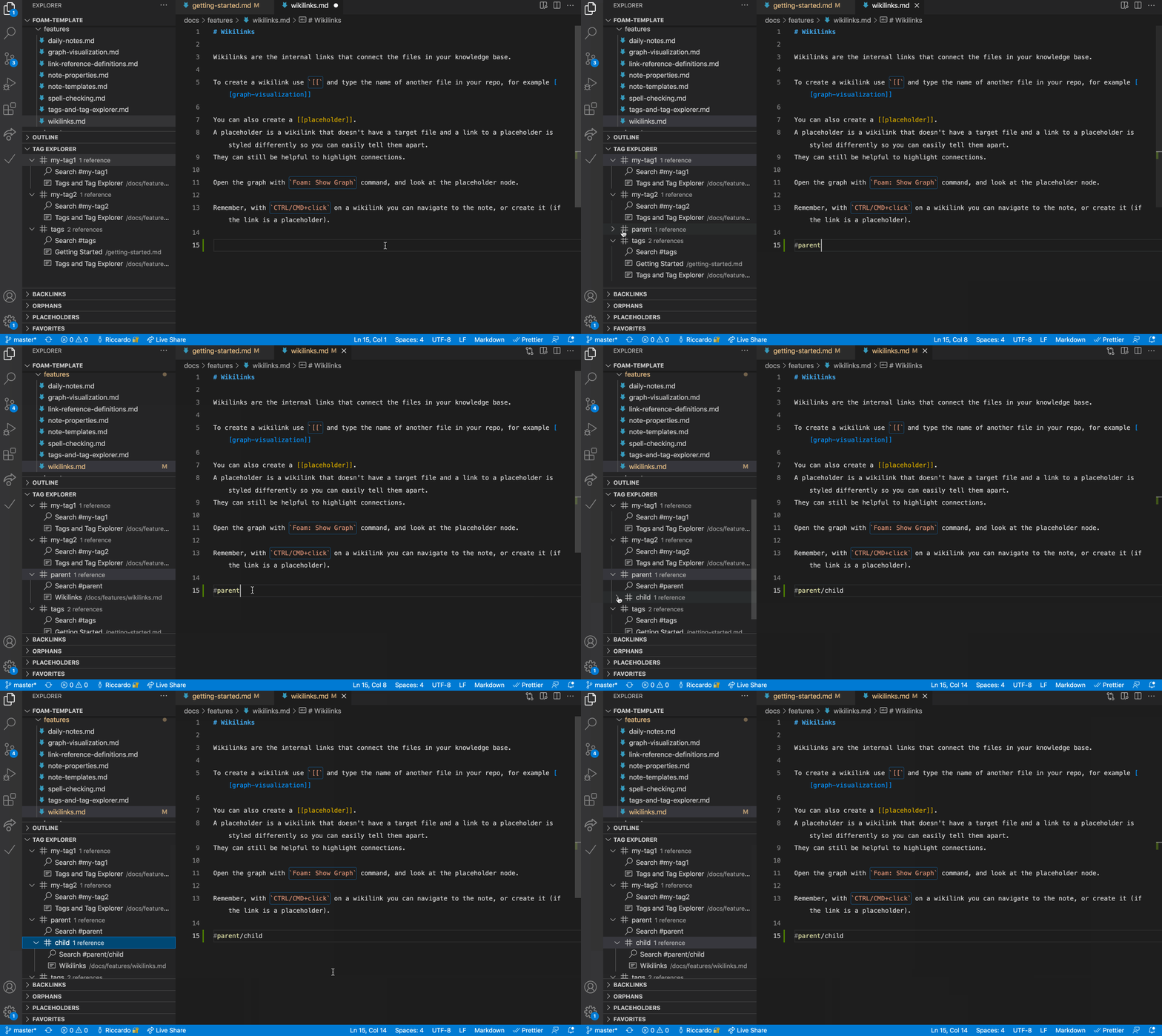
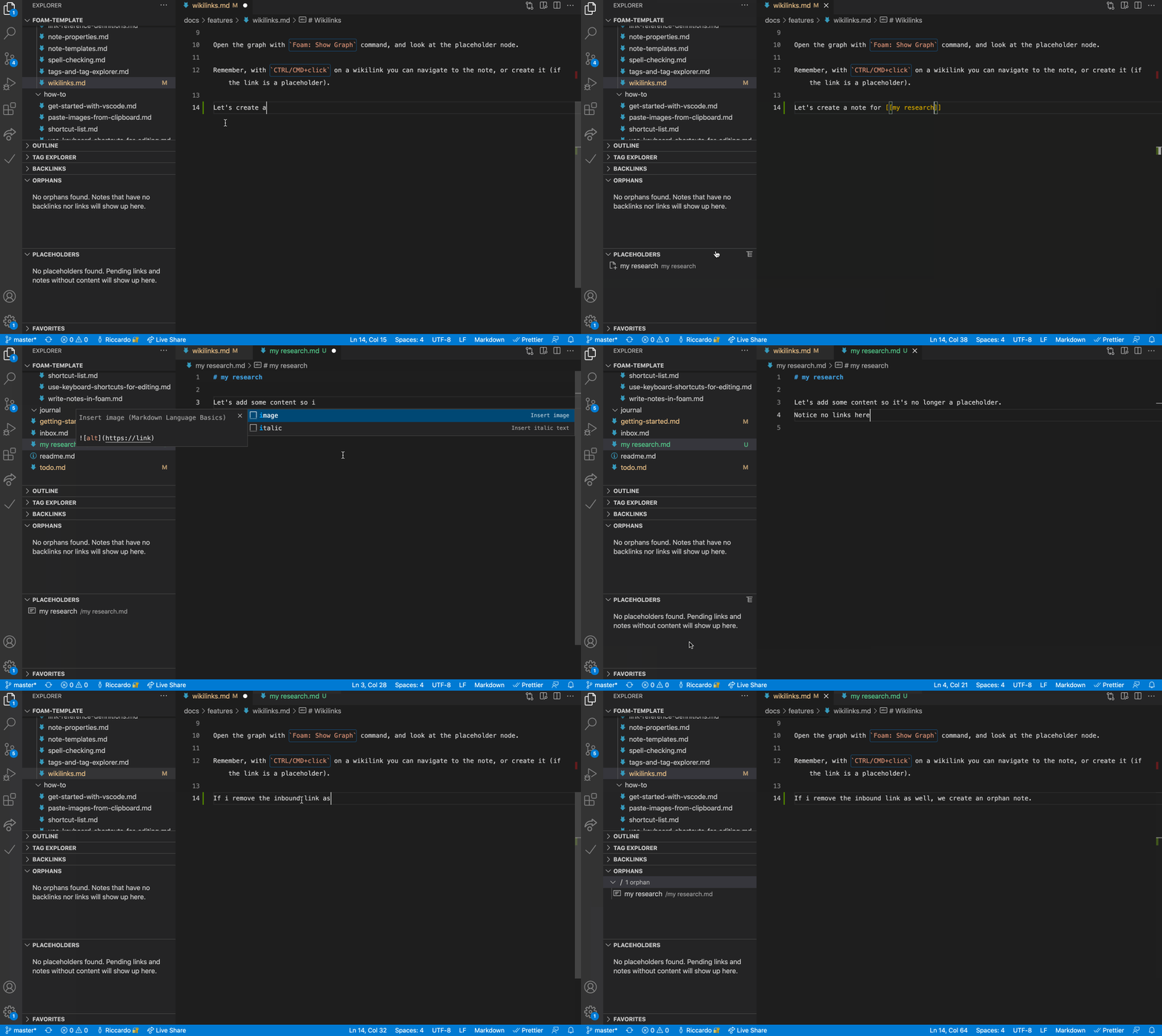
Заметки используют стандартный синтаксис викиссылок, например [[note]] или [[note#Section]], также поддерживаются псевдонимы ([[note|alias]]) и встраивание содержимого из других заметок.Что есть в панели визуализации графа и обратных ссылок?Команда 'Foam: Show Graph' строит граф всей рабочей области, а панель Backlinks показывает все заметки, которые ссылаются на ту, что вы сейчас редактируете, с контекстом и предварительным просмотром.
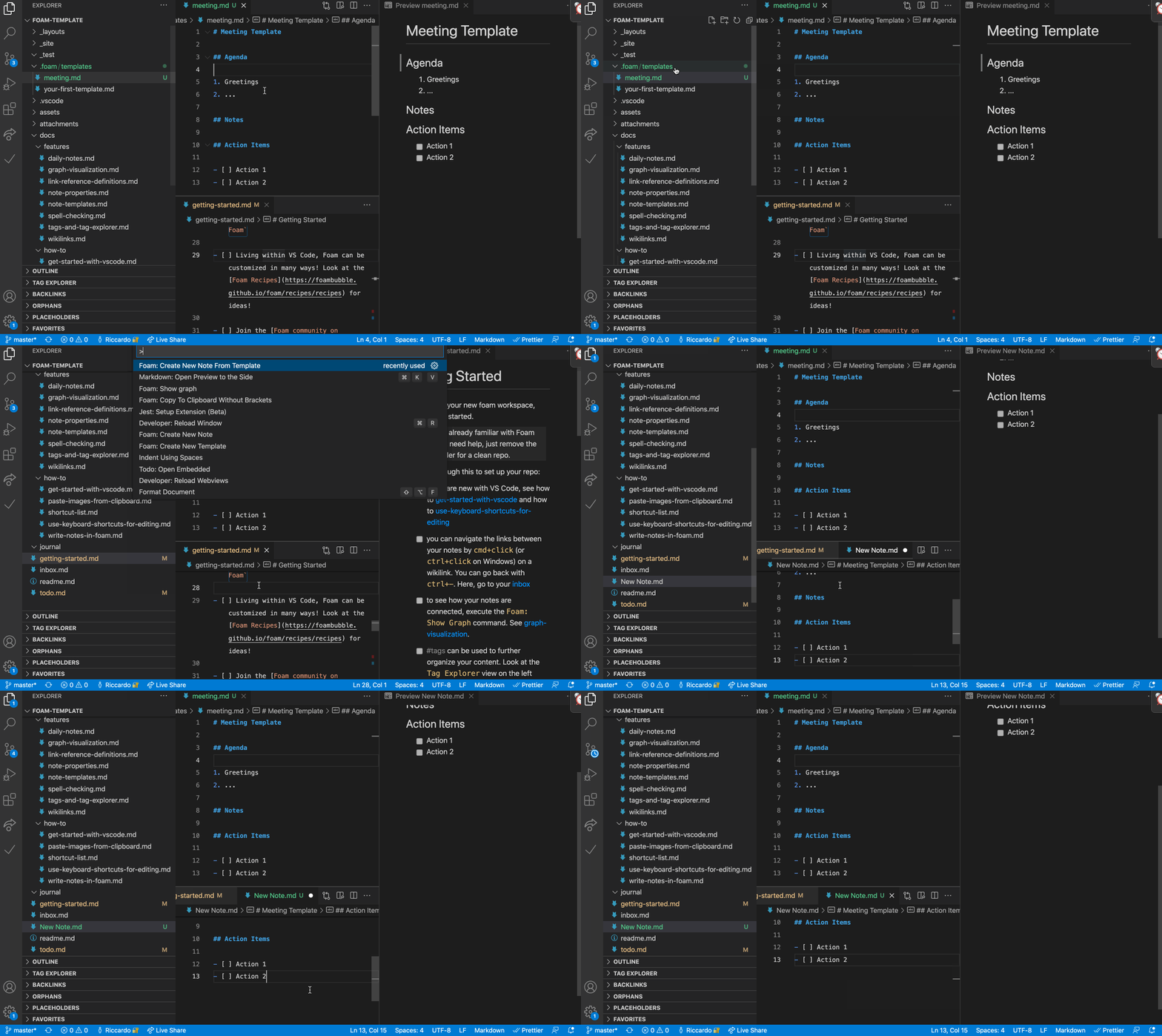
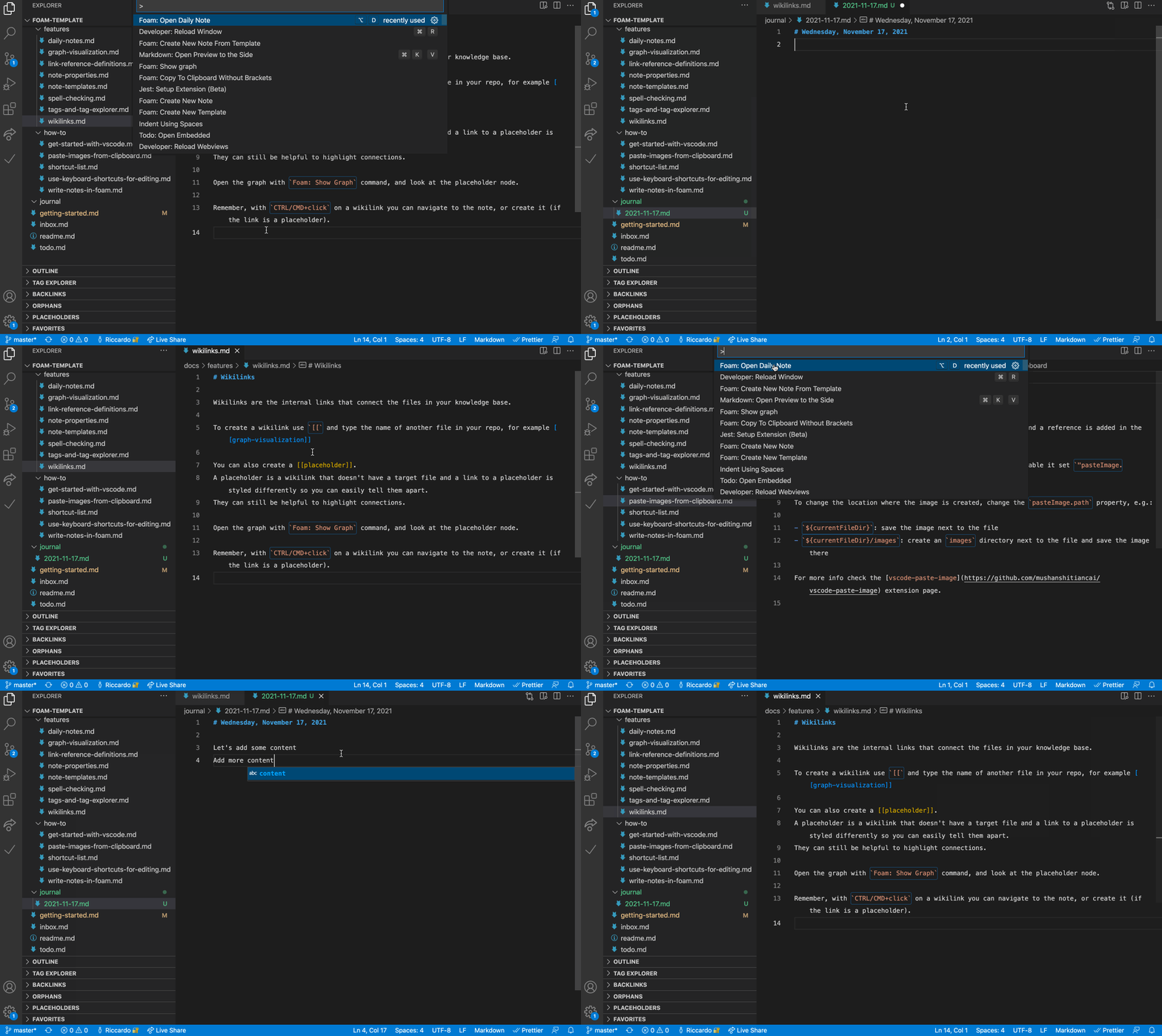
Команда 'Foam: Show Graph' строит граф всей рабочей области, а панель Backlinks показывает все заметки, которые ссылаются на ту, что вы сейчас редактируете, с контекстом и предварительным просмотром.Поддерживает ли Foam ведение дневника и шаблоны?Да, есть функция ежедневных заметок для ведения дневника, а также пользовательские шаблоны, чтобы не повторять одинаковую структуру в каждой заметке.
Да, есть функция ежедневных заметок для ведения дневника, а также пользовательские шаблоны, чтобы не повторять одинаковую структуру в каждой заметке.What are similar projects?second-brain-os, Life-Compass-Obsidian-CN, open-knowledge, claude-obsidian, obsidian-mind, compass, obsidian-second-brain, PrivacyNotes.app
second-brain-os, Life-Compass-Obsidian-CN, open-knowledge, claude-obsidian, obsidian-mind, compass, obsidian-second-brain, PrivacyNotes.appWhich topics is it in?personal-knowledge-base, note-taking-app, notes-app, pkm, second-brain, markdown-editor, github-pages, obsidian, vscode-extension, knowledge-management, vscode, template
personal-knowledge-base, note-taking-app, notes-app, pkm, second-brain, markdown-editor, github-pages, obsidian, vscode-extension, knowledge-management, vscode, template