



Что это такое?
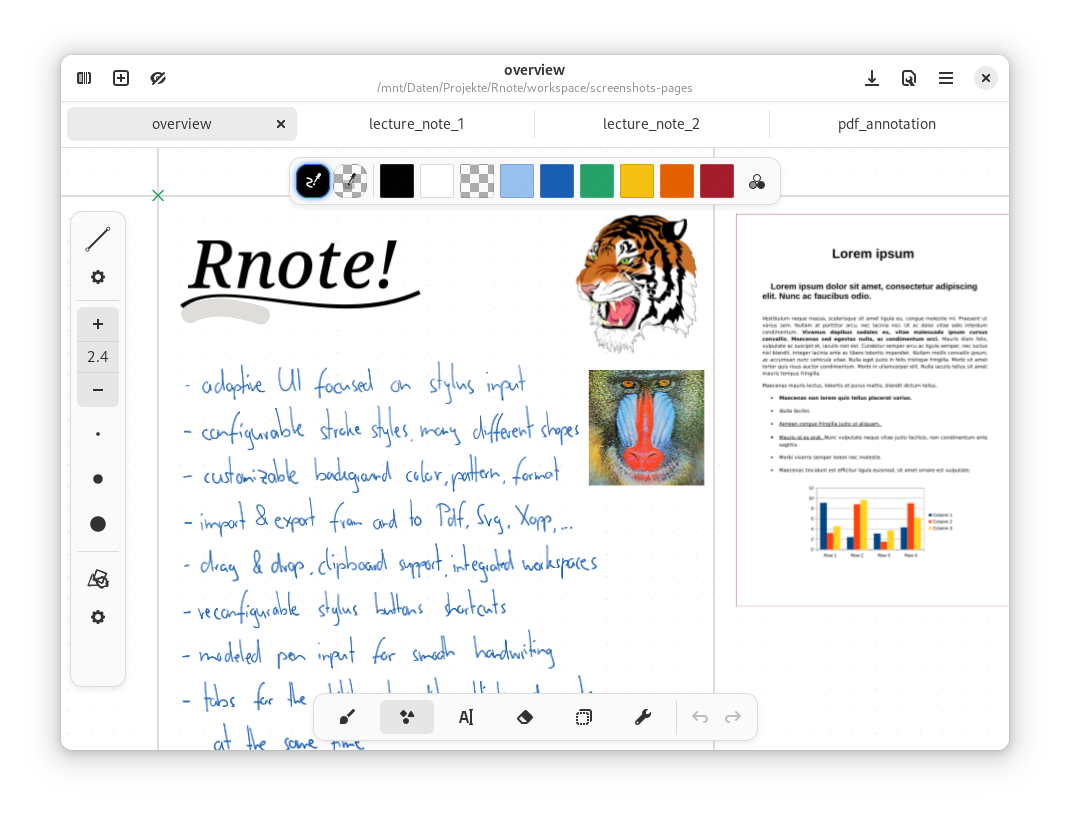
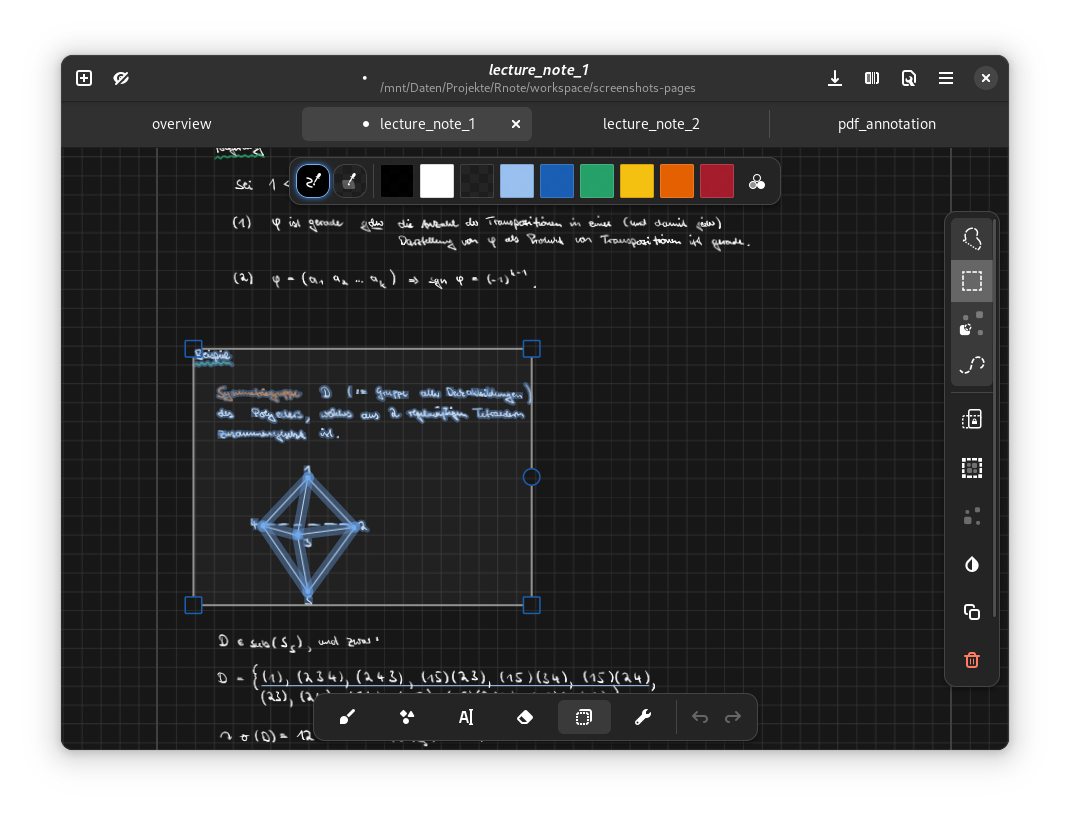
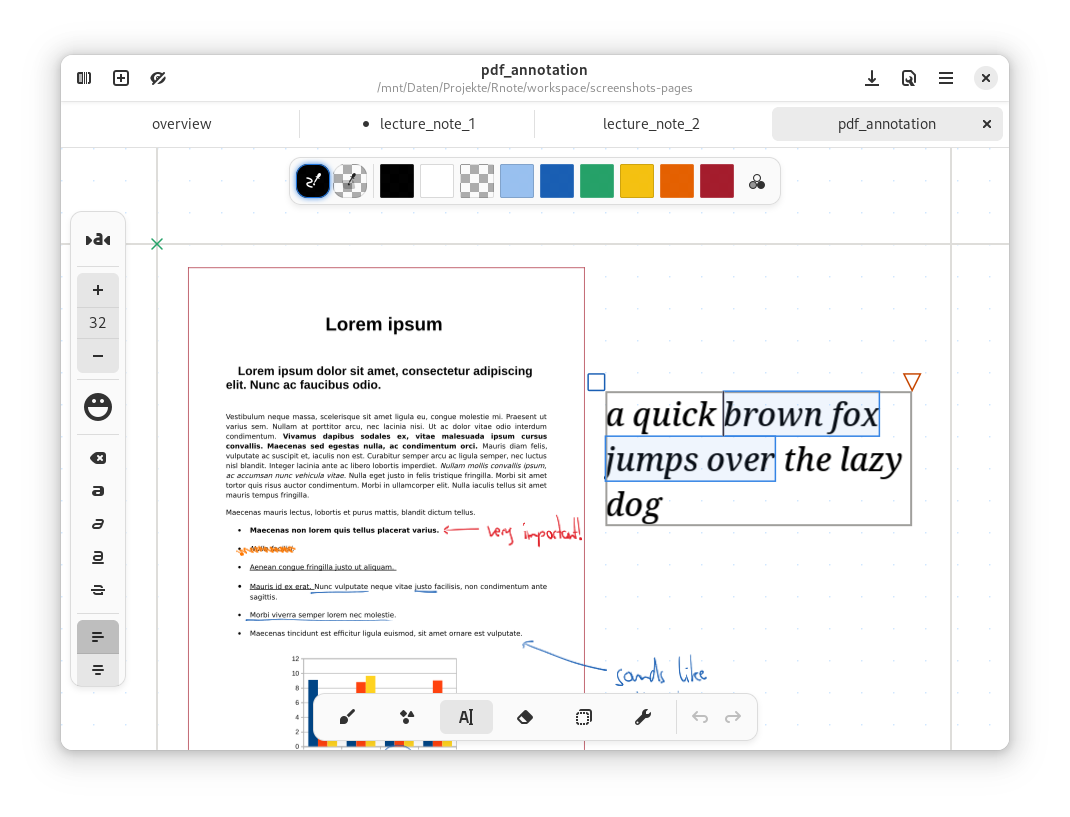
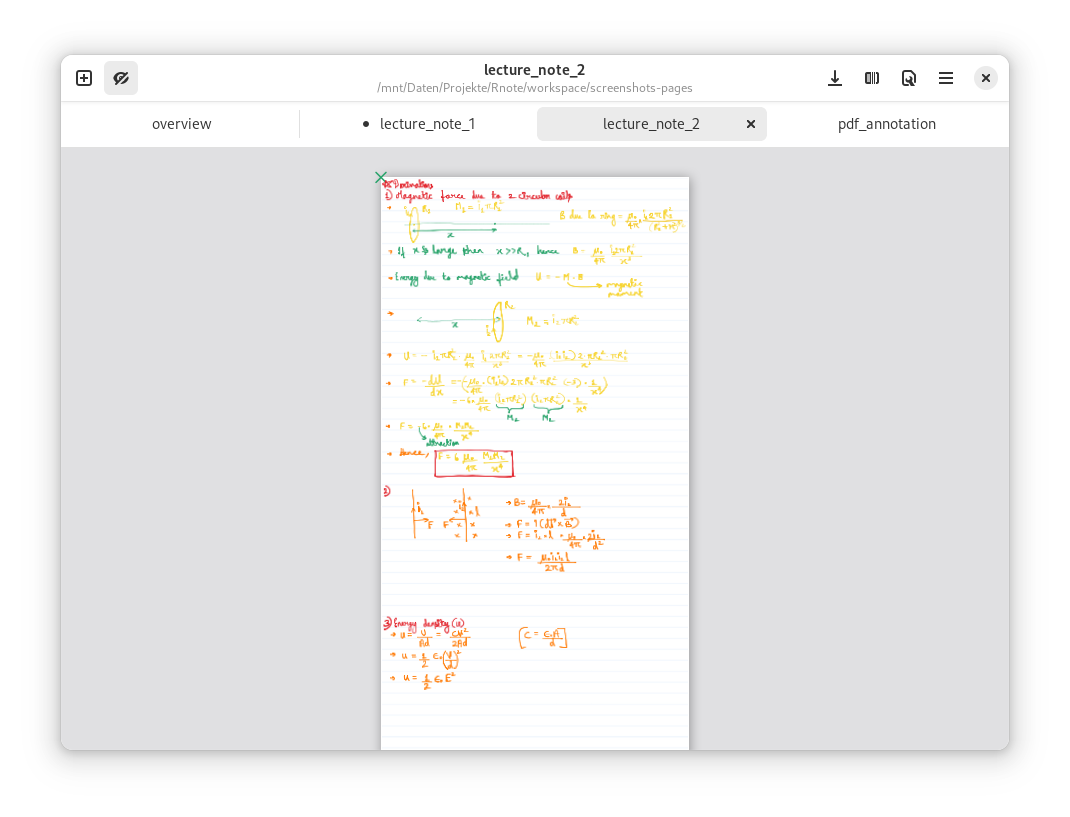
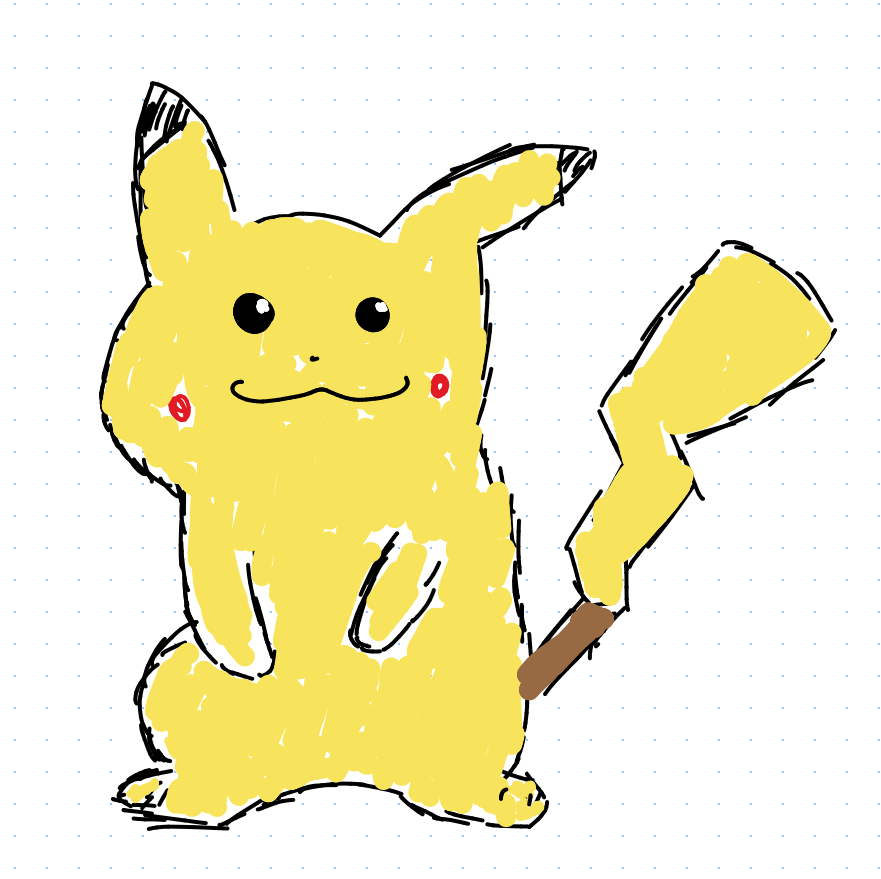
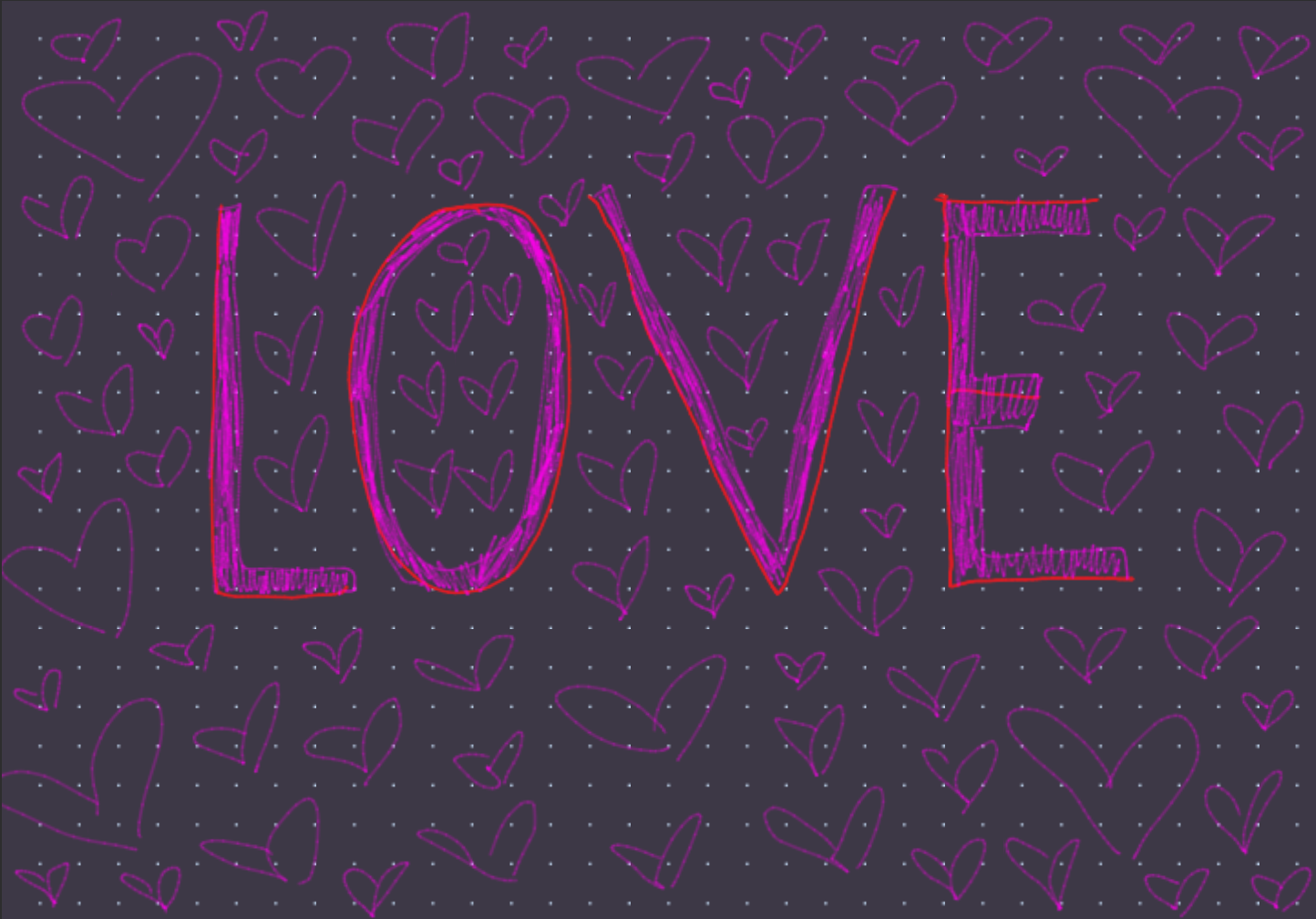
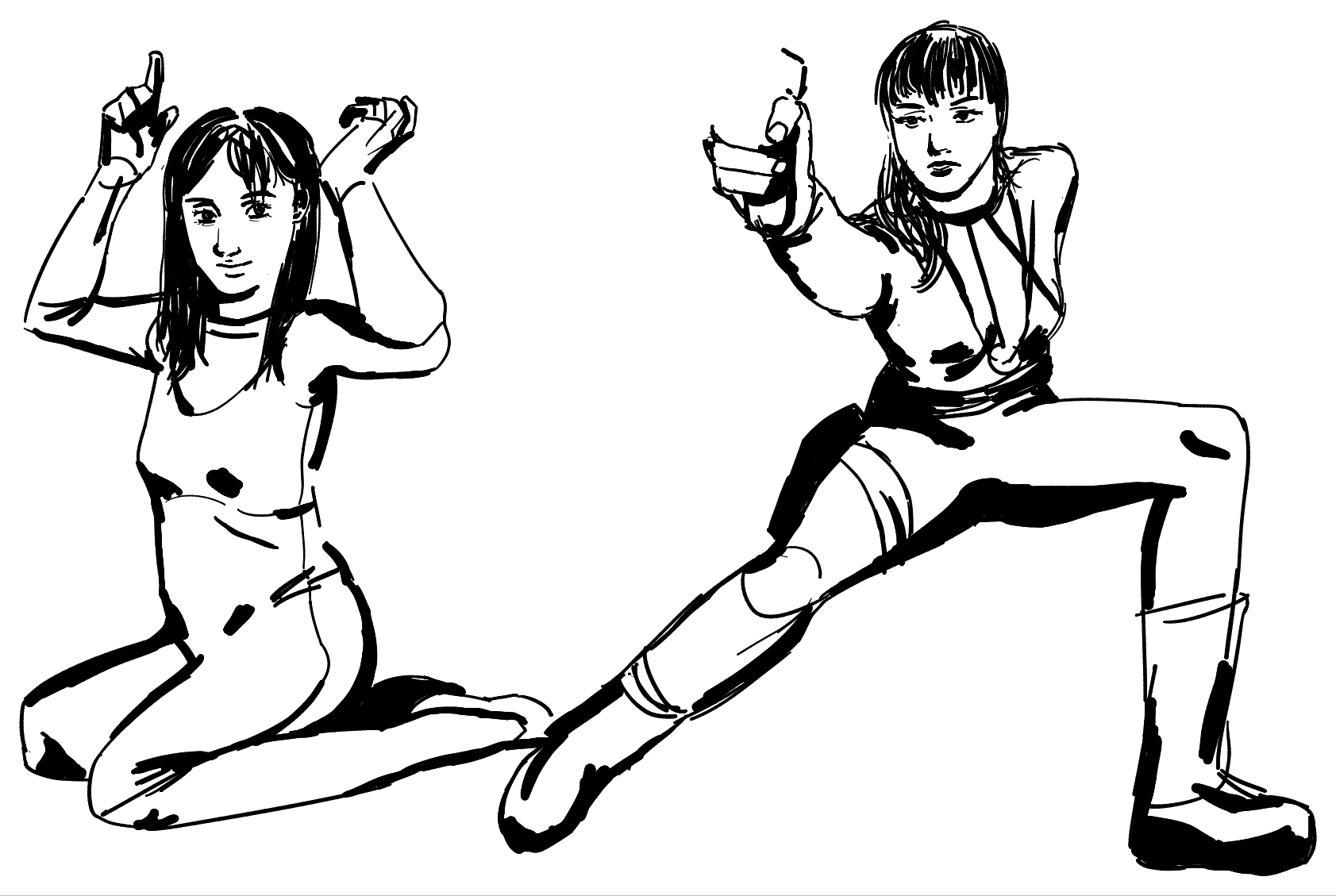
 Rnote — это бесплатное приложение с открытым исходным кодом для рисования на основе векторной графики: подходит для скетчей, рукописных заметок и аннотирования документов и картинок. Написано на Rust с использованием GTK4.
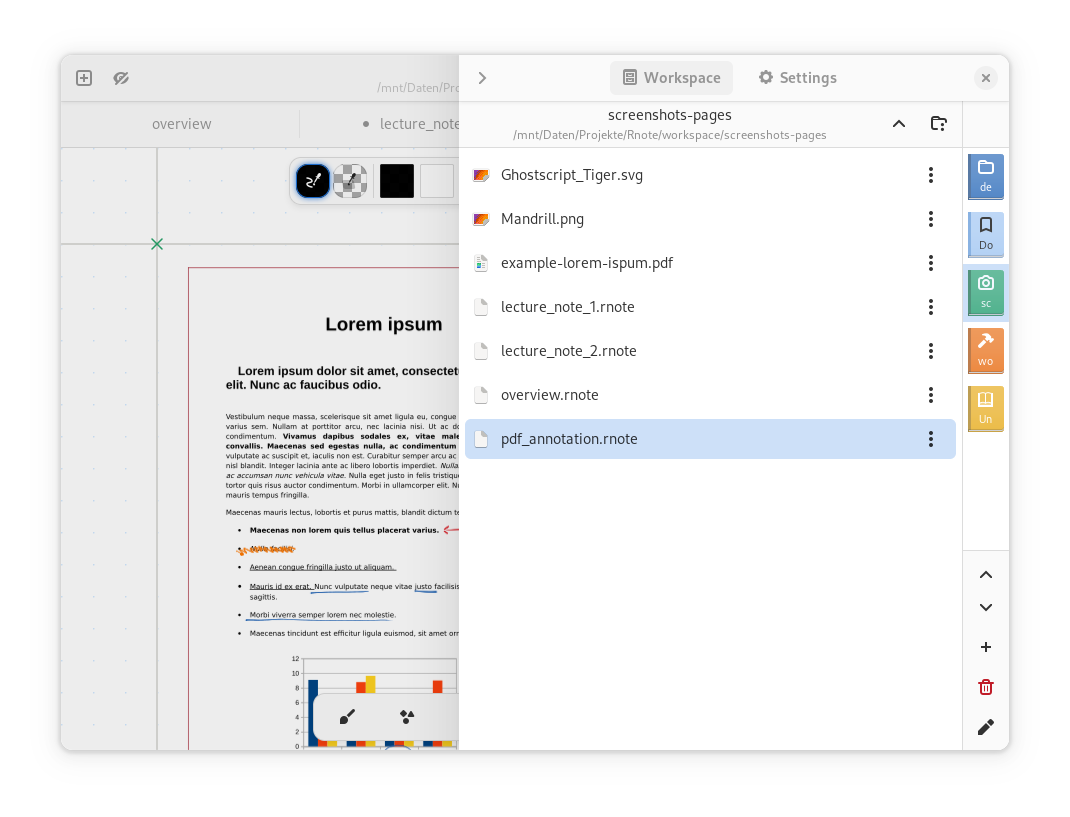
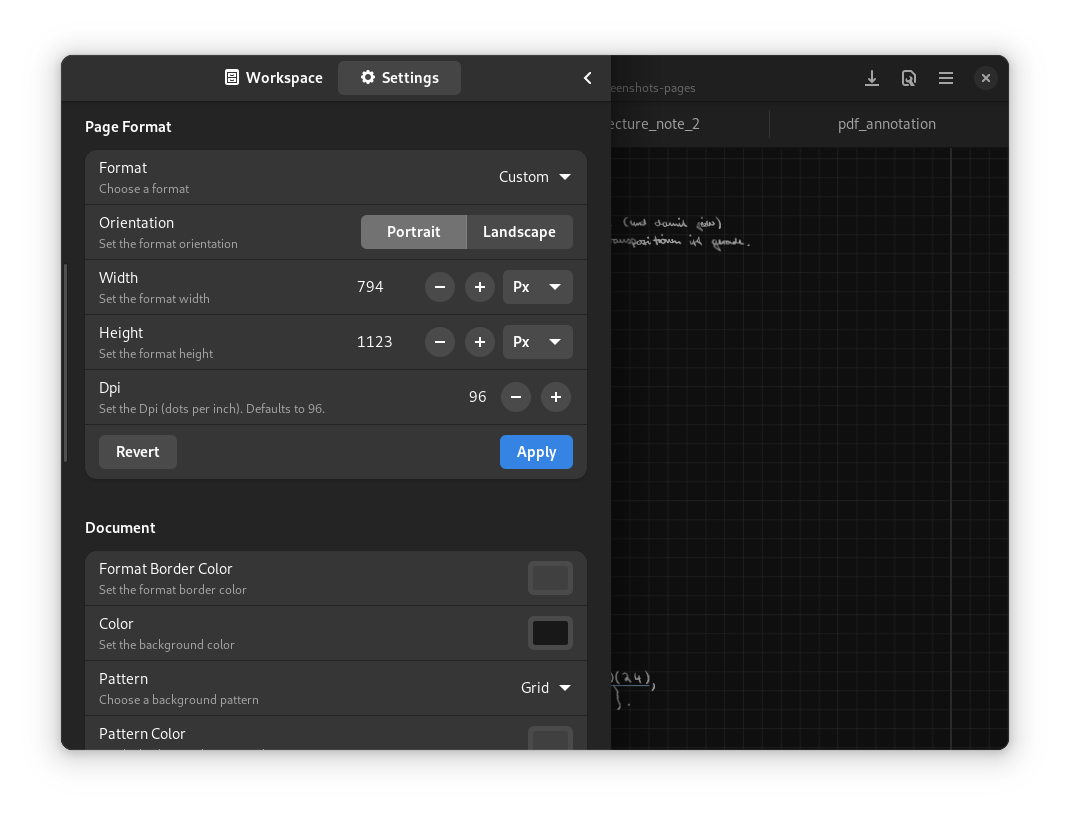
Rnote — это бесплатное приложение с открытым исходным кодом для рисования на основе векторной графики: подходит для скетчей, рукописных заметок и аннотирования документов и картинок. Написано на Rust с использованием GTK4.Так это инструмент для рисования или полноценное приложение для заметок?И то и другое в одном приложении: вы свободно рисуете и пишете на бесконечном холсте, можете выбирать макеты страниц (фиксированные страницы, непрерывная вертикальная лента или бесконечность во всех направлениях), настраивать фон и работать сразу с несколькими документами во вкладках.
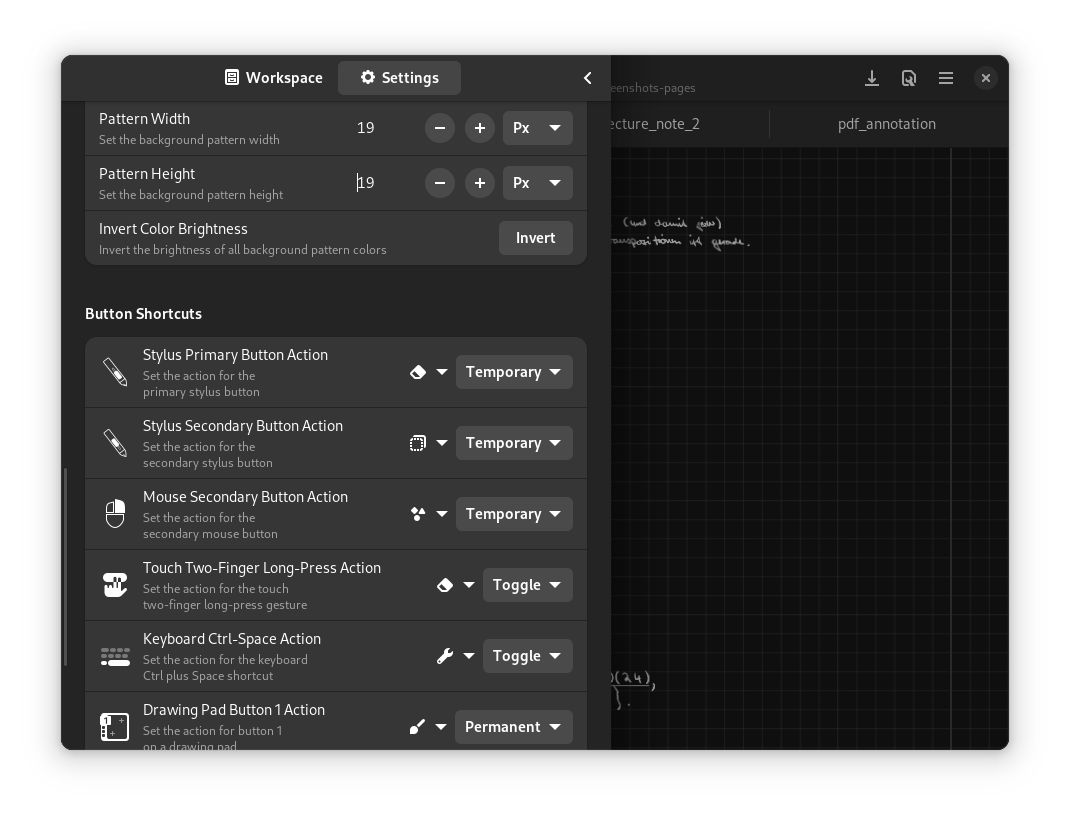
И то и другое в одном приложении: вы свободно рисуете и пишете на бесконечном холсте, можете выбирать макеты страниц (фиксированные страницы, непрерывная вертикальная лента или бесконечность во всех направлениях), настраивать фон и работать сразу с несколькими документами во вкладках.Мне нужен графический планшет, чтобы пользоваться программой?Она создана для студентов, преподавателей и владельцев графических планшетов: интерфейс заточен под стилус, с настраиваемыми штрихами, чувствительными к нажатию, и переназначаемыми кнопками стилуса. Мышь тоже работает, но изначально программа рассчитана на стилус.
Она создана для студентов, преподавателей и владельцев графических планшетов: интерфейс заточен под стилус, с настраиваемыми штрихами, чувствительными к нажатию, и переназначаемыми кнопками стилуса. Мышь тоже работает, но изначально программа рассчитана на стилус.Есть ли подводные камни, прежде чем я перенесу туда свои заметки?Собственный формат файлов .rnote всё ещё нестабилен и в версиях с v0.2.0 по v0.5.0 менялся несовместимым образом, поэтому для открытия старого файла может понадобиться откатиться на предыдущую версию Rnote.
Собственный формат файлов .rnote всё ещё нестабилен и в версиях с v0.2.0 по v0.5.0 менялся несовместимым образом, поэтому для открытия старого файла может понадобиться откатиться на предыдущую версию Rnote.Оно запустится на любом Linux-десктопе?Нет, на X11 не запустится — там оно не поддерживается, и известно, что ввод со стилуса и сенсорного экрана работает ненадёжно, так что рассчитывайте на сессию Wayland. Кнопки стилуса и прокрутка холста также требуют, чтобы были установлены и загружены libinput и libwacom.
Нет, на X11 не запустится — там оно не поддерживается, и известно, что ввод со стилуса и сенсорного экрана работает ненадёжно, так что рассчитывайте на сессию Wayland. Кнопки стилуса и прокрутка холста также требуют, чтобы были установлены и загружены libinput и libwacom.Какие форматы файлов оно умеет импортировать и экспортировать?Импортирует PDF, растровые изображения и SVG. Целые документы экспортируются в SVG, PDF или Xopp, а отдельные страницы и выделенные фрагменты — в SVG, PNG или JPEG; сохранение идёт в собственном формате .rnote.
Импортирует PDF, растровые изображения и SVG. Целые документы экспортируются в SVG, PDF или Xopp, а отдельные страницы и выделенные фрагменты — в SVG, PNG или JPEG; сохранение идёт в собственном формате .rnote.Какие шрифты встроены в приложение?Четыре: Grape Nuts (небрежный рукописный шрифт), OpenDyslexic (создан против распространённых проявлений дислексии), TT2020 (многоязычный шрифт в стиле печатной машинки) и Virgil — шрифт, на котором работает Excalidraw.
Четыре: Grape Nuts (небрежный рукописный шрифт), OpenDyslexic (создан против распространённых проявлений дислексии), TT2020 (многоязычный шрифт в стиле печатной машинки) и Virgil — шрифт, на котором работает Excalidraw.Есть ли CLI для автоматизации Rnote?Да. Есть утилита командной строки для базовой работы с файлами .rnote в целях автоматизации; она входит в состав Linux-версии Flatpak.
Да. Есть утилита командной строки для базовой работы с файлами .rnote в целях автоматизации; она входит в состав Linux-версии Flatpak.Кнопка моего пера посылает событие Eraser, и настройки горячих клавиш не применяются — что можно сделать?Некоторые перья (например, HP MPP2.0 Tilt pen или обратная сторона Microsoft Surface Pen) посылают событие 'Eraser Tool', которое Rnote не может переназначить штатными средствами. Обходной путь: удерживайте кнопку ластика при переключении стилей пера — режим Eraser запомнит этот стиль, а после отпускания вернётся предыдущий.
Некоторые перья (например, HP MPP2.0 Tilt pen или обратная сторона Microsoft Surface Pen) посылают событие 'Eraser Tool', которое Rnote не может переназначить штатными средствами. Обходной путь: удерживайте кнопку ластика при переключении стилей пера — режим Eraser запомнит этот стиль, а после отпускания вернётся предыдущий.What are similar projects?xournalpp, notesnook, juhradial-mx, ingetrazo, eww, vectorcraft, penguin-mail, easyread
xournalpp, notesnook, juhradial-mx, ingetrazo, eww, vectorcraft, penguin-mail, easyreadWhich topics is it in?infinite-canvas, notes-app, gtk4, gtk, drawing, annotations, vector-graphics, notes, flatpak, note-taking, svg, pdf
infinite-canvas, notes-app, gtk4, gtk, drawing, annotations, vector-graphics, notes, flatpak, note-taking, svg, pdf