






 Single code base for any device
 Build an entire app in Python
 150+ built-in controls and services
 50+ Python packages for iOS and Android
 Full web support
 Built-in packaging
 Test on iOS and Android
 Extensible
 Accessible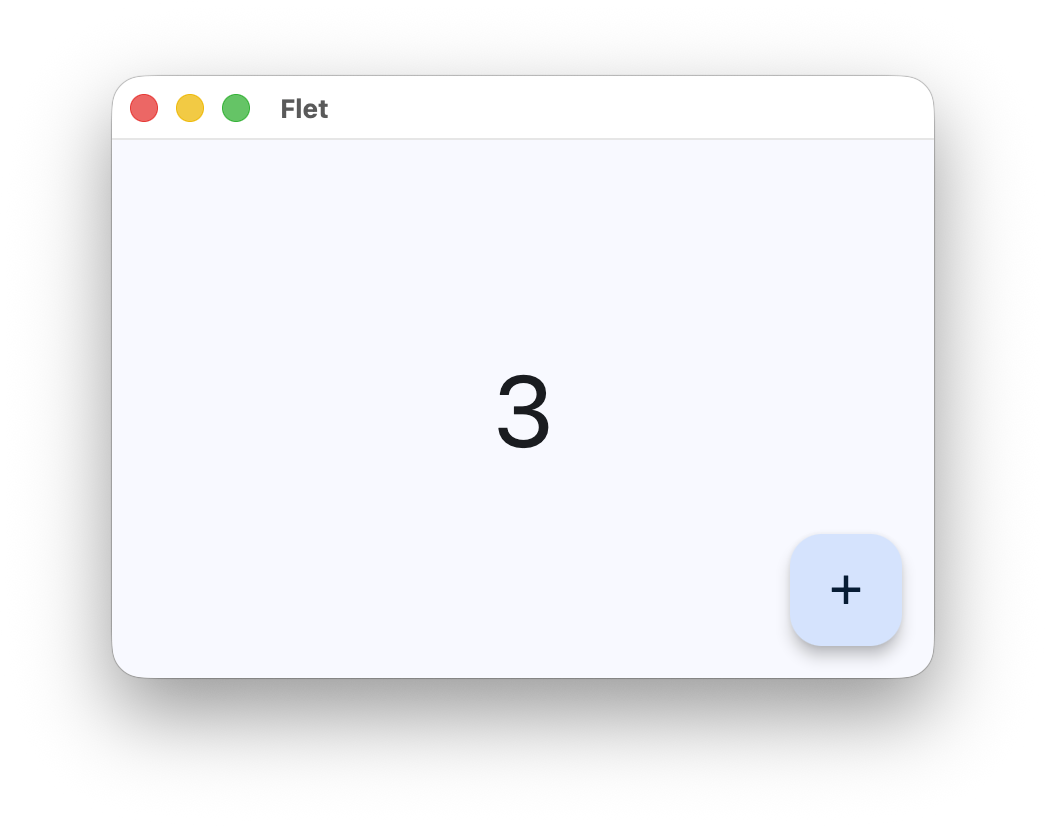
这是什么东西?
 Flet 是一个 Python 框架,只用一套 Python 代码就能构建网页、移动端和桌面应用——不需要任何前端经验,界面由 Flutter 负责渲染。
Flet 是一个 Python 框架,只用一套 Python 代码就能构建网页、移动端和桌面应用——不需要任何前端经验,界面由 Flutter 负责渲染。所以它是个框架,不是可视化应用构建器——那我实际要写什么?整个应用都用 Python 编写,使用 Flet 提供的控件;框架负责通过 Flutter 渲染界面、输出多平台版本以及打包。
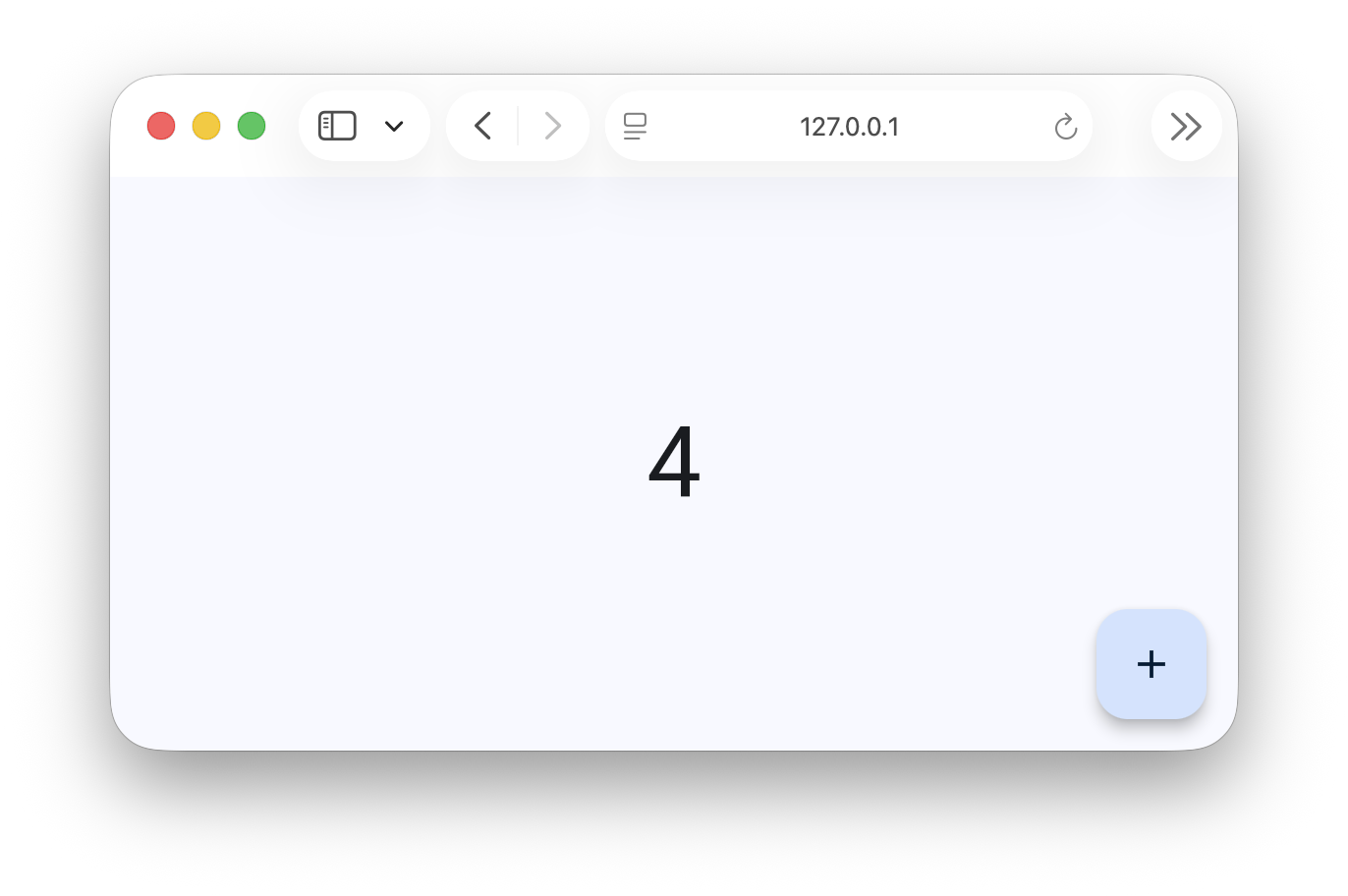
整个应用都用 Python 编写,使用 Flet 提供的控件;框架负责通过 Flutter 渲染界面、输出多平台版本以及打包。我怎么把第一个应用跑起来?先安装 flet,然后用 'flet run' 启动——应用会在系统的原生窗口中打开;加上 '--web' 参数,就可以改成在浏览器里运行同一个应用。
先安装 flet,然后用 'flet run' 启动——应用会在系统的原生窗口中打开;加上 '--web' 参数,就可以改成在浏览器里运行同一个应用。除了 Python,我还需要 Dart、Swift 或 JavaScript 吗?不需要——只用 Python。Flet 甚至为 iOS 和 Android 内置了 50 多个常用的 Python 包,包括 numpy、pandas、pydantic、cryptography、opencv 和 pillow。
不需要——只用 Python。Flet 甚至为 iOS 和 Android 内置了 50 多个常用的 Python 包,包括 numpy、pandas、pydantic、cryptography、opencv 和 pillow。同一份代码真的能同时覆盖手机、桌面和浏览器吗?可以——一套代码可以面向 iOS、Android、Windows、Linux、macOS 和网页。在浏览器里,它通过 WebAssembly 和 Pyodide 原生运行,不需要服务器;也可以部署在服务器端,界面实时更新。
可以——一套代码可以面向 iOS、Android、Windows、Linux、macOS 和网页。在浏览器里,它通过 WebAssembly 和 Pyodide 原生运行,不需要服务器;也可以部署在服务器端,界面实时更新。它自带哪些界面组件?内置 150 多个控件和服务,采用 Material 和 Cupertino 设计风格:包括布局、导航、对话框和图表。
内置 150 多个控件和服务,采用 Material 和 Cupertino 设计风格:包括布局、导航、对话框和图表。开发的时候,我怎样在自己手机上测试应用?用 Flet App 在你自己的 iOS 或 Android 设备上打开项目,改动代码后就能看到更新实时出现。
用 Flet App 在你自己的 iOS 或 Android 设备上打开项目,改动代码后就能看到更新实时出现。做完的应用怎么分发出去?内置的打包功能可以生成独立的可执行文件或安装包,支持 iOS、Android、Windows、Linux、macOS 和网页,可以直接上架 App Store 和 Google Play。
内置的打包功能可以生成独立的可执行文件或安装包,支持 iOS、Android、Windows、Linux、macOS 和网页,可以直接上架 App Store 和 Google Play。Flet 没提供的控件,我能自己加吗?可以——把数千个现成的 Flutter 包封装后给 Flet 使用,或者用内置的 UI 基础组件,纯用 Python 编写全新的控件。
可以——把数千个现成的 Flutter 包封装后给 Flet 使用,或者用内置的 UI 基础组件,纯用 Python 编写全新的控件。What are similar projects?flutter, Avalonia, native, compose-multiplatform, kivy, FlutterExampleApps, samples, egui
flutter, Avalonia, native, compose-multiplatform, kivy, FlutterExampleApps, samples, eguiWhich topics is it in?ui-framework, packaging, material-design, flutter, accessibility, wasm, real-time, mobile-app, ui-components, desktop, ios, web-app
ui-framework, packaging, material-design, flutter, accessibility, wasm, real-time, mobile-app, ui-components, desktop, ios, web-app