






 Single code base for any device
 Build an entire app in Python
 150+ built-in controls and services
 50+ Python packages for iOS and Android
 Full web support
 Built-in packaging
 Test on iOS and Android
 Extensible
 Accessible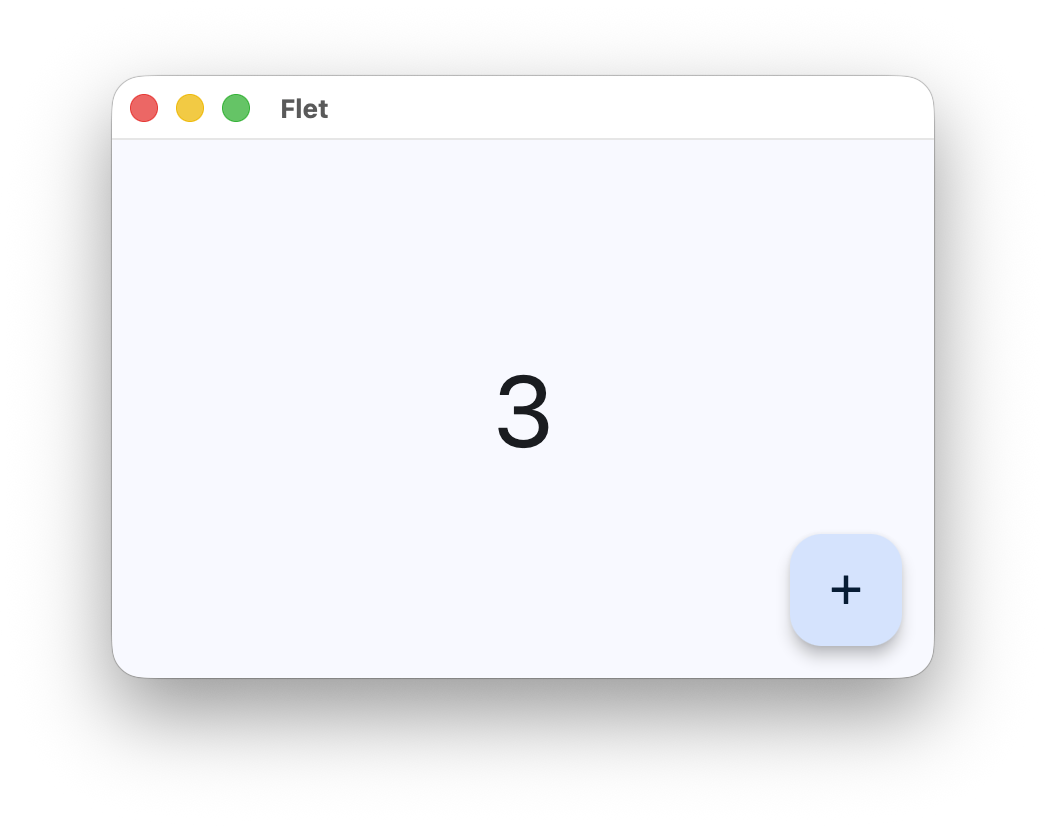
What is this?
 Flet is a Python framework for building web, mobile and desktop apps from a single Python codebase - no frontend experience required, with Flutter rendering the UI.
Flet is a Python framework for building web, mobile and desktop apps from a single Python codebase - no frontend experience required, with Flutter rendering the UI.So it's a framework, not an app builder - what do I actually write?You write the entire app in Python using Flet's controls; the framework handles UI rendering via Flutter, multi-platform output and packaging.
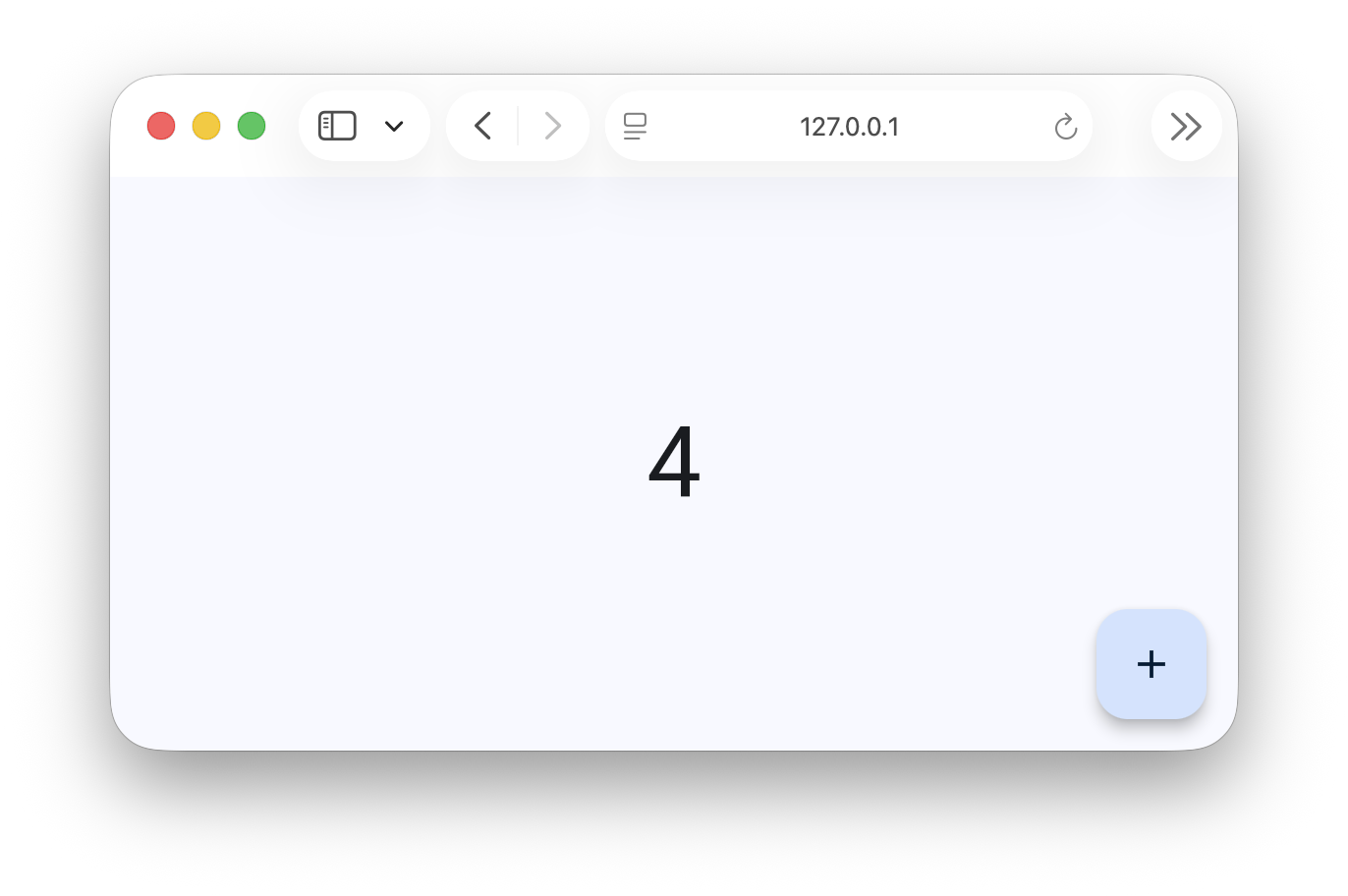
You write the entire app in Python using Flet's controls; the framework handles UI rendering via Flutter, multi-platform output and packaging.How do I get a first app running?Install flet, then launch with 'flet run' - the app opens in a native OS window; add the '--web' flag to run the same app in a browser instead.
Install flet, then launch with 'flet run' - the app opens in a native OS window; add the '--web' flag to run the same app in a browser instead.Do I need Dart, Swift or JavaScript on top of Python?No - Python only. Flet even bundles 50+ popular Python packages for iOS and Android, including numpy, pandas, pydantic, cryptography, opencv and pillow.
No - Python only. Flet even bundles 50+ popular Python packages for iOS and Android, including numpy, pandas, pydantic, cryptography, opencv and pillow.Does the same code really cover phones, desktops and the browser?Yes - one codebase targets iOS, Android, Windows, Linux, macOS and web. In the browser it runs natively via WebAssembly and Pyodide with no server, or you can deploy server-side with real-time UI updates.
Yes - one codebase targets iOS, Android, Windows, Linux, macOS and web. In the browser it runs natively via WebAssembly and Pyodide with no server, or you can deploy server-side with real-time UI updates.What UI building blocks does it ship with?150+ built-in controls and services styled with Material and Cupertino design: layout, navigation, dialogs and charts.
150+ built-in controls and services styled with Material and Cupertino design: layout, navigation, dialogs and charts.How do I test the app on my phone while developing?Open the project on your own iOS or Android device with the Flet App and see updates appear as you make changes.
Open the project on your own iOS or Android device with the Flet App and see updates appear as you make changes.How do I distribute the finished app?Built-in packaging creates standalone executables or bundles for iOS, Android, Windows, Linux, macOS and web, ready to deploy to the App Store and Google Play.
Built-in packaging creates standalone executables or bundles for iOS, Android, Windows, Linux, macOS and web, ready to deploy to the App Store and Google Play.Can I add controls that Flet doesn't include?Yes - wrap any of thousands of existing Flutter packages for use with Flet, or build new controls in pure Python from built-in UI primitives.
Yes - wrap any of thousands of existing Flutter packages for use with Flet, or build new controls in pure Python from built-in UI primitives.What are similar projects?flutter, Avalonia, native, compose-multiplatform, kivy, FlutterExampleApps, samples, egui
flutter, Avalonia, native, compose-multiplatform, kivy, FlutterExampleApps, samples, eguiWhich topics is it in?ui-framework, packaging, material-design, flutter, accessibility, wasm, real-time, mobile-app, ui-components, desktop, ios, web-app
ui-framework, packaging, material-design, flutter, accessibility, wasm, real-time, mobile-app, ui-components, desktop, ios, web-app