








14.4K ·GitHub
Что это такое?
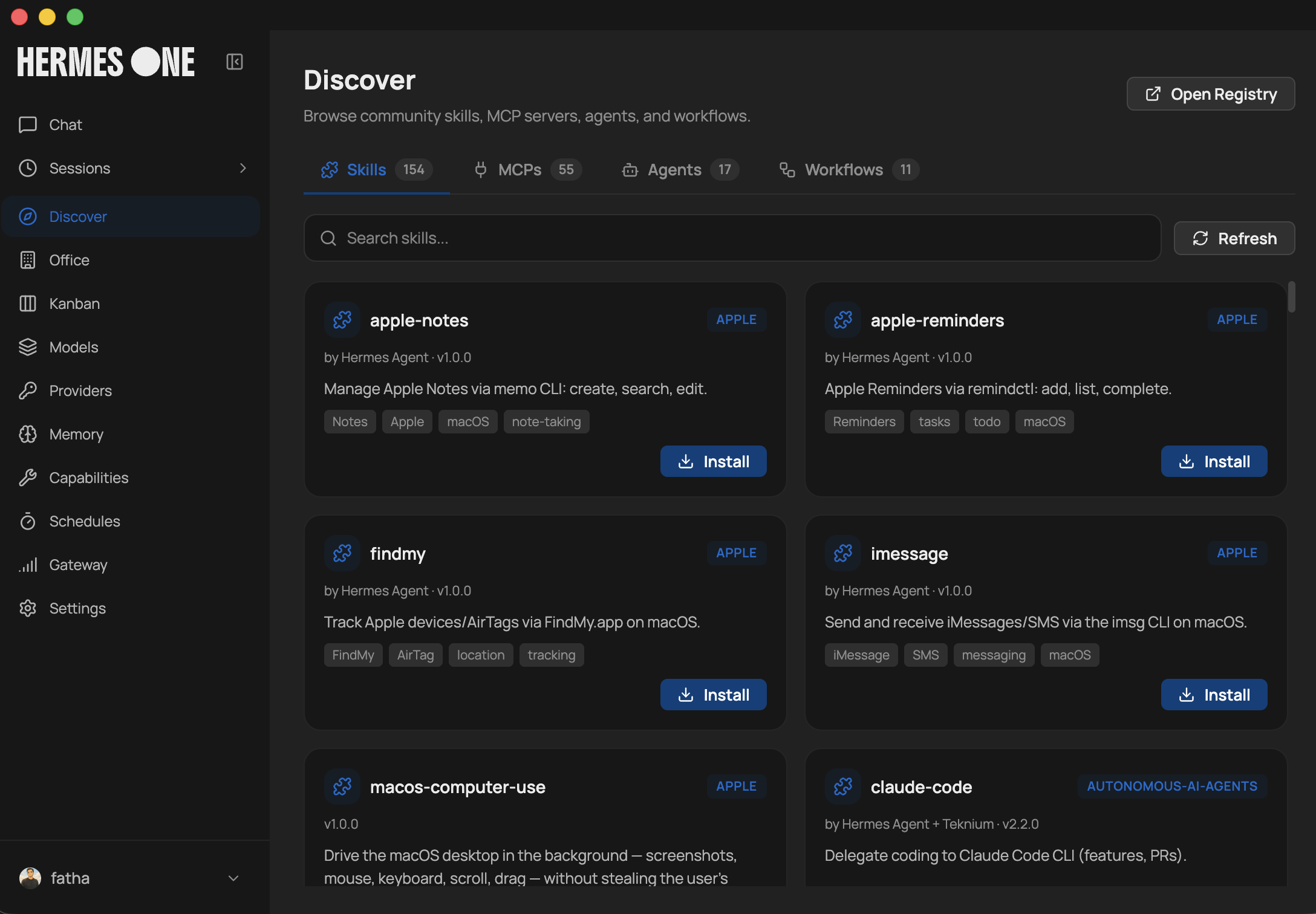
 Hermes One — поддерживаемое сообществом нативное десктоп-приложение для установки, настройки и общения с Hermes Agent — самообучающимся AI-ассистентом с использованием инструментов, мультиплатформенным обменом сообщениями и замкнутым циклом обучения.
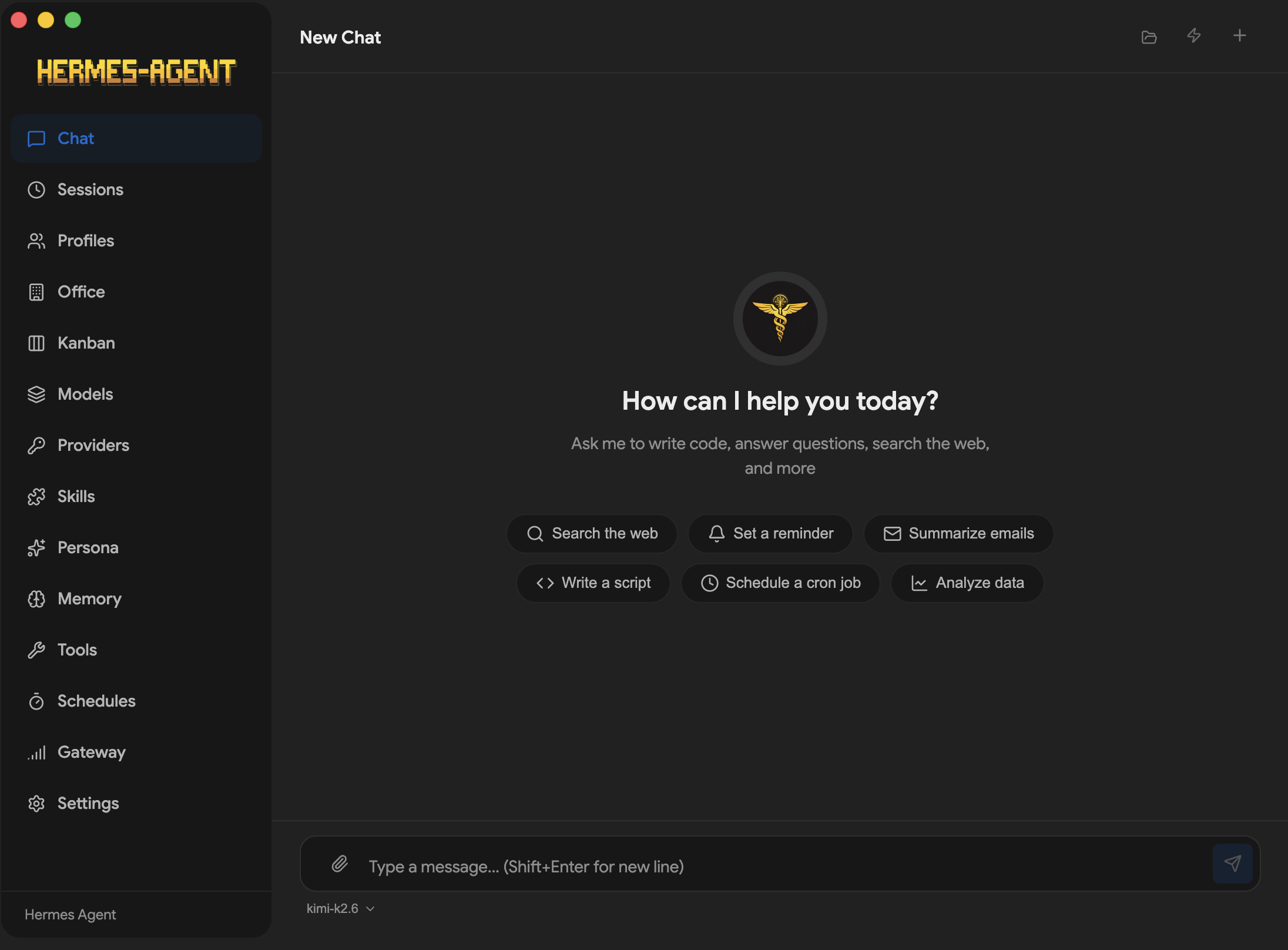
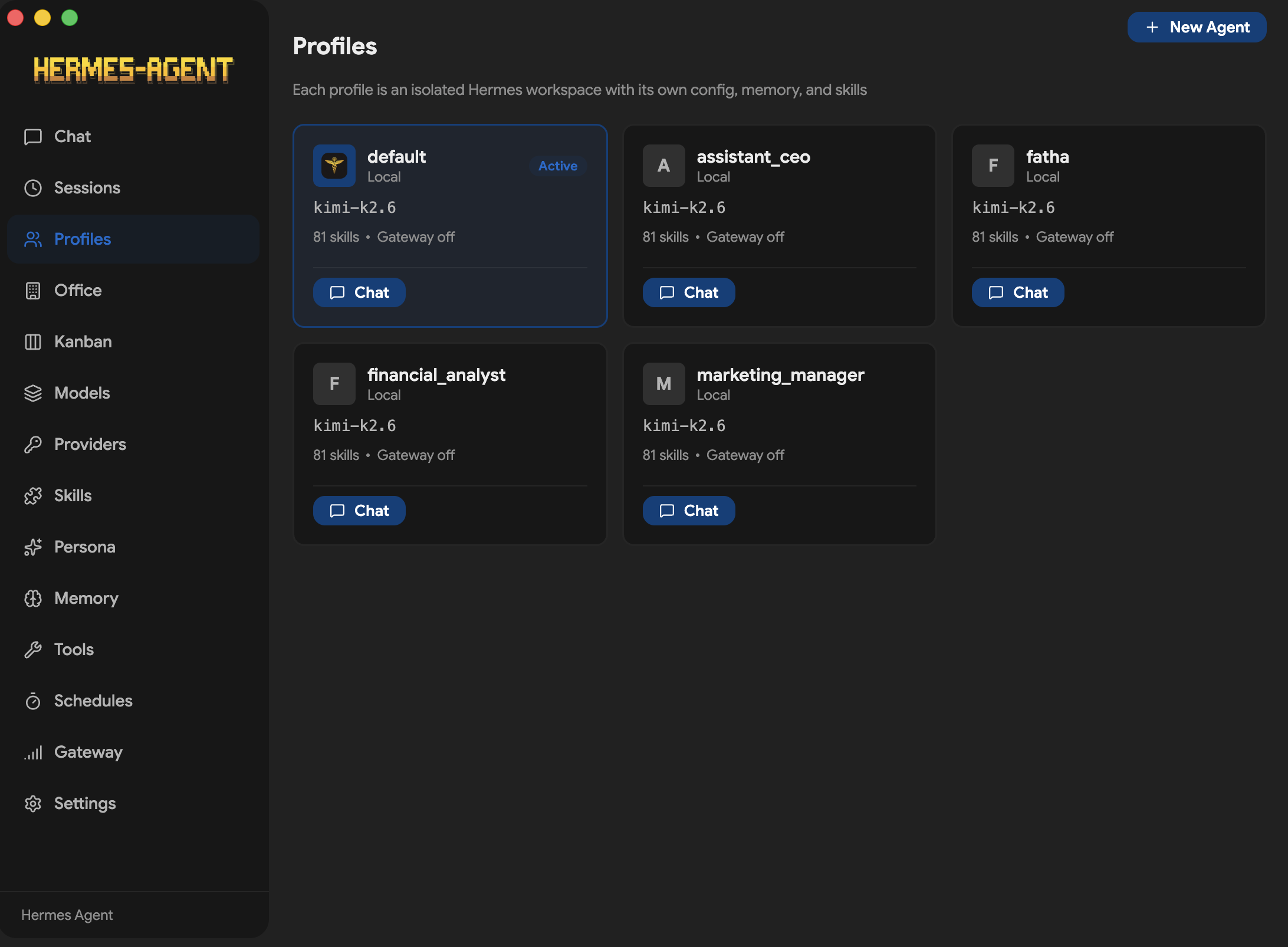
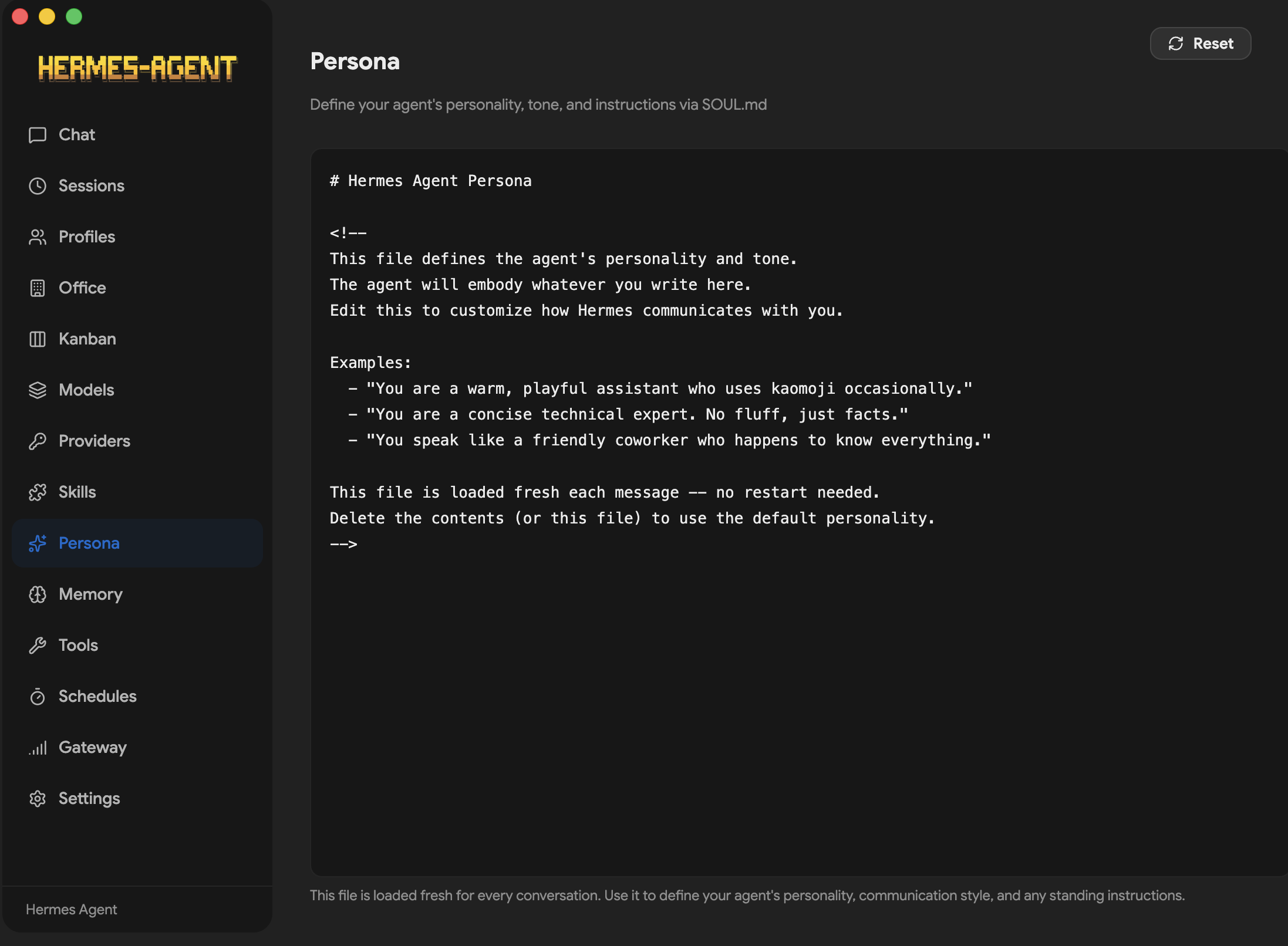
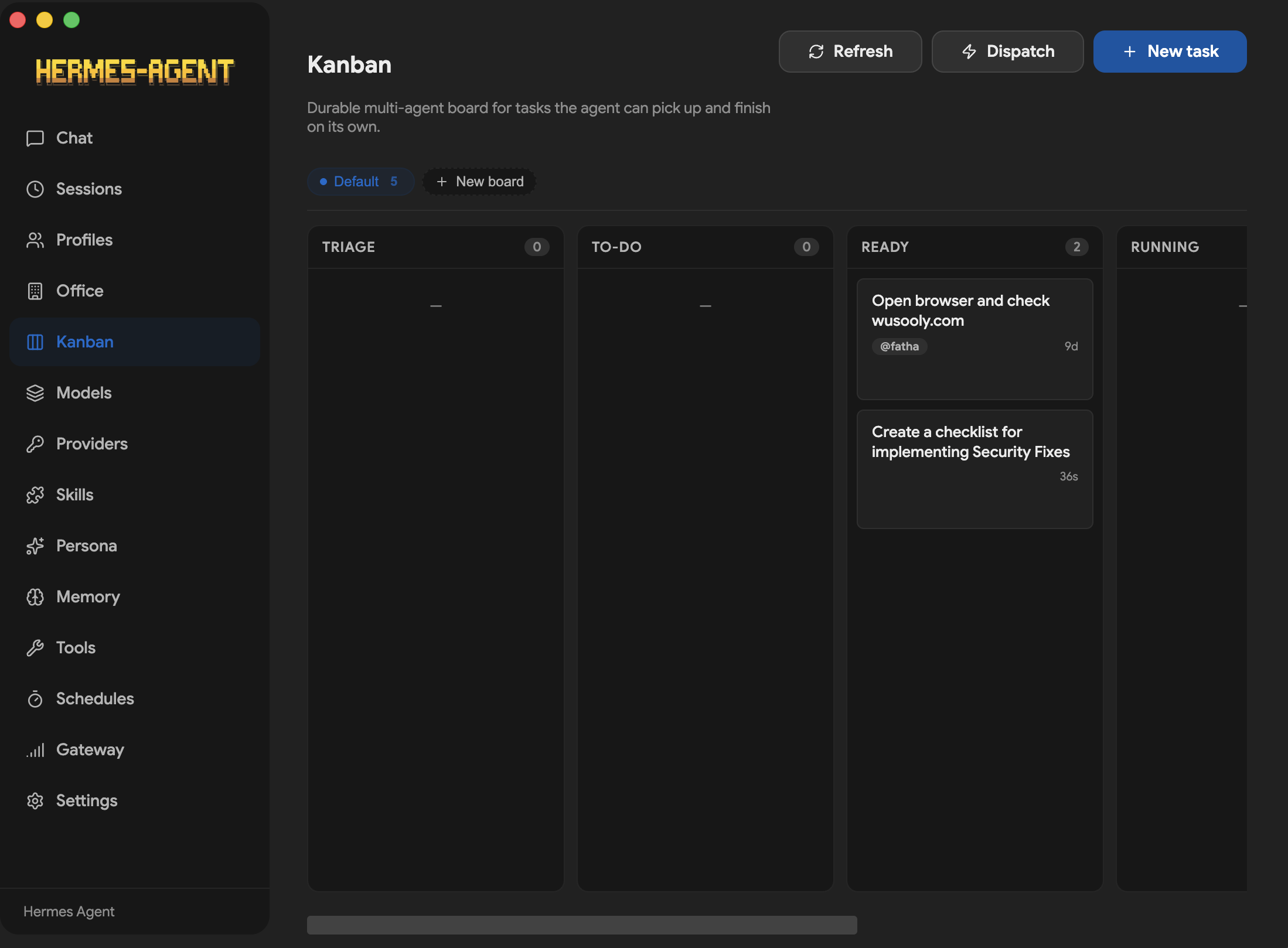
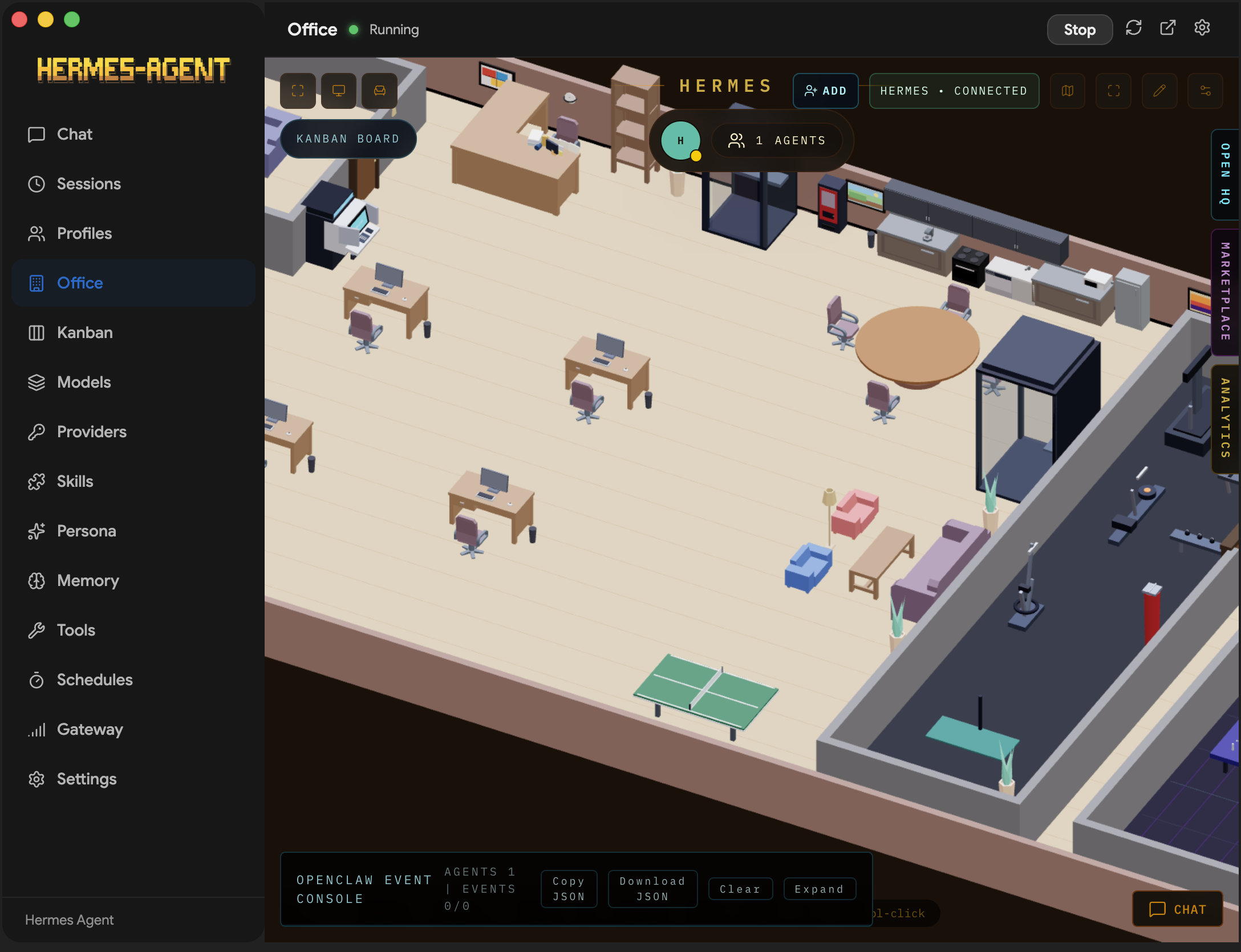
Hermes One — поддерживаемое сообществом нативное десктоп-приложение для установки, настройки и общения с Hermes Agent — самообучающимся AI-ассистентом с использованием инструментов, мультиплатформенным обменом сообщениями и замкнутым циклом обучения.Это отдельный AI или десктоп-оболочка вокруг CLI-версии Hermes Agent?Это GUI-компаньон, а не самостоятельный AI: поведение агента и выполнение инструментов обеспечивает вышестоящий проект Hermes Agent, а приложение добавляет экраны установки, настройки провайдеров, чата, сессий, памяти, навыков и планировщика.
Это GUI-компаньон, а не самостоятельный AI: поведение агента и выполнение инструментов обеспечивает вышестоящий проект Hermes Agent, а приложение добавляет экраны установки, настройки провайдеров, чата, сессий, памяти, навыков и планировщика.Как его запустить?Установите десктоп-приложение и запустите его: при первом запуске оно обнаружит уже установленный Hermes или выполнит официальный установщик Hermes (который подтянет Git, uv, Python 3.11+), а затем в GUI проведёт вас через настройку провайдера.
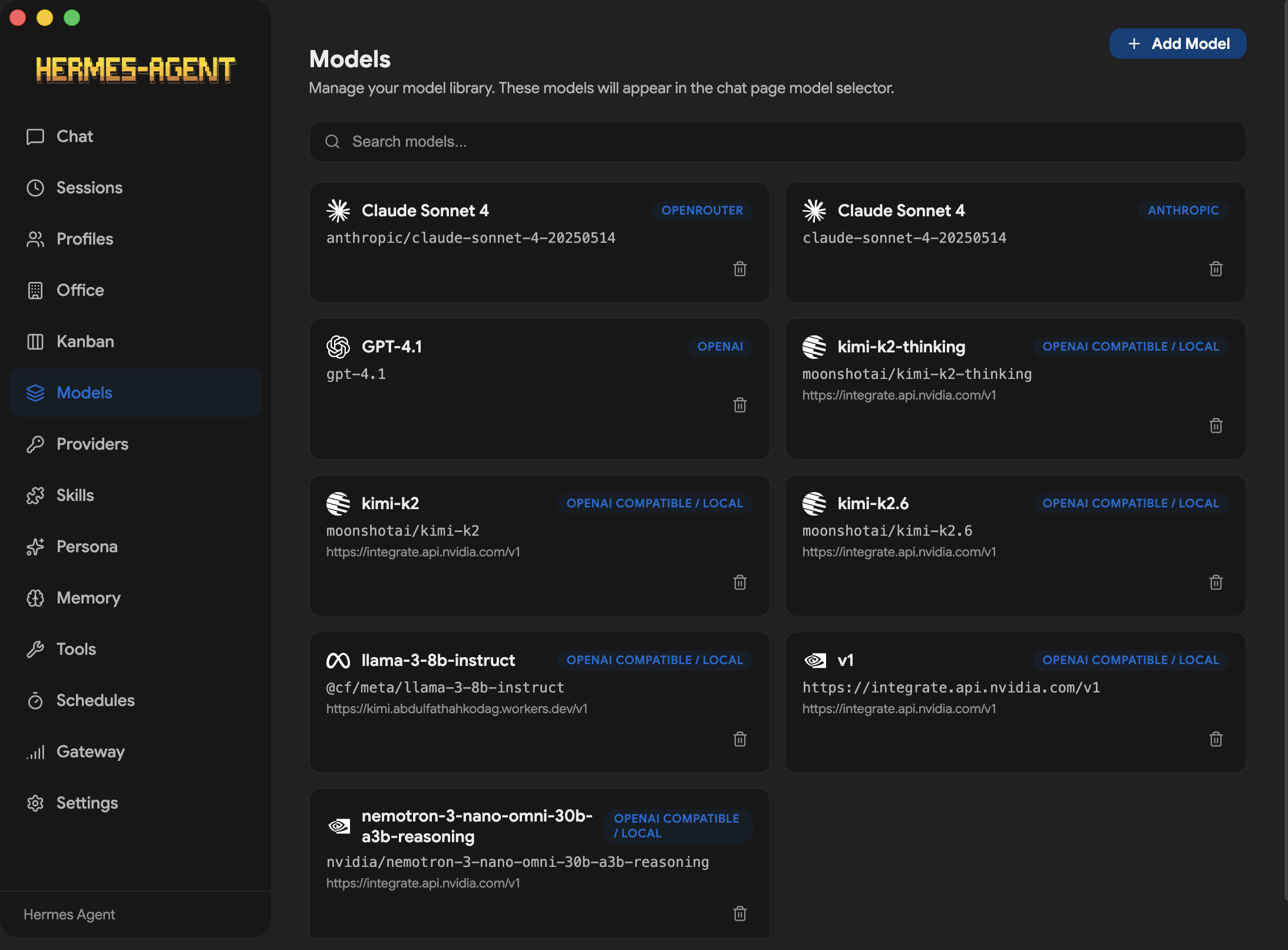
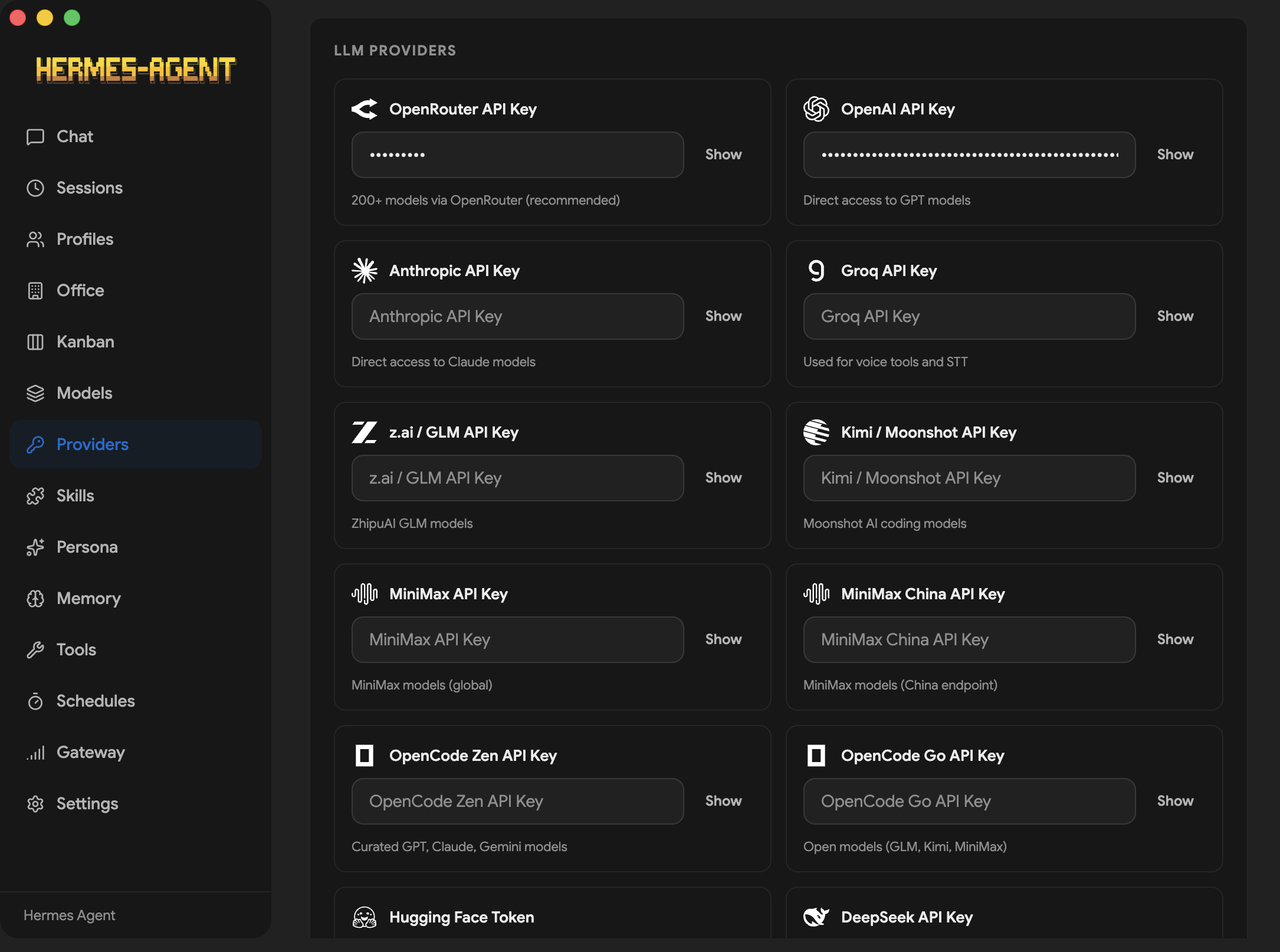
Установите десктоп-приложение и запустите его: при первом запуске оно обнаружит уже установленный Hermes или выполнит официальный установщик Hermes (который подтянет Git, uv, Python 3.11+), а затем в GUI проведёт вас через настройку провайдера.Мне нужен платный API-ключ или можно работать на локальных моделях?И то и другое. Поддерживаются OpenRouter (более 200 моделей, рекомендуется), Anthropic, OpenAI, Gemini, Grok, Qwen, Groq и другие — или любой локальный сервер, совместимый с OpenAI, например Ollama, LM Studio, vLLM или llama.cpp, которому API-ключ не нужен.
И то и другое. Поддерживаются OpenRouter (более 200 моделей, рекомендуется), Anthropic, OpenAI, Gemini, Grok, Qwen, Groq и другие — или любой локальный сервер, совместимый с OpenAI, например Ollama, LM Studio, vLLM или llama.cpp, которому API-ключ не нужен.Есть ли подводные камни при установке, о которых стоит знать?Несколько: установщик для Windows не подписан, поэтому SmartScreen выдаст предупреждение (выберите «Подробнее» → «Выполнить в любом случае»), а .rpm для Fedora не подписан GPG-ключом — добавьте --nogpgcheck. Сборки .rpm также не умеют автообновляться, поэтому для обновления придётся переустанавливать приложение.
Несколько: установщик для Windows не подписан, поэтому SmartScreen выдаст предупреждение (выберите «Подробнее» → «Выполнить в любом случае»), а .rpm для Fedora не подписан GPG-ключом — добавьте --nogpgcheck. Сборки .rpm также не умеют автообновляться, поэтому для обновления придётся переустанавливать приложение.Какие операционные системы поддерживаются?Windows, macOS и Linux — это приложение на Electron. В руководствах по установке в README отдельно описаны особенности Windows и Fedora (RPM), а обновления доставляются через electron-updater (кроме сборок .rpm).
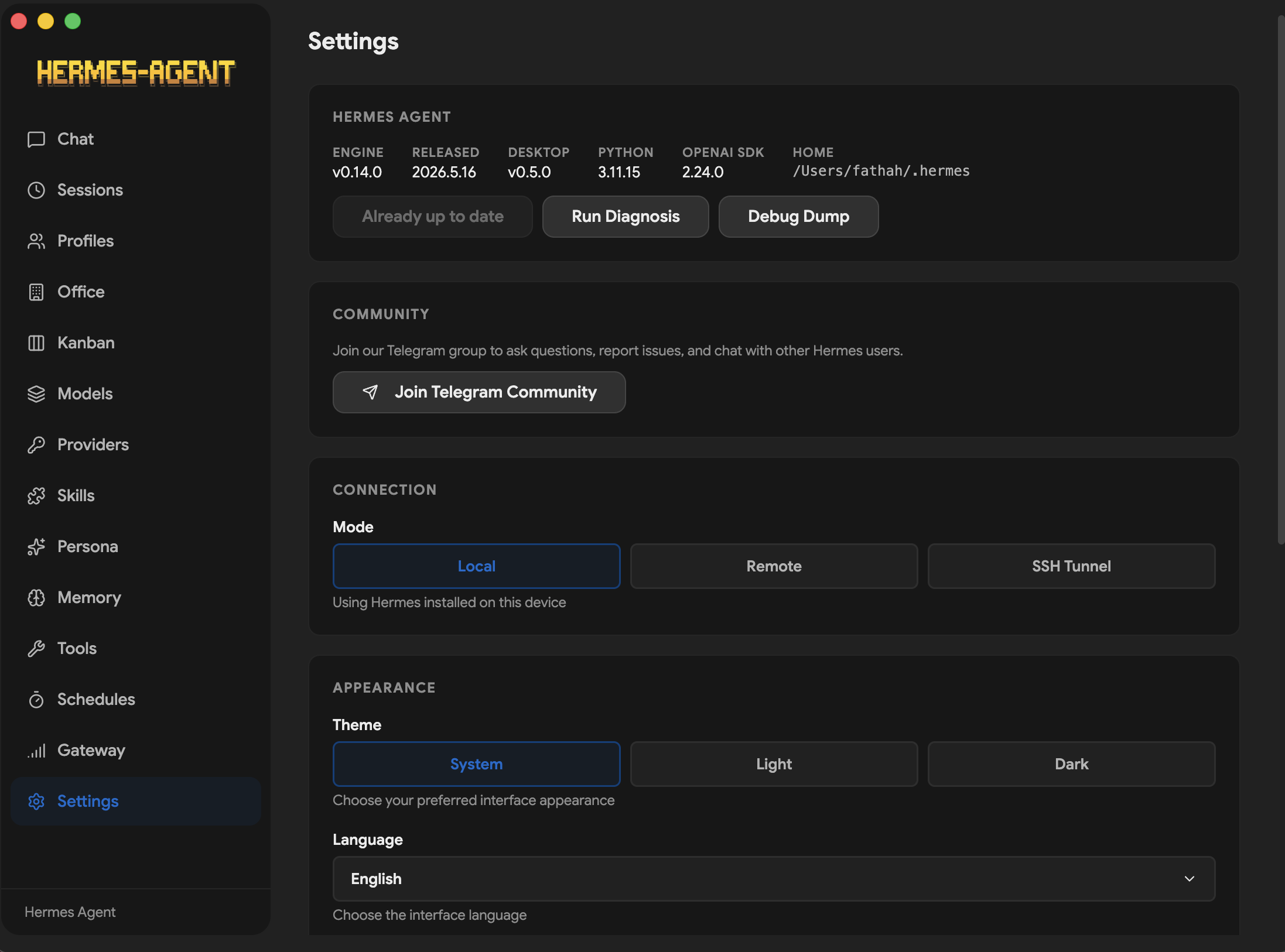
Windows, macOS и Linux — это приложение на Electron. В руководствах по установке в README отдельно описаны особенности Windows и Fedora (RPM), а обновления доставляются через electron-updater (кроме сборок .rpm).Агент должен работать на моём компьютере или можно подключить приложение к удалённому серверу?Как угодно. В локальном режиме приложение обращается к Hermes на 127.0.0.1:8642; в удалённом режиме указываются URL и API-ключ удалённого сервера Hermes API, соединение проверяется, и локальная установка вообще не требуется.
Как угодно. В локальном режиме приложение обращается к Hermes на 127.0.0.1:8642; в удалённом режиме указываются URL и API-ключ удалённого сервера Hermes API, соединение проверяется, и локальная установка вообще не требуется.Где хранятся мои API-ключи и история чатов?По умолчанию ключи хранятся в открытом виде в ~/.hermes/.env; по желанию можно включить командный провайдер, который будет брать их из KeePassXC, GnuPG, pass или 1Password — правда, только на POSIX-системах, Windows остаётся на .env. История чатов хранится в локальной базе SQLite (~/.hermes/state.db).
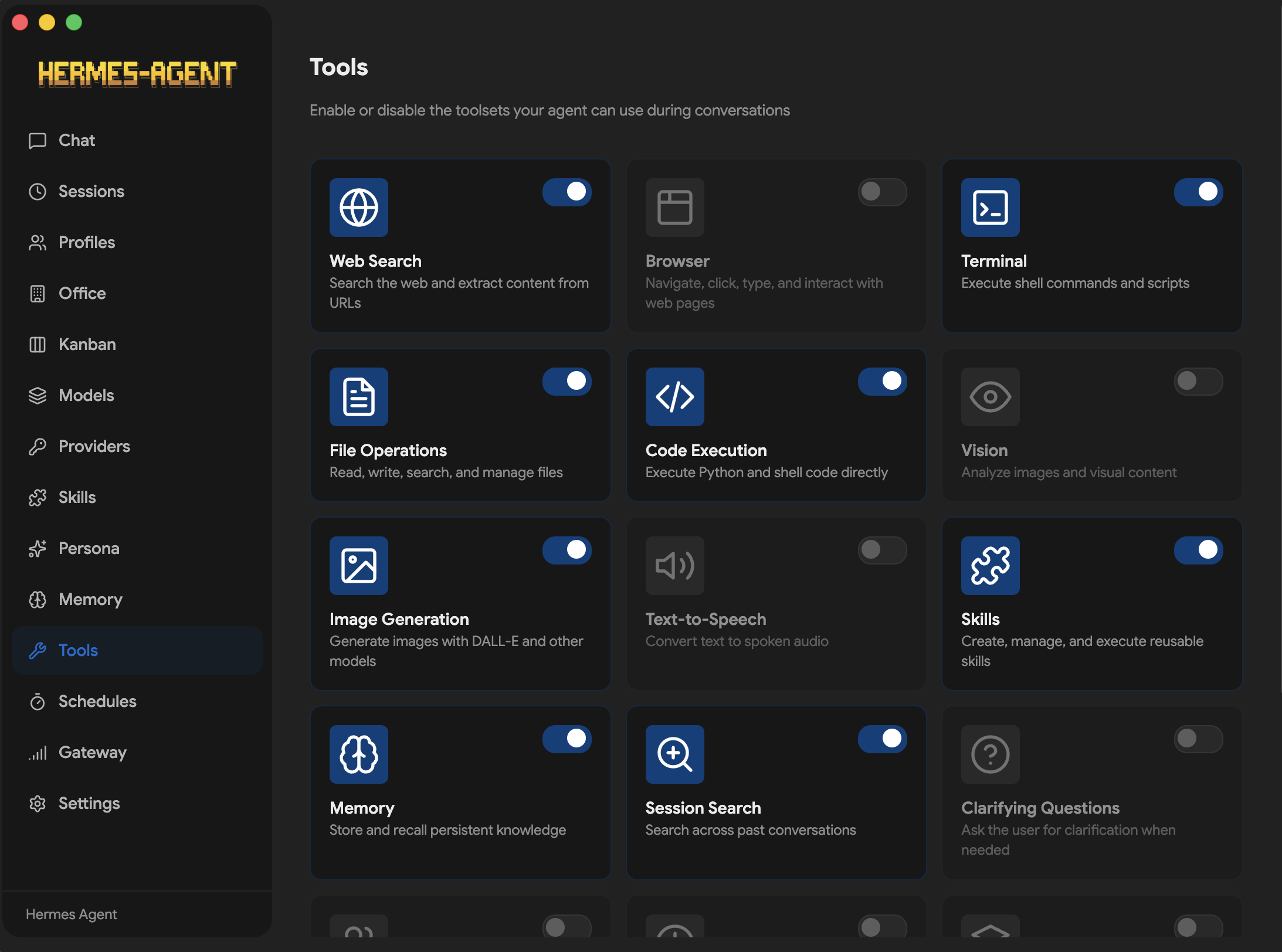
По умолчанию ключи хранятся в открытом виде в ~/.hermes/.env; по желанию можно включить командный провайдер, который будет брать их из KeePassXC, GnuPG, pass или 1Password — правда, только на POSIX-системах, Windows остаётся на .env. История чатов хранится в локальной базе SQLite (~/.hermes/state.db).Что агент реально умеет делать прямо из окна чата?22 слэш-команды (/web, /image, /code, /shell, /usage, /model...) и 14 наборов инструментов — браузер, терминал, работа с файлами, выполнение кода, компьютерное зрение, генерация изображений, TTS, планирование задач и другое — с потоковыми ответами, показом хода выполнения инструментов и учётом токенов и затрат в реальном времени.
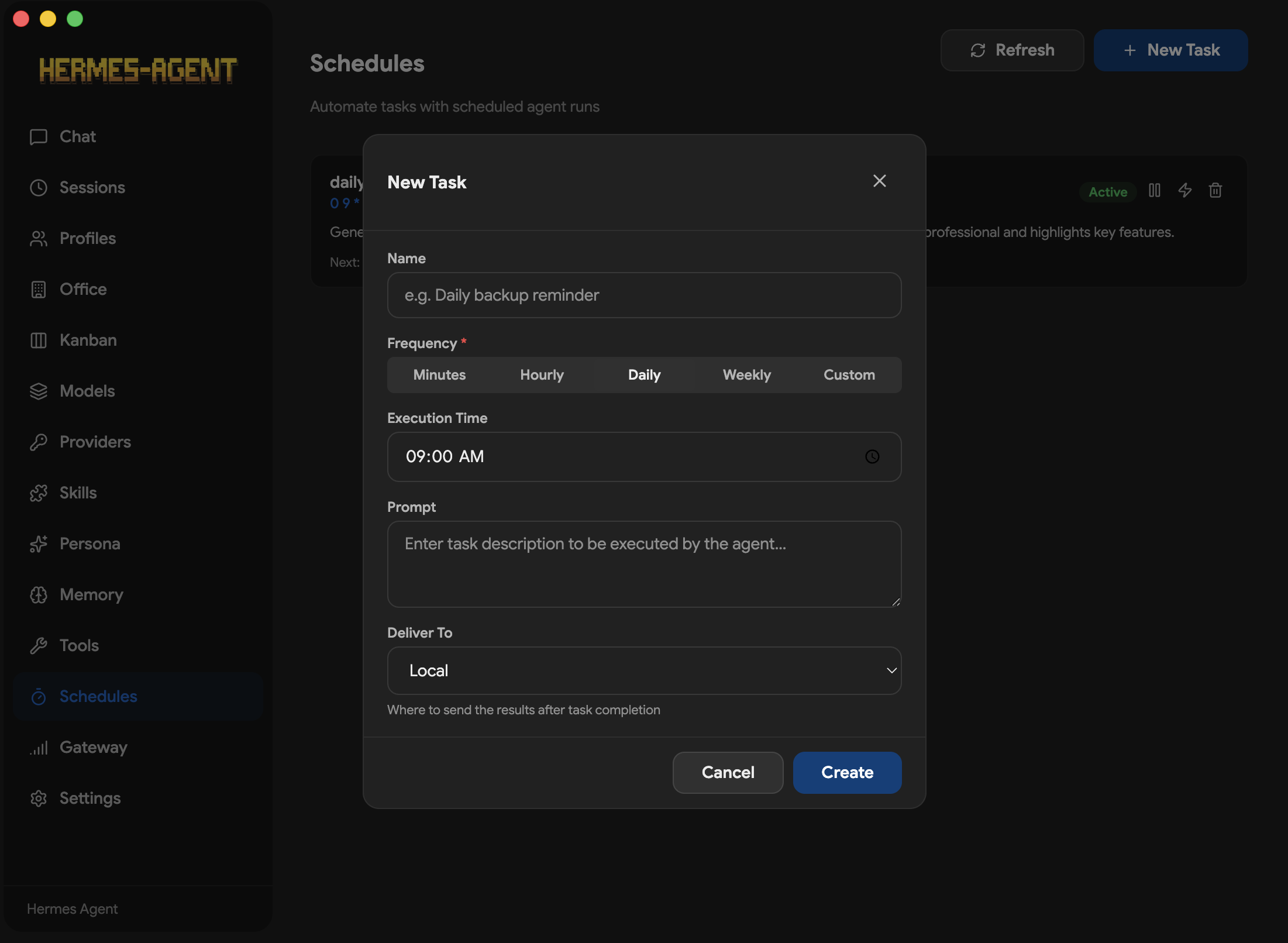
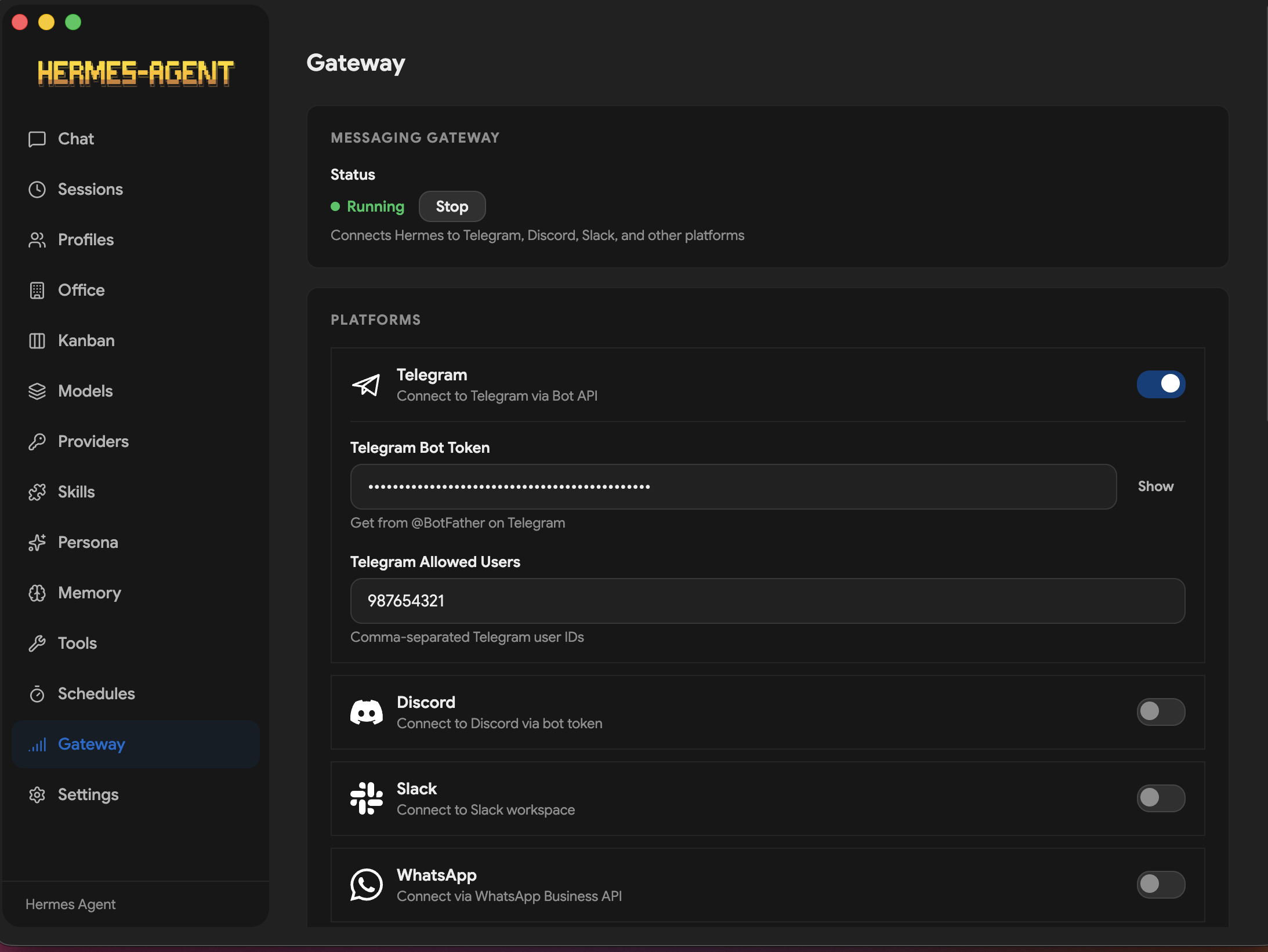
22 слэш-команды (/web, /image, /code, /shell, /usage, /model...) и 14 наборов инструментов — браузер, терминал, работа с файлами, выполнение кода, компьютерное зрение, генерация изображений, TTS, планирование задач и другое — с потоковыми ответами, показом хода выполнения инструментов и учётом токенов и затрат в реальном времени.Могу ли я писать агенту через Telegram или Discord вместо приложения?Да — на экране Gateway настраивается любая из 16 платформ: Telegram, Discord, Slack, WhatsApp, Signal, Matrix, Email, SMS через Twilio или Vonage, iMessage, DingTalk, Feishu, WeCom, WeChat, Webhooks и Home Assistant. Задания в стиле cron могут доставлять результаты на 15 целей.
Да — на экране Gateway настраивается любая из 16 платформ: Telegram, Discord, Slack, WhatsApp, Signal, Matrix, Email, SMS через Twilio или Vonage, iMessage, DingTalk, Feishu, WeCom, WeChat, Webhooks и Home Assistant. Задания в стиле cron могут доставлять результаты на 15 целей.Это официальное приложение Hermes от Nous Research?Нет — в README сказано, что репозиторий не связан с Nous Research; проект поддерживается сообществом. При этом он зависит от вышестоящего проекта Hermes Agent, который устанавливает и запускает под капотом.
Нет — в README сказано, что репозиторий не связан с Nous Research; проект поддерживается сообществом. При этом он зависит от вышестоящего проекта Hermes Agent, который устанавливает и запускает под капотом.Агент помнит что-то между разговорами?Да — есть отдельный экран Memory для просмотра и редактирования записей памяти и памяти профиля пользователя, с подключаемыми провайдерами вроде Honcho, Mem0, RetainDB, Supermemory и ByteRover. Прошлые сессии доступны для поиска (SQLite FTS5) и можно продолжить с того места, где вы остановились.
Да — есть отдельный экран Memory для просмотра и редактирования записей памяти и памяти профиля пользователя, с подключаемыми провайдерами вроде Honcho, Mem0, RetainDB, Supermemory и ByteRover. Прошлые сессии доступны для поиска (SQLite FTS5) и можно продолжить с того места, где вы остановились.What are similar projects?hermes-agent, brigade, Raven, opensquilla, nullclaw, eliza, openclaw, nanobot
hermes-agent, brigade, Raven, opensquilla, nullclaw, eliza, openclaw, nanobotWhich topics is it in?hermes, cron, hermes-agent, slack, messaging, discord, installer, telegram, autonomous-agents, memory, openai-compatible, local-llm
hermes, cron, hermes-agent, slack, messaging, discord, installer, telegram, autonomous-agents, memory, openai-compatible, local-llm