








14.4K ·GitHub
What is this?
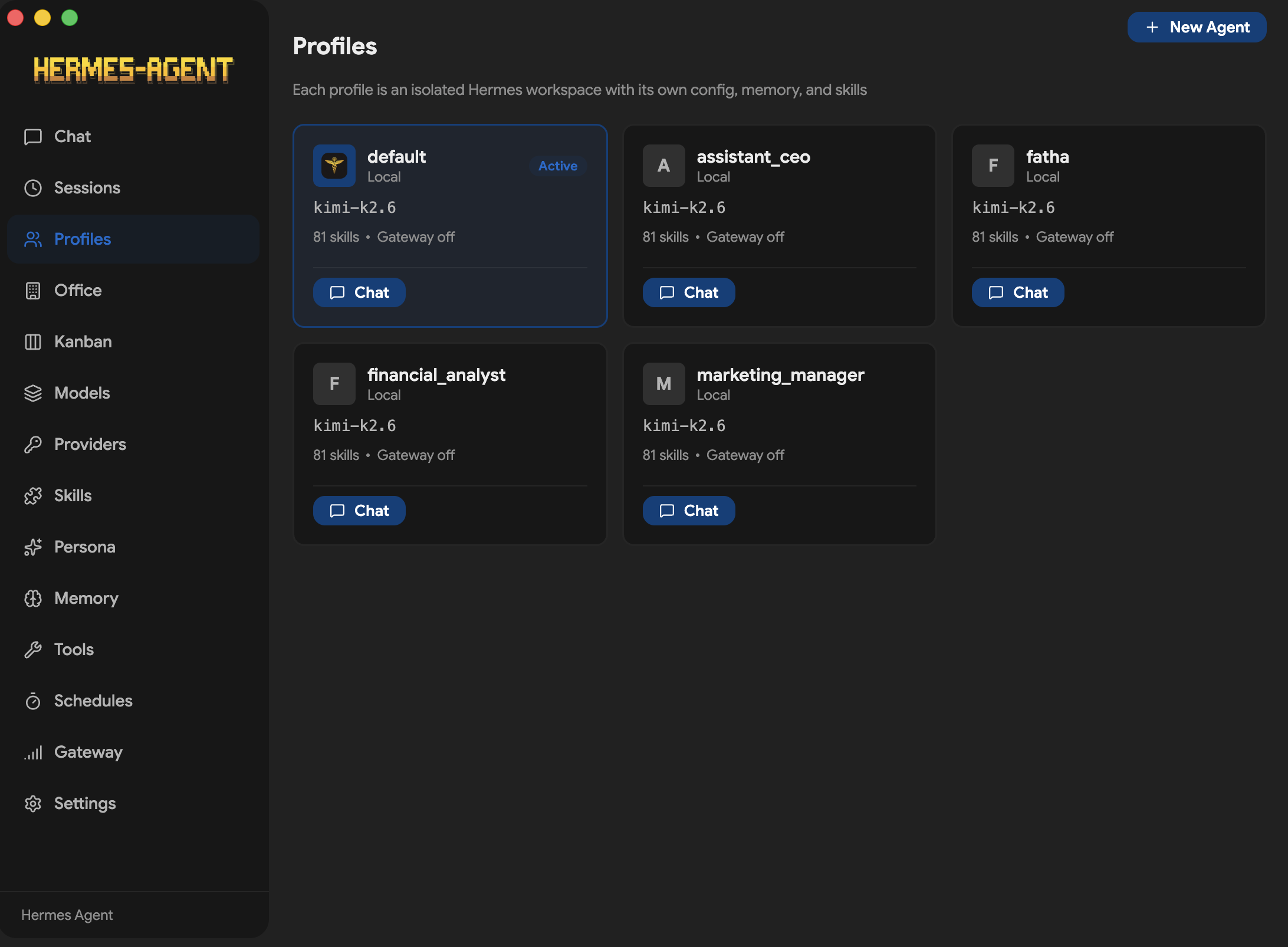
 Hermes One is a community-maintained native desktop app for installing, configuring, and chatting with Hermes Agent — a self-improving AI assistant with tool use, multi-platform messaging, and a closed learning loop.
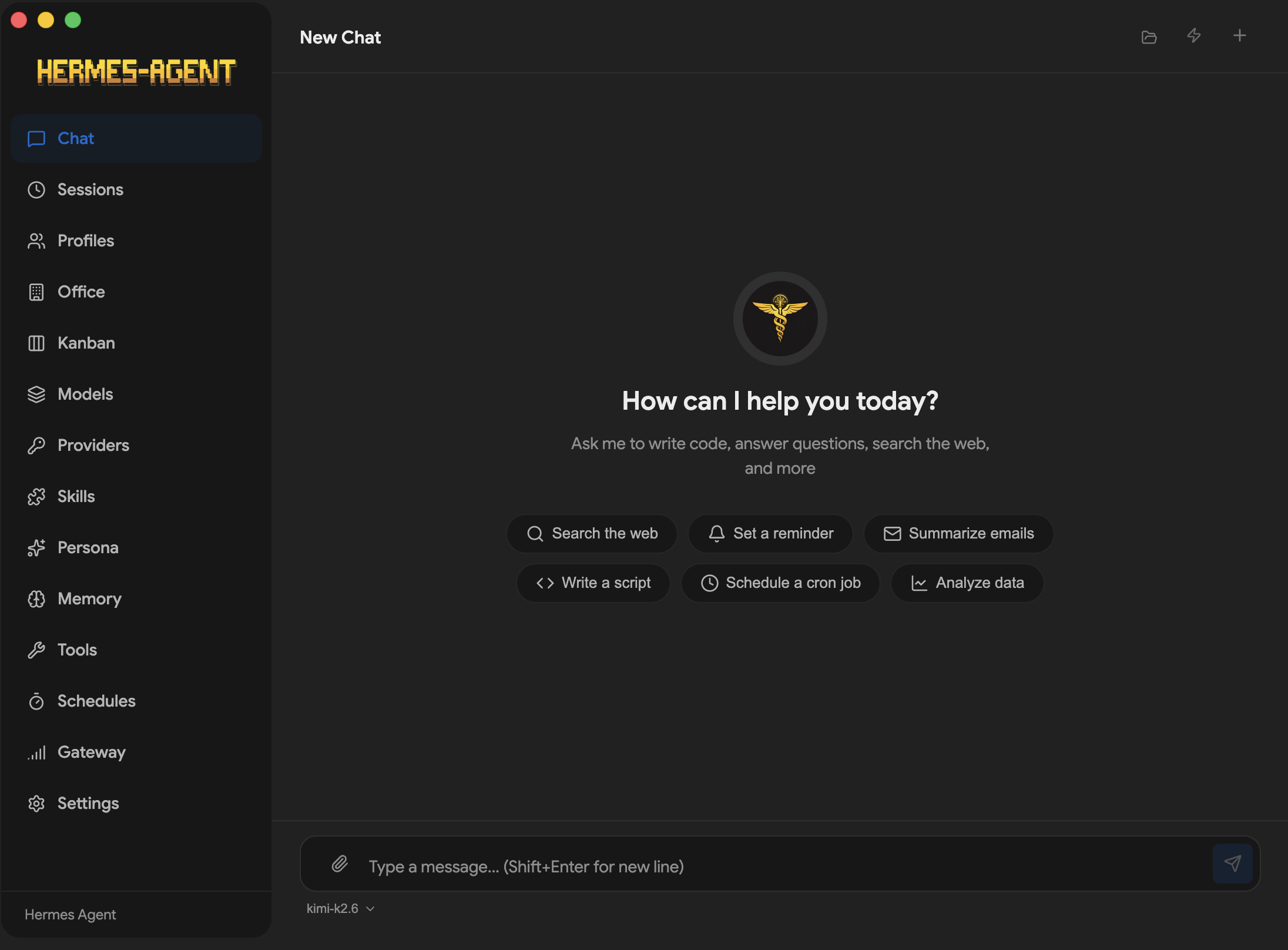
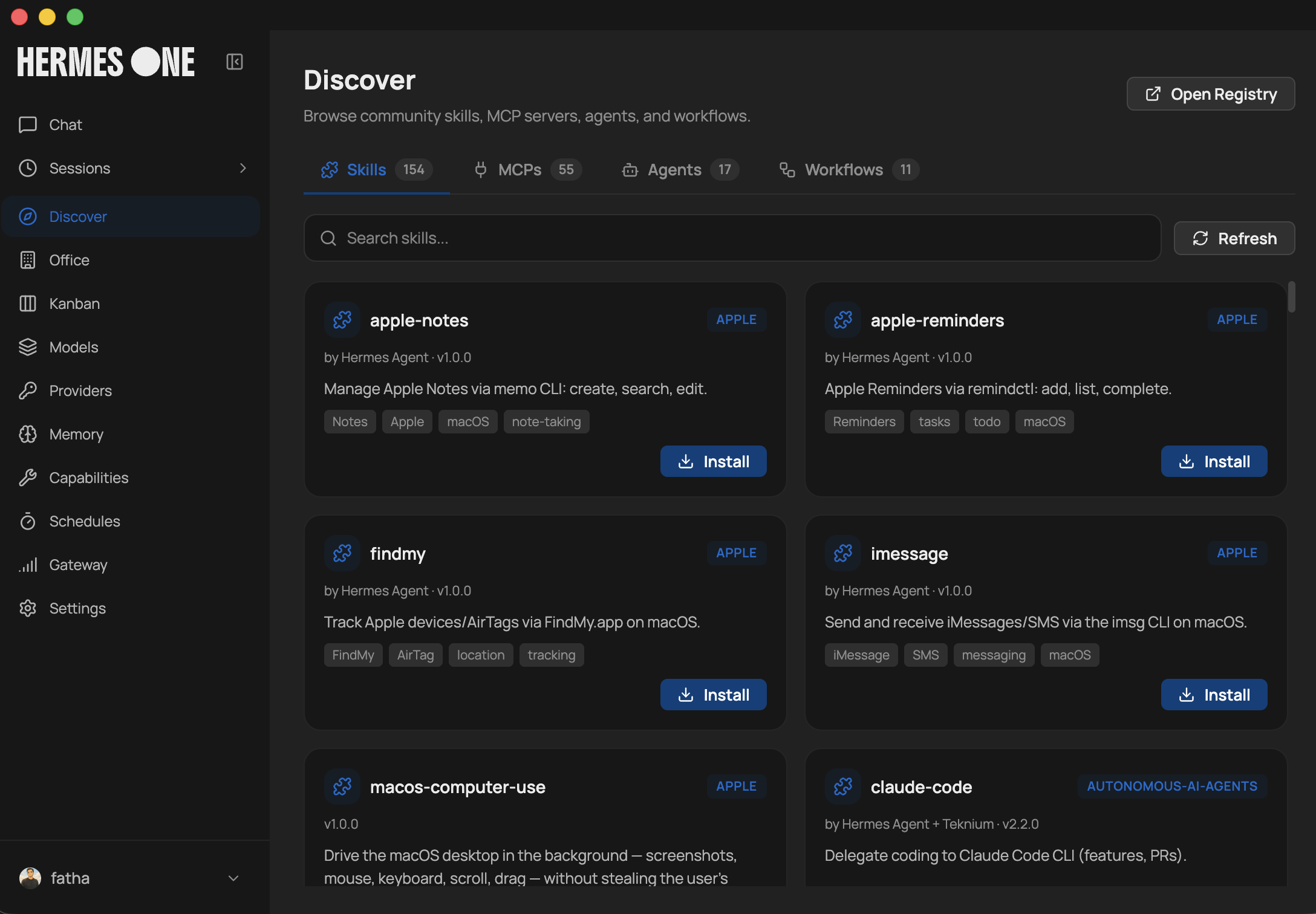
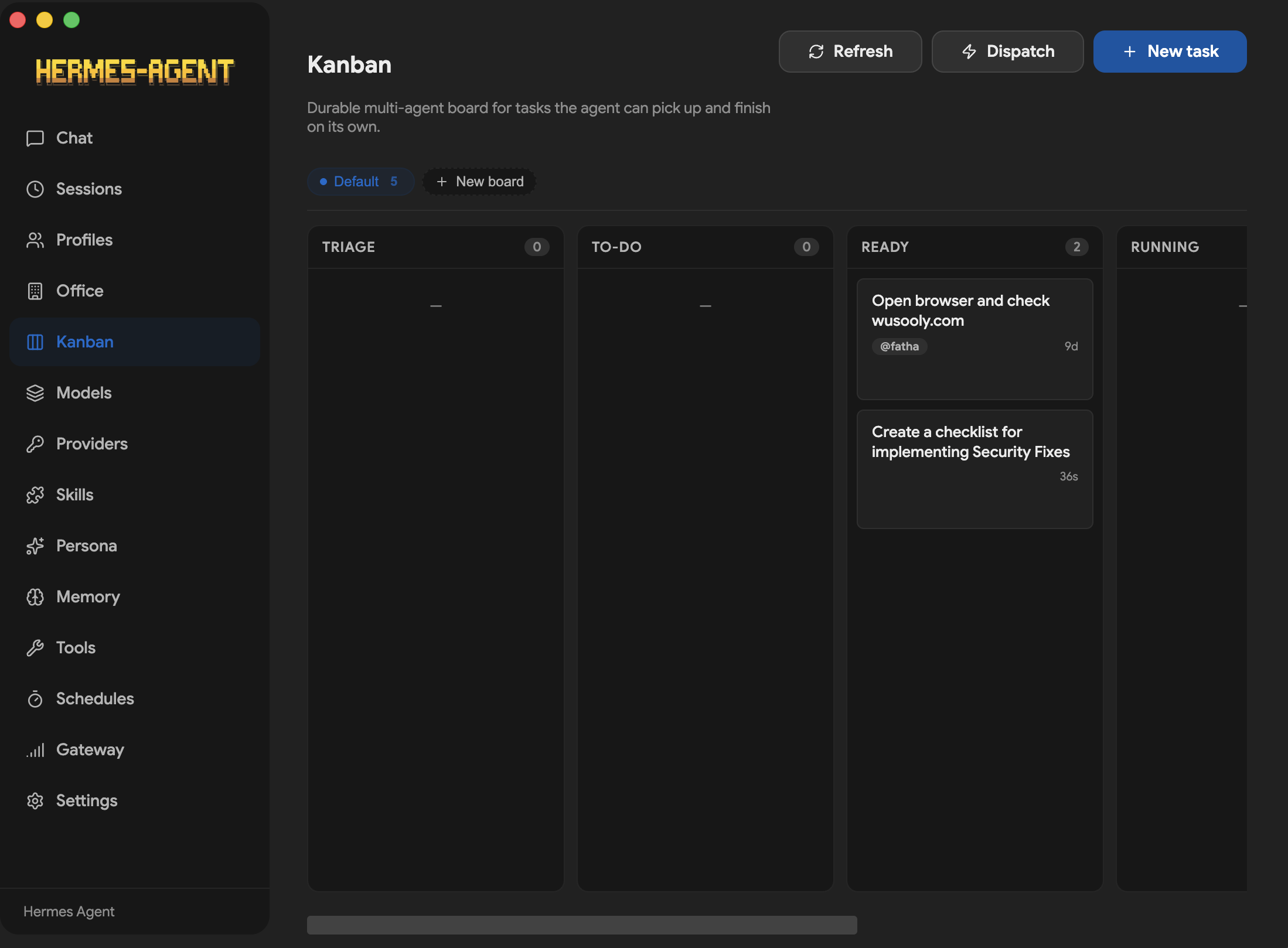
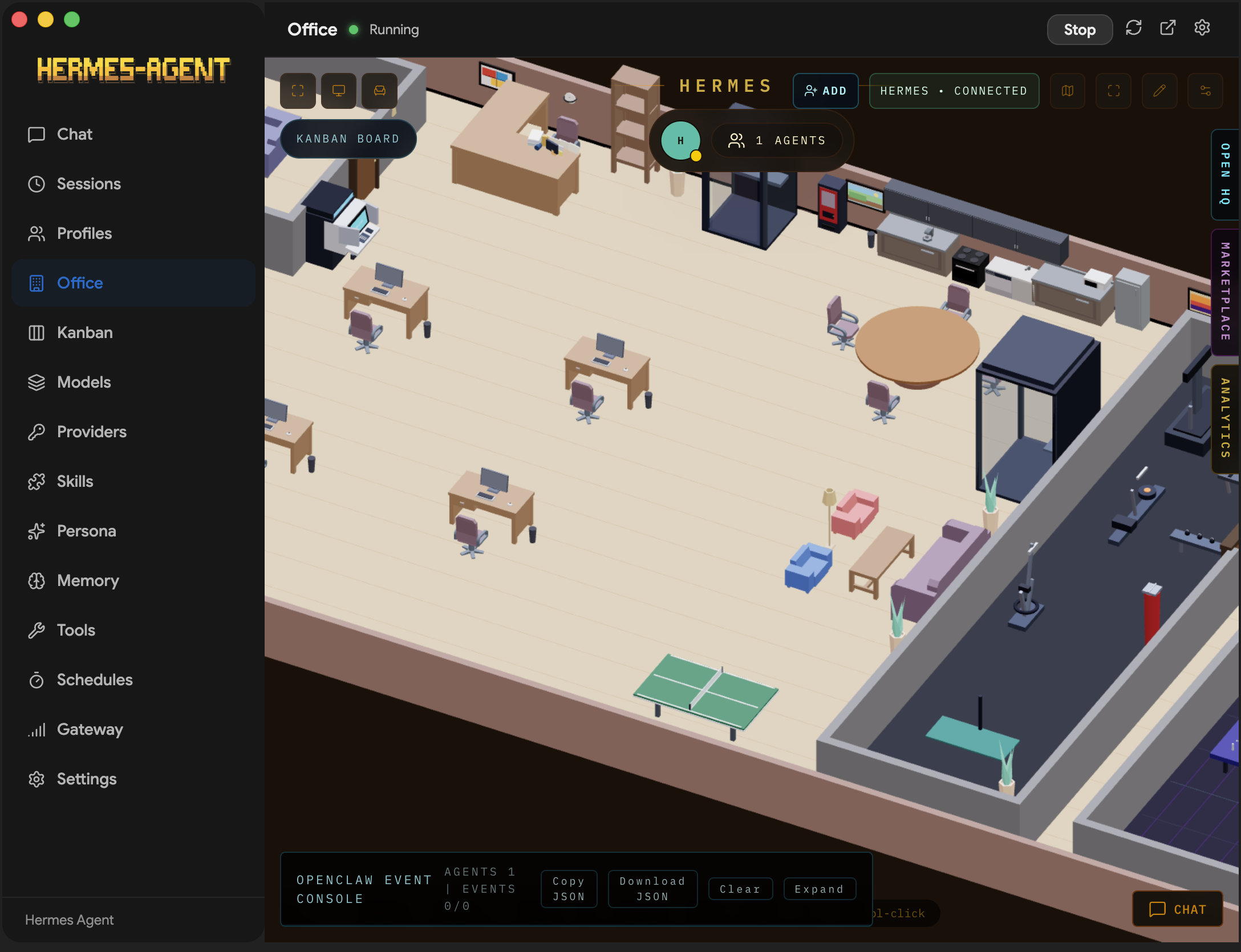
Hermes One is a community-maintained native desktop app for installing, configuring, and chatting with Hermes Agent — a self-improving AI assistant with tool use, multi-platform messaging, and a closed learning loop.Is this a separate AI, or a desktop shell around the Hermes Agent CLI?It's a GUI companion, not its own AI: the upstream Hermes Agent project provides agent behavior and tool execution, while the app adds install, provider setup, chat, sessions, memory, skills, and scheduling screens.
It's a GUI companion, not its own AI: the upstream Hermes Agent project provides agent behavior and tool execution, while the app adds install, provider setup, chat, sessions, memory, skills, and scheduling screens.How do I get it running?Install the desktop app and launch it: on first run it detects an existing Hermes install or runs the official Hermes installer (pulling in Git, uv, Python 3.11+), then walks you through provider setup in the GUI.
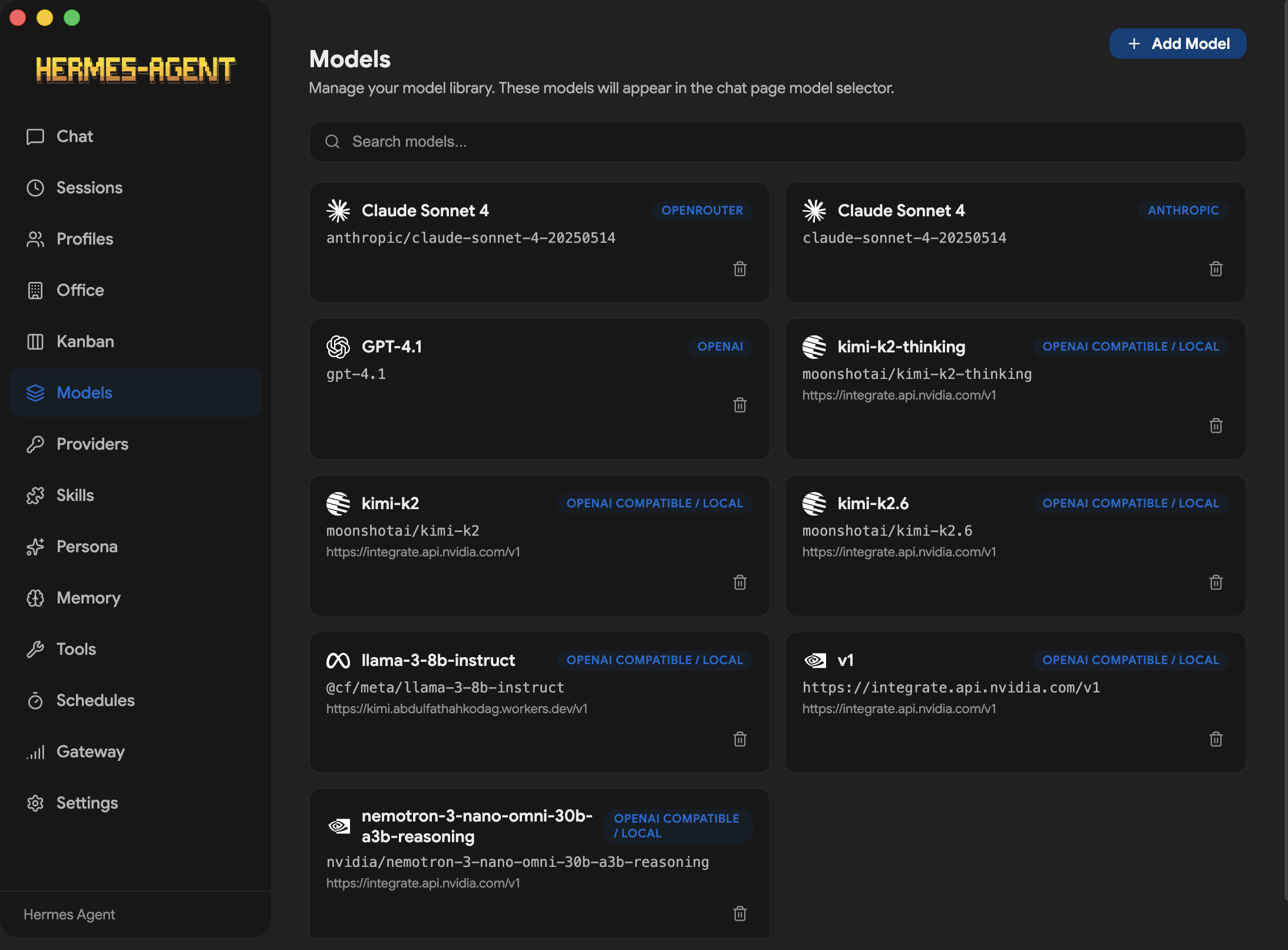
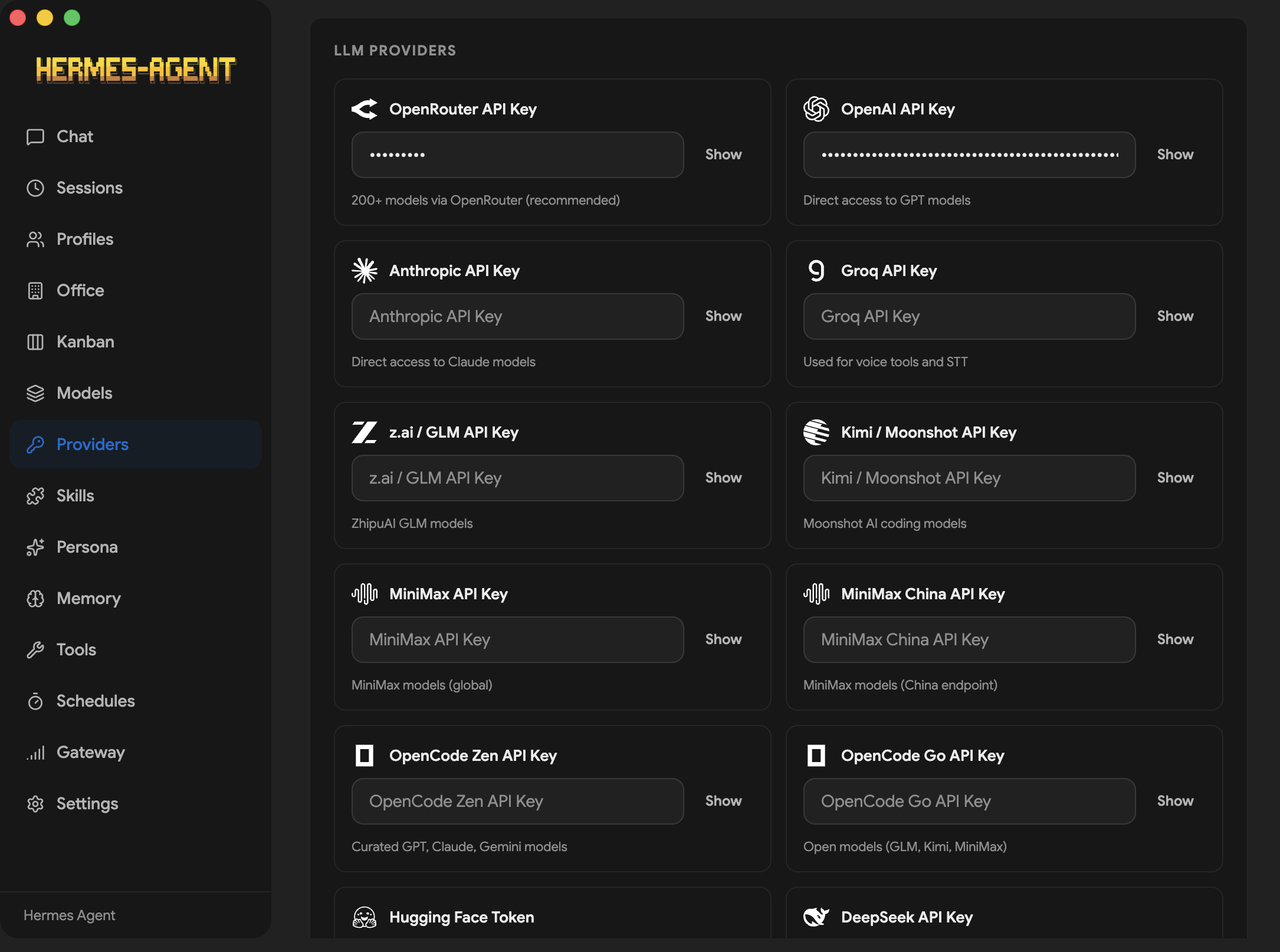
Install the desktop app and launch it: on first run it detects an existing Hermes install or runs the official Hermes installer (pulling in Git, uv, Python 3.11+), then walks you through provider setup in the GUI.Do I need a paid API key, or can it run on local models?Either. It supports OpenRouter (200+ models, recommended), Anthropic, OpenAI, Gemini, Grok, Qwen, Groq and more — or any local OpenAI-compatible server like Ollama, LM Studio, vLLM or llama.cpp, which need no API key.
Either. It supports OpenRouter (200+ models, recommended), Anthropic, OpenAI, Gemini, Grok, Qwen, Groq and more — or any local OpenAI-compatible server like Ollama, LM Studio, vLLM or llama.cpp, which need no API key.Any install gotchas I should know about?A few: the Windows installer is unsigned, so SmartScreen will warn (choose 'More info' → 'Run anyway'), and the Fedora .rpm is not GPG-signed — add --nogpgcheck. .rpm builds also can't auto-update, so you reinstall to upgrade.
A few: the Windows installer is unsigned, so SmartScreen will warn (choose 'More info' → 'Run anyway'), and the Fedora .rpm is not GPG-signed — add --nogpgcheck. .rpm builds also can't auto-update, so you reinstall to upgrade.Which operating systems does it support?Windows, macOS, and Linux — it's an Electron app. The README's install guides call out Windows and Fedora (RPM) specifics, and updates ship via electron-updater (except .rpm builds).
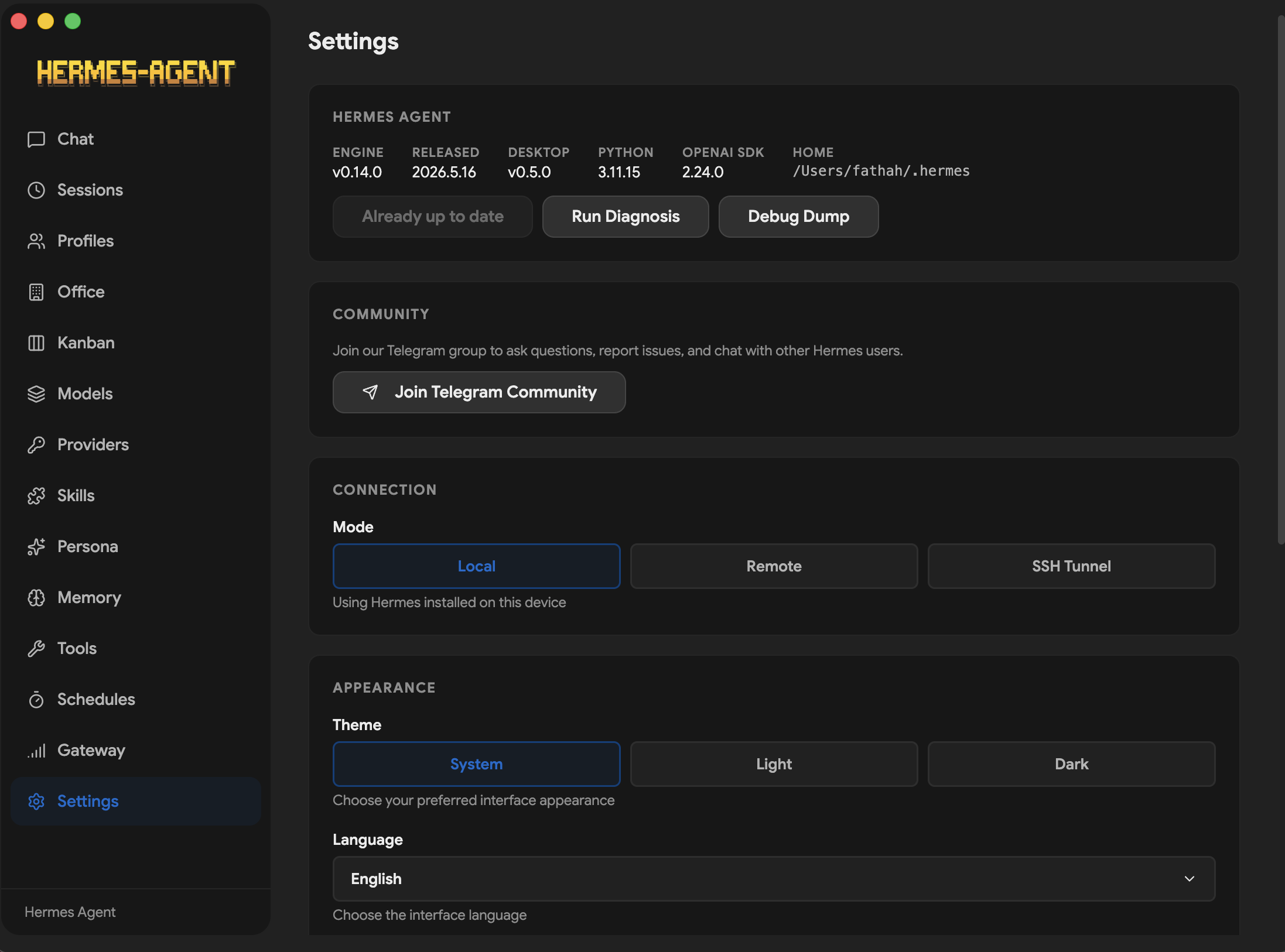
Windows, macOS, and Linux — it's an Electron app. The README's install guides call out Windows and Fedora (RPM) specifics, and updates ship via electron-updater (except .rpm builds).Does the agent have to run on my machine, or can I point the app at a remote server?Either. Local mode talks to Hermes on 127.0.0.1:8642; remote mode takes a URL + API key for a remote Hermes API server, validates the connection, and skips the local install entirely.
Either. Local mode talks to Hermes on 127.0.0.1:8642; remote mode takes a URL + API key for a remote Hermes API server, validates the connection, and skips the local install entirely.Where do my API keys and chat history end up?Keys default to plaintext ~/.hermes/.env; an opt-in command provider can fetch them from KeePassXC, GnuPG, pass or 1Password instead — POSIX-only, Windows stays on .env. Chat history lives in a local SQLite database (~/.hermes/state.db).
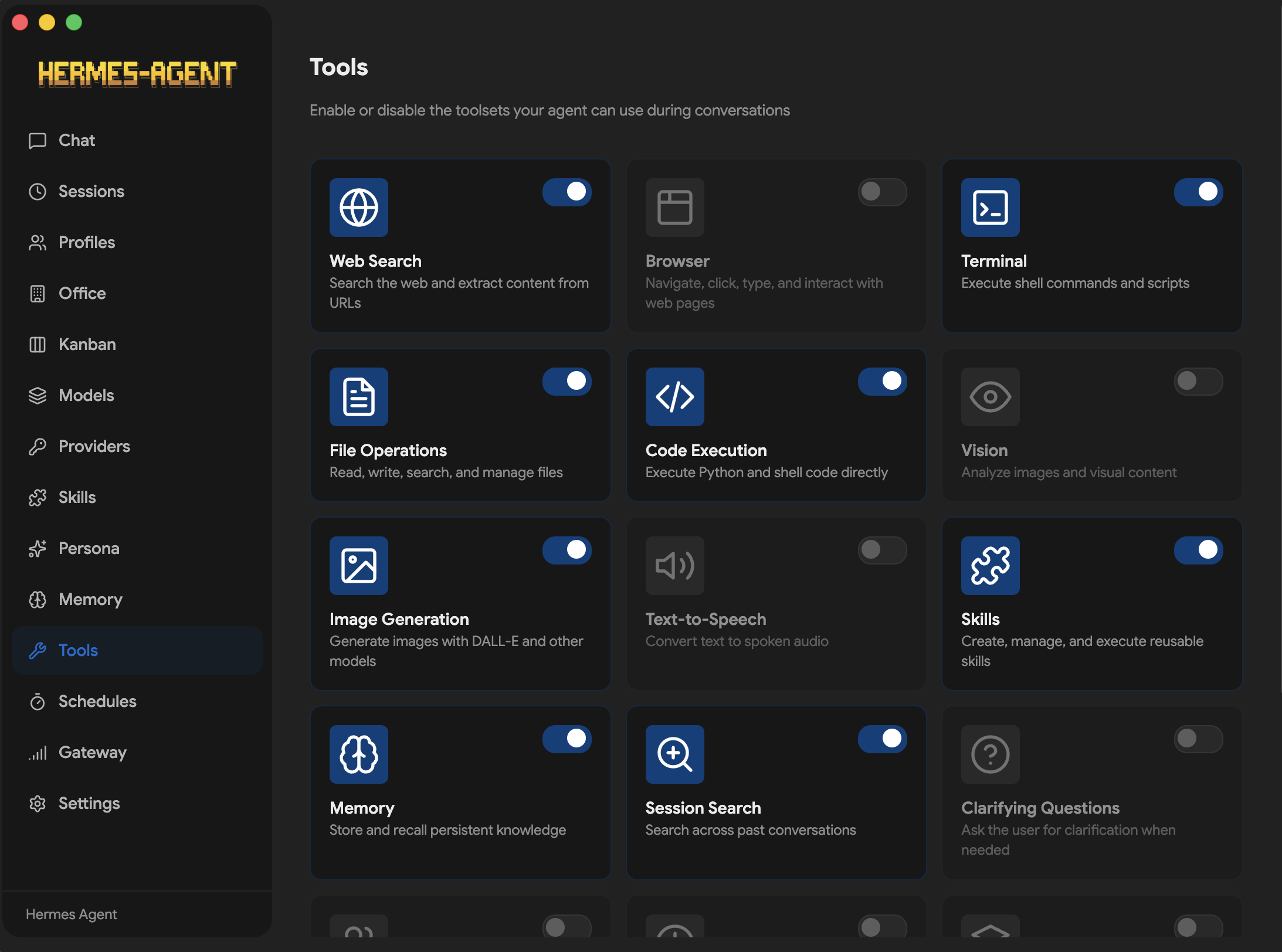
Keys default to plaintext ~/.hermes/.env; an opt-in command provider can fetch them from KeePassXC, GnuPG, pass or 1Password instead — POSIX-only, Windows stays on .env. Chat history lives in a local SQLite database (~/.hermes/state.db).What can the agent actually do from the chat window?22 slash commands (/web, /image, /code, /shell, /usage, /model...) and 14 toolsets — browser, terminal, file operations, code execution, vision, image generation, TTS, task planning and more — with streaming replies, tool progress, and live token and cost tracking.
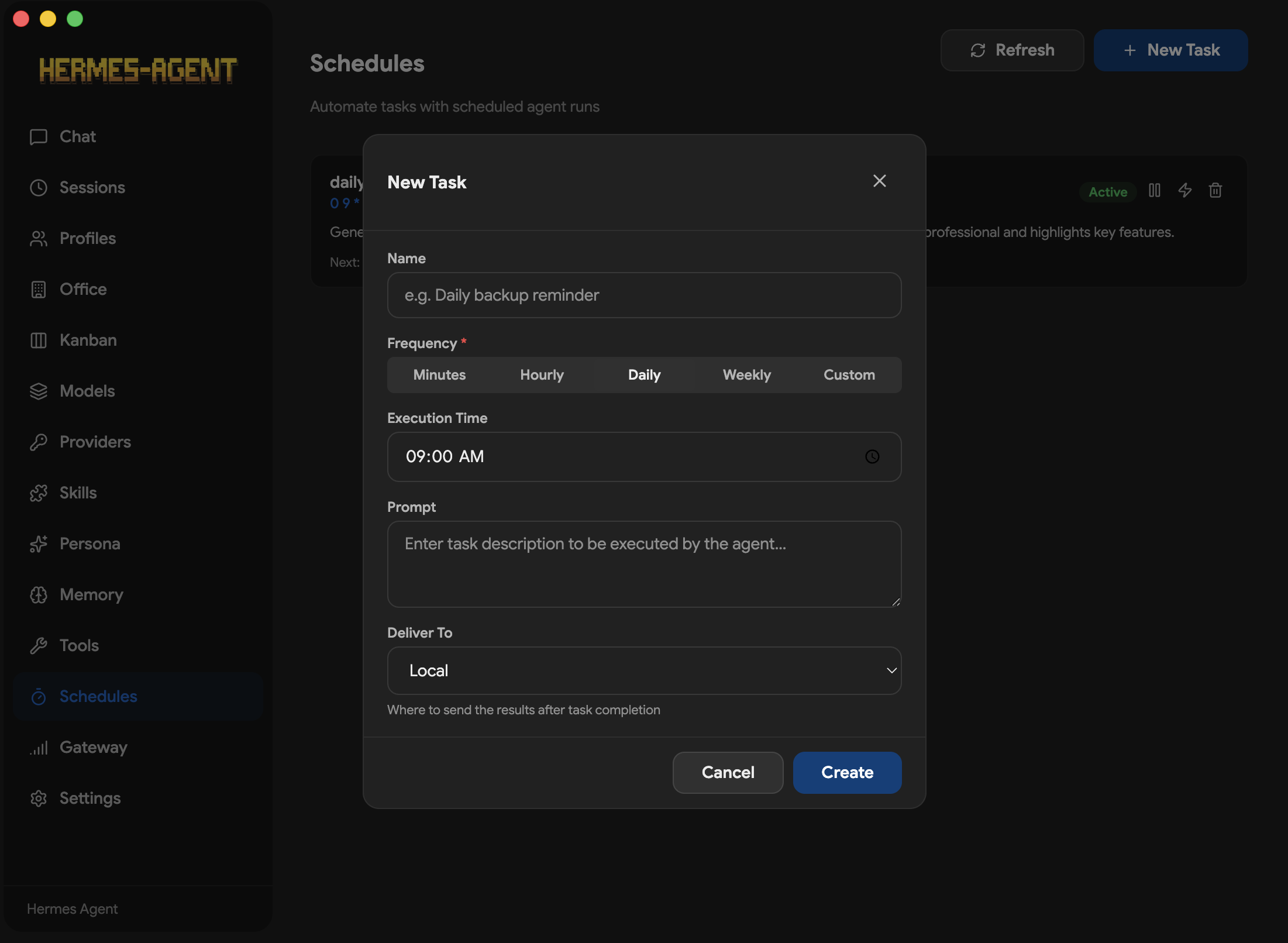
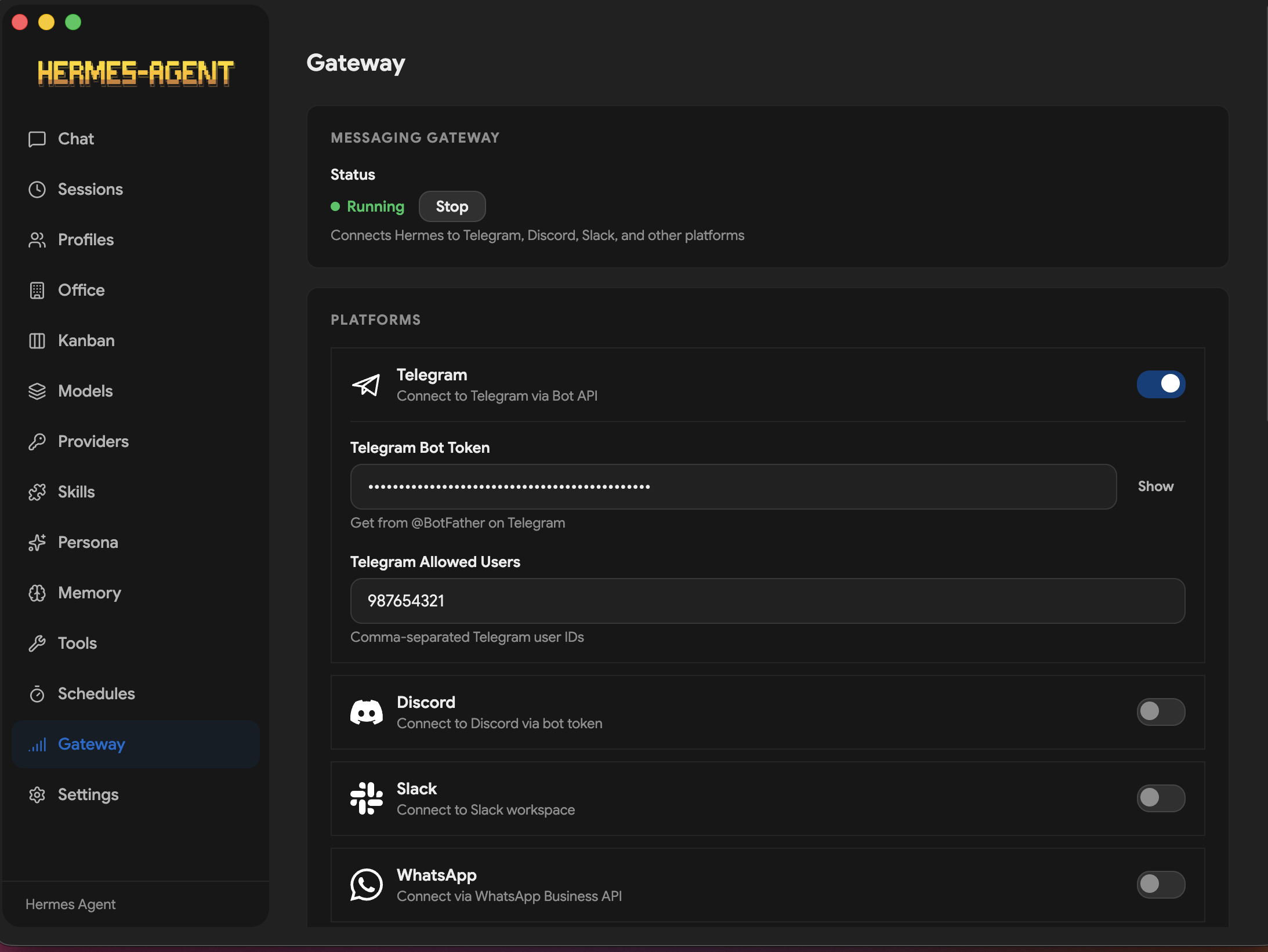
22 slash commands (/web, /image, /code, /shell, /usage, /model...) and 14 toolsets — browser, terminal, file operations, code execution, vision, image generation, TTS, task planning and more — with streaming replies, tool progress, and live token and cost tracking.Can I message my agent from Telegram or Discord instead of the app?Yes — the Gateway screen configures any of 16 platforms: Telegram, Discord, Slack, WhatsApp, Signal, Matrix, Email, SMS via Twilio or Vonage, iMessage, DingTalk, Feishu, WeCom, WeChat, Webhooks, and Home Assistant. Cron-style schedules can deliver results to 15 targets.
Yes — the Gateway screen configures any of 16 platforms: Telegram, Discord, Slack, WhatsApp, Signal, Matrix, Email, SMS via Twilio or Vonage, iMessage, DingTalk, Feishu, WeCom, WeChat, Webhooks, and Home Assistant. Cron-style schedules can deliver results to 15 targets.Is this the official Hermes app from Nous Research?No — the README states the repo is not affiliated with Nous Research; it's community-maintained. It does depend on the upstream Hermes Agent project, which it installs and drives under the hood.
No — the README states the repo is not affiliated with Nous Research; it's community-maintained. It does depend on the upstream Hermes Agent project, which it installs and drives under the hood.Does the agent remember things between conversations?Yes — there's a dedicated Memory screen for viewing and editing memory entries and user-profile memory, with pluggable providers like Honcho, Mem0, RetainDB, Supermemory and ByteRover. Past sessions are searchable (SQLite FTS5) and resumable.
Yes — there's a dedicated Memory screen for viewing and editing memory entries and user-profile memory, with pluggable providers like Honcho, Mem0, RetainDB, Supermemory and ByteRover. Past sessions are searchable (SQLite FTS5) and resumable.What are similar projects?hermes-agent, brigade, Raven, opensquilla, nullclaw, eliza, openclaw, nanobot
hermes-agent, brigade, Raven, opensquilla, nullclaw, eliza, openclaw, nanobotWhich topics is it in?hermes, cron, hermes-agent, slack, messaging, discord, installer, telegram, autonomous-agents, memory, openai-compatible, local-llm
hermes, cron, hermes-agent, slack, messaging, discord, installer, telegram, autonomous-agents, memory, openai-compatible, local-llm