 evondevKit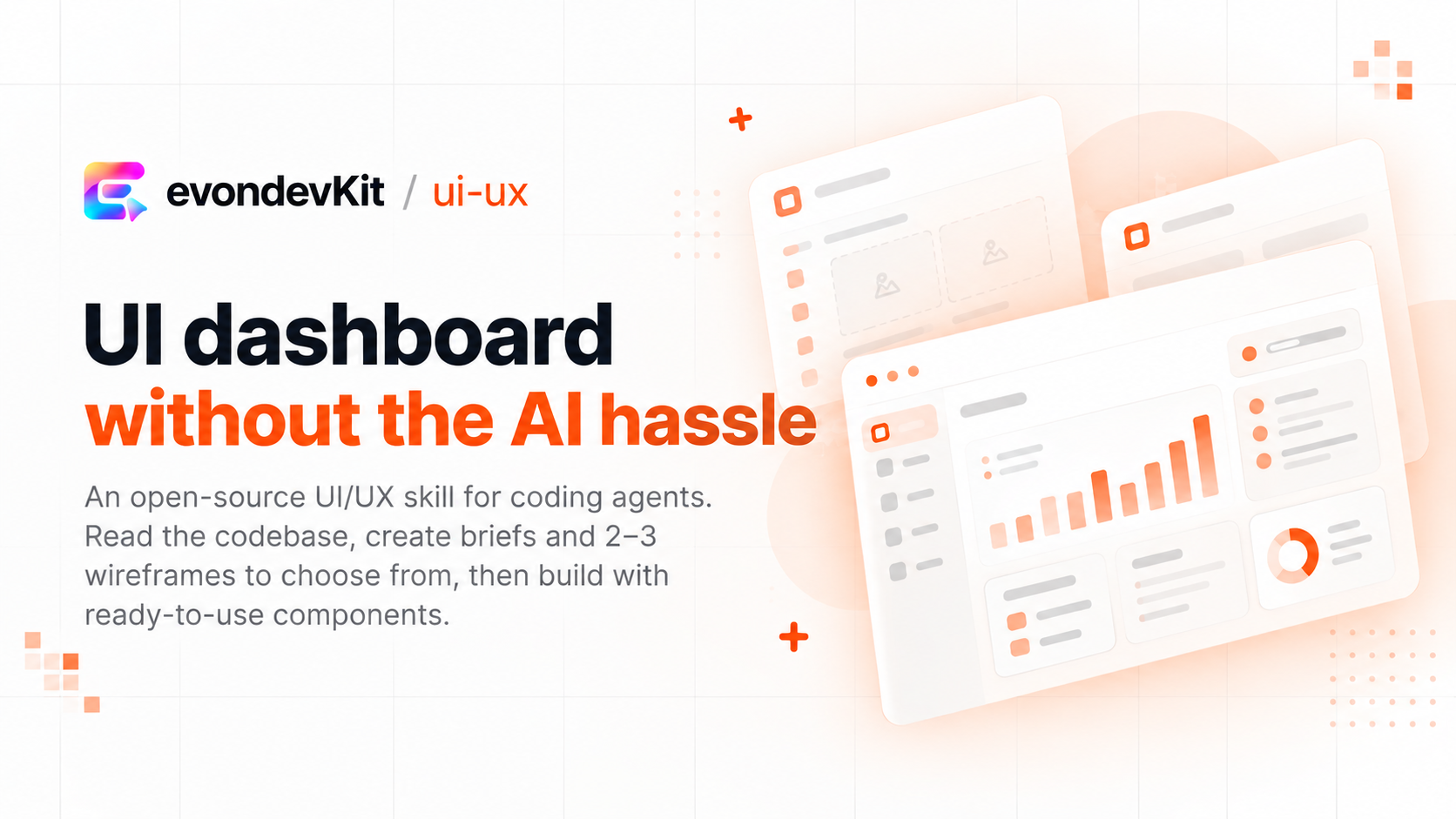
412 ·GitHub
Что это?
 evondevKit — навык UI/UX для Claude Code и других ИИ-агентов для кодинга, который строит и полирует интерфейсы приложений — дашборды, списки, таблицы, формы, настройки, модалки — используя собственную библиотеку компонентов и цвета вашего проекта.
evondevKit — навык UI/UX для Claude Code и других ИИ-агентов для кодинга, который строит и полирует интерфейсы приложений — дашборды, списки, таблицы, формы, настройки, модалки — используя собственную библиотеку компонентов и цвета вашего проекта.Это отдельное приложение или то, что добавляется к моему кодинг-агенту?Это агентский навык/плагин, а не отдельное приложение — он подключается к инструментам вроде Claude Code, Cursor, OpenCode, Codex, Antigravity, ZCode или omp и управляет их существующей способностью строить интерфейсы.
Это агентский навык/плагин, а не отдельное приложение — он подключается к инструментам вроде Claude Code, Cursor, OpenCode, Codex, Antigravity, ZCode или omp и управляет их существующей способностью строить интерфейсы.Какие кодинг-агенты он поддерживает?Он работает с Claude Code, Cursor, OpenCode, Codex, Antigravity, ZCode и omp, вызываясь слэш-командами вроде /evon:ui-ux или /ui-ux в зависимости от инструмента.
Он работает с Claude Code, Cursor, OpenCode, Codex, Antigravity, ZCode и omp, вызываясь слэш-командами вроде /evon:ui-ux или /ui-ux в зависимости от инструмента.Он работает с любым UI-фреймворком или нужен Tailwind?Он подстраивается под то, что у вас уже есть, — shadcn, MUI или внутренние киты — и работает даже без Tailwind и package.json для проектов на чистом HTML или WordPress. Он пока в бете, тестировался больше всего на интерфейсах приложений в светлой теме и в основном с вьетнамскими промптами.
Он подстраивается под то, что у вас уже есть, — shadcn, MUI или внутренние киты — и работает даже без Tailwind и package.json для проектов на чистом HTML или WordPress. Он пока в бете, тестировался больше всего на интерфейсах приложений в светлой теме и в основном с вьетнамскими промптами.Как выглядит типичный запрос на сборку?По умолчанию он работает как дизайнер: пишет бриф, ждёт вашего одобрения, предлагает 2-3 варианта вайрфреймов на выбор (с переключателями плотности текста, цветов, мобильного превью, состояний empty/error), затем собирает выбранный вариант.
По умолчанию он работает как дизайнер: пишет бриф, ждёт вашего одобрения, предлагает 2-3 варианта вайрфреймов на выбор (с переключателями плотности текста, цветов, мобильного превью, состояний empty/error), затем собирает выбранный вариант.Может ли он провести аудит существующего экрана вместо создания нового?Да — попросите его разобрать страницу, и он вернёт таблицу проблем со скриншотами до/после, а вы можете ответить чем-то вроде 'fix 1, 3', чтобы применить только эти правки.
Да — попросите его разобрать страницу, и он вернёт таблицу проблем со скриншотами до/после, а вы можете ответить чем-то вроде 'fix 1, 3', чтобы применить только эти правки.Он сохранит мои фирменные цвета и существующие компоненты?Да, по умолчанию он сохраняет фирменные цвета и переиспользует существующую библиотеку компонентов, не навязывая свой вид, если вы явно не попросите отбросить старый стиль.
Да, по умолчанию он сохраняет фирменные цвета и переиспользует существующую библиотеку компонентов, не навязывая свой вид, если вы явно не попросите отбросить старый стиль.Как обновить или удалить навык?В Claude Code выполните 'claude plugin marketplace update evondevkit', затем /reload-plugins, либо включите автообновление в меню Marketplaces; для других инструментов выполните 'npx skills update' или 'npx skills remove ui-ux' для удаления.
В Claude Code выполните 'claude plugin marketplace update evondevkit', затем /reload-plugins, либо включите автообновление в меню Marketplaces; для других инструментов выполните 'npx skills update' или 'npx skills remove ui-ux' для удаления.What are similar projects?oil-ui, open-steps, taste-skill, appllama-skills, pstack-claude, skills, skills, ux-ui-agent-skills
oil-ui, open-steps, taste-skill, appllama-skills, pstack-claude, skills, skills, ux-ui-agent-skillsWhich topics is it in?shadcn-ui, ui-design, claude-code-plugin, claude-code-skill, agent-skill, claude-skills, tailwindcss, component-library, design, skill, cursor, skills
shadcn-ui, ui-design, claude-code-plugin, claude-code-skill, agent-skill, claude-skills, tailwindcss, component-library, design, skill, cursor, skills