






What is this?
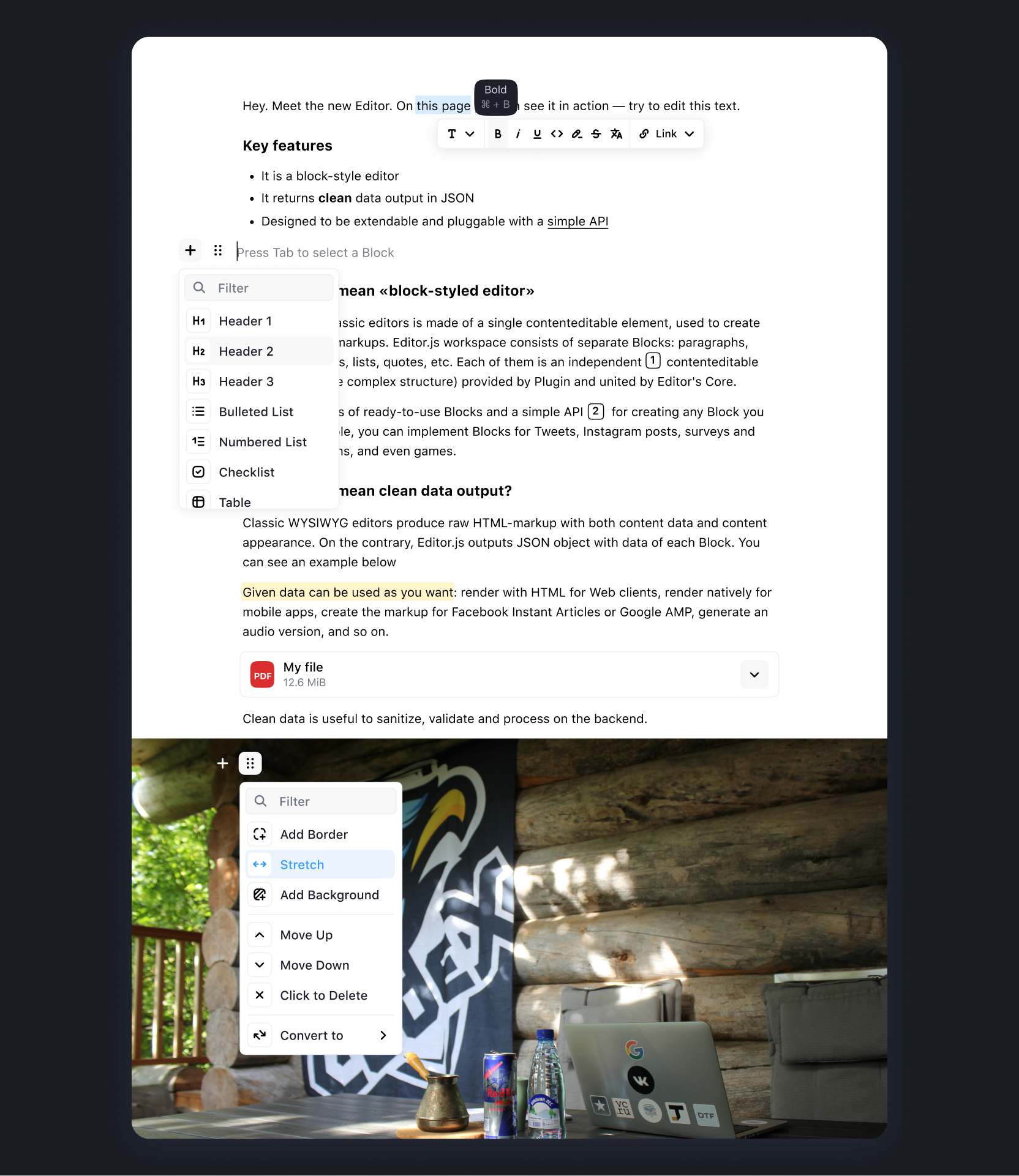
 A free, open-source, block-style text editor for the web: writers compose content from blocks like text, images, lists and quotes, and it saves the result as clean JSON instead of heavy HTML markup.
A free, open-source, block-style text editor for the web: writers compose content from blocks like text, images, lists and quotes, and it saves the result as clean JSON instead of heavy HTML markup.How is a block-style editor different from a regular WYSIWYG field?Instead of one continuous document, content is a set of independent Blocks, and each Block is provided by a separate plugin (tool), so you control exactly which block types exist and can extend the editor with your own.
Instead of one continuous document, content is a set of independent Blocks, and each Block is provided by a separate plugin (tool), so you control exactly which block types exist and can extend the editor with your own.How do I add it to my web app?Install Editor.js via NPM, Yarn or a CDN, install the tool packages you need, then initialize an Editor instance in your page; the documentation covers installation and configuration in detail.
Install Editor.js via NPM, Yarn or a CDN, install the tool packages you need, then initialize an Editor instance in your page; the documentation covers installation and configuration in detail.Do the content blocks come built in?No — each block type is a separate tool plugin installed alongside the core. Official tools cover headings, images, tables, checklists and embeds; the Awesome Editor.js list collects community tools.
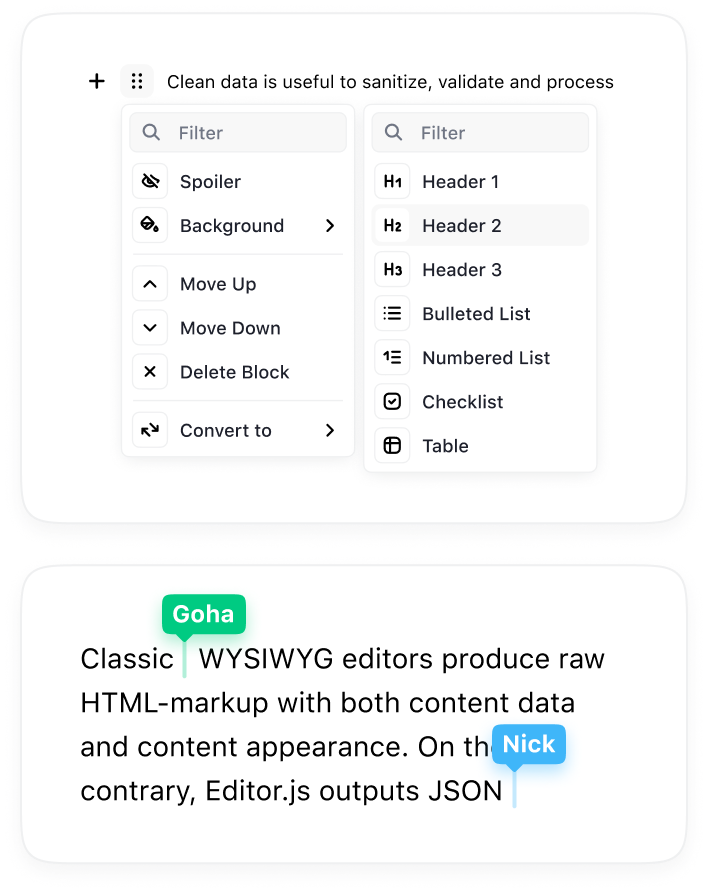
No — each block type is a separate tool plugin installed alongside the core. Official tools cover headings, images, tables, checklists and embeds; the Awesome Editor.js list collects community tools.What is still missing or in progress?Collaborative editing, an undo/redo manager and cross-block drag'n'drop and selection are all still on the roadmap, not shipped yet.
Collaborative editing, an undo/redo manager and cross-block drag'n'drop and selection are all still on the roadmap, not shipped yet.Where does it run, and where can the saved content go?It runs in the browser as a JavaScript component of your web app; since it outputs JSON, the same content can be rendered in Web, iOS, Android, AMP, Instant Articles, speech readers and AI chatbots.
It runs in the browser as a JavaScript component of your web app; since it outputs JSON, the same content can be rendered in Web, iOS, Android, AMP, Instant Articles, speech readers and AI chatbots.Is it free to use, including commercial projects?Yes — Apache-2.0 licensed, free and open source; the team funds development through donations and sponsors instead of charging users.
Yes — Apache-2.0 licensed, free and open source; the team funds development through donations and sponsors instead of charging users.How do I get the content out once editing is done?Call editor.save() — it returns a Promise that resolves with the saved data as JSON, which you can then store or send wherever your app needs.
Call editor.save() — it returns a Promise that resolves with the saved data as JSON, which you can then store or send wherever your app needs.Can I write my own custom block types?Yes — every Block is a plugin built on the editor's API, and the repo ships @editorjs/create-tool to bootstrap new Tools, so custom blocks are a first-class use case.
Yes — every Block is a plugin built on the editor's API, and the repo ships @editorjs/create-tool to bootstrap new Tools, so custom blocks are a first-class use case.Which services can it embed?The official Embeds tool handles YouTube, Twitch, Vimeo, Gfycat, Instagram, Twitter and more; there are also separate Link embed and Simple Image tools that need no backend.
The official Embeds tool handles YouTube, Twitch, Vimeo, Gfycat, Instagram, Twitter and more; there are also separate Link embed and Simple Image tools that need no backend.What are similar projects?medium-editor, summernote, pell, plate, lexical, wangEditor, milkdown, BlockNote
medium-editor, summernote, pell, plate, lexical, wangEditor, milkdown, BlockNoteWhich topics is it in?rich-text-editor, wysiwyg, cms, content-creation, plugin-system, editor, javascript-library, json, ui-components, plugin, ui, web-development
rich-text-editor, wysiwyg, cms, content-creation, plugin-system, editor, javascript-library, json, ui-components, plugin, ui, web-development