






What is this?
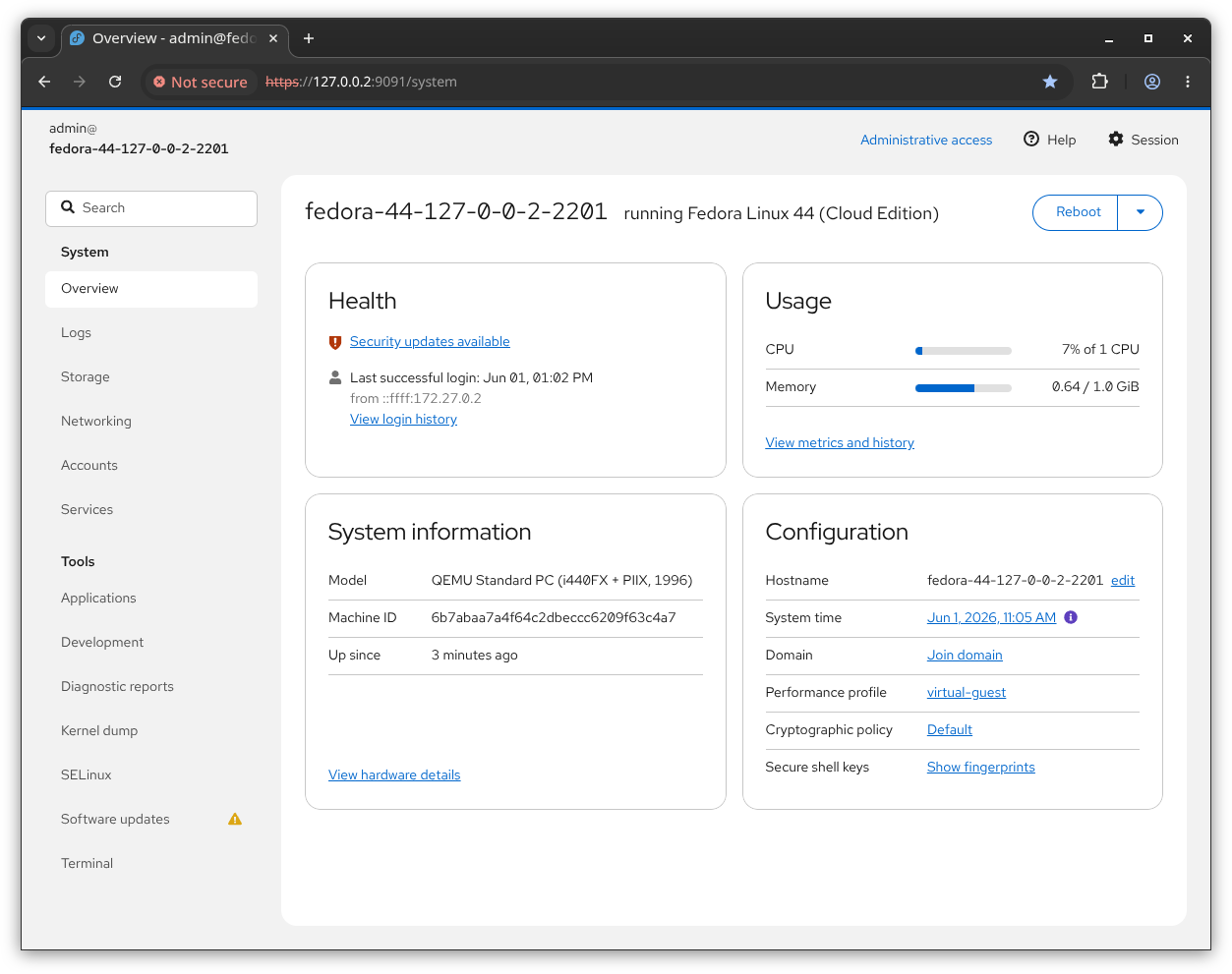
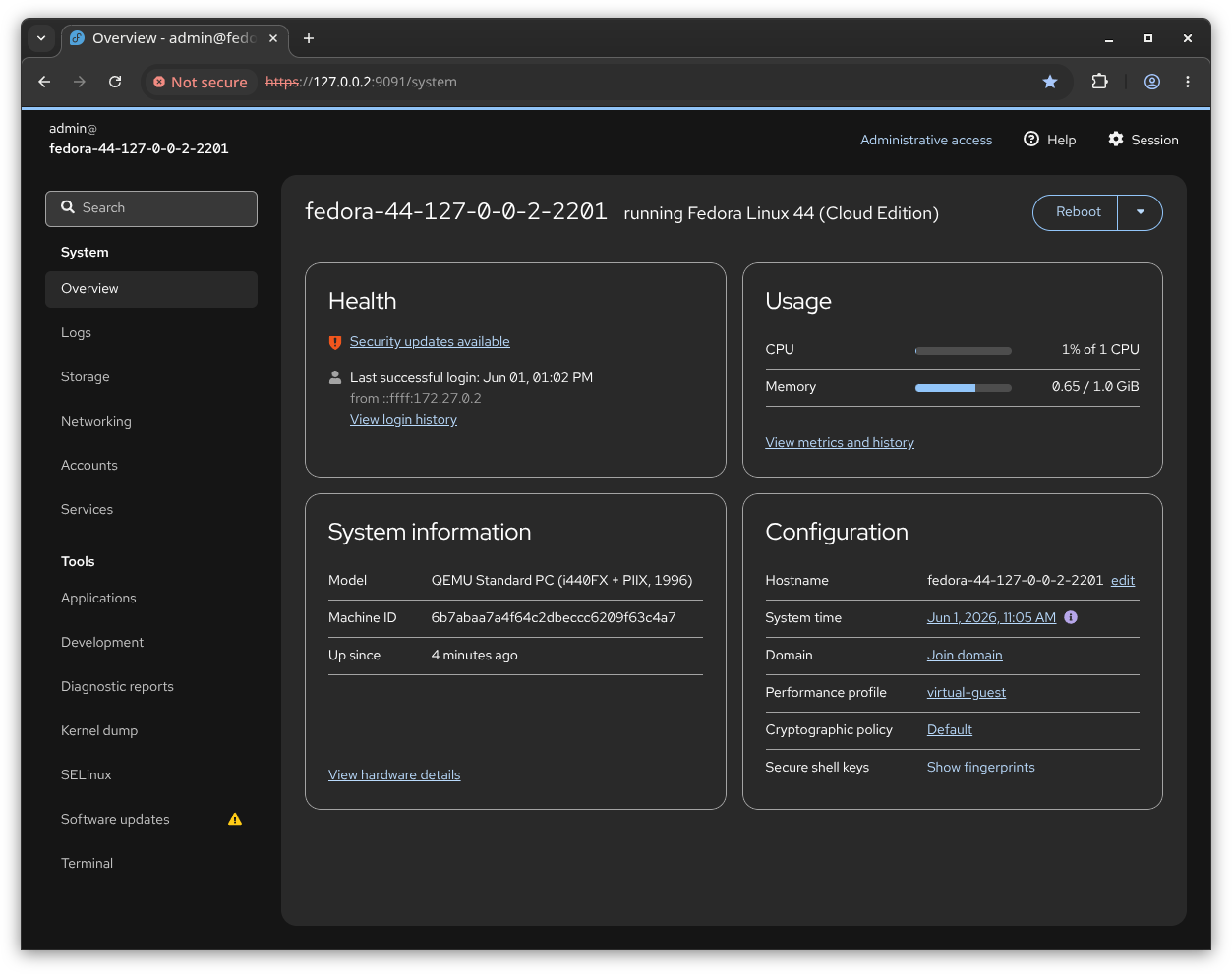
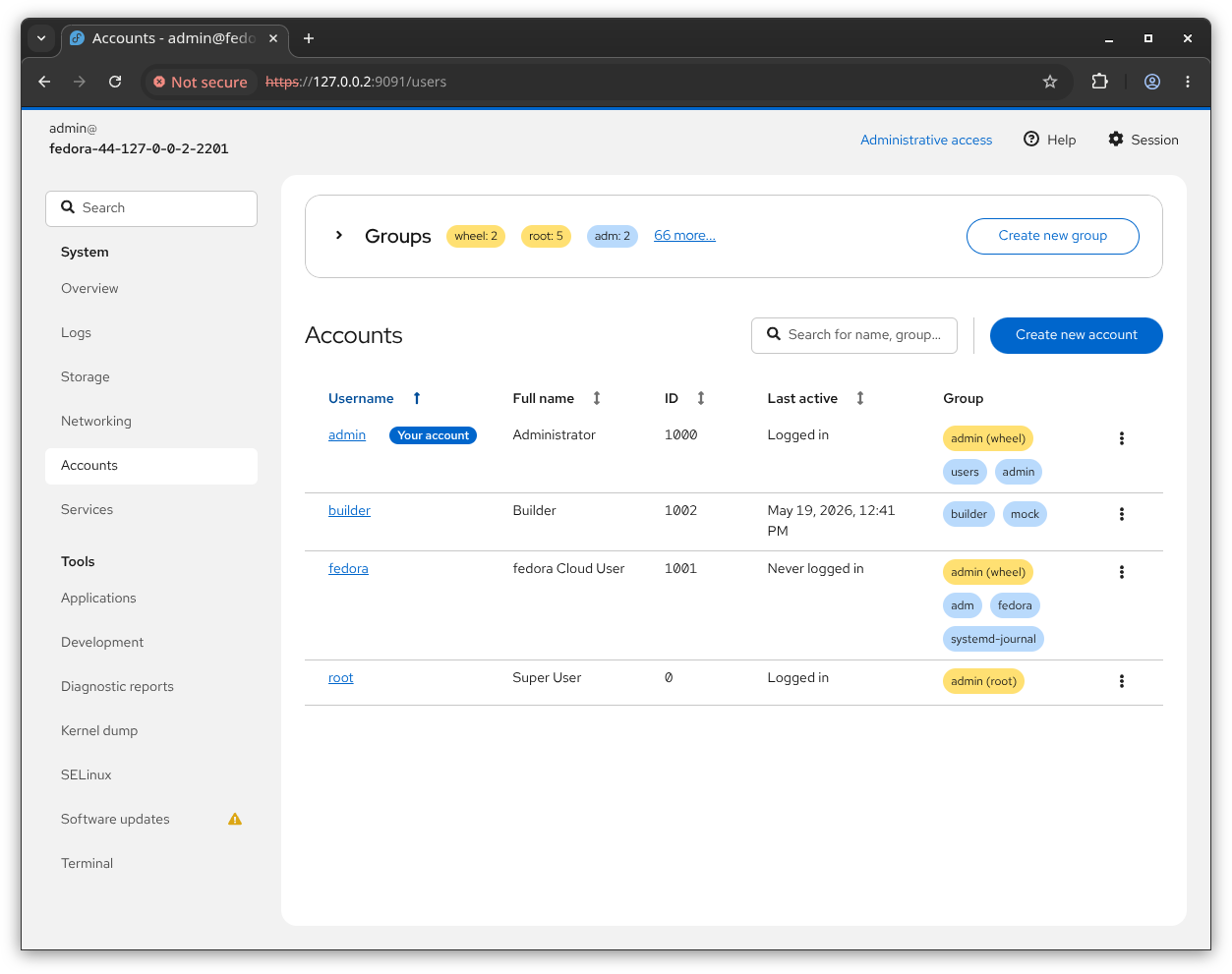
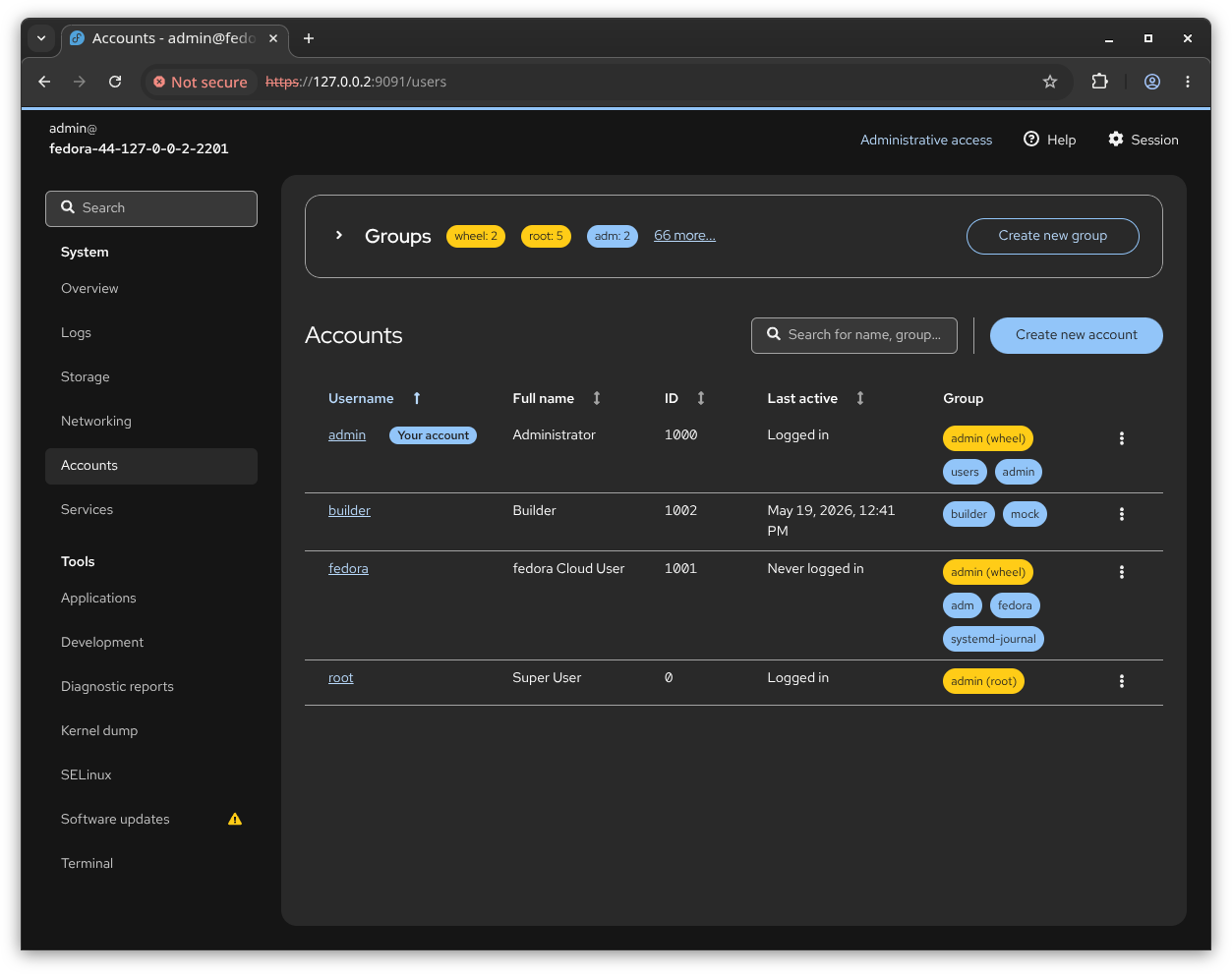
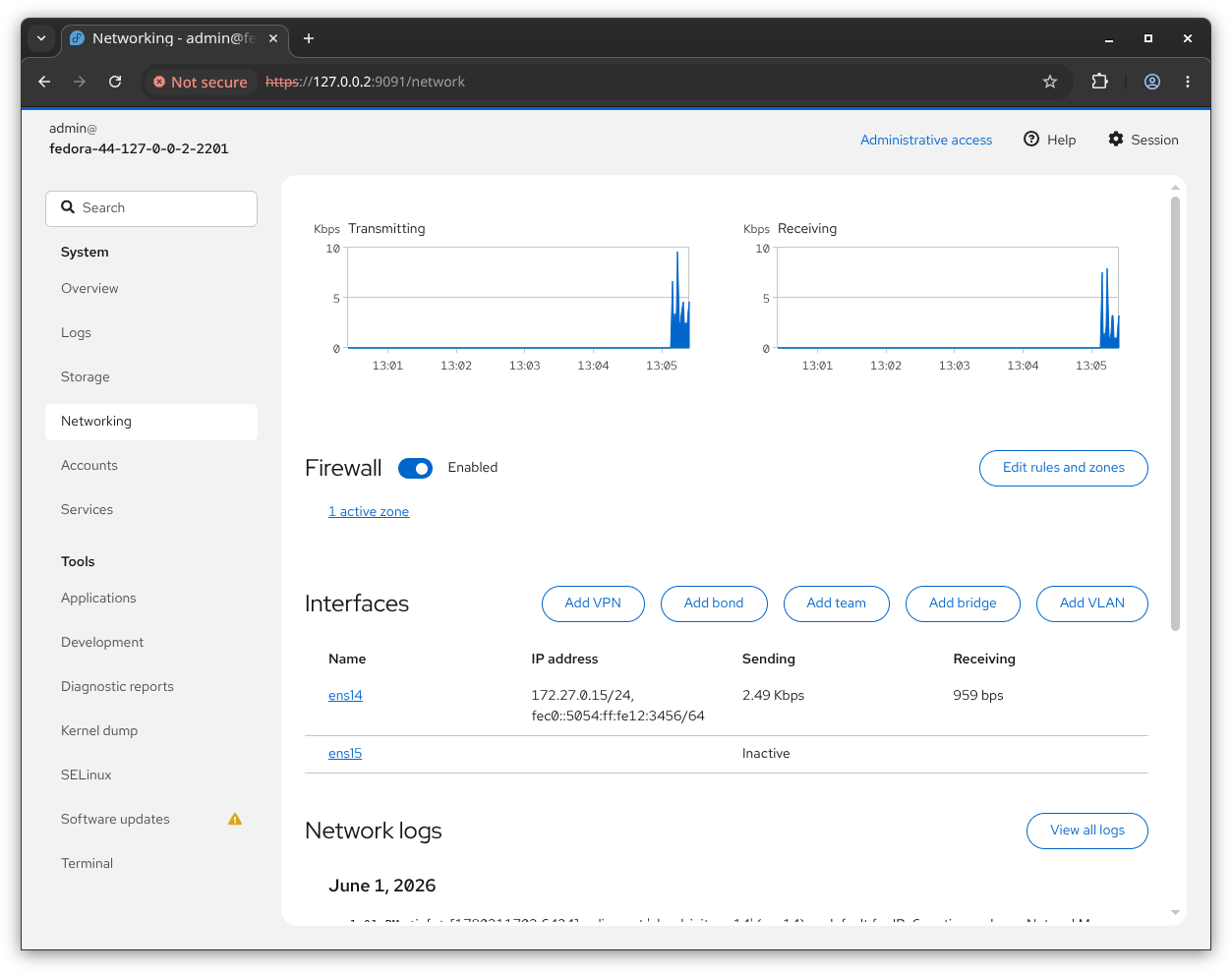
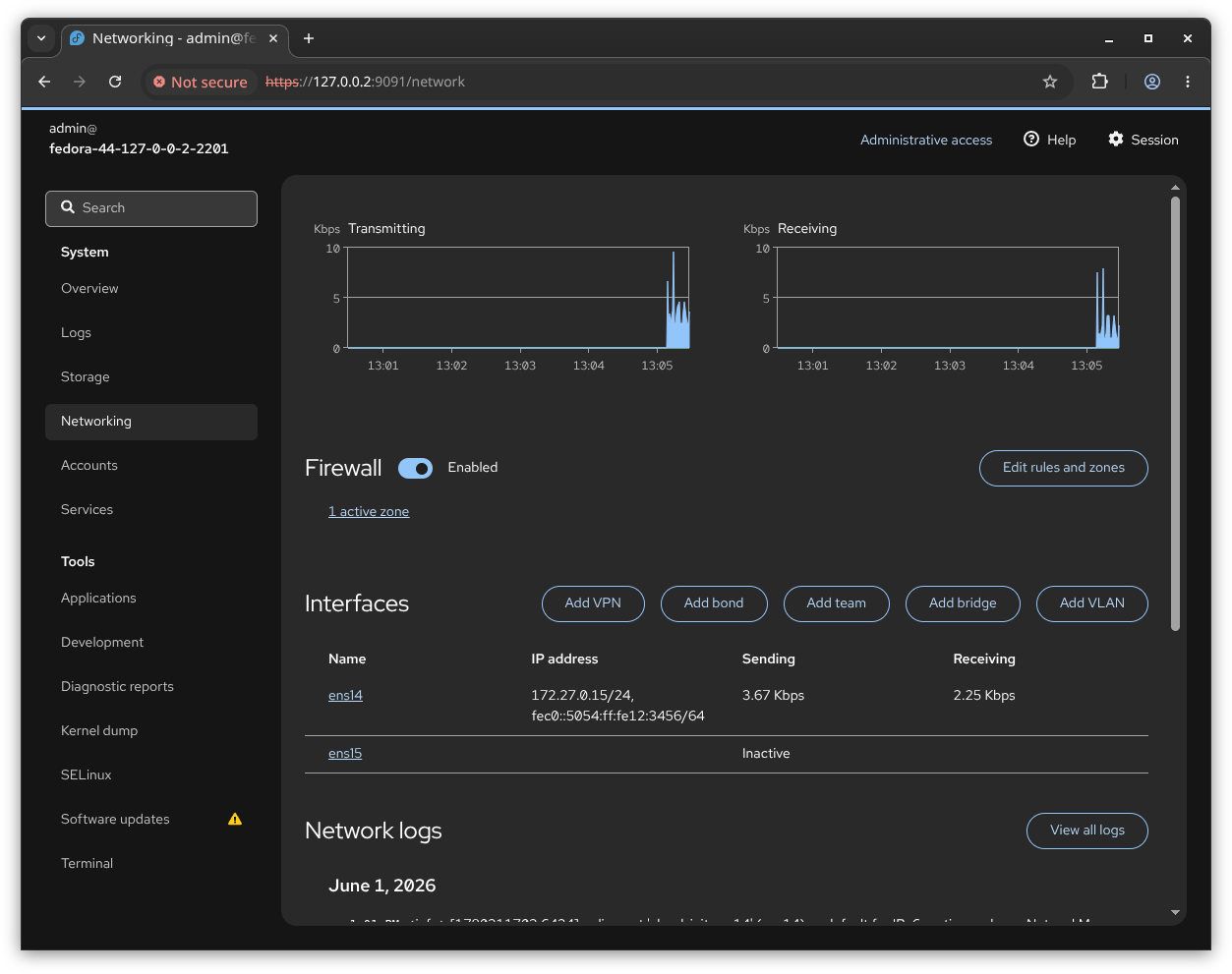
 Cockpit is a web-based graphical interface for administering Linux servers: an interactive dashboard in your browser that talks directly to the operating system.
Cockpit is a web-based graphical interface for administering Linux servers: an interactive dashboard in your browser that talks directly to the operating system.So is it a web app I deploy somewhere, or does it live on the server itself?It runs on the server itself and interacts with the OS from a real Linux session; your browser is just the window into it. There is no separate app server to deploy.
It runs on the server itself and interacts with the OS from a real Linux session; your browser is just the window into it. There is no separate app server to deploy.How do I get it on a server?It is packaged in numerous Linux distributions, usually under the package name 'cockpit'. A full installation guide lives at cockpit-project.org/running.html.
It is packaged in numerous Linux distributions, usually under the package name 'cockpit'. A full installation guide lives at cockpit-project.org/running.html.Does it install cleanly on every distro?Not necessarily — the README warns that some systems may need extra work and points to the project FAQ for those cases.
Not necessarily — the README warns that some systems may need extra work and points to the project FAQ for those cases.My workstation is Windows or macOS — can I still manage my Linux boxes with it?Yes — the interface is used from a browser, and there is also a Flatpak app called Cockpit Client that adds SSH login support to Linux servers from your desktop.
Yes — the interface is used from a browser, and there is also a Flatpak app called Cockpit Client that adds SSH login support to Linux servers from your desktop.What can I actually do through the Cockpit interface?Everyday server admin work: starting containers, storage administration, network configuration and inspecting logs — the README's pitch is that this makes Linux discoverable for sysadmins.
Everyday server admin work: starting containers, storage administration, network configuration and inspecting logs — the README's pitch is that this makes Linux discoverable for sysadmins.Why use it instead of just SSH?Convenience: routine admin tasks become point-and-click instead of memorized commands, and switching between the web tool and a real Linux terminal session is seamless, so nothing from the SSH workflow is lost.
Convenience: routine admin tasks become point-and-click instead of memorized commands, and switching between the web tool and a real Linux terminal session is seamless, so nothing from the SSH workflow is lost.What are similar projects?omnyssh, WindTerm, glances, OKPing-Network-Monitor, ProxmoxVE, xpra, sshdesk, xpipe
omnyssh, WindTerm, glances, OKPing-Network-Monitor, ProxmoxVE, xpra, sshdesk, xpipeWhich topics is it in?web-ui, flatpak, remote-access, admin-dashboard, storage, containers, ssh, sysadmin, monitoring, devops, web-app, networking
web-ui, flatpak, remote-access, admin-dashboard, storage, containers, ssh, sysadmin, monitoring, devops, web-app, networking- Creator
- cockpit-project
- Size
- 275 MB
- Stars
- 15.2K
- Updated
- CommitOct 16Release369Oct 07
- Age
- 12y
- Commits · 90 Days