



Что это такое?
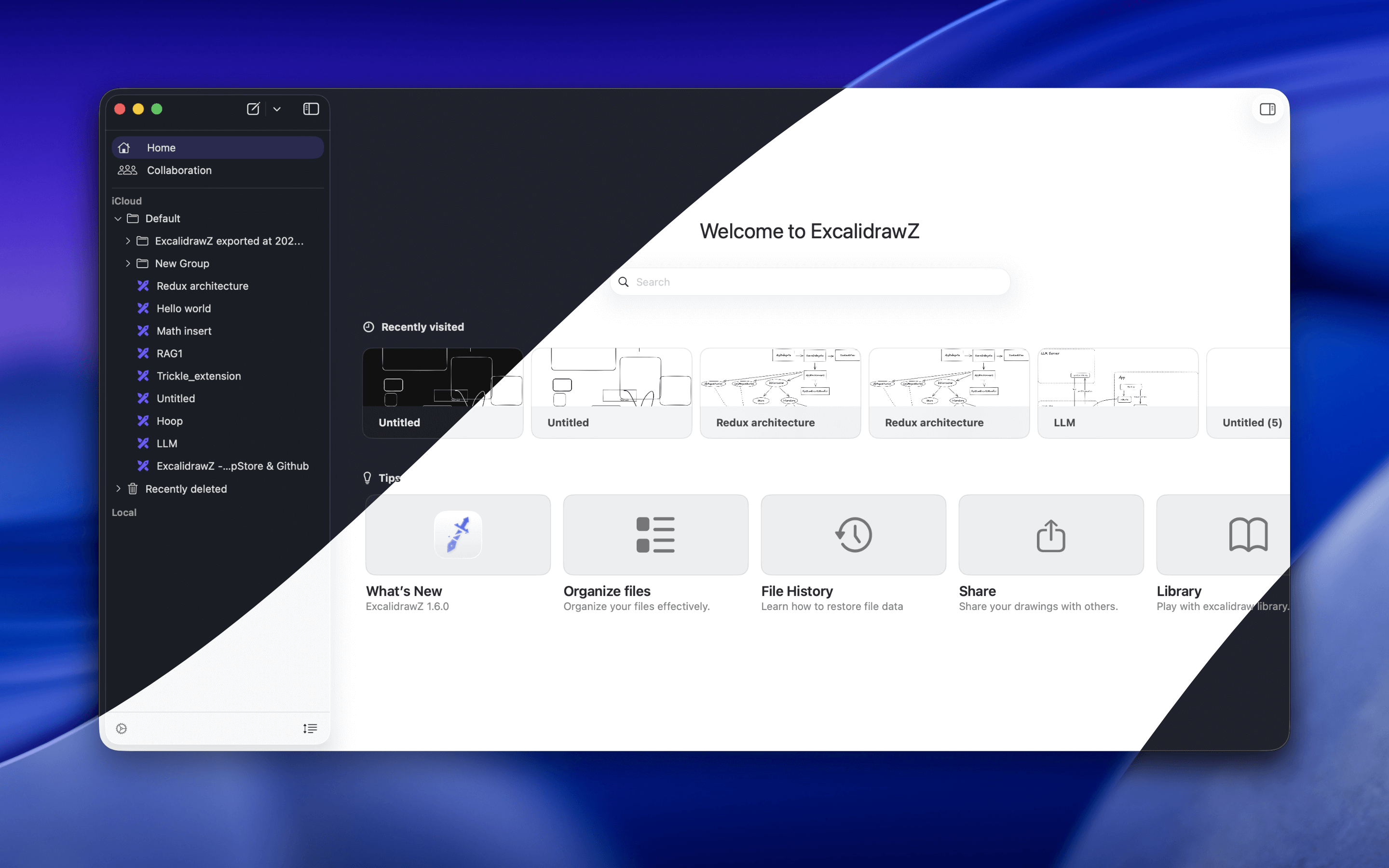
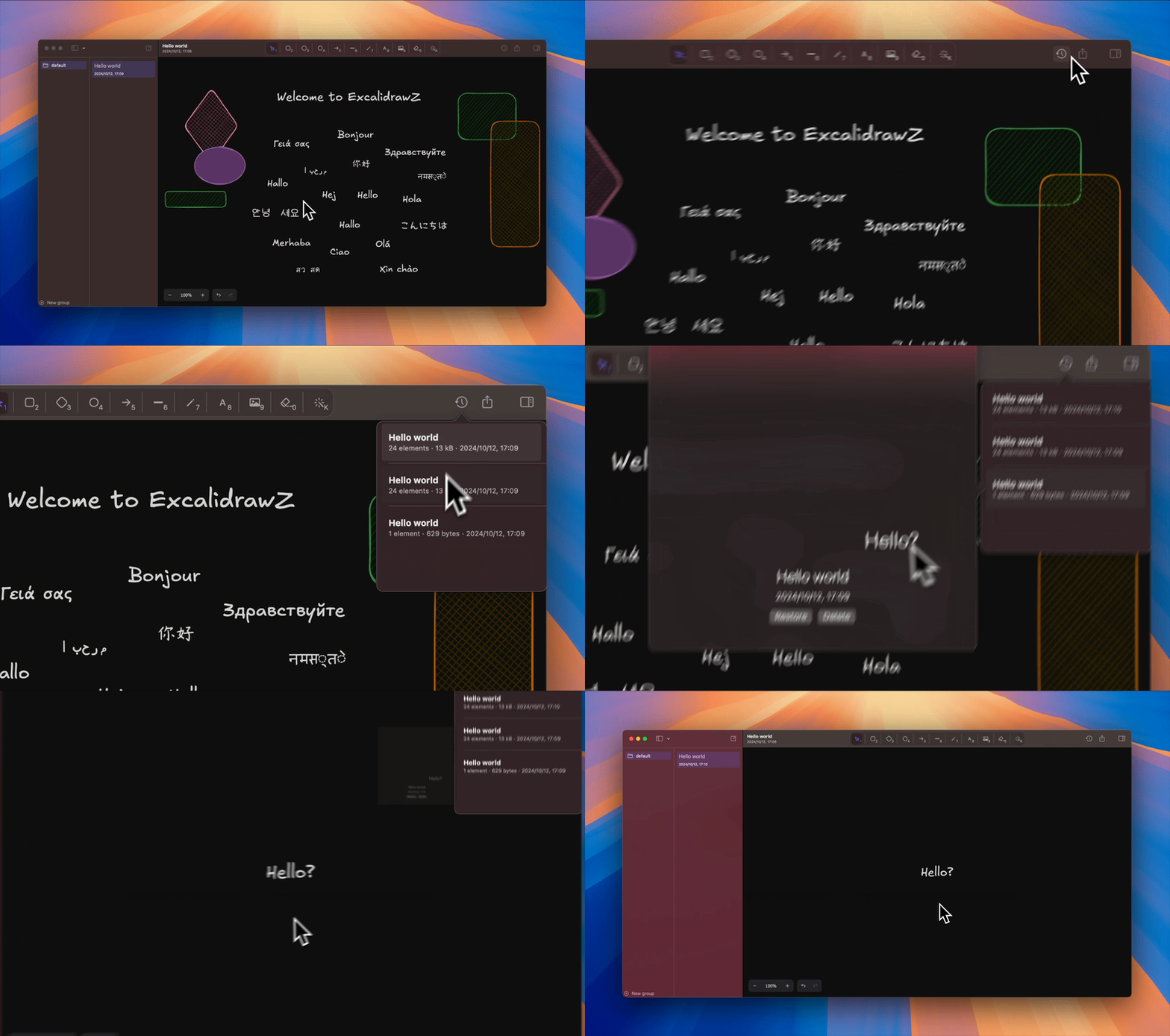
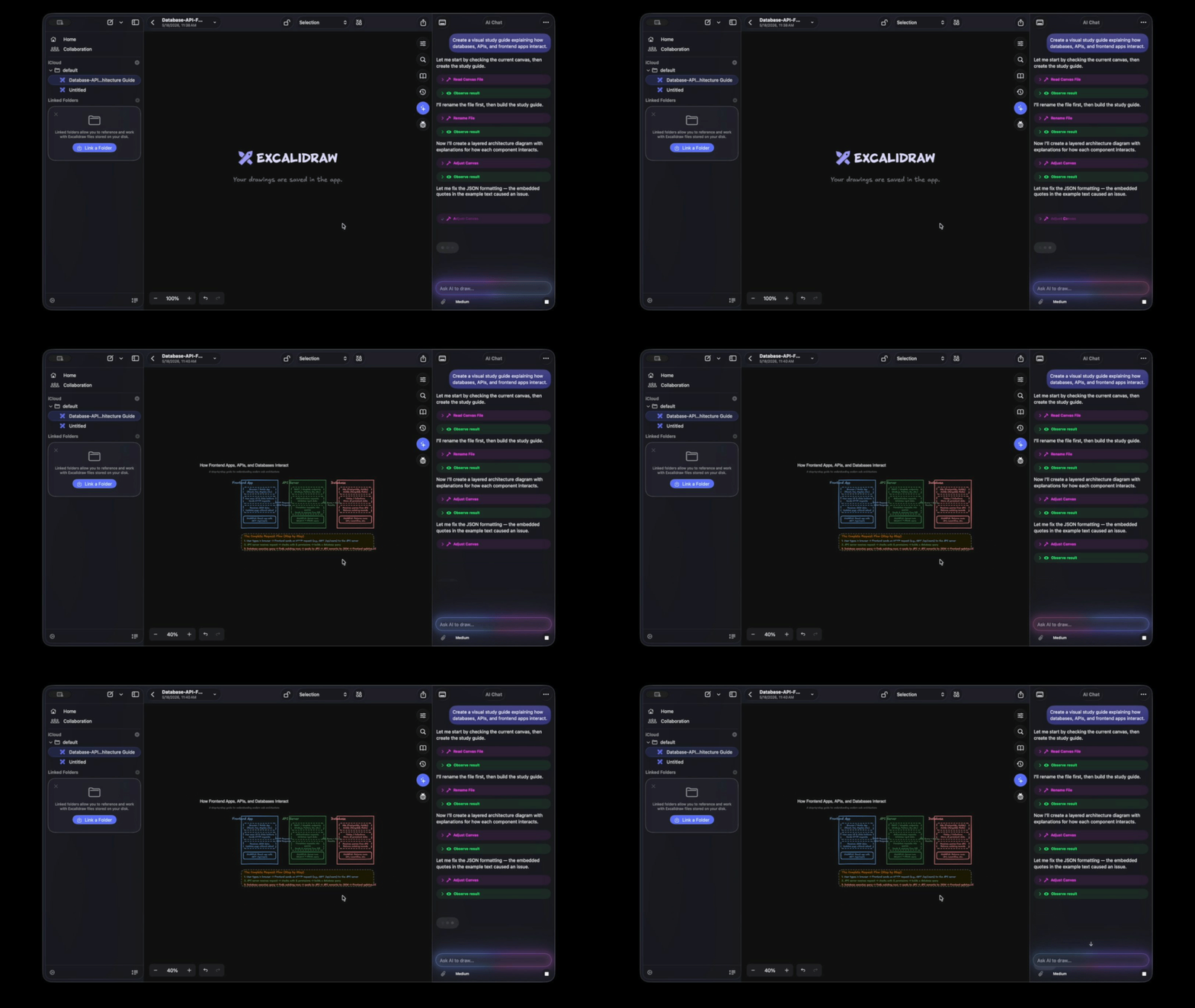
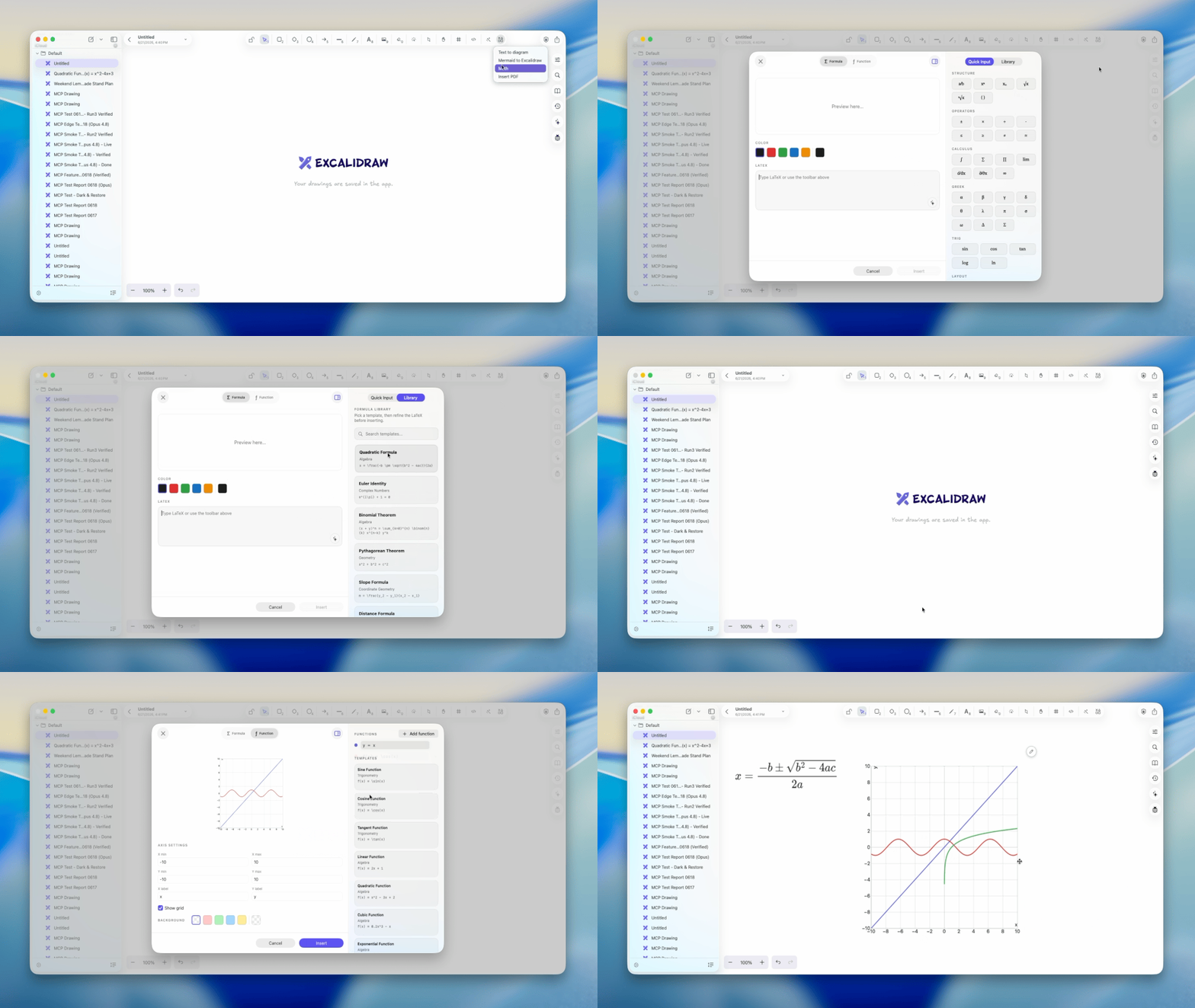
 Нативный клиент Excalidraw для macOS, iPadOS и iOS, написанный на SwiftUI. Он сохраняет привычное полотно Excalidraw и добавляет нативное управление файлами, синхронизацию через iCloud, историю файлов, экспорт и помощь ИИ.
Это веб-приложение или настольная программа?Это нативное приложение, а не веб-страница. Полотно остаётся совместимым с Excalidraw, а оболочка вокруг него создана для устройств Apple.
Это нативное приложение, а не веб-страница. Полотно остаётся совместимым с Excalidraw, а оболочка вокруг него создана для устройств Apple.Как установить его на Mac?Скачайте последний .dmg со страницы Releases, откройте его и перетащите ExcalidrawZ в Applications. Это версия не из App Store.
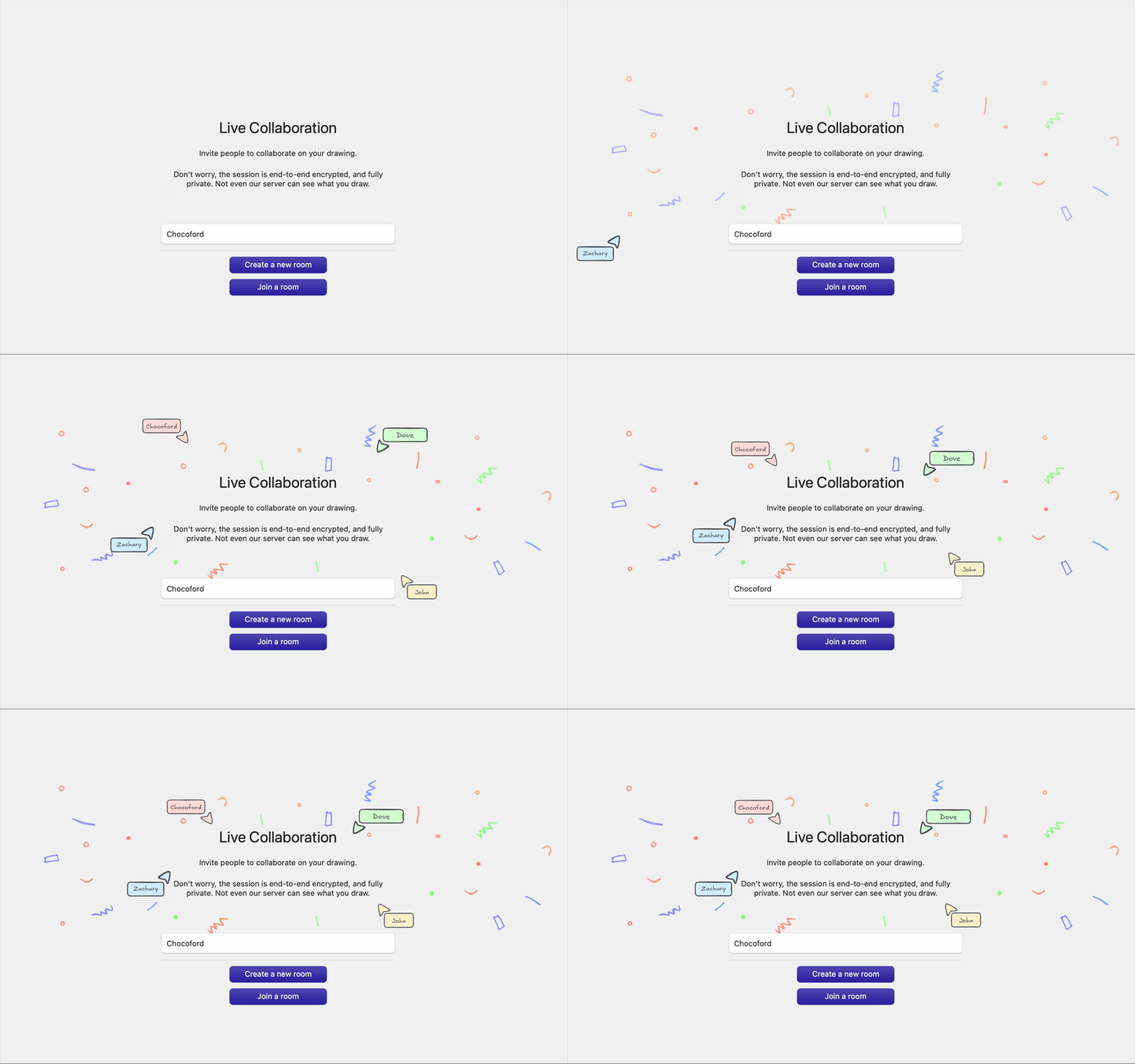
Скачайте последний .dmg со страницы Releases, откройте его и перетащите ExcalidrawZ в Applications. Это версия не из App Store.Работает ли совместная работа из коробки?При сборке из исходного кода по умолчанию — нет. Пример COLLABURL — это заглушка, поэтому для реальной совместной работы нужен URL вашего развёрнутого веб-клиента Excalidraw с поддержкой совместной работы.
При сборке из исходного кода по умолчанию — нет. Пример COLLABURL — это заглушка, поэтому для реальной совместной работы нужен URL вашего развёрнутого веб-клиента Excalidraw с поддержкой совместной работы.Работает ли оно на Windows или Linux?Нет. Приложение создано только для платформ Apple: macOS, iPadOS и iOS.
Нет. Приложение создано только для платформ Apple: macOS, iPadOS и iOS.Куда попадают мои рисунки и может ли ИИ их видеть?Рисунки — это файлы, которыми управляет приложение; они могут синхронизироваться через iCloud между вашими устройствами Apple. Заблокированные файлы скрыты от ИИ, а для каждого файла вы можете решить, виден ли он ИИ.
Рисунки — это файлы, которыми управляет приложение; они могут синхронизироваться через iCloud между вашими устройствами Apple. Заблокированные файлы скрыты от ИИ, а для каждого файла вы можете решить, виден ли он ИИ.Чем это отличается от простого использования Excalidraw в браузере?Рисунки работают как настоящие документы приложения: с группами, пользовательской сортировкой, синхронизацией через iCloud и контрольными точками истории, а не как разрозненные загрузки из браузера. Само полотно остаётся совместимым с Excalidraw.
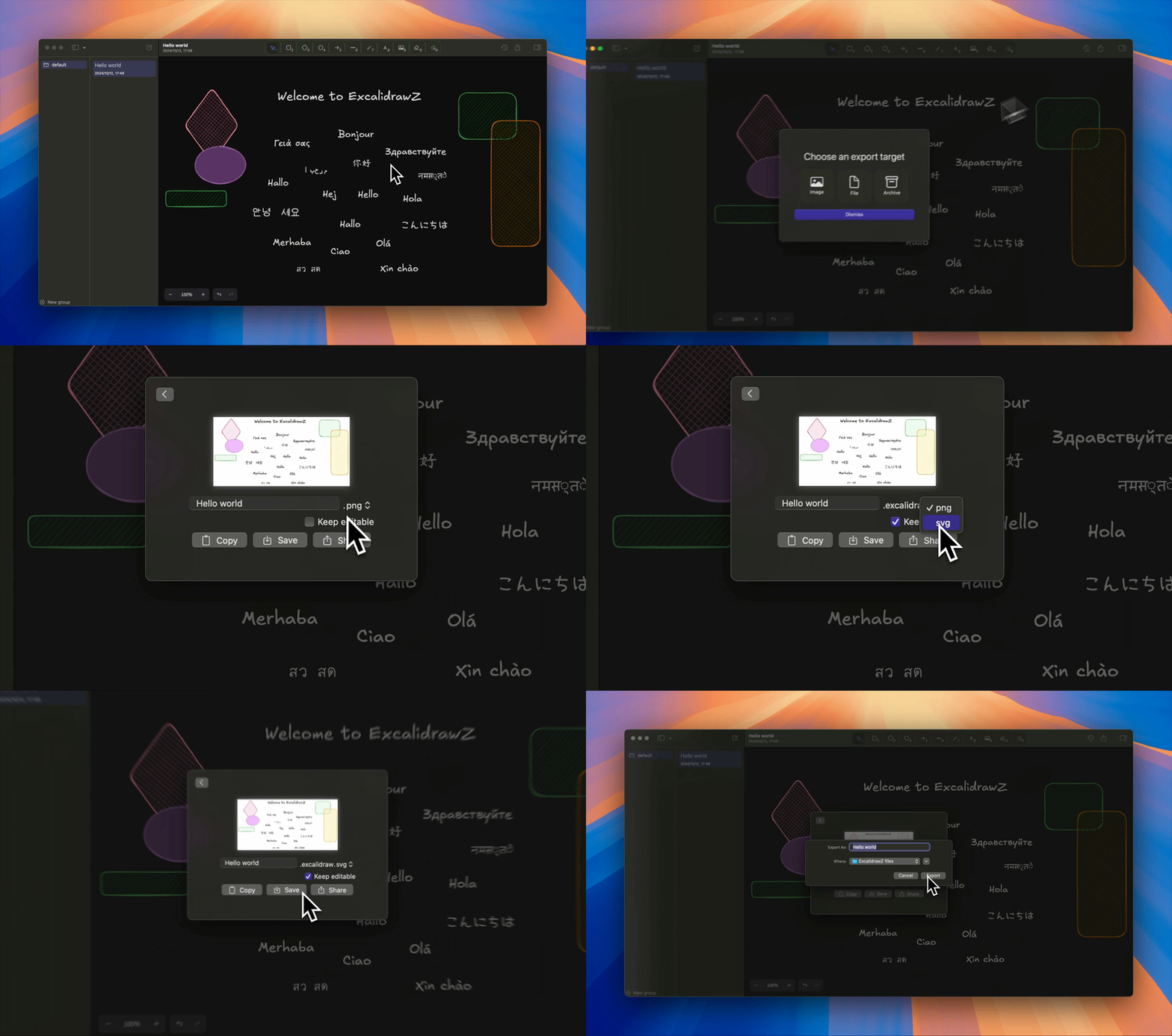
Рисунки работают как настоящие документы приложения: с группами, пользовательской сортировкой, синхронизацией через iCloud и контрольными точками истории, а не как разрозненные загрузки из браузера. Само полотно остаётся совместимым с Excalidraw.Какие форматы файлов оно может открывать и экспортировать?Оно открывает, импортирует, редактирует и экспортирует файлы .excalidraw, .excalidraw.png и .excalidraw.svg. Также поддерживаются импорт и экспорт PDF и экспорт изображений.
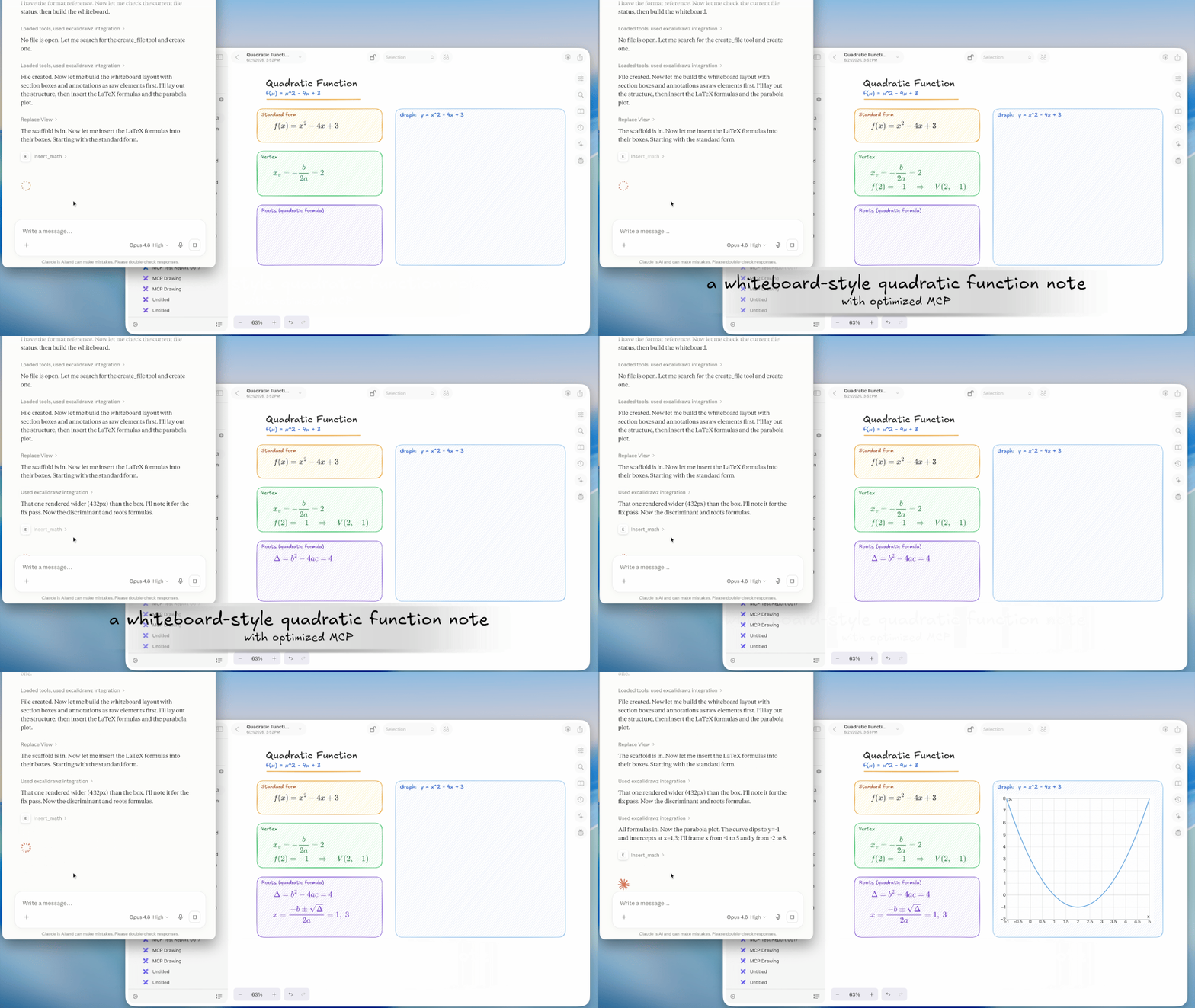
Оно открывает, импортирует, редактирует и экспортирует файлы .excalidraw, .excalidraw.png и .excalidraw.svg. Также поддерживаются импорт и экспорт PDF и экспорт изображений.Могут ли ИИ-инструменты подключаться к нему?Да. Приложение может работать как MCP-сервер через локальную HTTP-конечную точку. Базовый режим даёт рабочий процесс рисования excalidraw-mcp, а оптимизированный режим добавляет более глубокую интеграцию с ExcalidrawZ.
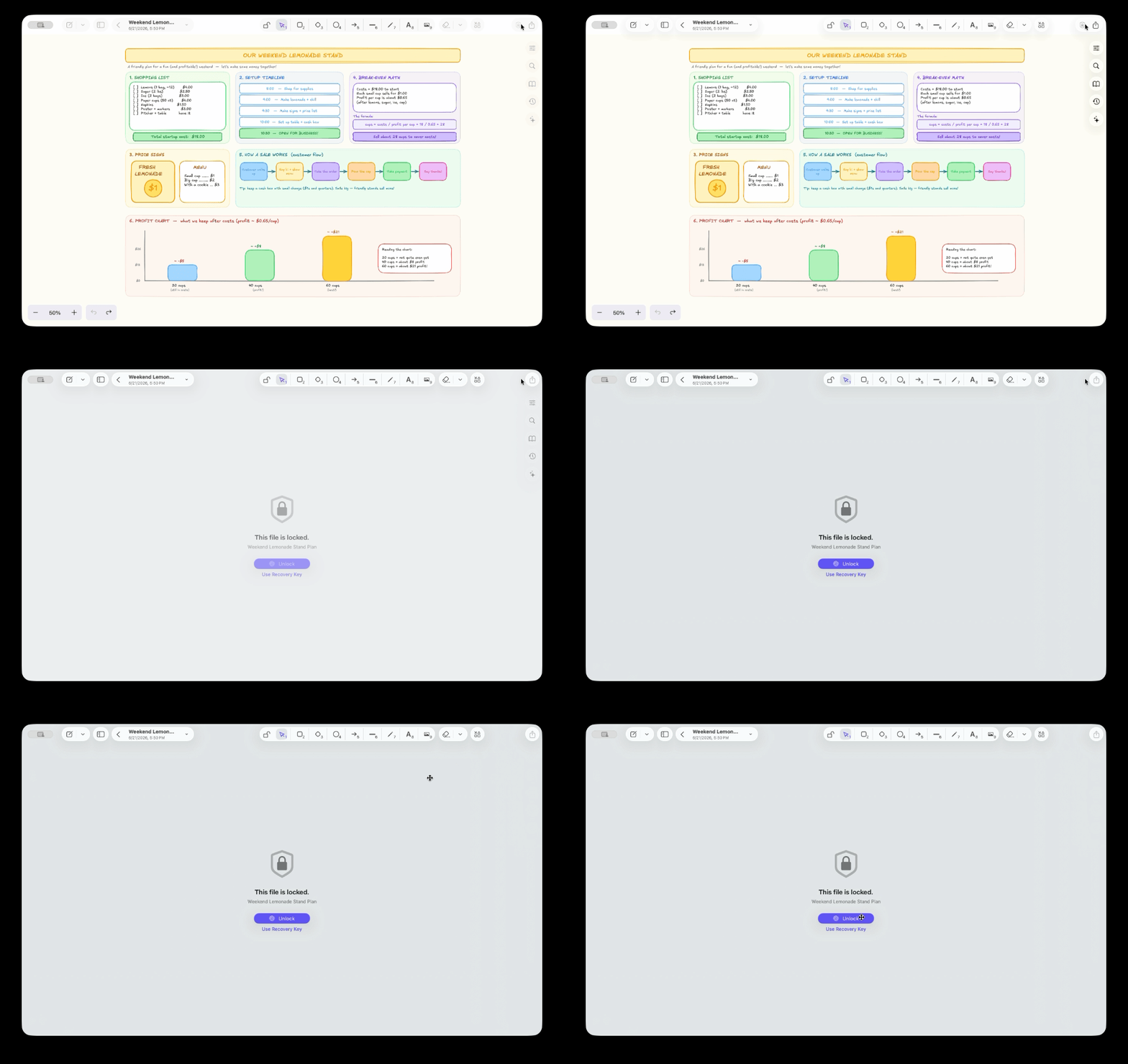
Да. Приложение может работать как MCP-сервер через локальную HTTP-конечную точку. Базовый режим даёт рабочий процесс рисования excalidraw-mcp, а оптимизированный режим добавляет более глубокую интеграцию с ExcalidrawZ.Как защищены конфиденциальные рисунки?Файлы можно заблокировать локальной аутентификацией, зашифровать вместе с их контрольными точками и использовать Recovery Key для резервного доступа.
Файлы можно заблокировать локальной аутентификацией, зашифровать вместе с их контрольными точками и использовать Recovery Key для резервного доступа.Какие есть похожие проекты?ipadn, zulu, sill, OpenYoink, Crest, excalidraw, opendisplay, MacPacker
ipadn, zulu, sill, OpenYoink, Crest, excalidraw, opendisplay, MacPackerВ каких он темах?whiteboard, drawing, ipad, diagrams, file-manager, sync, ios-app, swiftui, ai-assistant, backup, collaboration, native
whiteboard, drawing, ipad, diagrams, file-manager, sync, ios-app, swiftui, ai-assistant, backup, collaboration, native- Автор
- chocoford
- Размер
- 130.3 MB
- Звёзды
- 2K
- Обновлён
- КоммитOct 18Релизv2.5.1Oct 24
- Возраст
- 3 г
- Коммиты · 90 дней