



What is this?
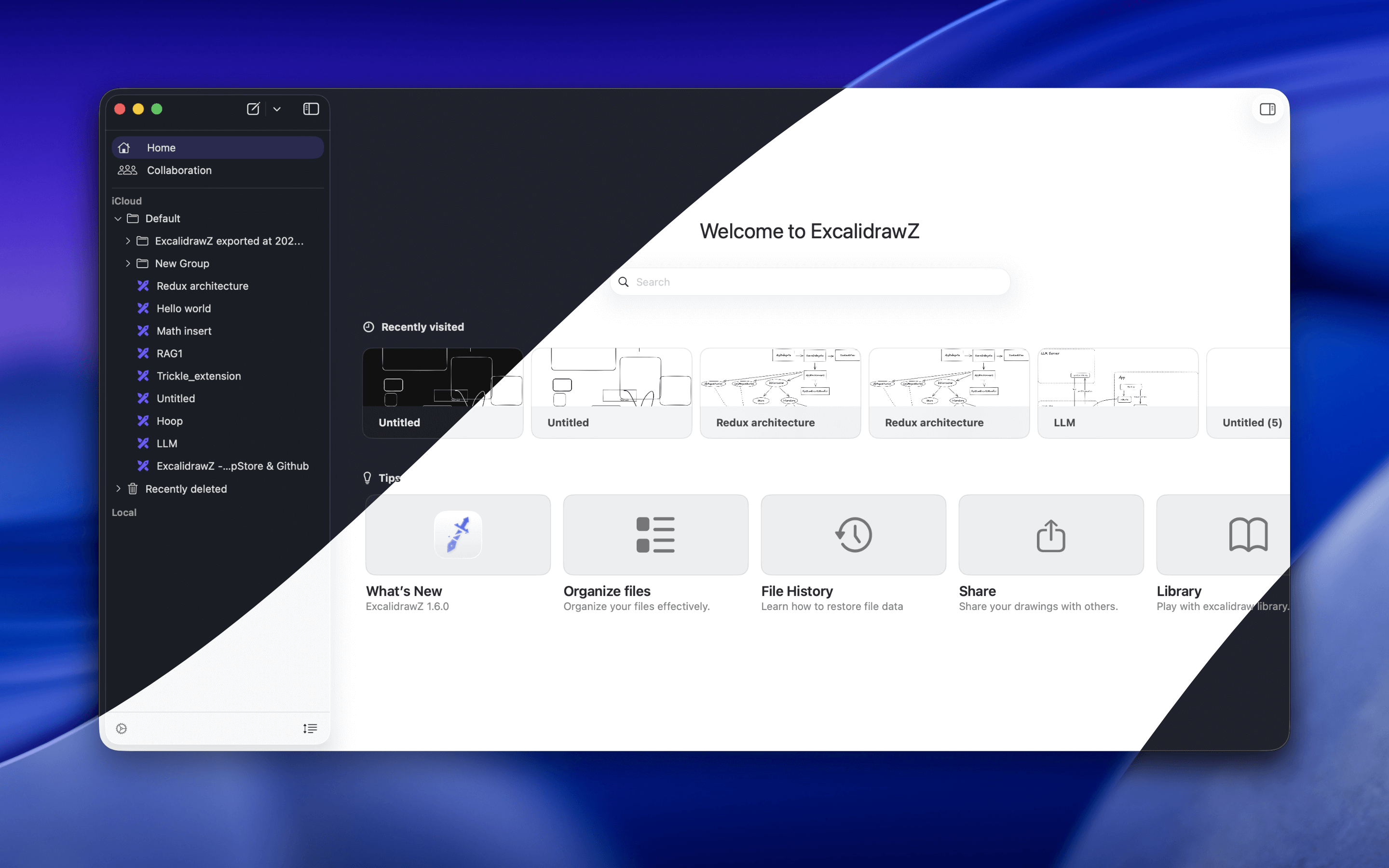
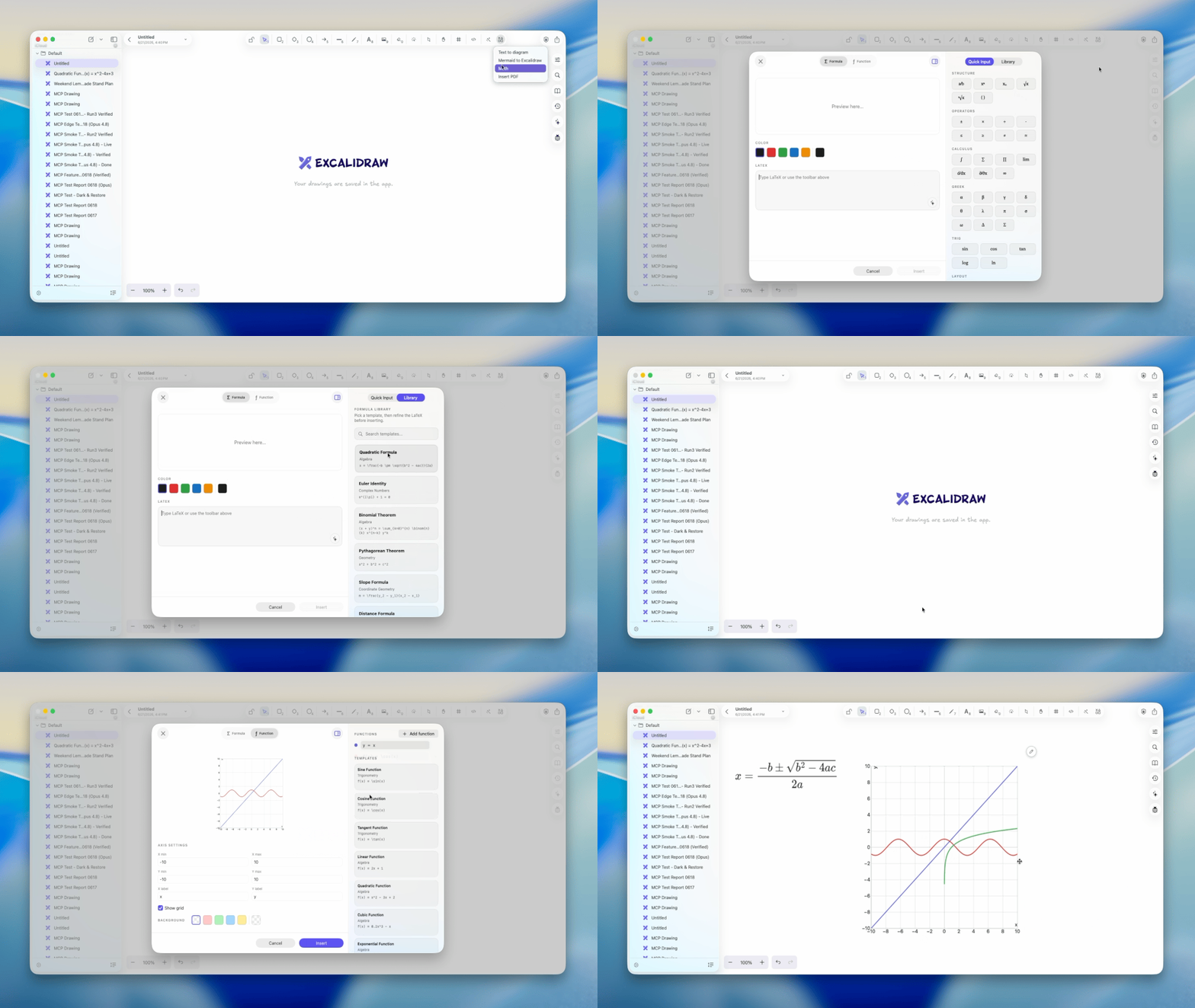
 A native Excalidraw client for macOS, iPadOS and iOS, built with SwiftUI. It keeps the familiar Excalidraw canvas and adds native file management, iCloud sync, file history, export and AI assistance.
Is it a web app or a desktop app?It is a native app, not a web page. The canvas stays compatible with Excalidraw, but the app around it is built for Apple devices.
It is a native app, not a web page. The canvas stays compatible with Excalidraw, but the app around it is built for Apple devices.How do I install it on my Mac?Download the latest .dmg from the Releases page, open it and drag ExcalidrawZ into Applications. This is the non-App Store version.
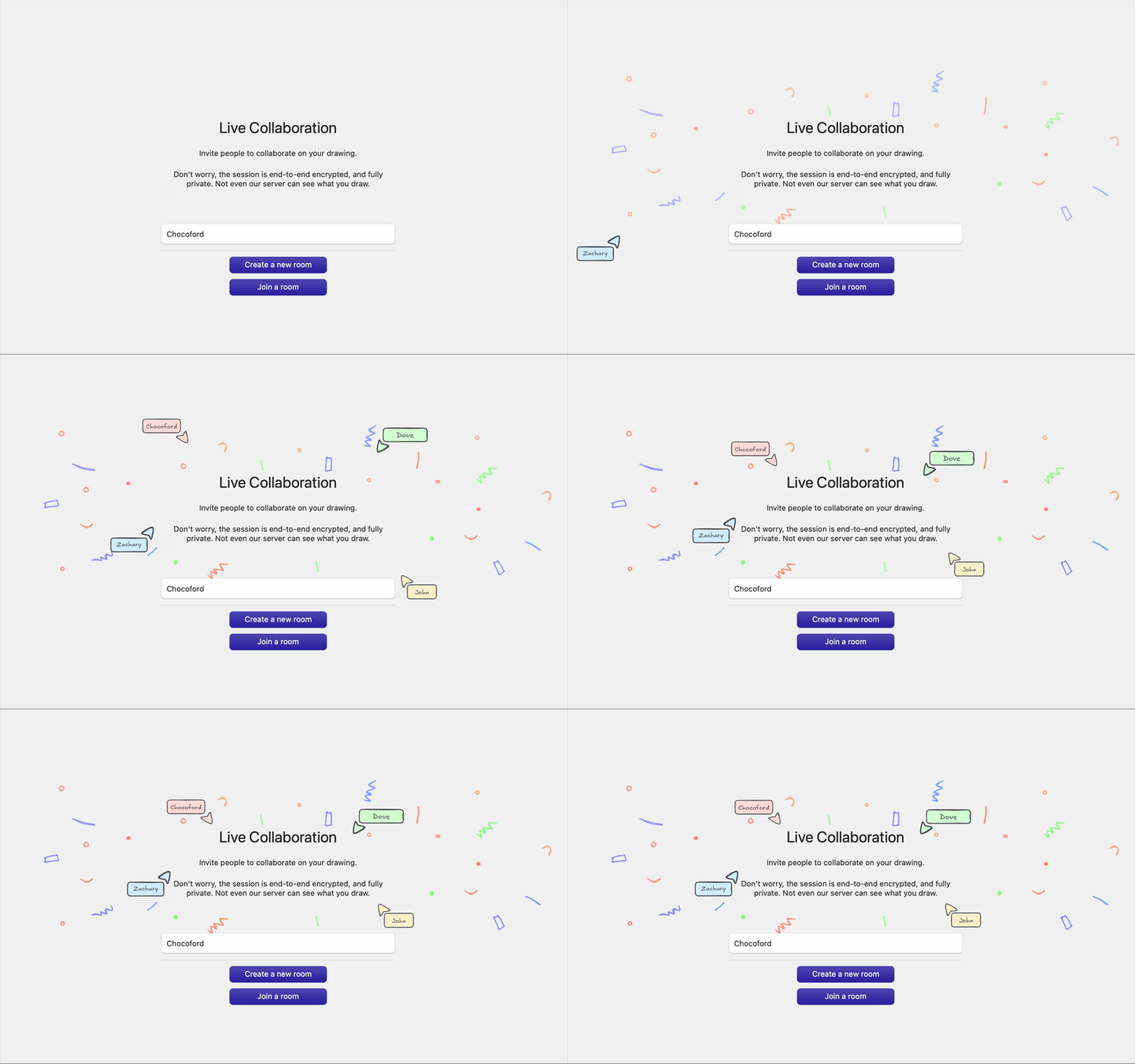
Download the latest .dmg from the Releases page, open it and drag ExcalidrawZ into Applications. This is the non-App Store version.Does collaboration work out of the box?Not from a source build by default. The example COLLABURL is a placeholder, so for real collaboration you need the URL of your own deployed collaboration-enabled Excalidraw web client.
Not from a source build by default. The example COLLABURL is a placeholder, so for real collaboration you need the URL of your own deployed collaboration-enabled Excalidraw web client.Does it run on Windows or Linux?No. The app is built only for Apple platforms: macOS, iPadOS and iOS.
No. The app is built only for Apple platforms: macOS, iPadOS and iOS.Where do my drawings go, and can AI see them?Drawings are app-managed files that can sync through iCloud across your Apple devices. Locked files stay hidden from AI, and you can control whether each file is visible to AI.
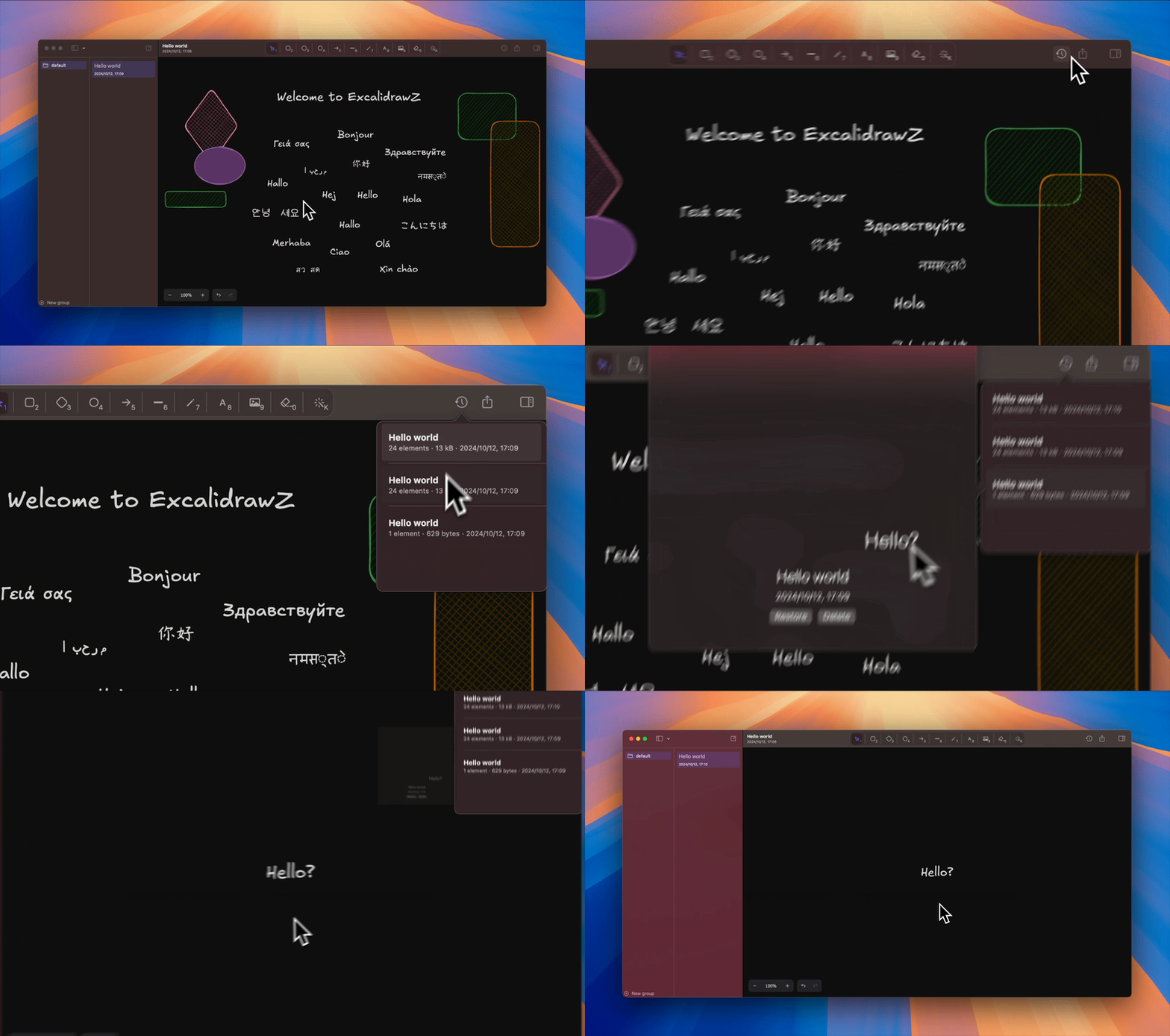
Drawings are app-managed files that can sync through iCloud across your Apple devices. Locked files stay hidden from AI, and you can control whether each file is visible to AI.What is different from just using the browser Excalidraw?Drawings are handled as real app documents with groups, custom sorting, iCloud sync and history checkpoints, instead of loose browser downloads. The canvas itself stays Excalidraw-compatible.
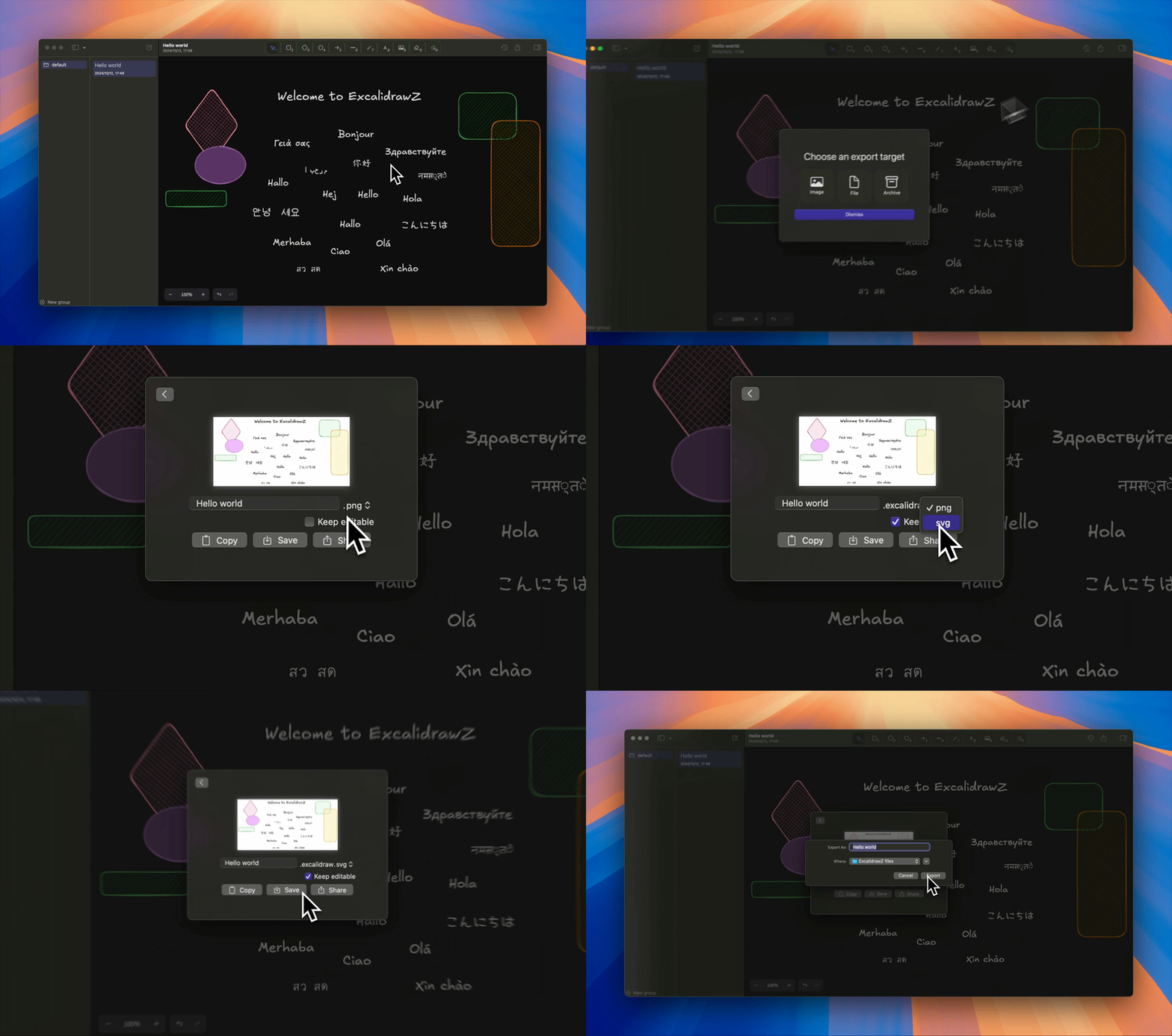
Drawings are handled as real app documents with groups, custom sorting, iCloud sync and history checkpoints, instead of loose browser downloads. The canvas itself stays Excalidraw-compatible.Which file formats can it open and export?It opens, imports, edits and exports .excalidraw, .excalidraw.png and .excalidraw.svg files. It also handles PDF import and export, plus image export.
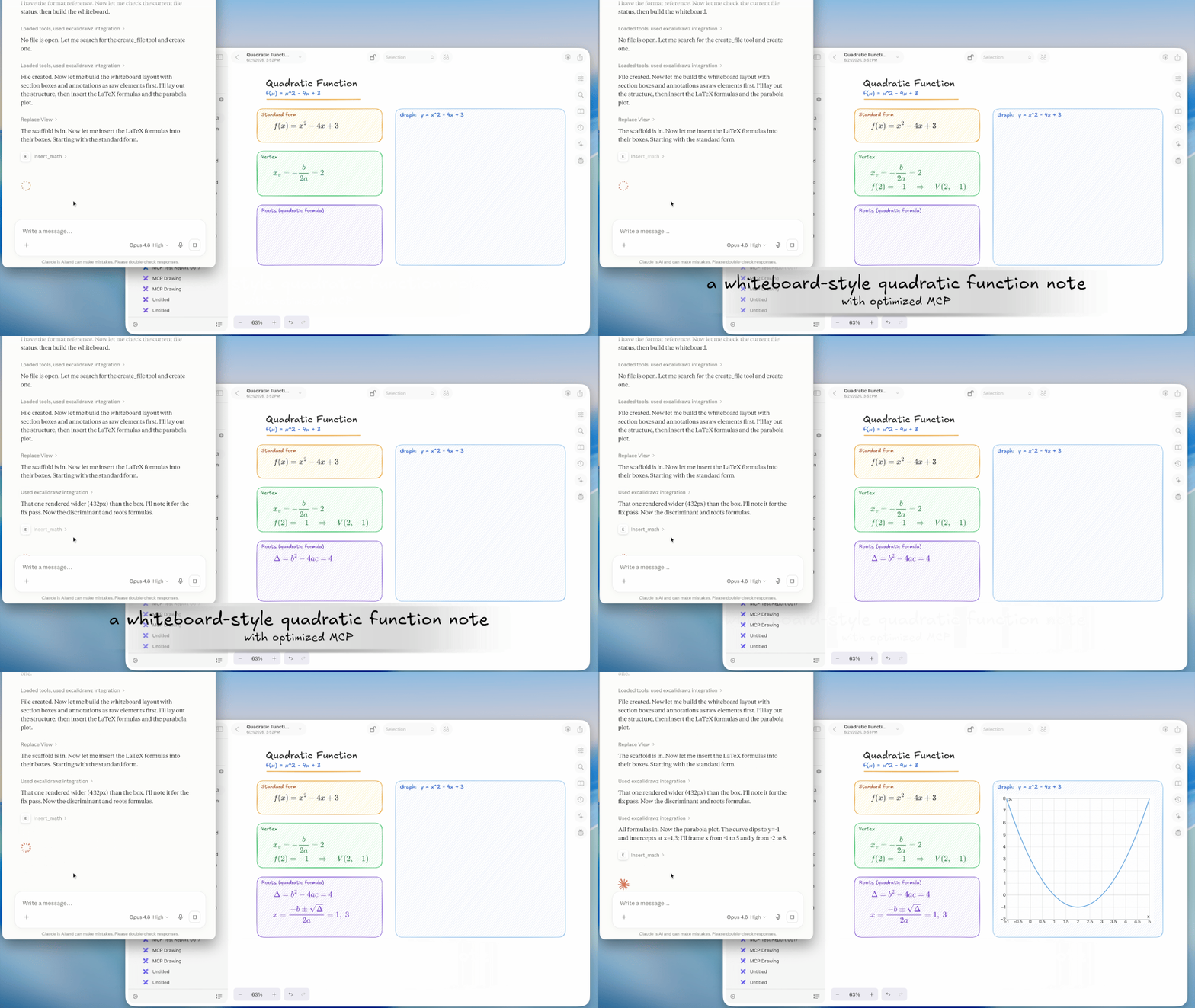
It opens, imports, edits and exports .excalidraw, .excalidraw.png and .excalidraw.svg files. It also handles PDF import and export, plus image export.Can AI tools connect to it?Yes. The app can run as an MCP server over a local HTTP endpoint. Basic mode gives the excalidraw-mcp drawing workflow, and optimized mode adds deeper ExcalidrawZ integration.
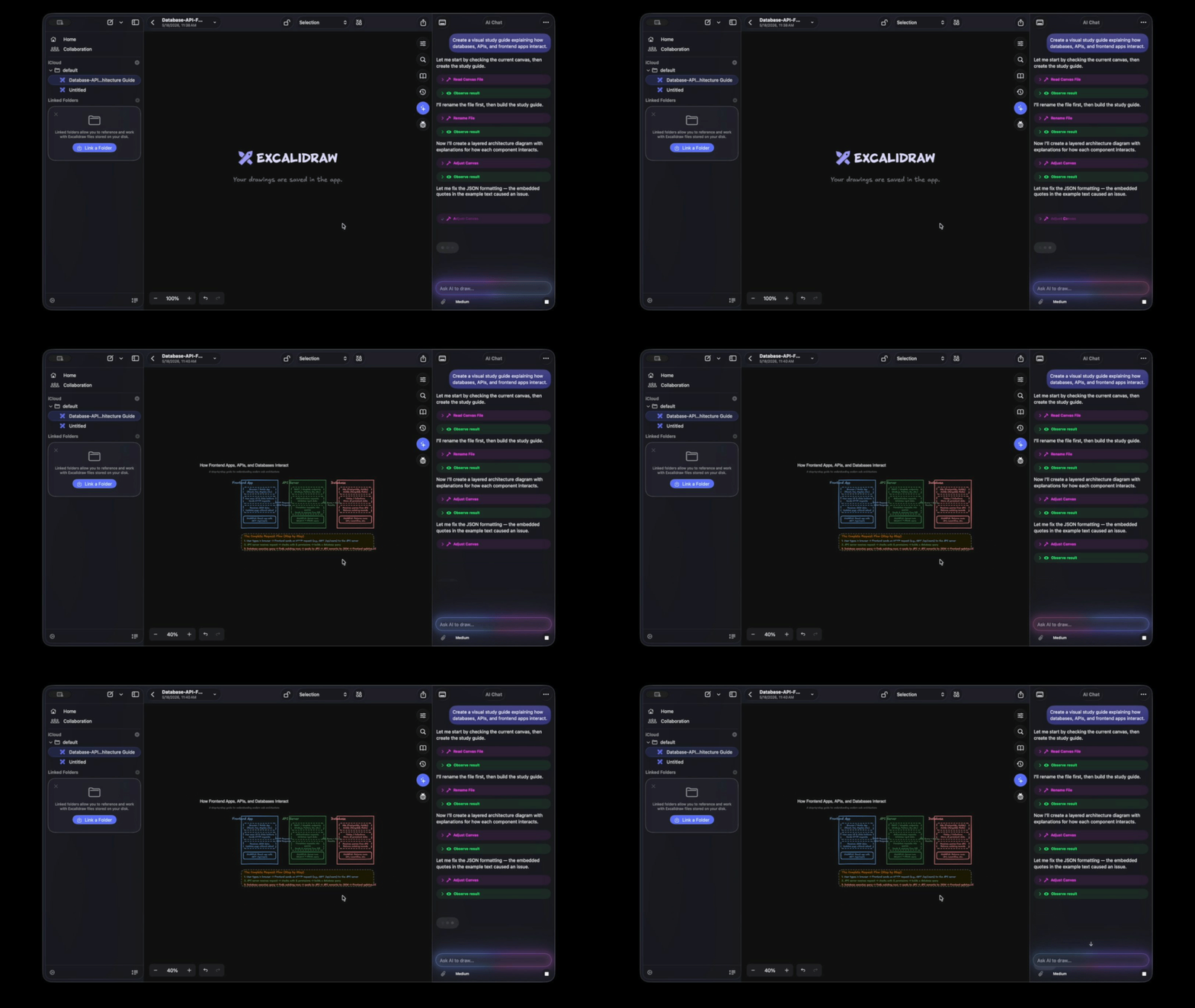
Yes. The app can run as an MCP server over a local HTTP endpoint. Basic mode gives the excalidraw-mcp drawing workflow, and optimized mode adds deeper ExcalidrawZ integration.How are sensitive drawings protected?You can lock files with local authentication, encrypt them and their checkpoints, and use a Recovery Key for fallback access.
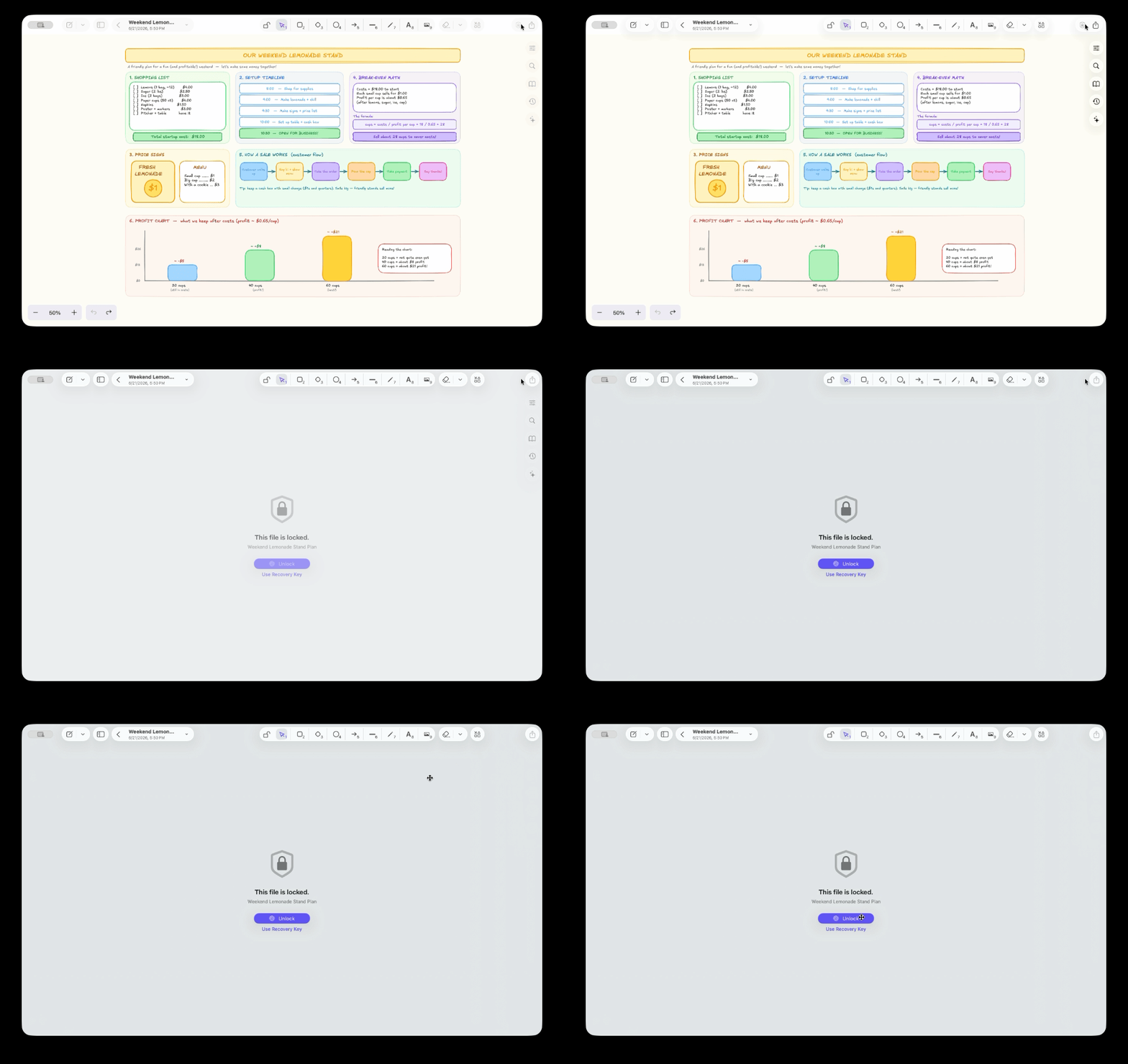
You can lock files with local authentication, encrypt them and their checkpoints, and use a Recovery Key for fallback access.What are similar projects?ipadn, zulu, sill, OpenYoink, Crest, excalidraw, opendisplay, MacPacker
ipadn, zulu, sill, OpenYoink, Crest, excalidraw, opendisplay, MacPackerWhich topics is it in?whiteboard, drawing, ipad, diagrams, file-manager, sync, ios-app, swiftui, ai-assistant, backup, collaboration, native
whiteboard, drawing, ipad, diagrams, file-manager, sync, ios-app, swiftui, ai-assistant, backup, collaboration, native