Open-source canvas for orchestrating Claude Code, Codex, and other CLI agents. Run agents in parallel, delegate tasks, and let AI build reusable workflows.
cleancode (chen-985211/cleancode)
Searching Database…
The project's README from github.com/chen-985211/cleancode. As one markdown file: README.md.
 CleanCode





简体中文 · 繁體中文 · English · 한국어 · 日本語
A canvas ADE for human–AI collaboration: AI handles the complexity of learning and operating tools, so you can focus on goals, judgment, and intuitive interaction.
Work alongside Agents on one canvas, with visible progress and direct control whenever you need it.
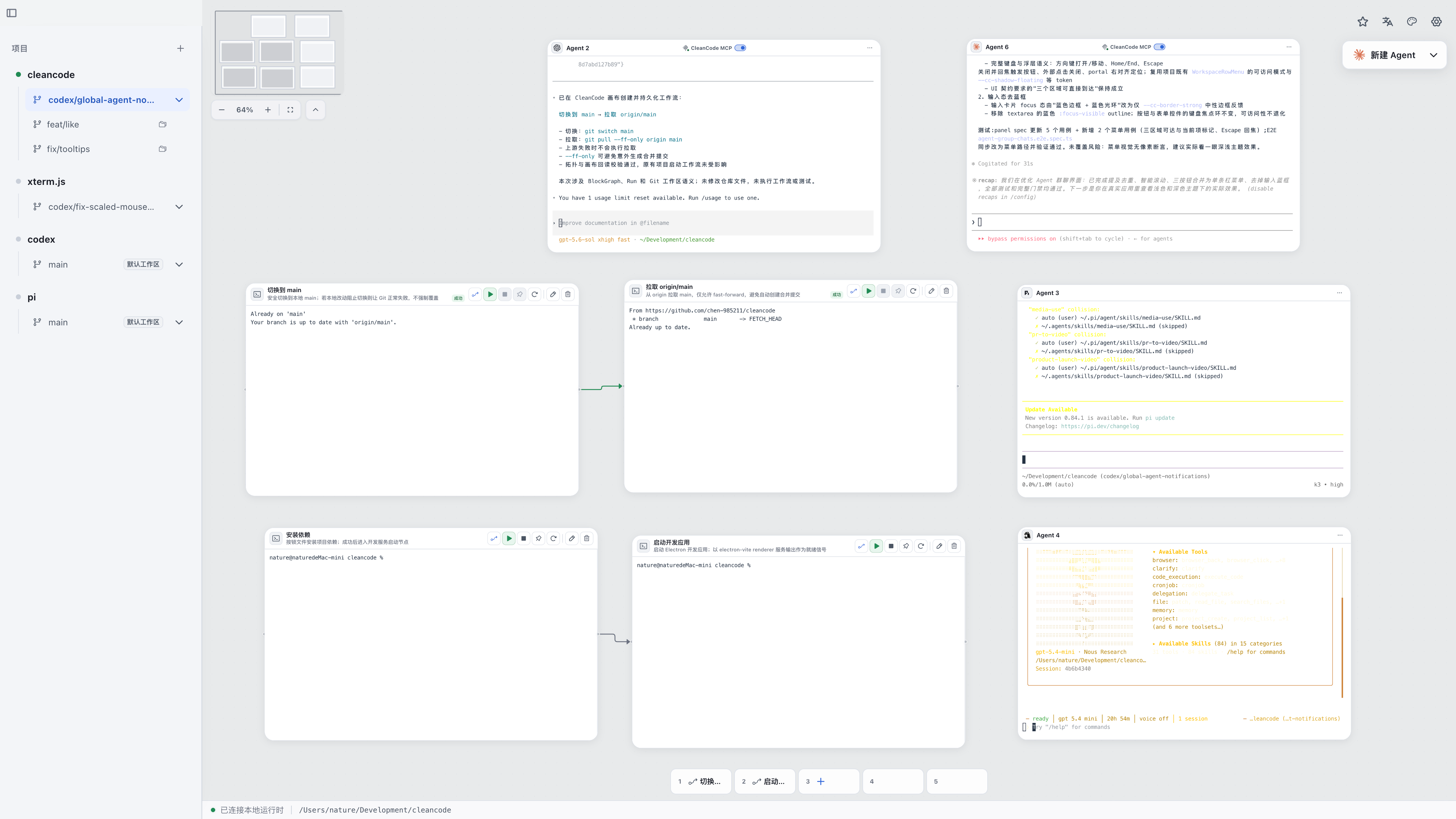
Multiple Agents and connected terminal tasks in a branch workspace.
▶ Multi-Agent Collaboration Demo (0:39)
https://github.com/user-attachments/assets/9e157258-5604-4da6-83f9-65943c19efc5
▶ Full demo (2:33, with sound)
https://github.com/user-attachments/assets/cafe373f-97b7-4f8c-b4a4-dfbc88ab26c3
CleanCode is a canvas ADE (Agentic Development Environment) for human–AI collaboration. It brings Agents, terminals, and project workspaces onto one canvas, so you can express intent, interact directly, and work with Agents on development and automation tasks.
Its design draws on System 1 and System 2 from Thinking, Fast and Slow: System 1 describes fast, intuitive responses, while System 2 involves focused analysis, planning, and reasoning. CleanCode applies these ideas to human–AI collaboration: people handle System 1 work, while Agents handle System 2 work.
Completing a task often means learning the software first: where to find an action, which parameters to set, and how the steps fit together. CleanCode aims to let Agents handle that learning and the steps that follow. Whether you are new to the workbench or already know it well, you can start with your goal, focus on the result, and take direct control whenever you want.
See Product Features and Quick Start for details.
CleanCode is built on terminals and includes launch configurations for 33 Coding Agents, with automatic detection of tools installed on your machine so you can use them in the current workspace.
Other Agents that run from the command line can also run directly in a canvas terminal, using your familiar tools and configuration.
















Keep using the Agents you know and collaborate on one canvas.
If you just want to get CleanCode running, you do not need to understand every concept first. The steps below are enough.
Download the installer for your platform from GitHub Releases:
[!WARNING] The current Preview is not signed with official developer certificates. Download it only from this repository's GitHub Releases, and verify the package against
SHA256SUMS.txtfrom the same release.
Because the app has not yet completed Developer ID signing and Apple notarization, macOS will block it the first time it opens. After moving CleanCode.app to /Applications and verifying the source and SHA-256 checksum, you can remove the download quarantine attribute for this app only and launch it:
xattr -dr com.apple.quarantine /Applications/CleanCode.app
open /Applications/CleanCode.app
This command bypasses the initial Gatekeeper check for this app. Do not replace the target with a broad path such as /Applications, your Downloads folder, or your home directory. Alternatively, follow Apple's official instructions and choose Open Anyway under System Settings → Privacy & Security.
These requirements apply only when running from source or contributing to development. You do not need to install these development dependencies before downloading the Preview.
>= 24>= 10git clone https://github.com/chen-985211/cleancode.git
cd cleancode
pnpm install
pnpm dev
pnpm typecheck
pnpm test
pnpm pre-commit
# Unpacked app for the current platform, intended for local verification
pnpm package

# Distribution installer for the current platform
pnpm dist

# You can also select a target explicitly on the corresponding operating system
pnpm dist:mac
pnpm dist:win
pnpm dist:linux
Build artifacts are written to release/.
Issues, discussions, and pull requests are welcome. Before you begin, read the Contributing Guide and Development Guidelines.
Scan the code below to join the CleanCode community, share ideas, suggest features, or report problems, and help make CleanCode better.
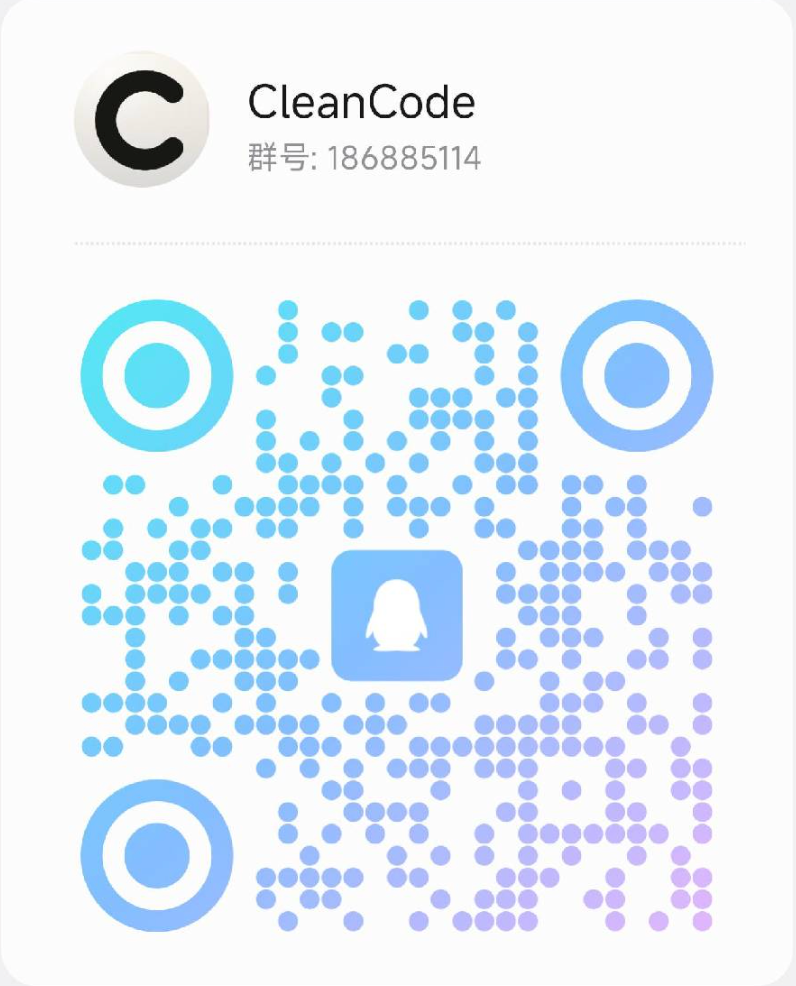
Group number: 186885114
Explore the possibilities of an AI-native operating system through human–AI collaboration.
Open-source canvas for orchestrating Claude Code, Codex, and other CLI agents. Run agents in parallel, delegate tasks, and let AI build reusable workflows.