






183 ·GitHub
What is this?
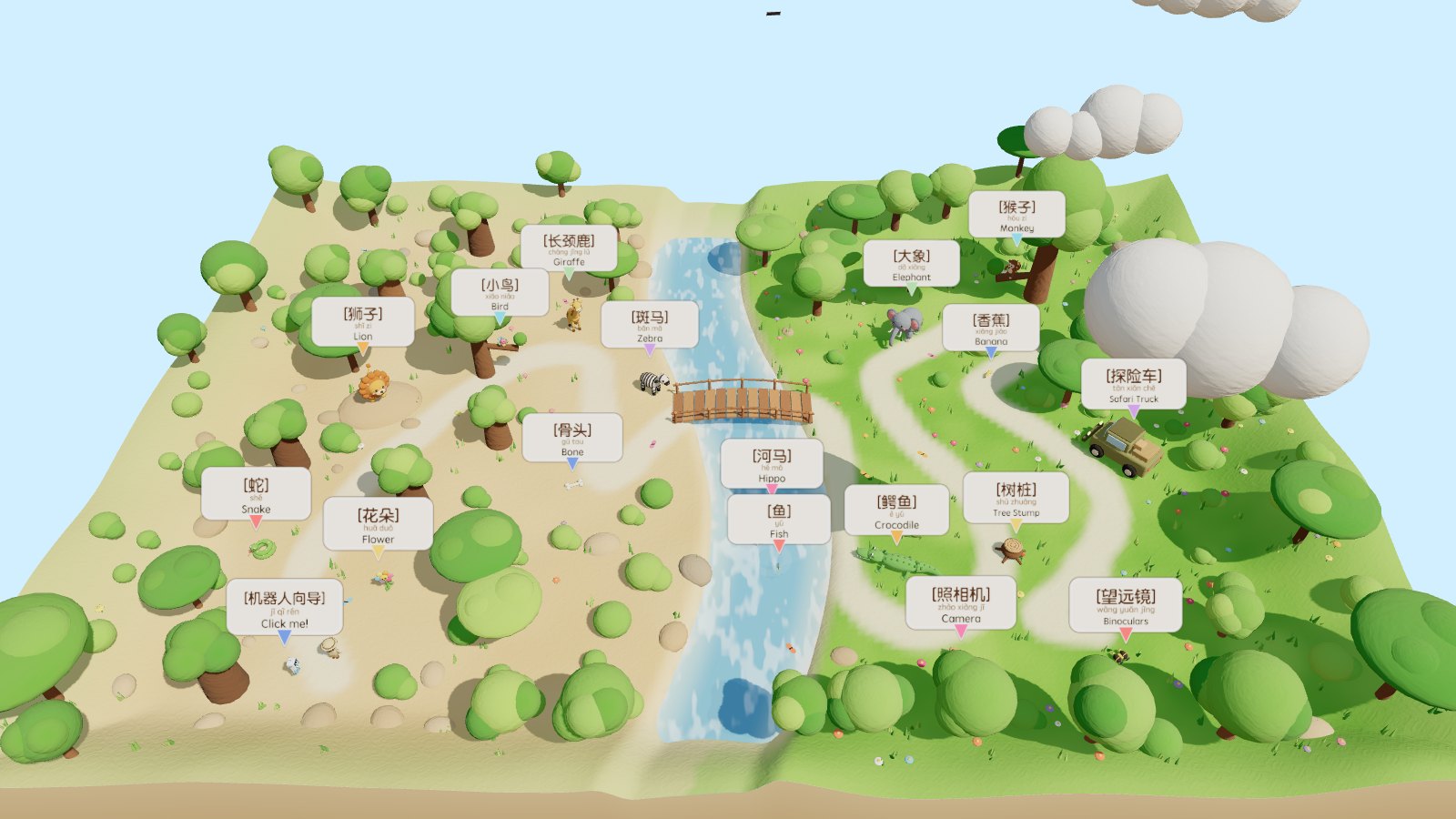
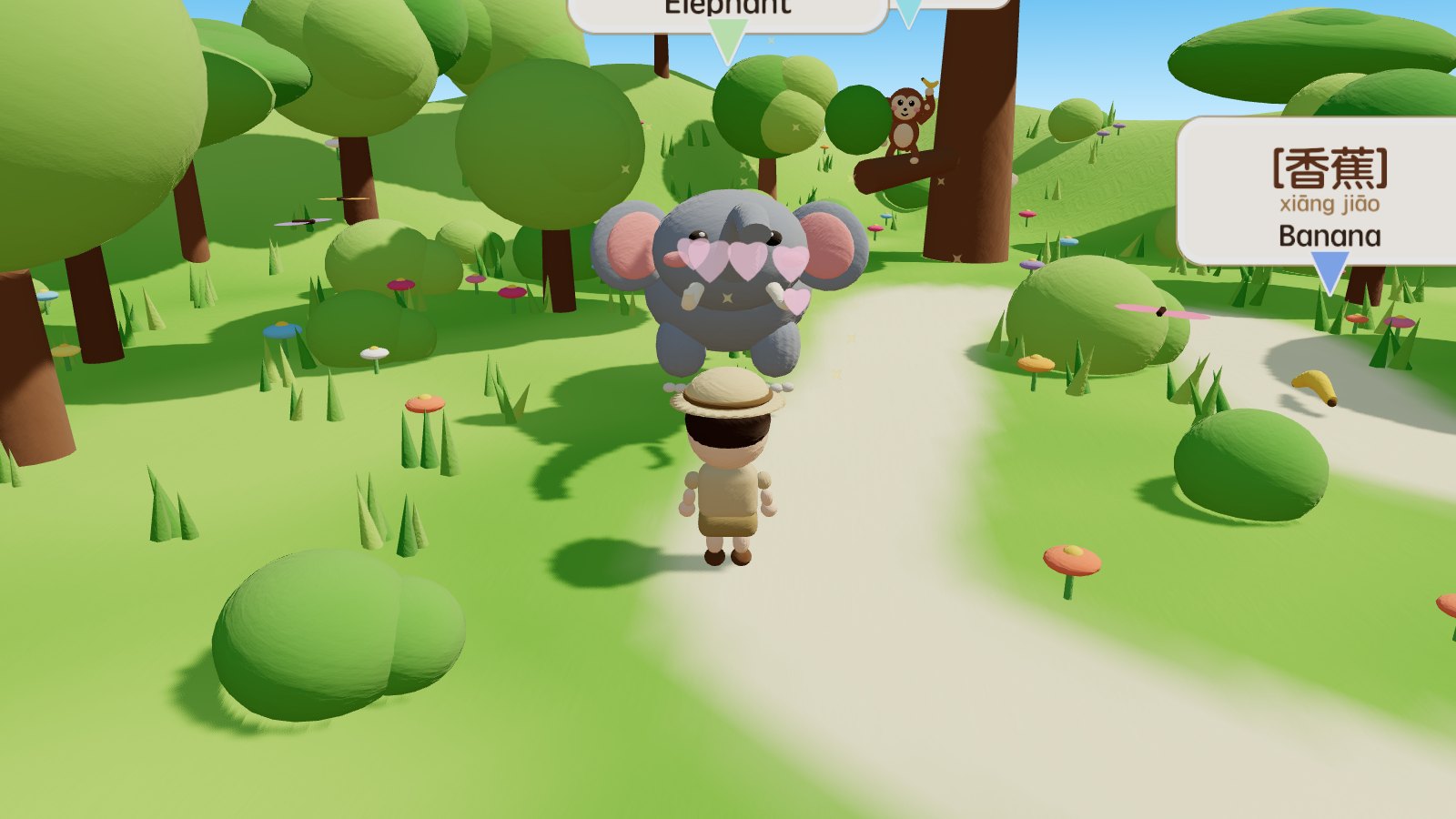
 Clay Safari is a claymation-style, bilingual (Chinese/English) 3D interactive world for kids: you walk around a savanna built with Three.js and Blender-scripted models, click on 10 clay animals and 7 props, and hear their names and sounds in both languages.
Clay Safari is a claymation-style, bilingual (Chinese/English) 3D interactive world for kids: you walk around a savanna built with Three.js and Blender-scripted models, click on 10 clay animals and 7 props, and hear their names and sounds in both languages.Is this a game or a learning app?It's a browser-based bilingual learning experience rather than a traditional game: clicking an animal triggers an animation, shows a word card, reads the English name, plays the call, then reads the Chinese name, and collecting all 10 animals unlocks a celebration.
It's a browser-based bilingual learning experience rather than a traditional game: clicking an animal triggers an animation, shows a word card, reads the English name, plays the call, then reads the Chinese name, and collecting all 10 animals unlocks a celebration.How do I run it locally?Clone the repo and run npm run dev with Node.js 20.19+ or 22.12+ installed. The dev server is local-only by default, so add --host if you want to test it from a phone on the same network.
Clone the repo and run npm run dev with Node.js 20.19+ or 22.12+ installed. The dev server is local-only by default, so add --host if you want to test it from a phone on the same network.Do I need Blender installed to run it?No — the 3D models are already exported into public/models/, so you can run and play without installing Blender; Blender is only needed if you want to regenerate the animal models.
No — the 3D models are already exported into public/models/, so you can run and play without installing Blender; Blender is only needed if you want to regenerate the animal models.Does it need an internet connection to play?No, it's fully playable offline — models are script-generated, textures come from noise, animal calls are synthesized with the Web Audio API, and no external art or audio files are fetched.
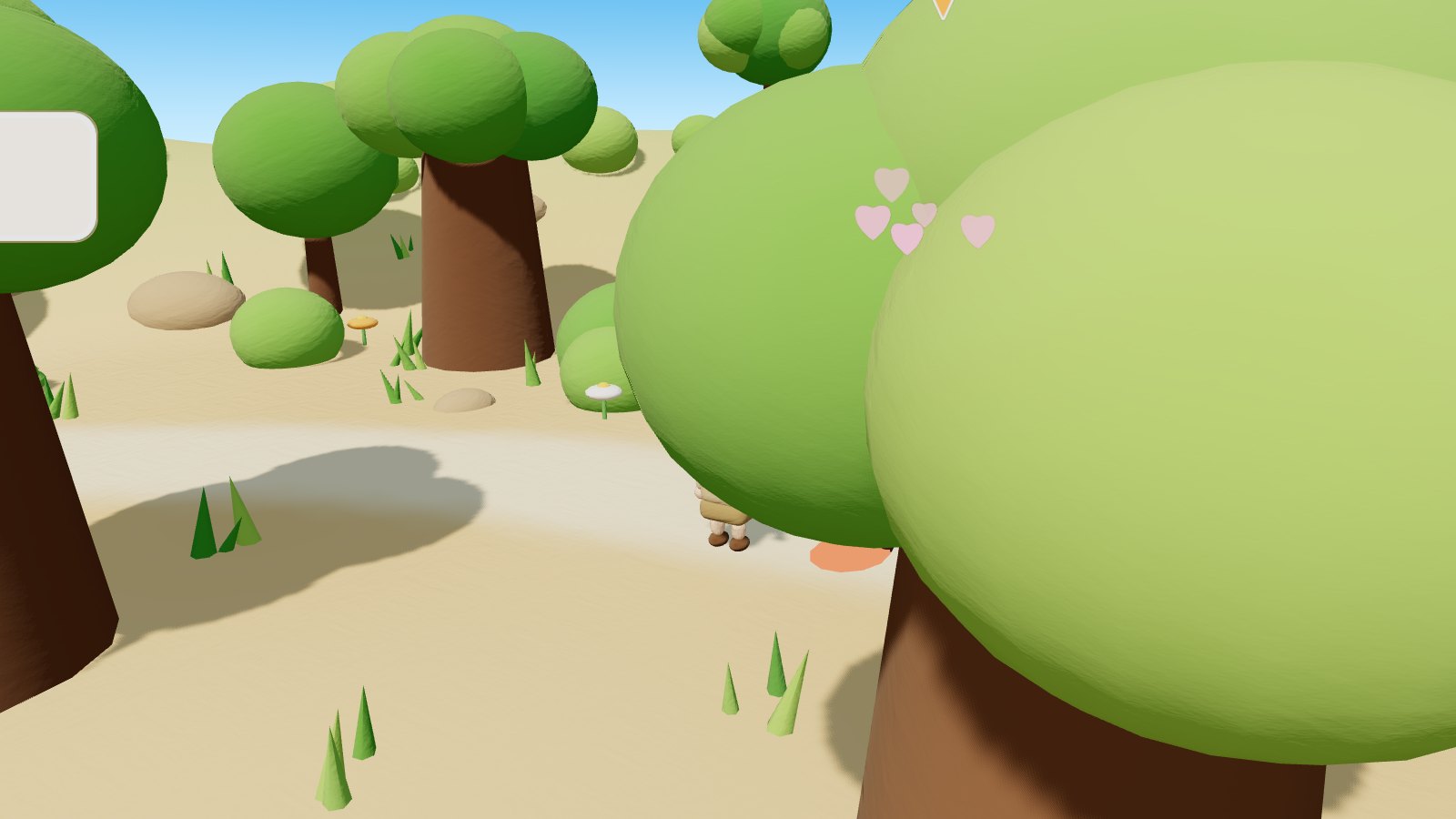
No, it's fully playable offline — models are script-generated, textures come from noise, animal calls are synthesized with the Web Audio API, and no external art or audio files are fetched.Does it work on phones as well as desktop?Yes — desktop uses WASD movement, mouse drag and scroll, while mobile gets a virtual joystick plus touch drag and pinch-to-zoom for the same actions.
Yes — desktop uses WASD movement, mouse drag and scroll, while mobile gets a virtual joystick plus touch drag and pinch-to-zoom for the same actions.How does the auto-guided tour work?Clicking the robot icon (or pressing T) starts an automatic walkthrough that follows the exploration route, using A* pathfinding to navigate around the river and across the bridge.
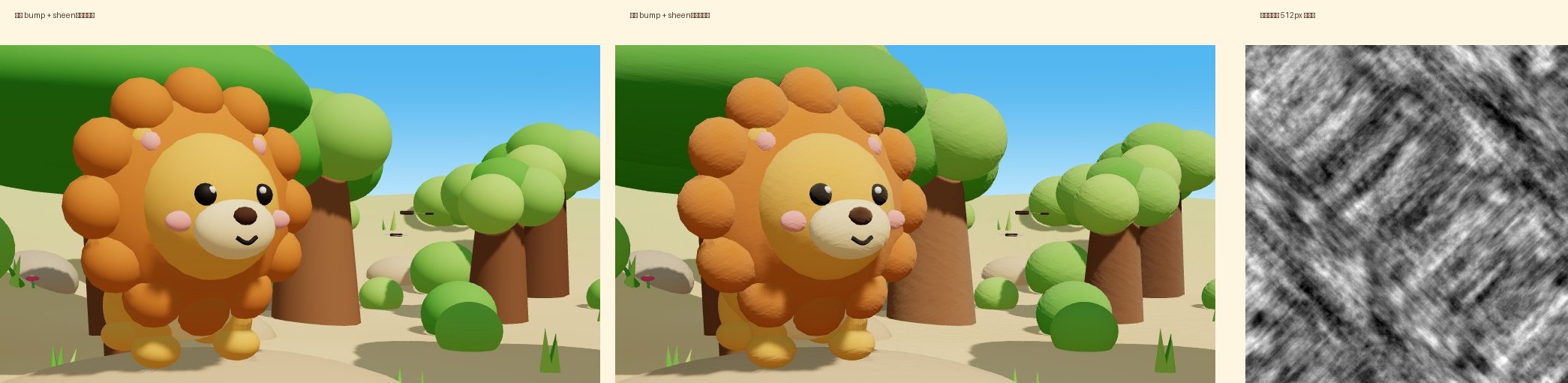
Clicking the robot icon (or pressing T) starts an automatic walkthrough that follows the exploration route, using A* pathfinding to navigate around the river and across the bridge.What makes the project 'zero asset files'?There are no external art or audio assets at all: animal models come from a Blender Python script, clay-like textures from fractal noise, sounds from synthesized oscillators and filters, and spoken names from the Web Speech API.
There are no external art or audio assets at all: animal models come from a Blender Python script, clay-like textures from fractal noise, sounds from synthesized oscillators and filters, and spoken names from the Web Speech API.How do I add a new animal?Write a buildXxx() function in blender/build_animals.py that pins moving parts to Empties with pivot(), register it in BUILDERS and run npm run models, then add an entry in src/data.js plus idle/click reactions in src/animals.js and a call in src/audio.js.
Write a buildXxx() function in blender/build_animals.py that pins moving parts to Empties with pivot(), register it in BUILDERS and run npm run models, then add an entry in src/data.js plus idle/click reactions in src/animals.js and a call in src/audio.js.How well does it perform?Desktop rendering is about 600 draw calls and 900k triangles with 4096px shadow maps and bloom, holding 60fps on Apple Silicon Macs; mobile auto-disables post-processing and lowers shadow resolution to stay smooth.
Desktop rendering is about 600 draw calls and 900k triangles with 4096px shadow maps and bloom, holding 60fps on Apple Silicon Macs; mobile auto-disables post-processing and lowers shadow resolution to stay smooth.What are similar projects?RhineLabUI, sylva, model-x-studio, vistep, LinearAbilityExtThreeJS, threejs-architecture-effects, natural-disasters, Jelly-Baby
RhineLabUI, sylva, model-x-studio, vistep, LinearAbilityExtThreeJS, threejs-architecture-effects, natural-disasters, Jelly-BabyWhich topics is it in?webaudio, gltf, blender, procedural-generation, bilingual, educational, shaders, zero-dependency, speech-synthesis, cloudflare-workers, interactive, threejs
webaudio, gltf, blender, procedural-generation, bilingual, educational, shaders, zero-dependency, speech-synthesis, cloudflare-workers, interactive, threejs