DiPlay
CarPlay for compatible Android head units. Wired and wireless, with the familiar DiAuto interface. Independent app: com.shihab.diplay.
This fork adds generic audio coordination and map projection, plus Geely vehicle integration through a separately installed GD vehicle bridge. Compatibility depends on the head unit's interfaces and permissions. The separately installed GD bridge requires Android 9 or later.
Download v0.2.16 · Update notes · Report a problem
This fork retains navigation/media audio controls, steering tests, vehicle scanning and map projection through the separately installed GD vehicle bridge. The bridge requires Android 9 or later; basic DiPlay compatibility follows upstream Android 7.1 support and still requires device validation. See audio coordination and map projection.
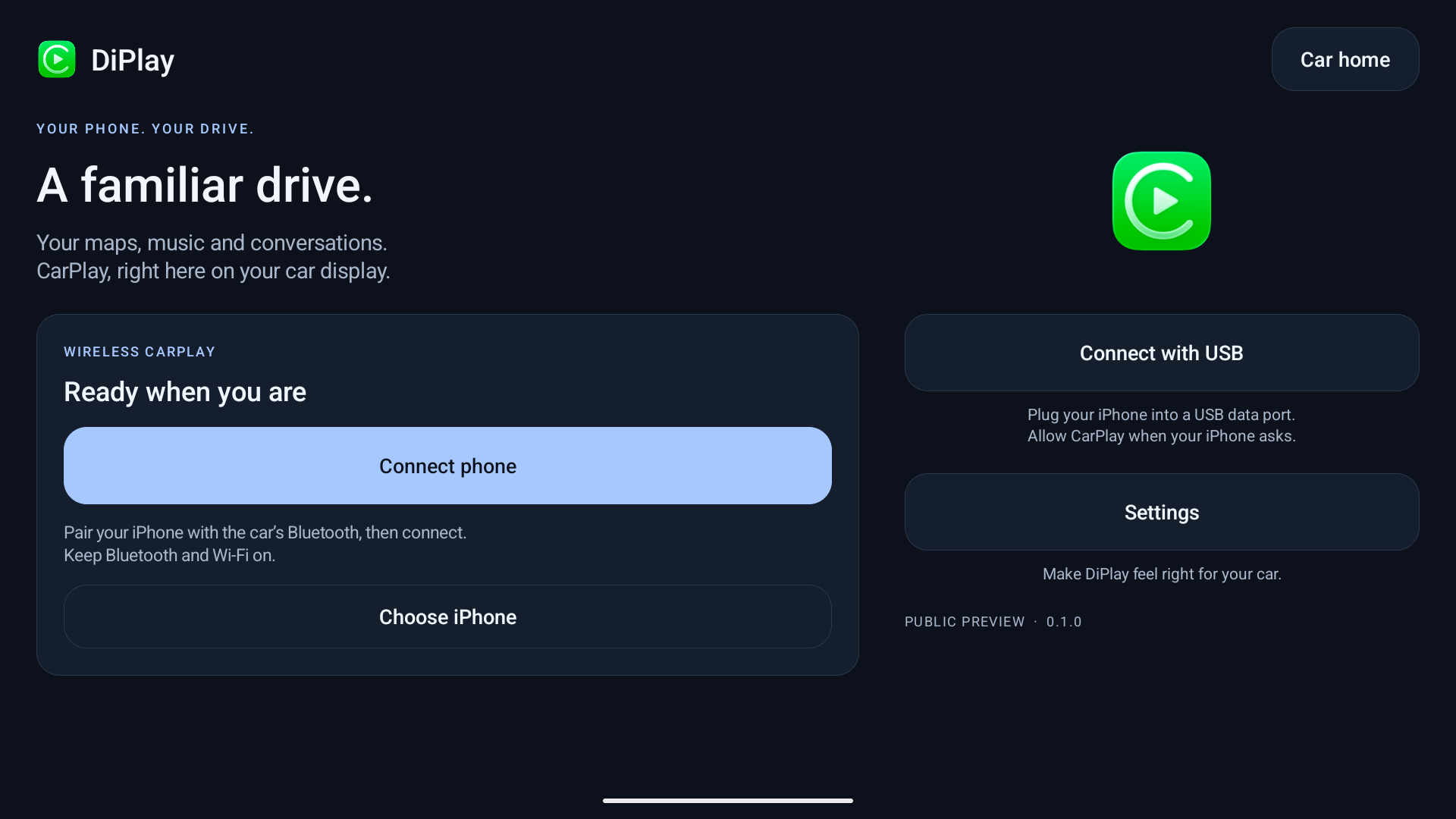
0.2.16 — public preview
Install on the car, not the iPhone. No jailbreak, dongle, Mac, account or authentication server is required for use. Core CarPlay does not require ADB; optional dashboard, battery, wheel-speed and parked-video features do. Your head unit must permit APK installation. The APK supports Android 7.1+ (API 25); Android 7.1–8.1 support is not yet confirmed on a vehicle. Wireless supports Wi-Fi Direct, the car’s existing hotspot or Existing Wi-Fi / Same LAN. Android 7.1–9 Wi-Fi Direct uses a firmware-dependent legacy path with generated group credentials and unverified requested frequency; see Android 9 Wi-Fi Direct. Android 10+ verifies its negotiated group frequency.
- Wired USB and wireless CarPlay with local authentication.
- BYD HUD navigation with arrows, distance and street names on verified firmware.
- Car hotspot support, improved audio buffering and saved receive diagnostics.
- Automatic address discovery, fixed-channel Wi-Fi fallbacks and successful-configuration memory.
- Icon/text size, resolution and frame rate; applying a display change reconnects CarPlay.
- Local diagnostic export. Reports are sent only if you choose to share them.
- Separate installation alongside DiAuto. Run one projection app at a time.
This is not an Apple-certified product. The APK bundles an experimental accessory identity recovered from public Carlinkit firmware, not a newly provisioned MFi identity for DiPlay. A bundled private key is extractable. Acceptance after future iOS updates, reliability across head units and suitability of that identity for general distribution are unresolved. This release invites community testing; it is not a guarantee of universal compatibility.
Earlier releases were tested on the development DiLink5.1 car: live windshield guidance and street names work, Car hotspot now starts CarPlay, and Wi-Fi Direct performance is substantially improved. Audio underrun recovery is improved in 0.2.16; remaining cutouts need current diagnostic reports. The 0.2.16 software Opus microphone fallback was accepted on a BOS Mini A1 head unit (Android 9) with an iPhone 12 on iOS 27. The floating-map test build was installed on the development DiLink 5.1 car; feedback led to the pinch corrections in 0.2.9. Earlier wheel-speed and video contributions were tested on a BYD Tang with DiLink 5.0 and an iPhone 15 Pro on iOS 27; wheel-speed dead reckoning in tunnels remains unverified. Broader head-unit and iOS compatibility is not guaranteed. The HUD firmware scope and cleanup limits are documented in BYD navigation.
What’s new in 0.2.16
- Siri and wireless calls send the microphone on Android 7.1–9 head units without an Opus encoder, using a bundled software Opus encoder.
- Wired USB fixes for NCM framing and Android 8 reads, with smaller-read retries when a head unit rejects a large read.
- Wireless recovery: hotspot address refresh after a first-connection timeout, Android 17 local-network permission, VPN-authorization crash handling and WPA3 car-hotspot security.
- Experimental Low-latency decoding and Direct video output, an FPS counter in Diagnostics, and bounded video backlog recovery.
- Inline Settings search, a confirmation before the quick menu discards unapplied changes, and an Off option for the CarPlay swipe-down gesture.
- 1% dashboard marker sliders, separate small-window turn-card placement, a resizable side panel and a themed cluster waiting screen.
- Experimental, off-by-default vehicle options: car Bluetooth pause during CarPlay, music-following ambient lighting, navigation wheel volume and a Platform 21 instrument route.
See 0.2.16 release notes and validation for contribution links and remaining physical tests. General stutter, calls/Siri, decoder and model-specific reports still need current-device evidence. 0.2.16 notes remain available as historical guidance.
If a problem remains, reproduce it on 0.2.16, then use Settings → Diagnostics → Save diagnostic report. Android 10+ normally saves to Downloads/DiPlay; Android 7.1–9 uses the document picker. If unavailable, use View report or Share from the confirmation, which identifies external/private fallback storage. Review the .txt and add it to a matching existing issue, or create one. Include vehicle/head-unit model, exact firmware and Android/DiLink, phone/iOS, connection backend, relevant settings, steps and failure time. Reports are shared only when you choose; never post your hotspot password.
Documentation
Existing Wi-Fi / Same LAN keeps the iPhone and head unit
on an external router. See the guide for setup, build requirements and the
BYD DiLink 4.0 / Android 10 clean-install validation result.
The app and release website are available in English, Arabic, Russian, Ukrainian, Spanish, Simplified Chinese and Traditional Chinese (Taiwan). Traditional Chinese uses Taiwan wording; the app also recognizes Hong Kong/Macao and explicit Hant selections without claiming separate regional translations. Choose the app language in Settings; on Android 13+, it stays synchronized with Android’s per-app language setting.
Source and credits
Based on xcertplay, GPL-3.0. The home/settings UI and website adapt DiAuto, AGPL-3.0; that license is included in docs/licenses. Preserve those notices when distributing modifications. CarPlay and its icon belong to Apple Inc.; no Apple or BYD affiliation or endorsement is implied.
This repository starts with a clean public source snapshot. Local research, tester reports and release-signing secrets are excluded. The complete source corresponding to the APK is provided with every release; experimental runtime identity assets are described separately in the build instructions and notices.
Local release packaging
The release APK intentionally contains the experimental accessory identity. The Git repository and source archive exclude all accessory and Android signing keys; tests generate synthetic identities at runtime. Source/CI builds omit runtime identity assets by default. Local release builds explicitly select an external asset directory. Publishing the APK makes its bundled identity extractable; building locally does not preserve that identity's confidentiality.

 DiPlay 是一个运行在兼容 Android 车机上的独立 CarPlay 接收端应用,可以在没有苹果认证加密狗的情况下,以有线或无线方式镜像 iPhone 的 CarPlay 画面。本 fork 增加了通用音频协同、地图投影和吉利专属的车辆集成。