Что это?
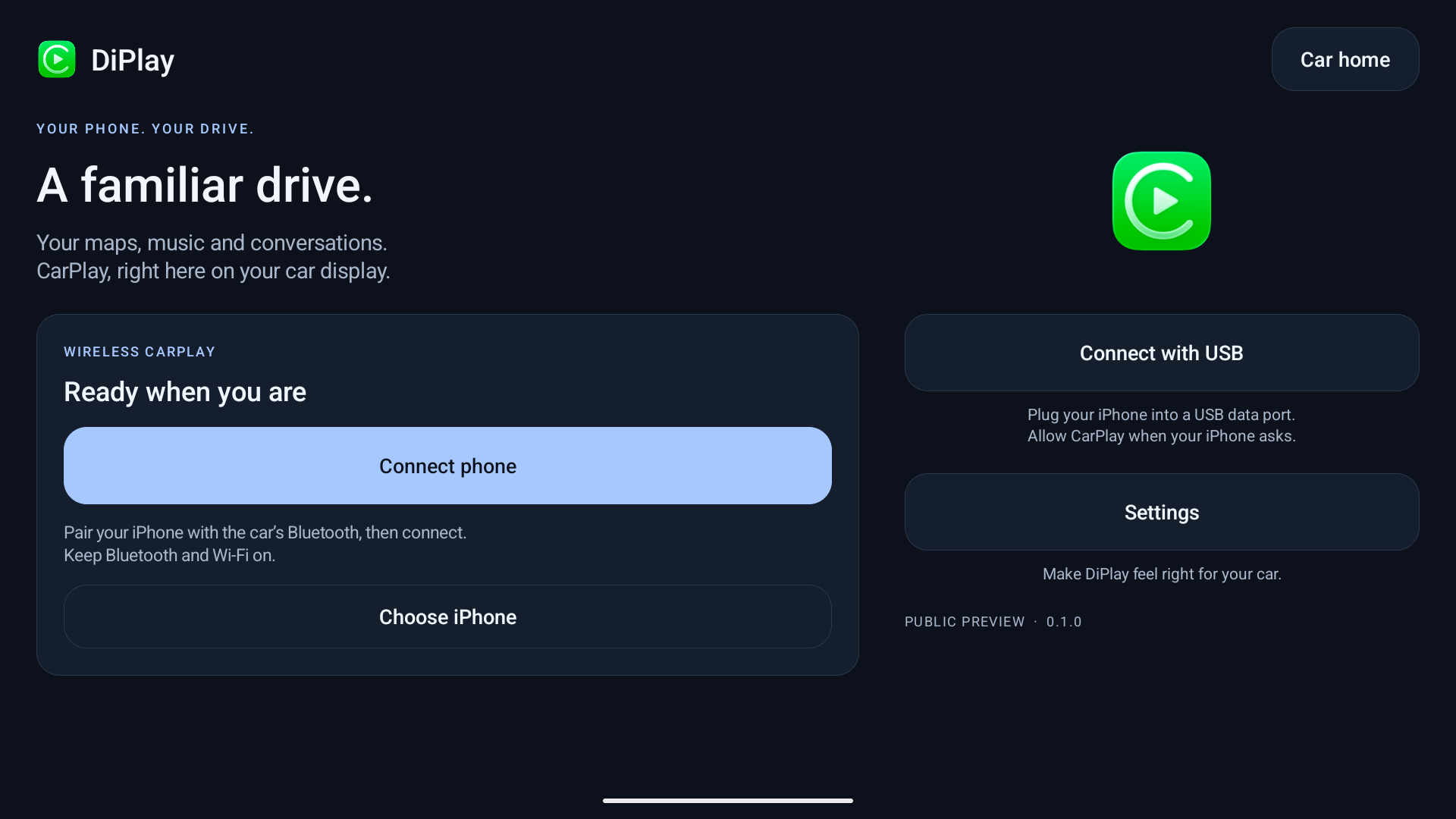
 DiPlay — независимое приложение-приёмник CarPlay, работающее на совместимых головных устройствах Android: экран CarPlay с iPhone отображается по проводу или по воздуху, без сертифицированного Apple адаптера. Этот форк добавляет общую координацию звука, проекцию карты и интеграцию с автомобилем специально для Geely.
DiPlay — независимое приложение-приёмник CarPlay, работающее на совместимых головных устройствах Android: экран CarPlay с iPhone отображается по проводу или по воздуху, без сертифицированного Apple адаптера. Этот форк добавляет общую координацию звука, проекцию карты и интеграцию с автомобилем специально для Geely.Это ставится на мой iPhone или на головное устройство машины?Оно устанавливается как APK на само головное устройство Android, а не на iPhone; телефон просто подключается к нему по USB или Wi-Fi, чтобы транслировать CarPlay.
Оно устанавливается как APK на само головное устройство Android, а не на iPhone; телефон просто подключается к нему по USB или Wi-Fi, чтобы транслировать CarPlay.Как заставить его работать в своей машине?Скачайте выпуск APK (например, v0.2.16) и установите его в обход магазина на головное устройство — оно должно разрешать установку APK; для автомобилей Geely дополнительно ставится отдельное приложение GD vehicle bridge для расширенной интеграции.
Скачайте выпуск APK (например, v0.2.16) и установите его в обход магазина на головное устройство — оно должно разрешать установку APK; для автомобилей Geely дополнительно ставится отдельное приложение GD vehicle bridge для расширенной интеграции.Нужны ли джейлбрейк, адаптер или Mac, чтобы этим пользоваться?Нет — базовый CarPlay работает без ADB, джейлбрейка, адаптера, Mac, аккаунта и сервера аутентификации. ADB нужен только для необязательных функций вроде приборной панели, батареи и данных скорости колёс, а функциям для Geely требуется отдельно установленный GD bridge на Android 9+.
Нет — базовый CarPlay работает без ADB, джейлбрейка, адаптера, Mac, аккаунта и сервера аутентификации. ADB нужен только для необязательных функций вроде приборной панели, батареи и данных скорости колёс, а функциям для Geely требуется отдельно установленный GD bridge на Android 9+.Это официальное решение, одобренное Apple?Нет — прямо сказано, что оно не сертифицировано Apple. APK поставляется с экспериментальной идентификацией аксессуара, восстановленной из общедоступной прошивки Carlinkit (с извлекаемым приватным ключом), и остаётся неясным, будет ли это работать после будущих обновлений iOS и на всех ли головных устройствах.
Нет — прямо сказано, что оно не сертифицировано Apple. APK поставляется с экспериментальной идентификацией аксессуара, восстановленной из общедоступной прошивки Carlinkit (с извлекаемым приватным ключом), и остаётся неясным, будет ли это работать после будущих обновлений iOS и на всех ли головных устройствах.Какая версия Android нужна моему головному устройству?Базовому приложению нужен Android 7.1+ (API 25), хотя поддержка 7.1–8.1 пока не подтверждена на реальном автомобиле; дополнительному Geely GD vehicle bridge требуется Android 9 или новее.
Базовому приложению нужен Android 7.1+ (API 25), хотя поддержка 7.1–8.1 пока не подтверждена на реальном автомобиле; дополнительному Geely GD vehicle bridge требуется Android 9 или новее.Какие дополнительные функции добавляет Geely GD vehicle bridge?Поверх базовой функциональности CarPlay он добавляет управление звуком навигации и медиа, тесты руля, сканирование автомобиля и проекцию карты.
Поверх базовой функциональности CarPlay он добавляет управление звуком навигации и медиа, тесты руля, сканирование автомобиля и проекцию карты.CarPlay может работать по воздуху или только через USB?Поддерживаются оба варианта: по проводу через USB или без провода через Wi-Fi Direct, собственную точку доступа автомобиля или общую с головным устройством локальную сеть, хотя старые версии Android используют менее защищённый устаревший вариант Wi-Fi Direct.
Поддерживаются оба варианта: по проводу через USB или без провода через Wi-Fi Direct, собственную точку доступа автомобиля или общую с головным устройством локальную сеть, хотя старые версии Android используют менее защищённый устаревший вариант Wi-Fi Direct.Какие языки поддерживает приложение?Английский, арабский, русский, украинский, испанский, китайский упрощённый и китайский традиционный; язык выбирается в настройках и автоматически синхронизируется с настройкой языка отдельных приложений Android на Android 13+.
Английский, арабский, русский, украинский, испанский, китайский упрощённый и китайский традиционный; язык выбирается в настройках и автоматически синхронизируется с настройкой языка отдельных приложений Android на Android 13+.What are similar projects?DiPlay-CN, DiPlay, Levyra-deepsound, web-to-app, Magisk, morphe-manager, Ehviewer_CN_SXJ, newtube
DiPlay-CN, DiPlay, Levyra-deepsound, web-to-app, Magisk, morphe-manager, Ehviewer_CN_SXJ, newtubeWhich topics is it in?apk, android-development, firmware, agplv3, android-app, kotlin, i18n, multilingual, reverse-engineering, mobile-app, mobile, gplv3
apk, android-development, firmware, agplv3, android-app, kotlin, i18n, multilingual, reverse-engineering, mobile-app, mobile, gplv3