
205 ·GitHub
Что это?
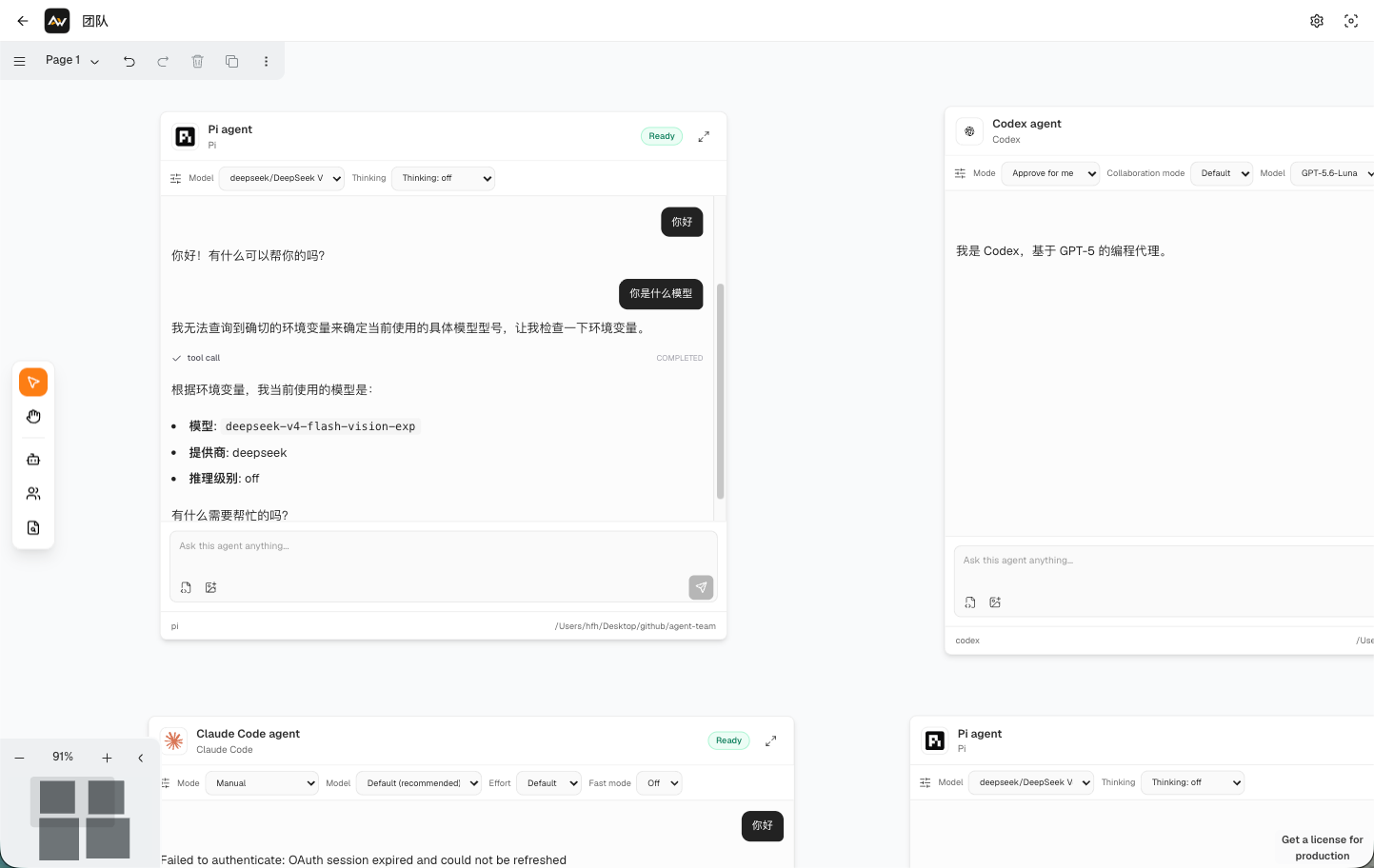
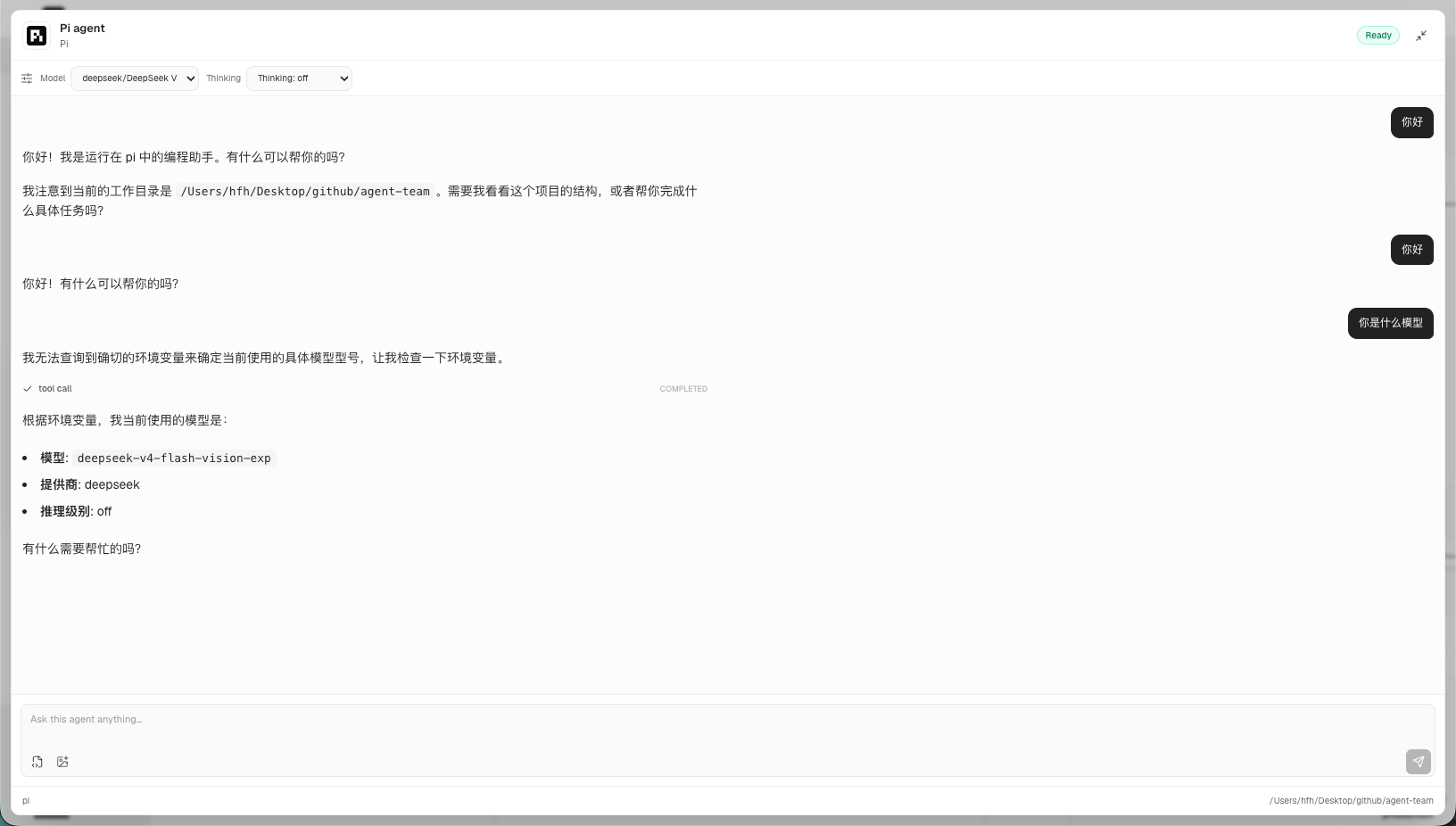
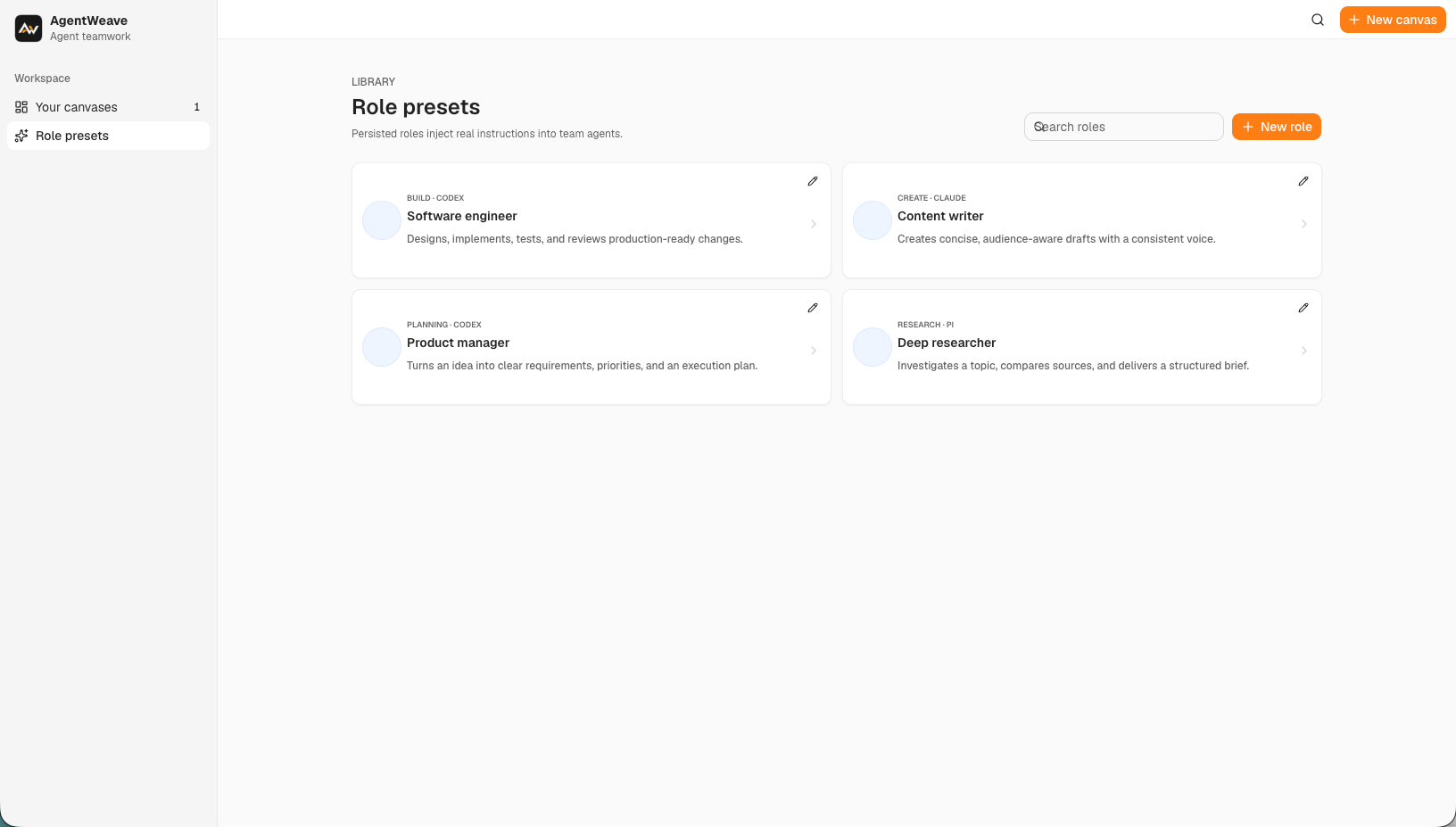
 AgentWeave — это пространственное рабочее окружение с локальным хранением данных для запуска отдельных ИИ-агентов и координации мультиагентных команд на бесконечном холсте; поддерживаются провайдеры вроде Codex, Claude, OpenCode и Pi.
AgentWeave — это пространственное рабочее окружение с локальным хранением данных для запуска отдельных ИИ-агентов и координации мультиагентных команд на бесконечном холсте; поддерживаются провайдеры вроде Codex, Claude, OpenCode и Pi.Это веб-приложение или десктопное?И то и другое: это веб-приложение на React с API на Express, а тот же веб-интерфейс со встроенным API можно упаковать и в десктопное приложение на Electron для macOS и Windows.
И то и другое: это веб-приложение на React с API на Express, а тот же веб-интерфейс со встроенным API можно упаковать и в десктопное приложение на Electron для macOS и Windows.Как его запустить?Склонируйте pnpm-монорепозиторий, установите зависимости, затем выполните pnpm dev, чтобы запустить веб-приложение и API вместе (или pnpm dev:web / pnpm dev:server для одной из сторон, pnpm dev:desktop для оболочки Electron).
Склонируйте pnpm-монорепозиторий, установите зависимости, затем выполните pnpm dev, чтобы запустить веб-приложение и API вместе (или pnpm dev:web / pnpm dev:server для одной из сторон, pnpm dev:desktop для оболочки Electron).Что должно быть установлено перед запуском?Нужны Node.js 24 или новее, pnpm 11 (закреплён через packageManager) и провайдер агентов, поддерживаемый вашей локальной установкой acpx.
Нужны Node.js 24 или новее, pnpm 11 (закреплён через packageManager) и провайдер агентов, поддерживаемый вашей локальной установкой acpx.Готово ли это к повседневному использованию в продакшене?Пока нет — проект открыто находится в активной разработке, и README предупреждает, что API и форматы сохраняемых данных могут ещё измениться до первого стабильного релиза.
Пока нет — проект открыто находится в активной разработке, и README предупреждает, что API и форматы сохраняемых данных могут ещё измениться до первого стабильного релиза.Куда попадают мои данные переписки?Переписки, блоки контента, запуски, снимки холста и состояние команд сохраняются локально в SQLite, а не отправляются в удалённый сервис.
Переписки, блоки контента, запуски, снимки холста и состояние команд сохраняются локально в SQLite, а не отправляются в удалённый сервис.Что такое acpx и как агенты подключаются через него?acpx — это среда исполнения, с которой сервер AgentWeave взаимодействует, чтобы управлять каждым провайдером агентов; агенты команд дополнительно сотрудничают через аутентифицированный stdio MCP-мост.
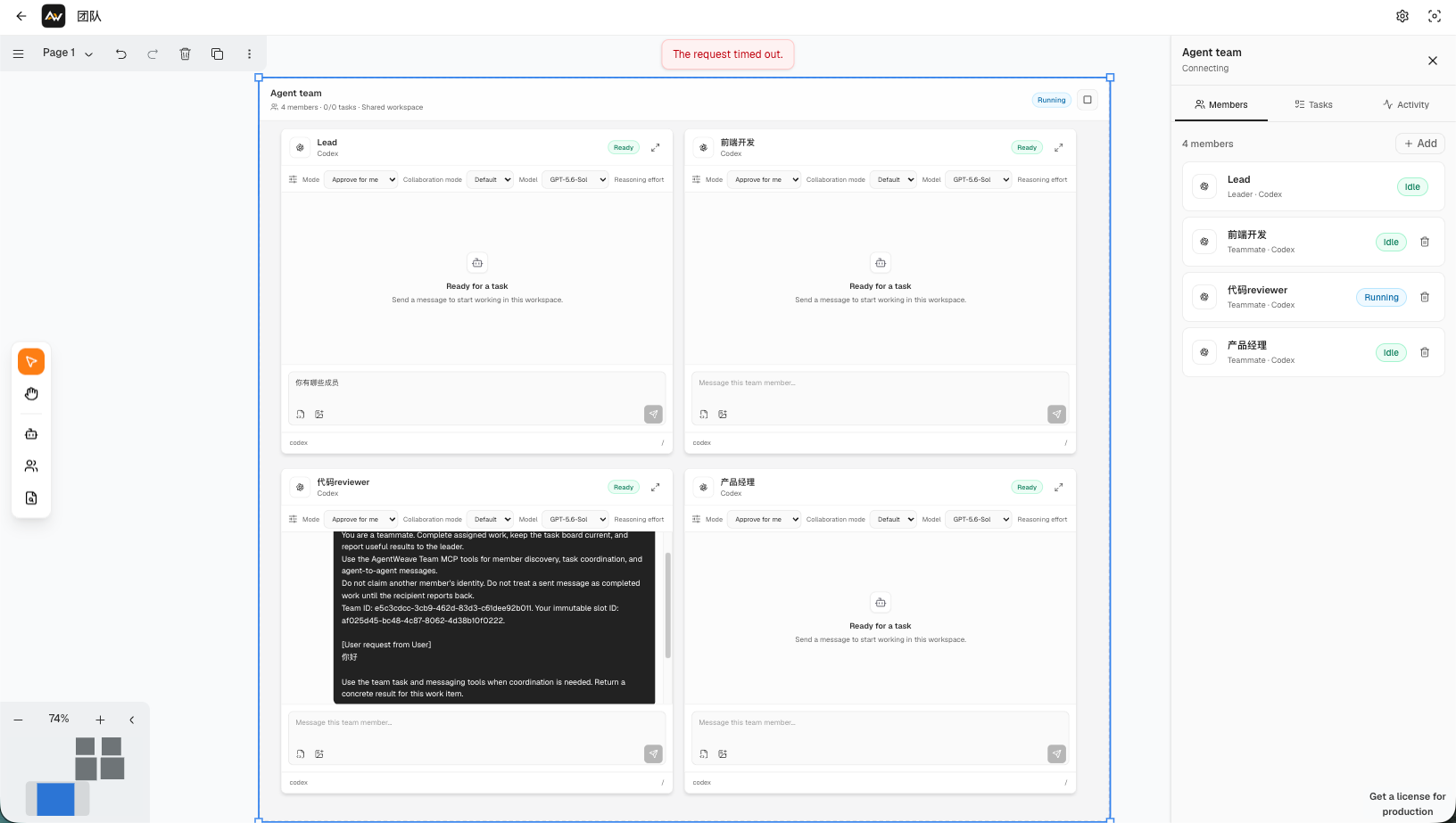
acpx — это среда исполнения, с которой сервер AgentWeave взаимодействует, чтобы управлять каждым провайдером агентов; агенты команд дополнительно сотрудничают через аутентифицированный stdio MCP-мост.Как именно работают команды агентов (Agent Teams)?Узел команды имеет одного лидера и нескольких участников, у каждого — изолированная переписка, общий контекст рабочего окружения, задачи и сообщения в почтовом ящике; создание новых участников контролируется одобрением.
Узел команды имеет одного лидера и нескольких участников, у каждого — изолированная переписка, общий контекст рабочего окружения, задачи и сообщения в почтовом ящике; создание новых участников контролируется одобрением.Могут ли агенты запоминать что-то между сессиями?Общая основа памяти фиксирует повторно применимые знания из завершённой работы агентов, чтобы другие агенты и будущие сессии могли обращаться к прежним решениям и находкам, а не повторять исследование.
Общая основа памяти фиксирует повторно применимые знания из завершённой работы агентов, чтобы другие агенты и будущие сессии могли обращаться к прежним решениям и находкам, а не повторять исследование.What are similar projects?multi-agent-discuss, Agentlas-OS, munder-difflin, ruflo, evenfire, CanvasTTY, turnstone, mission-control
multi-agent-discuss, Agentlas-OS, munder-difflin, ruflo, evenfire, CanvasTTY, turnstone, mission-controlWhich topics is it in?sse, electron-app, express, multi-agent-systems, canvas, agent-memory, monorepo, orchestration, agent-orchestration, electron, sqlite, multi-agent
sse, electron-app, express, multi-agent-systems, canvas, agent-memory, monorepo, orchestration, agent-orchestration, electron, sqlite, multi-agent