


6.4K ·GitHub
Что это такое?
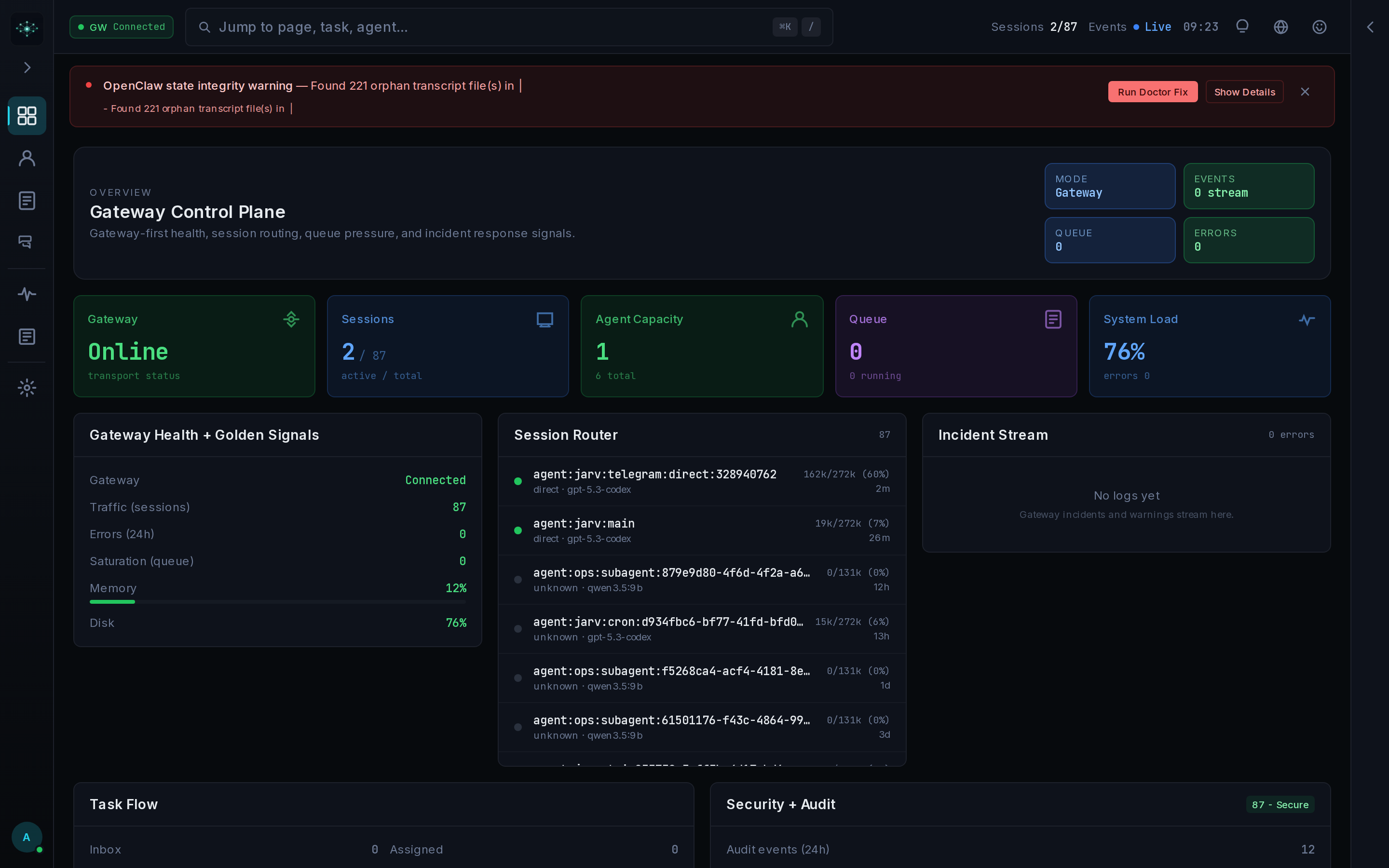
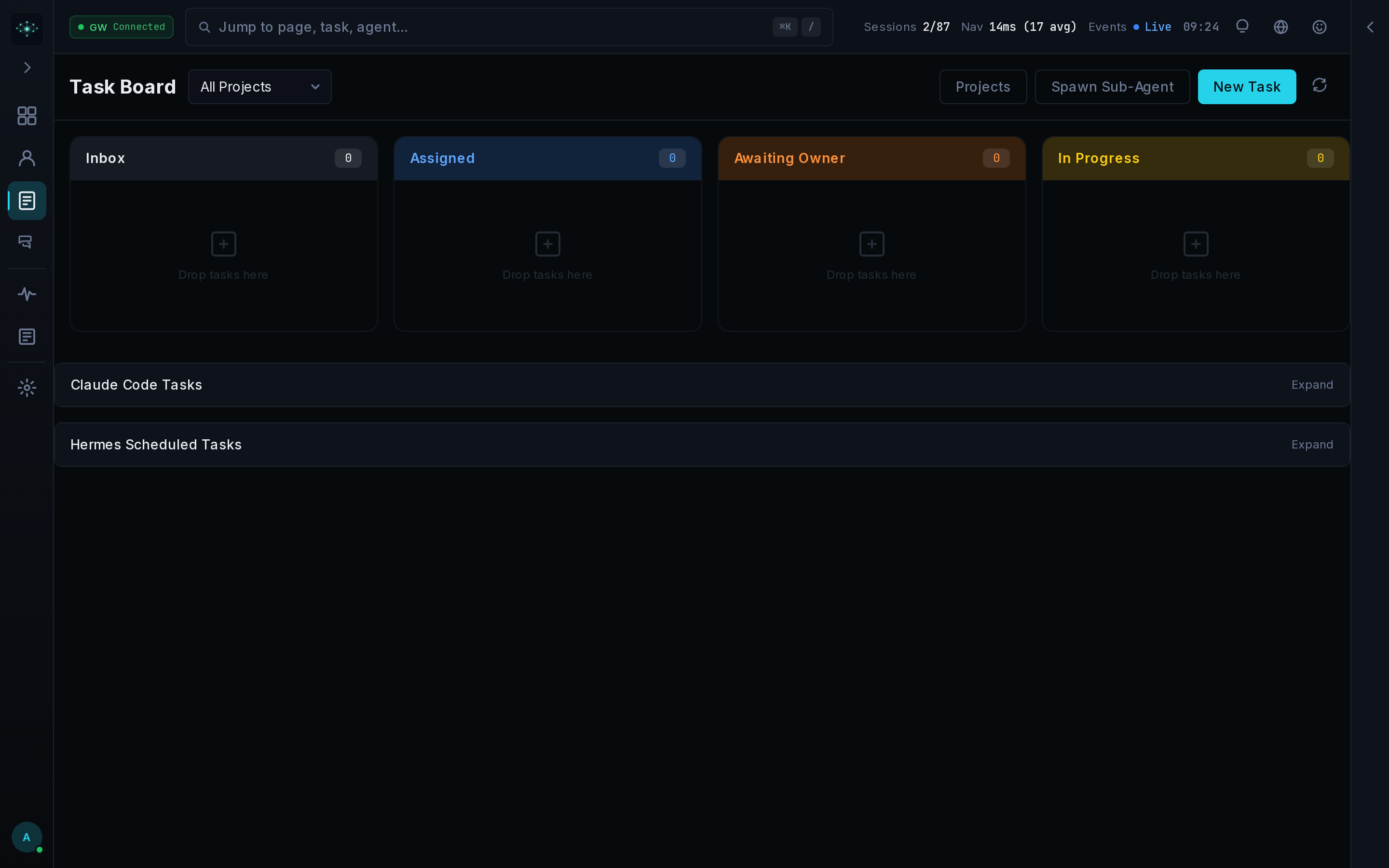
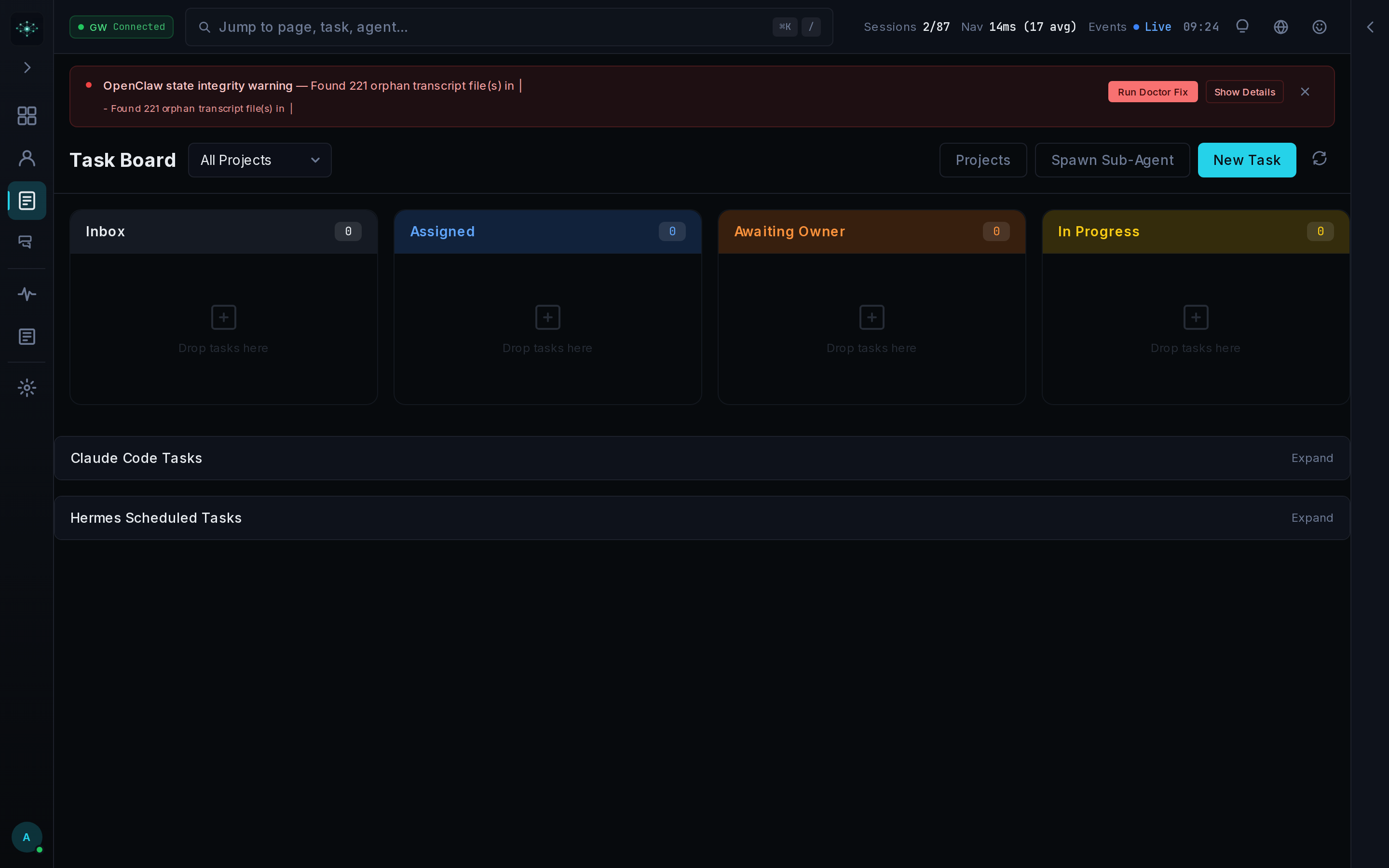
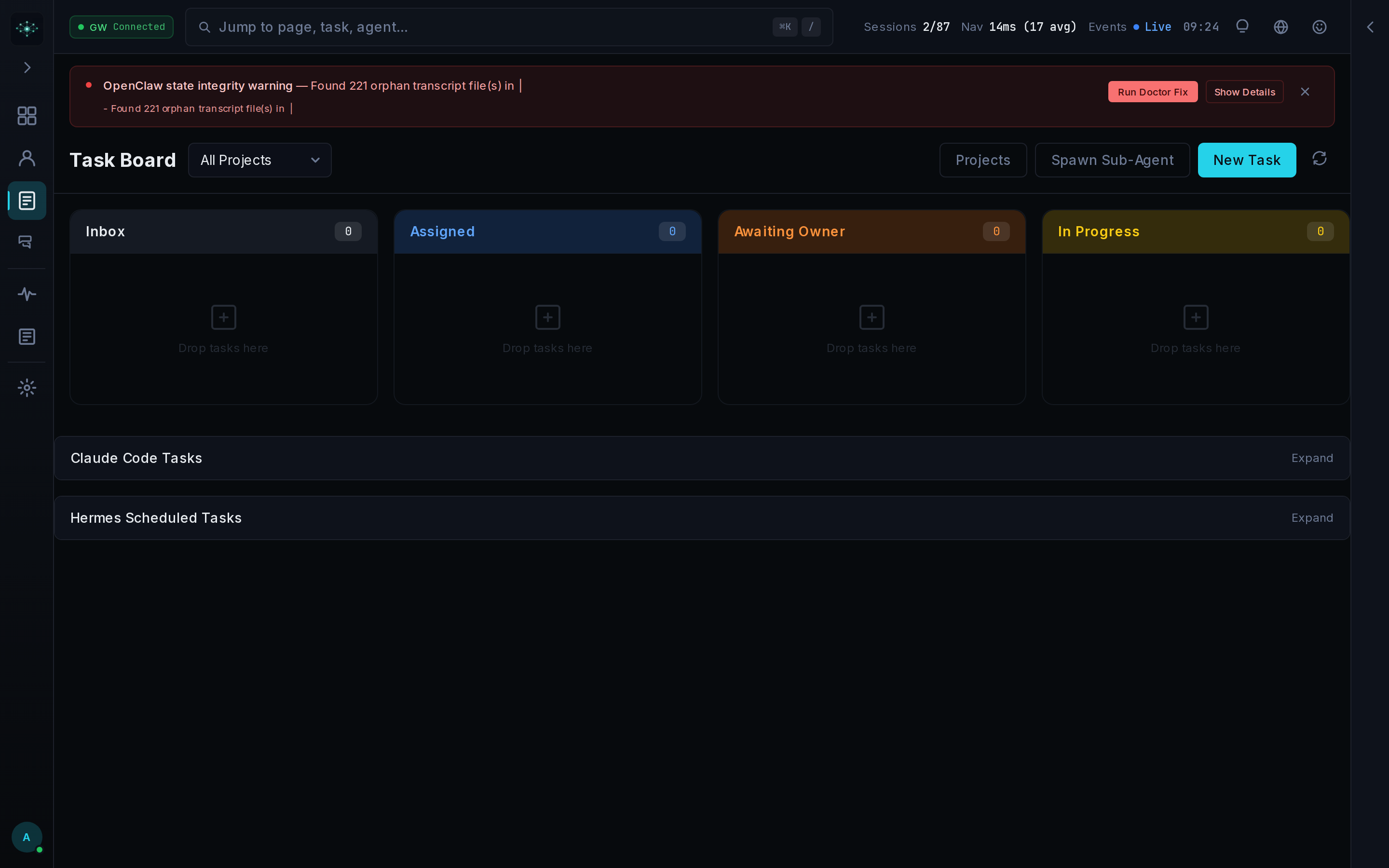
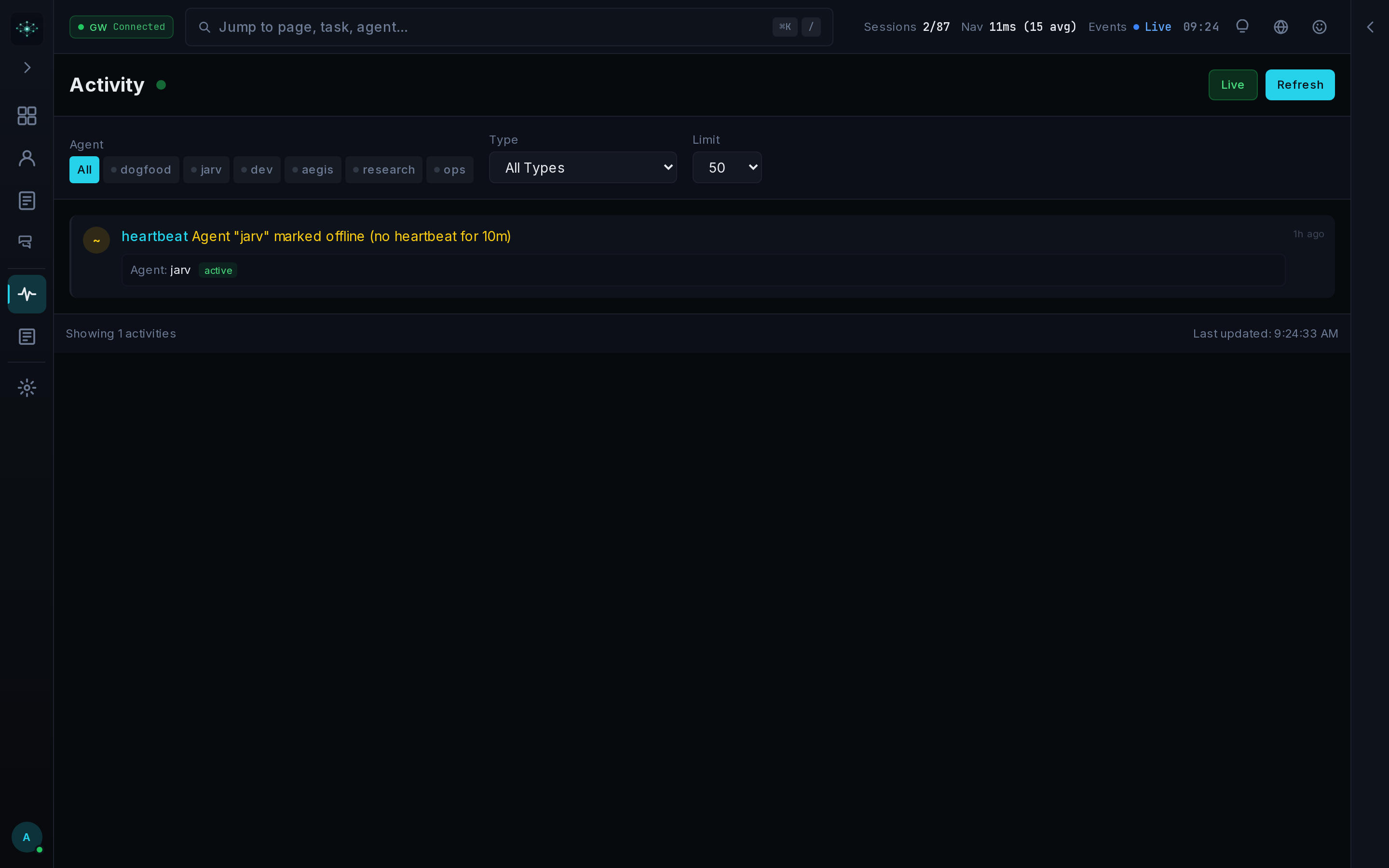
 Mission Control — это самостоятельно размещаемая система управления ИИ-агентами для написания кода. Она распределяет задачи, проверяет запуски, отслеживает расходы и координирует такие среды выполнения, как OpenClaw, Claude Code и Codex, из одной локальной панели на базе SQLite.
Mission Control — это самостоятельно размещаемая система управления ИИ-агентами для написания кода. Она распределяет задачи, проверяет запуски, отслеживает расходы и координирует такие среды выполнения, как OpenClaw, Claude Code и Codex, из одной локальной панели на базе SQLite.Это фреймворк для агентов или слой мониторинга и эксплуатации?Это не фреймворк для агентов. Он работает поверх существующих сред выполнения агентов и не заменяет их логику рассуждений и цикл вызова инструментов, а даёт операторам одно место, где можно видеть и контролировать работу этих агентов.
Это не фреймворк для агентов. Он работает поверх существующих сред выполнения агентов и не заменяет их логику рассуждений и цикл вызова инструментов, а даёт операторам одно место, где можно видеть и контролировать работу этих агентов.Как его запустить?Для установки из исходников установите Node.js 22+ и pnpm (пользователи Windows могут выполнить './install.ps1 -Mode local' в PowerShell). Либо загрузите опубликованный мультиархитектурный Docker-образ и используйте защищённый Compose-оверлей для развёртывания с сетевым доступом.
Для установки из исходников установите Node.js 22+ и pnpm (пользователи Windows могут выполнить './install.ps1 -Mode local' в PowerShell). Либо загрузите опубликованный мультиархитектурный Docker-образ и используйте защищённый Compose-оверлей для развёртывания с сетевым доступом.Какие среды выполнения агентов поддерживаются на самом деле?Адаптеры и средства наблюдения охватывают OpenClaw, Claude Code, Codex, CrewAI, LangGraph, AutoGen и рабочие процессы Claude SDK, однако глубина поддержки адаптеров зависит от конкретной среды выполнения.
Адаптеры и средства наблюдения охватывают OpenClaw, Claude Code, Codex, CrewAI, LangGraph, AutoGen и рабочие процессы Claude SDK, однако глубина поддержки адаптеров зависит от конкретной среды выполнения.Достаточно ли он стабилен для продакшена?Нет. Проект прямо помечен как альфа-версия: API, схемы и конфигурация могут меняться между релизами. Перед открытием доступа к сети рекомендуется прочитать руководство по безопасности.
Нет. Проект прямо помечен как альфа-версия: API, схемы и конфигурация могут меняться между релизами. Перед открытием доступа к сети рекомендуется прочитать руководство по безопасности.Когда этот инструмент не подходит?Не берите его, если одним агентом на одной машине и так легко управлять через его родной CLI, если нужен управляемый многопользовательский SaaS вместо самостоятельного размещения, если хотите, чтобы планированием и использованием инструментов занимался фреймворк для агентов, или если ваше развёртывание не может выдержать изменения схем альфа-уровня.
Не берите его, если одним агентом на одной машине и так легко управлять через его родной CLI, если нужен управляемый многопользовательский SaaS вместо самостоятельного размещения, если хотите, чтобы планированием и использованием инструментов занимался фреймворк для агентов, или если ваше развёртывание не может выдержать изменения схем альфа-уровня.Остаются ли данные моих агентов локально?Состояние среды выполнения хранится локально в SQLite (по умолчанию в .data/). Проект предупреждает, что экземпляр нужно держать в доверенной сети, если не настроены обратный прокси с TLS и список разрешённых хостов.
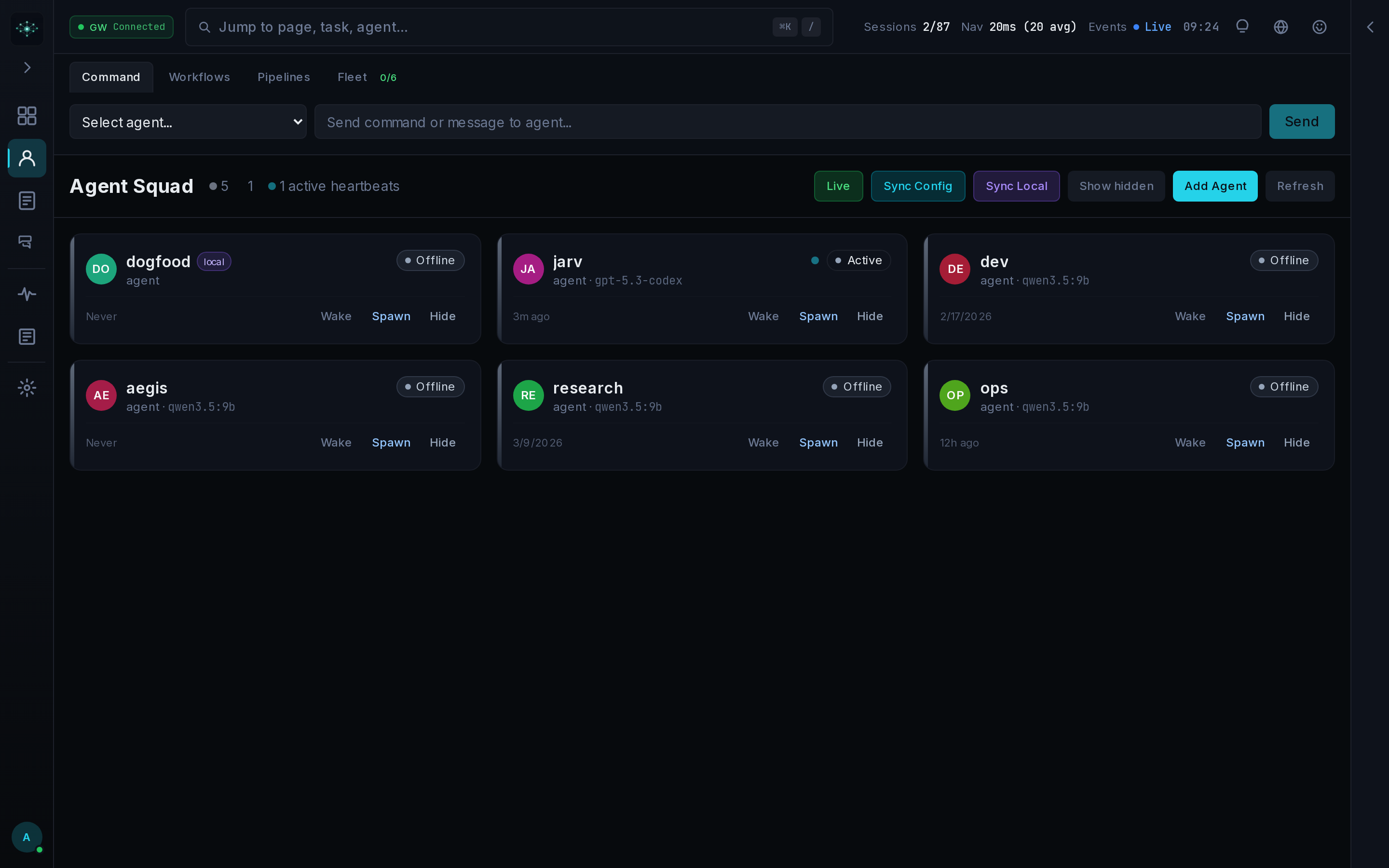
Состояние среды выполнения хранится локально в SQLite (по умолчанию в .data/). Проект предупреждает, что экземпляр нужно держать в доверенной сети, если не настроены обратный прокси с TLS и список разрешённых хостов.Как подключить агента к Mission Control?Возьмите URL панели и API-ключ в разделе «Настройки», зарегистрируйте агента и создавайте работу через REST API, затем пусть агент получит свою очередь задач. Для этого цикла задач и API шлюз не нужен.
Возьмите URL панели и API-ключ в разделе «Настройки», зарегистрируйте агента и создавайте работу через REST API, затем пусть агент получит свою очередь задач. Для этого цикла задач и API шлюз не нужен.Что такое Aegis?Aegis — встроенный механизм контроля качества задач в Mission Control. Он требует запись об одобрении, прежде чем задачу можно будет отметить как выполненную, и стоит между выполнением и завершением.
Aegis — встроенный механизм контроля качества задач в Mission Control. Он требует запись об одобрении, прежде чем задачу можно будет отметить как выполненную, и стоит между выполнением и завершением.Какой стек технологий лежит в основе панели?Панель построена на Next.js 16 с React 19 и TypeScript 5, стилизована с помощью Tailwind CSS 4. Для состояния используется Zustand, для графиков — Recharts, для окон терминала — xterm.js, а для хранения — better-sqlite3 в режиме WAL.
Панель построена на Next.js 16 с React 19 и TypeScript 5, стилизована с помощью Tailwind CSS 4. Для состояния используется Zustand, для графиков — Recharts, для окон терминала — xterm.js, а для хранения — better-sqlite3 в режиме WAL.Нужен ли подключённый шлюз, чтобы пользоваться им?В основном нет. Шлюз необязателен для работы с задачами, проектами, агентами, планировщиком, вебхуками, оповещениями и расходами, но для живого обмена сообщениями со средой выполнения нужен подключённый шлюз.
В основном нет. Шлюз необязателен для работы с задачами, проектами, агентами, планировщиком, вебхуками, оповещениями и расходами, но для живого обмена сообщениями со средой выполнения нужен подключённый шлюз.Which topics is it in?agent-observability, sse, task-management, openapi, openclaw, oauth, github-actions, tui, websocket, ci, orchestration, agent-orchestration
agent-observability, sse, task-management, openapi, openclaw, oauth, github-actions, tui, websocket, ci, orchestration, agent-orchestration