




16K ·GitHub
What is this?
 Docker-Android is a Docker image that ships a complete Android emulator in a container, built for Android app development and testing — native, web and hybrid apps.
Docker-Android is a Docker image that ships a complete Android emulator in a container, built for Android app development and testing — native, web and hybrid apps.Is it an app I install on a phone, or what exactly am I running?You run a Docker container that emulates a real device profile with a skin (Samsung Galaxy S6, Nexus 4 and more), watch its screen via noVNC/VNC in a browser, and read logs from a built-in web-UI.
You run a Docker container that emulates a real device profile with a skin (Samsung Galaxy S6, Nexus 4 and more), watch its screen via noVNC/VNC in a browser, and read logs from a built-in web-UI.How do I get it running?Install Docker, then pull a versioned image and run it — for example budtmo/docker-android:emulator14.0. Images exist per Android release from 9.0 to 14.0, plus a genymotion variant and a beta mcp variant.
Install Docker, then pull a versioned image and run it — for example budtmo/docker-android:emulator14.0. Images exist per Android release from 9.0 to 14.0, plus a genymotion variant and a beta mcp variant.Do I need anything besides Docker on my machine?Just a CPU with virtualization enabled — the emulator needs it to run.
Just a CPU with virtualization enabled — the emulator needs it to run.What happens to my emulated device if the container restarts?By default it is destroyed on restart. To keep your data, mount a volume at /home/androidusr.
By default it is destroyed on restart. To keep your data, mount a volume at /home/androidusr.Will it run on my Mac or Windows laptop, or only on Linux?Only on Ubuntu: macOS and Windows users need a VM running Ubuntu. On Windows 11 you can use WSL2 with hardware acceleration instead — the nestedVirtualization flag is Windows 11-only.
Only on Ubuntu: macOS and Windows users need a VM running Ubuntu. On Windows 11 you can use WSL2 with hardware acceleration instead — the nestedVirtualization flag is Windows 11-only.Can I run this on a cloud server or in CI instead of my own machine?Yes — the listed use-cases include deploying on Azure, AWS and GCP, running under Jenkins, and controlling the emulator from the host via adb connect.
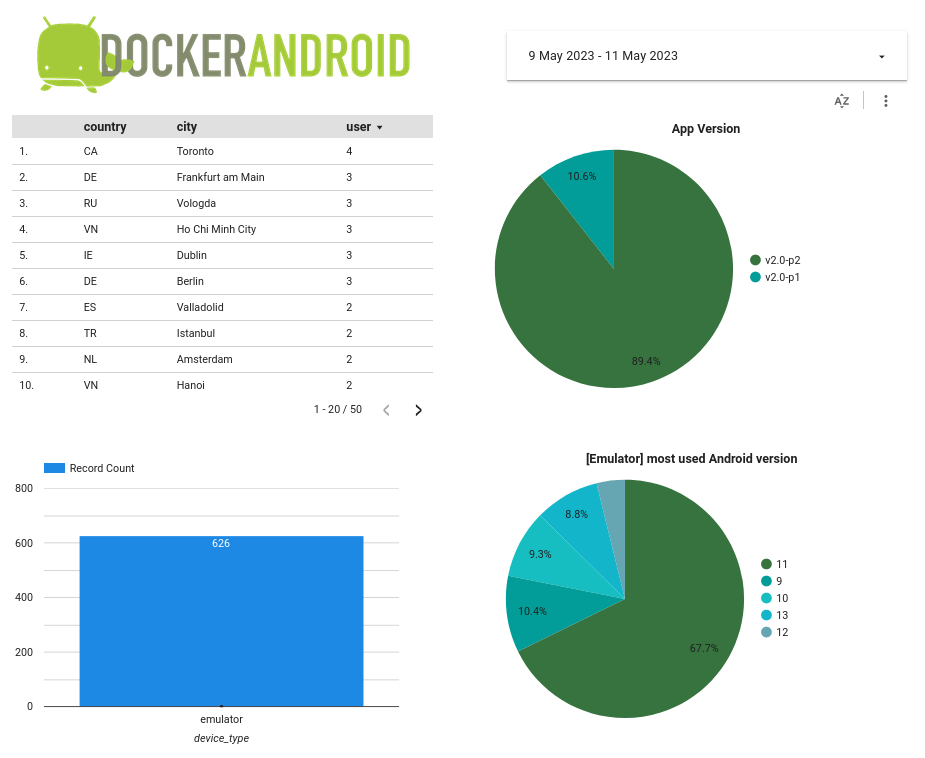
Yes — the listed use-cases include deploying on Azure, AWS and GCP, running under Jenkins, and controlling the emulator from the host via adb connect.Does it collect anything from me?The free image ships with user-behavior analytics enabled; the sponsor-based pro version removes them.
The free image ships with user-behavior analytics enabled; the sponsor-based pro version removes them.Which devices and Android versions can it emulate?Device profiles and skins cover phones and tablets like Samsung Galaxy S6 through S10, the Nexus 4/5/7/S/One line and Pixel C. Ready-made images span Android 9.0 to 14.0; versions like Android 15 and 16 are reserved for the pro image.
Device profiles and skins cover phones and tablets like Samsung Galaxy S6 through S10, the Nexus 4/5/7/S/One line and Pixel C. Ready-made images span Android 9.0 to 14.0; versions like Android 15 and 16 are reserved for the pro image.Can I run automated tests against it?Yes, that is one of its main use-cases: unit and UI tests with frameworks such as Appium and Espresso, driven from outside the container via adb connect, plus a Jenkins integration for CI pipelines.
Yes, that is one of its main use-cases: unit and UI tests with frameworks such as Appium and Espresso, driven from outside the container via adb connect, plus a Jenkins integration for CI pipelines.What is the deal with the pro version?The pro image is sponsor-based: only active sponsors can pull it. Compared to the free version it adds on-the-fly proxy and language setup, newer Android releases, root-privileged commands, headless mode and Selenium 4.x integration — while multiple simulators, Google Play Store and video recording are listed as coming soon.
The pro image is sponsor-based: only active sponsors can pull it. Compared to the free version it adds on-the-fly proxy and language setup, newer Android releases, root-privileged commands, headless mode and Selenium 4.x integration — while multiple simulators, Google Play Store and video recording are listed as coming soon.What is the MCP image for?Alongside the emulator images there is a budtmo/docker-android:mcp image exposing an MCP server in beta, so AI agents can work with the emulated device — the project pitches itself as Android in Docker with MCP server and AI-agent support.
Alongside the emulator images there is a budtmo/docker-android:mcp image exposing an MCP server in beta, so AI agents can work with the emulated device — the project pitches itself as Android in Docker with MCP server and AI-agent support.What are similar projects?opensre, prowler, redStackPRO, artifact-server, neckbeard, omnigraph, pulumi, localstack
opensre, prowler, redStackPRO, artifact-server, neckbeard, omnigraph, pulumi, localstackWhich topics is it in?jenkins, selenium, gcp, azure, emulator, virtualization, aws, vllm, ollama, mobile-app, kubernetes, testing
jenkins, selenium, gcp, azure, emulator, virtualization, aws, vllm, ollama, mobile-app, kubernetes, testing