




What is this?
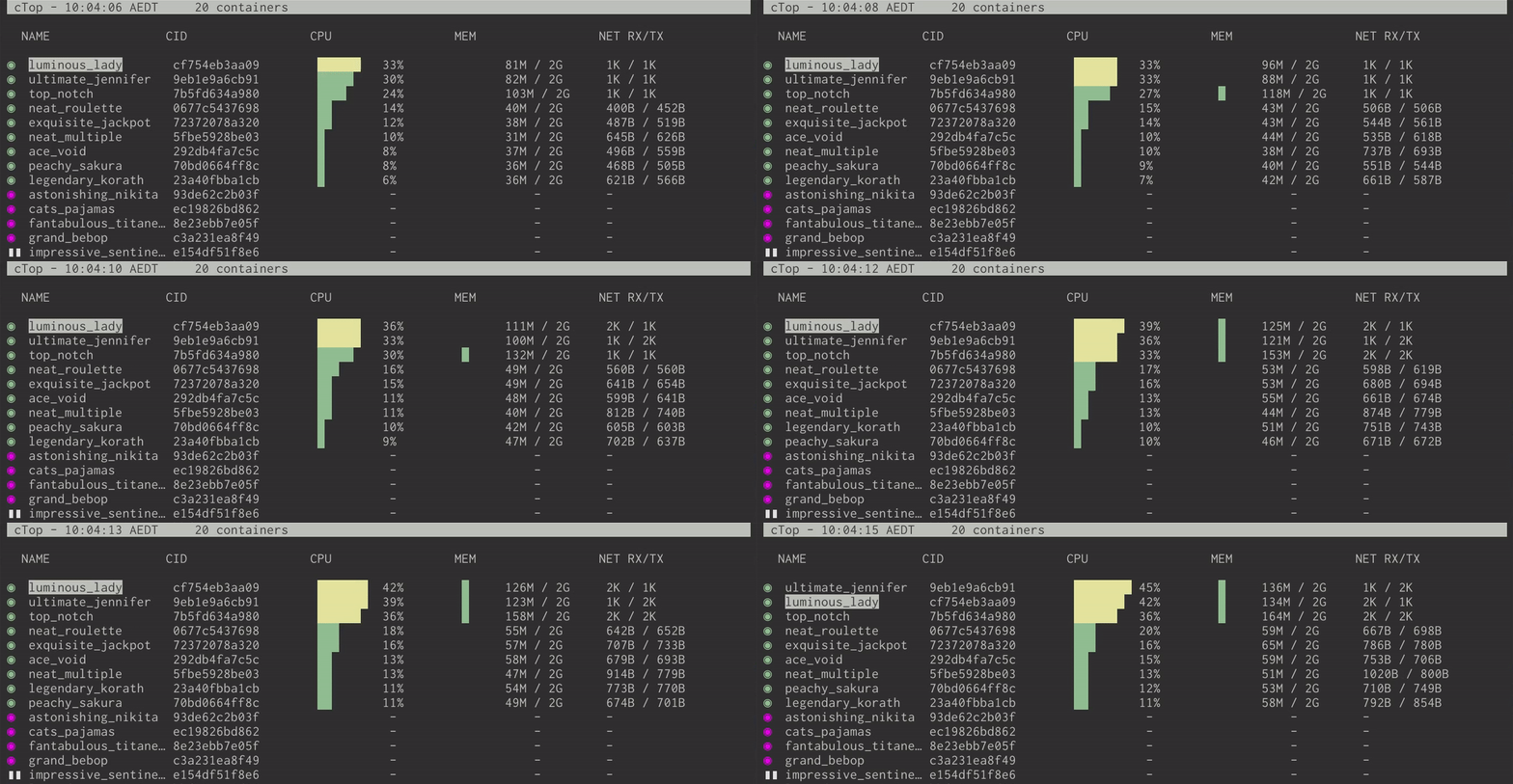
 ctop is a terminal tool that shows a top-like, real-time overview of metrics for all your running containers, plus a detailed single-container view.
ctop is a terminal tool that shows a top-like, real-time overview of metrics for all your running containers, plus a detailed single-container view.Is this a GUI app or a terminal tool?It's a terminal UI (TUI) application you run from the command line, not a GUI program.
It's a terminal UI (TUI) application you run from the command line, not a GUI program.How do I install and run it?Fetch the prebuilt release binary for your platform (Debian/Ubuntu, Arch AUR, generic Linux, macOS via Homebrew/MacPorts, Windows via scoop, or Docker), then just run ctop with no arguments.
Fetch the prebuilt release binary for your platform (Debian/Ubuntu, Arch AUR, generic Linux, macOS via Homebrew/MacPorts, Windows via scoop, or Docker), then just run ctop with no arguments.Do I need Docker installed for it to work?Yes, ctop connects to your Docker host by default and has built-in support for Docker and runC.
Yes, ctop connects to your Docker host by default and has built-in support for Docker and runC.Does it support other container systems besides Docker and runC?Not yet — connectors for other container and cluster systems are only planned for future releases.
Not yet — connectors for other container and cluster systems are only planned for future releases.Which platforms are supported?Binaries and packages are provided for Linux (Debian/Ubuntu, Arch, generic), macOS (Homebrew/MacPorts), and Windows (scoop), plus a Docker image.
Binaries and packages are provided for Linux (Debian/Ubuntu, Arch, generic), macOS (Homebrew/MacPorts), and Windows (scoop), plus a Docker image.How do I configure ctop's view?Press 'S' while running to save the current filters, sort field, and other display options to a config file (~/.config/ctop/config on XDG systems, else ~/.ctop), which is reloaded on next start.
Press 'S' while running to save the current filters, sort field, and other display options to a config file (~/.config/ctop/config on XDG systems, else ~/.ctop), which is reloaded on next start.Can I filter or sort the container list?Yes, press 'f' to filter displayed containers and 's' to select the sort field, with 'r' to reverse the order; CLI flags -f and -s set these at startup too.
Yes, press 'f' to filter displayed containers and 's' to select the sort field, with 'r' to reverse the order; CLI flags -f and -s set these at startup too.Can I interact with a container directly from ctop?Yes, pressing Enter opens a container menu, 'l' shows logs (with timestamp toggle), and 'e' lets you exec a shell inside the container.
Yes, pressing Enter opens a container menu, 'l' shows logs (with timestamp toggle), and 'e' lets you exec a shell inside the container.Is there a single-container detail view?Yes, pressing 'o' opens a single container view for inspecting metrics of one specific container in detail.
Yes, pressing 'o' opens a single container view for inspecting metrics of one specific container in detail.Which topics is it in?commandline, system-monitor, infrastructure, containers, tui, sysadmin, observability, golang, dashboard, monitoring, command-line, devops
commandline, system-monitor, infrastructure, containers, tui, sysadmin, observability, golang, dashboard, monitoring, command-line, devops