What is this?
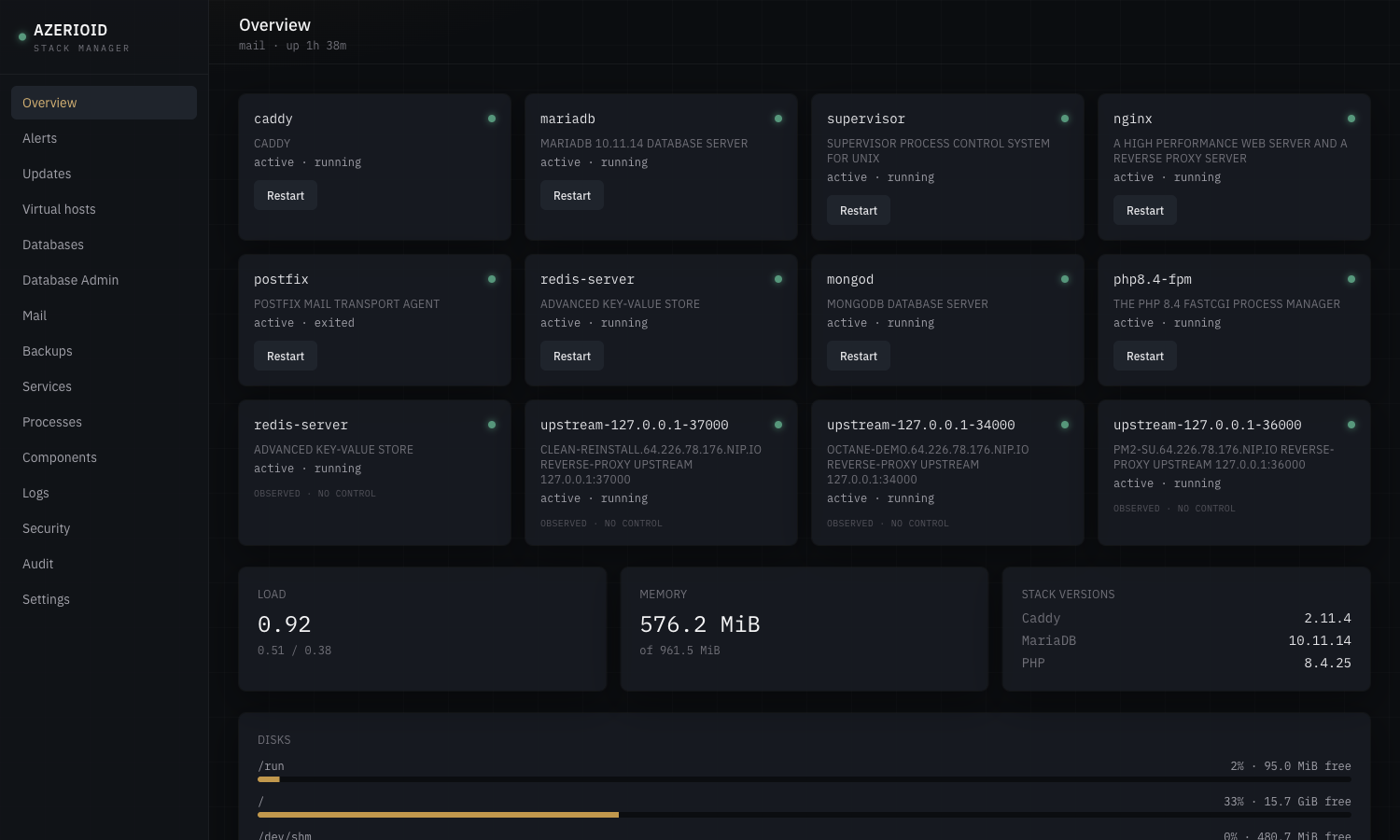
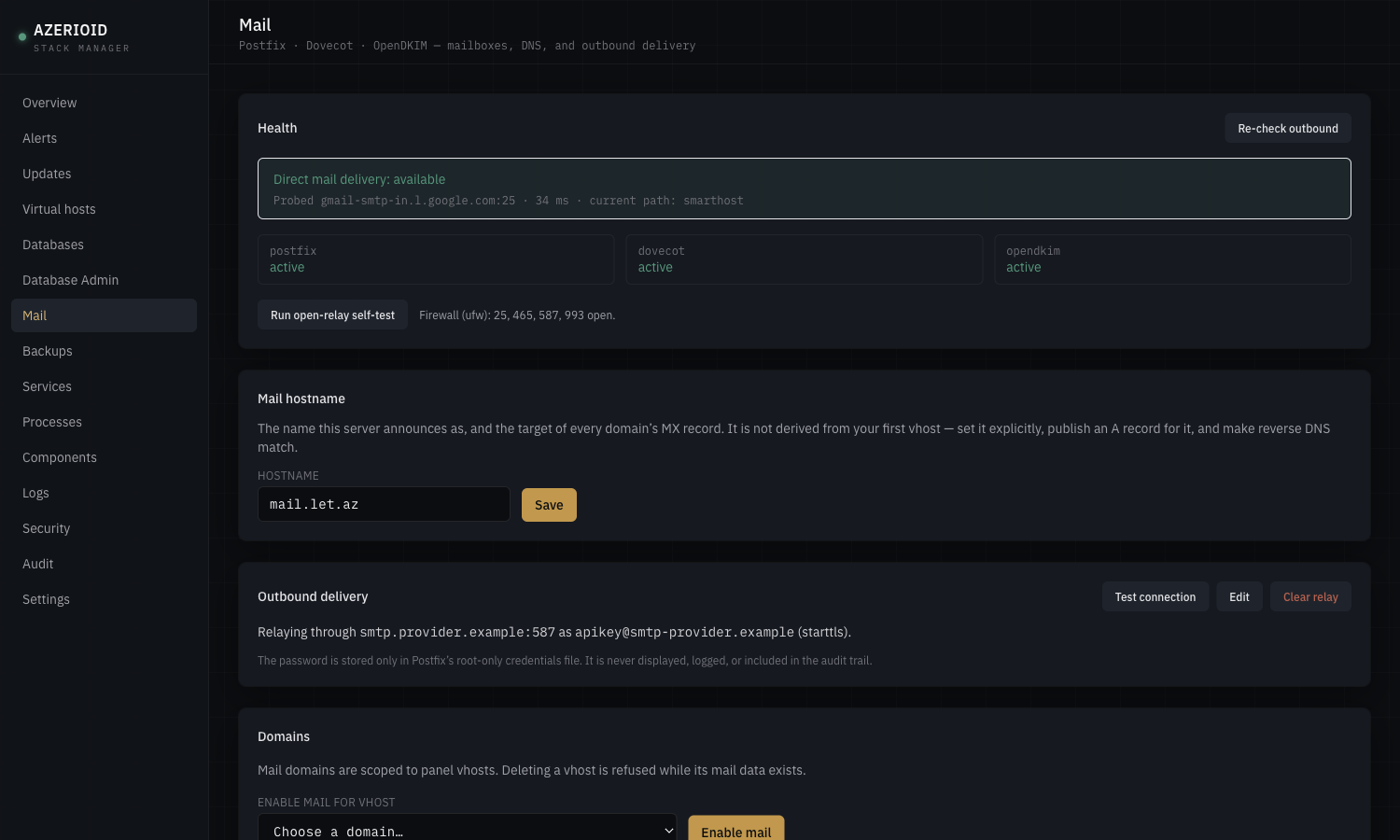
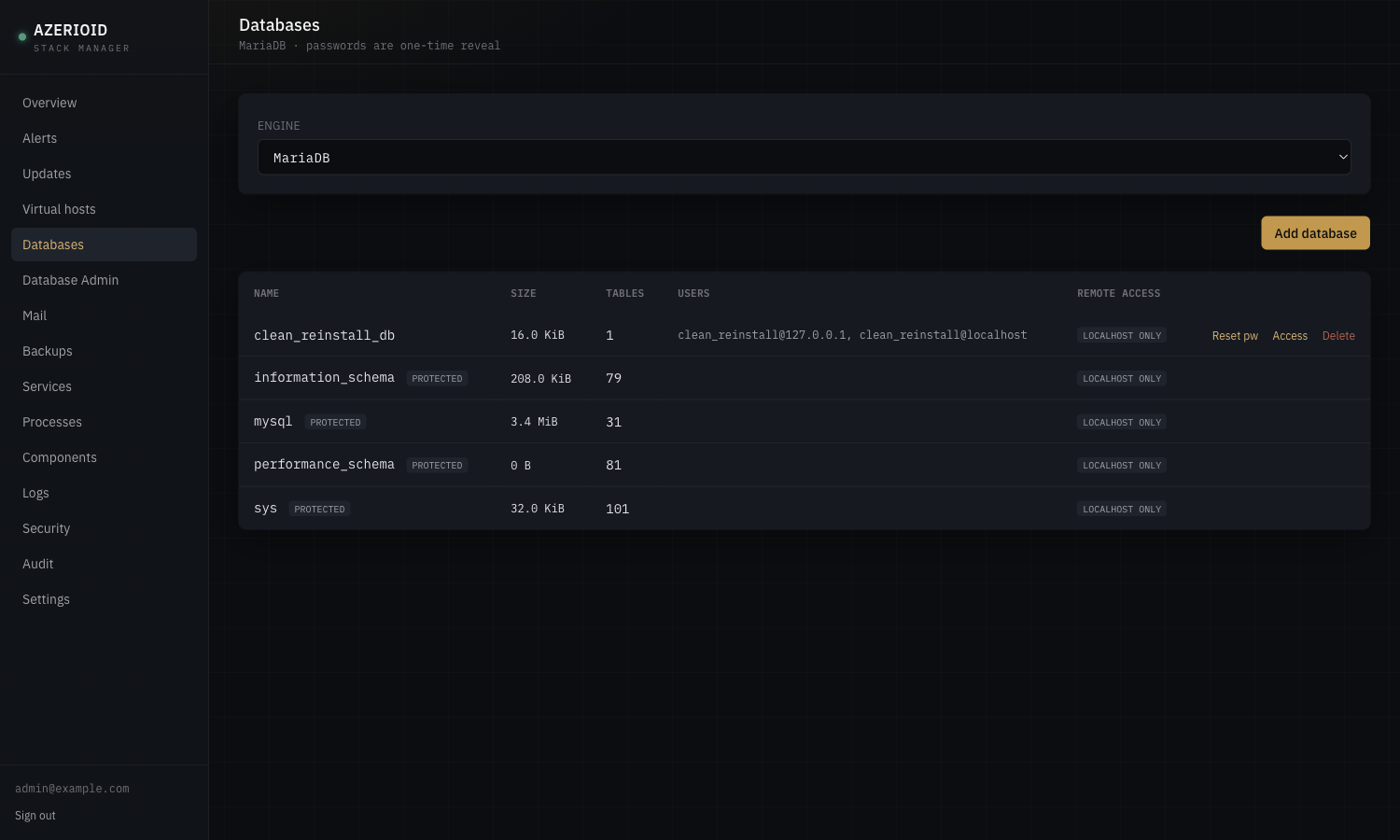
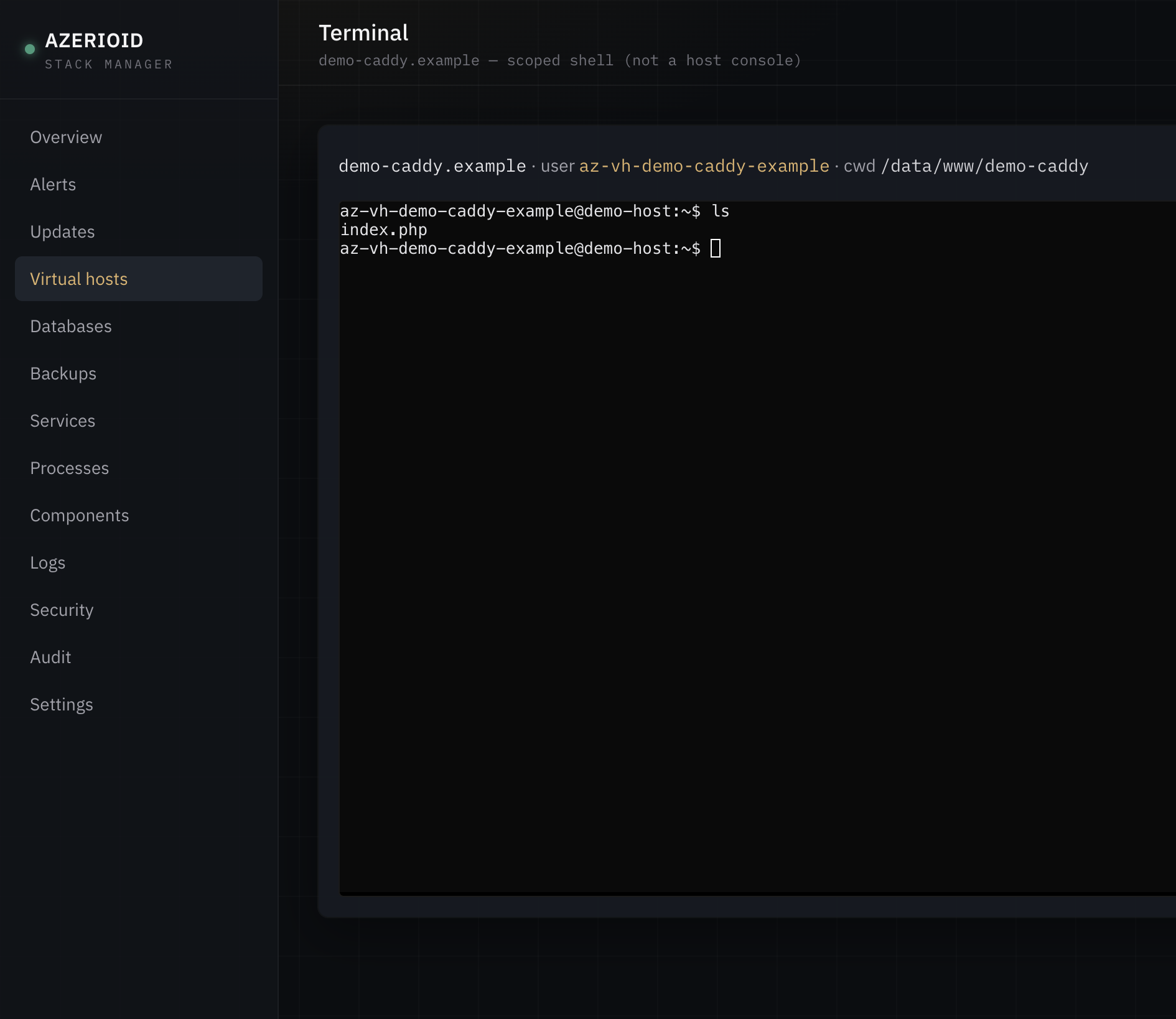
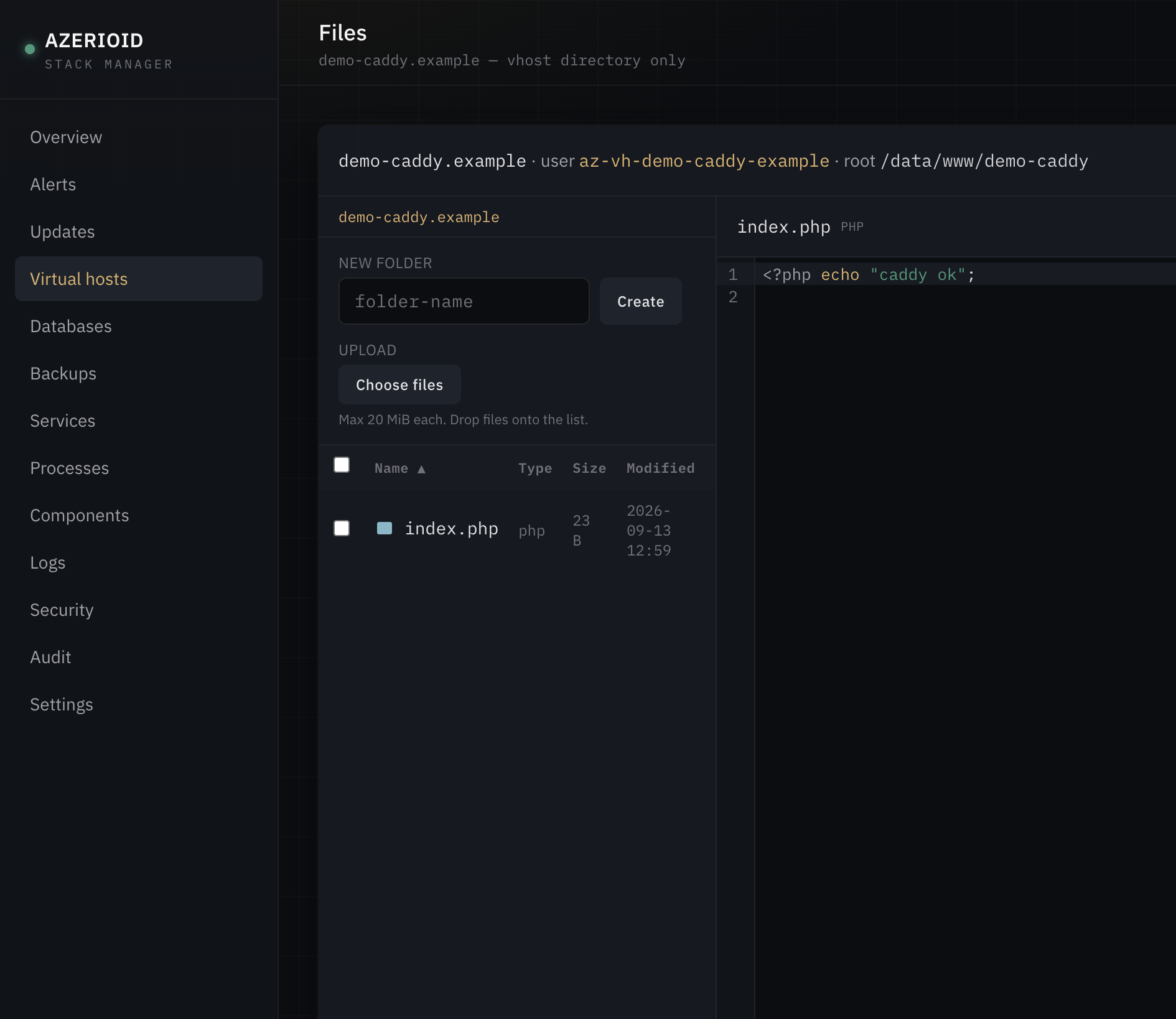
 AZERIOID Stack Manager is a self-contained stack manager and web control panel for operators who run sites on a single Linux server. It bootstraps Caddy, a dedicated PHP-FPM pool and a SQLite-backed admin UI, then lets you add web servers, databases, cache, mail, Node.js and rootless Docker on demand.
AZERIOID Stack Manager is a self-contained stack manager and web control panel for operators who run sites on a single Linux server. It bootstraps Caddy, a dedicated PHP-FPM pool and a SQLite-backed admin UI, then lets you add web servers, databases, cache, mail, Node.js and rootless Docker on demand.Is this a library I install in code, or a standalone server app?It is a standalone self-hosted web application plus a matching CLI (azerioid), built on Laravel 13 + Livewire 4 with a SQLite panel database — not a library you import into another project.
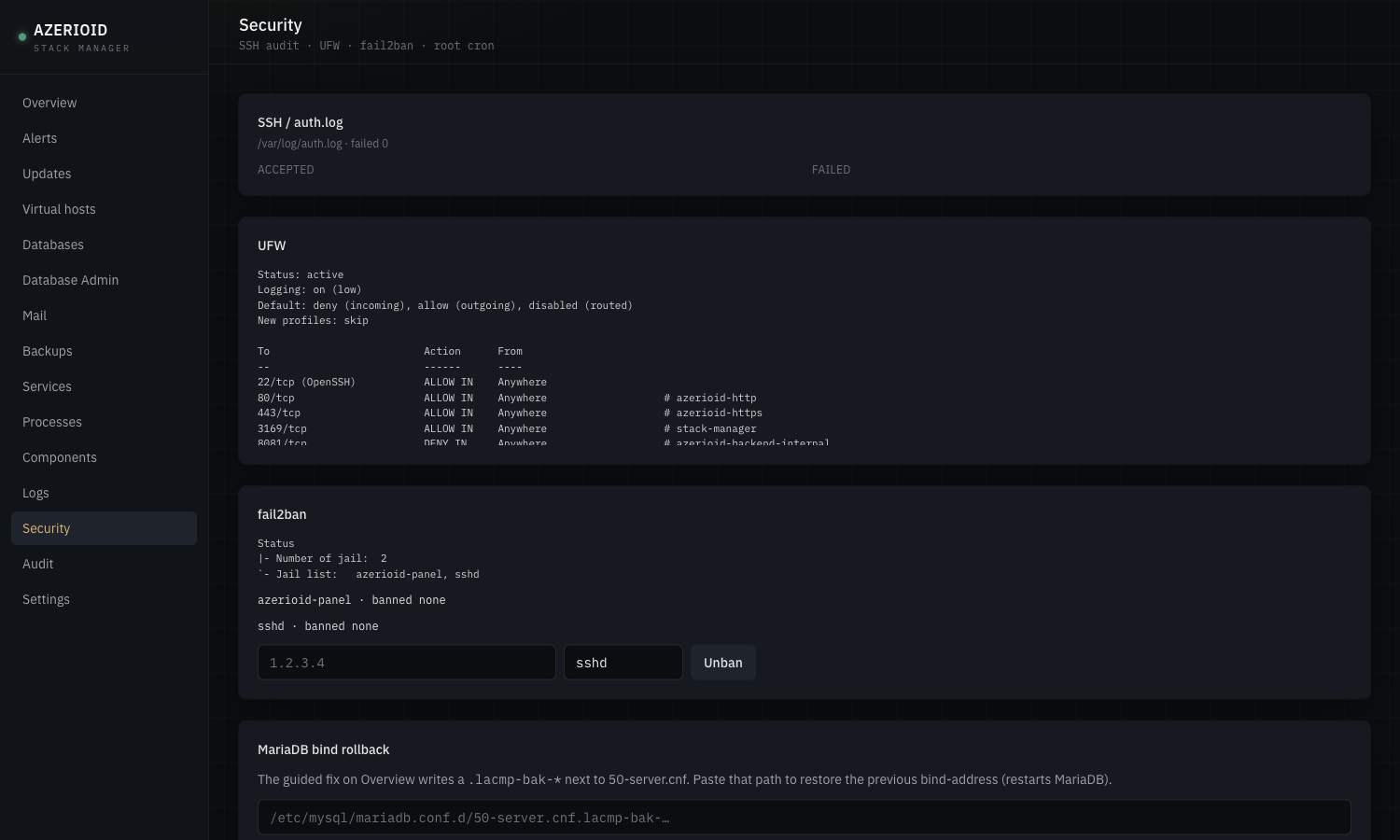
It is a standalone self-hosted web application plus a matching CLI (azerioid), built on Laravel 13 + Livewire 4 with a SQLite panel database — not a library you import into another project.How do I get it running on my server?Run the interactive installer with root privileges (sudo ./stack-manager.sh), which prompts for access mode (tunnel or public), panel port, TOTP, firewall and fail2ban; non-interactive flags are also supported for scripted installs.
Run the interactive installer with root privileges (sudo ./stack-manager.sh), which prompts for access mode (tunnel or public), panel port, TOTP, firewall and fail2ban; non-interactive flags are also supported for scripted installs.What does my server need before installing this?You need root access, outbound HTTPS, and git. It runs on Ubuntu 24.04, Debian 12/13, AlmaLinux/Rocky/CentOS Stream 9+, and RHEL/Oracle Linux 9+; Fedora is explicitly not supported.
You need root access, outbound HTTPS, and git. It runs on Ubuntu 24.04, Debian 12/13, AlmaLinux/Rocky/CentOS Stream 9+, and RHEL/Oracle Linux 9+; Fedora is explicitly not supported.What are the current limitations?There's no multi-user RBAC yet (single admin only), archive extraction is intentionally left out of the File Manager, and the bundled mail server ships without webmail, spam filtering, quotas or catch-all addresses.
There's no multi-user RBAC yet (single admin only), archive extraction is intentionally left out of the File Manager, and the bundled mail server ships without webmail, spam filtering, quotas or catch-all addresses.Who is this built for?VPS and bare-metal operators running a single Linux box who want a clean bootstrap plus a real day-two UI for sites, databases, mail and processes, instead of hand-rolling server config.
VPS and bare-metal operators running a single Linux box who want a clean bootstrap plus a real day-two UI for sites, databases, mail and processes, instead of hand-rolling server config.Does it work on any Linux distro?No — it's verified on Ubuntu 24.04, Debian 12/13, AlmaLinux 9+, Rocky Linux 9+, CentOS Stream 9+ and RHEL/Oracle Linux 9+ (EL path with SELinux enforcing); Fedora is explicitly refused by the installer.
No — it's verified on Ubuntu 24.04, Debian 12/13, AlmaLinux 9+, Rocky Linux 9+, CentOS Stream 9+ and RHEL/Oracle Linux 9+ (EL path with SELinux enforcing); Fedora is explicitly refused by the installer.Are secrets like DNS tokens and passwords kept safe?DNS-01 API tokens and mail/smarthost secrets are stored root-only and are never accepted via command-line arguments; other secrets go through the environment or one-time stdout.
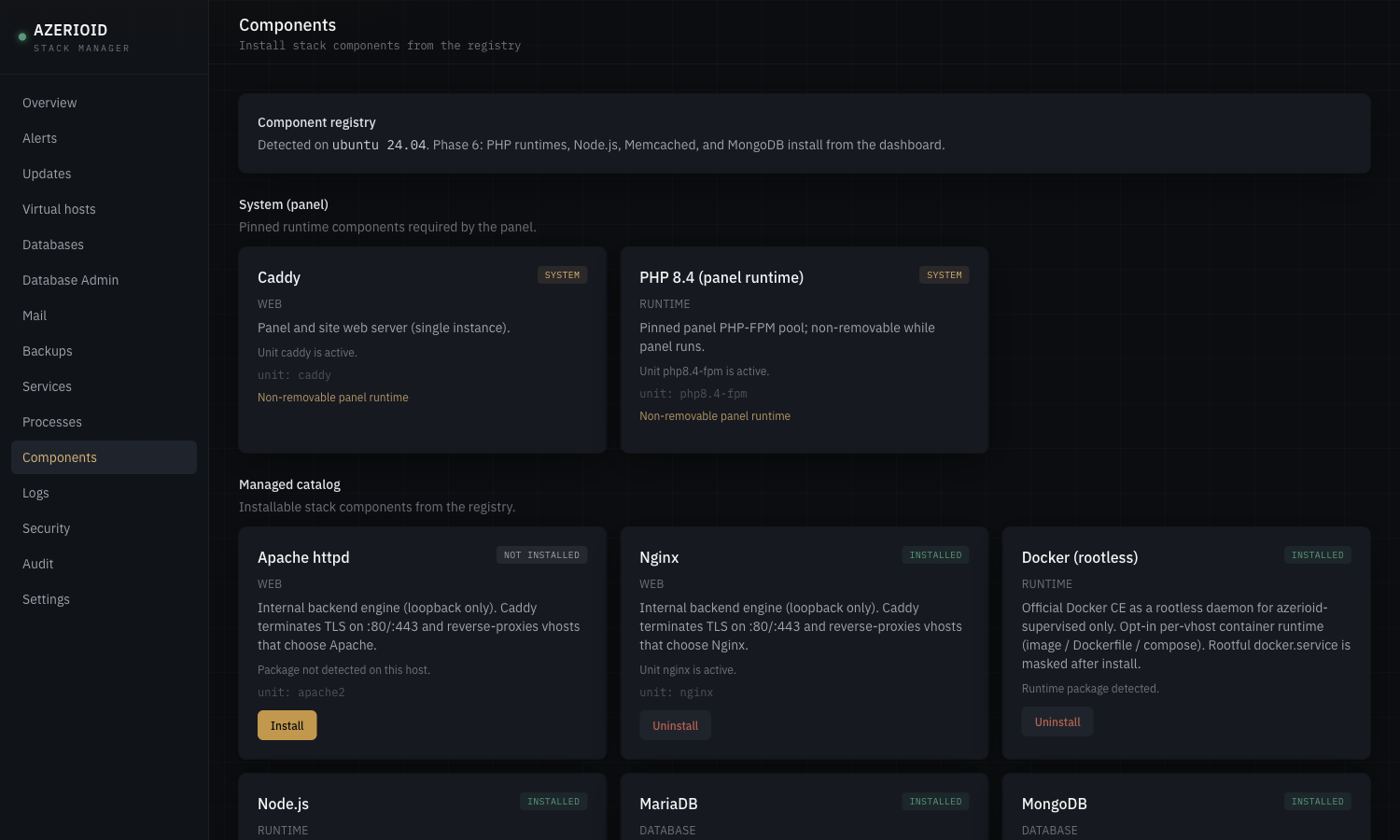
DNS-01 API tokens and mail/smarthost secrets are stored root-only and are never accepted via command-line arguments; other secrets go through the environment or one-time stdout.What can I install on demand beyond the bootstrap stack?From the Components page or the azerioid CLI you can add Nginx or Apache, MariaDB/PostgreSQL/MongoDB, Redis/Memcached, PHP 8.1-8.3 or Node.js 20/22/24 runtimes, Supervisor, a full mail stack (Postfix+Dovecot+OpenDKIM), and rootless Docker.
From the Components page or the azerioid CLI you can add Nginx or Apache, MariaDB/PostgreSQL/MongoDB, Redis/Memcached, PHP 8.1-8.3 or Node.js 20/22/24 runtimes, Supervisor, a full mail stack (Postfix+Dovecot+OpenDKIM), and rootless Docker.How does HTTPS get set up for my sites?Caddy terminates TLS and supports automatic Let's Encrypt HTTP-01, self-signed/internal TLS, and DNS-01 via Cloudflare or DigitalOcean (lightly tested compared to internal TLS).
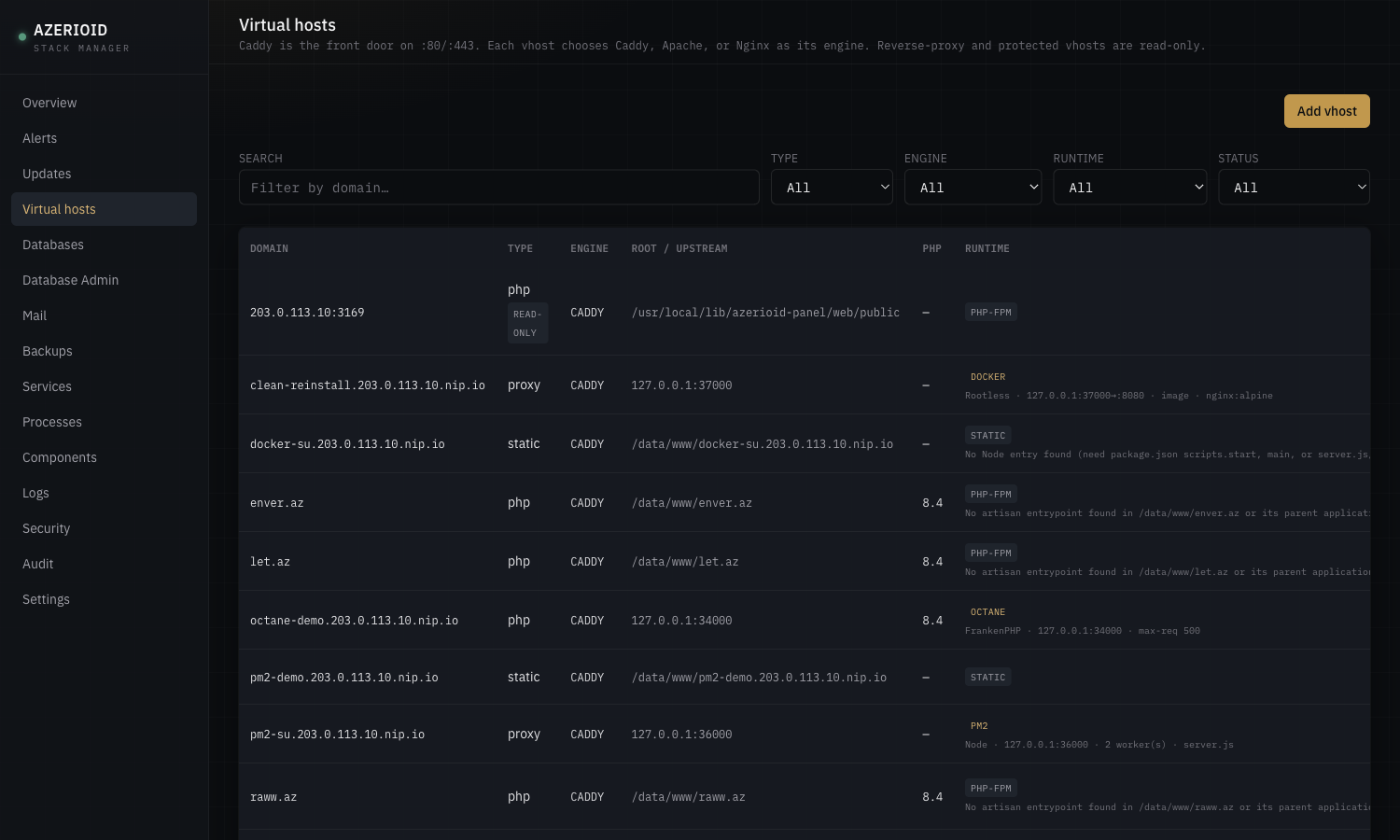
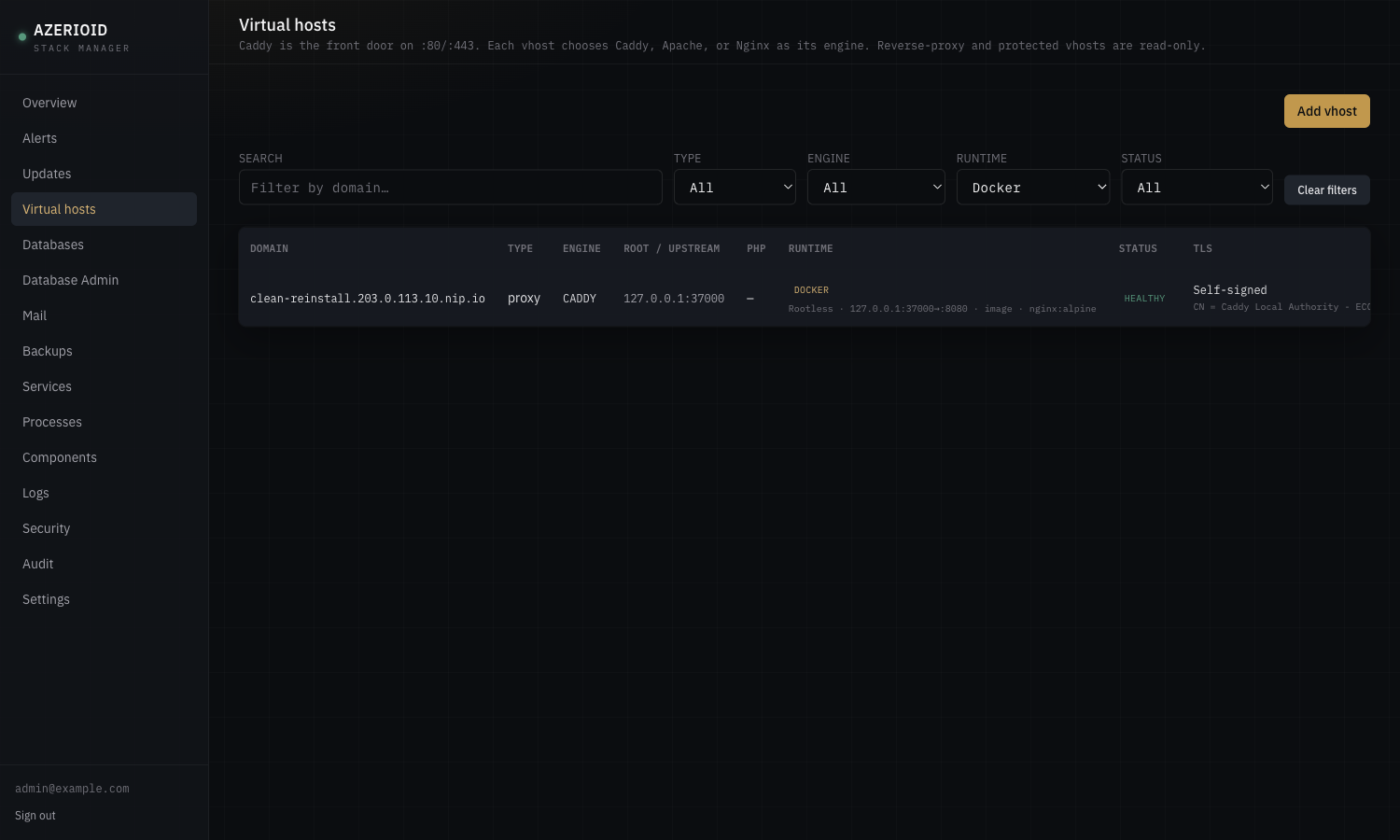
Caddy terminates TLS and supports automatic Let's Encrypt HTTP-01, self-signed/internal TLS, and DNS-01 via Cloudflare or DigitalOcean (lightly tested compared to internal TLS).Can each site run on its own engine or runtime?Yes — each virtual host independently picks Caddy, Apache or Nginx as its engine, and can opt into Laravel Octane (FrankenPHP), PM2 cluster mode for Node, or rootless Docker instead of the default PHP-FPM.
Yes — each virtual host independently picks Caddy, Apache or Nginx as its engine, and can opt into Laravel Octane (FrankenPHP), PM2 cluster mode for Node, or rootless Docker instead of the default PHP-FPM.Is the panel exposed to the internet by default?No, the default access mode is a localhost tunnel (127.0.0.1:3169); public HTTPS access on the host IP is an explicit install-time choice.
No, the default access mode is a localhost tunnel (127.0.0.1:3169); public HTTPS access on the host IP is an explicit install-time choice.What are similar projects?caprover, acme.sh, docker-mailserver, mailcow-dockerized, speedtest, dokploy, all-in-one, nginxconfig.io
caprover, acme.sh, docker-mailserver, mailcow-dockerized, speedtest, dokploy, all-in-one, nginxconfig.ioWhich topics is it in?mailserver, process-manager, totp, admin-panel, letsencrypt, apache, nginx, web-server, mariadb, firewall, vps, homelab
mailserver, process-manager, totp, admin-panel, letsencrypt, apache, nginx, web-server, mariadb, firewall, vps, homelab