




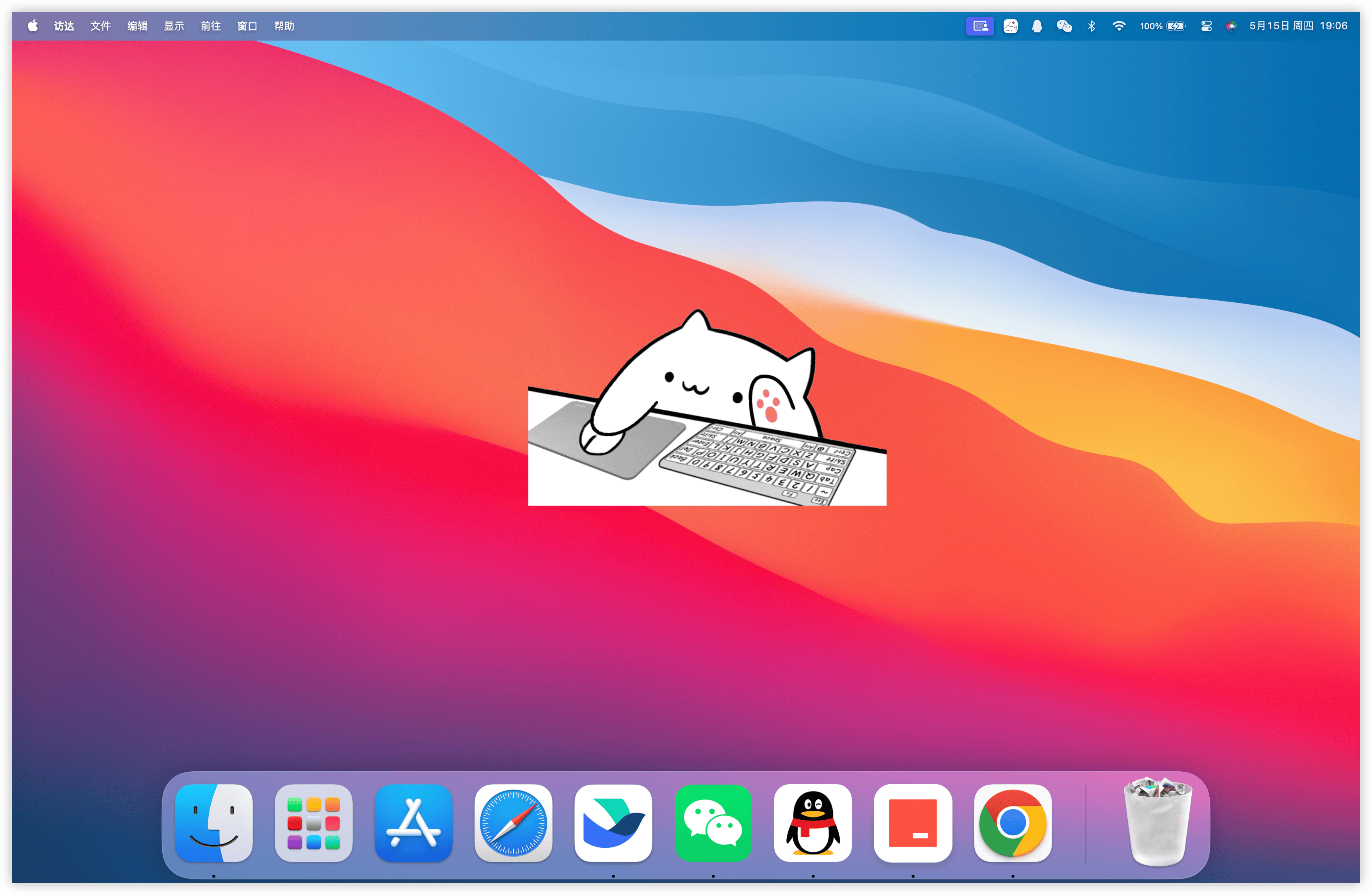
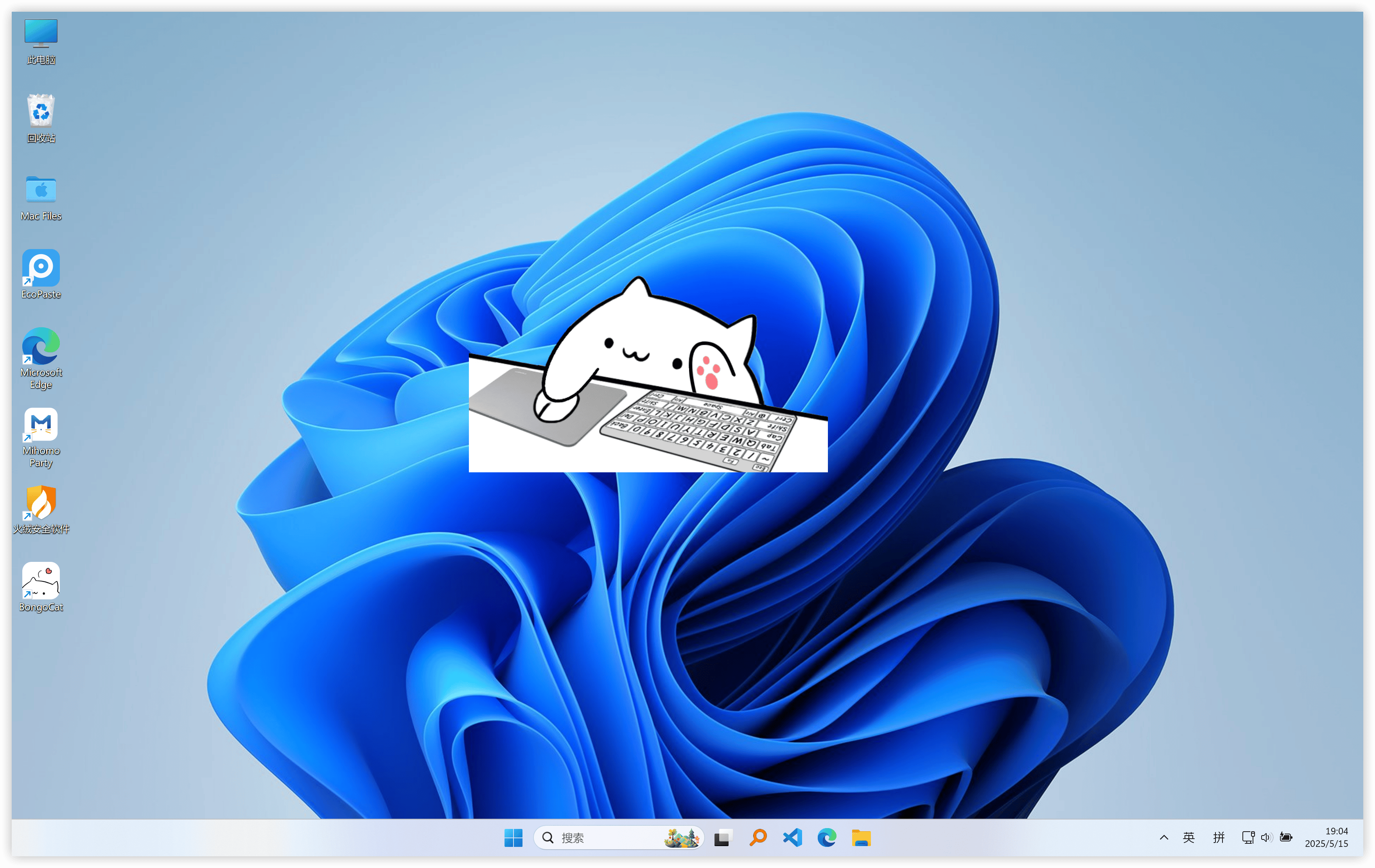
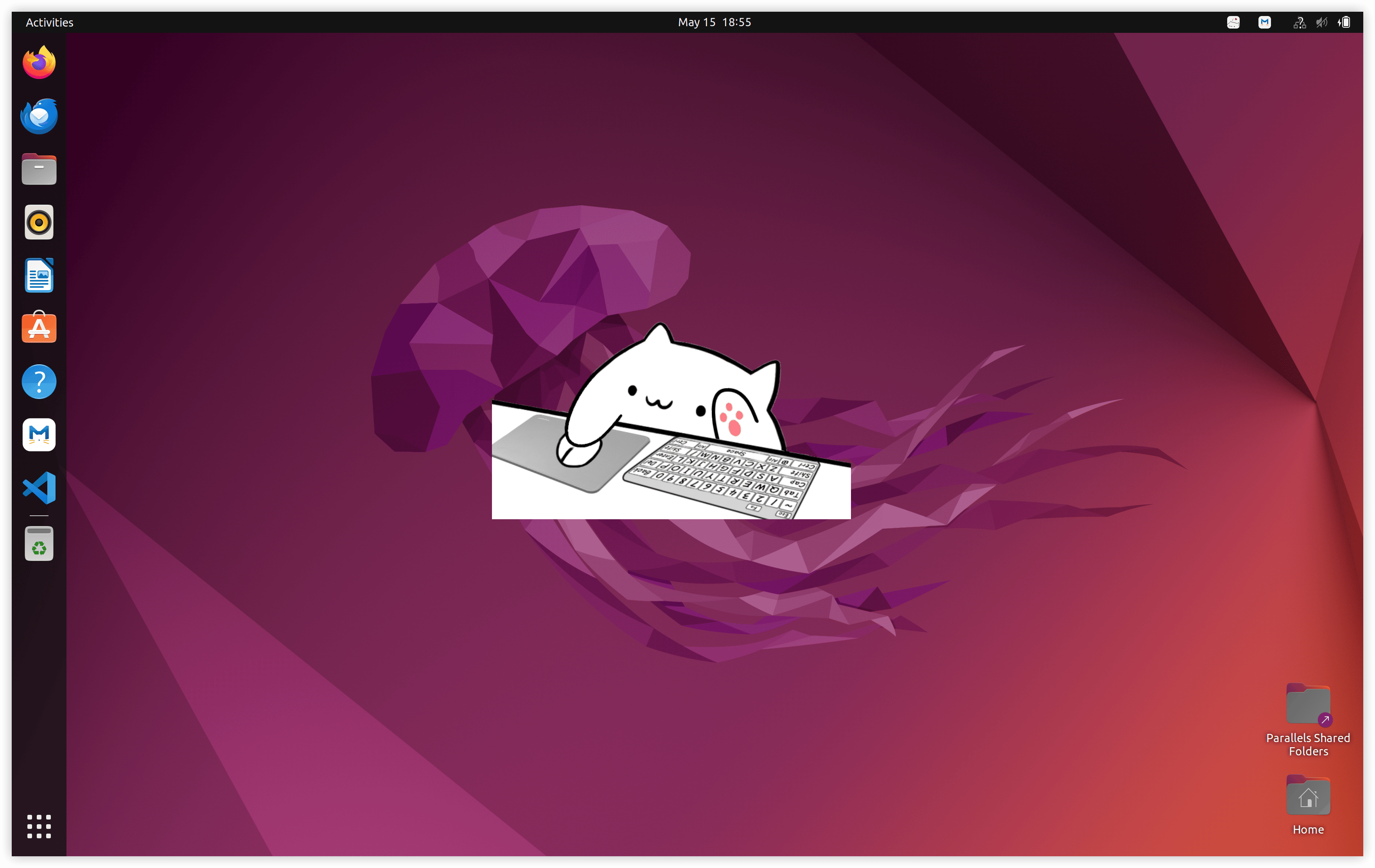


What is this?
 BongoCat is a cross-platform desktop pet: a cat that sits on your screen and reacts in real time to your keyboard, mouse, and gamepad input. It's free, open source, and built with Tauri.
BongoCat is a cross-platform desktop pet: a cat that sits on your screen and reacts in real time to your keyboard, mouse, and gamepad input. It's free, open source, and built with Tauri.Is it a native app I install on the system, or something that runs in a browser?A native desktop app, built with Tauri — Rust under the hood with web tech for the interface — installed separately for each OS.
A native desktop app, built with Tauri — Rust under the hood with web tech for the interface — installed separately for each OS.How do I get it onto my machine?Download the build for your OS from GitHub Releases (a Quark netdisk mirror is linked too); if you're not sure which file you need, the README points to a download guide.
Download the build for your OS from GitHub Releases (a Quark netdisk mirror is linked too); if you're not sure which file you need, the README points to a download guide.Any catch I should know before trying it?The main one is Linux support: it requires an X11 session, so it won't run on Wayland. Otherwise there's nothing to configure — no accounts and no network needed.
The main one is Linux support: it requires an X11 session, so it won't run on Wayland. Otherwise there's nothing to configure — no accounts and no network needed.Which systems does it run on?macOS, Windows, and Linux — though on Linux it only works under X11, not Wayland.
macOS, Windows, and Linux — though on Linux it only works under X11, not Wayland.Why did the author build this when Bongo-Cat-Mver already existed?Bongo-Cat-Mver was Windows-only, and the author, a deep macOS user, wanted the cat on their own device — so they rebuilt it on Tauri, which made macOS, Windows, and Linux all possible.
Bongo-Cat-Mver was Windows-only, and the author, a deep macOS user, wanted the cat on their own device — so they rebuilt it on Tauri, which made macOS, Windows, and Linux all possible.Can I change how the cat looks?Yes — you can import custom models to make the cat your own, convert models from the original Bongo-Cat-Mver app with the linked online tool, and download more from the Awesome-BongoCat repo, where you can also share your own creations.
Yes — you can import custom models to make the cat your own, convert models from the original Bongo-Cat-Mver app with the linked online tool, and download more from the Awesome-BongoCat repo, where you can also share your own creations.Does it cost anything?No — it's fully open source under the Apache-2.0 license, free to download, and donations in the README are purely optional.
No — it's fully open source under the Apache-2.0 license, free to download, and donations in the README are purely optional.What are similar projects?BongoCat, quickscan, dsh_desktop, clash-nyanpasu, Seelen-UI, oc-english, openframe-saas-desktop, dsh-pet
BongoCat, quickscan, dsh_desktop, clash-nyanpasu, Seelen-UI, oc-english, openframe-saas-desktop, dsh-petWhich topics is it in?tauri-app, desktop-pet, fun, tauri, vue, animation, desktop, rust, gui, desktop-app, apache-2.0, cross-platform
tauri-app, desktop-pet, fun, tauri, vue, animation, desktop, rust, gui, desktop-app, apache-2.0, cross-platform