

Что это?
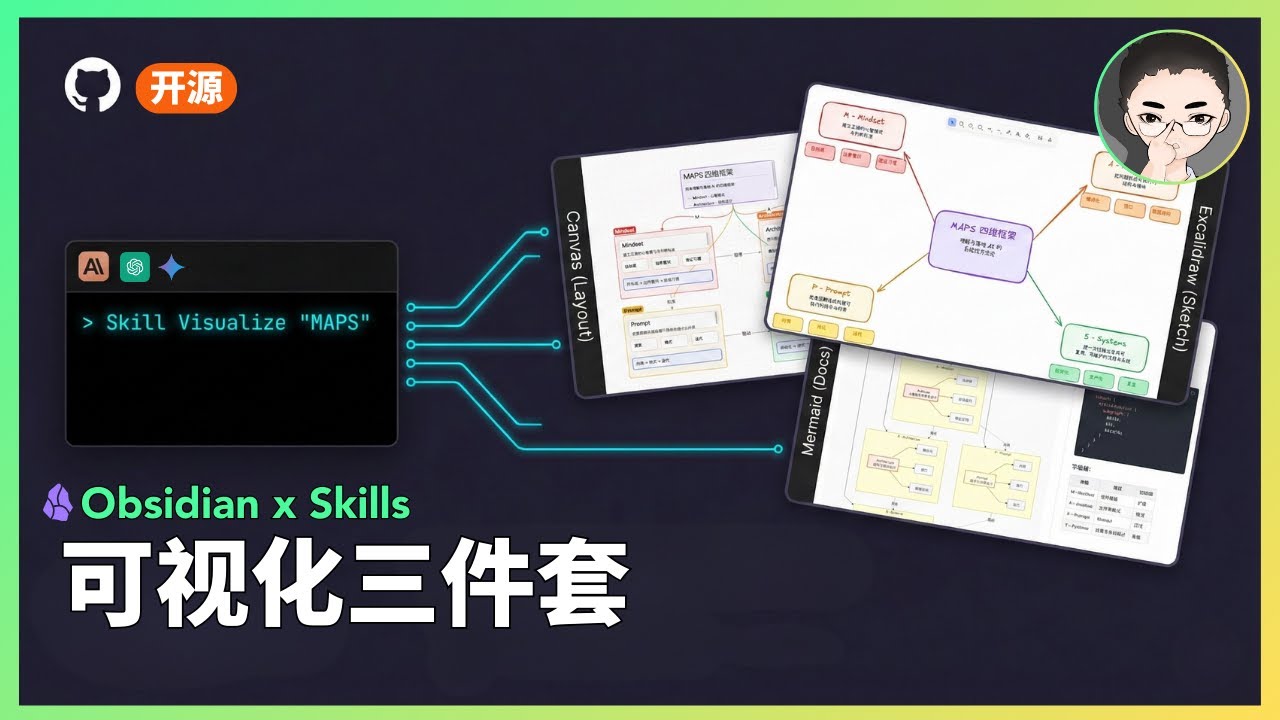
 Пакет визуальных навыков (Visual Skills Pack), который дает Claude Code возможность по запросу превращать простой текст в диаграммы Obsidian Canvas, Excalidraw и Mermaid.
Пакет визуальных навыков (Visual Skills Pack), который дает Claude Code возможность по запросу превращать простой текст в диаграммы Obsidian Canvas, Excalidraw и Mermaid.Это плагин Obsidian или нечто, работающее через Claude Code?Это не плагин Obsidian — это набор Skills на основе промптов (обычные markdown-файлы), которые Claude Code подгружает по мере необходимости для генерации файлов диаграмм, а те вы затем открываете в Obsidian.
Это не плагин Obsidian — это набор Skills на основе промптов (обычные markdown-файлы), которые Claude Code подгружает по мере необходимости для генерации файлов диаграмм, а те вы затем открываете в Obsidian.Нужен ли еще и плагин Obsidian Excalidraw?Нужен установленный Claude Code CLI, а для навыка Excalidraw конкретно — еще и плагин Excalidraw внутри Obsidian.
Нужен установленный Claude Code CLI, а для навыка Excalidraw конкретно — еще и плагин Excalidraw внутри Obsidian.Достаточно ли это стабильно, чтобы полагаться на него?Нет, проект явно помечен как Experimental: это публичный прототип, который работает в демо автора, но не покрывает все масштабы входных данных и краевые случаи, а качество результата может меняться в зависимости от версии модели.
Нет, проект явно помечен как Experimental: это публичный прототип, который работает в демо автора, но не покрывает все масштабы входных данных и краевые случаи, а качество результата может меняться в зависимости от версии модели.Работает ли навык Excalidraw полностью офлайн?В основном да, но китайский рукописный шрифт (Xiaolai) для Excalidraw подгружается динамически с Excalidraw.com, поэтому при работе офлайн или за файрволом нужно вручную скачать и подключить файлы CJK-шрифта локально.
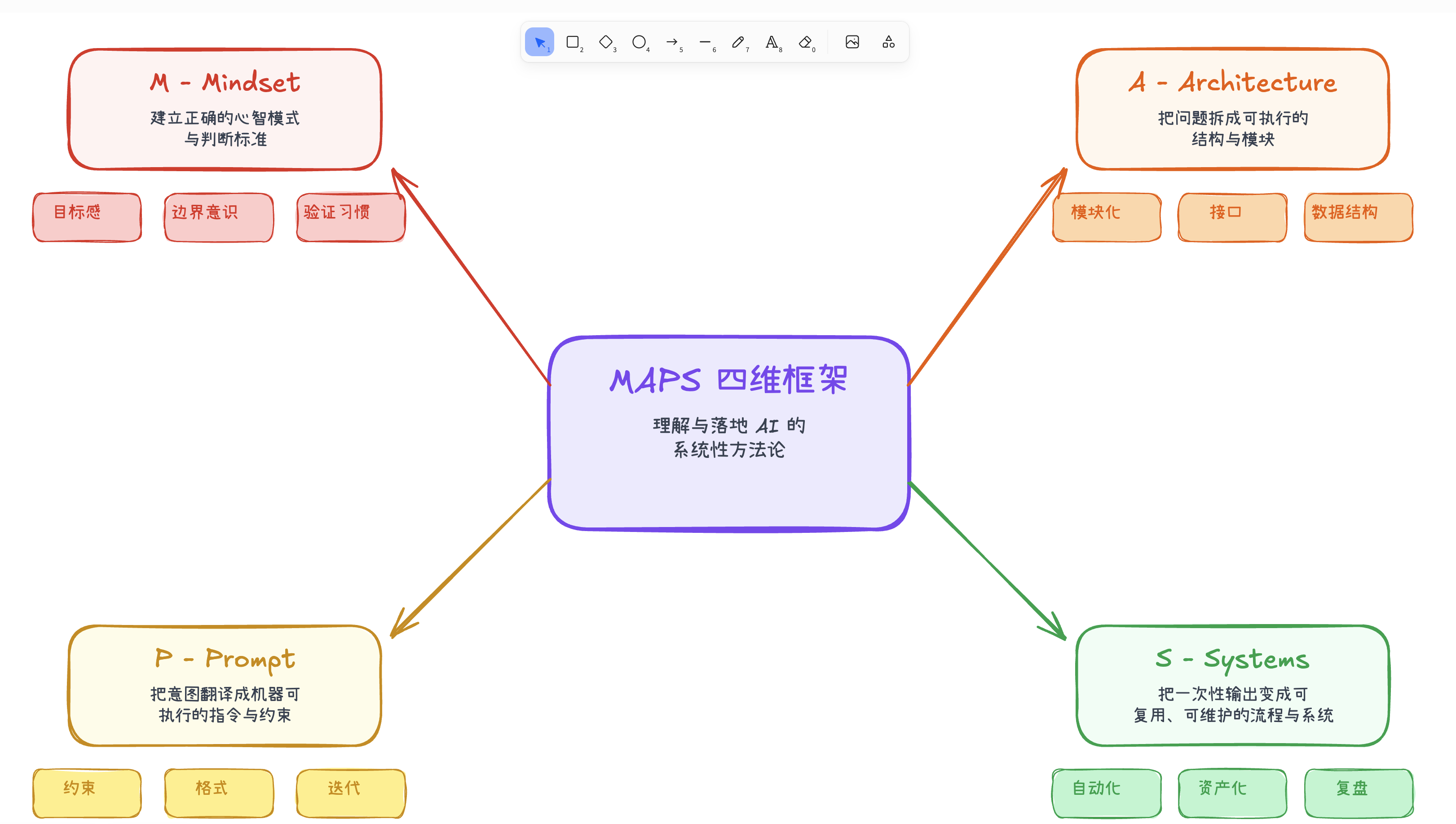
В основном да, но китайский рукописный шрифт (Xiaolai) для Excalidraw подгружается динамически с Excalidraw.com, поэтому при работе офлайн или за файрволом нужно вручную скачать и подключить файлы CJK-шрифта локально.Какие типы диаграмм умеет рисовать навык Excalidraw?Блок-схемы, майндмэпы, иерархии, диаграммы связей, сравнения, таймлайны, матрицы и свободные макеты; результат — в виде Obsidian markdown, стандартных файлов .excalidraw или анимированных версий.
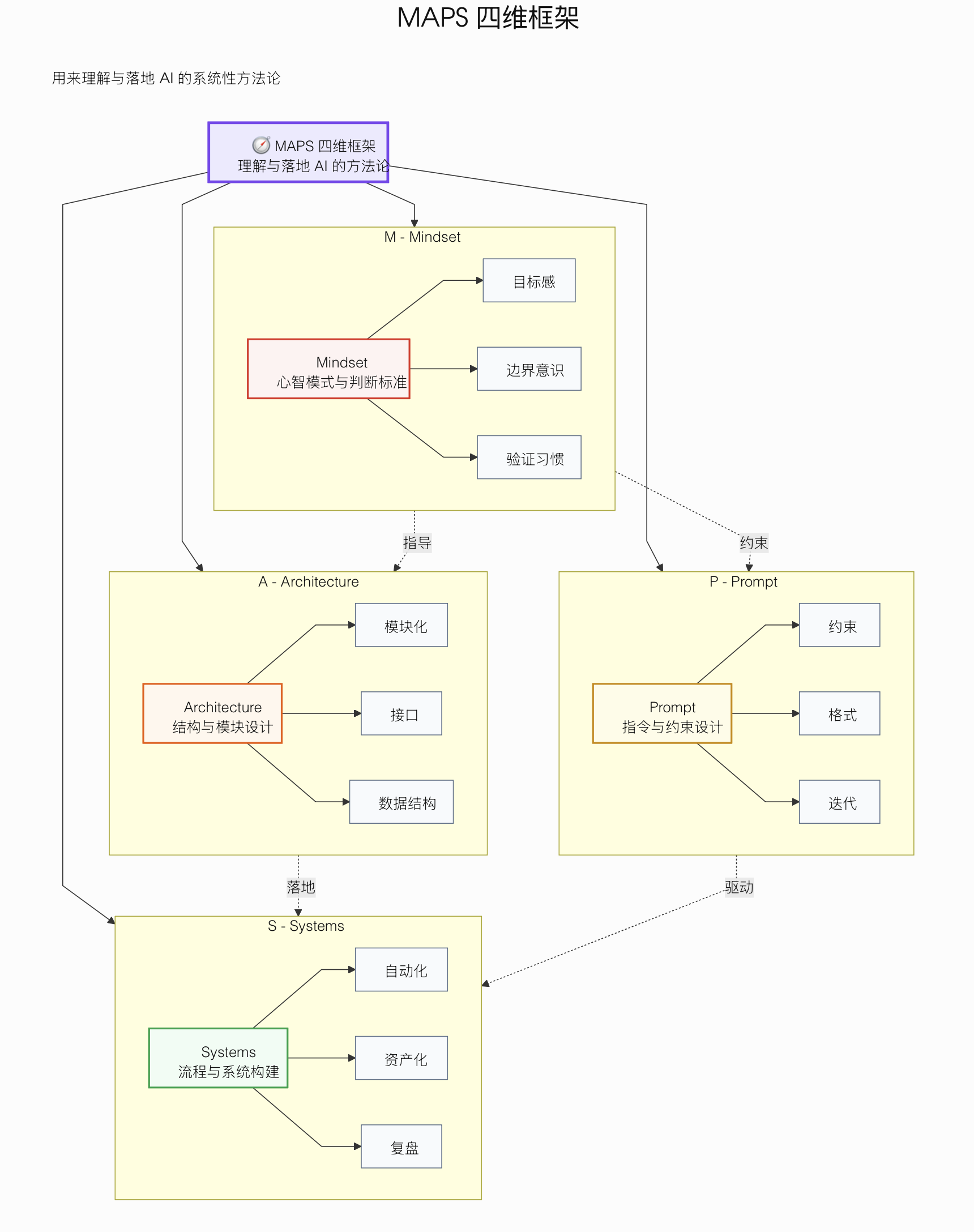
Блок-схемы, майндмэпы, иерархии, диаграммы связей, сравнения, таймлайны, матрицы и свободные макеты; результат — в виде Obsidian markdown, стандартных файлов .excalidraw или анимированных версий.Что может генерировать навык Mermaid?Процессные потоки, циклические потоки, сравнительные диаграммы, майндмэпы, диаграммы последовательностей и диаграммы состояний, со встроенными проверками синтаксиса, чтобы избежать типичных ошибок Mermaid.
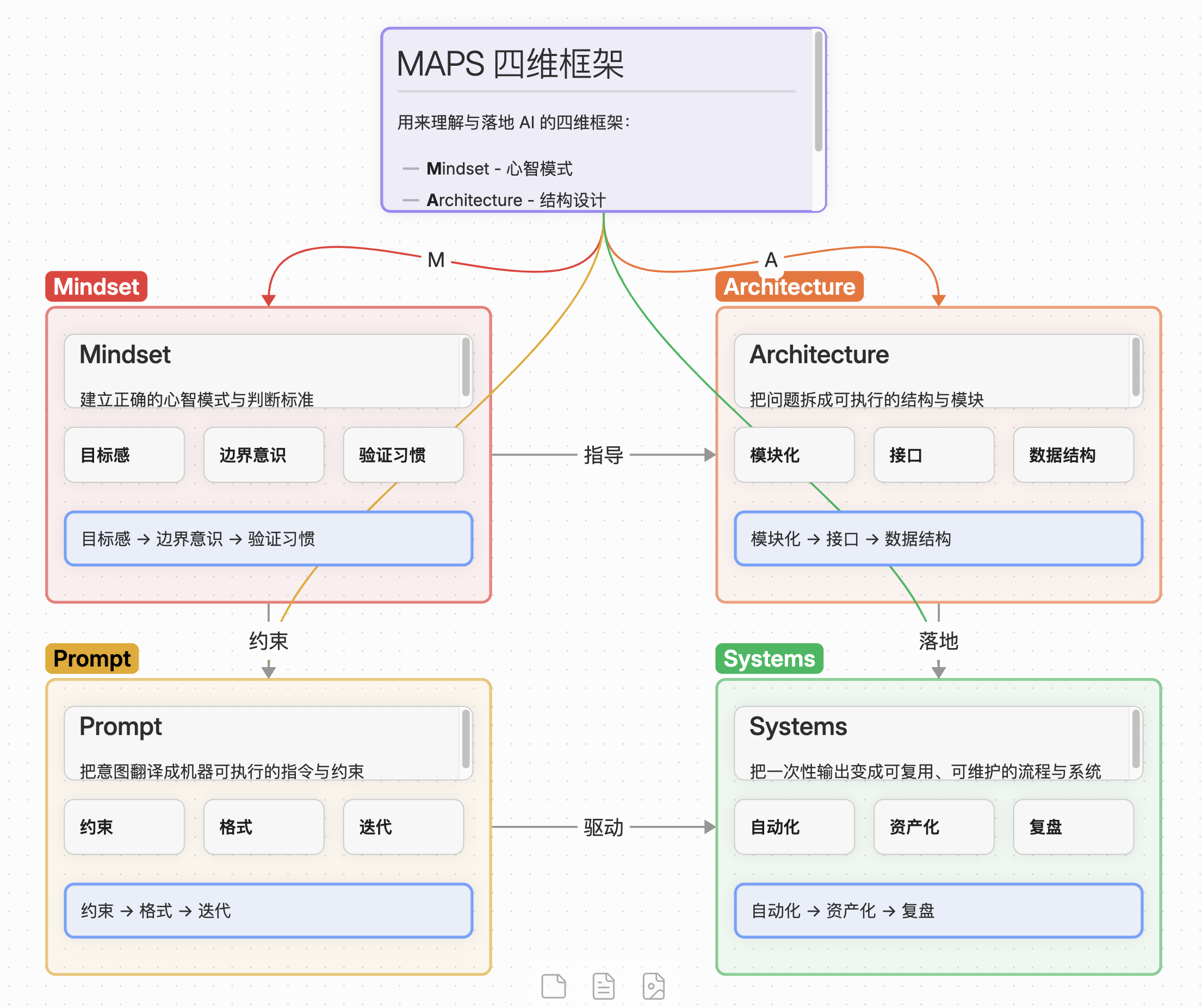
Процессные потоки, циклические потоки, сравнительные диаграммы, майндмэпы, диаграммы последовательностей и диаграммы состояний, со встроенными проверками синтаксиса, чтобы избежать типичных ошибок Mermaid.Что создает Obsidian Canvas Creator?Корректные файлы JSON Canvas (.canvas) либо в радиальной раскладке майндмэпа, либо в свободной, с автоматическим подбором размера узлов, отступов и подписанными связями.
Корректные файлы JSON Canvas (.canvas) либо в радиальной раскладке майндмэпа, либо в свободной, с автоматическим подбором размера узлов, отступов и подписанными связями.What are similar projects?answer-me-with-html, mermaid, mind-map, archify, obsidian-skills, diagram-design, second-brain-os, claude-scholar
answer-me-with-html, mermaid, mind-map, archify, obsidian-skills, diagram-design, second-brain-os, claude-scholarWhich topics is it in?mindmap, mermaid, flowchart, diagram, diagrams, obsidian, claude-skill, canvas, knowledge-management, note-taking, agent-skill, visualization
mindmap, mermaid, flowchart, diagram, diagrams, obsidian, claude-skill, canvas, knowledge-management, note-taking, agent-skill, visualization