



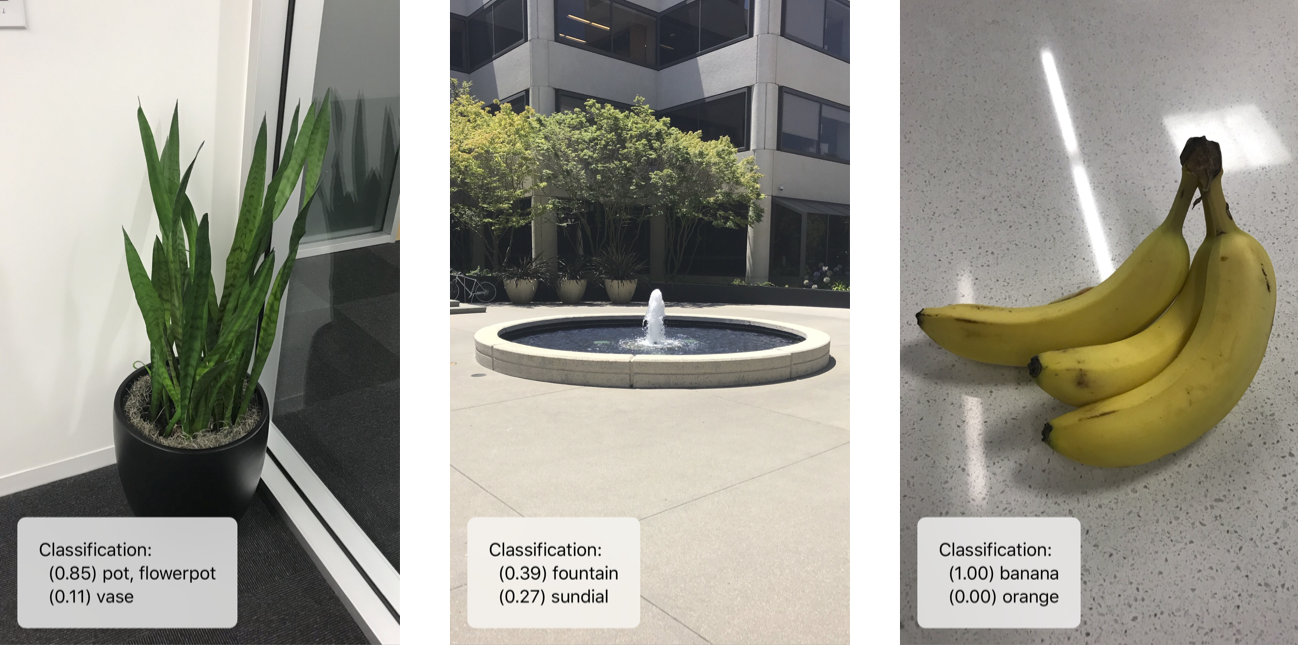
What is this?
 Turi Create is a Python library from Apple that lets you build custom machine learning models for tasks like recommendations, object detection, image classification, image similarity, and activity classification without being an ML expert.
Turi Create is a Python library from Apple that lets you build custom machine learning models for tasks like recommendations, object detection, image classification, image similarity, and activity classification without being an ML expert.Is it a Python library or a standalone app?It is a Python package (with a C++ core) that you import into your own scripts; you train a model with a few lines of code and then export it.
It is a Python package (with a C++ core) that you import into your own scripts; you train a model with a few lines of code and then export it.How do I install and start using it?Create a Python virtual environment (venv or Anaconda), activate it, then install Turi Create inside it as a standard pip package.
Create a Python virtual environment (venv or Anaconda), activate it, then install Turi Create inside it as a standard pip package.What Python version and hardware do I need?It requires Python 2.7 or 3.5-3.8 on x86_64 architecture, with at least 4 GB of RAM; a GPU is optional but speeds up some models 9-13x.
It requires Python 2.7 or 3.5-3.8 on x86_64 architecture, with at least 4 GB of RAM; a GPU is optional but speeds up some models 9-13x.Is this project still maintained?No — the repository is archived, so it no longer receives updates or active support despite its once-wide feature set.
No — the repository is archived, so it no longer receives updates or active support despite its once-wide feature set.Which operating systems can I run it on?It runs on macOS 10.12+, Linux (glibc 2.10+), and Windows 10 via WSL.
It runs on macOS 10.12+, Linux (glibc 2.10+), and Windows 10 via WSL.Can I use a trained model in my iOS app?Yes — models export directly to Core ML format for use in iOS, macOS, watchOS, and tvOS apps.
Yes — models export directly to Core ML format for use in iOS, macOS, watchOS, and tvOS apps.What kinds of data can it handle?Turi Create is flexible and supports text, images, audio, video, and sensor data for training.
Turi Create is flexible and supports text, images, audio, video, and sensor data for training.Does it scale to large datasets?It's designed to work with large datasets on a single machine efficiently, aiming to be fast and scalable without needing a cluster.
It's designed to work with large datasets on a single machine efficiently, aiming to be fast and scalable without needing a cluster.What ML tasks does it cover out of the box?It includes recommenders, image/drawing/sound/activity classification, object detection (including one-shot), style transfer, image similarity, general classifiers, regression, clustering, and text classification.
It includes recommenders, image/drawing/sound/activity classification, object detection (including one-shot), style transfer, image similarity, general classifiers, regression, clustering, and text classification.What are similar projects?albumentations, AFNetworking, opencv_contrib, firebase-ios-sdk, Detectron, X-AnyLabeling, opencv, fiftyone
albumentations, AFNetworking, opencv_contrib, firebase-ios-sdk, Detectron, X-AnyLabeling, opencv, fiftyoneWhich topics is it in?recommendation-system, watchos, tvos, image-classification, object-detection, apple, image-processing, bsd, deprecated, computer-vision, sdk, c++
recommendation-system, watchos, tvos, image-classification, object-detection, apple, image-processing, bsd, deprecated, computer-vision, sdk, c++