




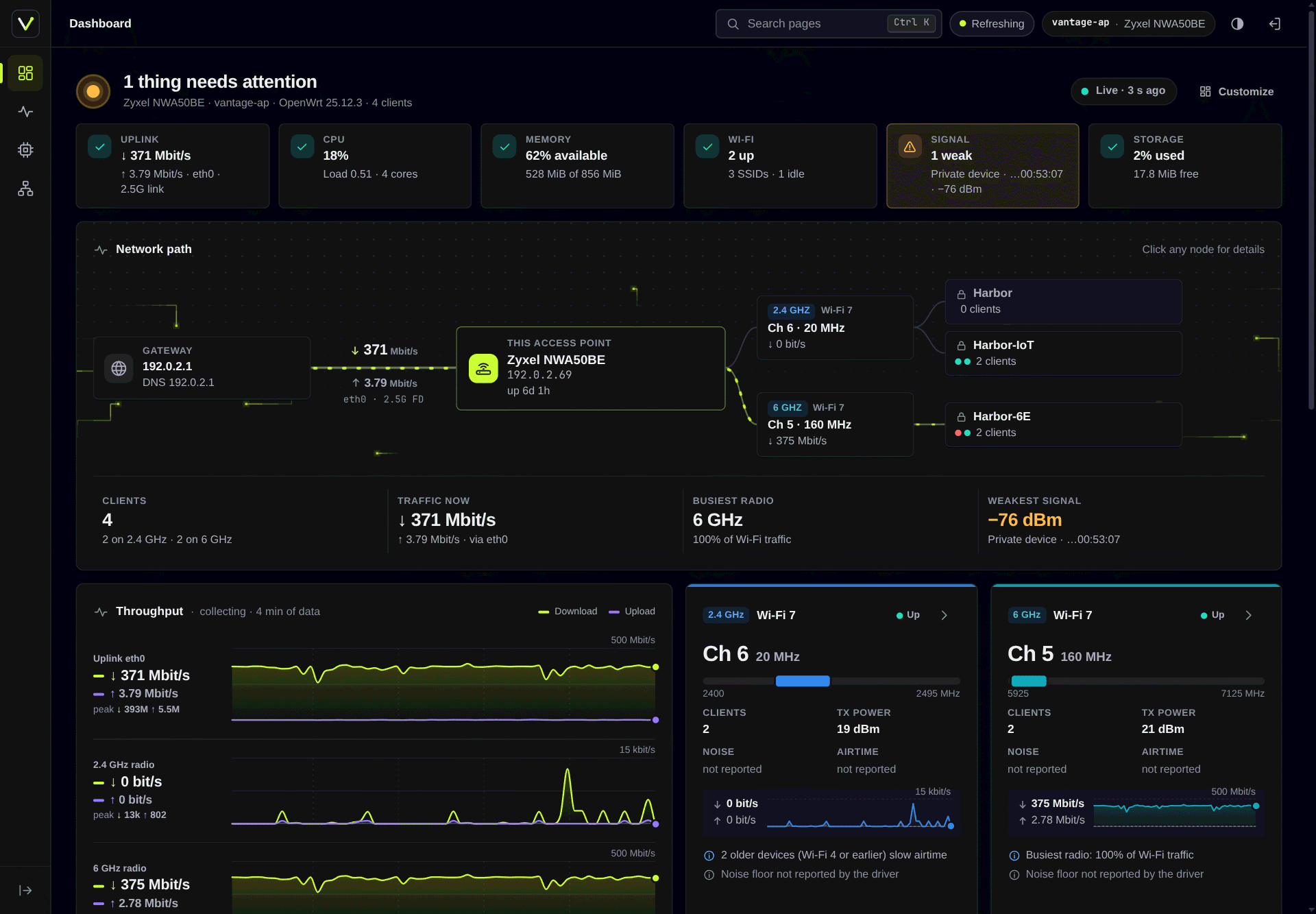
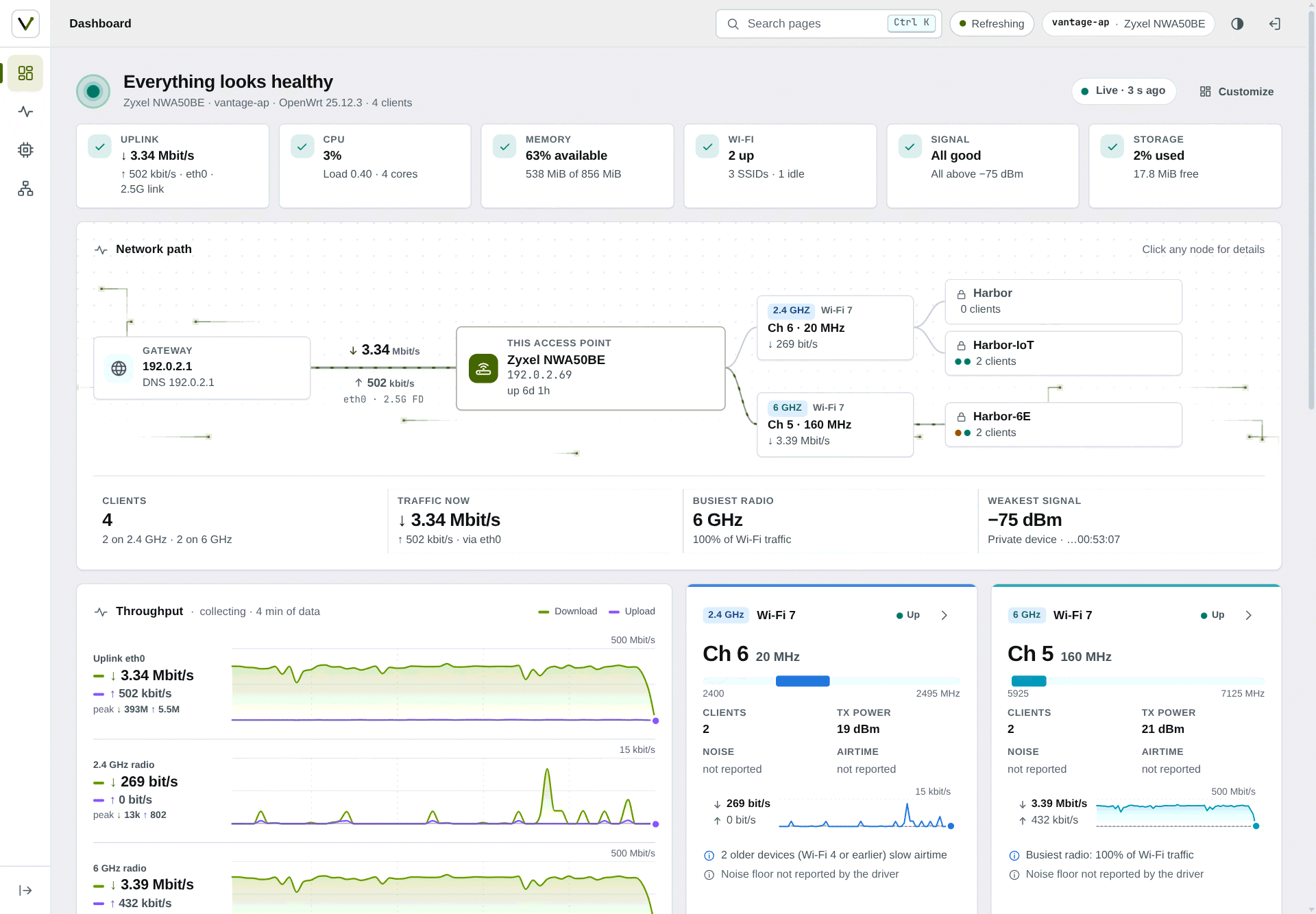
Что это такое?
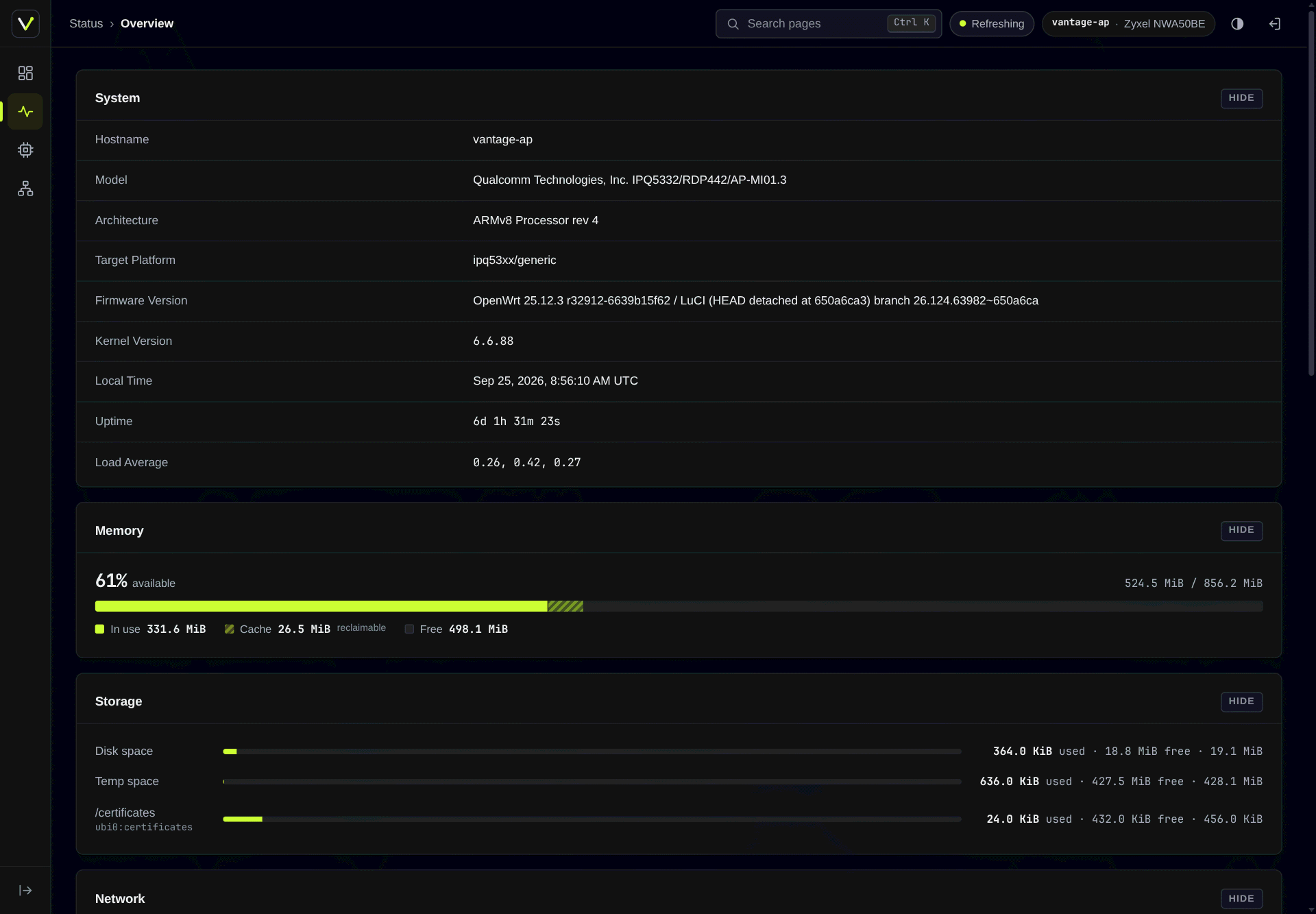
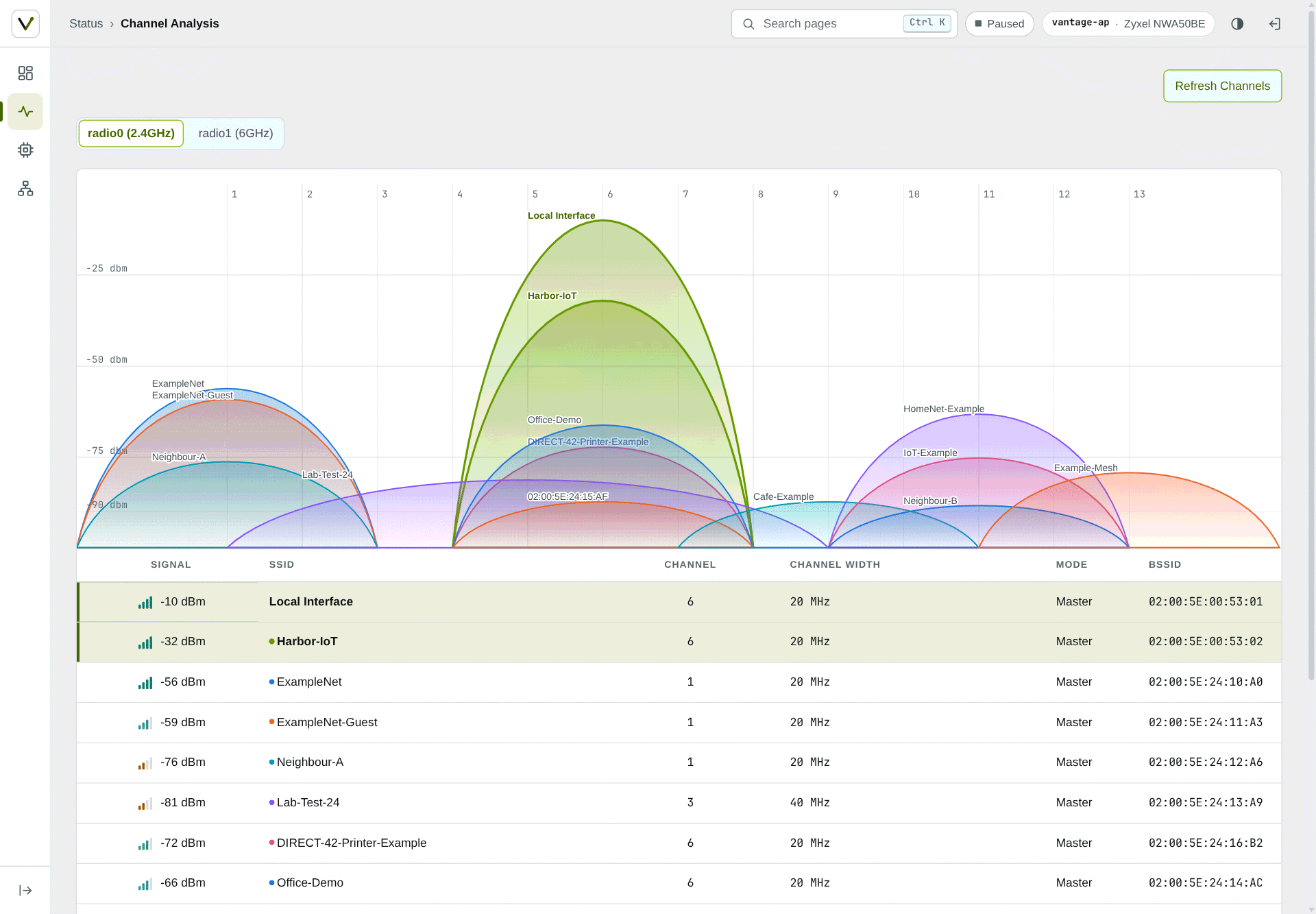
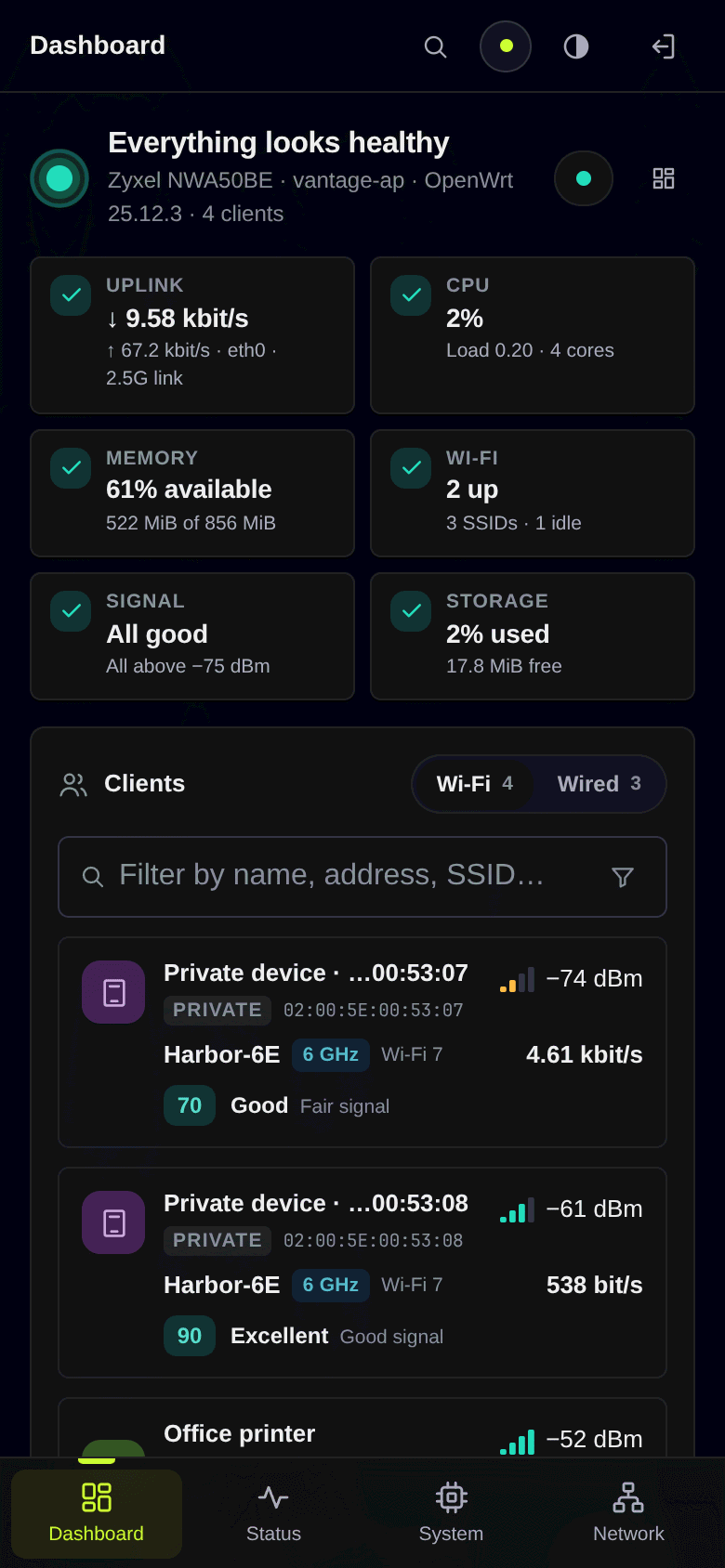
 Тема оформления LuCI и панель мониторинга сети в реальном времени для роутеров OpenWrt, написанные с нуля. LuCI — это веб-интерфейс администратора OpenWrt, а Vantage заменяет его внешний вид и добавляет панель.
Это только тема оформления или он ещё что-то добавляет?Это два пакета. luci-theme-vantage меняет оформление веб-интерфейса роутера и работает самостоятельно. luci-app-vantage добавляет панель в реальном времени как стартовую страницу и работает с любой темой.
Это два пакета. luci-theme-vantage меняет оформление веб-интерфейса роутера и работает самостоятельно. luci-app-vantage добавляет панель в реальном времени как стартовую страницу и работает с любой темой.Как установить это на свой роутер?На OpenWrt 25.12 устанавливается через apk из подписанного репозитория. На 24.10 — через opkg из подписанных пакетов .ipk. Затем выйдите из LuCI и войдите снова, и панель станет стартовой страницей.
На OpenWrt 25.12 устанавливается через apk из подписанного репозитория. На 24.10 — через opkg из подписанных пакетов .ipk. Затем выйдите из LuCI и войдите снова, и панель станет стартовой страницей.Что нужно до установки?Роутер с OpenWrt 25.12 или 24.10 и LuCI. Пакеты не зависят от архитектуры, поэтому одни и те же файлы работают на любой целевой платформе.
Роутер с OpenWrt 25.12 или 24.10 и LuCI. Пакеты не зависят от архитектуры, поэтому одни и те же файлы работают на любой целевой платформе.Полностью ли это протестировано на OpenWrt 24.10?Не полностью. Сборка для 24.10 тестировалась только на роутере без Wi-Fi, поэтому разделы беспроводной сети проверены на реальных устройствах меньше, чем сборка для 25.12.
Не полностью. Сборка для 24.10 тестировалась только на роутере без Wi-Fi, поэтому разделы беспроводной сети проверены на реальных устройствах меньше, чем сборка для 25.12.Работает ли это на телефонах?Да. На телефонах панель значков превращается в нижнюю полосу и выдвижной лист, а таблицы на маленьких экранах становятся карточками.
Да. На телефонах панель значков превращается в нижнюю полосу и выдвижной лист, а таблицы на маленьких экранах становятся карточками.Отправляет ли панель мои сетевые данные куда-либо или меняет настройки?Панель только читает данные и не передаёт ключи Wi-Fi и секреты RADIUS. Обратный DNS — отдельный необязательный пакет. Переименование устройств — единственное изменение данных, и оно вынесено в отдельную группу.
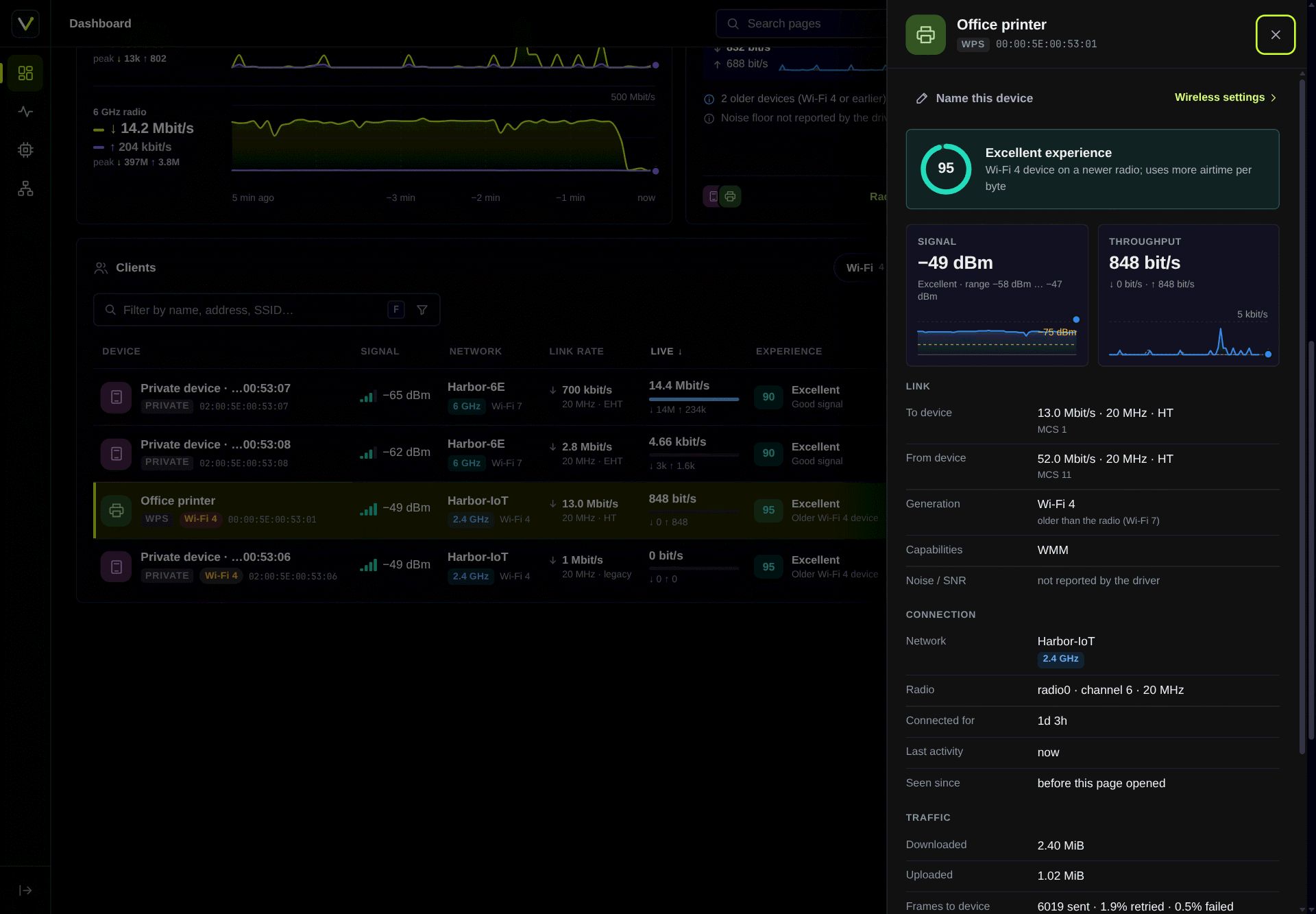
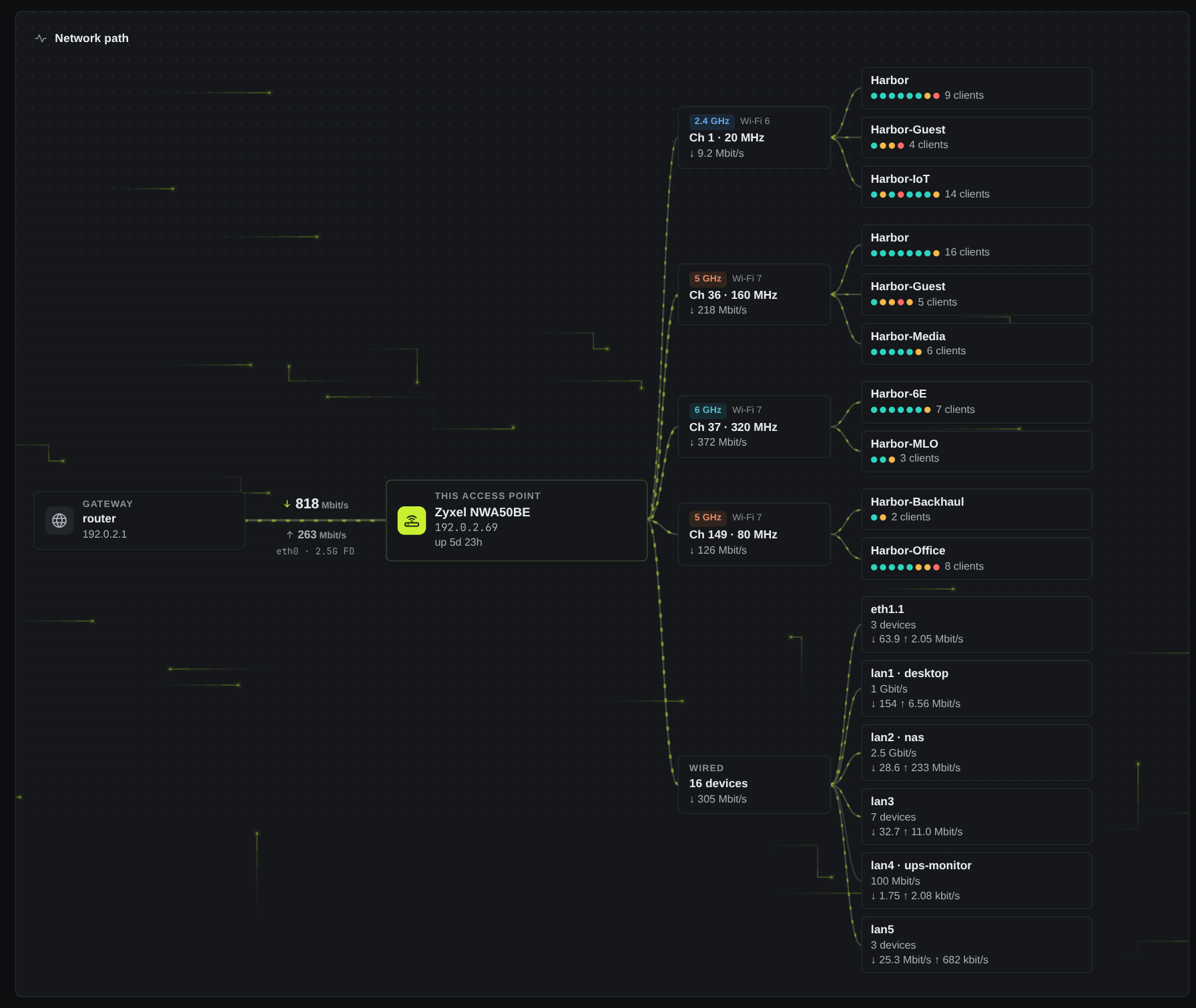
Панель только читает данные и не передаёт ключи Wi-Fi и секреты RADIUS. Обратный DNS — отдельный необязательный пакет. Переименование устройств — единственное изменение данных, и оно вынесено в отдельную группу.Что панель показывает одним взглядом?Общую оценку состояния с проверками аплинка, ЦП, памяти, Wi-Fi, уровня сигнала клиентов и накопителя. Также показывает путь сети от шлюза до точки доступа, текущую пропускную способность и клиентов с понятными именами и оценками качества соединения.
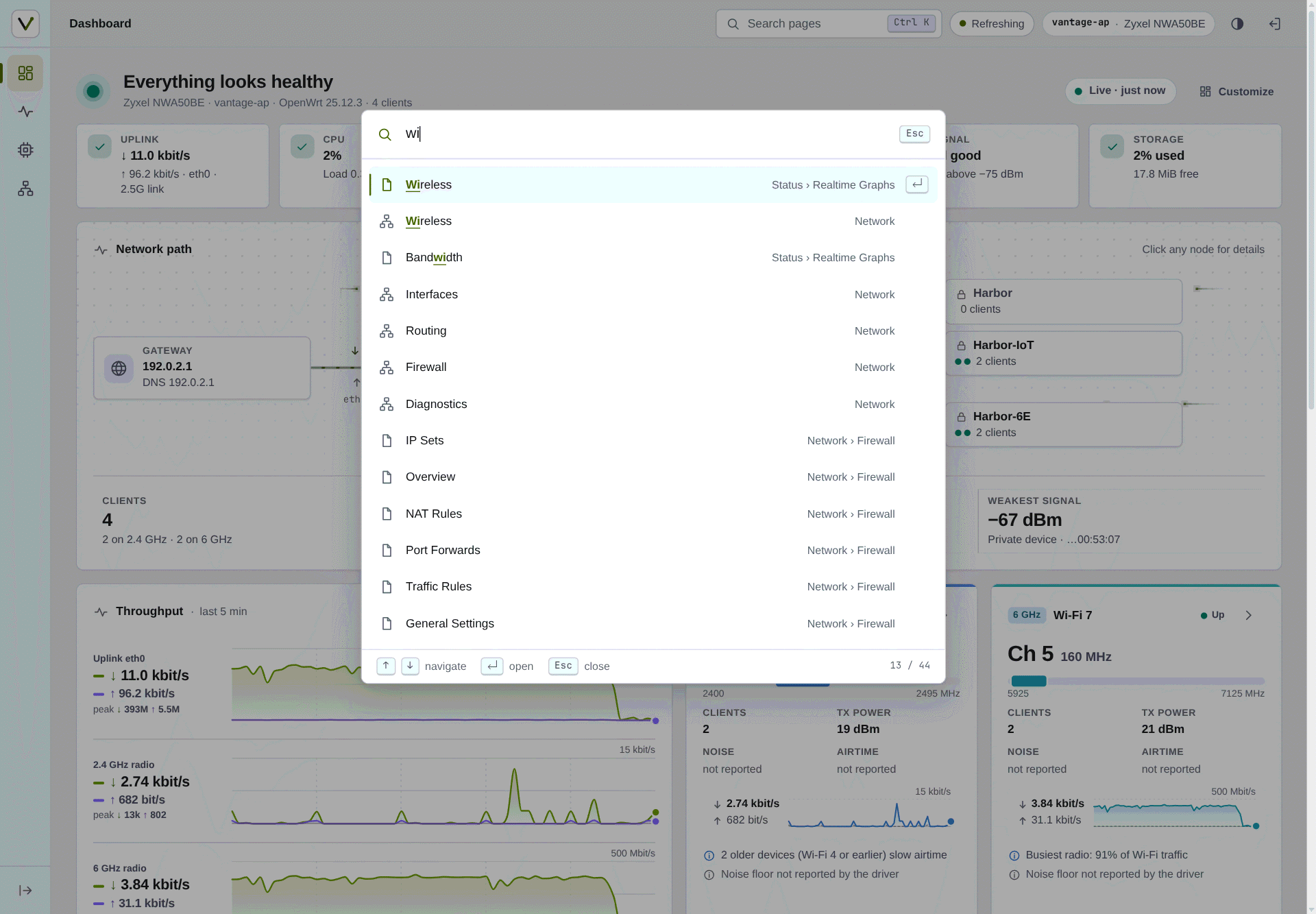
Общую оценку состояния с проверками аплинка, ЦП, памяти, Wi-Fi, уровня сигнала клиентов и накопителя. Также показывает путь сети от шлюза до точки доступа, текущую пропускную способность и клиентов с понятными именами и оценками качества соединения.Могу ли я быстро перейти на любую страницу?Да. Ctrl + K или / открывает командную палитру с нечётким поиском по всем страницам, которые можно открыть.
Да. Ctrl + K или / открывает командную палитру с нечётким поиском по всем страницам, которые можно открыть.Показывает ли это правила файрвола?Да. Обзор файрвола показывает, что открыто из интернета и какая зона с какой связана, с предупреждениями о рискованных случаях. Он доступен только сеансам, которые уже имеют доступ LuCI к файрволу.
Да. Обзор файрвола показывает, что открыто из интернета и какая зона с какой связана, с предупреждениями о рискованных случаях. Он доступен только сеансам, которые уже имеют доступ LuCI к файрволу.Поддерживает ли это другие языки?Доступны английский и упрощённый китайский. Новые переводы приветствуются и добавляются как файлы po/ в pull request.
Доступны английский и упрощённый китайский. Новые переводы приветствуются и добавляются как файлы po/ в pull request.Какие есть похожие проекты?OpenClash, UFI-TOOLS, Open-Box, neko-master, TrafficMonitor, bandwhich, brook, gentelella
OpenClash, UFI-TOOLS, Open-Box, neko-master, TrafficMonitor, bandwhich, brook, gentelellaВ каких он темах?network-monitoring, openwrt, wifi, router, system-monitor, responsive, charts, lightweight, dark-mode, theme, monitoring, dashboard
network-monitoring, openwrt, wifi, router, system-monitor, responsive, charts, lightweight, dark-mode, theme, monitoring, dashboard- Автор
- anothaDev
- Размер
- 9.6 MB
- Звёзды
- 790
- Обновлён
- КоммитNov 12Релизv1.0.20Nov 12
- Возраст
- 1 мес
- Коммиты · 90 дней