


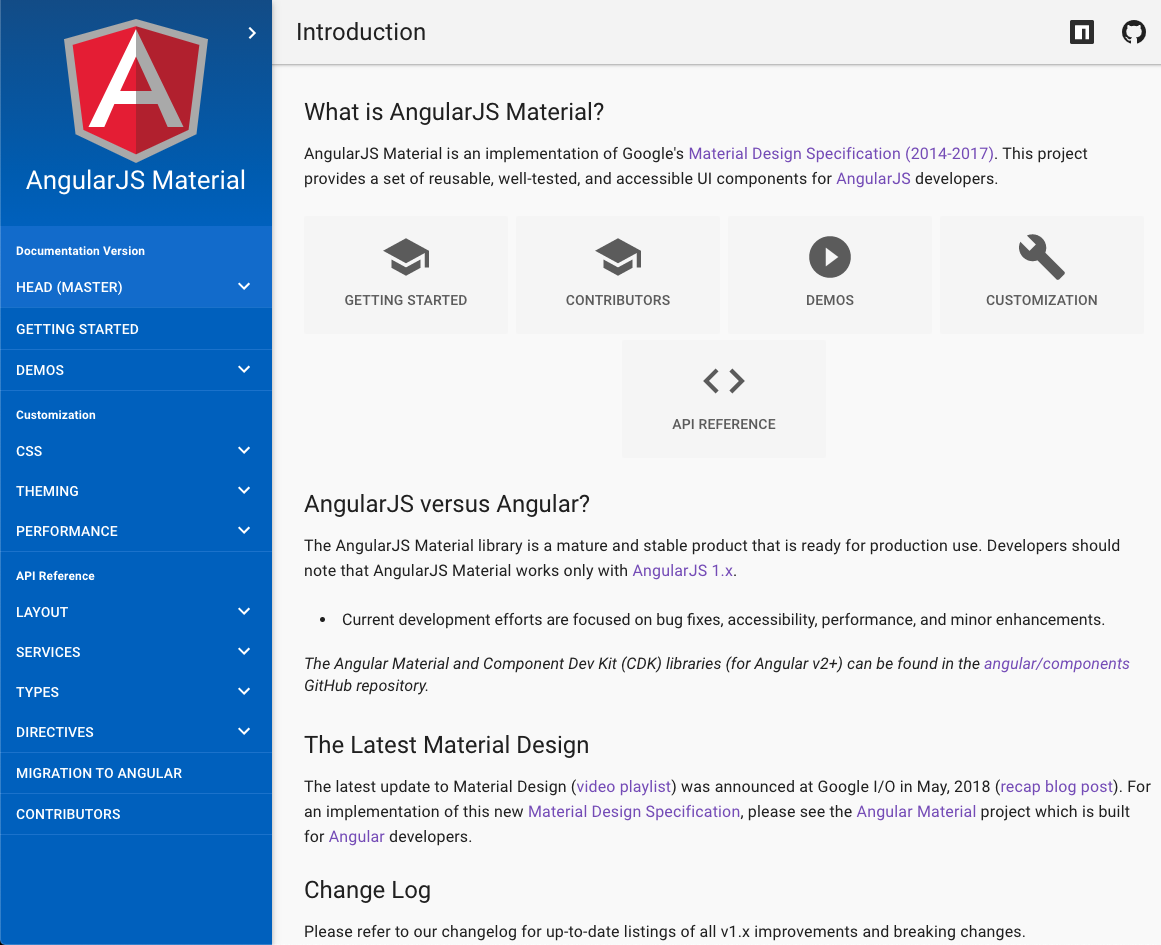
Что это такое?
 AngularJS Material — это библиотека UI-компонентов, реализующая спецификацию Material Design от Google (2014–2017) для одностраничных приложений на AngularJS 1.x.
AngularJS Material — это библиотека UI-компонентов, реализующая спецификацию Material Design от Google (2014–2017) для одностраничных приложений на AngularJS 1.x.Это фреймворк или что-то, что я добавляю в уже готовое приложение?Это библиотека, а не фреймворк: компактный набор UI-компонентов, созданных для AngularJS, которые вы подключаете к существующему приложению на AngularJS как зависимости ngMaterial и ngMessages.
Это библиотека, а не фреймворк: компактный набор UI-компонентов, созданных для AngularJS, которые вы подключаете к существующему приложению на AngularJS как зависимости ngMaterial и ngMessages.Какая версия AngularJS ему нужна?Последней версии AngularJS Material требуется AngularJS 1.7.2 или выше.
Последней версии AngularJS Material требуется AngularJS 1.7.2 или выше.Проект ещё поддерживается?Нет. Официальная поддержка закончилась в январе 2022 года, репозиторий заархивирован. Для проектов на Angular (v2+) используйте вместо него активно поддерживаемый Angular Material на material.angular.io.
Нет. Официальная поддержка закончилась в январе 2022 года, репозиторий заархивирован. Для проектов на Angular (v2+) используйте вместо него активно поддерживаемый Angular Material на material.angular.io.В каких браузерах это работает?В тех, которые допускает поле browserslist в package.json; на сайте документации также перечислены поддерживаемые версии скринридеров.
В тех, которые допускает поле browserslist в package.json; на сайте документации также перечислены поддерживаемые версии скринридеров.Где я могу посмотреть компоненты в действии перед установкой?На material.angularjs.org размещены справочник по API, живые демо и руководства по системе раскладки, темам и типографике. Сборки с CDN также позволяют легко поэкспериментировать в CodePen или Plunker.
На material.angularjs.org размещены справочник по API, живые демо и руководства по системе раскладки, темам и типографике. Сборки с CDN также позволяют легко поэкспериментировать в CodePen или Plunker.Что означает завершение поддержки для приложений, которые уже его используют?С января 2022 года нет новых релизов, исправлений и официальной поддержки по безопасности, репозиторий заархивирован. Существующие приложения продолжат работать, но ничего больше не будет исправляться, так что при переходе на Angular v2+ планируйте миграцию на Angular Material.
С января 2022 года нет новых релизов, исправлений и официальной поддержки по безопасности, репозиторий заархивирован. Существующие приложения продолжат работать, но ничего больше не будет исправляться, так что при переходе на Angular v2+ планируйте миграцию на Angular Material.Компоненты доступны для людей с ограниченными возможностями?Да. В README этот набор описан как переиспользуемые, хорошо протестированные и доступные UI-компоненты, а в документации перечислены поддерживаемые версии скринридеров.
Да. В README этот набор описан как переиспользуемые, хорошо протестированные и доступные UI-компоненты, а в документации перечислены поддерживаемые версии скринридеров.What are similar projects?material-components-web, chakra-ui, material-design-lite, components, yeti, bootstrap, styled-components, bulma
material-components-web, chakra-ui, material-design-lite, components, yeti, bootstrap, styled-components, bulmaWhich topics is it in?angularjs, spa, layout, responsive, angular, typography, material-design, design-system, theme, google, accessibility, component-library
angularjs, spa, layout, responsive, angular, typography, material-design, design-system, theme, google, accessibility, component-library