45.9K ·GitHub
这是什么?
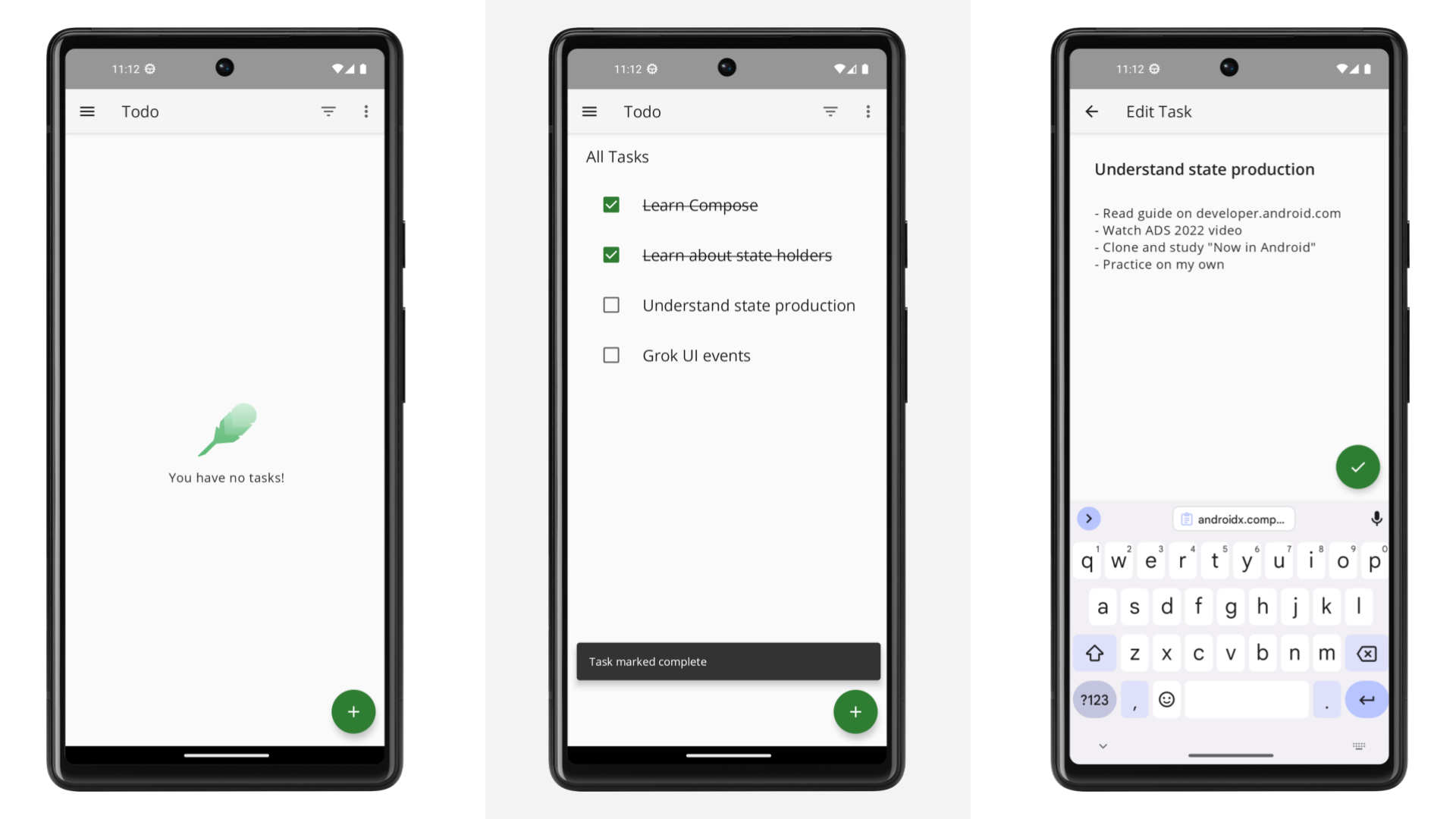
 这是同一个待办事项应用的一组示例实现,每个示例位于不同的分支,采用不同的 Android 架构方案,用于展示和比较 MVVM(配合 Compose)、Hilt 和 Room 等架构模式。
这是同一个待办事项应用的一组示例实现,每个示例位于不同的分支,采用不同的 Android 架构方案,用于展示和比较 MVVM(配合 Compose)、Hilt 和 Room 等架构模式。这是可以用来搭建我自己应用的起始模板吗?不是。README 明确说明,它不是模板,不是 UI/Material Design 展示项目,也不是包含真实网络或认证功能的生产级应用。它是一个纯粹聚焦于架构的参考实现。
不是。README 明确说明,它不是模板,不是 UI/Material Design 展示项目,也不是包含真实网络或认证功能的生产级应用。它是一个纯粹聚焦于架构的参考实现。怎么打开其中一个示例?克隆仓库,切换到你想要的架构变体所在的分支,然后在 Android Studio 中把 architecture-samples/ 目录作为项目打开。
克隆仓库,切换到你想要的架构变体所在的分支,然后在 Android Studio 中把 architecture-samples/ 目录作为项目打开。除了 Android Studio,还需要别的东西吗?不需要,只要 Android Studio 就行。该仓库是自包含的,使用 Gradle 构建,打开目录后其余的都会自动处理。
不需要,只要 Android Studio 就行。该仓库是自包含的,使用 Gradle 构建,打开目录后其余的都会自动处理。main 分支的架构实际是什么样的?它使用 Jetpack Compose 构建界面,采用单 Activity 设置的 Navigation Compose,每个屏幕一个 ViewModel,用 Flow/协程实现响应式更新,仓库基于 Room 加一个模拟的远程数据源,并使用 Hilt 进行依赖注入。这里没有真正的网络层。
它使用 Jetpack Compose 构建界面,采用单 Activity 设置的 Navigation Compose,每个屏幕一个 ViewModel,用 Flow/协程实现响应式更新,仓库基于 Room 加一个模拟的远程数据源,并使用 Hilt 进行依赖注入。这里没有真正的网络层。为什么选择待办事项应用?它足够简单,能很快看懂,但又复杂到足以体现真实的架构和测试决策,而这正是这些示例想要展示的内容。
它足够简单,能很快看懂,但又复杂到足以体现真实的架构和测试决策,而这正是这些示例想要展示的内容。除了 main 分支,还有其他架构变体吗?有。其他分支用不同的架构方案实现了同一个 TODO 应用,你可以逐个切换过去,并排对比。
有。其他分支用不同的架构方案实现了同一个 TODO 应用,你可以逐个切换过去,并排对比。包含测试吗?包含。它附带单元测试、集成测试和端到端测试,其中还有可以在模拟器或真机上运行的共享测试。
包含。它附带单元测试、集成测试和端到端测试,其中还有可以在模拟器或真机上运行的共享测试。那我去哪里找真正的项目起始模板?README 推荐了一个单独的 'Architecture Templates' 项目,用于搭建真实应用;还推荐了 'Now in Android',它是一个包含网络和认证功能的完整生产级示例。
README 推荐了一个单独的 'Architecture Templates' 项目,用于搭建真实应用;还推荐了 'Now in Android',它是一个包含网络和认证功能的完整生产级示例。What are similar projects?nowinandroid, compose-samples, Android-CleanArchitecture, android-best-practices, iosched, go-clean-arch, MVPArms, ios-good-practices
nowinandroid, compose-samples, Android-CleanArchitecture, android-best-practices, iosched, go-clean-arch, MVPArms, ios-good-practicesWhich topics is it in?coroutines, sample-app, samples, compose, clean-architecture, mvvm, dependency-injection, unit-testing, examples, architecture, mobile-development, best-practices
coroutines, sample-app, samples, compose, clean-architecture, mvvm, dependency-injection, unit-testing, examples, architecture, mobile-development, best-practices