

18.3K ·GitHub
这是干什么用的?
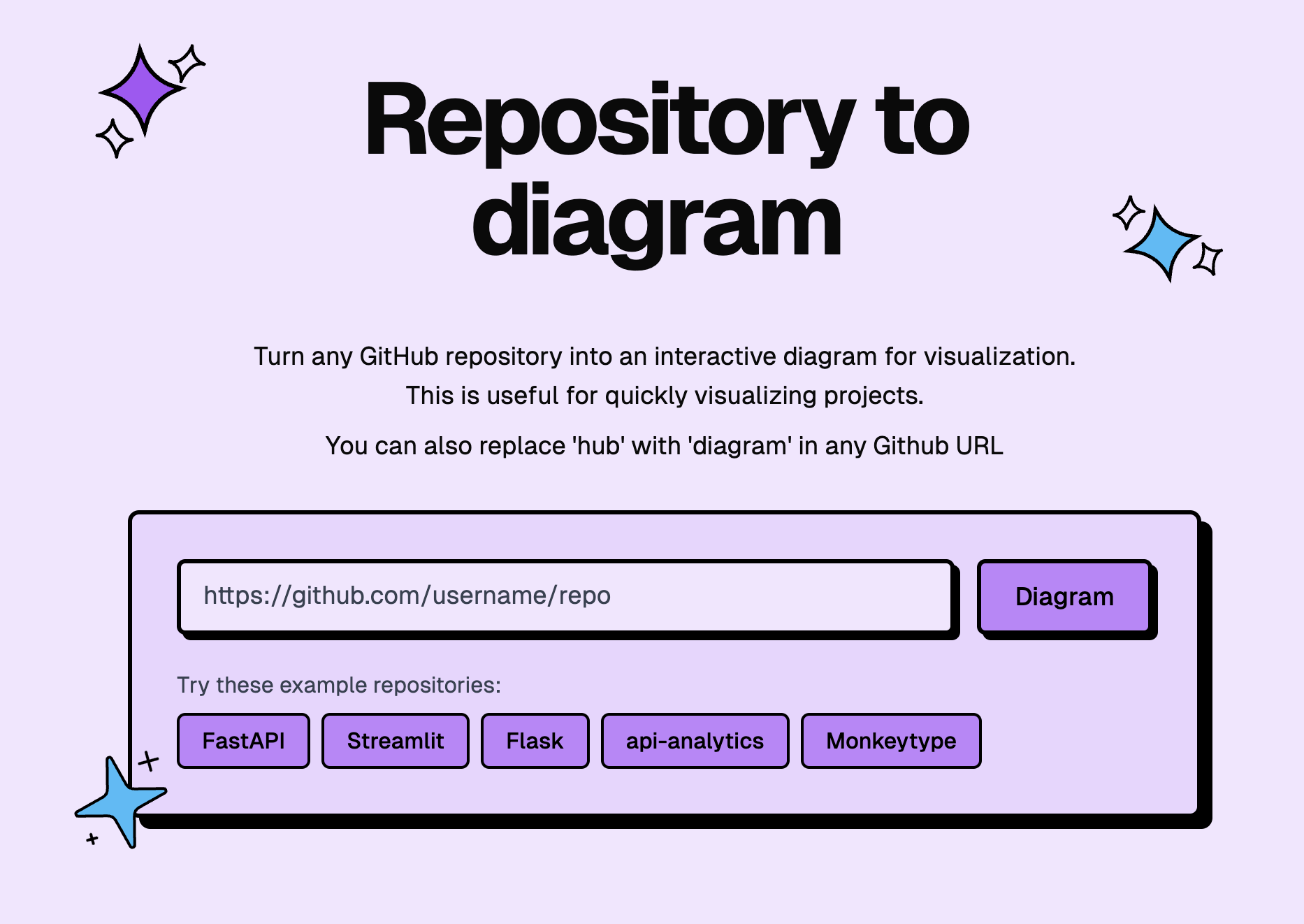
 GitDiagram 能在几秒钟内把任何公开或私有的 GitHub 仓库变成一张可交互的架构图。你也可以把任意 GitHub 链接中的 'hub' 换成 'diagram',直接打开它的架构图。
GitDiagram 能在几秒钟内把任何公开或私有的 GitHub 仓库变成一张可交互的架构图。你也可以把任意 GitHub 链接中的 'hub' 换成 'diagram',直接打开它的架构图。这是一个我直接访问的网站,还是需要安装的软件?它是一个网页应用,不需要安装任何东西。它会把仓库的目录结构和 README 转换成一张系统级别的组件关系图,而不是画出来的文件夹,而且每个节点都能链接到 GitHub 上的真实源码。
它是一个网页应用,不需要安装任何东西。它会把仓库的目录结构和 README 转换成一张系统级别的组件关系图,而不是画出来的文件夹,而且每个节点都能链接到 GitHub 上的真实源码。我怎么给一个仓库生成架构图?背后是怎么运作的?把 GitHub 链接里的 'hub' 换成 'diagram' 就行。它会通过 GitHub API 获取仓库的目录结构和 README,先生成一段通俗易懂的架构说明,然后渲染出一张经过校验的、可交互的 Mermaid 图。
把 GitHub 链接里的 'hub' 换成 'diagram' 就行。它会通过 GitHub API 获取仓库的目录结构和 README,先生成一段通俗易懂的架构说明,然后渲染出一张经过校验的、可交互的 Mermaid 图。我需要自己的 OpenAI API 密钥才能用吗?在托管网站上不用:默认使用 OpenAI(自部署时用 OpenRouter),并且自带一份免费额度。本地开发需要的配置更多——至少要在 .env 里配置 R2、Upstash 和一个 AI 服务商。
在托管网站上不用:默认使用 OpenAI(自部署时用 OpenRouter),并且自带一份免费额度。本地开发需要的配置更多——至少要在 .env 里配置 R2、Upstash 和一个 AI 服务商。是不是所有仓库都能用,有没有什么限制?有:被截断的目录树和过大的输入会在模型开始工作前被直接拒绝,而且生成过程必须在 Vercel 函数 300 秒的时限内完成。
有:被截断的目录树和过大的输入会在模型开始工作前被直接拒绝,而且生成过程必须在 Vercel 函数 300 秒的时限内完成。我不想在托管网站上用,能在自己的服务器上跑 GitDiagram 吗?目前只有 Vercel 是实际运行的部署方式,不过仓库里保存了一套恢复方案:同一个 Next.js 应用可以通过仓库自带的 Dockerfile 和 railway.json,构建成一个精简的非 root Docker 镜像,部署到 Railway。
目前只有 Vercel 是实际运行的部署方式,不过仓库里保存了一套恢复方案:同一个 Next.js 应用可以通过仓库自带的 Dockerfile 和 railway.json,构建成一个精简的非 root Docker 镜像,部署到 Railway。它能生成私有仓库的架构图吗?我的 GitHub 令牌会怎么处理?可以——选择 Private Repos,并提供一个细粒度权限的 GitHub 个人访问令牌。这个令牌只会随同源请求一起发送,绝不会被嵌入到公开链接里,私有仓库生成的产物也会存放在单独的 R2 命名空间中。
可以——选择 Private Repos,并提供一个细粒度权限的 GitHub 个人访问令牌。这个令牌只会随同源请求一起发送,绝不会被嵌入到公开链接里,私有仓库生成的产物也会存放在单独的 R2 命名空间中。它怎么防止 AI 生成出错或不对的架构图?模型输出在展示给你之前会先经过校验:服务器会对照实际仓库检查标识符、图的连通性、数量限制以及每个链接指向的路径,发现无效输出会带着针对性的反馈重试,浏览器端则以严格安全模式渲染经过净化的 Mermaid 图。
模型输出在展示给你之前会先经过校验:服务器会对照实际仓库检查标识符、图的连通性、数量限制以及每个链接指向的路径,发现无效输出会带着针对性的反馈重试,浏览器端则以严格安全模式渲染经过净化的 Mermaid 图。每次重新打开一张架构图,都会重新触发一次 AI 生成吗?不会。生成成功的产物会持久化保存到 Cloudflare R2——按仓库作键,私有的放在单独的命名空间里——之后再次访问时直接打开已保存的图,不会再调用一次模型。
不会。生成成功的产物会持久化保存到 Cloudflare R2——按仓库作键,私有的放在单独的命名空间里——之后再次访问时直接打开已保存的图,不会再调用一次模型。生成好的架构图我能拿来做些什么?点击任意组件就能在 GitHub 上打开它对应的真实文件或目录,可以复制 Mermaid 源码,也可以把渲染好的架构图下载成 PNG。
点击任意组件就能在 GitHub 上打开它对应的真实文件或目录,可以复制 Mermaid 源码,也可以把渲染好的架构图下载成 PNG。GitDiagram 是用什么技术做的?Next.js 16 App Router、React 19、TypeScript、Tailwind CSS 和 Radix UI,生成接口运行在 Vercel 的 Bun 运行时上。Cloudflare R2 负责存储产物,Upstash Redis 负责配额和锁,AI 服务商是 OpenAI 或 OpenRouter。
Next.js 16 App Router、React 19、TypeScript、Tailwind CSS 和 Radix UI,生成接口运行在 Vercel 的 Bun 运行时上。Cloudflare R2 负责存储产物,Upstash Redis 负责配额和锁,AI 服务商是 OpenAI 或 OpenRouter。What are similar projects?next-ai-draw-io, archify, oh-my-mermaid, deepwiki-open, whirl, chatbot, crm, svg-diagram
next-ai-draw-io, archify, oh-my-mermaid, deepwiki-open, whirl, chatbot, crm, svg-diagramWhich topics is it in?gemini-cli-extension, architecture-diagram, mermaid, code, software-architecture, diagrams, system-design, openrouter, vercel, architecture, visualization, tailwindcss
gemini-cli-extension, architecture-diagram, mermaid, code, software-architecture, diagrams, system-design, openrouter, vercel, architecture, visualization, tailwindcss