What is this?
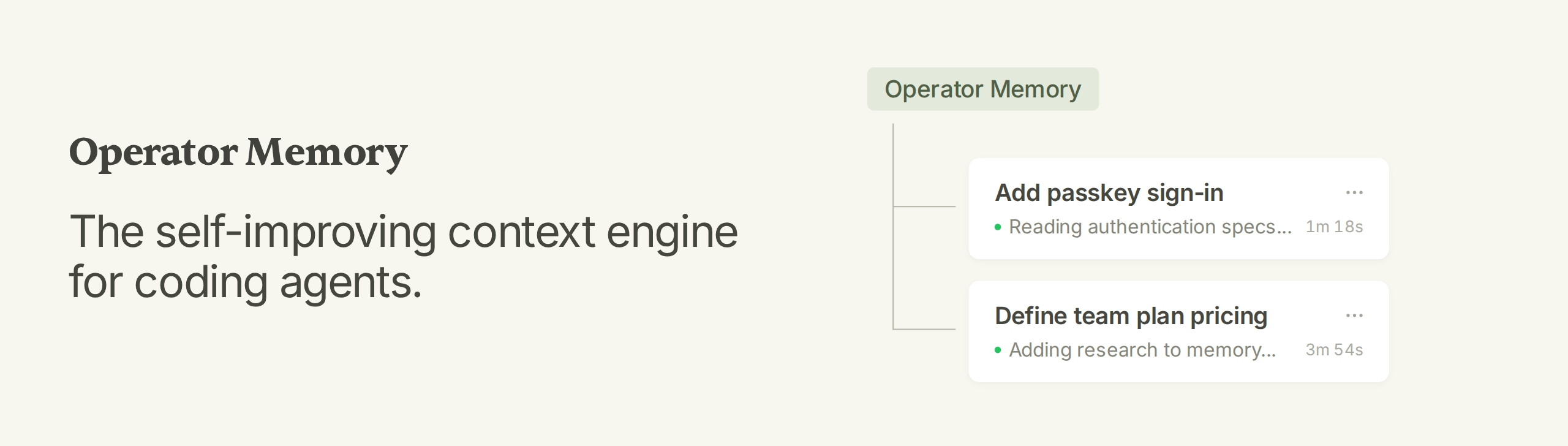
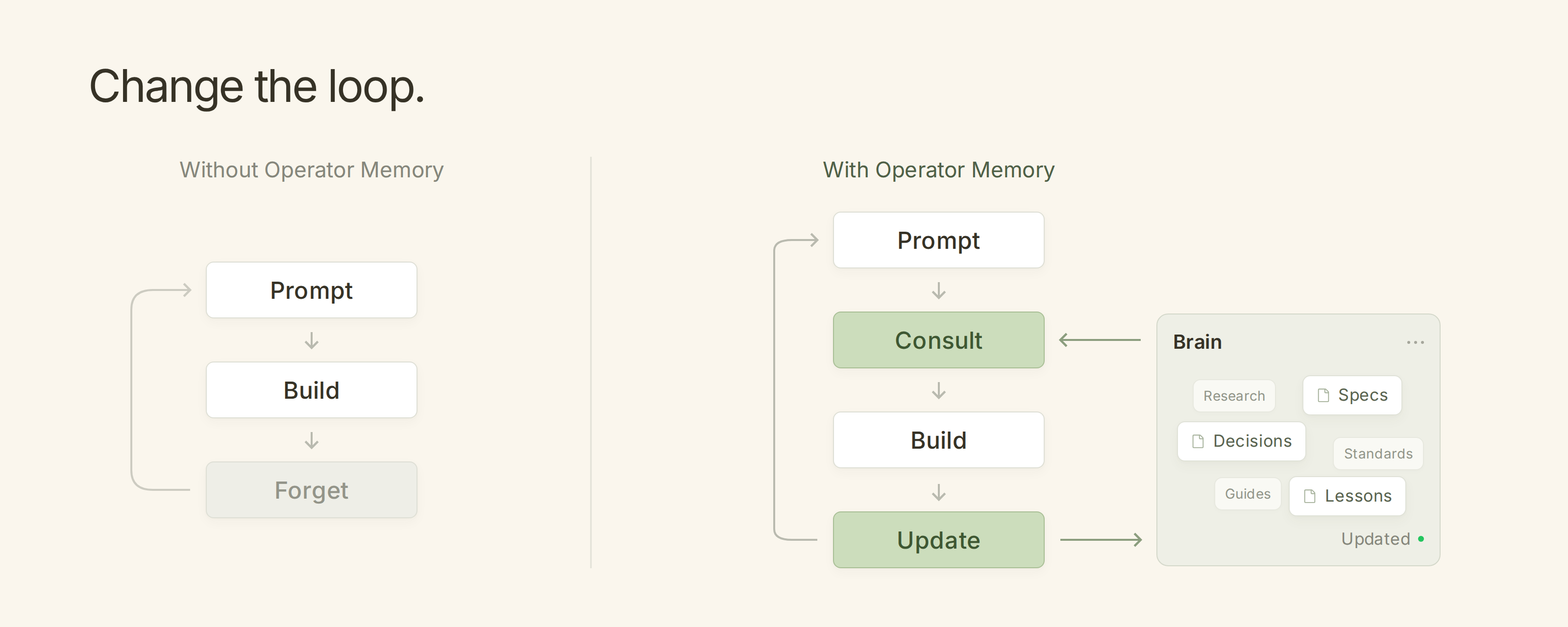
 Operator Memory is a self-improving context engine that gives coding agents a persistent brain: as the agent works it automatically writes specs, decisions, research and lessons as Markdown, so the next session starts already knowing what the last one learned.
Operator Memory is a self-improving context engine that gives coding agents a persistent brain: as the agent works it automatically writes specs, decisions, research and lessons as Markdown, so the next session starts already knowing what the last one learned.Is this a library I import, or a plugin installed for my coding agent?It is a CLI-managed plugin system: you install the 'Operator Helper' via npm or Bun, then install a harness-specific adapter (Claude Code, Codex, OpenCode, Pi, DeepSeek Harness, or Kiro).
It is a CLI-managed plugin system: you install the 'Operator Helper' via npm or Bun, then install a harness-specific adapter (Claude Code, Codex, OpenCode, Pi, DeepSeek Harness, or Kiro).How do I get it running?Install the Operator Helper with npm or Bun, run its install command for your harness (e.g. operator-helper install claude-code), then run /operator:user-init once and /operator:project-init in each project to scaffold and index the Brain.
Install the Operator Helper with npm or Bun, run its install command for your harness (e.g. operator-helper install claude-code), then run /operator:user-init once and /operator:project-init in each project to scaffold and index the Brain.Which coding agents does it work with?Claude Code, Codex, OpenCode V2 (V1 still supported as legacy), Pi, and DeepSeek Harness are fully supported; Kiro is supported as well.
Claude Code, Codex, OpenCode V2 (V1 still supported as legacy), Pi, and DeepSeek Harness are fully supported; Kiro is supported as well.Does it need a vector database or background agents to work?No. Operator is designed with zero extra infrastructure: no background agents, no embeddings, no vector database, and no model configuration required.
No. Operator is designed with zero extra infrastructure: no background agents, no embeddings, no vector database, and no model configuration required.Where does the memory actually get stored?Private project knowledge stays in a local .operator/ folder, team-shared knowledge lives in .operator-shared/ (committed to the repo), and personal rules used across all projects live in ~/.operator/user/.
Private project knowledge stays in a local .operator/ folder, team-shared knowledge lives in .operator-shared/ (committed to the repo), and personal rules used across all projects live in ~/.operator/user/.Why does it edit existing documents instead of just appending new memory snippets?When project truth changes, the agent updates the canonical spec or decision file directly, keeping the Brain a single current source instead of accumulating stale snippets the way a RAG database would.
When project truth changes, the agent updates the canonical spec or decision file directly, keeping the Brain a single current source instead of accumulating stale snippets the way a RAG database would.Can I read or edit the agent's memory myself?Yes, everything is plain Markdown you can open, edit, or delete, and you can track it with Git to share knowledge with your team.
Yes, everything is plain Markdown you can open, edit, or delete, and you can track it with Git to share knowledge with your team.What's planned next for Operator?The roadmap includes an Observation Engine for durable user preferences, more reliable mid-conversation Brain updates, cache-aware preamble rendering, and lossless context compression, each with an on/off switch.
The roadmap includes an Observation Engine for durable user preferences, more reliable mid-conversation Brain updates, cache-aware preamble rendering, and lossless context compression, each with an on/off switch.What are similar projects?billion-context, context-mode, pstack-claude, ruflo, oh-my-openagent, ordewell, answer-me-with-html, MemOS
billion-context, context-mode, pstack-claude, ruflo, oh-my-openagent, ordewell, answer-me-with-html, MemOSWhich topics is it in?kiro, second-brain, pi, agentic-workflow, agent-harness, claude-code-plugin, codex-skill, knowledge-management, context-engineering, agent-skill, harness, opencode
kiro, second-brain, pi, agentic-workflow, agent-harness, claude-code-plugin, codex-skill, knowledge-management, context-engineering, agent-skill, harness, opencode