











awesome-nano-banana-pro-prompts README

The project's README from github.com/YouMind-OpenLab/awesome-nano-banana-pro-prompts. As one markdown file: README.md.

Nano Banana Pro Prompts GPT Image 2 Prompts

💡 🎨 Check out our GPT Image 2 Prompts Collection — the next-generation image model, updated daily 👉 awesome-gpt-image-2

🚀 Awesome Nano Banana Pro Prompts

Awesome GitHub stars License: CC BY 4.0 Update README PRs Welcome

🎨 A curated collection of creative prompts for Google's Nano Banana Pro

⚠️ Copyright Notice: All prompts are collected from the community for educational purposes. If you believe any content infringes on your rights, please open an issue and we will remove it promptly.


English 简体中文 繁體中文 日本語 한국어 ไทย Tiếng Việt हिन्दी Español Español (Latinoamérica) Deutsch Français Italiano Português (Brasil) Português Türkçe


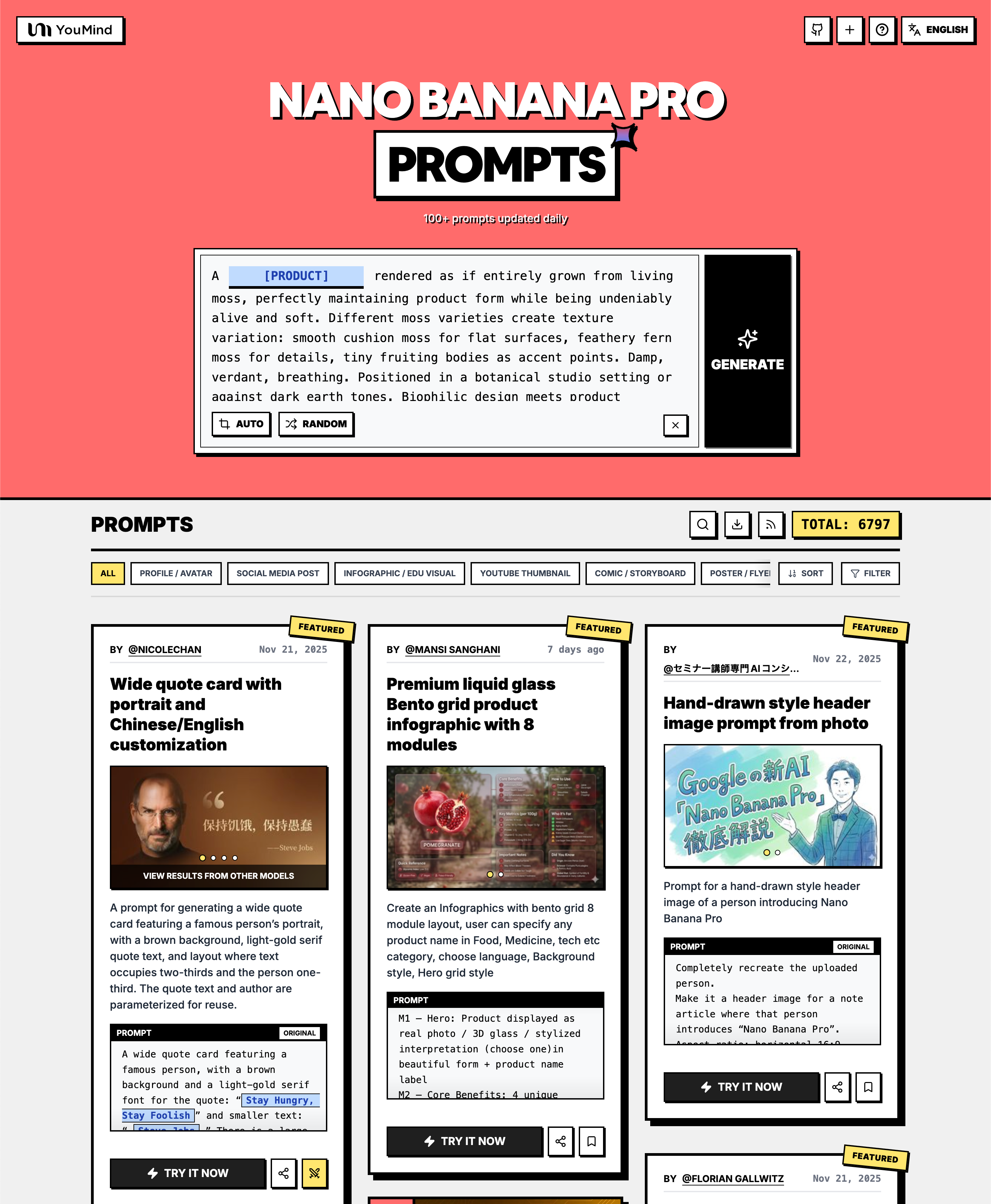
Cover

👉 Browse on YouMind Nano Banana Pro Prompts Gallery

Why use our gallery?

Feature GitHub README youmind.com Gallery
🎨 Visual Layout Linear list Beautiful Masonry Grid
🔍 Search Ctrl+F only Full-text search with filters
🤖 AI One-Click Generation - AI one-click generation
📱 Mobile Basic Fully responsive
🏷️ Categories - Category browsing

🏷️ Browse by Category


📖 Table of Contents


🤔 What is Nano Banana Pro?

Nano Banana Pro is Google's latest multimodal AI model featuring:

📚 Learn More: Nano Banana Pro: 10 Real Cases

🚀 Raycast Integration

Some prompts support dynamic arguments using Raycast Snippets syntax. Look for the 🚀 Raycast Friendly badge!

Example:

A quote card with "{argument name="quote" default="Stay hungry, stay foolish"}"
by {argument name="author" default="Steve Jobs"}

When used in Raycast, you can dynamically replace the arguments for quick iterations!


📊 Statistics

Metric Count
📝 Total Prompts 15601
⭐ Featured 9
🔄 Last Updated Thursday, September 10, 2026 at 8:03:32 AM UTC

⭐ Hand-picked by our team for exceptional quality and creativity

No. 1: Wide quote card with portrait and Chinese/English customization

Language-ZH Featured Raycast

📖 Description

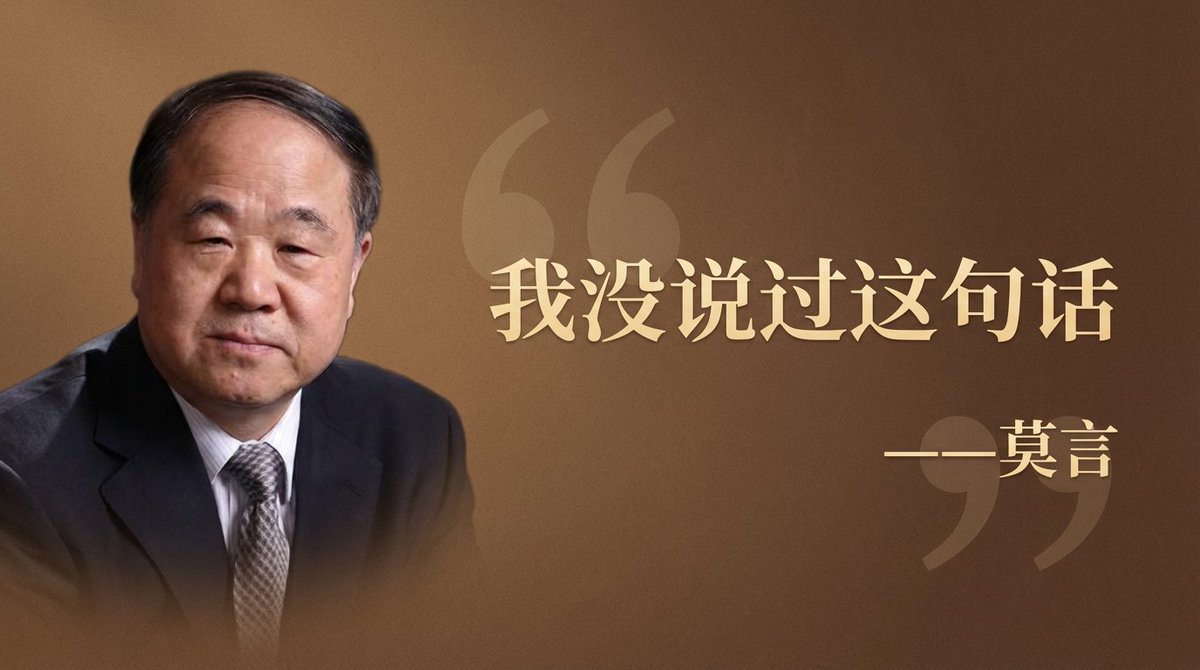
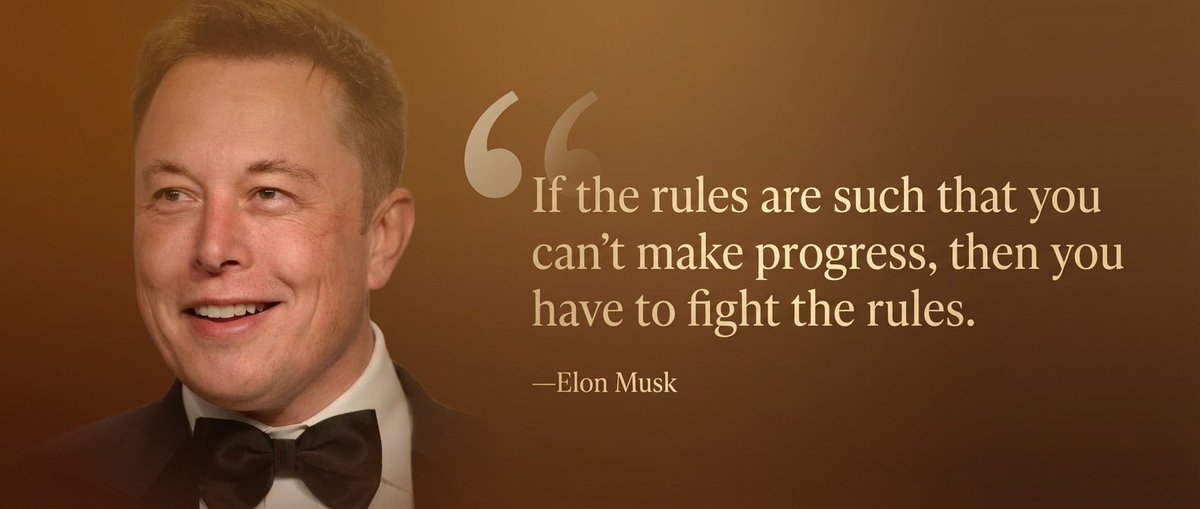
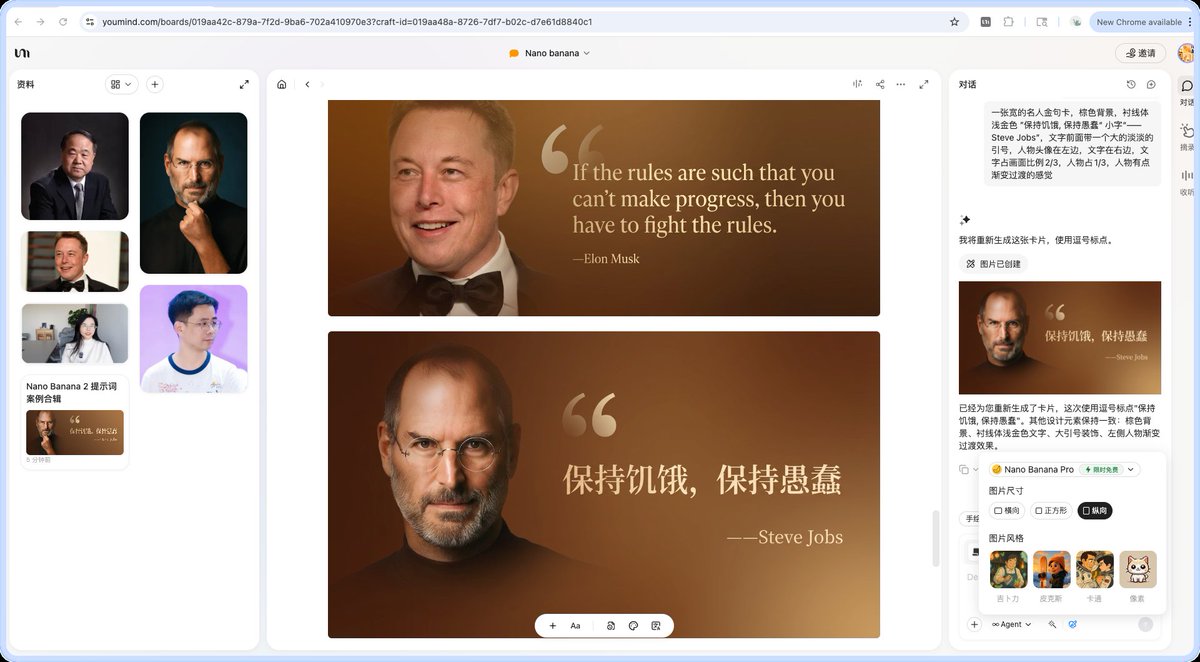
A prompt for generating a wide quote card featuring a famous person’s portrait, with a brown background, light-gold serif quote text, and layout where text occupies two-thirds and the person one-third. The quote text and author are parameterized for reuse.

📝 Prompt

A wide quote card featuring a famous person, with a brown background and a light-gold serif font for the quote: “{argument name="famous_quote" default="Stay Hungry, Stay Foolish"}” and smaller text: “—{argument name="author" default="Steve Jobs"}.” There is a large, subtle quotation mark before the text. The portrait of the person is on the left, the text on the right. The text occupies two-thirds of the image and the portrait one-third, with a slight gradient transition effect on the portrait.

🖼️ Generated Images

Image 1
Wide quote card with portrait and Chinese/English customization - Image 1
Image 2
Wide quote card with portrait and Chinese/English customization - Image 2
Image 3
Wide quote card with portrait and Chinese/English customization - Image 3
Image 4
Wide quote card with portrait and Chinese/English customization - Image 4

📌 Details

👉 Try it now →


No. 2: Premium liquid glass Bento grid product infographic with 8 modules

Language-EN Featured

📖 Description

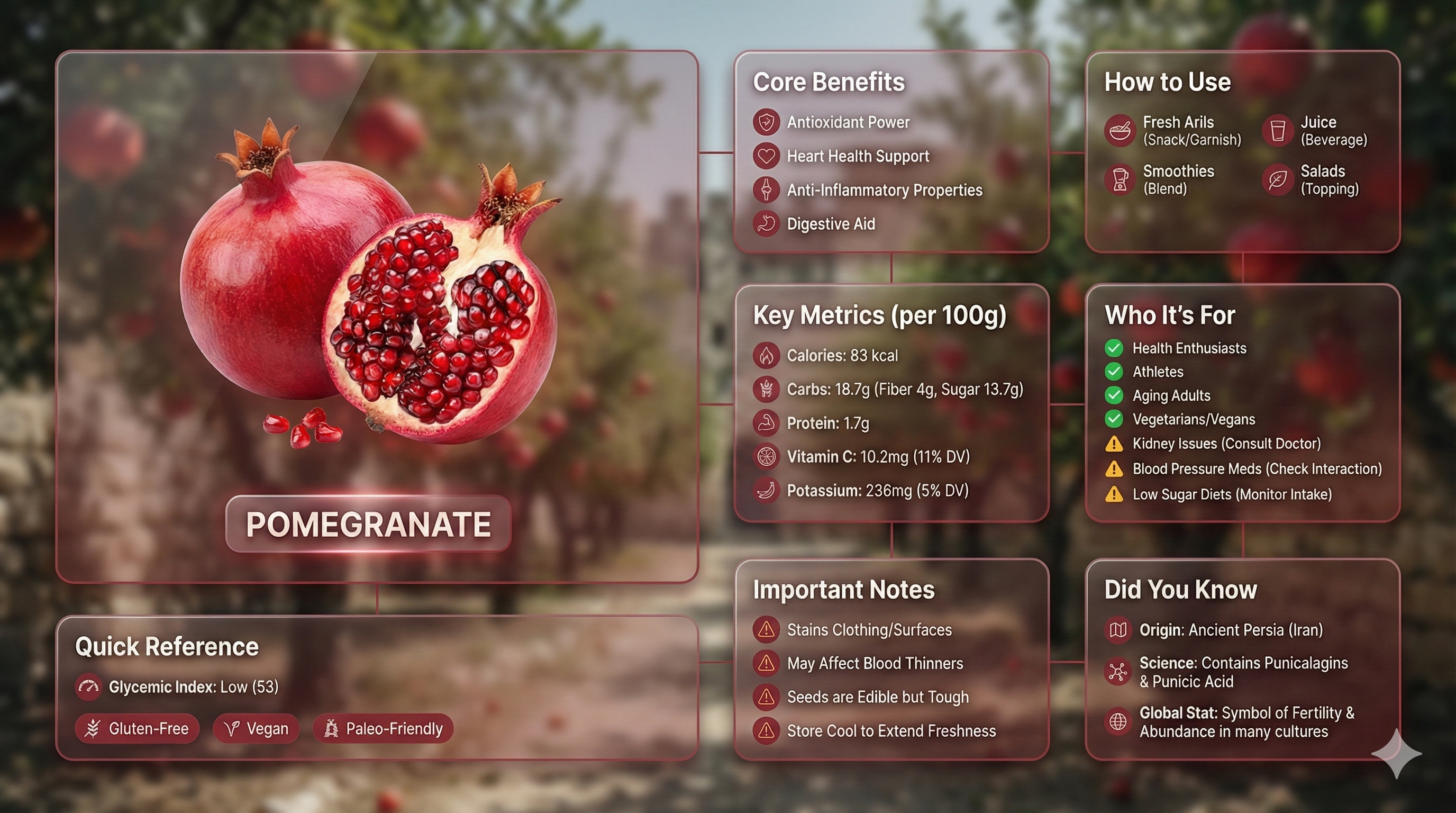
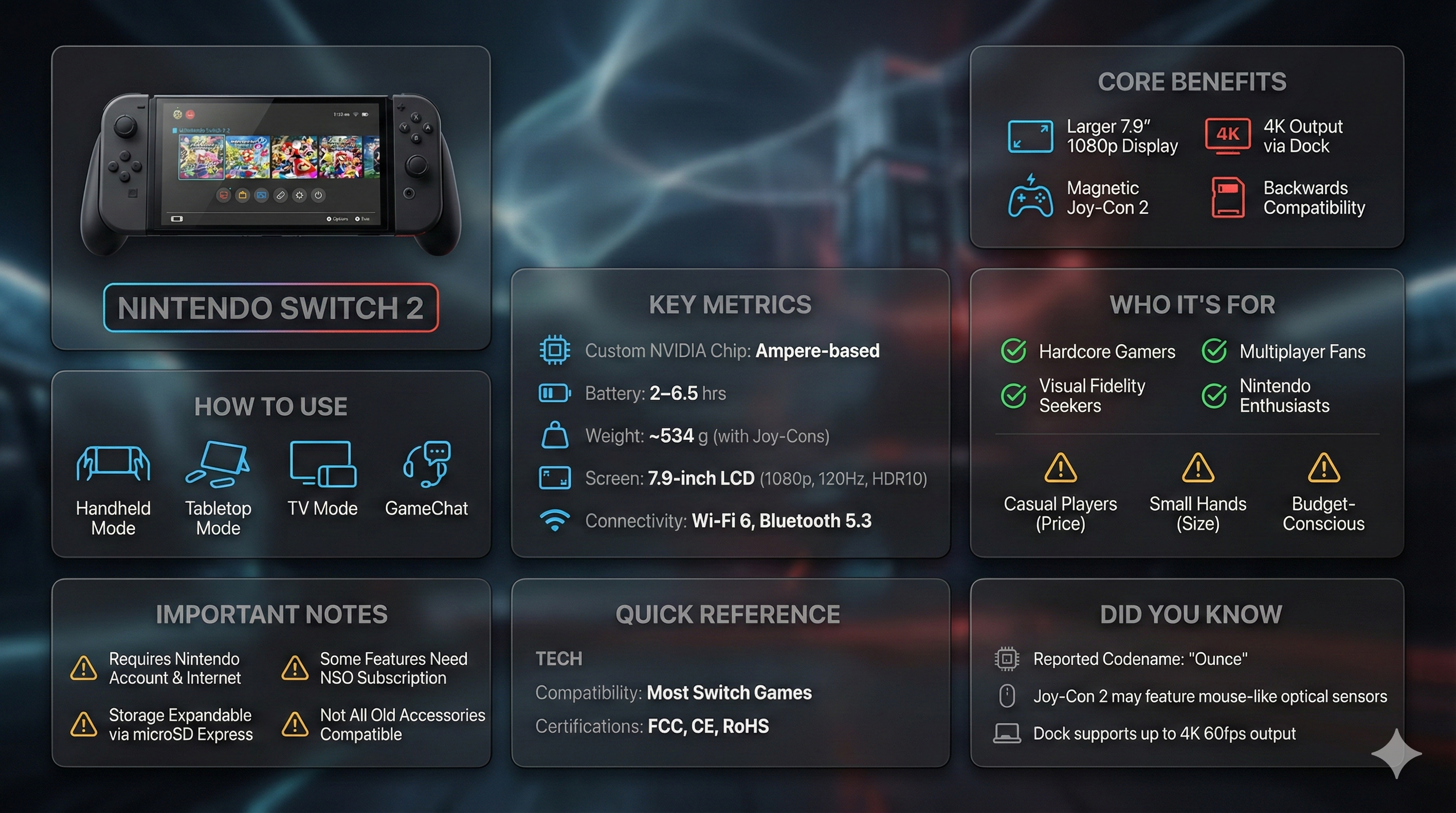
Create an Infographics with bento grid 8 module layout, user can specify any product name in Food, Medicine, tech etc category, choose language, Background style, Hero grid style

📝 Prompt

Input Variable: [insert product name]
Language: [insert language]

System Instruction:
Create an image of premium liquid glass Bento grid product infographic with 8 modules (card 2 to 8 show text titles only).
1) Product Analysis:
→ Identify product's dominant natural color → "hero color"
→ Identify category: FOOD / MEDICINE / TECH
2) Color Palette (derived from hero):
→ Product + accents: full saturation hero color
→ Icons, borders: muted hero (30-40% saturation, never black)
3) Visual Style:
→ Hero product: real photography (authentic, premium), 3D Glass version [choose one]
→ Cards: Apple liquid glass (85-90% transparent) with Whisper-thin borders and Subtle drop shadow for floating depth and reflecting the background color
→ Background stays behind cards and high blur where cards are [choose one]:
  - Ethereal: product essence, light caustics, abstract glow
  - Macro: product texture close-up, heavily blurred
  - Pattern: product repeated softly at 10-15% opacity
  - Context: relevant environment, blurred + desaturated
→ Add subtle motion effect
→ Asymmetric Bento grid, 16:9 landscape
→ Hero card: 28-30% | Info modules: 70-72%
4) Module Content (8 Cards):
M1 — Hero: Product displayed as real photo / 3D glass / stylized interpretation (choose one)in beautiful form + product name label
M2 — Core Benefits: 4 unique benefits + hero-color icons
M3 — How to Use: 4 usage methods + icons
M4 — Key Metrics: 5 EXACT data points
Format: [icon] [Label] [Bold Value] [Unit]
FOOD: Calories: [X] kcal/100g, Carbs: [X]g (fiber [X]g, sugar [X]g), Protein: [X]g, [Key Vitamin]: [X]mg ([X]% DV), [Key Mineral]: [X]mg ([X]% DV)
MEDICINE:Active: [name], Strength: [X] mg, Onset: [X] min, Duration: [X] hrs, Half-life: [X] hrs 
TECH:Chip: [model], Battery: [X] hrs, Weight: [X]g,[Key spec]: [value], Connectivity: [protocols]
M5 — Who It's For: 4 recommended groups with green checkmark icons | 3 caution groups with amber warning icons
M6 — Important Notes: 4 precautions + warning icons
M7 — Quick Reference:
→ FOOD: Glycemic Index + dietary tags with icons
→ MEDICINE: Side effects + severity with icons
→ TECH: Compatibility + certifications with icons
M8 — Did You Know: 3 facts (origin, science, global stat) + icons
Output: 1 image, 16:9 landscape, ultra-premium liquid glass infographic.

🖼️ Generated Images

Image 1
Premium liquid glass Bento grid product infographic with 8 modules - Image 1
Image 2
Premium liquid glass Bento grid product infographic with 8 modules - Image 2

📌 Details

👉 Try it now →


No. 3: Hand-drawn style header image prompt from photo

Language-JA Featured

📖 Description

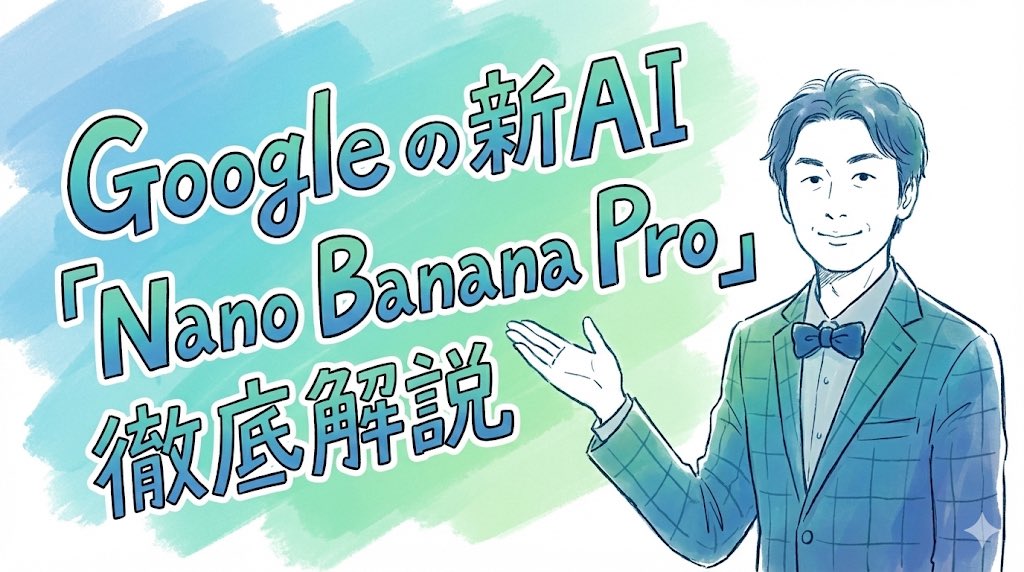
Prompt for a hand-drawn style header image of a person introducing Nano Banana Pro

📝 Prompt

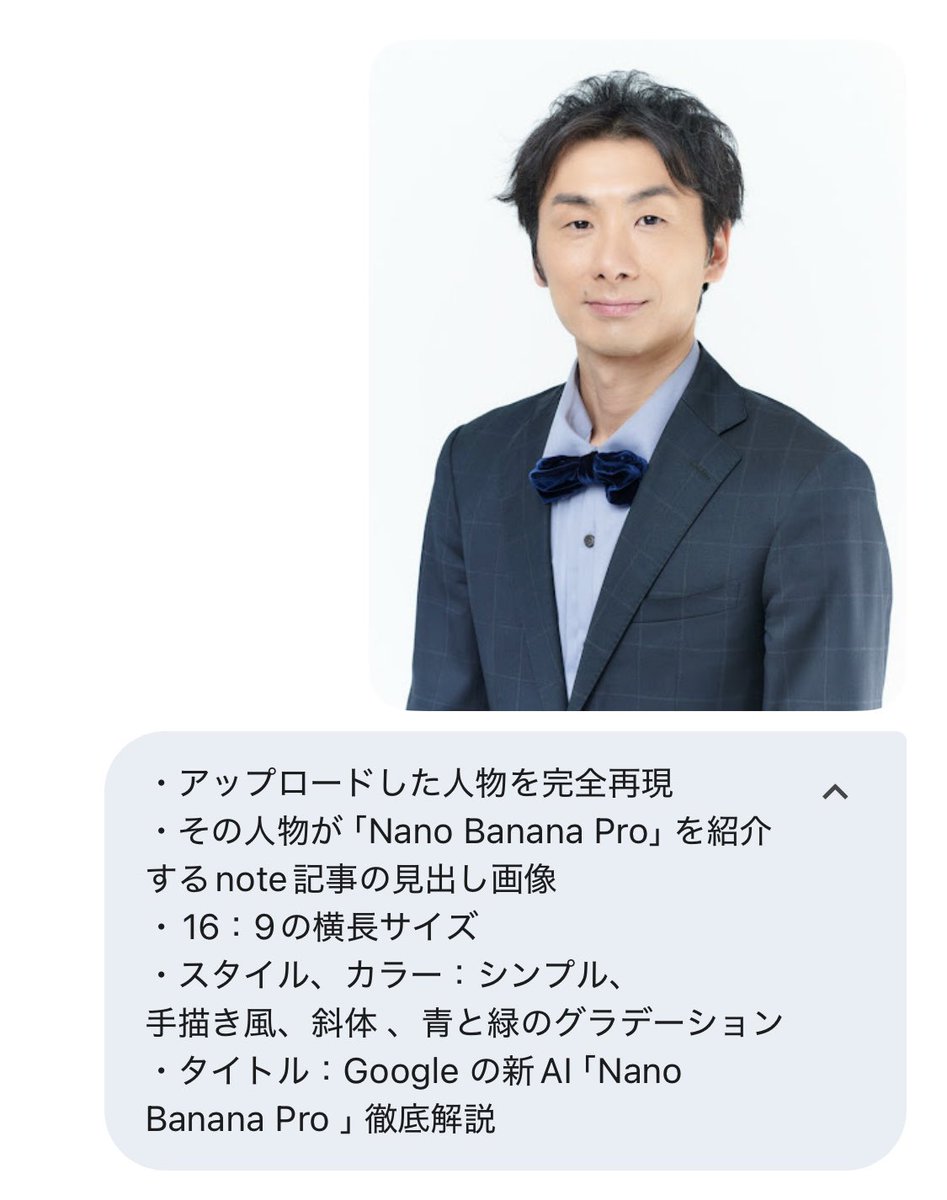
Completely recreate the uploaded person.
Make it a header image for a note article where that person introduces “Nano Banana Pro”.
Aspect ratio: horizontal 16:9.
Style and colors: simple, hand-drawn style, italic, with a blue and green gradient.
Title text: “In-depth explanation of Google’s new AI ‘Nano Banana Pro’”.

🖼️ Generated Images

Image 1
Hand-drawn style header image prompt from photo - Image 1
Image 2
Hand-drawn style header image prompt from photo - Image 2

📌 Details

👉 Try it now →


No. 4: Watercolor map of Germany with labeled states

Language-DE Featured

📖 Description

A German prompt to generate a watercolor-style map of Germany where all federal states are labeled in ballpoint pen, useful for educational or infographic-style maps.

📝 Prompt

Generate a map of Germany in watercolor style, on which all federal states are labeled in ballpoint pen.

🖼️ Generated Images

Image 1
Watercolor map of Germany with labeled states - Image 1

📌 Details

👉 Try it now →


No. 5: New Year's Day Special: Four-Panel Puzzle for 2026 Blessing

Language-ZH Featured

📖 Description

A detailed multi-panel prompt for Nano Banana Pro, creating a 2x2 grid photo collage where a single female character, in four different outfits and settings, pieces together a puzzle that spells '2026 New Year's Day Happy' in the center. The prompt specifies precise facial feature retention, clothing details, background elements, and photographic parameters for a fashion magazine style.

📝 Prompt

[Key: Maintain precise facial features, retain original face structure, the character in the image must be completely consistent with the uploaded reference image] High-end photo studio 2x2 grid photo. Top-left panel (Navy Blue background): The character wears a navy blue uniform-style dress, decorated with gold buttons, vintage curls with a blue beret and pearl earrings. She holds up a huge puzzle piece (top-left piece, with the number "20" on it) with both hands, moving it towards the center of the frame. Her eyes are focused on the central puzzle area, her expression is serious, with a slight smile. The background features navy stripes, an anchor, and the text "Set Sail for the New Year". Top-right panel (Cherry Blossom Pink ba

awesome-nano-banana-pro-prompts (YouMind-OpenLab/awesome-nano-banana-pro-prompts)

art
Searching Database…

What is this?A massive curated library of 10,000+ prompts for Google's Nano Banana Pro image-generation model, each with example output images, author, source and language tags.
Is this a tool I install, or just a list of prompts to copy?It's a plain prompt library, not software — you read the README (or the companion web gallery) and copy the text prompts to paste into Nano Banana Pro yourself.
Where should I start — the README or the web gallery?The web gallery at youmind.com adds a masonry grid, full-text search, category filters and one-click AI generation the plain README lacks, so it's the easier entry point; the README itself groups prompts by Use Cases, Style and Subjects.
Do I need access to Nano Banana Pro itself to use these prompts?Yes — every prompt is written for Google's Nano Banana Pro multimodal model, so you need access to that model (via Gemini) to actually generate the images.
Are the prompts vetted, or just scraped from social media?Most entries are pulled straight from community sources like Twitter posts and tagged with author and publish date; only a tiny 'Featured' subset (9 out of thousands) is hand-picked by the team for quality.
What exactly is Nano Banana Pro?It's Google's latest multimodal AI model that processes text, images and video, offering photorealistic-to-artistic image generation, fast iterative edits, and precise control over composition and lighting.
What's the Raycast badge on some prompts for?Prompts marked '🚀 Raycast Friendly' use Raycast Snippets syntax so you can plug in dynamic arguments and quickly iterate on variations directly from Raycast.
How many languages are the prompts available in?The collection spans 16 languages, with each entry tagged by its source language (e.g. zh, en, ja, de).
Can I add my own prompt to the collection?Yes — there's a 'How to Contribute' section, and automated workflows like sync-approved-to-cms pull approved community submissions into the published list.
Size
371.8 MB
Stars
13.6K
Updated
CommitOct 18
Age
10mo
Commits · 90 Days