
What is this?
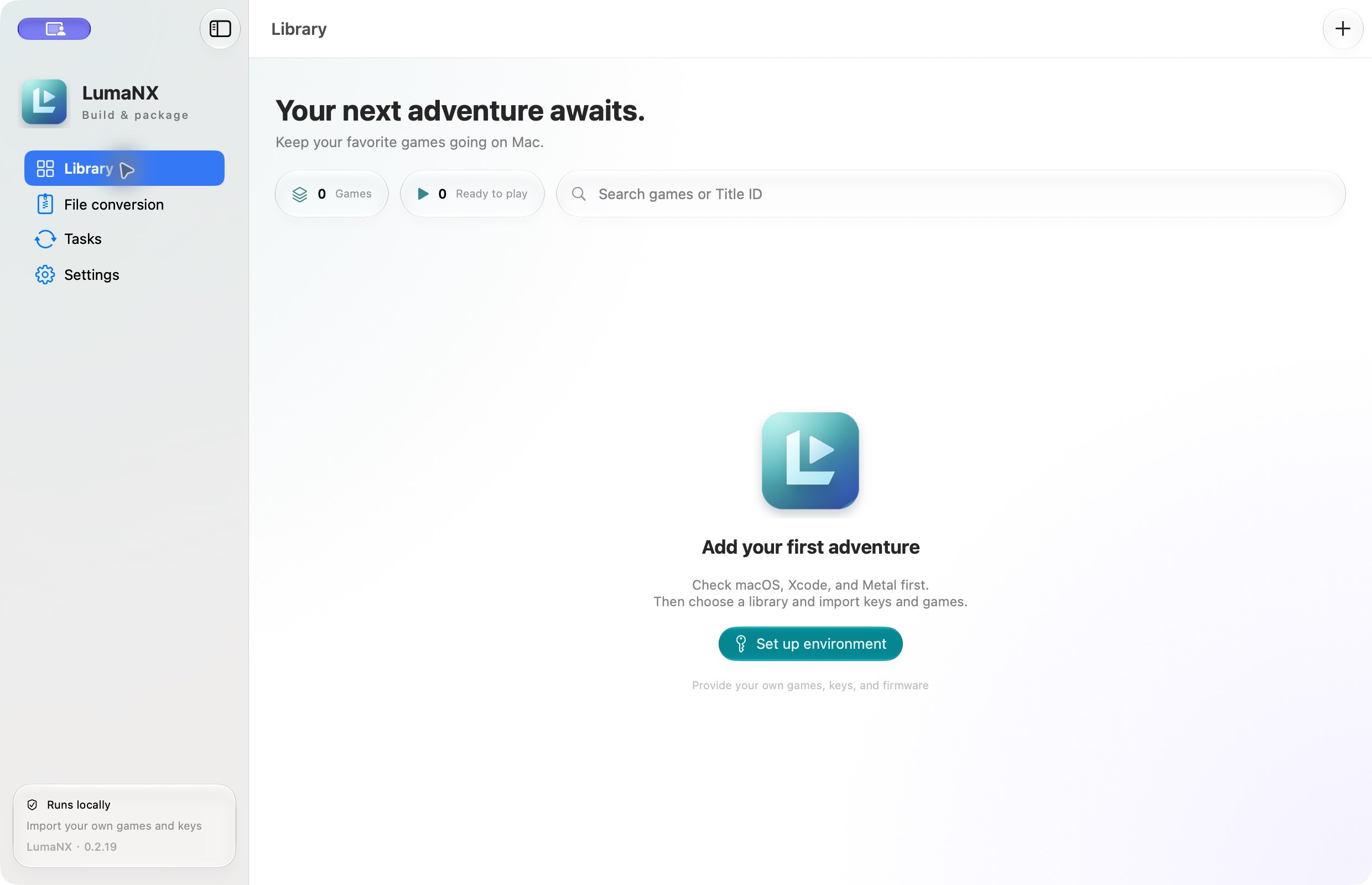
 LumaNX is a macOS GUI for the nxnative engine that lets you turn your own authorized Nintendo Switch game files (NSP/XCI) into prepared builds you can run on an Apple Silicon Mac, or export as an unsigned IPA for iPhone/iPad.
Is this an emulator, or just a launcher for the engine?It's a native macOS desktop app (GUI) that wraps the bundled nxnative execution engine; nxnative provides native execution and Metal graphics, while LumaNX provides the library UI, build pipeline, save management and IPA export workflow.
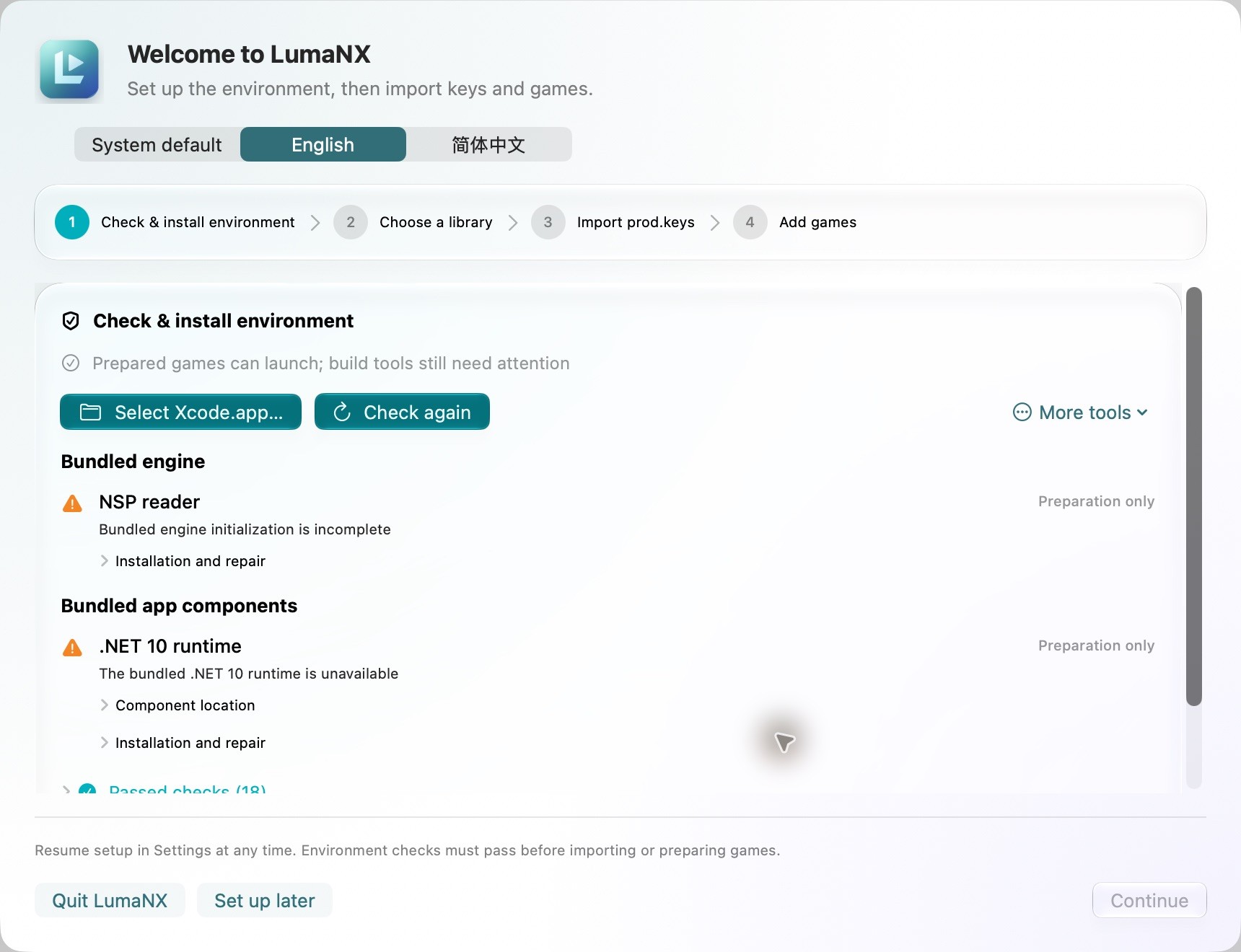
It's a native macOS desktop app (GUI) that wraps the bundled nxnative execution engine; nxnative provides native execution and Metal graphics, while LumaNX provides the library UI, build pipeline, save management and IPA export workflow.How do I install and run it?Download the latest ARM64 DMG, verify its SHA-256 against the release notes, and drag LumaNX.app into Applications, then run the in-app Setup step to prepare engine tools (no separate engine download needed).
Download the latest ARM64 DMG, verify its SHA-256 against the release notes, and drag LumaNX.app into Applications, then run the in-app Setup step to prepare engine tools (no separate engine download needed).What do I need before I can prepare a game?You need an Apple Silicon Mac on macOS 26+, full Xcode with Metal to prepare games, your own authorized NSP/XCI/NSZ/XCZ files and prod.keys, and XcodeGen (brew install xcodegen) if you want to export an IPA.
You need an Apple Silicon Mac on macOS 26+, full Xcode with Metal to prepare games, your own authorized NSP/XCI/NSZ/XCZ files and prod.keys, and XcodeGen (brew install xcodegen) if you want to export an IPA.Is a successful build guaranteed to run well, and is the app signed?No — successful preparation does not guarantee full gameplay compatibility, and iOS device compatibility for exported IPAs has not been validated; current DMG builds are ad-hoc signed and not notarized, so you'll need to sign the exported IPA yourself before installing it.
No — successful preparation does not guarantee full gameplay compatibility, and iOS device compatibility for exported IPAs has not been validated; current DMG builds are ad-hoc signed and not notarized, so you'll need to sign the exported IPA yourself before installing it.Does this work on any Mac, or just newer ones?Apple Silicon only, running macOS 26 or later — Intel Macs aren't supported.
Apple Silicon only, running macOS 26 or later — Intel Macs aren't supported.What data should I never share when reporting a bug?The app warns you to review diagnostics first and never upload games, keys, firmware, saves or private caches when filing an issue.
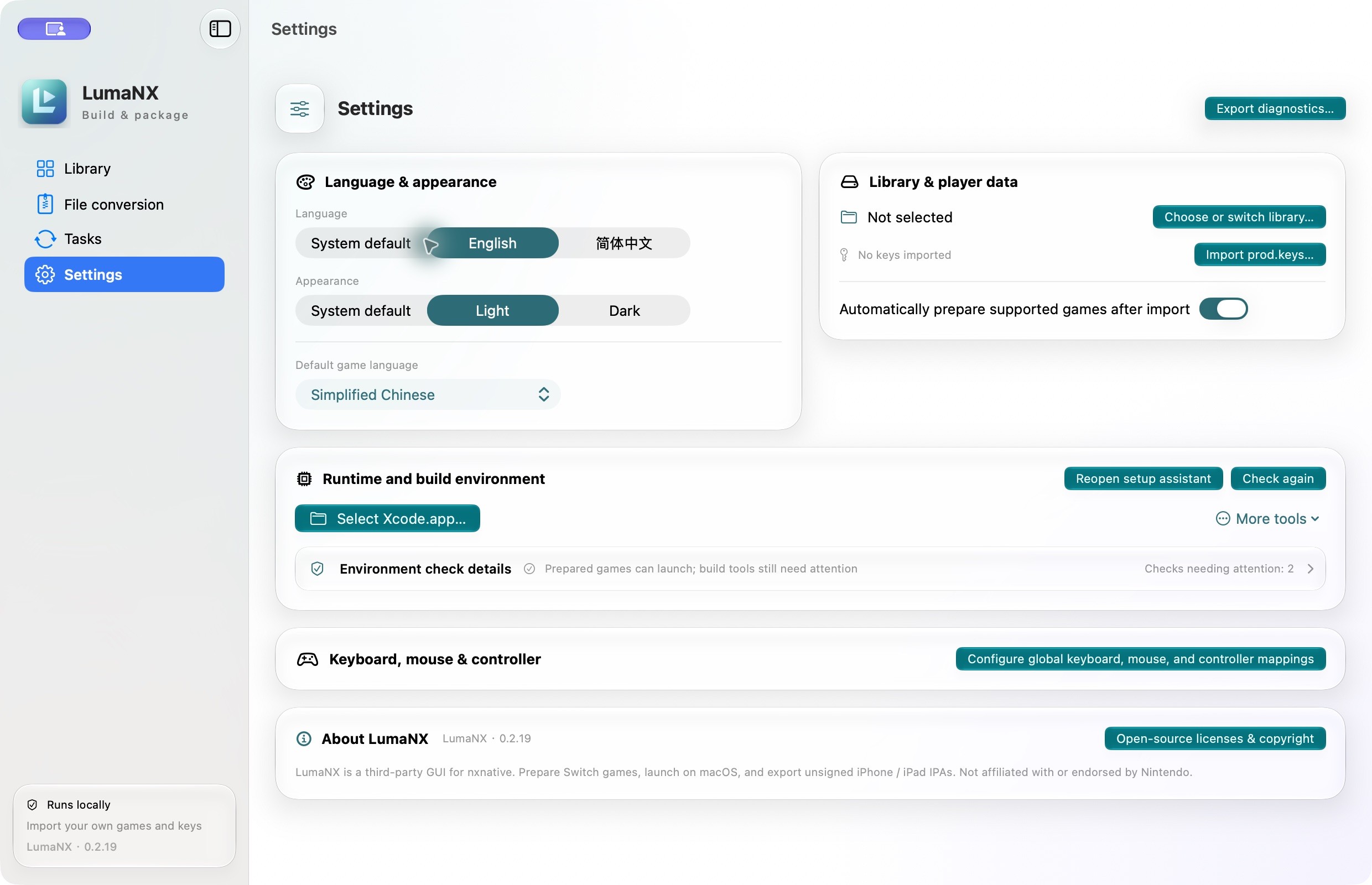
The app warns you to review diagnostics first and never upload games, keys, firmware, saves or private caches when filing an issue.Do I need to manually configure my controller?No, Switch Pro, Xbox and PlayStation controllers work out of the box via native GameController input, with button mapping handled automatically (e.g. Switch A / Xbox A / PS cross all map to game A).
No, Switch Pro, Xbox and PlayStation controllers work out of the box via native GameController input, with button mapping handled automatically (e.g. Switch A / Xbox A / PS cross all map to game A).Was LumaNX previously known by another name?Yes, the project was previously called LumaDock before being renamed to LumaNX; the original icon, app identifier, library and settings carried over.
Yes, the project was previously called LumaDock before being renamed to LumaNX; the original icon, app identifier, library and settings carried over.What happens to my save files when I switch engine versions?LumaNX automatically creates a save backup before switching between prepared runtime versions, and you can also manually back up and restore saves.
LumaNX automatically creates a save backup before switching between prepared runtime versions, and you can also manually back up and restore saves.What file formats can I add to my library?You can import NSP, XCI, NSZ or XCZ files directly or scan a folder; NSZ/XCZ are decompressed automatically, and the built-in conversion tools (adapted from SAK-Mac) can convert or merge packages too.
You can import NSP, XCI, NSZ or XCZ files directly or scan a folder; NSZ/XCZ are decompressed automatically, and the built-in conversion tools (adapted from SAK-Mac) can convert or merge packages too.What are similar projects?NX2Apple, sill, Crest, MacNativeGames, WallpaperMachine, LinuxRunner, kumone, highball
NX2Apple, sill, Crest, MacNativeGames, WallpaperMachine, LinuxRunner, kumone, highballWhich topics is it in?game-launcher, nintendo-switch, ipados, swiftui, metal, apple-silicon, ios, gui, python, macos
game-launcher, nintendo-switch, ipados, swiftui, metal, apple-silicon, ios, gui, python, macos