




pm2 README

The project's README from github.com/Unitech/pm2. As one markdown file: README.md.


PM2

P(rocess) M(anager) 2
Runtime Edition

Downloads per Month Downloads per Year npm version


PM2 is a production process manager for Node.js/Bun applications with a built-in load balancer. It allows you to keep applications alive forever, to reload them without downtime and to facilitate common system admin tasks.

Starting an application in production mode is as easy as:

$ pm2 start app.js

PM2 is battle-tested by a comprehensive test suite.

Official website: https://pm2.keymetrics.io/

Works on Linux, macOS, and Windows. Supports Node.js 18+ and Bun 1+.

Installing PM2

With NPM

$ npm install pm2 -g

With Bun

$ bun install pm2 -g

If you only have Bun installed (no Node.js), symlink node to bun so PM2's #!/usr/bin/env node shebang resolves to Bun's node-compatibility runtime:

$ sudo ln -s $(which bun) /usr/local/bin/node

You can install Node.js easily with NVM or FNM or install Bun with curl -fsSL https://bun.sh/install | bash

Start an application

You can start any application (Node.js, Bun, and also Python, Ruby, binaries in $PATH...) like that:

$ pm2 start app.js
$ pm2 start app.ts
$ pm2 start app.py

Your app is now daemonized, monitored and kept alive forever.

Managing Applications

Once applications are started you can manage them easily:

Process listing

To list all running applications:

$ pm2 list

Managing apps is straightforward:

$ pm2 stop     <app_name|namespace|id|'all'|json_conf>
$ pm2 restart  <app_name|namespace|id|'all'|json_conf>
$ pm2 delete   <app_name|namespace|id|'all'|json_conf>

To have more details on a specific application:

$ pm2 describe <id|app_name>

To monitor logs, custom metrics, application information:

$ pm2 monit

More about Process Management

Cluster Mode: Node.js Load Balancing & Zero Downtime Reload

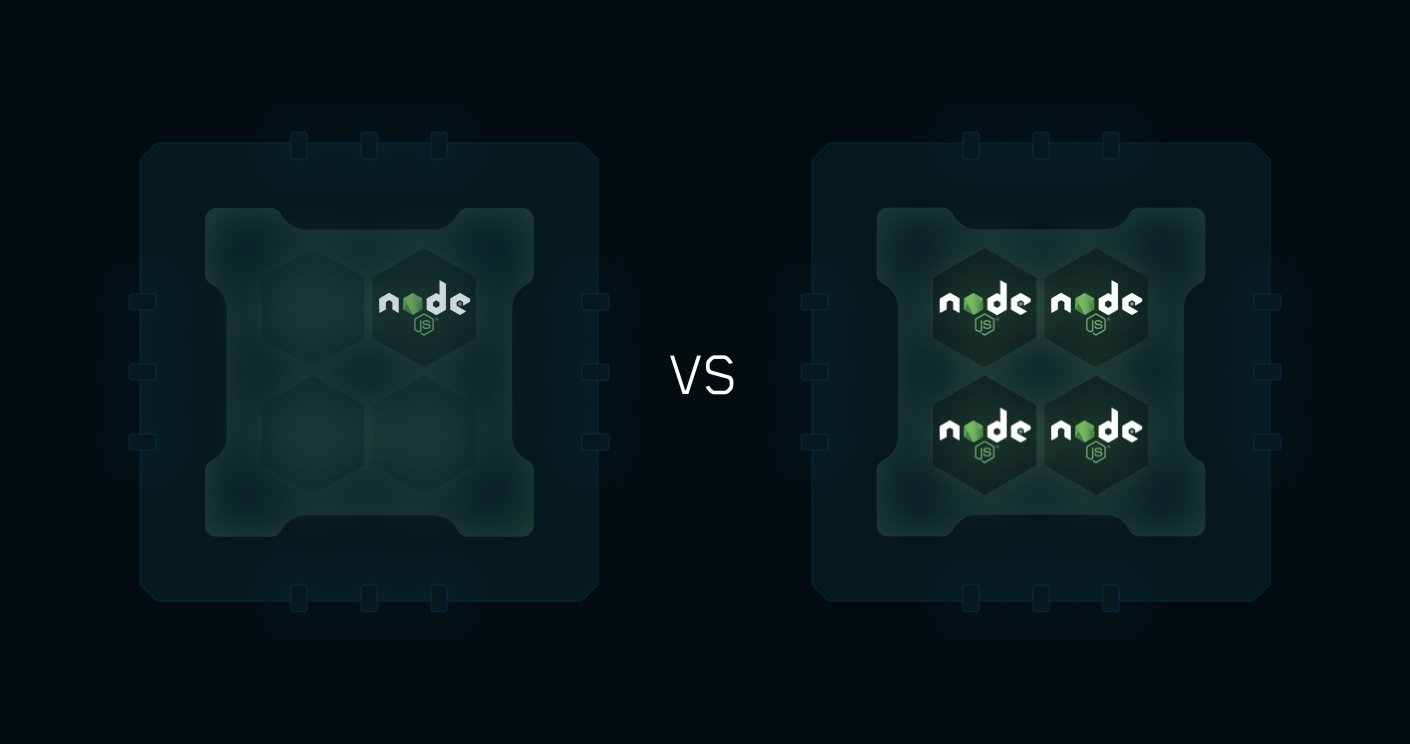
Cluster mode starts multiple Node.js processes and load-balances HTTP/TCP/UDP queries between them. This significantly increases throughput on multi-core machines and improves reliability (faster socket re-balancing in case of unhandled errors).

Framework supported

Starting a Node.js application in cluster mode that will leverage all CPUs available:

$ pm2 start api.js -i <processes>

<processes> can be 'max', -1 (all cpu minus 1) or a specified number of instances to start.

Zero Downtime Reload

Hot Reload allows you to update an application without any downtime:

$ pm2 reload all

More information about how PM2 makes clustering easy

Container Support

With the drop-in replacement command for node, called pm2-runtime, run your Node.js application in a hardened production environment. Using it is seamless:

RUN npm install pm2 -g
CMD [ "pm2-runtime", "npm", "--", "start" ]

Read More about the dedicated integration

Terminal Based Monitoring

Monit

Monitor all processes launched straight from the command line:

$ pm2 monit

Log Management

To consult logs just type the command:

$ pm2 logs

Standard, Raw, JSON and formatted output are available.

Examples:

$ pm2 logs APP-NAME       # Display APP-NAME logs
$ pm2 logs --json         # JSON output
$ pm2 logs --format       # Formatted output

$ pm2 flush               # Flush all logs
$ pm2 reloadLogs          # Reload all logs

To enable log rotation install the following module

$ pm2 install pm2-logrotate

More about log management

Startup Scripts Generation

PM2 can generate and configure a Startup Script to keep PM2 and your processes alive at every server restart.

Init Systems Supported: systemd, upstart, systemv, openrc, launchd, rcd, rcd-openbsd, smf

# Generate Startup Script
$ pm2 startup

# Freeze your process list across server restart
$ pm2 save

# Remove Startup Script
$ pm2 unstartup

More about Startup Scripts Generation

Updating PM2

# Install latest PM2 version
$ npm install pm2@latest -g
# Save process list, exit old PM2 & restore all processes
$ pm2 update

PM2 updates are seamless

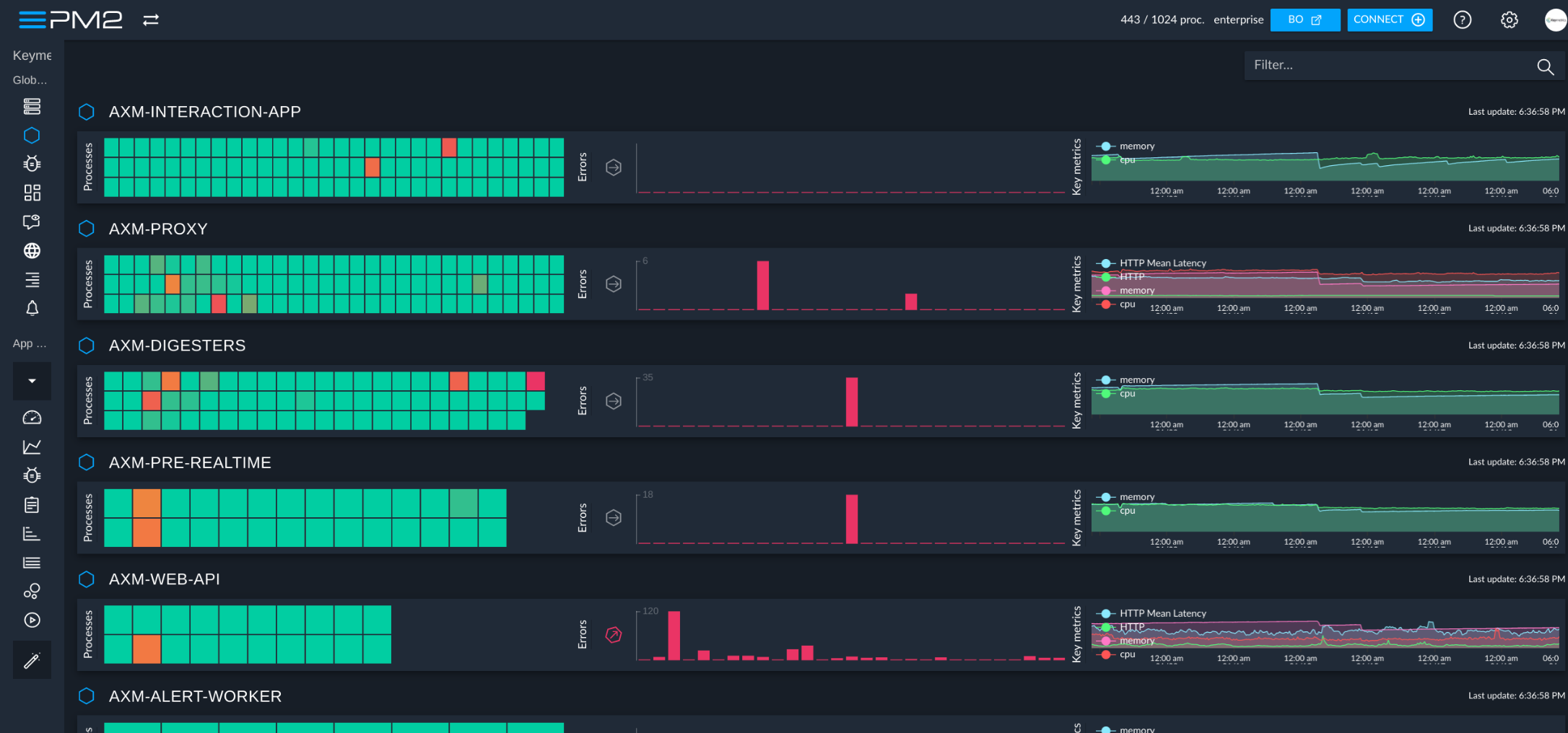
PM2+ Monitoring

If you manage your apps with PM2, PM2+ makes it easy to monitor and manage apps across servers.

https://app.pm2.io/

Feel free to try it:

Discover the monitoring dashboard for PM2

Thanks in advance and we hope that you like PM2!

CHANGELOG

CHANGELOG

Contributors

Contributors

License

PM2 is made available under the terms of the GNU Affero General Public License 3.0 (AGPL 3.0). For other licenses contact us.

pm2 (Unitech/pm2)

Searching Database…

43.3K ·GitHub
这是什么?PM2 是一个面向 Node.js 和 Bun 应用的生产环境进程管理器,能让应用长期保持运行、无停机地重新加载,并内置负载均衡器。
这是我要导入的库,还是独立的命令行工具?这是一个独立的命令行工具,与你的应用一起运行,而不是导入代码中的库。你需要全局安装它,然后使用 pm2 start 等命令来管理进程。
如何让应用在 PM2 下运行?先用 npm 安装,然后对应用的入口文件运行 pm2 start(支持 Node.js、Bun、Python、Ruby,或 $PATH 中的任何可执行文件);它会立即转入后台运行并保持应用存活。
必须安装 Node.js 吗?只用 Bun 可以运行吗?PM2 需要 Node.js 18+ 或 Bun 1+;如果你只安装了 Bun,需要把 node 软链接到 bun,这样 PM2 的 node shebang 才能正确解析。
集群模式适用于所有类型的应用吗?集群模式专为 Node.js 应用设计,可通过所有 CPU 在多个进程之间对 HTTP/TCP/UDP 做负载均衡;其他语言的应用则以普通的单进程托管方式运行。
它支持哪些操作系统?PM2 支持 Linux、macOS 和 Windows。
PM2+ 托管仪表板是什么?是可选的吗?PM2+ 是一个独立的托管监控与管理仪表板,用于跨多台服务器管理通过 PM2 运行的应用;它是可选的附加服务,使用 PM2 本身并不需要它。
服务器重启后,PM2 能自动重启我的应用吗?可以。它能为 systemd、upstart、systemv、openrc、launchd 等初始化系统生成启动脚本,使 PM2 和你的进程在每次服务器重启后自动重新启动。
如何在终端中监控日志以及 CPU 和内存?PM2 内置基于终端的监控视图和日志命令,支持标准、原始、JSON 和格式化等多种日志输出方式。
PM2 能在 Docker 容器中使用吗?可以。PM2 提供了一个可直接替代 node 命令的工具 pm2-runtime,专门用于在经过加固的容器生产环境中运行 Node.js 应用。
PM2 中的零停机重载是什么意思?在集群模式下,PM2 可以对更新后的应用进行热重载,逐个重启其工作进程,因此应用在整个过程中仍能持续处理请求,不会出现任何停机。
What are similar projects?forever, nexe, spug, nodemon, webhook, deployer, shelljs, lsoff
Creator
Unitech
Size
14.1 MB
Stars
43.3K
Age
13y
Commits · 90 Days