





Что это такое?
 PM2 — это менеджер процессов для продакшена в приложениях на Node.js и Bun. Он поддерживает их работу постоянно, перезагружает без простоя и включает встроенный балансировщик нагрузки.
PM2 — это менеджер процессов для продакшена в приложениях на Node.js и Bun. Он поддерживает их работу постоянно, перезагружает без простоя и включает встроенный балансировщик нагрузки.Это библиотека, которую я импортирую, или самостоятельная CLI-утилита?Это самостоятельная CLI-утилита, которую вы запускаете рядом с вашим приложением, а не библиотека для импорта в код. Её устанавливают глобально, а для управления процессами используют команды вроде pm2 start.
Это самостоятельная CLI-утилита, которую вы запускаете рядом с вашим приложением, а не библиотека для импорта в код. Её устанавливают глобально, а для управления процессами используют команды вроде pm2 start.Как запустить приложение под PM2?Установите PM2 через npm, затем выполните pm2 start для входного файла вашего приложения (Node.js, Bun, Python, Ruby или любой бинарный файл из $PATH). Процесс сразу уходит в фон и поддерживается в рабочем состоянии.
Установите PM2 через npm, затем выполните pm2 start для входного файла вашего приложения (Node.js, Bun, Python, Ruby или любой бинарный файл из $PATH). Процесс сразу уходит в фон и поддерживается в рабочем состоянии.Нужен ли мне Node.js или можно обойтись только Bun?PM2 требует Node.js 18+ или Bun 1+. Если установлен только Bun, нужно создать символическую ссылку node на bun, чтобы shebang PM2 с node корректно разрешался.
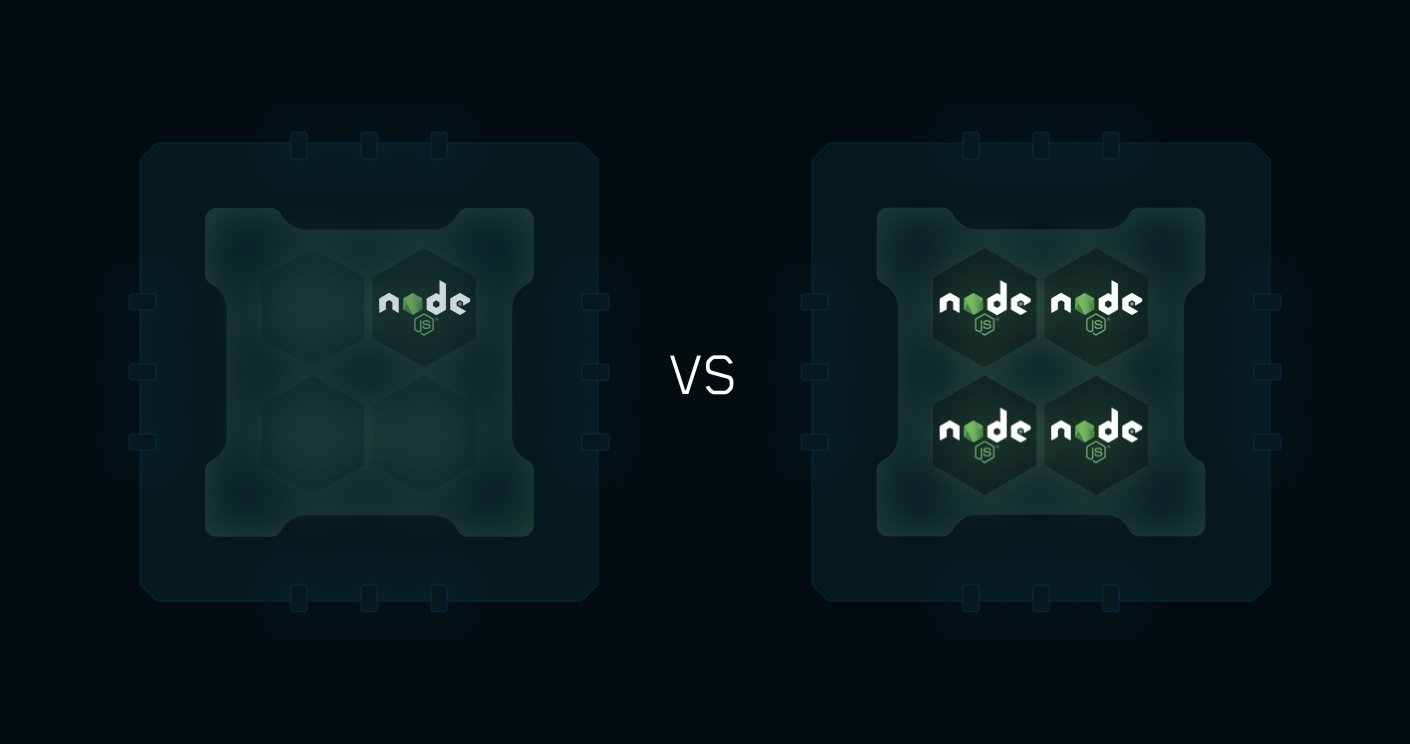
PM2 требует Node.js 18+ или Bun 1+. Если установлен только Bun, нужно создать символическую ссылку node на bun, чтобы shebang PM2 с node корректно разрешался.Режим кластера работает для любого типа приложений?Режим кластера предназначен именно для приложений на Node.js: он распределяет нагрузку HTTP/TCP/UDP между несколькими процессами, используя все ядра процессора. Приложения на других языках запускаются как обычные управляемые приложения с одним процессом.
Режим кластера предназначен именно для приложений на Node.js: он распределяет нагрузку HTTP/TCP/UDP между несколькими процессами, используя все ядра процессора. Приложения на других языках запускаются как обычные управляемые приложения с одним процессом.На каких операционных системах это работает?PM2 работает на Linux, macOS и Windows.
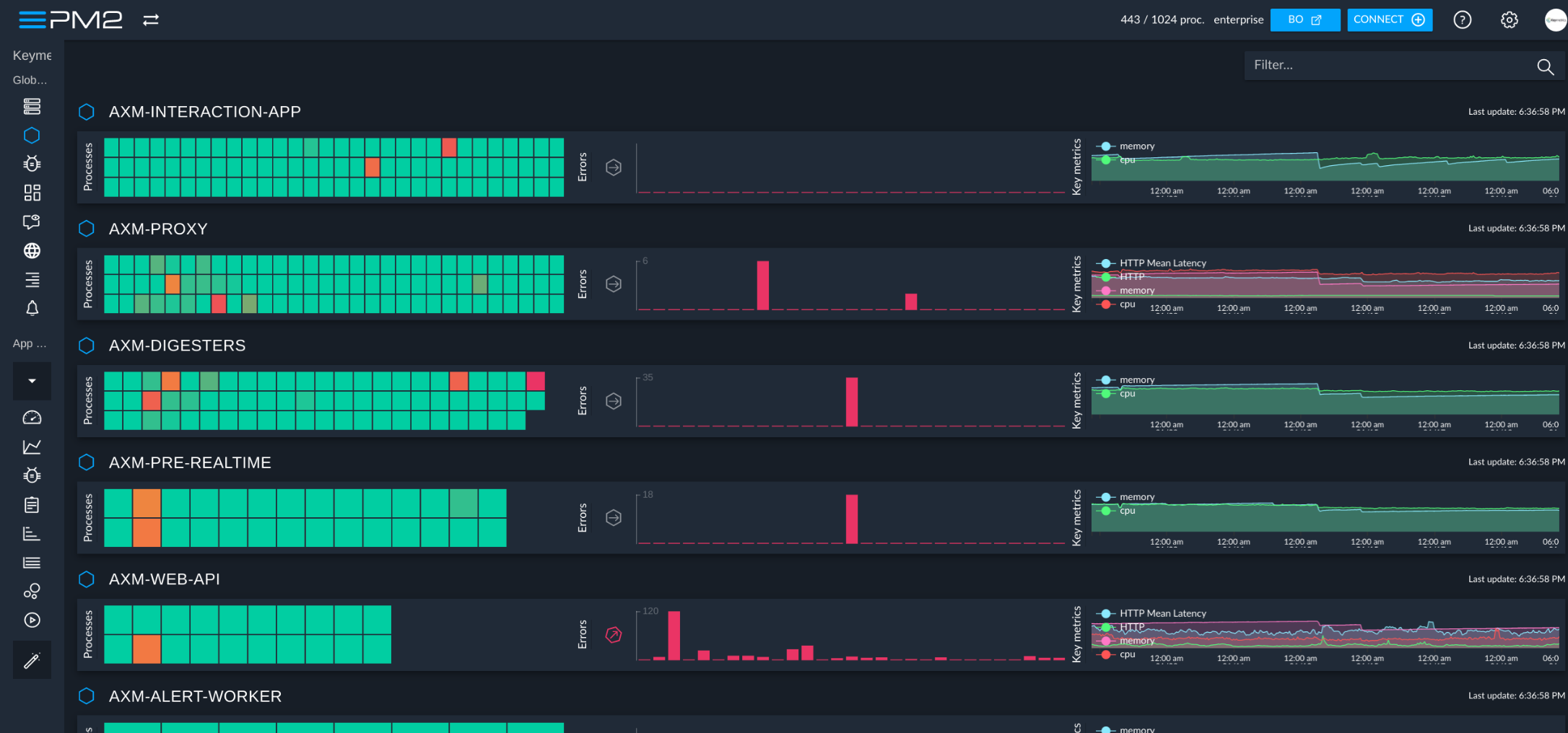
PM2 работает на Linux, macOS и Windows.Что такое панель PM2+ и она обязательна?PM2+ — это отдельная облачная панель мониторинга и управления приложениями, запущенными через PM2 на нескольких серверах. Это необязательное дополнение, для работы самого PM2 оно не нужно.
PM2+ — это отдельная облачная панель мониторинга и управления приложениями, запущенными через PM2 на нескольких серверах. Это необязательное дополнение, для работы самого PM2 оно не нужно.Может ли PM2 автоматически перезапускать мои приложения после перезагрузки сервера?Да, он может создать стартовый скрипт для systemd, upstart, systemv, openrc, launchd и других систем инициализации, чтобы PM2 и ваши процессы запускались заново при каждой перезагрузке сервера.
Да, он может создать стартовый скрипт для systemd, upstart, systemv, openrc, launchd и других систем инициализации, чтобы PM2 и ваши процессы запускались заново при каждой перезагрузке сервера.Как отслеживать логи, загрузку процессора и памяти из терминала?PM2 включает встроенное мониторинг-представление в терминале и команды для логов, которые поддерживают стандартный, сырой, JSON и форматированный вывод.
PM2 включает встроенное мониторинг-представление в терминале и команды для логов, которые поддерживают стандартный, сырой, JSON и форматированный вывод.Можно ли использовать PM2 внутри контейнеров Docker?Да, PM2 предоставляет команду pm2-runtime — готовую замену команде node, предназначенную для запуска приложений на Node.js в защищённом контейнерном окружении для продакшена.
Да, PM2 предоставляет команду pm2-runtime — готовую замену команде node, предназначенную для запуска приложений на Node.js в защищённом контейнерном окружении для продакшена.Что означает перезагрузка без простоя в PM2?В режиме кластера PM2 может горячо перезагрузить обновлённое приложение, перезапуская его рабочие процессы по одному, поэтому приложение продолжает обрабатывать запросы без каких-либо простоев.
В режиме кластера PM2 может горячо перезагрузить обновлённое приложение, перезапуская его рабочие процессы по одному, поэтому приложение продолжает обрабатывать запросы без каких-либо простоев.Which topics is it in?process-manager, production, deploy, load-balancer, node, sysadmin, agpl, monitoring, command-line, devops, command-line-tool, terminal
process-manager, production, deploy, load-balancer, node, sysadmin, agpl, monitoring, command-line, devops, command-line-tool, terminal